Norton VPN is easy to like at first. It comes bundled with several Norton 360 plans, installs in a couple of minutes and connects fast, so plenty of people end up using it without ever shopping for a VPN. For basic protection on public Wi-Fi, it does the job.
The trouble starts when you need more. Norton has no Linux app and no router support. City-level server choice depends on which plan you hold, and the standalone plans renew at a much higher price than you first paid. Speeds also fall short on distant servers, as we cover in our full Norton VPN review.
Our top pick is NordVPN, and every alternative below fixes at least one of those gaps.
How We Chose These Norton VPN Alternatives
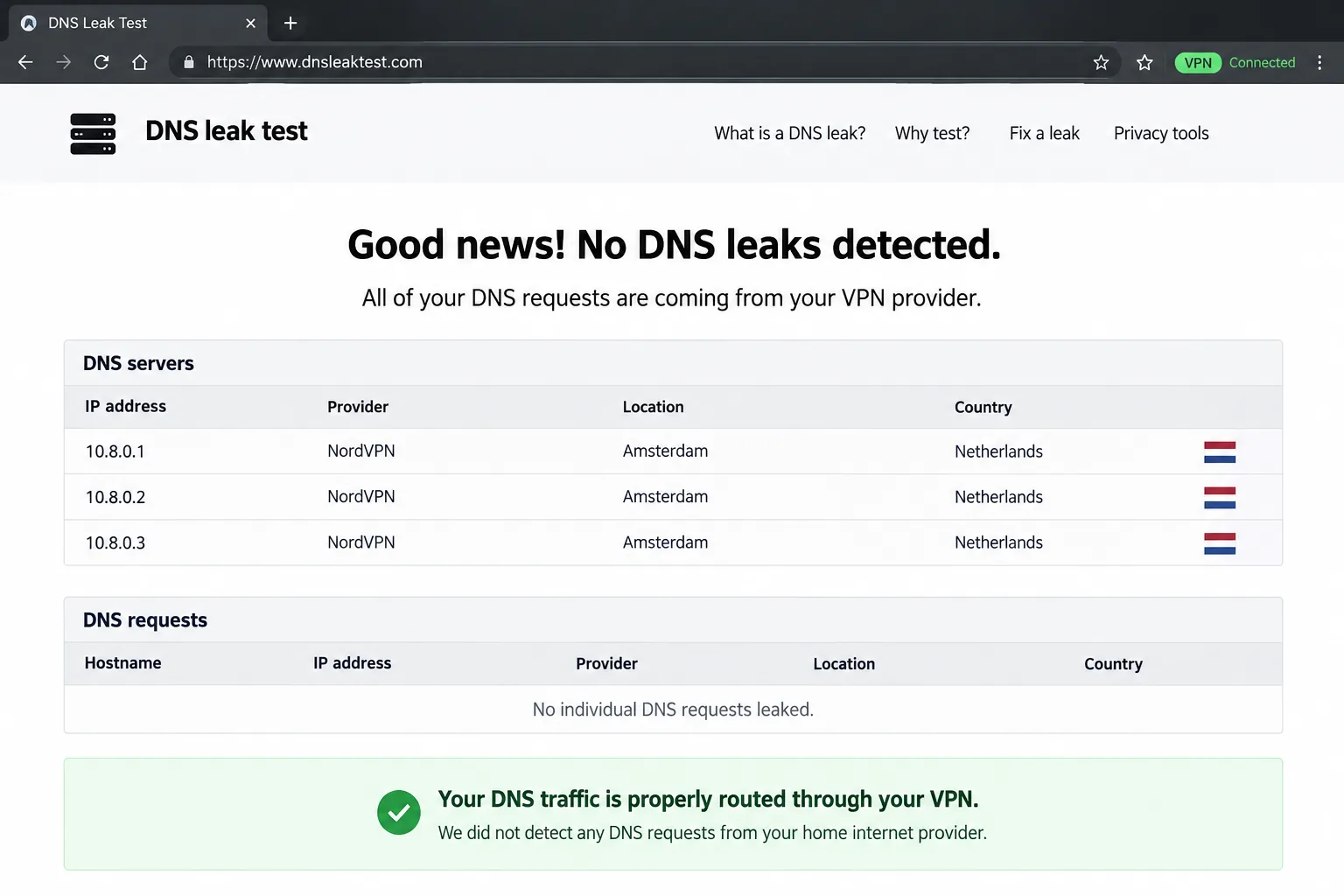
We judge a VPN the way you would judge any piece of network gear: by what it costs your internet connection and whether it leaks. We weighed how much download speed, upload speed and latency each VPN costs on nearby and distant servers, and how well it guards against DNS, IPv6 and WebRTC leaks or a dropped connection. We also looked at the streaming services people ask about most, including Netflix, BBC iPlayer and Hulu. We also read each provider's privacy policy, checked whether an outside firm had verified it, and compared renewal prices rather than just the introductory deal. Linux and router coverage carried extra weight, because that is where Norton falls short. Only VPNs that scored above Norton's 7.5/10 made this list, and our ranking of the best VPNs overall uses the same scoring.
Our Top Norton VPN Alternatives, Ranked
Here are the seven, in order of our scores for this page.
1. NordVPN - Best Norton VPN Alternative Overall
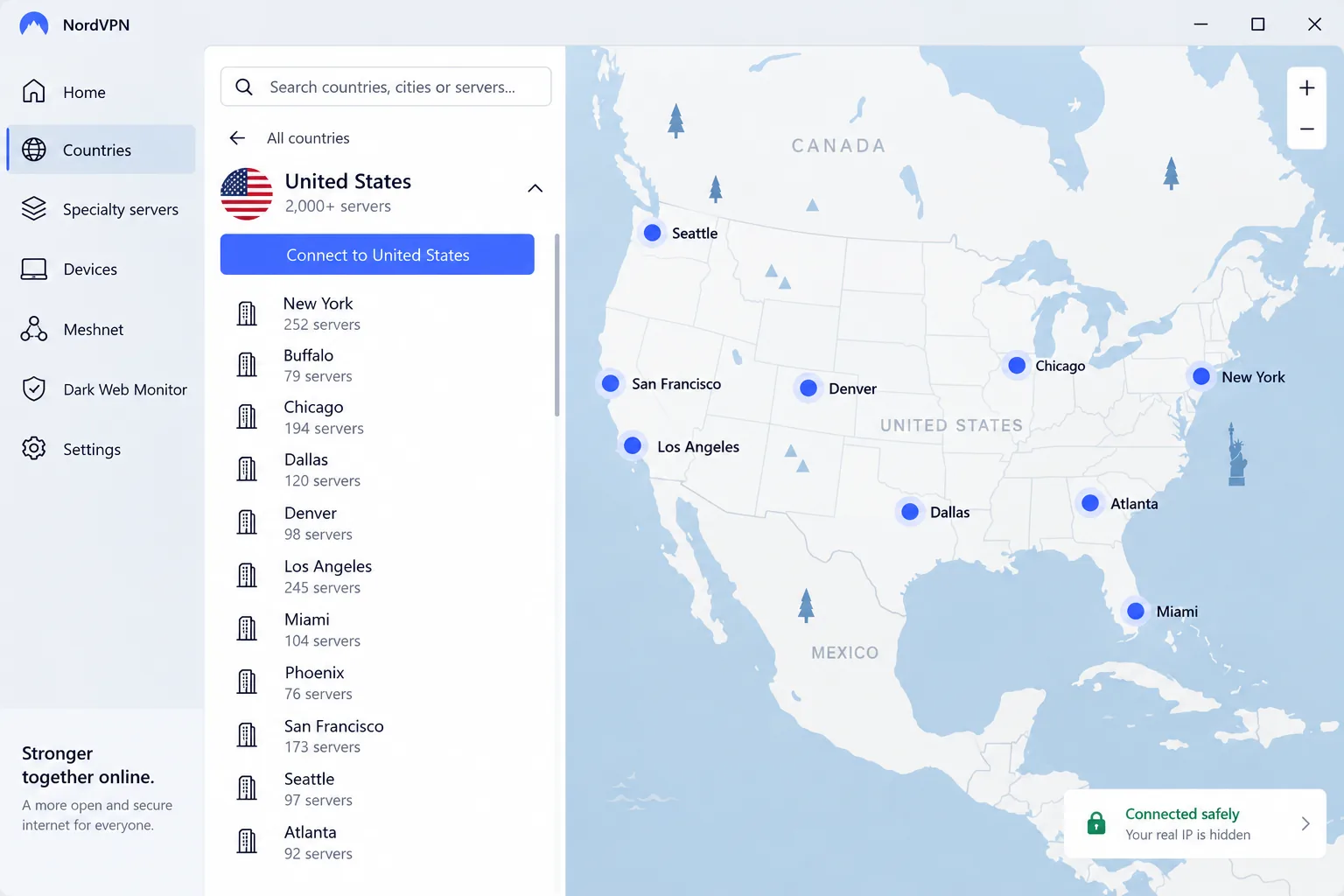
Speed was the clearest difference in our testing. On a nearby NordVPN server, we lost only about 4% of our download speed and 7% of our upload speed. A 4K stream played with no buffering, and Netflix, Hulu, BBC iPlayer and Prime Video all unblocked on the first attempt.
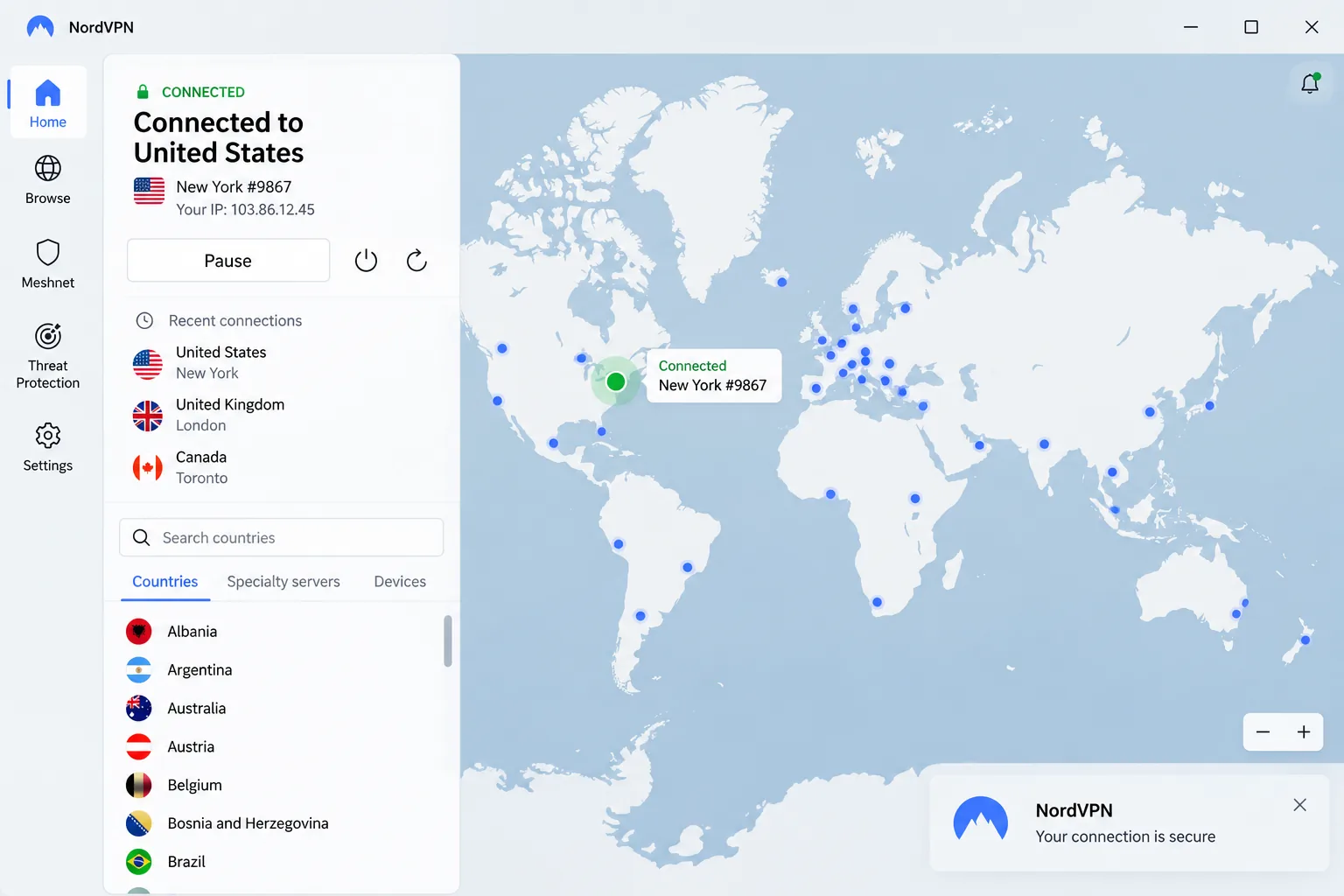
NordVPN covers 10 devices and offers city-level choice across 211 locations, including every US state. From version 5.3.0, its Linux app installs a full graphical interface, and NordVPN publishes router guides for OpenWrt, DD-WRT, Asus and pfSense. NordVPN's sixth independent no-logs audit, run by Deloitte, covered its standard, Double VPN and obfuscated servers. The company is based in Panama. The monthly plan costs $14.99, while the two-year Basic plan runs about $3.39 to $3.49 a month, a range that reflects how often NordVPN changes its promotions. Every plan has a 30-day money-back guarantee, and our NordVPN review has the full speed results.
Pros
- Threat Protection Pro blocks malware, ads and trackers
- RAM-only servers and post-quantum encryption
- Linux GUI app plus router guides
Cons
- Double VPN cuts speed by around 80%
- The map view needs zooming, so the list view is quicker
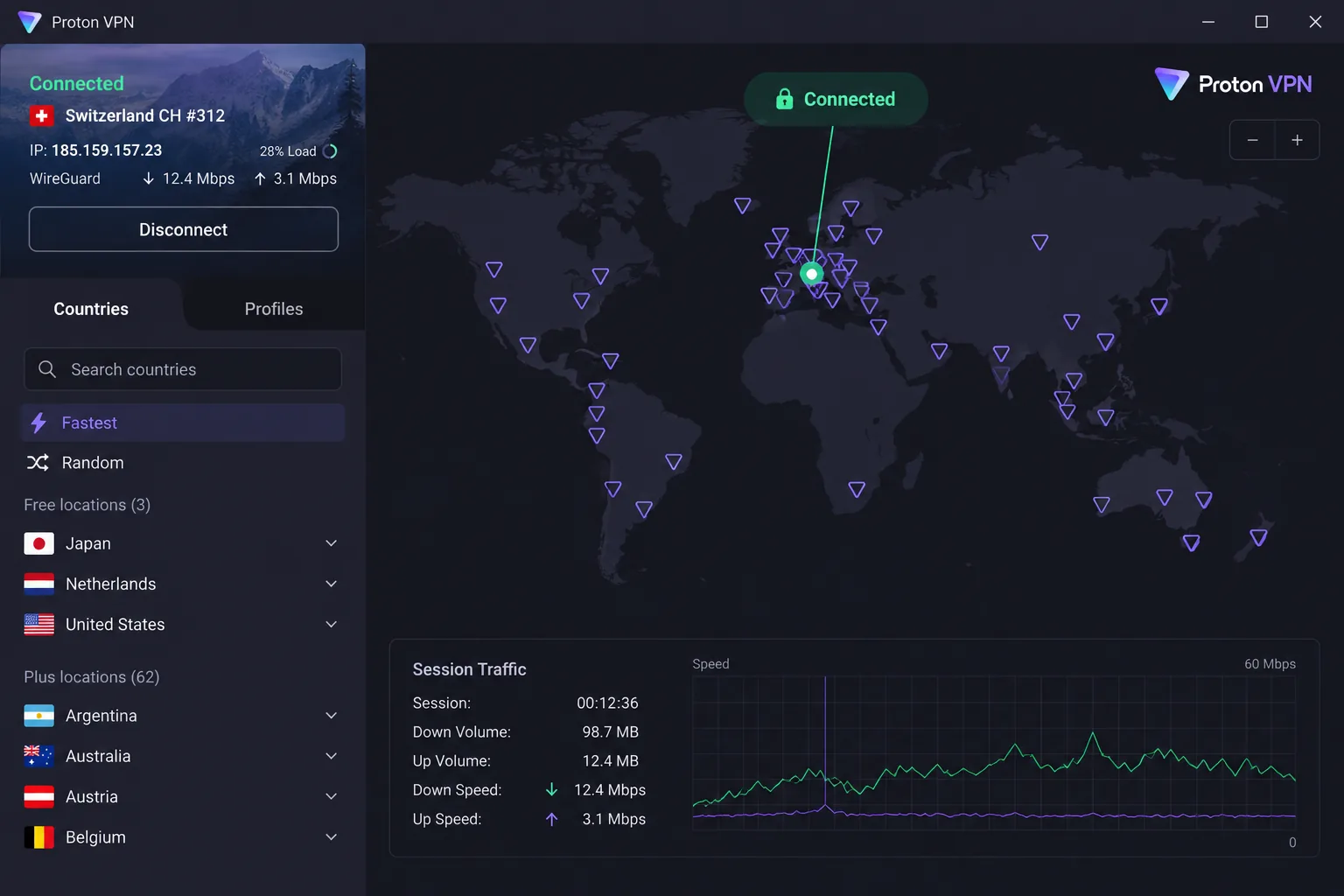
2. Proton VPN - Best Free Norton VPN Alternative
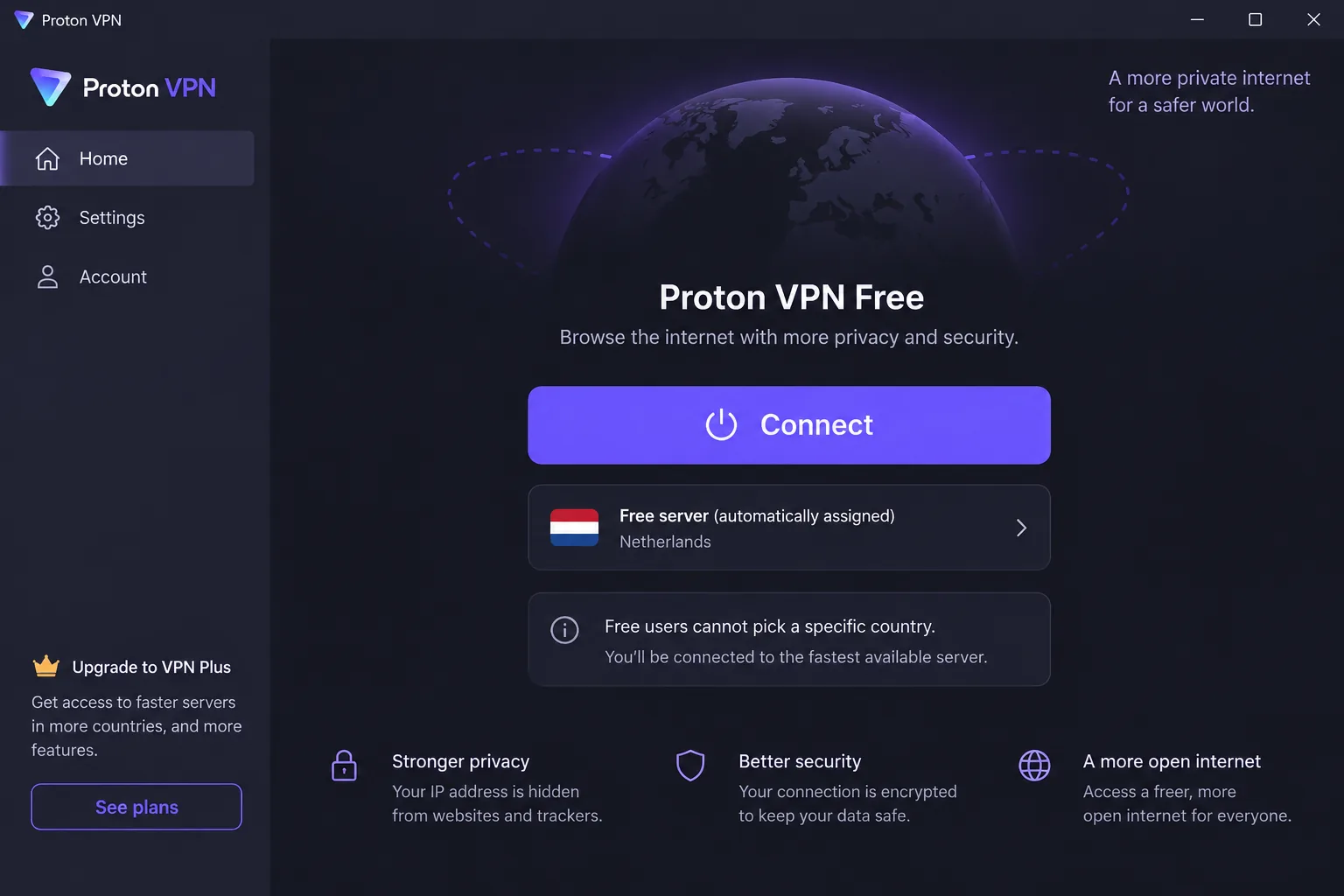
Proton VPN is the only pick here with a free plan, and Norton has no free version at all. Free users get 1 device, servers in 10 countries, no data limit and no ads. The free plan assigns a server for you and runs at medium speed, which is fine for public Wi-Fi.
We ran DNS, IPv6 and WebRTC leak tests on Proton servers in dozens of countries, and every result came back clean. On paid plans, nearby servers kept about 90% or more of our baseline download speed, and the US Netflix library loaded without any server hopping.
VPN Plus costs $9.99 a month, or $2.99 a month on the two-year plan. It covers 10 devices and unlocks 20,000+ servers in 140+ countries, with city-level choice. Proton AG is based in Switzerland, and its apps have been open source since 2020. Proton's annual Securitum no-logs audit reached its fifth year in 2026. More in our Proton VPN review.
Pros
- Swiss jurisdiction and open-source apps
- Native apps for Android TV, Fire TV and Apple TV
- Linux app and router setup on every plan, including Free
Cons
- Upload speeds trail NordVPN
- Live chat is not 24/7, and email replies can take two days or more
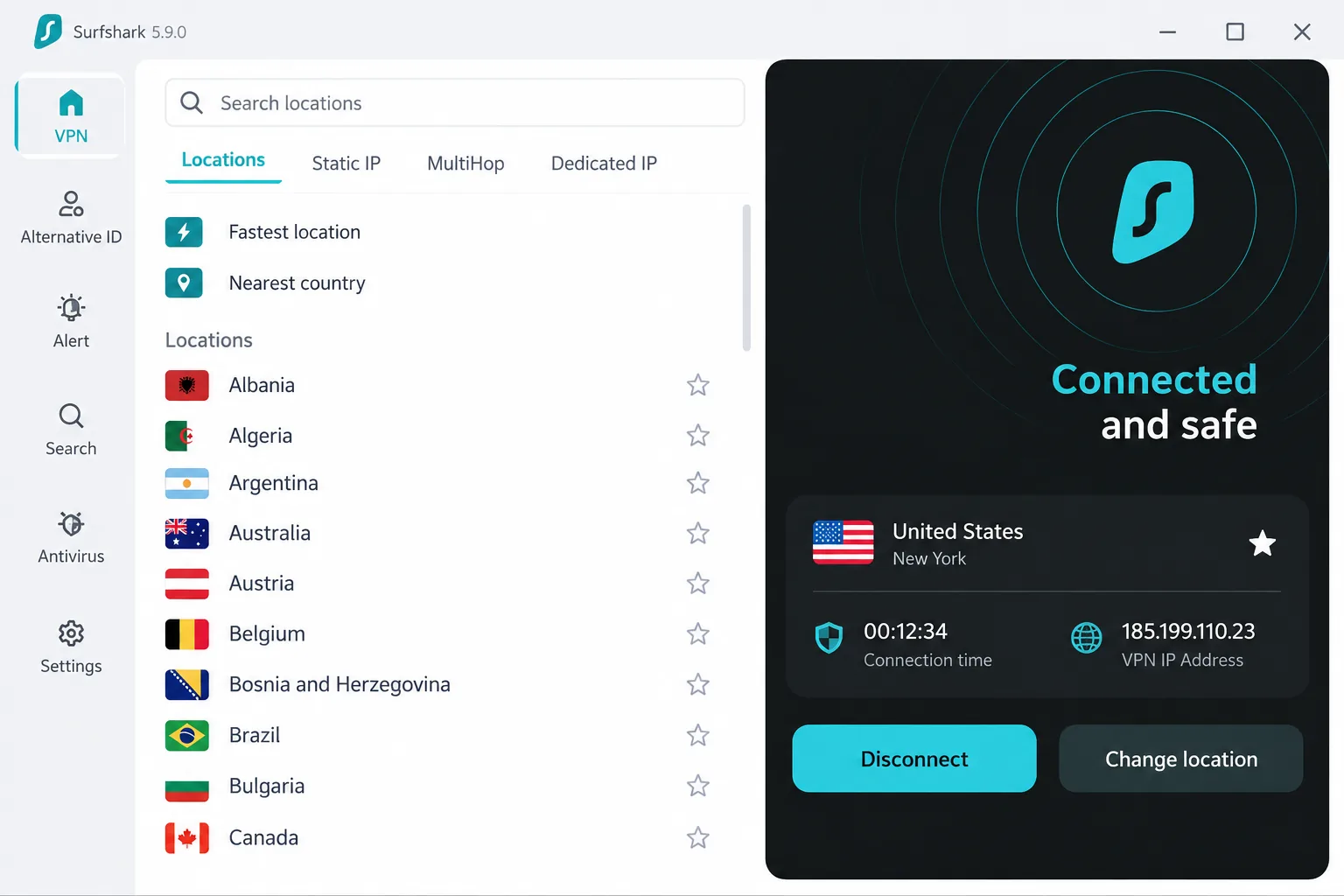
3. Surfshark - Best Value With Unlimited Devices
Surfshark goes after value. Norton caps you at 10 devices on Standard and Plus. Surfshark has no device limit on any plan, so multiple phones, laptops and TVs can share one account.
We ran Surfshark on a transatlantic server from macOS, and downloads slowed by only about 10%. The Windows app showed bigger slowdowns and the odd ping spike. Its kill switch held when we dropped the connection, and we saw no IPv4, IPv6, DNS or WebRTC leaks.
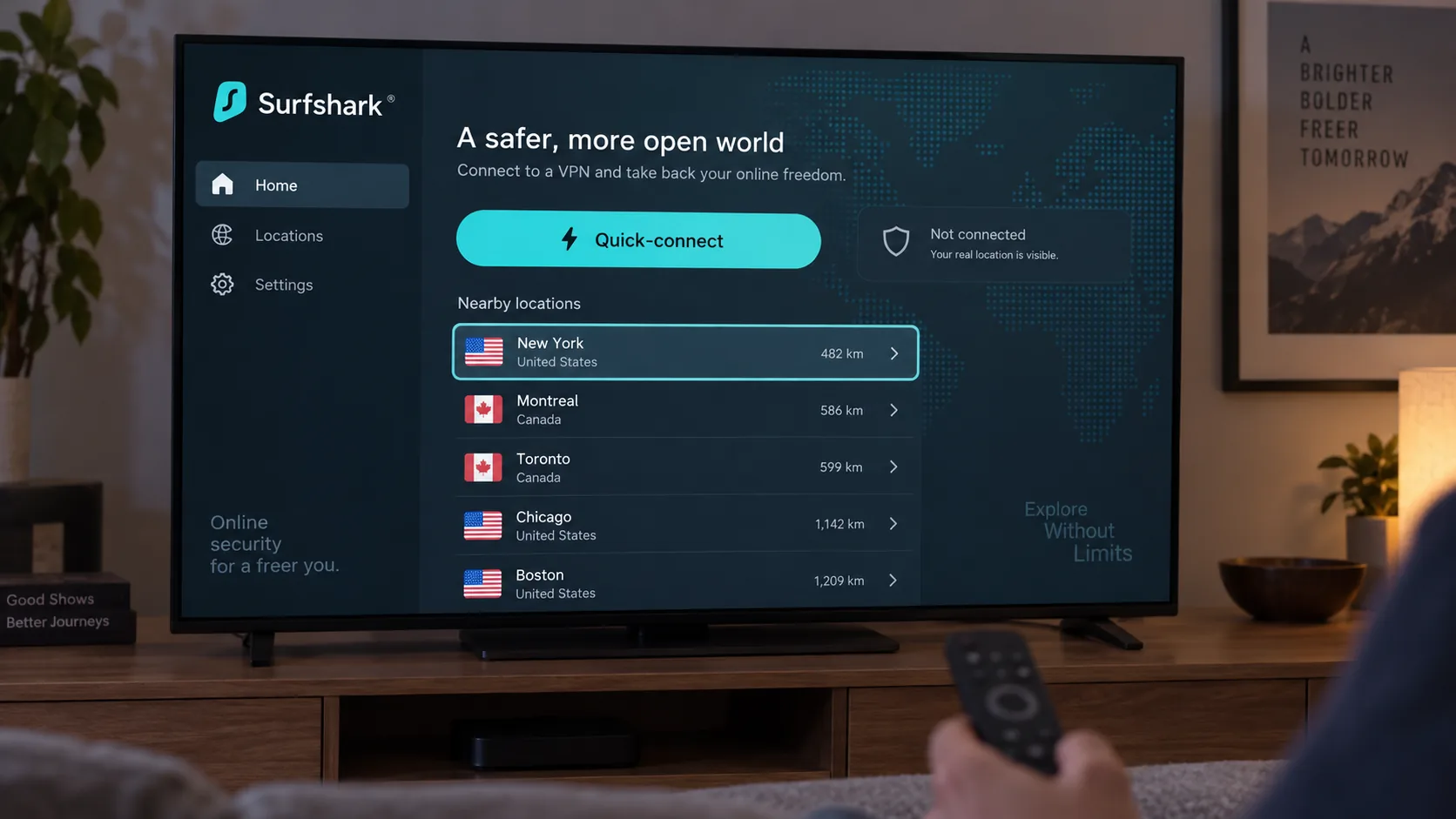
Surfshark has 4,500+ servers in 100 countries, with city-level US locations such as Boston, Denver and Miami. The Starter plan costs $2.49 a month on the two-year term and renews at $79 a year, well below Norton's renewal rate. The month-to-month plan sits at roughly $15 to $16 depending on region and tax. Surfshark is based in the Netherlands, has a full Linux GUI app, and sets up on routers through manual WireGuard or OpenVPN. Our Surfshark review has more.
Pros
- Netflix in 15+ regional libraries, plus Max, Disney+ and BBC iPlayer
- Low renewal price after the first term
- Native Android TV, Apple TV and Fire TV apps
Cons
- MultiHop slows connections a lot
- Monthly plan is among the priciest in the category
4. Mullvad VPN - Best for Privacy Purists
Mullvad takes the opposite approach to Norton on accounts. Norton ties your VPN to an account with your email and payment details, while Mullvad keeps your account private by asking for nothing. Sign-up took us seconds: the app generated a random 16-digit account number, and that number is the only login.
Mullvad charges a flat EUR 5 a month, shown as $5.60, on any term, with no sales and no renewal jump. It covers 5 devices, and new payments get a 14-day refund window, excluding cash, crypto and App Store payments. It recently listed servers in about 50 countries and 91 cities, though the live list changes daily. Mullvad is based in Sweden, and a 2023 Swedish police raid found no user data to seize.
Local speed loss was only around 6%, while distant servers slowed downloads noticeably. Streaming is hit or miss, because Netflix works on some servers and detects others. The Linux app installs from Mullvad's own package repository with a few terminal commands, and official guides cover WireGuard on OpenWrt and pfSense routers. See our Mullvad VPN review.
Pros
- No email or personal details needed
- Flat price with no renewal increase
- City-level choice in every country it covers
Cons
- Only 5 devices
- Email-only support and patchy streaming

5. Private Internet Access - Best for Customization and Linux
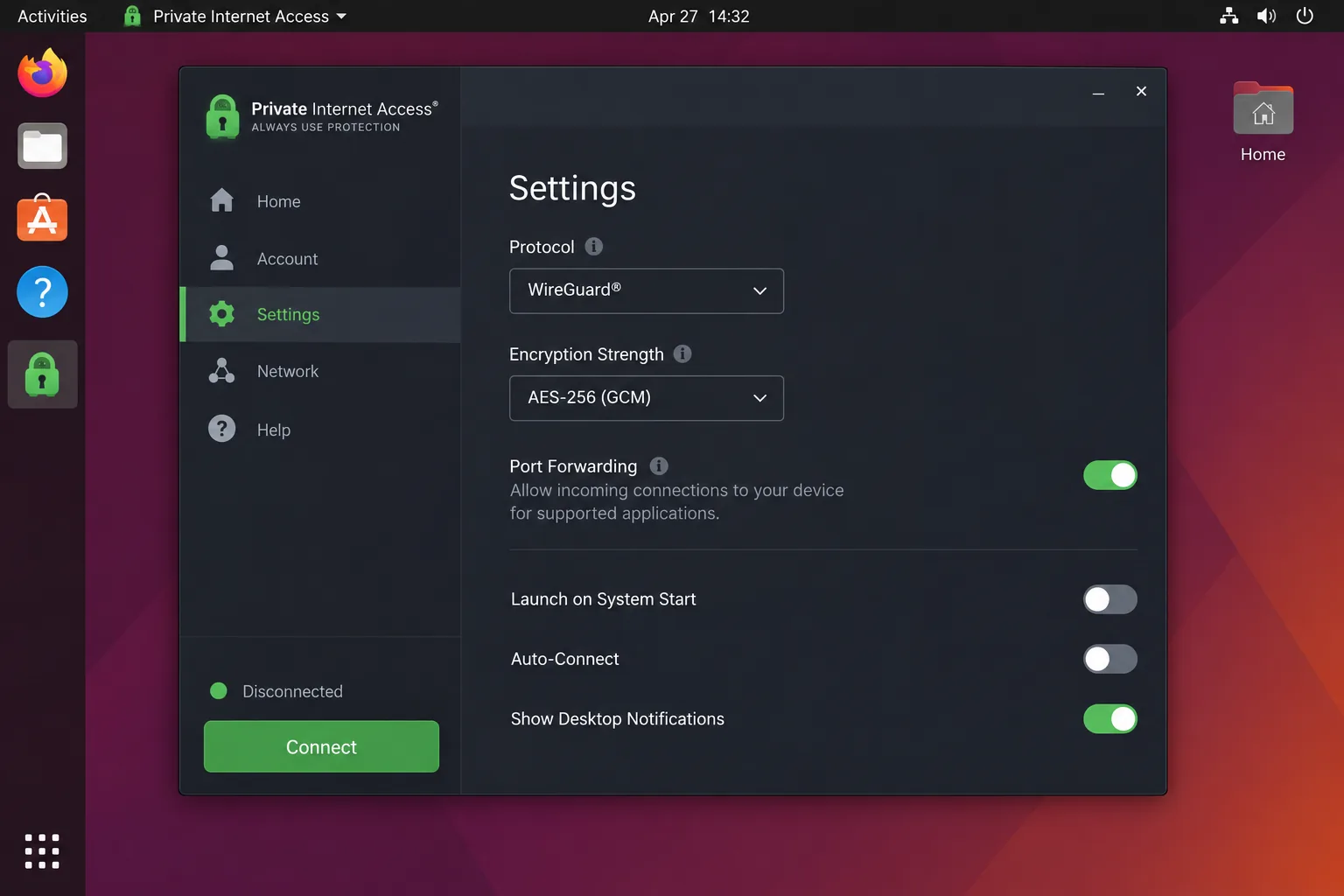
PIA is the VPN for people who want to adjust everything Norton keeps locked. The desktop app's long settings list felt overwhelming at first, but the app became easy to use once we had tuned the encryption and protocol options. Speed loss stayed small, at about 4% on local servers and 18% internationally.
Its Linux app uses the same graphical dashboard as the Windows and macOS versions. PIA also offers port forwarding outside the US. Torrenting through a forwarded port cost very little speed, though the port changed each time we reconnected. Streaming is its weak side, since PIA no longer unblocks US or UK Netflix.
PIA allows Unlimited devices and has servers in all 50 US states. It costs $11.95 monthly or $47.88 for a year, and the yearly plan renews at $47.88 too. The three-year deal sits around $1.89 a month, though PIA rotates the term and bonus months. It has a 30-day money-back guarantee, and Kape Technologies has owned it since 2019. Read our PIA review, or compare more options in our guide to the best VPNs for Linux.
Pros
- Full Linux GUI that matches the desktop apps
- Router guides for DD-WRT, AsusWRT and pfSense
- Unlimited devices and a low yearly renewal
Cons
- US and UK Netflix no longer unblock
- Auto-renewal is on by default, and refunds need a support request
6. CyberGhost - Best for Beginners
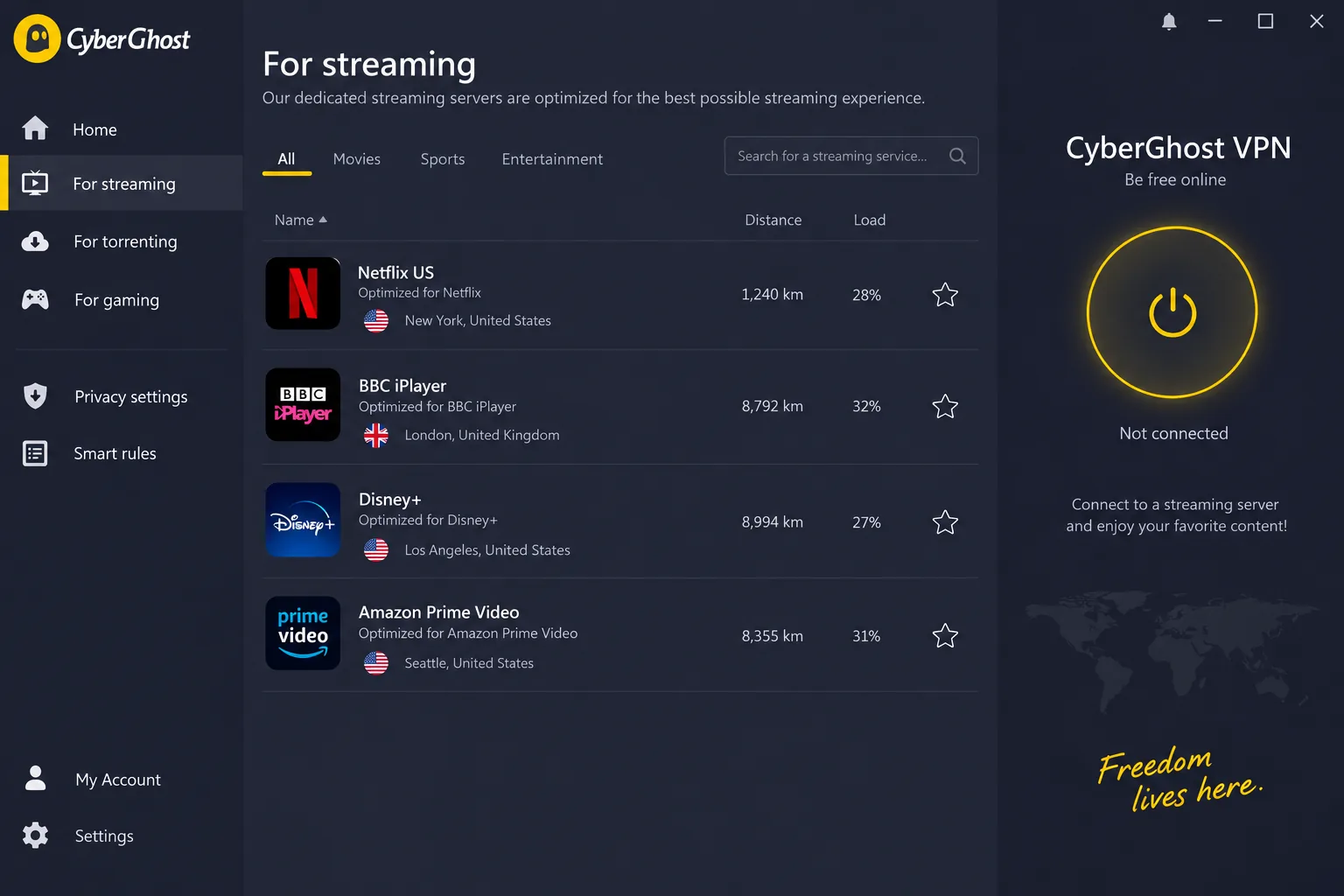
CyberGhost comes closest to Norton's simple feel, and it streams better. On first launch, the app connected to a nearby server in under ten seconds. Its streaming servers are labelled by platform, and the Netflix US, BBC iPlayer, Disney+ and Prime Video servers loaded on the first try.
Nearby servers cost us about 20% of our download speed, and long-distance connections to Australia and South Africa lost more than 55%. The streaming servers also threw website CAPTCHA checks fairly often.
CyberGhost covers 7 devices, which fills up quickly in a busy household. Its network spans 100 countries and 125 locations, with city choice in some of them. The monthly plan is $12.99, and the two-year plan sits around $1.99 a month during seasonal promotions. CyberGhost is based in Romania, its Linux support is a CLI app only, and routers need manual setup. Our CyberGhost review has the full breakdown.
Pros
- Low two-year price
- 45-day money-back guarantee, the longest among our picks
Cons
- 7-device cap
- Distant servers are slow
7. ExpressVPN - Best for Streaming
If Netflix was your reason for giving up on Norton, ExpressVPN is the safer bet. It opened Netflix libraries in several countries, plus ESPN+ and Hulu, without a single failed attempt. We also forced a server timeout mid-session, and its Network Lock kill switch cut traffic exactly as it should.
That reliability costs speed. Downloads fell by roughly 37 to 39% on nearby servers, more than with NordVPN or Proton VPN. The apps, though, are the most polished in this group.
ExpressVPN runs servers in 113 countries with city-level locations. Basic covers 10 devices, Advanced 12 and Pro 14. The monthly price is $12.99, and the two-year Basic plan is about $2.99 a month, a rate that moves with promotions and bonus months. Basic renews at $99.95 a year. ExpressVPN's KPMG no-logs assessment checked its privacy policy in 2025. The company is based in the British Virgin Islands and owned by Kape Technologies. See our ExpressVPN review.
Pros
- Post-quantum Lightway protocol and RAM-only servers
- Apps for consoles, Apple TV and Fire Stick
- Router app and its own Aircove routers
Cons
- Bigger speed loss than NordVPN or Proton VPN
- Basic renews at $99.95 a year, above Surfshark's $79
Norton VPN Alternatives Compared
The seven picks sit side by side here, with Norton VPN in the last row as the baseline. Prices are long-term rates unless noted.
| Product | Buy | Best for | Price from | Devices | Countries / city choice | Linux / router | Free plan or refund |
|---|---|---|---|---|---|---|---|
|
Check price → | Overall | ~$3.39/mo(2 yr) | 10 | 118-137 / Yes | Yes / Yes | 30-day refund |
 |
Check price | Free plan | Free; $2.99/mo(2 yr) | 10 (1 free) | 140+ / Yes (paid) | Yes / Yes | Free plan; 30-day refund |
 |
Check price | Value | $2.49/mo(2 yr) | Unlimited | 100 / Yes | Yes / Yes | 30-day refund |
|
Check price | Privacy | $5.60/moflat | 5 | ~50 / Yes | Yes / Yes | 14-day refund |
|
Check price | Customization | ~$1.89/mo(3 yr) | Unlimited | 91-104 / Yes | Yes / Yes | 30-day refund |
|
Check price | Beginners | ~$1.99/mo(2 yr) | 7 | 100 / Some | CLI only / Yes | 45-day refund |
 |
Check price | Streaming | ~$2.99/mo(2 yr) | 10 to 14 | 113 / Yes | Yes / Yes | 30-day refund |
 |
Bundle convenience | ~$2.66/mo,renews $99.99/yr | 10 or 20 | Disputed / Plan-dependent | No / No | 7-day trial; 60-day refund |
Why Look for a Norton VPN Alternative?
The table shows where Norton trails, but it is worth being fair to what you are leaving. Norton VPN gets several things right. The rebuilt app is clean, and Norton has added TV apps, browser extensions and an obfuscation protocol called Mimic. It also had VerSprite review its no-log policy in 2024 and 2025. The shortfalls are elsewhere.
What Norton VPN logs. Norton's VPN privacy notice says it does not collect your browsing history, your device's original IP address or your DNS queries. It does keep connection timestamps for 35 days, connection events for 24 months, and the total amount of data you transfer for 36 months. That is more than the strict no-logs services on our list keep.
City choice depends on your plan. Standalone Norton VPN plans let you pick from 25 cities in 18 US states and 5 UK cities. Whether the VPN inside Norton 360 gets the same choice is unclear, because Norton's support page says it does not and its product page says it does.
No Linux or router support. Norton's system requirements cover Windows, Mac, iOS, Android 10 or later and TV platforms, but there is no Linux app and no router setup. Every pick above covers both.
The renewal jump. According to Norton's current VPN pricing, Standard renews at $99.99 a year, about $8.33 a month. Plus renews at $119.99 and Ultimate at $149.99. Norton's introductory price depends on the term, the promotion and where you buy. The two-year Standard deal works out to about $2.66 a month, so the renewal is roughly three times higher.
Speed and features. Downloads held up on nearby Norton servers in our testing, but uploads could drop by close to 90% and latency rose from about 2 ms to over 120 ms. We also caught Norton's ad blocker letting some tracking scripts through. Split tunneling is complete on Windows and Android but thinner or missing on Apple's desktop and mobile devices. Norton advertises more than 100 server locations, though its own pages give different country totals because it mixes physical and virtual locations.
Norton VPN Standard renews automatically at $99.99 a year unless you cancel, so check your renewal date before the first term ends.
What About Other Antivirus-Bundled VPNs?
Those shortfalls are not unique to Norton, so moving to another antivirus company's VPN rarely helps. None of the bundled VPNs we have reviewed scores above Norton. If you still want a security suite with a VPN included, our guide to antivirus suites with a built-in VPN compares them.
Bitdefender VPN scores 7.2/10. It runs on Hotspot Shield's Hydra protocol. Its free tier of 200 MB a day ran out after roughly 10 minutes of video. AVG Secure VPN also scores 7.2/10, and ESET VPN 6.8/10. McAfee VPN drops to 500 MB a month if you turn off auto-renewal.
Avast SecureLine shares Norton's parent company, Gen Digital. In 2024 the FTC ordered Avast to pay $16.5 million over the sale of browsing data. Kaspersky VPN stopped receiving updates for US customers on September 29, 2024, under a Commerce Department ban. Mozilla VPN is not bundled with antivirus, but it scores 7.9/10 and costs $4.99 a month on a yearly plan.
Leaving one of these instead? We have separate guides to Bitdefender VPN alternatives, McAfee VPN alternatives, Kaspersky VPN alternatives, Avast SecureLine VPN alternatives and AVG Secure VPN alternatives.
Which Norton VPN Alternative Should You Pick?
With the bundled options ruled out, the choice comes down to what you need most. Choose NordVPN for the best all-round upgrade, or Proton VPN if you want to pay nothing. Pick ExpressVPN if streaming matters most and you can live with a bigger speed loss.
Surfshark suits big households with lots of devices. Mullvad is for anyone who wants no account details on file. PIA is the one for Linux desktops and port forwarding, while CyberGhost is the gentlest move for anyone who liked Norton's simplicity.
How to Switch From Norton VPN
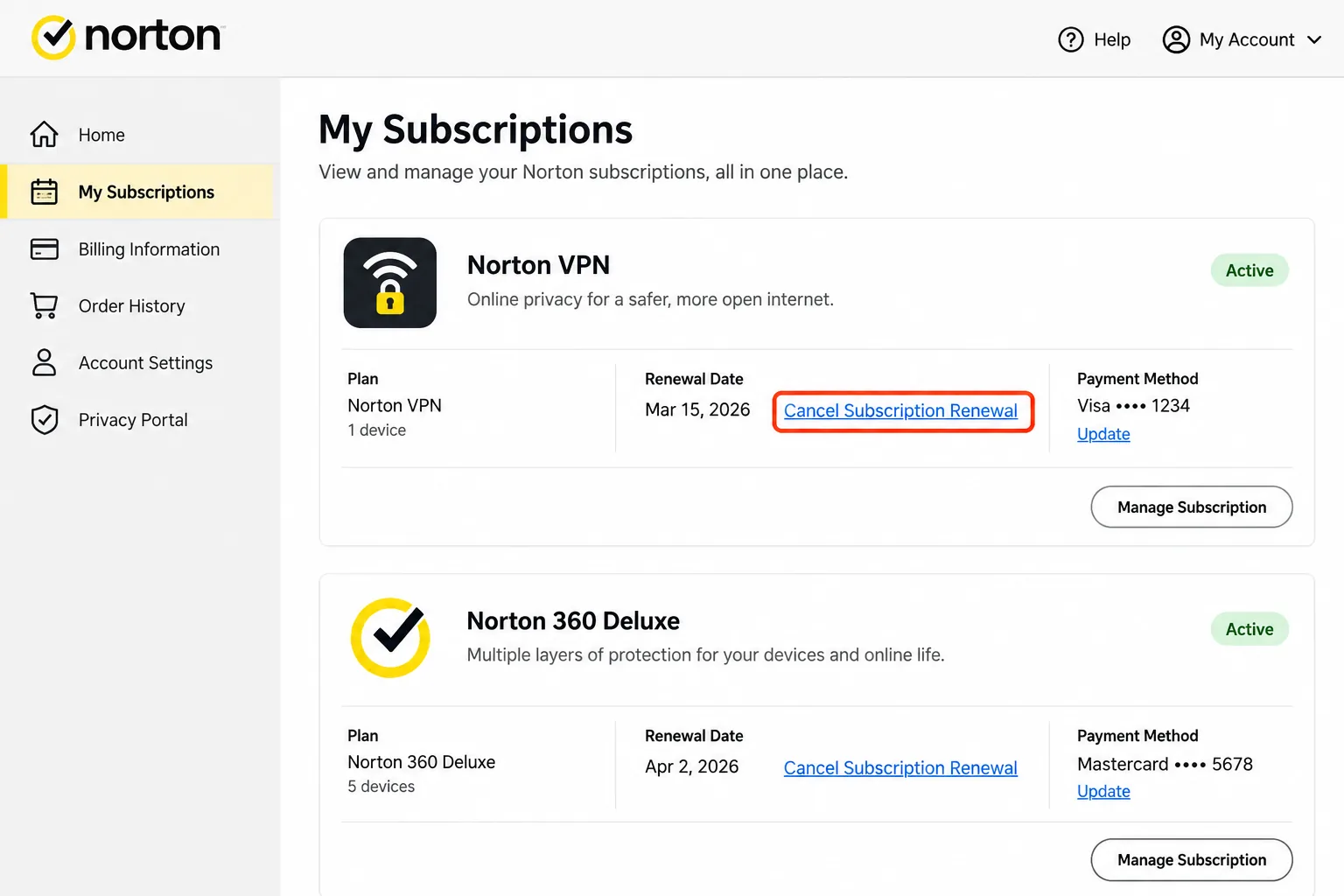
Once you have picked a replacement, start by turning off Norton's auto-renewal so you are not charged again. Sign in to your Norton account, open the My Subscriptions tab, and click Cancel Subscription Renewal or Manage Renewal next to your VPN plan. Then click Unsubscribe next to Plan Renewal, choose a reason, and decline the retention offers by clicking "No thanks, cancel my subscription." Allow up to 24 hours for the change to appear in your account.
Your Norton VPN keeps working until the paid term ends, so you have time to try a replacement. If you bought an annual plan in the last 60 days, you can ask Norton for a full refund instead, though you will need to uninstall the software first. Standalone Norton VPN plans do not include antivirus, so cancelling one leaves any separate Norton antivirus untouched.
Next, install your new VPN and turn Norton VPN off, because two VPNs running at once can conflict. Use the new provider's money-back window to test it on every device you own, including your phone and TV.
Try your new VPN on the streaming services and devices you use most in the first week, so you still have plenty of refund time left if it falls short.
Is Norton VPN Still Worth Using?
Switching is not the right move for everyone, though. Norton Secure VPN is still a fair choice if it came with your Norton 360 plan and you only need it for public Wi-Fi on Windows, Mac, Android or iPhone. Norton 360 Standard costs $94.99 for the first year and includes the VPN, so there is no extra bill. Standalone plans now cover up to 20 devices, and Norton can rotate your IP address every 30 seconds.
It is harder to justify as a standalone purchase at renewal time. Our Norton VPN review scores it 7.5/10, below every VPN on this list.