Looking for a Kaspersky VPN alternative? If you live in the US, the decision has largely been made for you. The Commerce Department's June 2024 ruling ended new Kaspersky sales to US customers that July and cut off its software updates that autumn, and Kaspersky VPN Secure Connection is on the list of covered products. Even outside the US, the service has real limits: a thin feature set, no published no-logs audit and streaming that swings from day to day.
Our top pick is NordVPN, which pairs an audited no-logs policy with fast, reliable connections. Here are all seven alternatives at a glance:
- NordVPN (9.0/10): best Kaspersky VPN alternative overall
- Proton VPN (9.0/10): best free alternative
- ExpressVPN (8.8/10): best for streaming
- Surfshark (8.6/10): best value with unlimited devices
- Private Internet Access (8.4/10): best for customization
- CyberGhost (8.4/10): best for beginners
- Norton VPN (7.5/10): best for antivirus-suite users
Why Look for a Kaspersky VPN Alternative?
The main reason is legal rather than technical. On June 20, 2024, the Commerce Department's Bureau of Industry and Security issued the Final Determination published in June 2024, which bars Kaspersky from selling its software to US persons. BIS's list of Kaspersky products covered by the ban names Kaspersky VPN Secure Connection explicitly, alongside the Standard, Plus and Premium suites. If you're replacing the antivirus too, see how Bitdefender compares with Kaspersky.
Under the US Commerce Department's ban on Kaspersky software, Kaspersky could not sign new agreements with US customers from July 20, 2024, and it was barred from sending signature or codebase updates to US users from September 29, 2024. Kaspersky Lab is headquartered in Moscow, Russia, and the ruling followed a 2017 law that had already removed its software from US federal government devices.
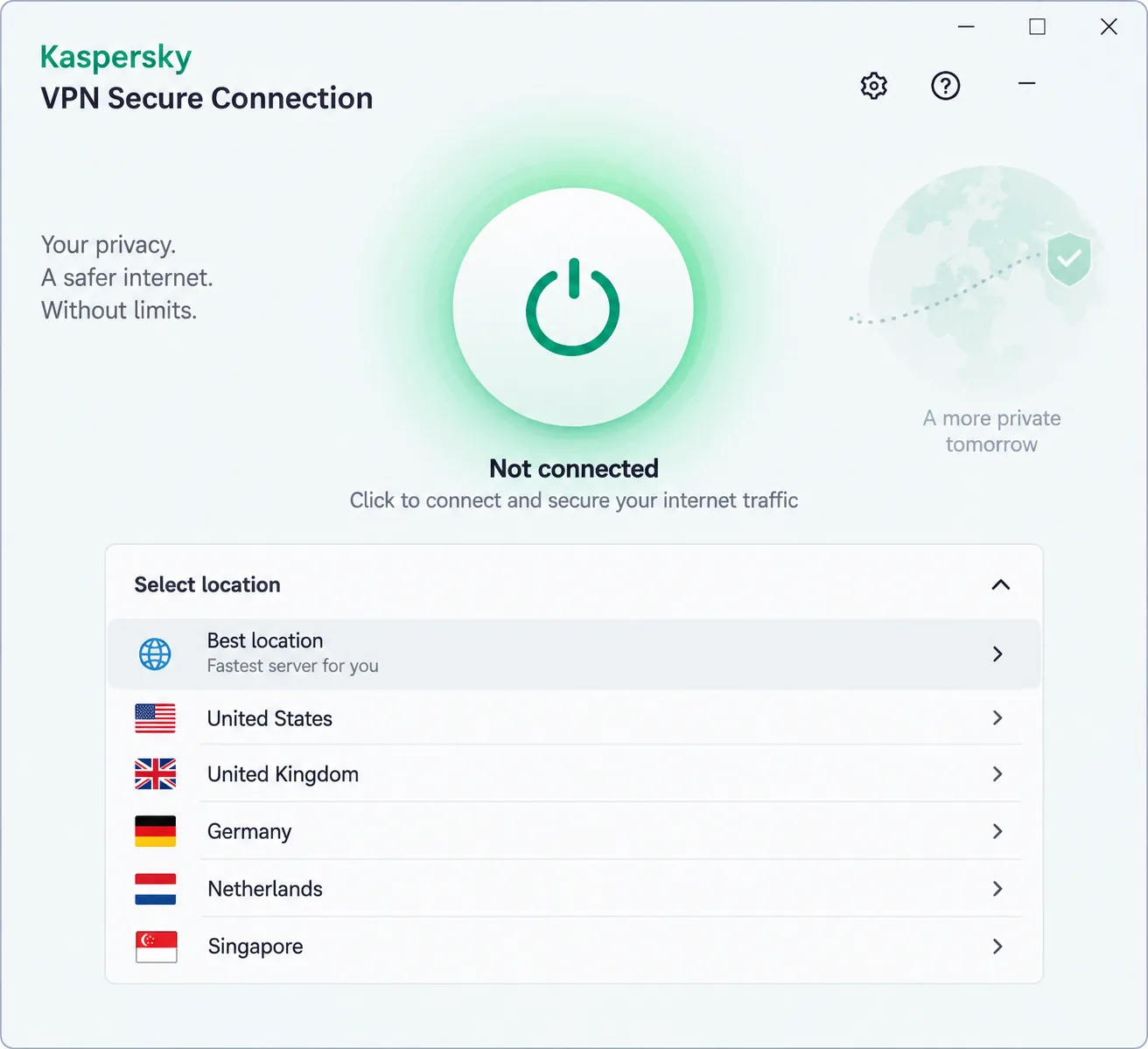
The product gives people reasons to leave, too. It scored 6.5/10 in our Kaspersky VPN review. The app is simple to install but provides little control over protocols or advanced settings, and Kaspersky has removed the double-VPN and ad-blocking features that earlier versions had. The free tier is capped at 200 MB per day and can't unblock streaming services. On paid servers, Netflix often failed to load for us even when BBC iPlayer, Disney+ and Prime Video worked.
Privacy is the bigger gap. Kaspersky has never published an independent no-logs audit, while every pick below has had its no-logs claims checked by an outside auditor.
Kaspersky VPN Alternatives Compared
The table ranks the seven picks by the score each earned in our full reviews, with Kaspersky VPN in the last row as the baseline.
| Product | Buy | Best for | Price from | Devices | Servers / countries | Free plan | Money-back |
|---|---|---|---|---|---|---|---|
 |
Check price → | Overall | About $3.39-$3.49/mo (2-yr) | 10 | 9,300+ servers | No | 30-day |
 |
Check price | Free plan | $2.99/mo (2-yr) | 10 (1 on free) | 140+ countries | Yes, no data cap | 30-day |
 |
Check price | Streaming | About $2.79/mo (2-yr) | 10 (Basic) | 105-113 countries | No | 30-day |
 |
Check price | Value, unlimited devices | $2.49/mo (2-yr) | Unlimited | 4,500+ / 100 countries | No | 30-day |
 |
Check price | Customization | About $2.03/mo (3-yr deal) | Unlimited | 91 countries + 50 US states | No | 30-day |
 |
Check price | Beginners | $2.19/mo (26-mo) | 7 | About 9,700-11,700 / 100+ countries | No | 45-day (14 on monthly) |
 |
Check price | Antivirus-suite users | $39.99first year | 5 (10 on Ultimate) | About 30-65 countries | No | 60-day (annual) |
 |
n/a | Varies by region; no US sales | 5-10 by plan | Disputed (49-93 countries) | 200 MB/day; 7-day trial | 30-day |
The 7 Best Kaspersky VPN Alternatives in 2026
1. NordVPN - Best Kaspersky VPN Alternative Overall
NordVPN is the best all-round replacement for Kaspersky VPN, and it earns a 9.0 in our NordVPN review.
Speed is NordVPN's strongest suit, and only PIA matched it on nearby servers. We lost only about 4% of our download speed and 7% of upload close to home, and 4K streams played without buffering. Switching on Double VPN cut speeds by around 80%, so we'd save it for high-risk sessions.
NordVPN is based in Panama, and Deloitte has checked its no-logs policy six times. Basic costs $14.99 monthly or about $3.39 to $3.49 a month on two years, as promotions move the rate, and a 30-day money-back guarantee covers it. It runs on 10 devices across 9,300+ servers with NordLynx, OpenVPN and NordWhisper. NordVPN counts virtual locations inconsistently, so its country total varies.
Where Kaspersky offers one unaudited tunnel, NordVPN gives you specialty servers for the sessions that need more than a basic connection.
Pros
- About 4% nearby download loss
- Double VPN, Onion Over VPN and obfuscated servers
- Reliable with Netflix, Hulu and BBC iPlayer
Cons
- No free plan
- Map view needs zooming; the list view is quicker
- Live chat starts with a chatbot
2. Proton VPN - Best Free Kaspersky VPN Alternative
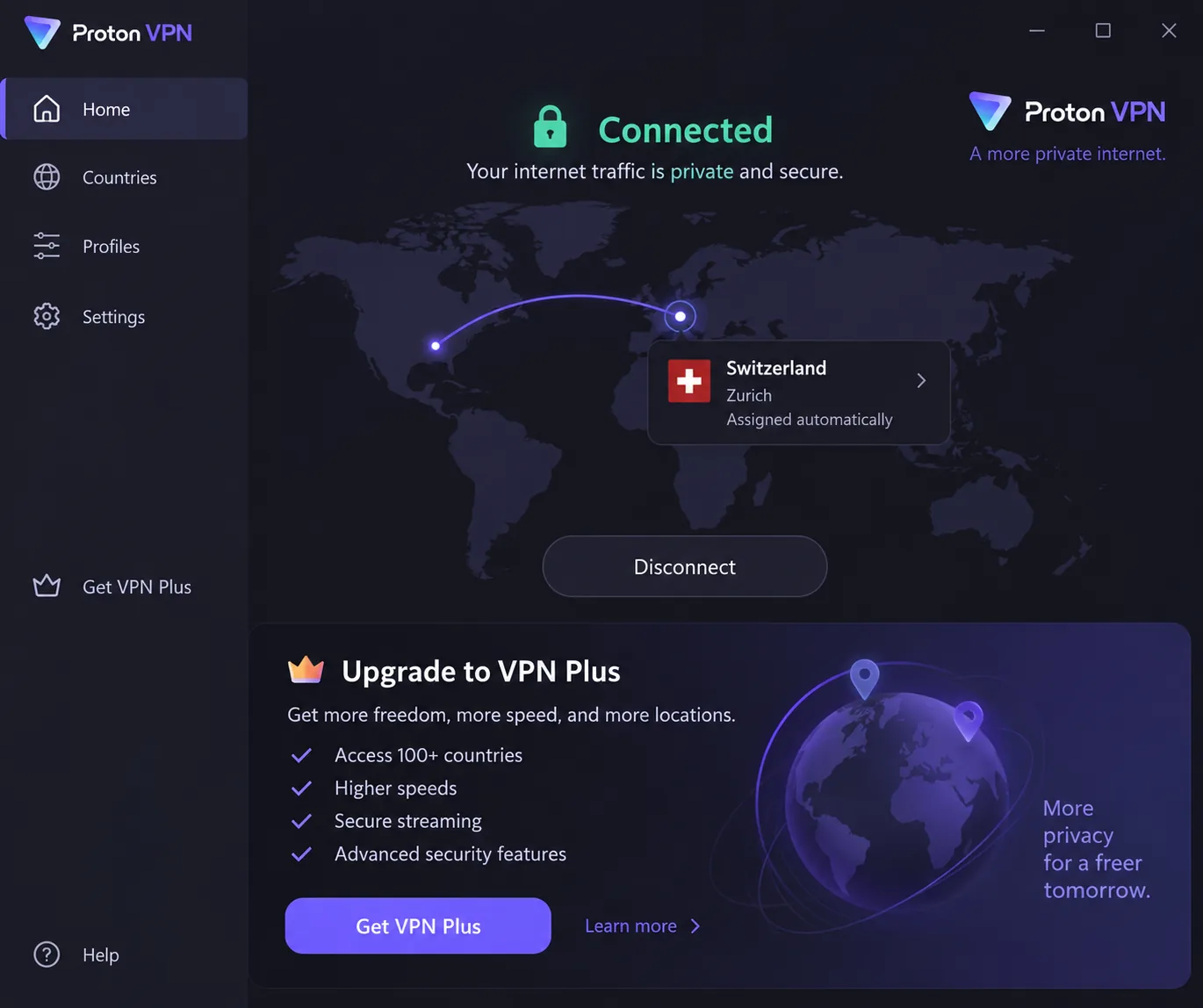
Proton VPN suits anyone who wants a free VPN without a daily data cap, and it ties NordVPN with a 9.0 in our Proton VPN review. The free plan covers one device and servers in 10 countries.
On the free plan, you don't choose the server. We pressed connect and Proton assigned a location for us, the trade-off for unlimited data. On the paid plan, nearby servers kept about 90% or more of our baseline download speed, leak checks stayed clean across dozens of countries, and the US Netflix library loaded without server hopping.
VPN Plus costs $9.99 monthly or $2.99 a month on two years, with a 30-day money-back guarantee. It covers 10 devices in 140+ countries with WireGuard, OpenVPN, IKEv2 and Stealth. Proton AG is based in Switzerland, and its apps have been open source since 2020. Securitum's annual no-logs audit of Proton VPN has now run five years in a row, which is the sharpest contrast with Kaspersky: you can check Proton's privacy claims instead of taking them on trust.
Pros
- No ads on the free plan
- Open-source apps
- Clean leak results across dozens of countries
Cons
- Free plan picks your server for you
- Upload speeds trail NordVPN
- Live chat isn't 24/7
3. ExpressVPN - Best for Streaming
ExpressVPN is the pick for streamers, and in our testing its Network Lock kill switch fired correctly when a server timed out and again when we changed networks.
In our ExpressVPN review, where it scores 8.8, Netflix libraries in several countries, ESPN+ and Hulu all streamed without issues. That consistency is what Kaspersky lacked, since its Netflix access came and went between sessions. The trade-off was speed: our downloads fell by roughly 37% to 39% on nearby servers.
The company is registered in the British Virgin Islands, and KPMG assessed its privacy policy in 2025. Basic covers 10 devices across 105 to 113 countries (ExpressVPN keeps adding locations), with Lightway, OpenVPN and WireGuard. It costs $12.99 monthly or about $2.79 a month on two years, a promo rate that renews at about $99.95 a year. Refunds are available for 30 days.
Pros
- Most polished apps we tried
- Kill switch held through timeouts and network changes
- Router, Apple TV and console apps
Cons
- Bigger nearby speed loss than NordVPN
- Two-year plan costs more than Surfshark's
- Email support can take two days
4. Surfshark - Best Value With Unlimited Devices
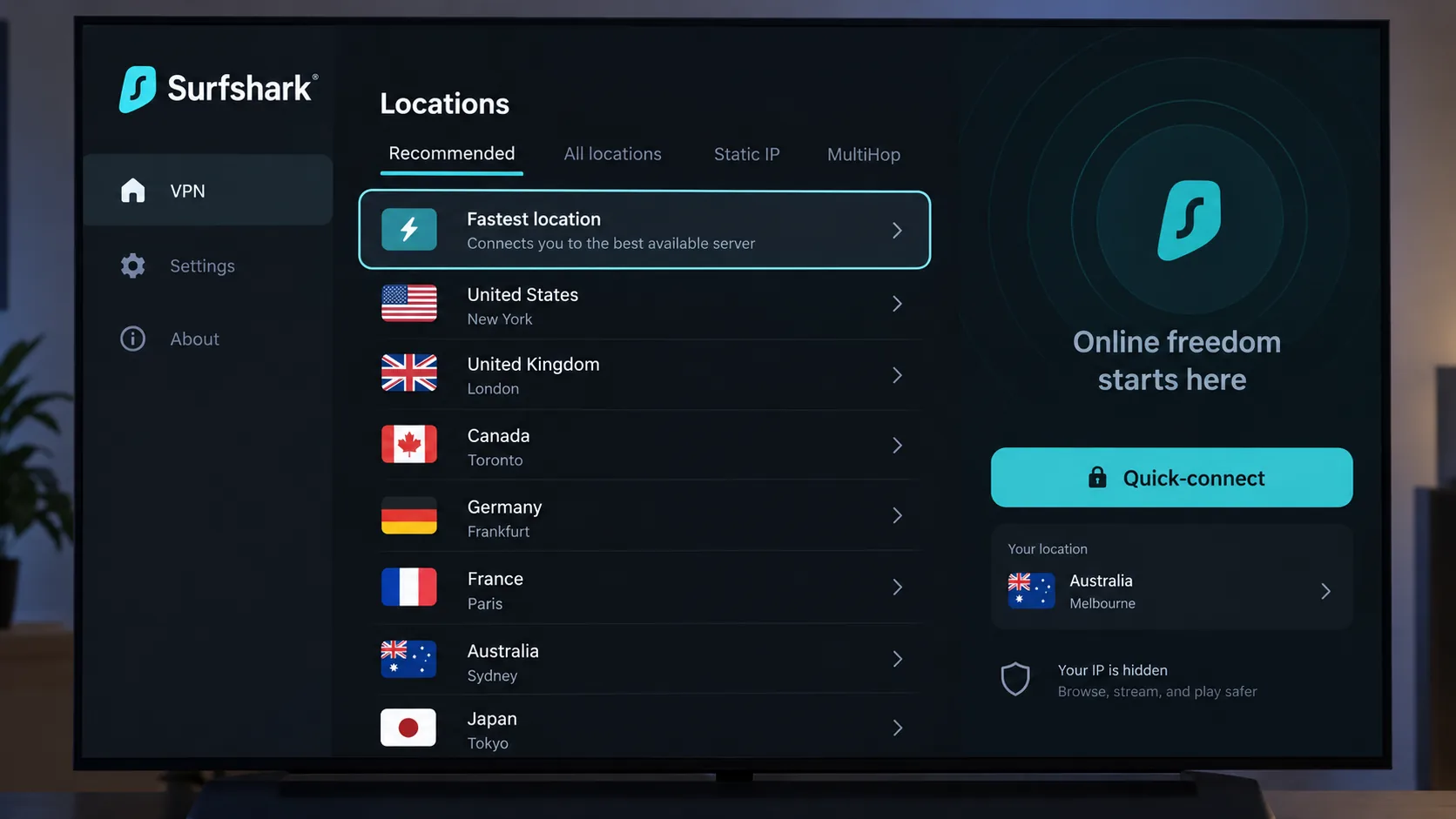
A household full of phones, laptops, tablets and TVs can put every one of them on a single Surfshark plan, which makes it our best-value pick. Our Surfshark review scores it 8.6.
Distance barely slowed it on macOS: on a transatlantic server, our downloads dropped by only about 10%. The Windows app was less steady, with occasional ping spikes. Netflix, which often failed on Kaspersky's servers, unblocked in 15+ regional libraries. The kill switch held, and we saw no IPv4, IPv6, DNS or WebRTC leaks.
Deloitte verified Surfshark's no-logs policy in 2023 and 2025, and the company is based in the Netherlands. Starter costs $2.49 a month on two years, then renews at $79 a year; month to month it runs roughly $15 to $16 depending on region. New plans come with a 30-day money-back guarantee. The network has 4,500+ servers in 100 countries, with WireGuard by default.
Pros
- Unlimited devices on every plan
- Max and Disney+ alongside Netflix
- Native TV apps
Cons
- Expensive monthly plan
- Ping spikes on Windows
- MultiHop slows connections sharply
5. Private Internet Access - Best for Customization
Private Internet Access is for tinkerers, and the first quirk we hit is one only they would notice: the forwarded port changed every time we reconnected. It scores 8.4 in our Private Internet Access review.
Torrenting with port forwarding cost us very little speed, and overall loss was about 4% locally and 18% internationally. The desktop app's long settings list felt overwhelming at first, then easy once we had tuned it. You can choose AES-128 or AES-256 encryption, switch between WireGuard and OpenVPN, and route traffic through a Shadowsocks or SOCKS5 proxy. Streaming is the weak spot: US and UK Netflix didn't unblock, and Disney+ and Hulu detected the VPN.
PIA is a US company owned by Kape Technologies since 2019, and Deloitte audited its no-logs policy in December 2025. It lists $11.95 monthly or about $2.03 a month on a three-year deal, though it rotates deal lengths, so the intro rate varies. You get unlimited devices across 91 countries plus all 50 US states, with 30 days to claim a refund.
Kaspersky gives you almost nothing to adjust; PIA gives you every switch.
Pros
- Open-source apps
- Unlimited devices and all 50 US states
- Port forwarding with little speed cost
Cons
- Weak for Netflix, Disney+ and Hulu
- No port forwarding on US servers
- Refunds need a manual request
6. CyberGhost - Best for Beginners
On first launch, CyberGhost connected to a nearby server in under ten seconds, and that hands-off feel makes it our pick for beginners. It scores 8.4 in our CyberGhost review.
Its labelled streaming servers do the work for you, which beats guessing which Kaspersky server will stream. We chose the server marked for Netflix US and it loaded on the first try, as did the ones for BBC iPlayer, Disney+ and Prime Video, though they threw CAPTCHA checks on ordinary websites fairly often. Long distances hurt: downloads dropped by more than 55% on Australia and South Africa servers.
CyberGhost is based in Romania, and Deloitte has audited its no-logs policy three times. The 26-month plan costs $2.19 a month and the monthly plan $12.99, but the first renewal runs about $4.75 a month. You get 7 connections and roughly 9,700 to 11,700 servers (the count moves monthly) in 100+ countries, with WireGuard, OpenVPN and IKEv2. Longer plans carry a 45-day money-back guarantee; monthly plans get 14 days.
Pros
- Labelled streaming servers
- Fast first connection
- Three Deloitte no-logs audits
Cons
- The 7-device cap fills up quickly
- Slow on long-distance servers
- First renewal roughly doubles the price
7. Norton VPN - Best for Antivirus-Suite Users
Norton VPN is for readers who want antivirus and a VPN from one vendor, the way Kaspersky bundled them, and it scores 7.5 in our Norton VPN review. That puts it behind all six standalone picks, so choose it for convenience rather than performance.
Installation was straightforward, and the rebuilt app felt clean and quick to connect. Downloads held up nearby with about a 10% loss, but distant servers were the real problem: from a 500 Mbps US line, we got about 7 Mbps to the UK. Max, Prime Video and Hulu unblocked, Netflix worked inconsistently, and the kill switch only worked in some cases. Support is a clear step up from Kaspersky's ticket queue, since Norton's live chat answered us in about a minute.
Norton belongs to Gen Digital in the US, and VerSprite has audited its no-logs policy twice. Standard costs $39.99 for the first year and renews at $79.99, covering 5 devices; Plus ($49.99) adds antivirus and cloud backup, and Ultimate ($59.99 first year) covers 10. Country counts range from about 30 to 65+ because Norton expanded its network during the app rebuild. Annual plans carry a 60-day money-back guarantee, and there's no Linux app.
Pros
- Antivirus, VPN and backup on Plus
- Max, Prime Video and Hulu unblocked
- Clean, quick-connecting app
Cons
- Kill switch is unreliable
- Slow uploads and distant servers
- Renewal price doubles after year one
What About Other Antivirus-Bundled VPNs?
Avast SecureLine VPN and Bitdefender VPN feel familiar if you came from Kaspersky, but neither made our ranked list.
Avast SecureLine VPN scores 6.5 in our testing, level with Kaspersky. It covers up to 10 devices and renews at $99.99 a year, keeps connection logs (timestamps, data volume and server IP) for about a month, and has no published independent audit. In 2024 the FTC also ordered Avast to pay $16.5 million and banned it from selling users' online browsing data for advertising. Our guide to Avast SecureLine VPN alternatives covers better options.
Bitdefender VPN does better at 7.2. It runs on Hotspot Shield's Catapult Hydra protocol and network alongside WireGuard, but it feels thin next to standalone VPNs, with no Linux app or browser extensions, and its kill switch can fail when the tunnel drops. See our Bitdefender VPN alternatives, and our McAfee VPN alternatives if you're on McAfee's bundle.
If you want a suite VPN, Norton is the stronger bundled option.
Which Kaspersky VPN Alternative Should You Pick?
With seven strong picks and two bundled VPNs to skip, start with the job you need the VPN to do:
- Privacy first: NordVPN, for its specialty servers and audited no-logs policy.
- Free use: Proton VPN, the only pick with a free plan.
- Streaming: ExpressVPN, for consistent Netflix, ESPN+ and Hulu access.
- Many devices on a budget: Surfshark, with unlimited connections.
- Customization and torrenting: Private Internet Access, with port forwarding and adjustable encryption.
- Beginners: CyberGhost, the quickest to get running.
- One vendor for antivirus and VPN: Norton VPN, the closest match to the Kaspersky suite.
How We Chose These Kaspersky VPN Alternatives
We ranked these VPNs by the scores they earned in our full reviews, and every rating here matches the headline score on the linked review. Those scores weigh what matters when you replace a security-suite VPN: whether an outside auditor has verified the no-logs policy, how much speed you lose on nearby and distant servers, whether the kill switch and leak protection hold, how reliably streaming services unblock, and what you pay after the intro price ends.
Our reviews measured speed loss against an unprotected connection, checked for leaks, and watched each kill switch when a connection dropped. Kaspersky VPN served as the baseline. Its paid servers lost only around 7% of download speed locally and 10% internationally, which is respectable, but on Windows its latency climbed from 4ms to 128ms on distant servers, ruling it out for gaming.
Ownership counted too. We favoured providers with published audits and clear corporate homes.
How to Switch From Kaspersky VPN Secure Connection
Once you've chosen a replacement, switch in this order so you're never left without protection:
- Buy your replacement first. Sign up for one of the seven picks and note the date, because its money-back window starts at purchase.
- Install it on every device. Download the app from the provider's site or your app store, sign in and connect once.
- Check for leaks. With the new VPN connected, open a DNS and WebRTC leak test site and confirm it shows the VPN's location, not yours.
- Cancel Kaspersky's renewal. On an iPhone, open Settings → your name → Subscriptions. On Android, open Google Play → Profile → Payments & subscriptions → Subscriptions. If you paid Kaspersky directly, check your Kaspersky account or order email for the renewal setting.
- Uninstall Kaspersky VPN Secure Connection. On Windows, open Settings → Apps → Installed apps, find the app and select Uninstall. On Android, open Settings → Apps, choose Kaspersky VPN and tap Uninstall. On an iPhone, press and hold the app icon and tap Remove App.
- Use the new VPN normally for a week. Stream, browse and work as usual so you can judge it before the refund window closes.
Norton gives you 60 days on annual plans and CyberGhost 45 on longer plans, but most of our picks allow 30. Don't leave your decision until the last week.
Is Kaspersky VPN Still Safe to Use?
Kaspersky can no longer send updates to US users, so any security flaw found since September 29, 2024 may never be patched on your devices.
Kaspersky VPN still encrypts your traffic, and outside the US the app is still available. Two privacy questions apply wherever you live, though.
The first is who runs the servers. Kaspersky's own blog says Secure Connection's servers are hosted by its partner AnchorFree, the Redwood City maker of Hotspot Shield that later renamed itself Pango. Kaspersky has changed protocols and server partners over the product's life, though, so today's operator isn't clearly documented.
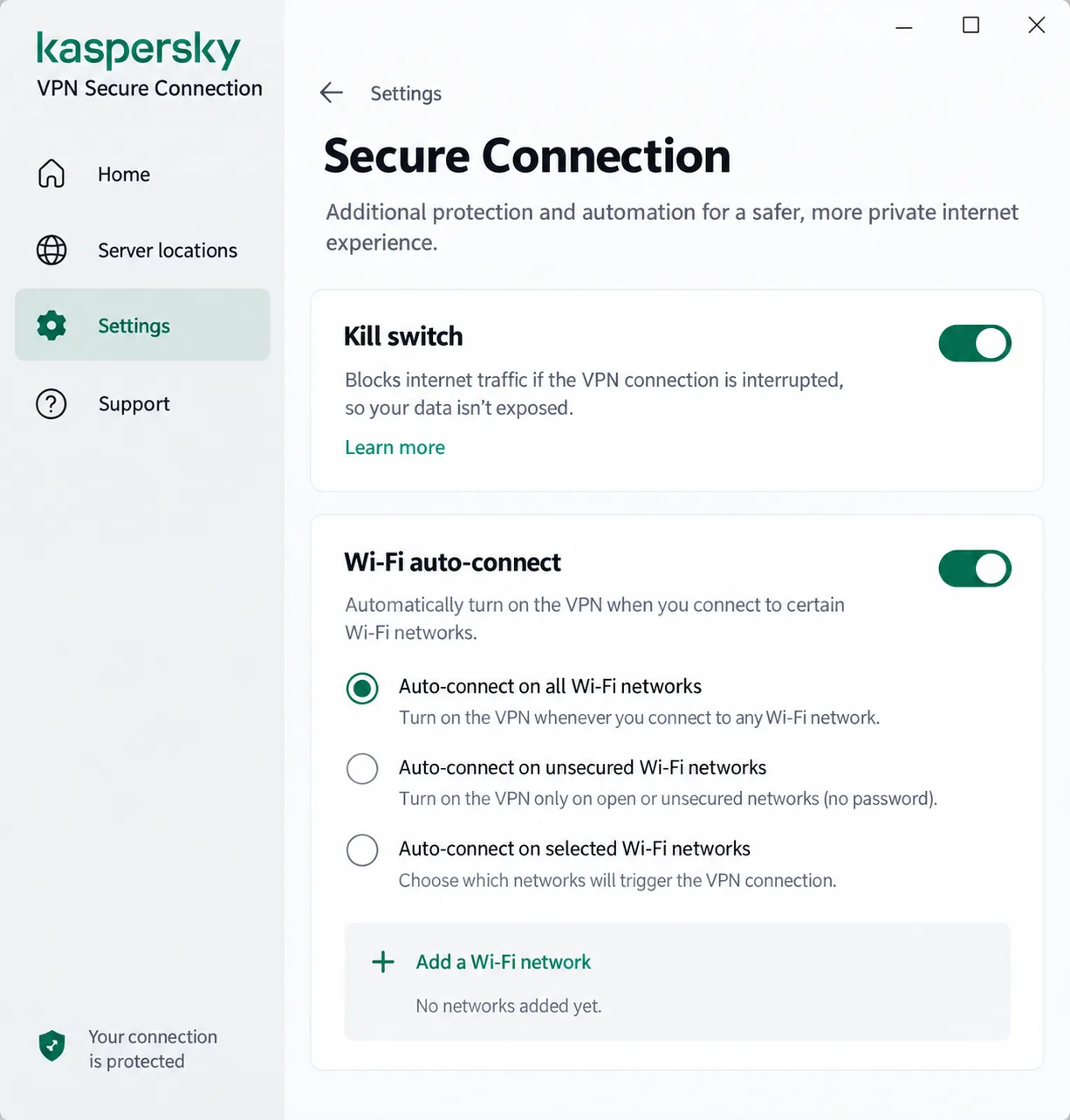
The second is the app's own leaks. In our testing the kill switch could expose the real IP address while we changed server locations, and HTML5 geolocation wasn't masked, so a browser could still reveal our true location. Support is ticket-based with no live chat, and replies took most of a day.
None of that makes Kaspersky VPN dangerous to open, but it does mean weaker, unverified protection than any of our seven picks.
Final Verdict
If you're in the US and still running Kaspersky VPN, the order of the switch matters as much as the pick: get the replacement working before you remove the old app. Free users, big households and suite loyalists each have a match above in Proton VPN, Surfshark and Norton VPN. If you're torn between two, trial the one with the shorter refund window first, so a 30-day guarantee doesn't run out while you're still testing a 45- or 60-day one.