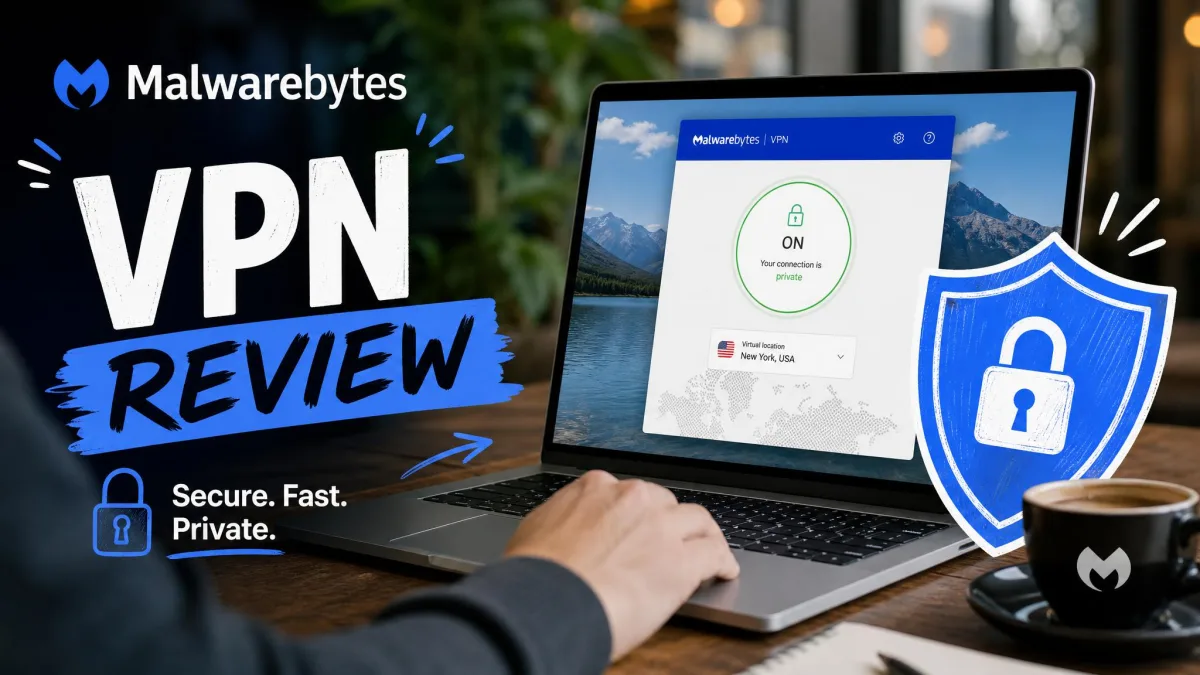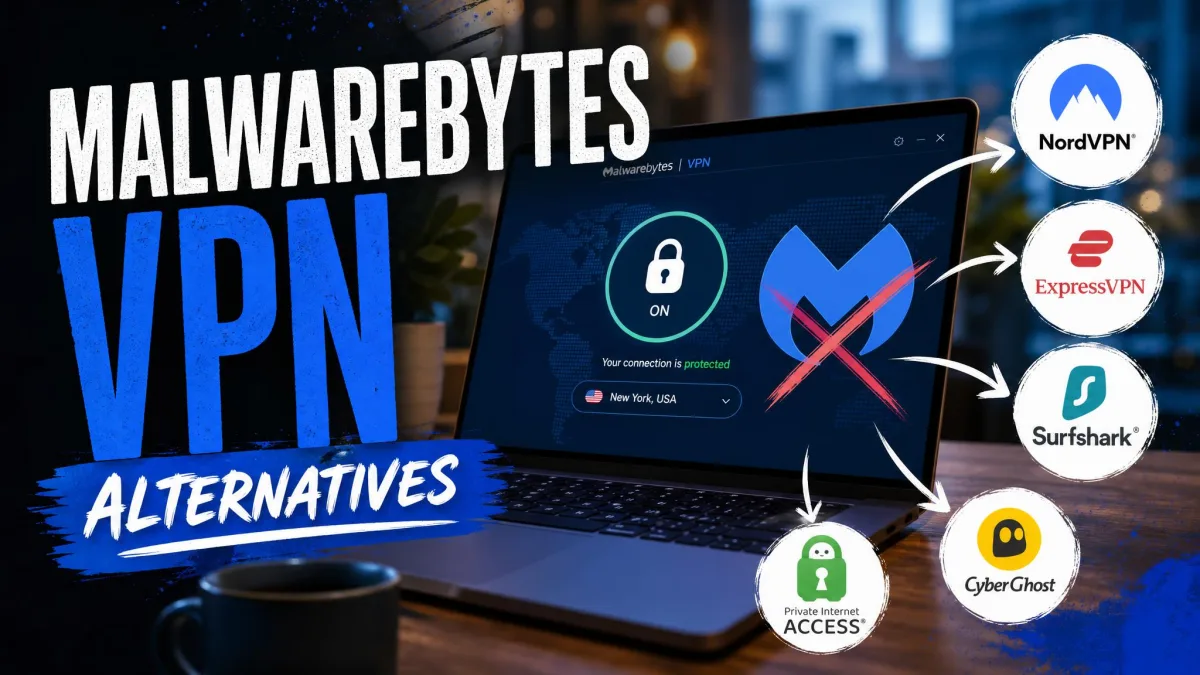
Malwarebytes Privacy VPN is a simple, secure WireGuard VPN that makes the most sense as part of a Malwarebytes antivirus bundle. Our leak tests came back clean and setup is easy for beginners. The limits lie elsewhere: there are no Linux or router apps, streaming is hit and miss, and the kill switch and split tunneling are desktop-only.
If you want more from a VPN, NordVPN and Proton VPN are the strongest alternatives we've tested, with Surfshark close behind. Below are seven picks ranked by our review scores, plus a full breakdown of how we tested each one.
Quick Comparison: Malwarebytes VPN Alternatives at a Glance
This table puts Malwarebytes Privacy VPN next to all seven alternatives. Prices are the cheapest advertised rate, and server counts for several providers vary with how each one counts virtual locations.
| Product | Buy | Price | Free plan | Servers/countries | Devices | No-logs audit | Streaming | Kill switch | Split tunneling |
|---|---|---|---|---|---|---|---|---|---|
 |
Check price → | About $3.39-$3.49/mo (2 yr) | No | About 9,300 servers | 10 | Deloitte (6th) | Strong | Yes | Windows, Android, Android TV |
 |
Check price | $2.99/mo (2 yr) | Yes (1 device, 10 countries) | 140+ countries | 10 | Securitum (annual) | Good | Yes | Yes |
 |
Check price | $2.49/mo (2 yr) | No | 4,500+ / 100 countries | Unlimited | Deloitte 2023 + 2025 | Strong | Yes | Yes (Bypasser) |
 |
€5/mo flat | No | About 566 / 50 countries | 5 | Cure53 2024 | Inconsistent | Yes (always-on) | Yes (not macOS/iOS) | |
 |
$69/yr | Yes (10GB/mo) | 69+ countries | Unlimited | Infrastructure only (Packetlabs) | Mixed | Yes | Windows, macOS, Linux, Android | |
 |
About $2.03/mo (long term) | No | 91 countries + 50 US states | Unlimited | Deloitte, Dec 2025 | Weak | Yes | Yes | |
 |
$39.99 first yr | No | About 2,000 servers | 5 (10 on Ultimate) | 2025 audit | Netflix inconsistent | Not on iOS | Windows/Android | |
 |
$39.99/yr (1 device) | No | 150+ servers (counts vary) | 1 / 5 / 10 tiers | X41 D-Sec security audit, 2026 | Inconsistent | Desktop only | Desktop ("connection rules") |
Best Malwarebytes VPN Alternatives
We ranked these seven VPNs by their scores in our full reviews. Each entry covers price, the free plan if there is one, platforms and device limits, and one clear point where it beats or trails Malwarebytes.
1. NordVPN - Best Overall Malwarebytes VPN Alternative
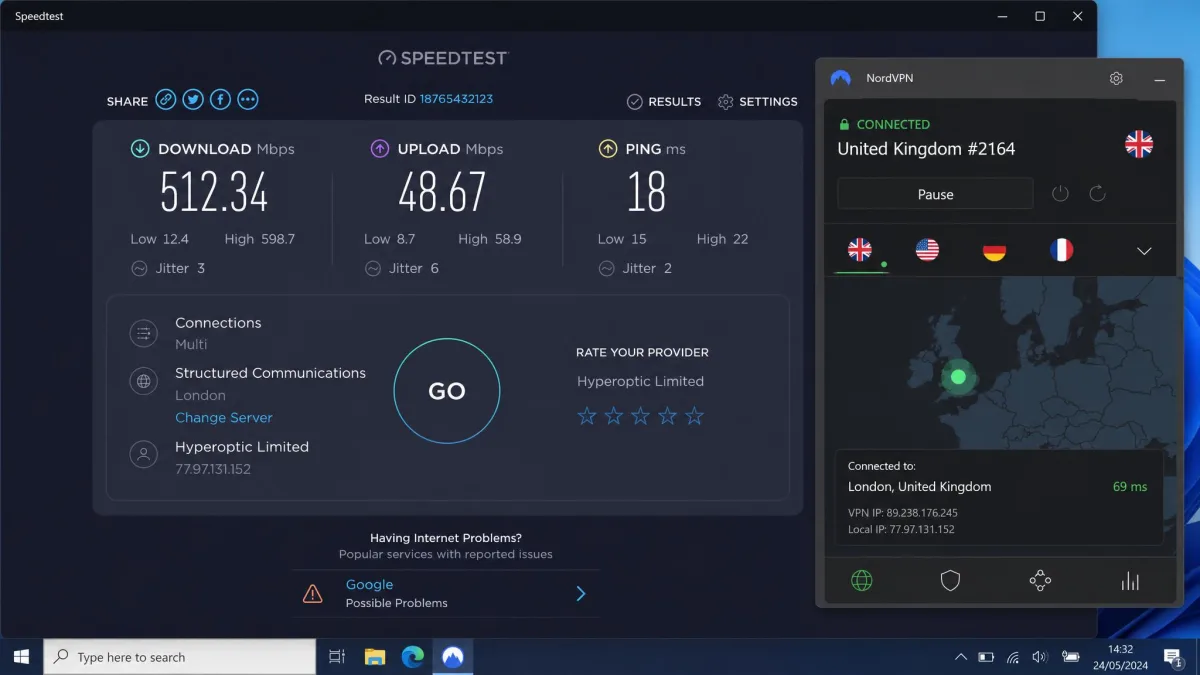
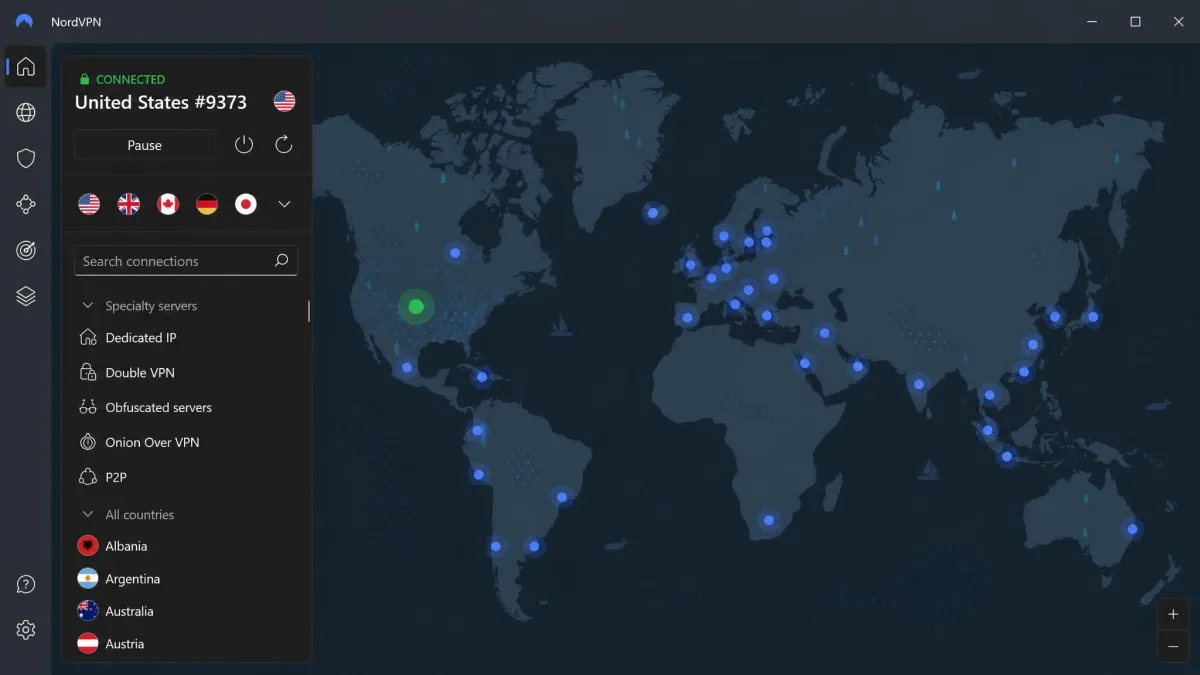
NordVPN is the most complete replacement for Malwarebytes, and it earned a 9.0/10 in our NordVPN review. On nearby servers we lost only about 4% of download speed and 7% of upload speed, and 4K streams played without buffering. By comparison, even nearby US servers on Malwarebytes cost us about 22% of our download speed.
Streaming is where the gap widens. Netflix, Hulu, BBC iPlayer and Prime Video unblocked reliably in our testing, while Malwarebytes gave us mixed results. NordVPN also offers far more features, including NordLynx (its WireGuard-based protocol), obfuscated servers, P2P servers, Double VPN, Threat Protection Pro and post-quantum encryption, all on RAM-only servers.
Pricing starts at $14.99 on a monthly term. NordVPN runs frequent promotions, so the two-year Basic rate moves between about $3.39 and $3.49 a month. One plan covers 10 devices across Windows, macOS, Linux, Android and iOS, and a 30-day money-back guarantee applies. The company is based in Panama, and its no-logs policy has now passed a sixth Deloitte assurance engagement.
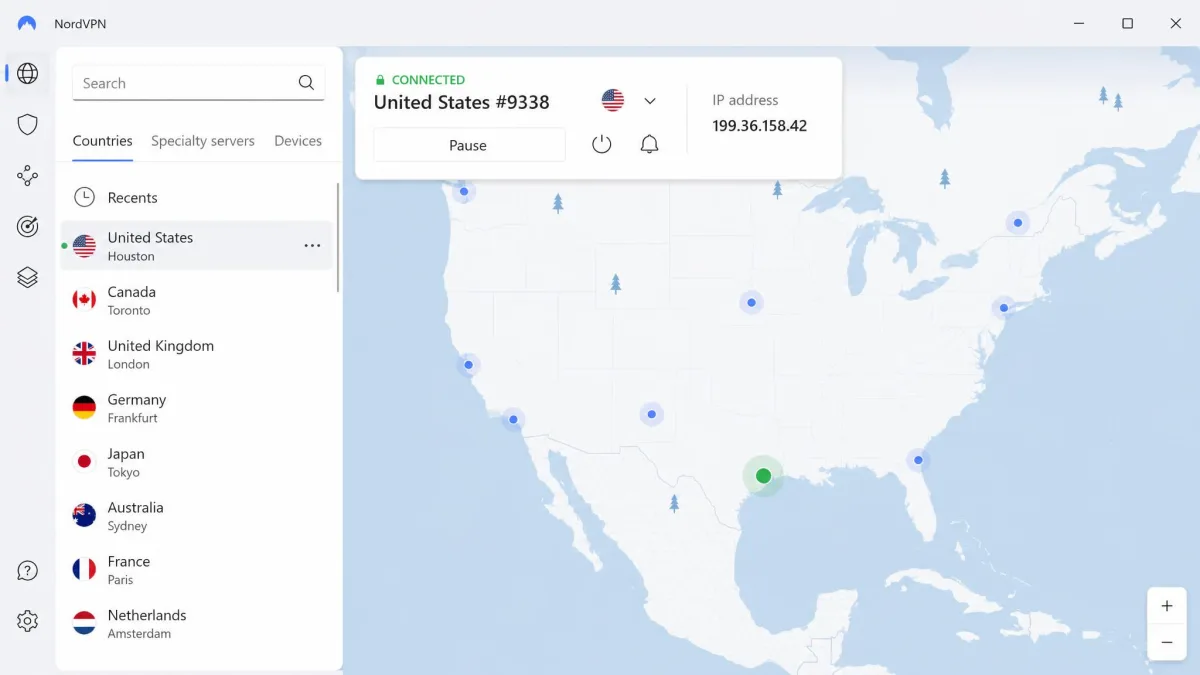
A couple of things tripped us up at first. The map view needs zooming before you can pick a server, so we switched to the list view, which is quicker. Double VPN also cut our speed by around 80% and only runs on preset server pairs.
Pros
- Smallest speed loss we measured on nearby servers
- Unblocks Netflix, Hulu, BBC iPlayer and Prime Video reliably
- Six independent no-logs assurance engagements by Deloitte
Cons
- Monthly plan is expensive at $14.99
- Double VPN is slow and limited to preset pairs
- Only the Linux app is open source
2. Proton VPN - Best Free Alternative
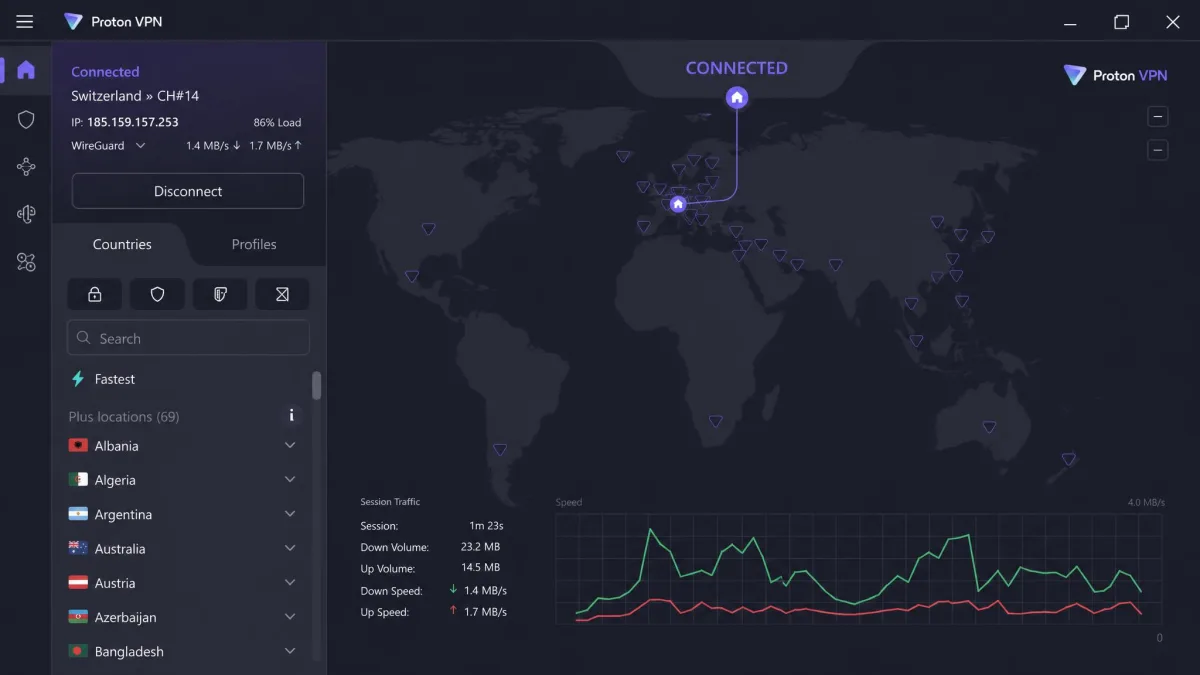
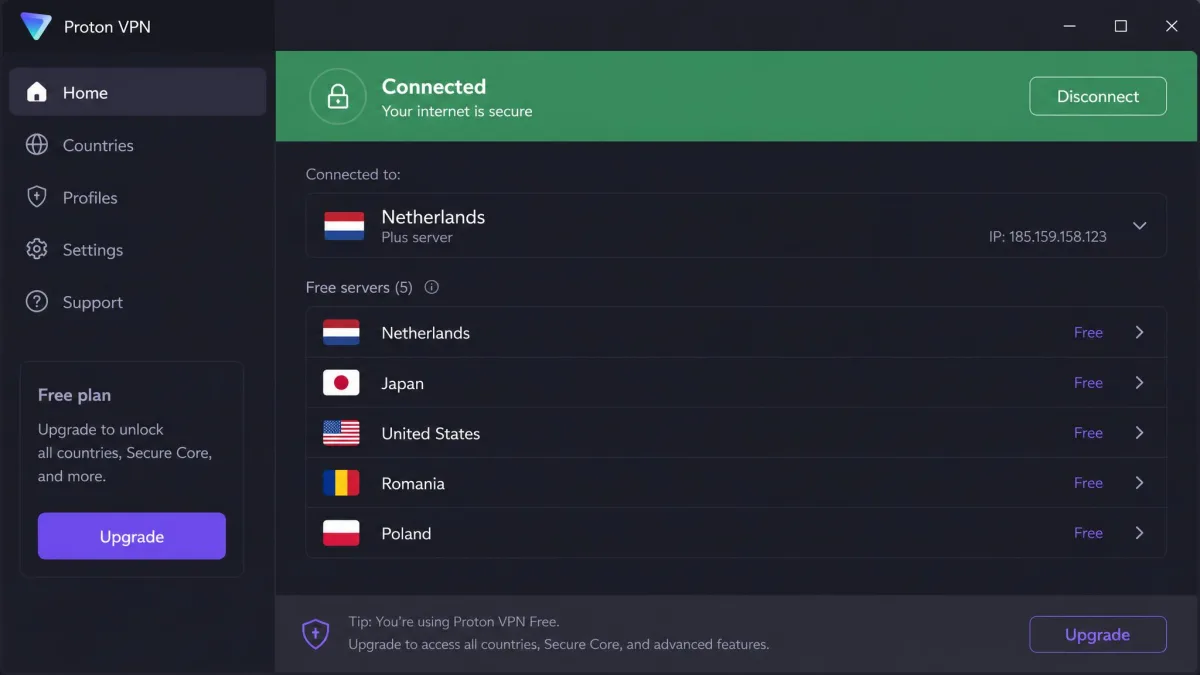
Proton VPN ties NordVPN at 9.0/10 in our Proton VPN review, and it's the best pick if you want to stop paying for a VPN altogether. Malwarebytes has no free plan. Proton's free tier covers 1 device with servers in 10 countries, and it has no data limits and no ads.
On nearby servers we kept about 90% or more of our baseline download speed, and distant servers averaged around three-quarters. Upload speeds trail NordVPN, though. The US Netflix library loaded for us without hopping between servers, and our DNS, IPv6 and WebRTC leak tests stayed clean across dozens of countries.
VPN Plus costs $9.99 per month, $3.99 a month on the 1-year plan, or $2.99 a month on the 2-year plan. Proton's renewal rates shift with regional pricing and currency, so check the renewal price before you commit. A paid plan covers 10 devices, with apps for Windows, macOS, Linux, Android, iOS, Android TV, Fire TV and Apple TV. All apps have been open source since 2020, the company is based in Switzerland, and Proton's annual Securitum no-logs audits have now reached their fifth year.
Paid plans also add Secure Core, which routes your traffic through entry servers in Iceland, Switzerland or Sweden. Built-in profiles made it quick for us to set up a torrenting configuration, and port forwarding runs on P2P servers. Our main complaint is support: live chat isn't 24/7, and email replies can take two days or more.
Pros
- Free plan with no data limits and no ads
- Secure Core multi-hop on every paid plan
- Open-source apps and annual no-logs audits
Cons
- Uploads are slower than NordVPN
- Live chat runs roughly 9am to midnight CET
- Free plan is limited to 1 device
3. Surfshark - Best Alternative With Built-In Antivirus
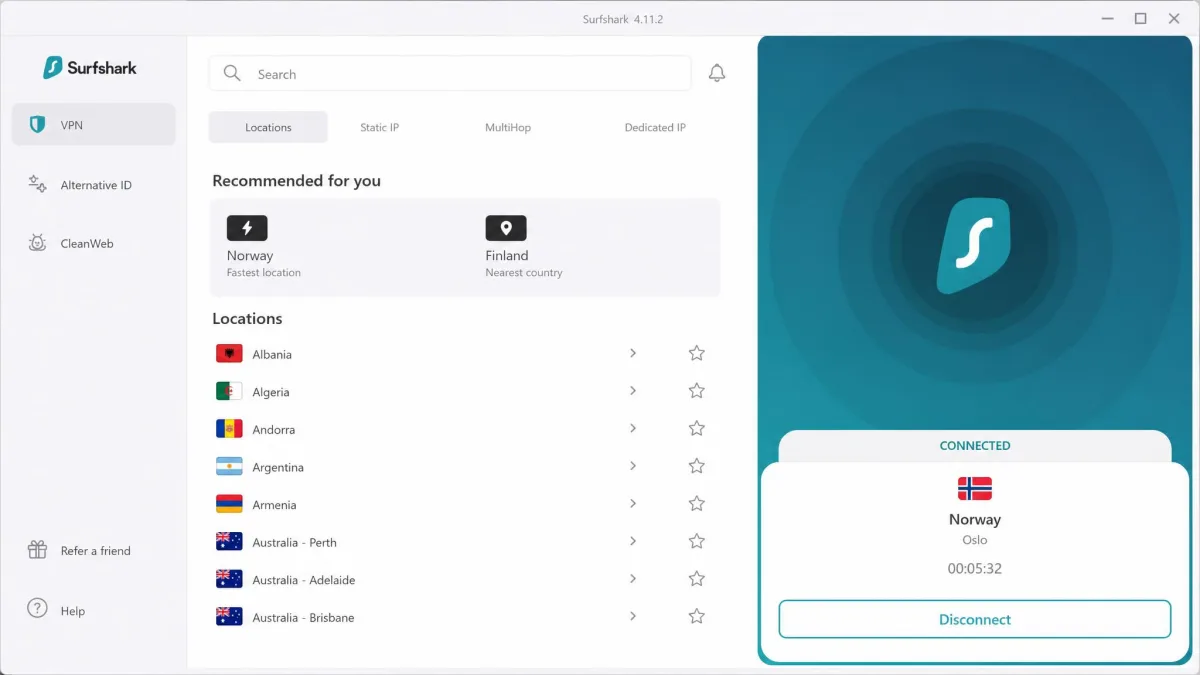
Surfshark scored 8.6/10 in our Surfshark review, and it's the closest match for anyone who liked having antivirus and VPN together. The Surfshark One tier adds antivirus, Alert and Search on top of the VPN. The biggest difference from Malwarebytes is device limits. Surfshark allows unlimited simultaneous connections on every plan, while Malwarebytes charges more for each device tier.
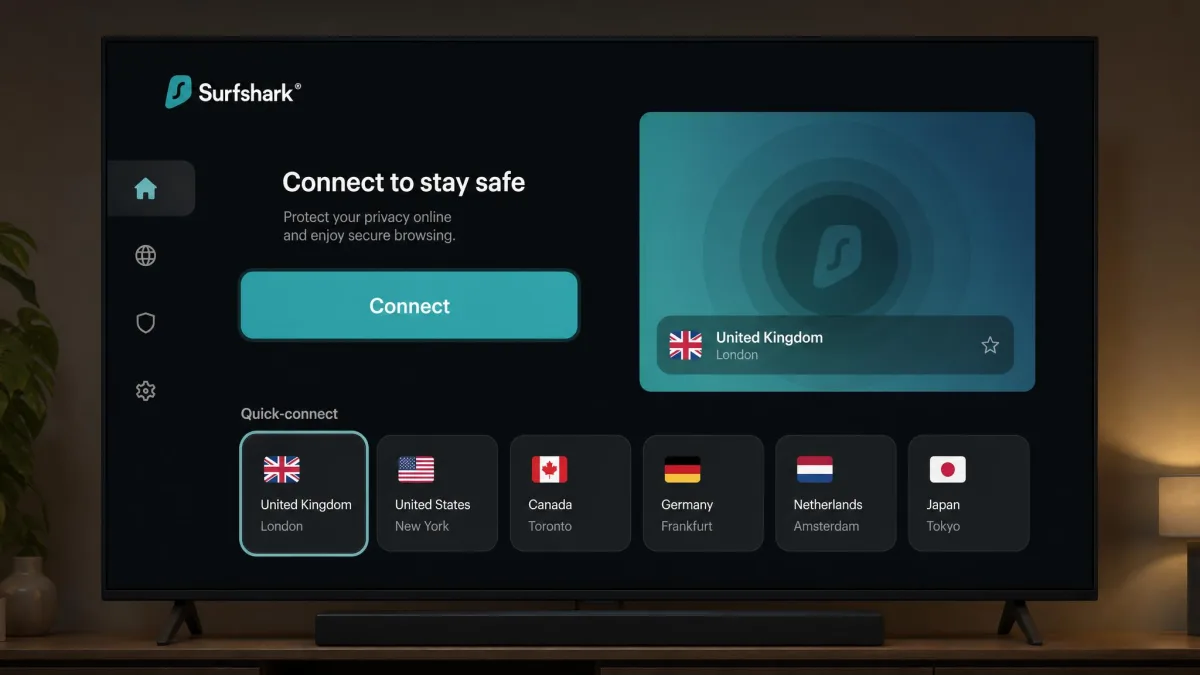
On macOS, downloads slowed by only about 10% even on a transatlantic server. The Windows app showed bigger slowdowns and occasional ping spikes. Streaming was strong: Netflix unblocked in 15+ regional libraries, plus Max, Disney+, Hulu and BBC iPlayer. The native Android TV, Apple TV and Fire TV apps made TV setup simple, and the kill switch held with no leaks.
The Starter plan costs $2.49 a month on the 2-year plan, billed $67.23 for 27 months, and it renews at $79 per year. The month-to-month price differs by region and tax, landing at roughly $15 to $16, so the value really shows up on the 2-year plan. You get 4,500+ servers in 100 countries and a 30-day money-back guarantee. Surfshark's no-logs policy was verified by Deloitte in 2023 and again in 2025.
Pros
- Unlimited devices on every plan
- Strong streaming across 15+ Netflix libraries
- Antivirus available in the Surfshark One bundle
Cons
- Windows app showed ping spikes
- Month-to-month plan is among the priciest
- MultiHop slows connections significantly
4. Mullvad VPN - Best for Privacy
Mullvad earned 8.5/10 in our Mullvad VPN review, and it's the pick for users who want the least data possible tied to their account. Sign-up took us seconds. The site issues a random account number and asks for no email or name. You can pay with cash by mail, Bitcoin, Monero, card or PayPal.
There is a direct link to Malwarebytes here. Malwarebytes ran on Mullvad's network until around March 2025, when it moved to AzireVPN's infrastructure. Mullvad itself has more than ten independent audits since 2018, including Cure53's fourth infrastructure audit in 2024. In 2023 Swedish police visited Mullvad's office with a search warrant and left with no customer data.
Nearby servers held almost all of our baseline speed, about 92 of 95 Mbps, with predictable slowdowns on distant servers in South America and Asia. Pricing is a flat €5 per month for any length, with no promo discounts and a 14-day money-back guarantee. You get 5 devices and apps for Windows, macOS, Linux, iOS and Android. The live list showed 566 servers in 50 countries, though Mullvad's list changes as servers go on and offline.
Some users will run into trade-offs. Streaming access was unreliable, split tunneling is missing on macOS and iOS, and port forwarding was removed in 2023. Support is by email only.
Pros
- Anonymous account numbers and cash payment
- Open-source apps with more than ten audits
- Simple flat pricing
Cons
- Inconsistent streaming results
- No port forwarding
- No live chat support
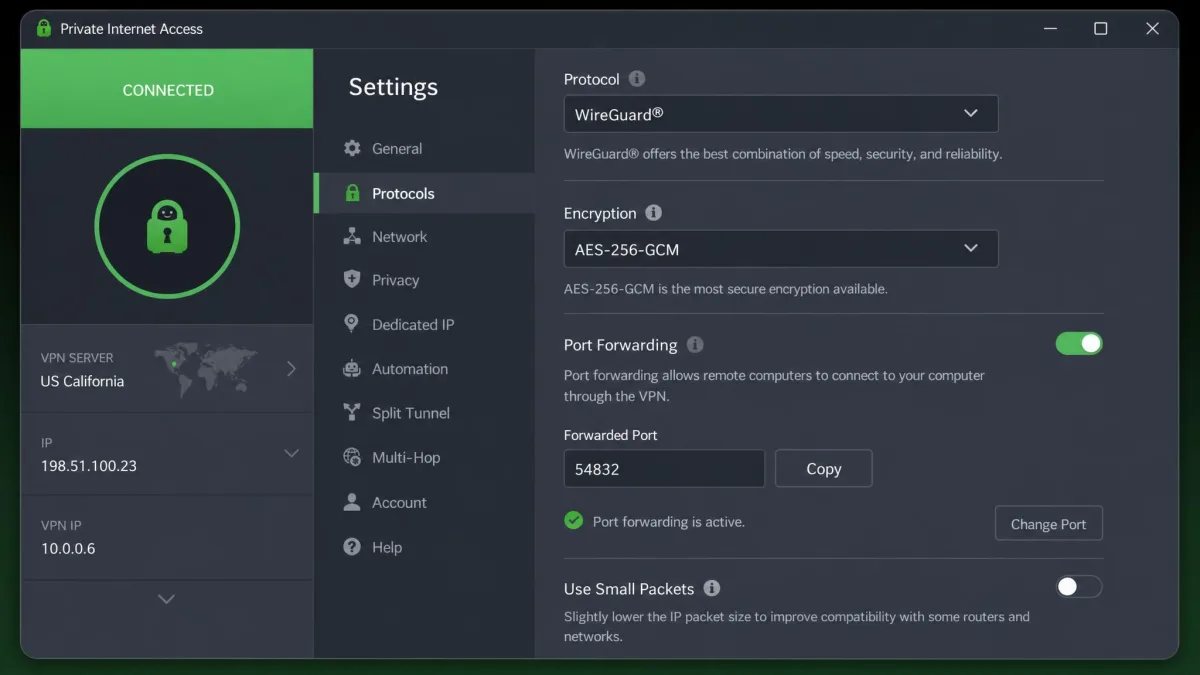
5. Private Internet Access - Best Budget Alternative
PIA scored 8.4/10 in our PIA review. It pairs unlimited simultaneous connections with a low long-term price, which makes it a strong value-for-money swap if you cover a whole household. PIA rotates its long-term deal length and bonus months, so the intro rate changes by date and region. At the time we checked, it was $11.95 for one month, $47.88 for a year, or $79 for 3 years plus 3 months (about $2.03 a month).
Speed loss was small in our testing: about 4% on local servers and 18% internationally. Mobile uploads were noticeably weaker at around 70% of baseline. Torrenting with port forwarding cost us about 4% of speed, but the forwarded port changes on every reconnect, and port forwarding isn't available on US servers.
PIA's apps are open source, it has servers in 91 countries plus all 50 US states, and its no-logs policy passed a third Deloitte audit in December 2025. Streaming is the weak spot. US and UK Netflix didn't unblock for us, and Disney+ and Hulu detected the VPN. The desktop app's long settings list can overwhelm beginners at first, but it becomes easy once you've tuned it.
Pros
- Unlimited devices at a low long-term price
- Port forwarding for torrenting
- Open-source apps and a Deloitte-audited no-logs policy
Cons
- Weak streaming results
- Auto-renewal is on by default
- Busy settings screen for beginners
6. Windscribe - Best Free Plan for Streaming
Windscribe also scored 8.5/10 in our Windscribe review. Its free plan gives you 10GB per month with a confirmed email (2GB without) and servers in 10 countries. Prime Video and BBC iPlayer unblocked on the first try, but Netflix needed several server switches. Keep in mind that the monthly data cap runs out fast if you stream a lot.
Pro costs $9 a month or $69 a year, and Build-A-Plan starts at $3 at $1 per location per month. Pro covers 69+ countries with unlimited devices. On US connections we kept about 91% of our download speed, while Singapore dropped to about 68 Mbps from 92 Mbps nearby. We saw no IP, DNS or WebRTC leaks in repeated tests.
The apps are open source on GitHub, and Windscribe passed a Packetlabs infrastructure audit in 2024, though it has no dedicated no-logs audit. The app interface is cluttered, with icons that confused us at first. The refund window is also short: 7 days on a first purchase with under 10GB used, so test a paid plan quickly. Windscribe is based in Canada, and its home country may change if Canada's Bill C-22 passes the Senate.
Pros
- Generous free plan with 10GB a month
- Unlimited devices on Pro
- Flexible Build-A-Plan pricing
Cons
- Netflix needs several server switches
- Cluttered interface
- Short 7-day refund window
7. Norton VPN - Best for Existing Security Suite Users
Norton VPN scored 7.5/10 in our Norton VPN review. It's the natural swap if you want a security company's VPN, like Malwarebytes, but with a bigger network. Norton runs about 2,000 servers, and the app installed easily and connected in a couple of seconds on nearby servers. It also comes bundled in Norton 360 plans.
The first year costs $39.99 for Standard, $49.99 for Plus and $59.99 for Ultimate. Renewal roughly doubles to $79.99, $109.99 and $129.99. Standard and Plus cover 5 devices and Ultimate covers 10, across Windows, macOS, Android and iOS, with no Linux or router app. Annual plans have a 60-day money-back guarantee, the same as Malwarebytes, and Norton offers 24/7 phone and live chat support.
Our results were mixed. Nearby downloads lost only about 10%, but uploads dropped sharply and latency climbed. Netflix unblocked, though not consistently. DNS and WebRTC leak tests stayed clean, but the kill switch didn't always hold during network interruptions, and it isn't on iOS.
Pros
- Easy setup and fast connections
- 24/7 phone and live chat support
- Bundles well with Norton 360
Cons
- Renewal price roughly doubles
- Kill switch did not always hold
- Large upload speed drops
Why Look for a Malwarebytes VPN Alternative?
Malwarebytes Privacy VPN is a good VPN for beginners, and our Malwarebytes VPN review gives it 6.4/10. It uses WireGuard with AES-256 encryption, runs on AzireVPN's diskless, RAM-only servers, and publishes annual transparency reports and a monthly warrant canary. In our testing, DNS, IP and WebRTC leak tests came back clean, and WireGuard reconnected quickly after sleep or a Wi-Fi-to-mobile handoff.
Its first independent review is a recent one. Malwarebytes' X41 D-Sec audit, announced in April 2026, found 14 vulnerabilities, including 2 critical ones scored CVSS 9.4 and 9.3, both tied to server setup and boot behavior. It found no evidence of user activity logging. At publication one remaining fix was still in progress, and its current status is not stated.
The reasons to switch are practical ones:
- Platforms: Malwarebytes supports Windows, macOS, Android and iOS, with no Linux, router or browser-extension apps.
- Protocols: it runs WireGuard only, with no OpenVPN or IKEv2 fallback.
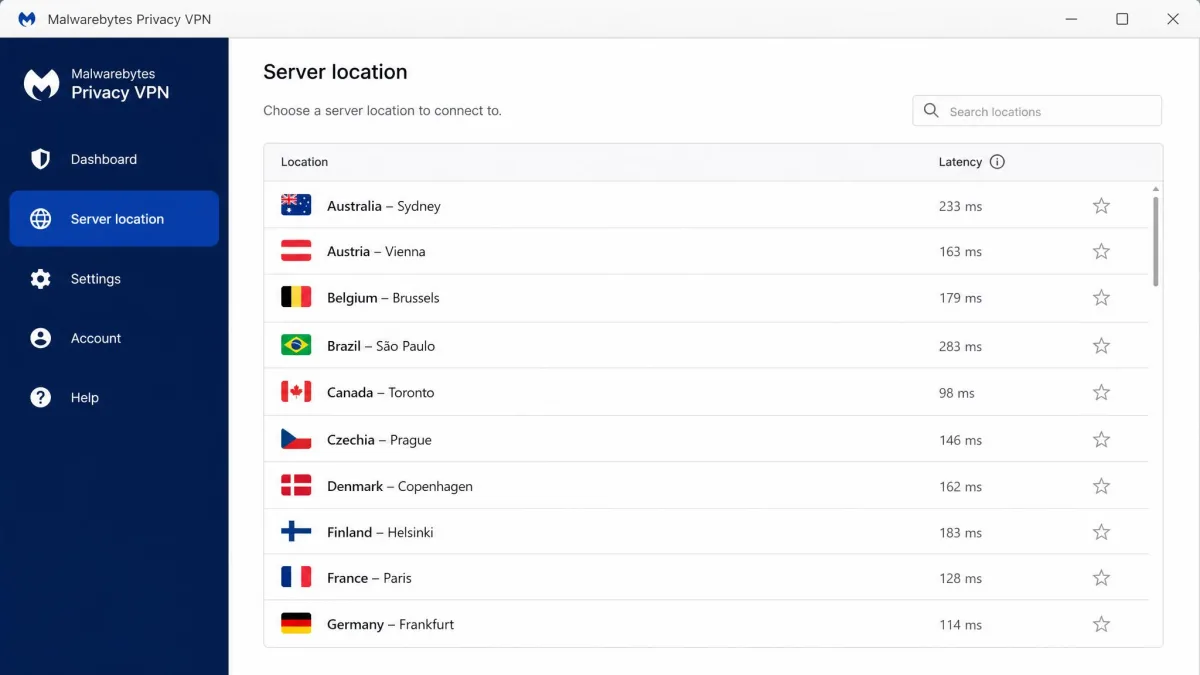
- Server choice: there's no fastest-server option, so picking a location felt like guesswork, and the small network felt congested at evening peak.
- Speed: far servers such as Australia and France cost us closer to 60% of our speed on fast lines.
Malwarebytes VPN vs the Alternatives: Features Compared
Servers and Speed
Malwarebytes moved its network to new infrastructure in 2025, so its published server and country counts disagree. Every alternative here offers a larger or clearer network. Surfshark lists 4,500+ servers in 100 countries, and Proton covers 140+ countries. For raw performance, NordVPN lost the least speed on nearby servers in our testing, followed closely by PIA and Mullvad.
Privacy, Encryption and No-Logs
All eight services use strong, modern encryption. Malwarebytes relies on AES-256, which marketing pages often call military-grade encryption. The bigger difference is proof. NordVPN, Surfshark and PIA have Deloitte no-logs assurance, Proton has annual Securitum audits, and Mullvad has more than ten audits. Malwarebytes' first audit was a security review of its servers and code rather than a dedicated no-logs audit.
Jurisdiction matters to some users too. Malwarebytes, PIA and Norton are based in the United States. Proton is Swiss, Mullvad is Swedish, NordVPN is in Panama and Surfshark is in the Netherlands.
The real gap between Malwarebytes and its rivals isn't encryption, since they all use strong ciphers. It's how much independent proof each one offers for its no-logs promise.
Streaming and Torrenting
Streaming is where Malwarebytes falls furthest behind. In some sessions Netflix unblocked in the US, Canada, UK and Australia. In others Netflix, Prime Video, Disney+ and HBO Max were all blocked, and only YouTube worked. NordVPN and Surfshark were the most dependable streamers we tested. For torrenting, PIA and Proton offer port forwarding, which Malwarebytes and Mullvad do not.
Platforms and Device Limits
Malwarebytes sells several device tiers and bundles, so the device ceiling depends on the plan bought. Surfshark, PIA and Windscribe remove the problem with unlimited devices. NordVPN and Proton each cover 10. Proton, Mullvad, NordVPN and PIA all support Linux, and Surfshark and Proton offer native TV apps.
If you run Linux or want the VPN on your router, rule out Malwarebytes and Norton first. Neither offers a Linux or router app.
Pricing
Malwarebytes costs $39.99 per year for 1 device, $59.99 for 5 devices and $99.99 for 10. Its 60-day money-back guarantee is generous, and we found the refund was honored without pushback. Surfshark ($2.49 a month on 2 years) and Proton ($2.99 a month on 2 years) undercut it on long plans while covering more devices. Proton and Windscribe are the only picks with free plans.
Should You Bundle a VPN With Antivirus?
An all-in-one security suite gives you one bill, one account and one app, and that brings some peace of mind. We found the Malwarebytes VPN offers the best value when it's bundled with Malwarebytes antivirus rather than bought standalone. Bundles also have drawbacks, though. The VPN is usually a smaller add-on, and you give up the network size and streaming support of a dedicated service.
If you want to keep everything under one roof, Surfshark One and Norton 360 are the two best bundles here. Our guide to the best antivirus with VPN compares more suites, and we cover Surfshark's add-on in detail in our look at Surfshark Antivirus. If malware protection is already handled, a standalone VPN such as NordVPN or Proton will usually give you more for the money.
How to Choose a Malwarebytes VPN Alternative
Start with the reason you're leaving Malwarebytes. If streaming is the issue, choose NordVPN or Surfshark. If you want to stop paying, choose Proton VPN's free plan, or Windscribe if you need a few extra countries and can live with a data cap. If privacy is your top concern, Mullvad's anonymous accounts are hard to beat.
Next, count your devices. A family with phones, laptops and a TV will get better value from Surfshark or PIA's unlimited connections. Finally, check the refund window. Windscribe gives you only 7 days, Mullvad 14, and most others 30.
Many VPNs advertise a low price for the first term only. Check the renewal rate before you pay, especially with Norton and Surfshark.
How We Tested These Alternatives
We ran every VPN here through the same checks we use in our full reviews, and each pick's score comes straight from its review. On our test machines we measured download and upload speed on nearby and distant servers, and we ran DNS, IP and WebRTC leak tests. We also tried Netflix and other streaming services from several regions, and we checked how kill switches behaved when the network dropped.
We then compared each service with Malwarebytes Privacy VPN on price, device limits, platforms, audits and ease of use, and we weighed refund terms and support quality.