
5 Best Apps to Monitor Your Child's Text Messages in 2026

If your child is glued to their phone late at night and you're worried about who's messaging them, the right monitoring app shows you what is happening in their texts before a small problem turns serious. Below are the five best apps to monitor your child's text messages in 2026, with the features, pricing, and trade-offs we found in testing them.
- The 5 Best Apps to Monitor Your Child's Text Messages
- Quick Comparison Table
- Why You Might Need to Monitor Your Child's Text Messages
- How to Choose the Best Monitoring App
- How to Set Up Text Monitoring on Your Child's Phone
- Is It Legal to Monitor Your Child's Text Messages?
- Frequently Asked Questions
- Conclusion
The 5 Best Apps to Monitor Your Child's Text Messages
We tested each app on iPhone and Android, installing all five on a dedicated pair of phones, sending a week of messages back and forth, and tracking what each dashboard captured.
1. mSpy – Best Overall
mSpy is our first recommendation, because it captures the widest range of messaging in an easy-to-read dashboard. We tested its headline claim by sending a text from the monitored Android phone, then immediately deleting the thread on the child device before opening the dashboard. The message was still there minutes later, logged with the recipient's name and a 9:42 p.m. timestamp. Deleting a text after the fact does not erase it from your view.
Key Features
mSpy covers SMS, iMessage, and major social apps, plus a keylogger, GPS geofencing, and invisible stealth mode. It runs on iOS and Android with no jailbreak or root for core monitoring.

Pros and Cons
Pros
- Captures SMS, iMessage, and major social apps
- Clean, beginner-friendly dashboard
- Shows messages even if deleted later
Cons
- Among the pricier options
- Some Android social capture needs root
- No free trial; limited refund
Pricing
mSpy's introductory pricing starts at $11.67/mo billed annually, rising to about $28.00/mo quarterly and $48.99/mo monthly. These intro rates renew higher after the first term, and the 14-day money-back guarantee is restricted to technical issues.
See mSpy Plans & Pricing2. uMobix – Best for Real-Time Social Monitoring
Where Bark only flags the worrying moments, uMobix shows you the live feed. On the Android test phone we posted a Snapchat story and traded a few Instagram DMs from the monitored device, then watched the dashboard populate: the Instagram thread appeared in roughly two to three minutes, with the Snapchat activity close behind. It was the fastest social refresh of any tool here, more a window you glance at during the day than a log you check at night.
Key Features
uMobix covers SMS, call logs, GPS tracking, and social monitoring, plus a keylogger, real-time screen updates, and deleted-content visibility. It runs on iOS through iCloud and on Android with no root.

Pros and Cons
Pros
- Frequent, real-time social updates
- Strong Instagram, Snapchat, and WhatsApp coverage
- No rooting needed on Android
Cons
- Pricing varies by platform and currency
- iOS setup can be fiddly
- Higher cost on short terms
Pricing
uMobix's Full plan starts from about $12.49/mo billed annually, with the monthly plan around $49.99/mo. uMobix runs separate Android and iOS price sheets, so confirm the exact rate for your child's device at checkout.
View uMobix Plans3. Eyezy – Best for Stealth
Unlike uMobix's steady live feed, Eyezy is built around quiet keyword alerts you set yourself. We tried it by adding "meet up" to the Magic Alerts list, then texting that exact phrase from the monitored phone. A notification arrived flagging the match and pointing us to the message and the contact it came from, all without anything visible appearing on the child device. That targeted firing is the appeal for parents watching for specific red flags rather than every thread.
Key Features
Eyezy covers SMS and social apps, plus a keylogger, GPS location, Magic Alerts keyword flags, and deleted-message visibility. It's mobile-only: the Premium plan can need jailbreak or root, while Ultra runs jailbreak-free.

Pros and Cons
Pros
- Quiet, stealth-focused monitoring
- Magic Alerts flag your chosen keywords
- Lowest annual entry price here
Cons
- Refund is conditional, with a processing fee
- Premium tier may need jailbreak/root
- Mobile-only, no desktop dashboard
Pricing
Eyezy's Premium plan starts at $7.99/mo billed annually, the cheapest entry point here, and runs $38.39/mo monthly. The quarterly plan lands somewhere around $22-28/mo depending on the source, so confirm it at checkout. Eyezy offers a 14-day money-back guarantee, but it's restricted: one refund per customer on the primary subscription only, with a roughly 9% processing fee withheld and exclusions like device incompatibility or a change of mind.
Explore Eyezy Features4. Bark – Best for Safety Alerts
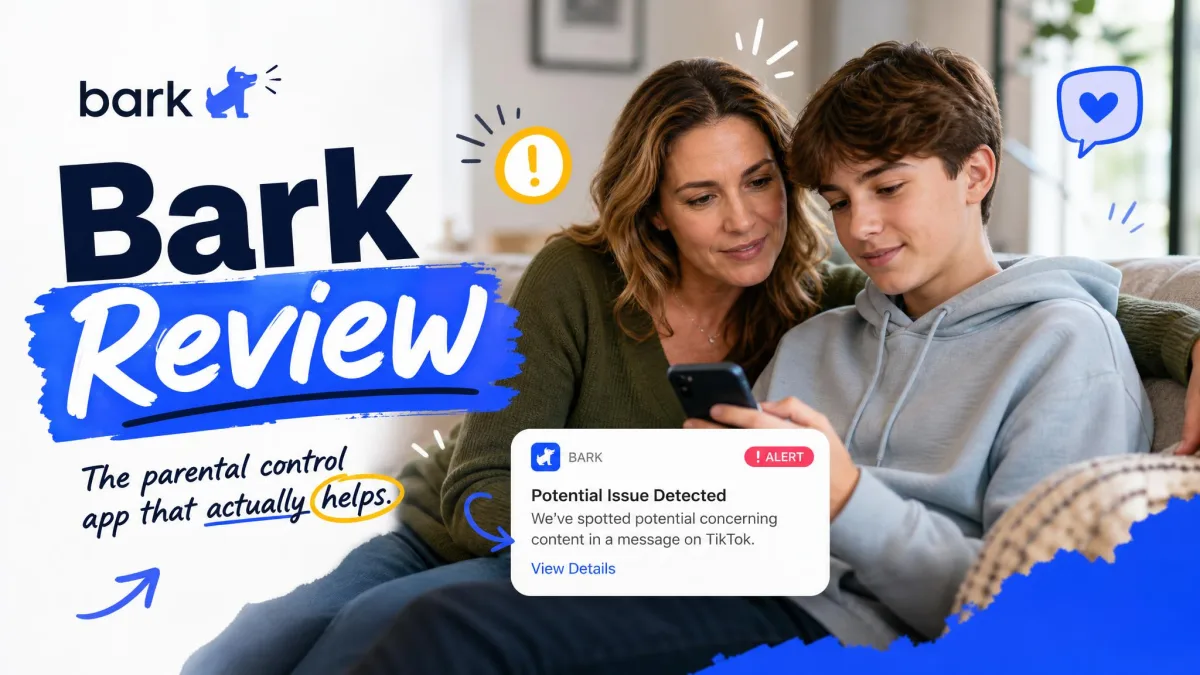
To see Bark's alerting in action, we staged a concerning message on the test phone, texting the monitored device the line "I can't tell my parents, I want to disappear." Within a couple of minutes a push notification landed on the parent phone flagging a possible self-harm concern, quoting the offending phrase. Bark never showed us the rest of the child's harmless chatter, which is the point: it stays quiet until something matters. That alert-first approach is what sets it apart from the spy-style tools above.
Key Features
Bark monitors text and iMessage content plus 30+ social apps, sending AI alerts for bullying, self-harm, predators, and explicit content. It also adds screen-time management, web filtering, and location tracking.

Pros and Cons
Pros
- AI alerts catch bullying, predators, and self-harm
- One Premium plan covers unlimited devices
- Less invasive than full message mirroring
Cons
- Not a stealth tool; your child can see it
- Doesn't show every message verbatim
- Text monitoring needs the Premium tier
Pricing
Bark Premium costs $14/mo or $99/yr (plus tax) and unlocks text and iMessage monitoring across unlimited devices. Bark Jr, at $5/mo or $49/yr, does not monitor texts, so you need Premium.
Start with Bark Premium5. Qustodio – Best Budget Option
Unlike the four spy-style tools above, Qustodio is transparent by design, and that shapes what it can capture. We confirmed its biggest limitation directly: on a test iPhone running the Complete plan, we sent several texts to the monitored device and checked the dashboard repeatedly over an afternoon. No SMS content ever appeared. On Android the same plan logged texts as expected, so the iOS gap is a deliberate platform limit, not a bug. iPhone parents hoping for message monitoring will need a different tool here.
Key Features
Qustodio covers web filtering, screen-time schedules, app blocking, location tracking, a 30-day activity history, YouTube monitoring, and AI alerts across phones and desktops. But its calls, SMS, and social monitoring work only on Android and only on the Complete plan, and it's visible to your child rather than hidden.

Pros and Cons
Pros
- Free tier to test before buying
- Broad controls across phones and desktops
- 30-day activity history
Cons
- SMS monitoring is Android-only, Complete plan
- No text capture on iPhone
- Not a stealth tool
Pricing
Qustodio's Small plan costs $54.95/yr for up to 5 devices, and the Complete plan you need for SMS monitoring costs $99.95/yr for unlimited devices, both annual-only. There's a 30-day money-back guarantee on direct purchases, plus a free tier to try the basics first.
Compare Qustodio PlansQuick Comparison Table
| Feature | mSpy | Eyezy | uMobix | Bark | Qustodio |
|---|---|---|---|---|---|
| Platforms (iOS / Android) | iOS & Android | iOS & Android | iOS & Android | iOS, Android, Fire, Chromebook | iOS, Android, desktop |
| SMS/text monitoring | Yes | Yes | Yes | Yes (Premium) | Yes (Android only, Complete) |
| Social & IM (WhatsApp/iMessage) | Yes | Yes | Yes | Yes (alerts, 30+ apps) | Android only |
| Stealth mode | Yes (invisible) | Yes | Yes | No (alert-based) | No (visible) |
| Deleted-message visibility | Yes | Yes | Yes | Partial (alerts) | No |
| Cheapest price | $11.67/mo (annual) | $7.99/mo (annual) | ~$12.49/mo (annual) | $14/mo or $99/yr | $54.95/yr |
| Free tier / trial | No (14-day refund) | No (restricted refund) | No | Limited free trial | Free tier available |
Why You Might Need to Monitor Your Child's Text Messages
Most of your child's social life runs through their phone, much of it in private messages you never see. Text threads and chat apps are where cyberbullying starts and strangers slip in, and a monitoring app gives you a window into that world.

How to Choose the Best Monitoring App
For a full view of SMS, iMessage, and social chats, a spy-style app like mSpy, Eyezy, or uMobix captures the most. Bark filters for you and alerts only on genuine risks. Compatibility also matters: uMobix monitors iOS only through iCloud, and Qustodio offers no text capture on iPhone at all. Decide too whether you want stealth or an open setup, and keep your dashboard behind a strong password, pairing it with Google Play Protect.
How to Set Up Text Monitoring on Your Child's Phone
Setup varies by app, but the flow is the same: choose your plan, create an account, and take a few minutes alone with your child's phone. On Android, open the installer link in the browser and grant accessibility access so the app can read messages; on iPhone, many tools work through iCloud, so sign in with your child's Apple ID in the dashboard. If you also want Apple's built-in Screen Time limits running alongside, set those up first from Settings > Screen Time. Once installed, send a test text and confirm it appears in your dashboard before relying on it.

Is It Legal to Monitor Your Child's Text Messages?
In the United States, parents generally have the legal right to monitor the devices of their own minor children. Because you typically own the phone and your child is under 18, it's usually lawful, though details vary by state.
Experts often recommend being honest about monitoring when possible: telling your teen that you have visibility, and why, can keep them safer than secrecy.
Frequently Asked Questions
Do I need to jailbreak or root the phone?
Usually not. mSpy, uMobix, and Eyezy's Ultra plan run their core monitoring without a jailbreak or root, and uMobix even handles iPhones through iCloud with no install at all. The catch is at the edges: some advanced Android social capture on mSpy, and several features on Eyezy's Premium tier, can still require root.
Will a factory reset or app update remove the monitoring?
A factory reset wipes everything, including the monitoring app, so you'd need to reinstall afterward. Major OS updates can also break a stealth app's permissions until you re-grant them, so confirm your dashboard is still syncing after any big update.
Can I monitor a phone I don't own or a child over 18?
This is where the legal footing changes. Monitoring an adult, including your own child once they turn 18, or a device you don't own can require consent and may be illegal without it. The clear-cut case is a minor child on a phone you own; outside that, check your local laws first.
Are there any free apps to monitor text messages?
Truly free, full-featured monitoring is rare. Qustodio offers a free tier and Bark a limited trial, but capturing SMS and social messages generally requires a paid plan.
Can I see deleted messages and social media chats?
Often, yes. mSpy, Eyezy, and uMobix log messages as they arrive, so they show chats even if your child later deletes them.
Conclusion
After testing all five, mSpy is our top pick: it captures the most across iOS and Android in the clearest dashboard. If you want alerts only for real risks, Bark is the most reassuring, and on a budget, Eyezy's annual plan is the cheapest way in. Whichever you choose, pairing the app with open conversations is what keeps your kids safe.
Get Started with mSpy
 Bark Review
 See Your Kid's Text Messages
 Parental Monitoring Apps for Android
 Parental Monitoring App for iPhone
 Get Child's Texts on Phone
 Best Android Monitoring Apps