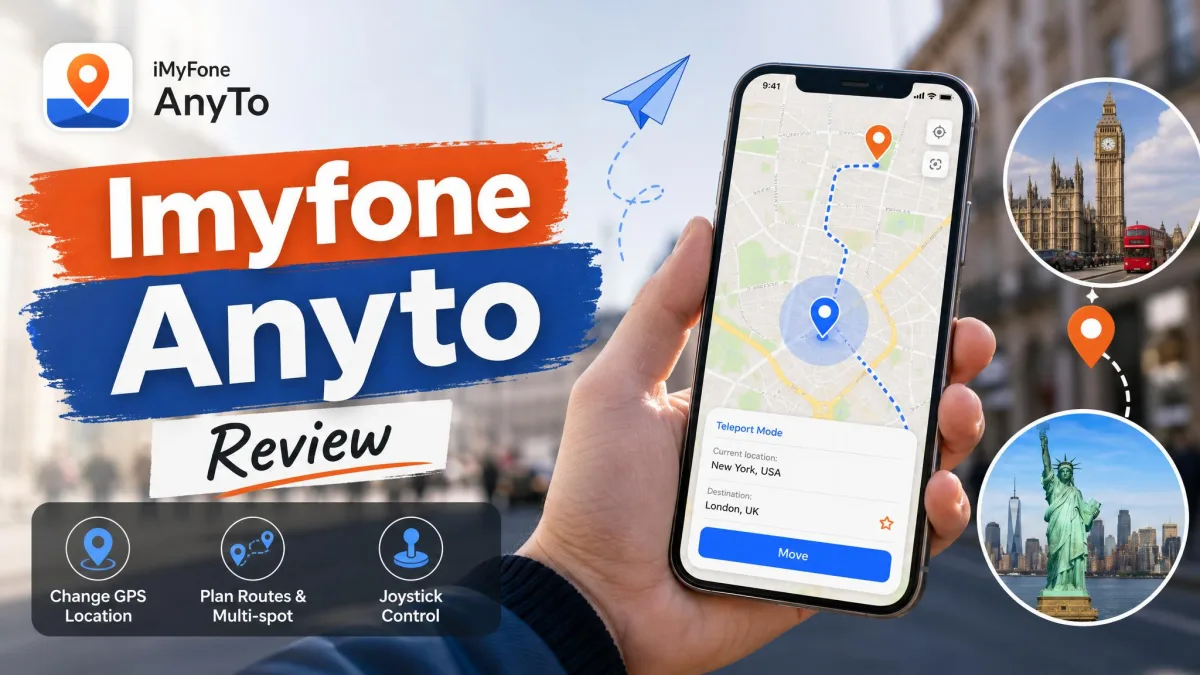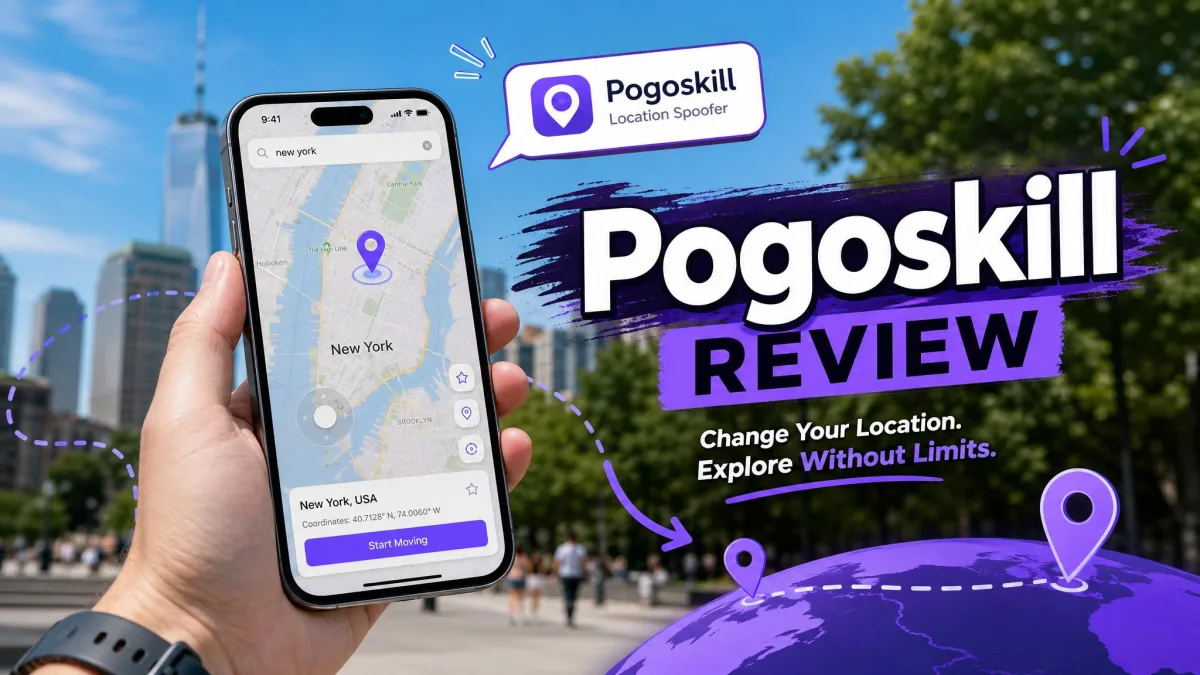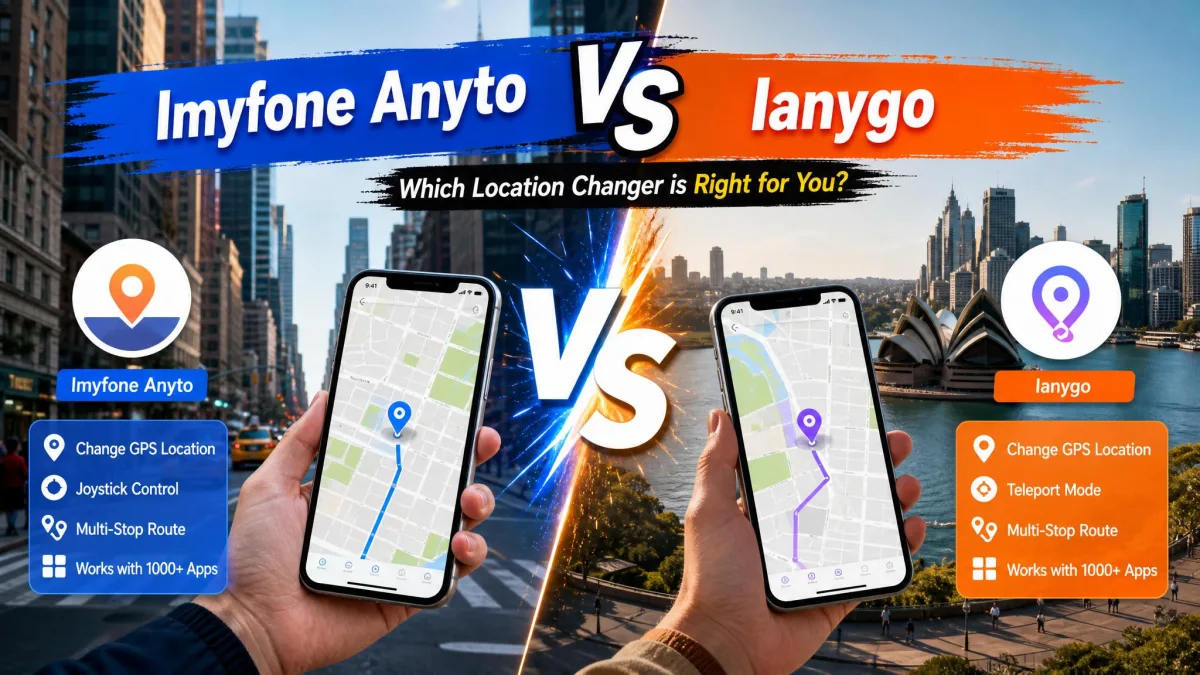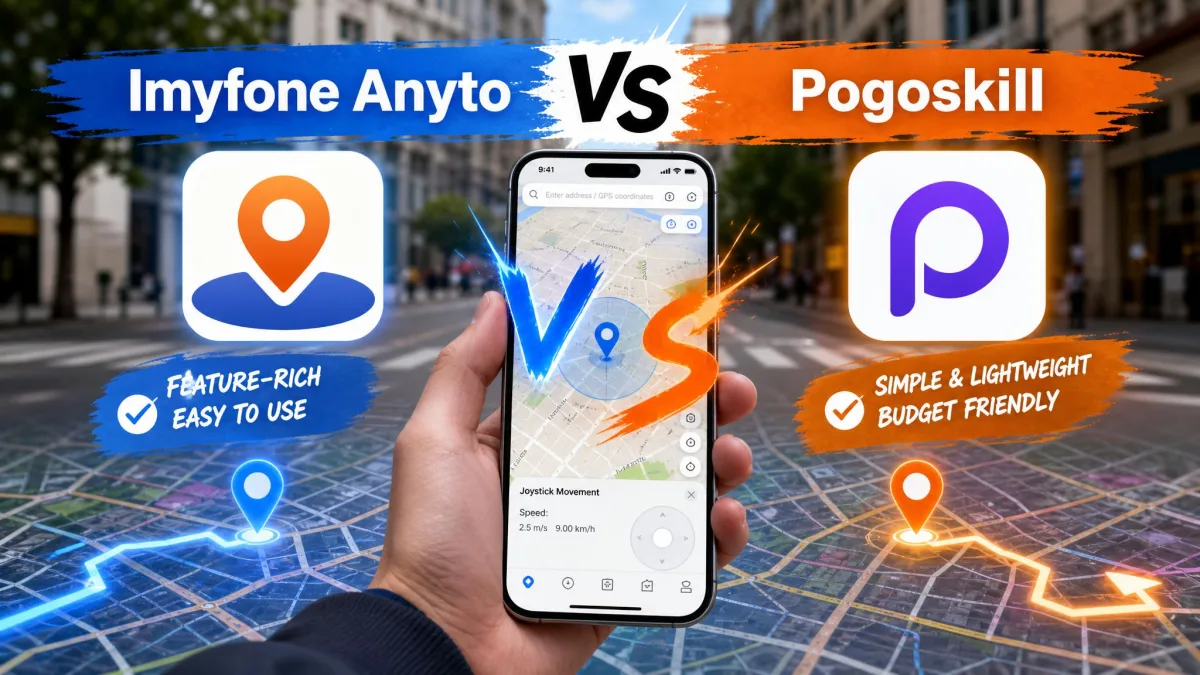
Apple keeps a tight grip on the iPhone's GPS. The operating system decides what apps can see about your location, and a VPN changes none of that. When you want your phone to appear somewhere it is not, a location changer is the only real route. iMyFone AnyTo and PoGoskill are the two most popular options, and both move your on-screen location anywhere in the world in a few clicks.
We tested both tools on an iPhone and an Android phone, with a Windows PC handling the desktop side of the setup. The results are closer than the marketing suggests. AnyTo leans on a desktop-anchored workflow and a free trial you can actually learn from. PoGoskill counters with Wi-Fi connections and a faster support reputation. Both are GPS spoofers at heart, which means both carry real ban risk. We will walk through the differences, then tell you which one we would buy.
GPS spoofing feeds a fake location to your phone's apps, so a game or a dating app sees you somewhere you are not. Most location-based apps forbid it in their terms of service, and games like Pokémon GO treat it as cheating.
What Is iMyFone AnyTo?
iMyFone AnyTo is a desktop-and-mobile location changer from iMyFone Technology, a Shenzhen company founded in May 2015. It changes the GPS position of an iPhone or Android phone without a jailbreak or root, and it works with location apps, games and tracking tools. The official page lists support for iOS 5 and up, including the iOS 27 Beta, Android 6.0 and up through Android 17, plus Windows 11, 10, 8 and 7 and macOS 10.9 through 14.
Key Features
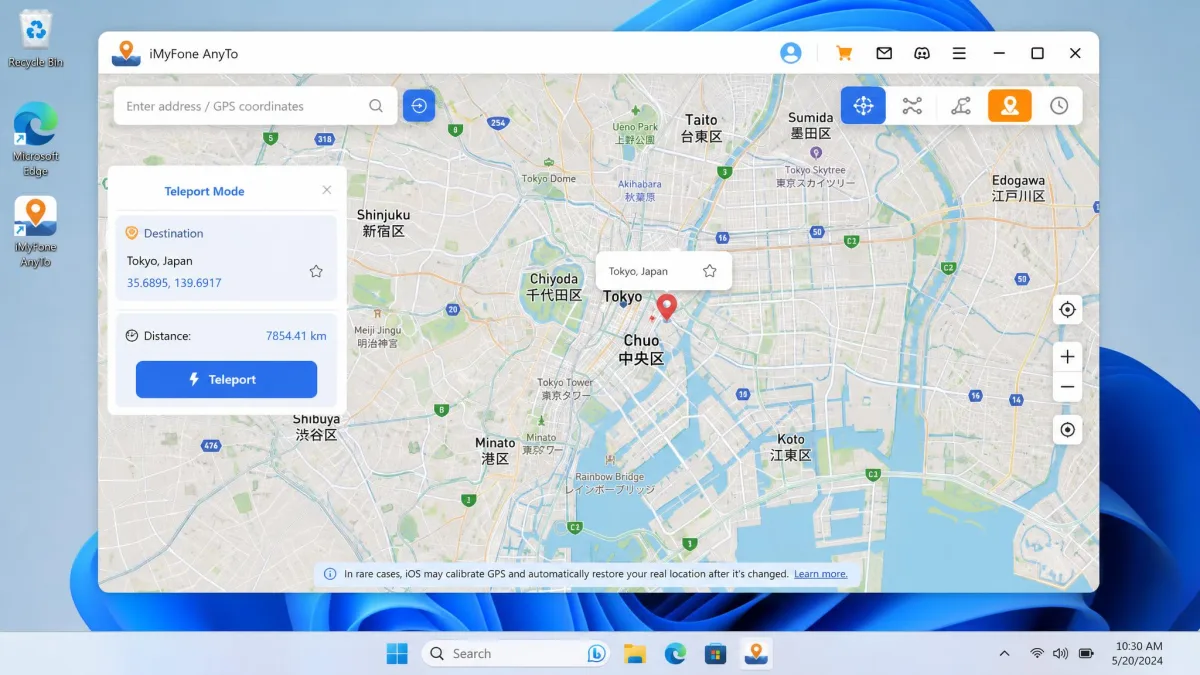
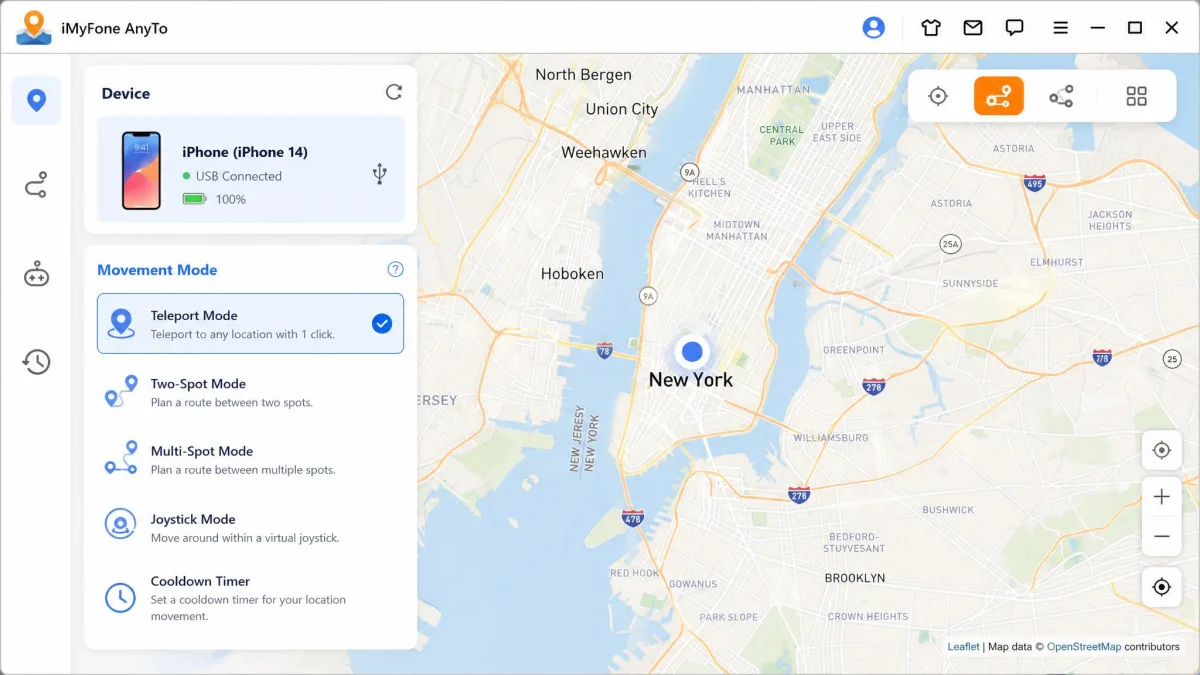
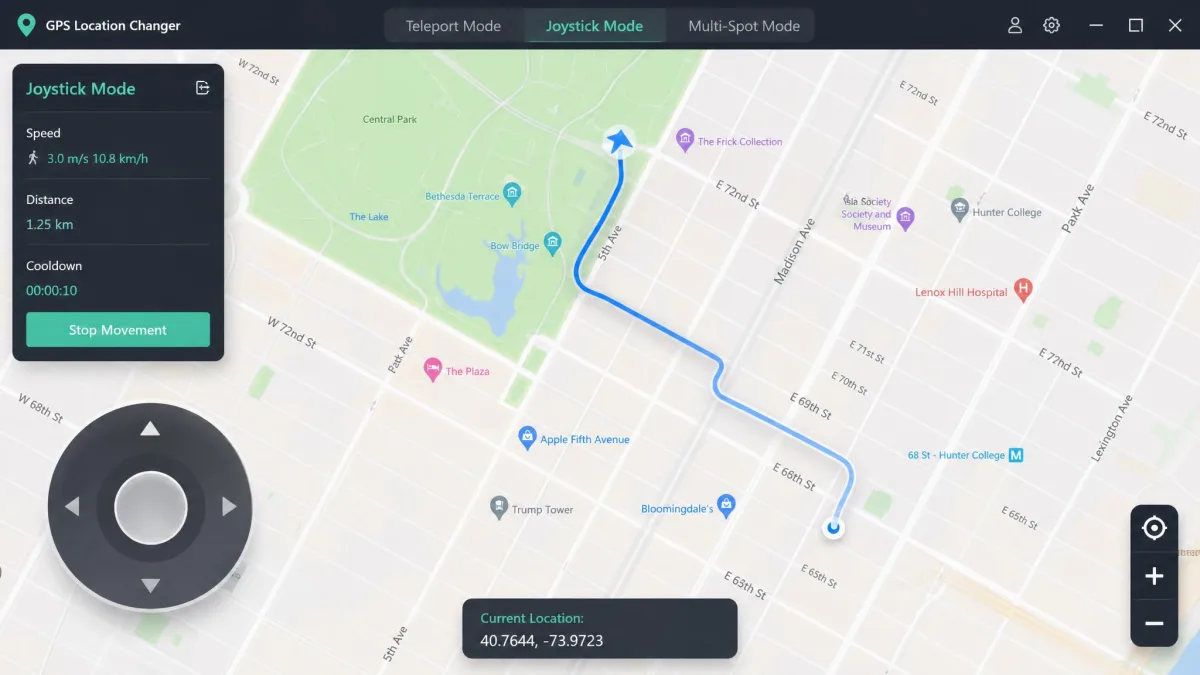
The headline feature is Teleport Mode, a one-click jump to any point on the map. Two-Spot Mode bounces between two locations, Multi-Spot chains several together, and Joystick Mode gives 360-degree control at dynamic speeds from 3.6 to 120 km/h. AnyTo imports and exports GPX routes, saves favorites, keeps a cooldown timer and stores routes in the cloud. The iGo companion app runs on a single iPhone with no PC attached. Pokémon GO and Monster Hunter Now players get Pro-Gamer tools like a cooling timer, an auto catcher, an IV scanner and PoGo maps. iMyFone lists compatibility with 7,635 location apps, a vendor figure we would treat with caution.
Pricing & Free Trial
Published third-party prices cluster around $9.95 a month, $19.95 a quarter, $39.95 a year and $59.95 lifetime. The official page runs heavy rotating promos; a 2026 snapshot showed about $10 a quarter, $20 a year and $30 lifetime, while other reviews list $14.99 a month. Prices differ by edition and region, so the figure depends on when and where you buy. VIP binds up to 5 devices, SVIP up to 10 with the iGo app included, and Business covers company use. Subscriptions auto-renew and cancel any time. The free trial caps each teleport mode at one use and the joystick at 15 minutes, with cooldown, favorites and GPX import and export locked. Some walkthroughs count 5 free teleports, so the cap varies by version. Every purchase carries a 30-day money-back guarantee, plus free lifetime updates and free tech support.
What Users Say
The Android app on Google Play sits around 2.6 to 2.9 out of 5 from roughly 3,800 ratings, with a large one-star block, and the paywall lands before you can properly evaluate the free version. We teleported to a new spot on the Android build, and while the map inside AnyTo updated to it, the location-based apps beside it kept showing our real position. We also saw the joystick get stuck mid-session, which stops movement on the map. On iPhone, iOS occasionally recalibrates and pulls the location back to the real spot, and movement can lag behind the map while moving.
What Is PoGoskill?
Where AnyTo leans on its desktop suite, PoGoskill packages the same core job more lightly. The apps run on iPhone, Android, Windows and macOS, with USB or Wi-Fi connections on both phone platforms. PoGoskill has been on Google Play since November 2023 and shows more than 100,000 installs there. You can grab PoGoskill on Google Play for the Android build.
Key Features
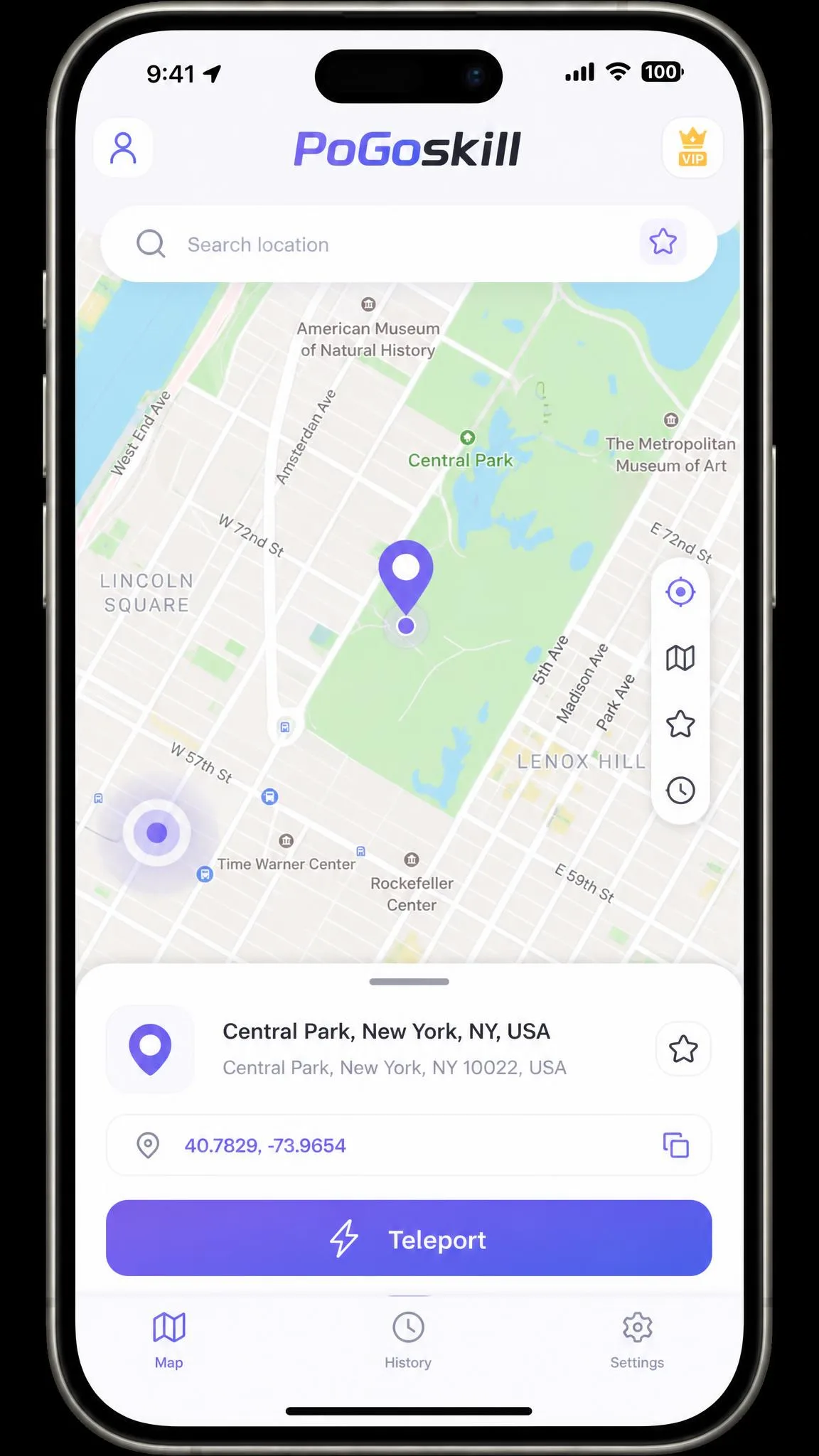
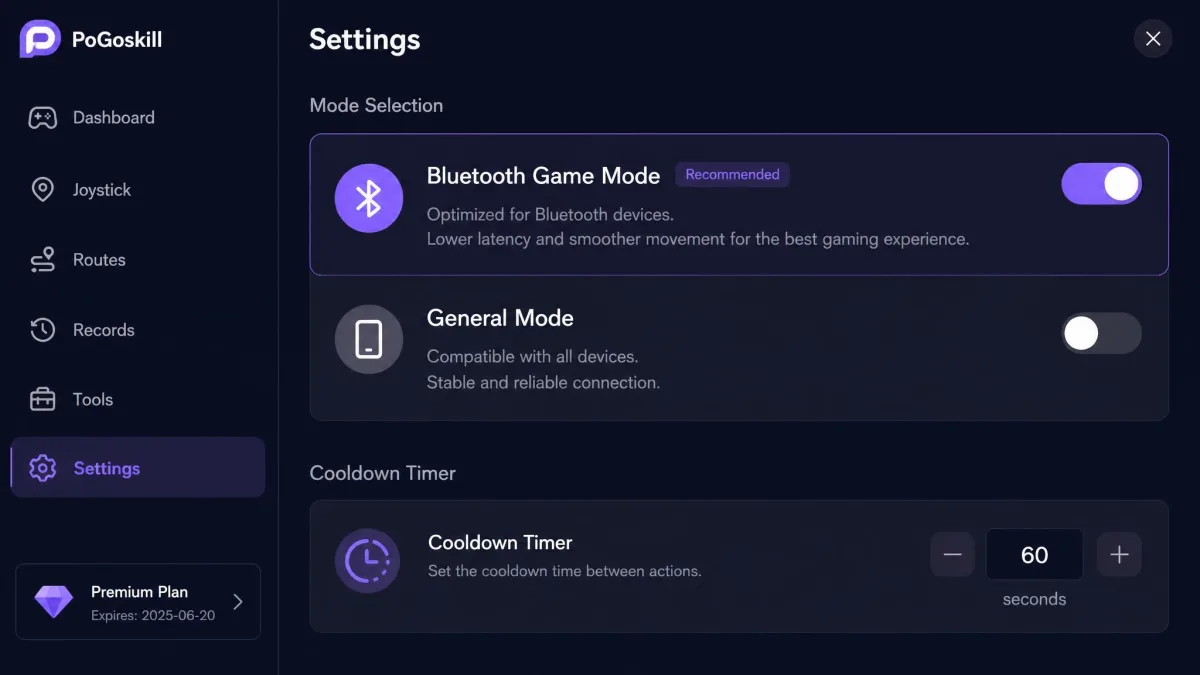
The movement modes mirror AnyTo's: Teleport, Joystick, Two-Spot and Multi-Spot, with GPX import and export, favorites, historical records and a cooldown timer. Speed presets cover walking, cycling and driving. A Bluetooth Game Mode sits beside General Mode for games that fight spoofing, and the app adds a PokéStops and Gyms scanner, a D-Max Pokémon mode and a Team Go Rocket mode. Beyond Pokémon GO and Monster Hunter Now, PoGoskill lists support for Minecraft Earth, Ingress and Pikmin Bloom, plus social, dating and navigation apps. No modded game files are involved, and the PoGo Wizard and MHN Wizard tools handle location errors in the two big games.
Pricing & Free Trial
The iOS app costs $14.99 a month per device, $39.99 a quarter, $79.99 a year or $99.99 lifetime. The PC version runs $19.95 a quarter, and the Android app is $6.99 a week on the current official site. Prices differ by edition and device count. The official free offer is one hour of use, positioned as a device compatibility check; GPX import and export and route history clearing unlock only with purchase. A third-party comparison lists a 7-day free trial, so the window differs by source. The refund policy runs 30 days but conditional: technical problems that survive troubleshooting qualify, as do duplicate or wrong purchases. Change of mind, feature misunderstandings and missed auto-renewal cancellations do not.
What Users Say
Trustpilot rates pogoskill.com 4.7 out of 5 as Excellent, the strongest public score in this comparison. Reviews there repeatedly name a support agent, Serena, and praise response speed. The Google Play build tells a rougher story: roughly 2.25 to 2.7 out of 5 from about 1,100 ratings, with core features sitting behind a paywall after a free download. The dominant complaint is that the trial cannot be evaluated without paying. On iPhone, we watched the spoofed location reset and jump back to the real spot. We dropped a pin and teleported, and the app showed the new position until the map snapped back to our real address on its own. The vendor's own support pages document exactly this behavior and blame Bluetooth-mode instability, DNS settings and recent iOS updates. Refund requests get refused even in technical disputes, and subscription cancellations have billed an extra month.
How to Use iMyFone AnyTo and PoGoskill
Both tools follow the same shape: connect the phone, pick a location, then move. The details differ in ways that matter.
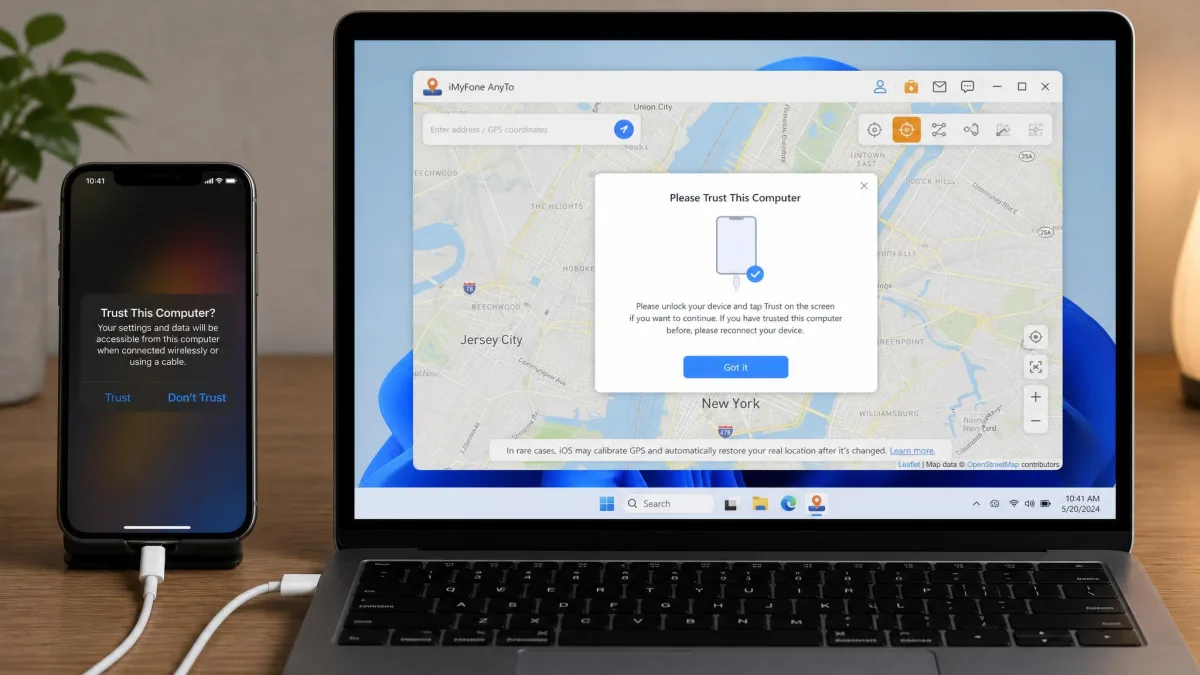
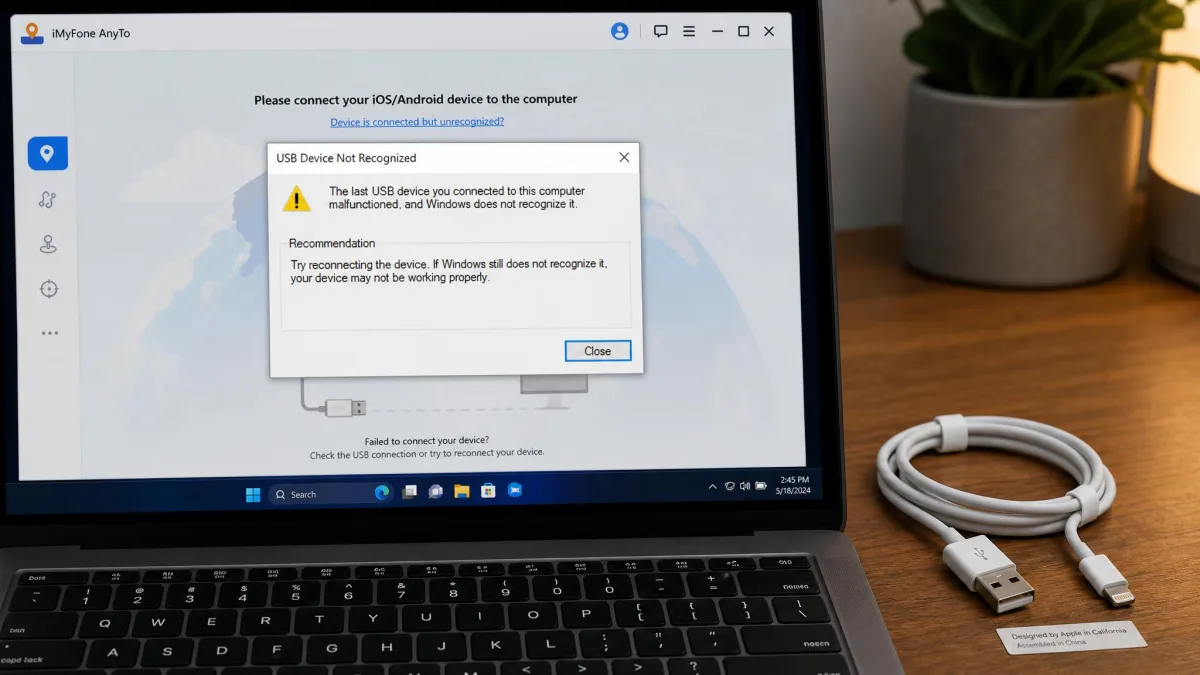
For AnyTo on iPhone, install the desktop app first. Connect the phone with an original USB cable and tap Trust when the prompt appears, because a non-genuine cable will not connect. Pick a spot on the map and use the one-click Teleport, or switch to the joystick for continuous movement. Want no PC involved? The iGo app handles a single iPhone over a stable Wi-Fi connection, and Android users can install the standalone app directly with no device limit.
For PoGoskill, install the app on the phone and choose USB or Wi-Fi. Some device setups still need a desktop connection during configuration. Select a location, then teleport or drive with the joystick. For Pokémon GO, switch to Bluetooth Game Mode before catching anything, since the vendor targets the Error 12 failure through this mode.
Head-to-Head: iMyFone AnyTo vs. PoGoskill
Side by side, the two tools are closer than their pricing suggests. The differences that matter sit in the connection, the trial and the risk profile.
| Feature | iMyFone AnyTo | PoGoskill |
|---|---|---|
| Price | From $9.95/month; promos near $10/quarter; lifetime $59.95–$119.99 | iOS $14.99/month; PC $19.95/quarter; Android $6.99/week; lifetime $99.99 |
| Free-trial limits | Each teleport mode once; joystick 15 minutes (some sources: 5 teleports) | One hour of free use (some sources: 7-day trial) |
| Supported OS | iOS 5+ (iOS 27 Beta), Android 6.0+, Windows, macOS | iOS 12.5–26, Android 4–16, Windows, macOS 10.13–13 |
| Connection method | USB to PC for iPhone; Wi-Fi for iGo; Bluetooth listed | USB or Wi-Fi on both platforms |
| Movement modes | Teleport (1-click), joystick, two-spot, multi-spot, GPX | Teleport, joystick, two-spot, multi-spot, GPX |
| Anti-detection | Cooldown timer, realistic movement, GPS jitter (0% ban rate claimed by vendor) | Cooldown timer, Bluetooth Game Mode, Error 12 fix (0-ban experience claimed by vendor) |
| Simultaneous devices | Up to 10 on PC/Mac (SVIP; VIP binds 5) | Up to 15 (official; some pages say 5) |
| Game optimization | Pokémon GO + Monster Hunter Now; cooling timer, auto catcher, IV scanner, PoGo maps | Pokémon GO + MHN + more; PoGo Wizard, MHN Wizard, D-Max, Team Go Rocket modes |
| Customer support | Email, 30-day refund, free lifetime updates | Trustpilot 4.7/5, named agent, 30-day conditional refund |
Ease of Use & Setup
AnyTo's setup is a patience test on iPhone. The cable must be an original, the PC app must see the phone, and antivirus or firewall software can block the map from loading entirely. We hit the cable problem first and the map problem second, before the connection finally held. After that, the workflow is smooth. PoGoskill skips most of that friction. The Wi-Fi path removes the cable step entirely. The trade-off is configuration sensitivity: Game Mode fails with Error 12 until the settings are right.
Supported Devices & Connection Methods
AnyTo supports iOS 5 and up, including the iOS 27 Beta, Android 6.0 and up through Android 17, Windows 11, 10, 8 and 7, and macOS 10.9 through 14. The official page lists Bluetooth, Wi-Fi and USB, but the iPhone workflow in practice is USB to a PC, with Wi-Fi reserved for the iGo companion. PoGoskill covers iOS 12.5 through iOS 26, from the iPhone 5s to the iPhone 17 series, and Android 4 through Android 16, with Windows 11 down to XP and macOS 10.13 through 13. For multiple devices, AnyTo manages up to 10 at once on the SVIP tier, with VIP binding 5. PoGoskill's official site says 15, though its own JP editorial page says 5, so the count depends on the plan.
Movement Modes & Anti-Detection
Both tools ship the same four movement modes: teleport, joystick, two-spot and multi-spot, plus GPX routes. AnyTo adds dynamic speed control, coordinate input and cloud-saved routes. PoGoskill counters with speed presets, a Bluetooth Game Mode and game-specific extras like the D-Max and Team Go Rocket modes. Both vendors claim a 0% ban rate, iMyFone for AnyTo and PoGoskill with its 0-ban marketing. Treat those as marketing. A ban wave after July 2025 caught spoofing methods that were previously considered reliable, and independent guides agree no tool is ban-proof. Spoofing violates the terms of service of most location games, and careful play reduces but never removes the risk. We watched iOS recalibrate and pull the location back on both tools, and AnyTo showed movement lag during longer joystick sessions.
Move at realistic speeds and respect the cooldown timer between teleports. A 400 km jump followed by an instant catch is the fastest way to look like a bot, so test with a spare account if the one you use matters.
Pricing & Value
On published numbers, AnyTo undercuts PoGoskill. AnyTo's $9.95-a-month entry and $59.95 lifetime pricing compare with PoGoskill's $14.99 a month and $99.99 lifetime, and its promo rotations push the gap wider. The free trials tell a similar story. AnyTo lets you teleport once per mode and run the joystick for 15 minutes, which is enough to feel the workflow. PoGoskill's one hour works better as a compatibility check. Both refund policies run 30 days, but AnyTo's is unconditional while PoGoskill's excludes change of mind and missed cancellations.

Customer Support
AnyTo's support is email-based, backed by the 30-day guarantee and free lifetime updates. It is standard, and we found nothing remarkable either way. PoGoskill's support is the more talked-about one. Trustpilot reviews consistently name agent Serena and praise response speed, and the longest-standing reviews describe years of ban-free play on the lifetime plan. The flip side appears in the same reviews: replies can pass the promised 24-hour window, refund requests get refused in technical disputes, and cancellations have billed an extra month. After major game updates, both tools can stop working until the vendor ships a new build, and PoGoskill's Asia-based support team sometimes sleeps through Western event windows.
Top Alternatives to Consider
If neither tool feels right, the category is full of near-twins. Start with our iMyFone AnyTo review and PoGoskill review for the deep dives, then compare the challengers: FonesGo vs iMyFone AnyTo, iMoveGo vs iMyFone AnyTo, MockGo vs iMyFone AnyTo, MocPOGO vs iMyFone AnyTo and PoKeep vs iMyFone AnyTo. On the PoGoskill side, FonesGo vs PoGoskill and iMoveGo vs PoGoskill cover the closest competition. Tenorshare iAnyGo is the heavyweight rival with the same PC-and-phone model, and iLocGo and EaseUS MobiAnyGo round out the usual shortlist. Every one of them carries the same spoofing rules warning.
Pros and Cons
iMyFone AnyTo Pros and Cons
AnyTo's strengths are the things you feel in the first session. Its weaknesses live in the setup and the storefront.
Pros: The free trial demonstrates the real workflow. The PC suite is the most complete in this comparison. The refund terms are the cleanest of the two.
Cons: Setup demands an original USB cable and some patience. Antivirus and firewall software can block the map. Pricing hides behind rotating promos.
PoGoskill Pros and Cons
PoGoskill wins the convenience argument and loses the value argument.
Pros: The Wi-Fi connection means an iPhone never needs a cable. The game list goes beyond Pokémon GO and Monster Hunter Now. Support has the stronger public record.
Cons: The free hour reads as a compatibility check, not a trial. The monthly iOS price is the higher of the two. Refunds are conditional, and cancellations have billed extra months.
Which Should You Choose?
If your workflow starts at a PC, AnyTo fits better. If your iPhone should never touch a cable, PoGoskill's Wi-Fi path is the one to pick. Android-first users get a fair deal from both, with PoGoskill's weekly price as the cheaper short-term entry. The honest note applies to everyone: neither tool protects you from a ban. Start with the free windows, decide which workflow suits you, then buy.
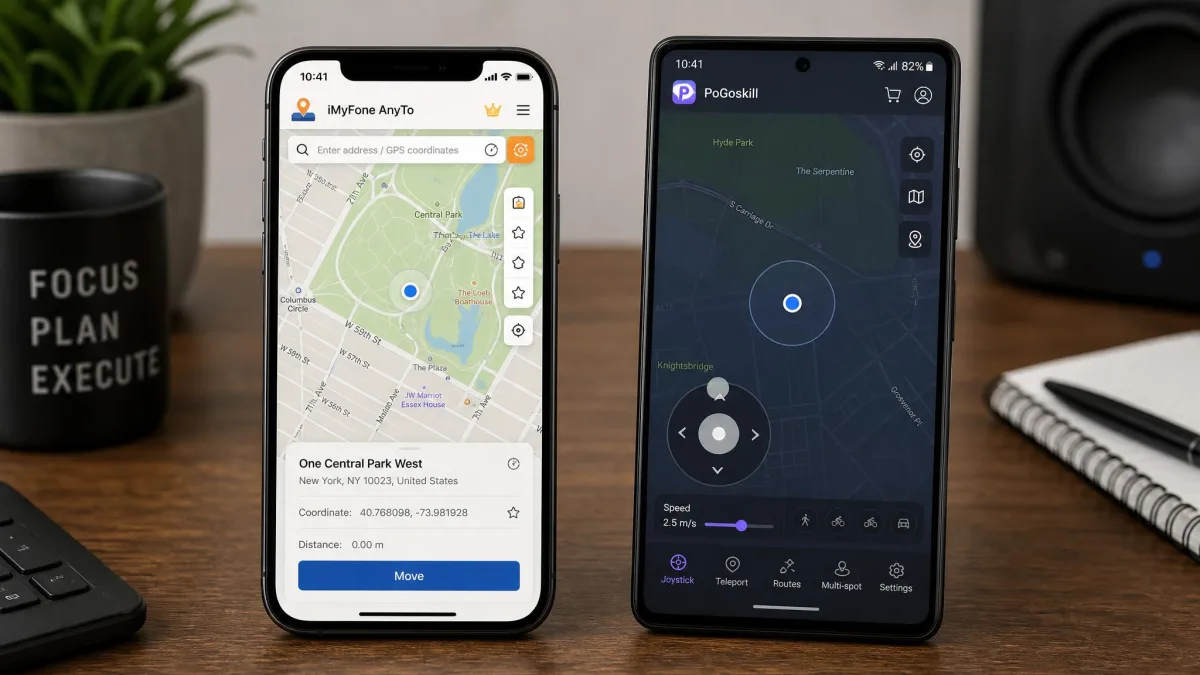
Quick Verdict: AnyTo vs. PoGoskill
Frequently Asked Questions
Is iMyFone AnyTo safe to install?
Can Apple or apps detect GPS spoofing?
Do I need a computer or a jailbreak or root?
Is spoofing in Pokémon GO likely to get my account banned?
Which free trial actually lets you test the tool?
Why won't my device connect or the map load?
Verdict: The Bottom Line
AnyTo is the better all-round buy, and PoGoskill is the better convenience pick. Neither claim comes with safety guarantees, because no GPS spoofer has any. Treat the free windows as mandatory, check the current promo price before you pay, and never spoof on an account you cannot afford to lose. A lifetime licence makes sense if you plan to spoof long-term; otherwise the cheapest plan that covers your devices is the right one. We ran both tools, we would hand money to AnyTo today, and we would keep PoGoskill in mind for the day we need a Wi-Fi-only setup.