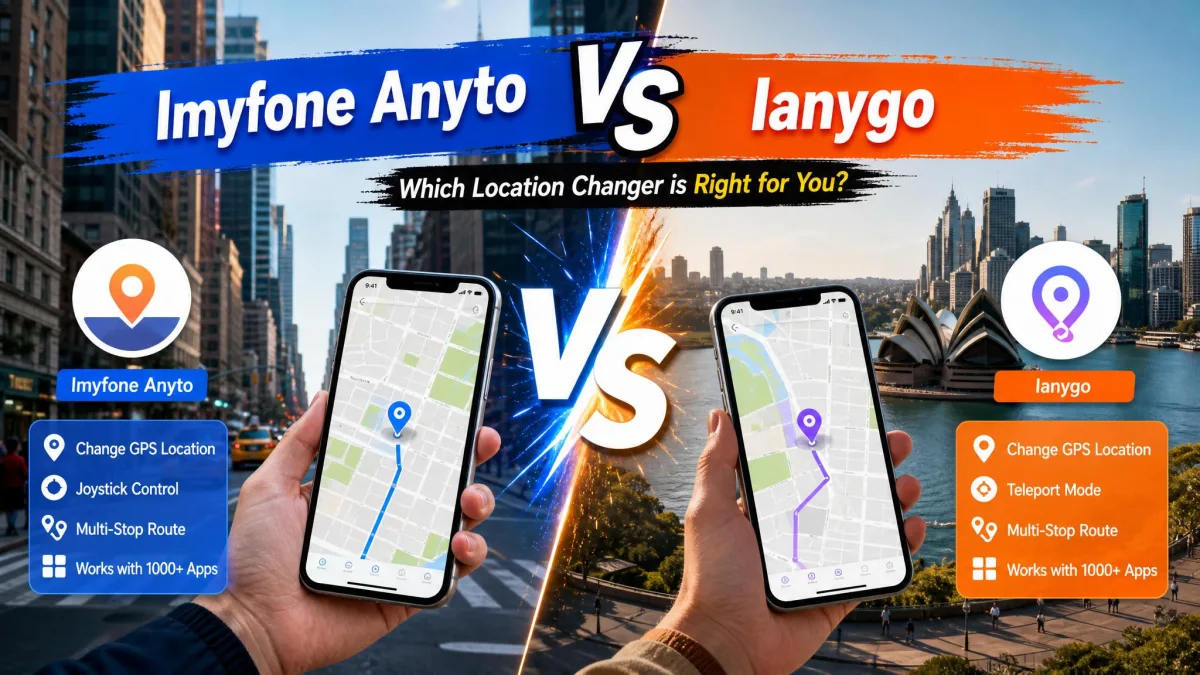
iMyFone AnyTo and Tenorshare iAnyGo are GPS location changer apps that fake or simulate a phone's location on iPhone and Android. People use them to teleport in Pokemon Go, check dating apps from another city, and hide their real position from location-sharing apps. Both come with promises of zero ban risk, and that claim deserves the closest look.
We scored both tools on pricing, Pokemon Go compatibility, movement features, and platform support. We tested both on iPhone and Android through the desktop clients, and we tracked the Pokemon Go spoofing community's reports of strikes, bans, and workarounds. One tool came out ahead for most people, with a narrow case where the other fits better.
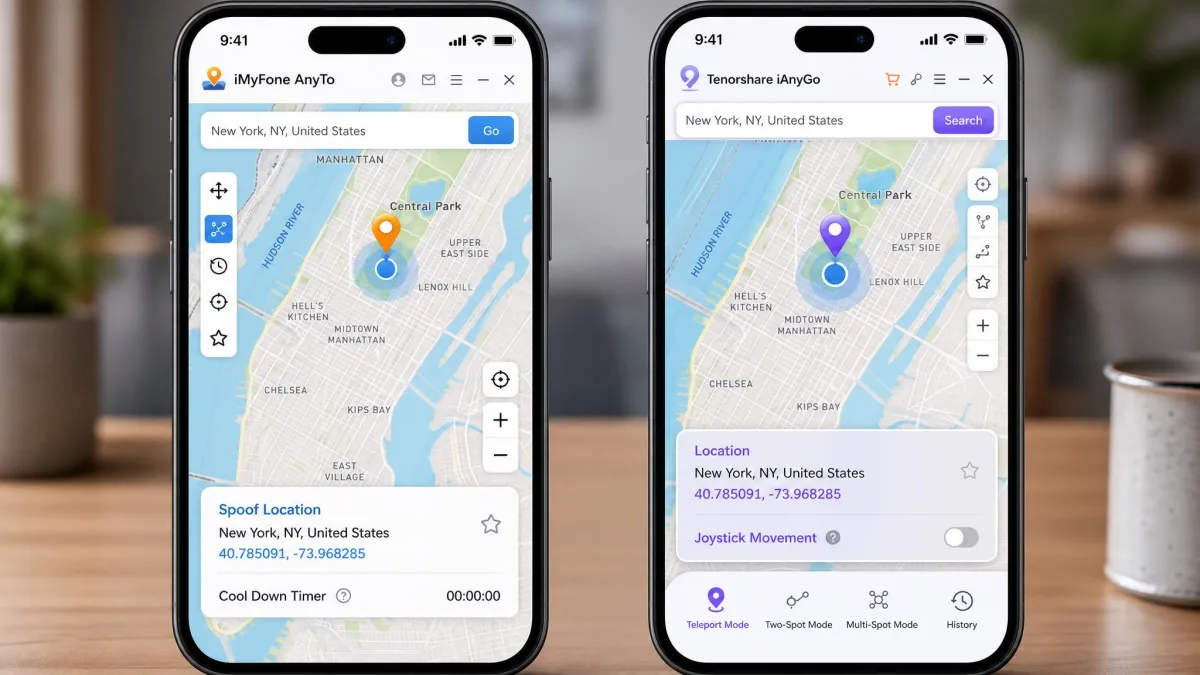
What Is iMyFone AnyTo?
iMyFone AnyTo is the location changer from iMyFone, a Shenzhen-based company founded in 2015. It supports iOS 5 and up, Android 6.0 and up, and desktop clients for Windows and macOS, connecting over USB, Bluetooth, or Wi-Fi. It works without a jailbreak or root.
In our testing, we put AnyTo through rapid location switches on a test iPhone connected to the desktop client. Switching locations back to back across several map points, the app froze mid-run and needed a restart before it would respond again. A later session hit a separate issue: after an iOS update landed on the phone, the location change stopped working until iMyFone shipped a matching update, which is why we would not call the app fully reliable yet.
iMyFone AnyTo Key Features
- One-click teleport with instant reset to the real GPS position
- Two-Spot and Multi-Spot routes with GPX import and export
- Pokemon Go extras, including an auto catcher, IV scanner, and Pokemon GO maps
- Cloud-saved routes that sync between sessions
iMyFone AnyTo Pros and Cons
Pros
- Up to 10 devices managed from a single desktop client
- GPX import and export on desktop and mobile
- Instant reset that snaps the location back to the real GPS position
- Cloud-saved routes that carry over between sessions
Cons
- Pokemon Go can reject the spoofed location with an Error 12 or Error 11 banner
- The installer can freeze and fail to detect the connected iPhone
- Some refund requests are refused despite the 30-day guarantee
What Is Tenorshare iAnyGo?
Where AnyTo covers devices back to iOS 5, iAnyGo targets modern iPhones from iOS 14 through 27, plus Android 4 and up across more than 5,000 devices. Tenorshare is a Hong Kong-based company whose copyright line dates to 2007. Tenorshare reports a 4.8/5 rating from 4,995 reviews on the official Tenorshare iAnyGo product page.
In our testing, Game Mode's Bluetooth pairing rewarded a patient hand. We connected the iPhone to the desktop client and started the pairing before the device handshake had finished, and the phone rejected it with a Connection Failed error. Restarting the pairing once the handshake completed went through cleanly, so let the connection settle before you start.
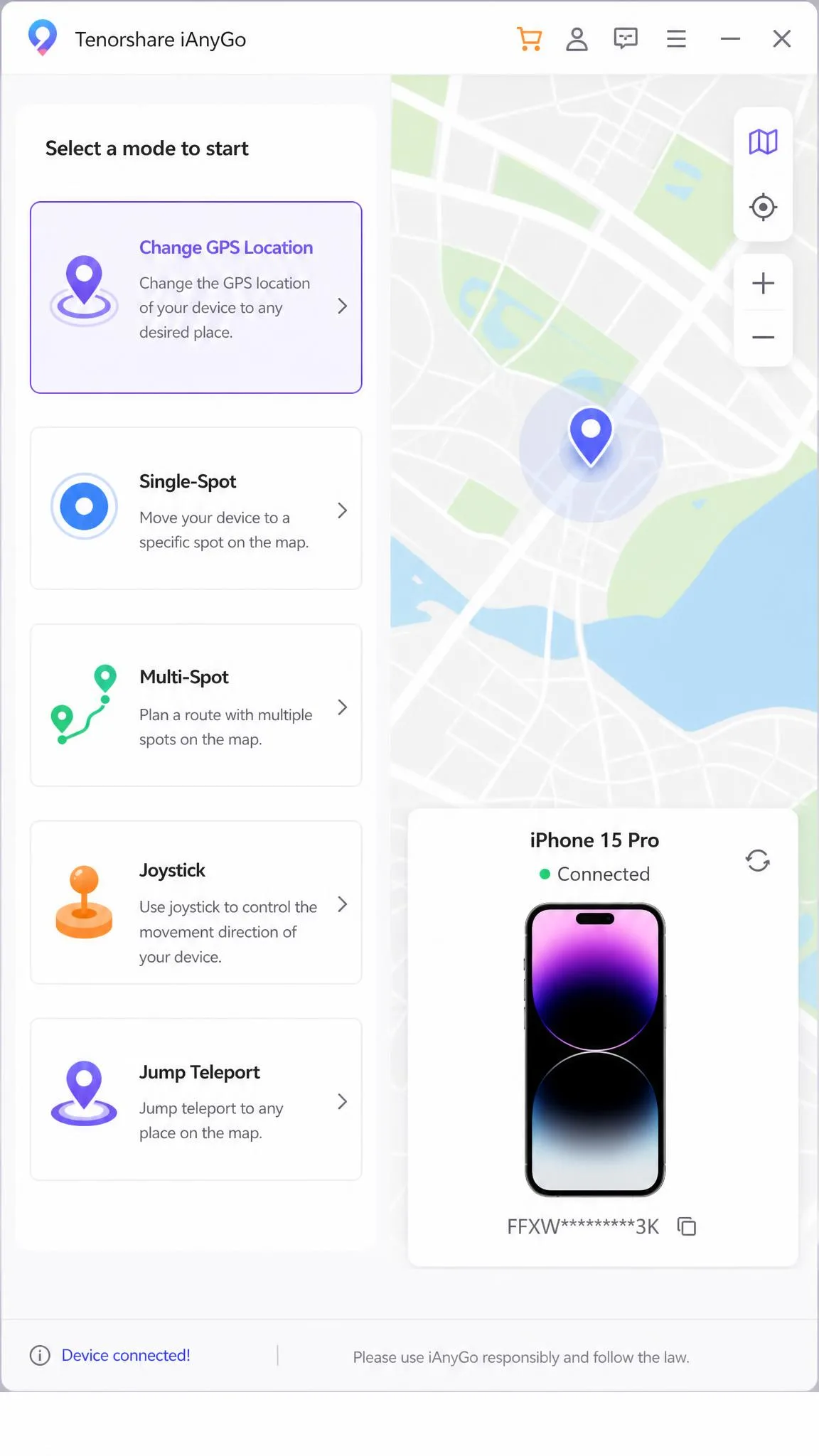
Tenorshare iAnyGo Key Features
- Five modes: instant location change, Single-Spot, Multi-Spot, Joystick, and Jump Teleport
- Multi-Spot routes for multi-stop journeys
- Joystick with 360-degree direction control
- Pokemon Go extras: route generator, auto-catcher, Pokemon and Raid search, Pokestop and Gym scanning
Tenorshare iAnyGo Pros and Cons
Pros
- Bluetooth Game Mode pairs the phone with the PC for Pokemon Go
- Up to 15 devices at once
- Cooldown timer built into the desktop client
- Vendor-reported 4.8/5 rating from 4,995 reviews
Cons
- iOS app depends on the desktop client, so the computer stays involved
- Free trial is too limited to judge the tool properly
- Mode switching is not smooth in daily use
iMyFone AnyTo vs Tenorshare iAnyGo: Side-by-Side Comparison
The table below compares both tools head to head, with iToolab AnyGo and Wondershare Dr.Fone Virtual Location as context rows. Dr.Fone's module is bundled inside the wider Dr.Fone toolkit, and its published starting price varies by source.
| Product | Buy | Starting price | Platform | Teleport | Joystick | Multi-spot | GPX import | Movement speed | Pokemon Go ban-risk reputation |
|---|---|---|---|---|---|---|---|---|---|
 |
Check price → | From $9.95/month | iOS 14-27, Android 4-16, Win/Mac | Yes (Jump Teleport) | Yes (360, WASD keys) | Yes (99 points) | Yes (desktop only) | Up to 108 km/h | Vendor claims 0%; community notes strike anxiety |
 |
Check price | From $14.99/month | iOS 5+, Android 6.0+, Win/Mac | Yes (1-tap jump) | Yes (360) | Yes | Yes (import and export) | 3.6-120 km/h | Vendor claims 0%; mixed community reports |
 |
Check price | From $9.95/month | iOS 7-27, Android 7-17, Win/Mac | Yes (Jump Teleport) | Yes (360, WASD keys) | Yes | Yes (desktop only) | 3.6-100 km/h | Vendor claims zero ban risk |
 |
~$14.95/month | iOS, Android, Win/Mac | Yes | Yes | Yes | Yes | Speed simulation | Detection risk not documented |
Pricing at a Glance
The Starting price column above shows the entry points. The Pricing section below has the details.
Features at a Glance
Every tool in the table covers teleporting, joystick control, and multi-point routes. The differences that matter are route capacity, GPX support, and the Pokemon Go track record, covered in detail below.
The wider field of virtual location changers also includes iWhere, UltFone, MockGo, and MocPOGO, which are worth checking if neither main tool fits your budget or workflow.
Pricing: iMyFone AnyTo vs Tenorshare iAnyGo
Pricing separates the two tools clearly. Tenorshare iAnyGo starts at $9.95 per month, and iMyFone AnyTo starts at $14.99 per month. Both sell quarterly, yearly, and lifetime plans, and both run frequent promos that drift by region, so the monthly starting prices above are the only stable figures.
Both advertise 30-day money-back guarantees. The free trials differ. iAnyGo's trial runs for one hour across five modes. AnyTo's trial covers one teleport and 15 minutes of joystick on a PC.
Neither free trial is long enough for a realistic Pokemon Go session. Budget one paid month before judging either tool.
Features Compared in Detail
The at-a-glance grid covers the basics. The details below decide daily use.
Teleport, Joystick, and Movement Modes
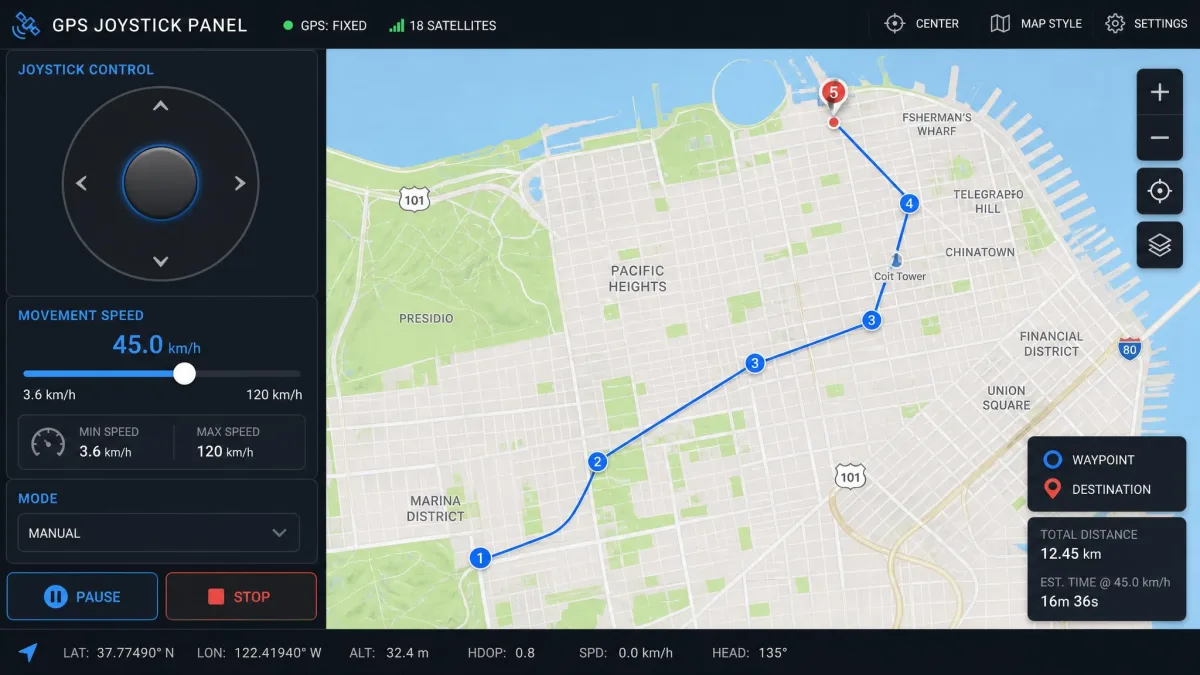
Both tools teleport to any searched address in one step, and both offer real-time joystick control. iAnyGo adds WASD and arrow-key control to its 360-degree joystick. AnyTo's joystick is touch-driven on the map. Multi-Spot routes exist in both, with iAnyGo allowing up to 99 route points per route. GPX import works on both, but iAnyGo limits it to the desktop client while AnyTo handles it on mobile too.
Movement speed is where AnyTo stretches furthest, adjusting from 3.6 km/h to 120 km/h. iAnyGo tops out at 108 km/h. Speed discipline matters more than top speed for Pokemon Go accounts.
Pokemon Go Compatibility and Ban Risk
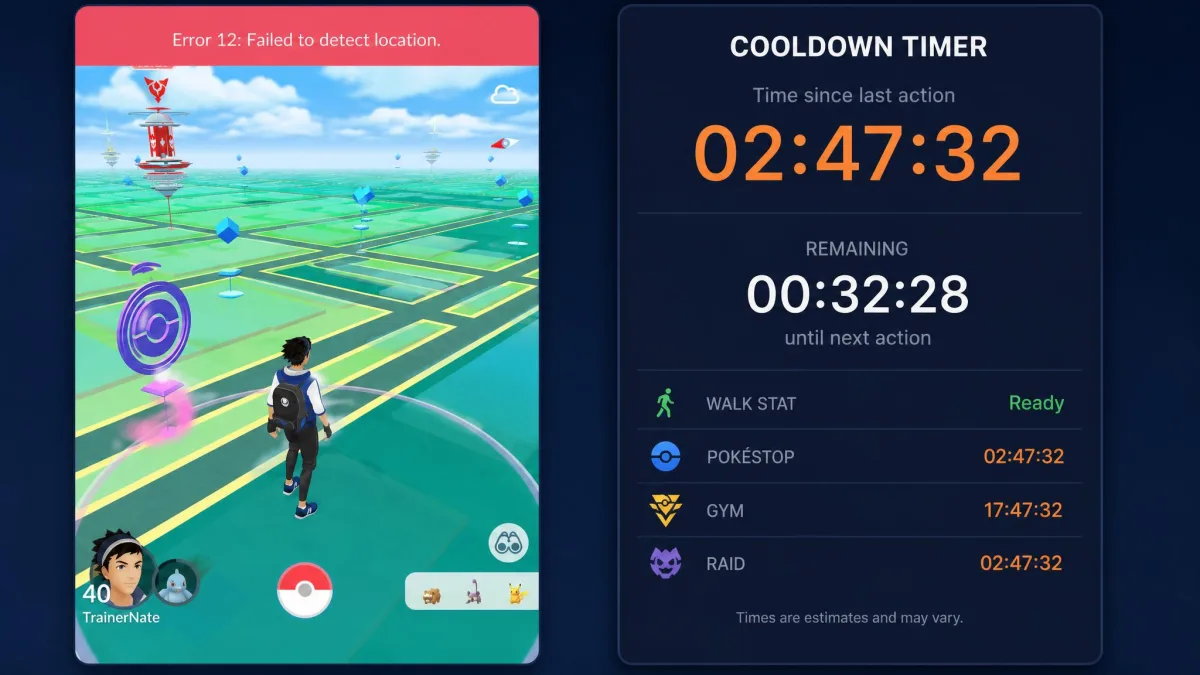
Pokemon Go is the main reason most people buy either tool, and it is where both tools show their limits. In our testing, AnyTo's spoofed location could be rejected with an Error 12 or Error 11 red banner in Pokemon Go while the same change worked fine in other apps. iAnyGo's answer is Game Mode, which pairs the phone with the PC over Bluetooth and spoofs the location inside the original Pokemon Go app.
Both vendors advertise a 0% ban rate. Those figures are marketing claims, and community reports describe strikes and bans from casual use. Teleporting at impossible speeds is the fastest way to trip Niantic's detection, and long-distance jumps on event days carry extra risk. Cooldown discipline matters more than which tool you choose.
No GPS spoofer can promise a safe Pokemon Go account. Strikes and bans are a documented outcome of casual use, so keep changes small, keep speeds realistic, and avoid long-distance jumps in a single session.
Safety and Detection
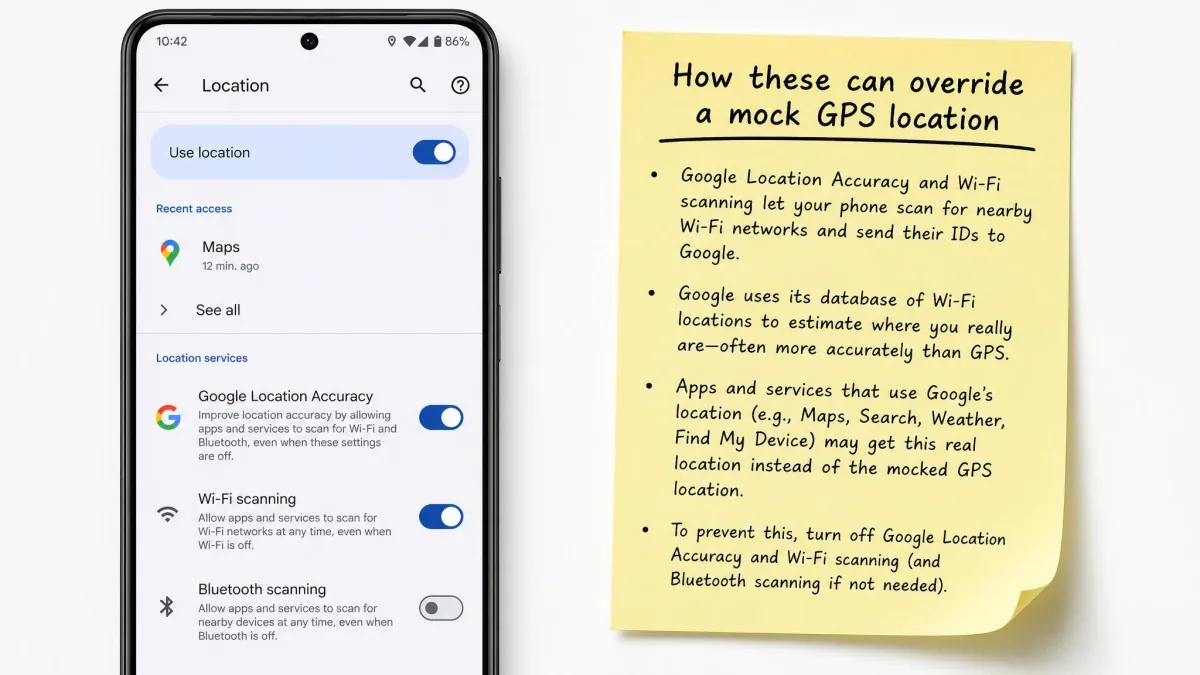
Both tools run without a jailbreak or root, which keeps the phone itself out of danger. The real safety question is detection, not device damage. A spoofed location is one GPS signal, and every location-aware app reads it. Find My, Life360, Tinder, and Grindr all show the mocked position. In our testing, the location snapped back to the real position when Google Location Accuracy or Wi-Fi scanning took over. iAnyGo's fixed walking speed can also be a detection tell in some apps.
Neither vendor's anti-detection claim changes the basics. Any service that checks location against movement history can flag an impossible pattern.
Platform Support and Ease of Use
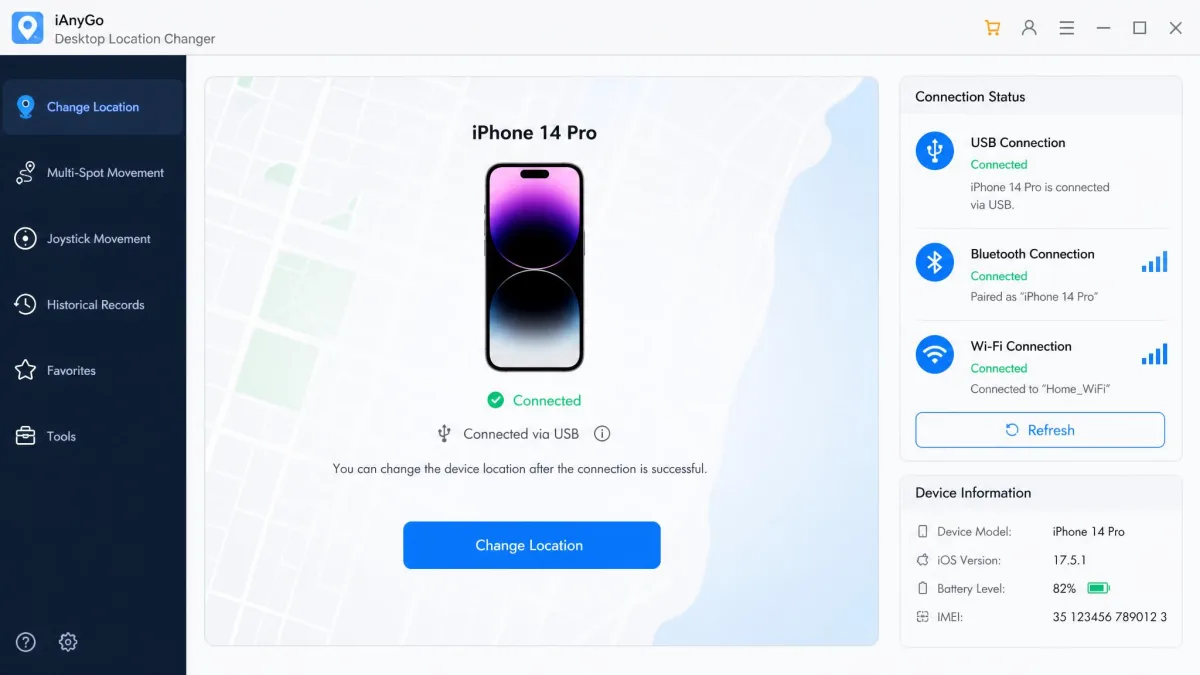
AnyTo covers the oldest devices of the two, while iAnyGo supports the wider Android range. Both ship Windows and macOS desktop clients. AnyTo manages up to 10 devices at once, and iAnyGo manages 15.
The two tools connect differently. AnyTo links over USB, Bluetooth, or Wi-Fi from its desktop client and pairs with an iOS companion app. iAnyGo installs its iOS app once through the iAnyGo iOS Assistant on a desktop. To change a location in AnyTo, click Teleport, search the address, then click Move. In iAnyGo, choose Jump Teleport, enter the coordinates, and confirm the change.
Which One Should You Choose?
The two tools overlap on every core feature. The decision comes down to device range, price, and how you play Pokemon Go.
Choose iMyFone AnyTo If...
Choose iMyFone AnyTo if you own an older iPhone, since iAnyGo needs a recent iOS version. Choose it if you need the widest movement speed range of the two, or GPX import and export on mobile as well as desktop.
Choose Tenorshare iAnyGo If...
Choose Tenorshare iAnyGo if Pokemon Go is the main use case and Error 12 has already blocked a spoofed location. Game Mode pairs the phone with the PC over Bluetooth and runs the spoof inside the original game. Choose it if you manage many devices at once, or if the lower starting price matters more than AnyTo's extras. The cooldown timer in the desktop client makes it easier to stay inside safe patterns.
What Real Users Say: Pokemon Go Community Reports
The spec sheets tell one story, and the Pokemon Go spoofing community tells another. The most repeated iAnyGo complaint is the iOS app's lifespan. Community reports describe it becoming unusable after about a week of use, with a re-install through a Mac and System Integrity Protection disabled needed to bring it back. The same users call this the most inconvenient part of the tool, while Tenorshare's documentation describes a one-time desktop install.
The same threads recommend the teleport-and-kill method over the joystick and walking features. The pattern is simple. Close Pokemon Go, change the location, reopen the game. The community reports fewer detection problems with that flow than with long joystick walks. Strike anxiety runs through both products' threads.
Refund friction shows up on the iMyFone side, where the 30-day guarantee has not always covered refund requests.
iMyFone AnyTo vs Tenorshare iAnyGo: Quick Verdict