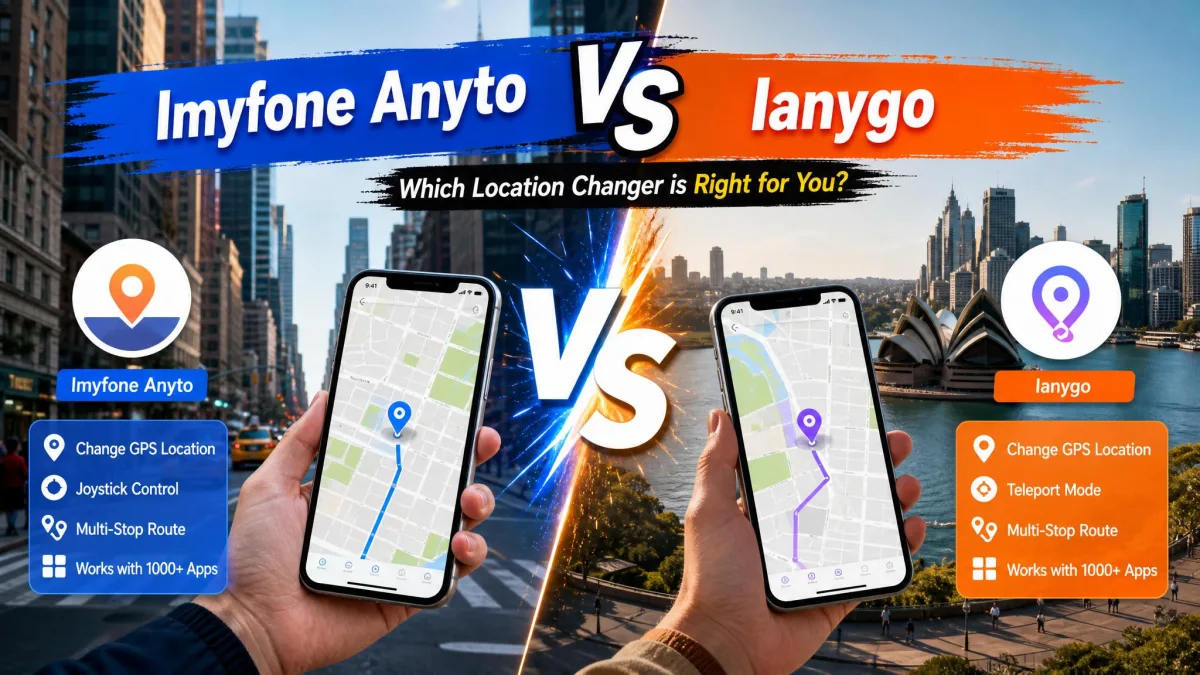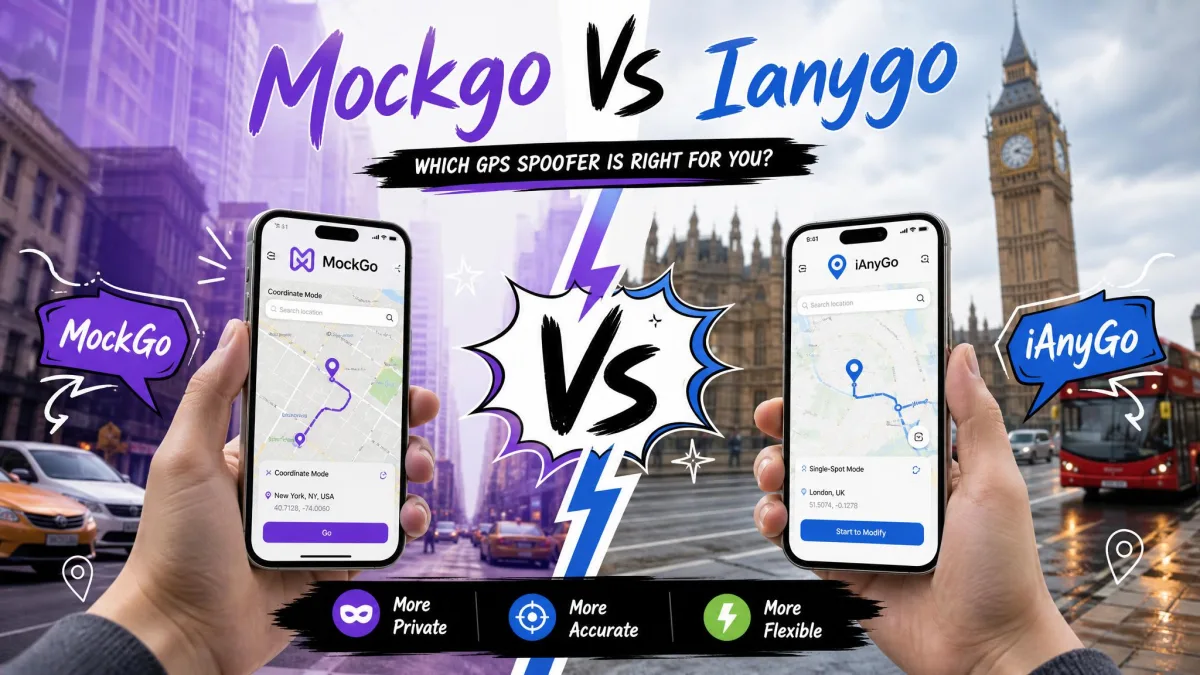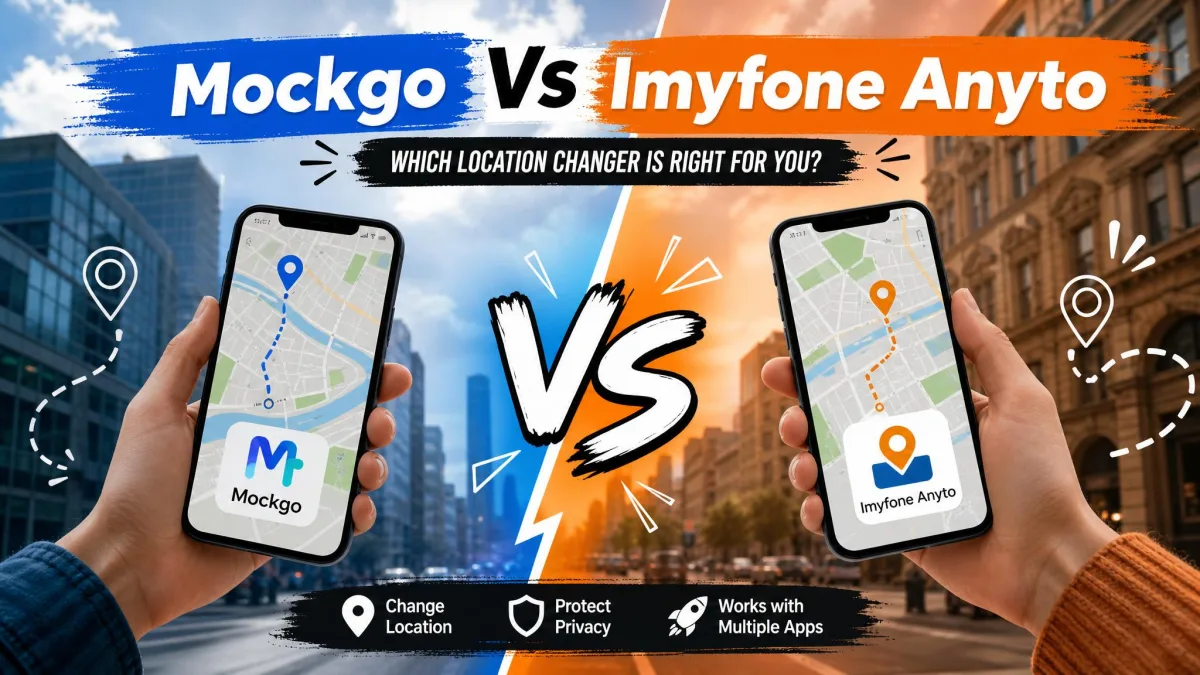
On paper these two apps look interchangeable. Both fake your GPS location from a computer. Both promise teleport and joystick movement. Both say no jailbreak and no root. Both aim at the same buyers: people who play location-based games, or who would rather not broadcast where they really are.
The differences show up in three places. Price is the first. Then comes the question of which devices you can connect. Last is how each app behaves over a long session. This comparison settles those points. Then it says which one we would install first.
MockGo vs iMyFone AnyTo at a Glance
Here is how the two specs sheets line up before we get into the detail.
| Product | Buy | Supported OS | Jailbreak or root | Movement modes | Simultaneous devices | Price |
|---|---|---|---|---|---|---|
 |
Check price → | iOS 9 to iOS 26; Windows and macOS client | Not required | Teleport, Jump Teleport, One-Stop, Multi-Stop, joystick | 5 (15 on Business) | $59.95lifetime |
 |
Check price | iOS 5 and up, Android 6.0 and up; Windows and Mac client | Not required | Teleport, Two-Spot, Multi-Spot, joystick | 5 on VIP, 10 on SVIP | around $119.99lifetime |
Both apps import GPX routes. Both include a joystick. Both offer a free trial limited enough to prove the app works rather than to use it properly. Both carry a 30-day money-back guarantee, though the two policies are not written the same way.
What Each Tool Is and Who Makes It
Foneazy MockGo
MockGo is the location changer from Foneazy. It is a small developer, and its catalog centers on iPhone tools. You install a desktop client on Windows or macOS, then connect your iPhone by cable. Pick a spot on a map and every app that asks reads that spot as the device's real GPS location. The product page for MockGo lists iPhone, iPad and iPod touch. No Android appears in the lineup.
iMyFone AnyTo
AnyTo comes from iMyFone, a much larger developer with a wide catalog of phone utilities. It works the same way at heart. The difference is reach. The iMyFone AnyTo page documents iOS 5 and up alongside Android 6.0 and up. It also adds route export and cloud-saved routes.
The brand's public reputation is mixed. Trustpilot's community rates iMyFone 4.6 out of 5 across its product line. SmartCustomer's 377 reviewers rate it 3.0 out of 5, a much cooler read. Foneazy's Trustpilot presence is smaller, at 43 reviews. Its score sits near 3.8 out of 5, and it moves with every new entry on so small a base.
Platform and Device Support
iOS Support and the No-Jailbreak Question
Neither app asks you to jailbreak. That is the most important safety point here. Jailbreaking removes the protections that keep an iPhone's data walled off, and Apple's guidance on unauthorized iOS modification is blunt about the cost. MockGo covers iOS 9 through iOS 26. AnyTo goes back further, to iOS 5, and already lists iOS 27 Beta. MockGo's desktop client runs on Windows 11 down to XP, and on macOS 10.12 through 15. An aging Mac is not a blocker.
Android Support and Rooting
This is where the two stop being comparable. AnyTo supports Android 6.0 and up, including Android 17, without root. MockGo is an iOS-only tool. It covers iPhone, iPad and iPod touch, and it cannot change the location on an Android handset at all. Foneazy's Android product line is a separate unlocking utility rather than a location changer. Older Android handsets are the weak spot for AnyTo, too. Some models are simply unsupported, so check the compatibility list before you pay.
How Many Devices You Can Connect at Once
MockGo's standard license covers 5 iOS devices at once plus one PC or Mac. The Business plan raises that to 15. In extended runs it held synchronized movement across several devices without crashing. AnyTo's headline figure is 10 devices. The ceiling depends on which license tier you buy, and the standard tier covers 5. That gap matters most to households running several iPhones off one purchase.
If you only ever change the location on one phone, ignore the device-count race. It inflates the price on both sides. It changes nothing about how either app performs on a single device.
Feature Comparison: Movement Modes
Teleport Mode
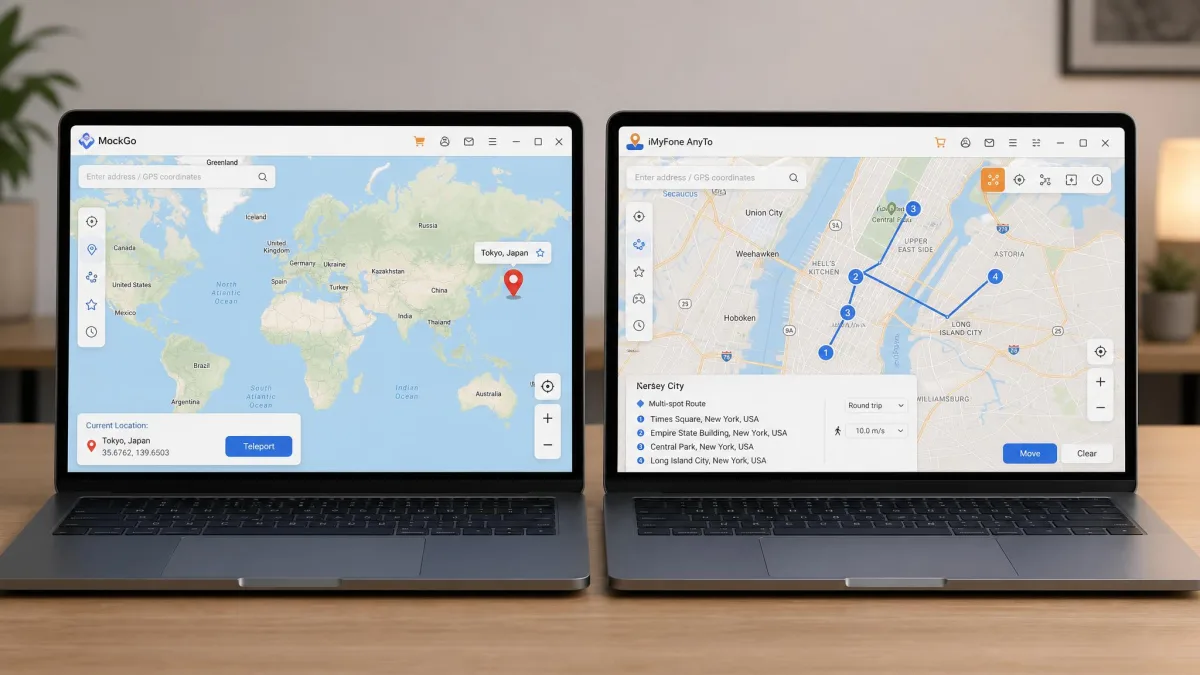
Teleport is the mode most people use. Search an address or click the map, confirm, and the device jumps there instantly. Both apps make it the default. MockGo adds a Jump Teleport variant for hopping between saved points.
Two-Spot and Multi-Spot Routes
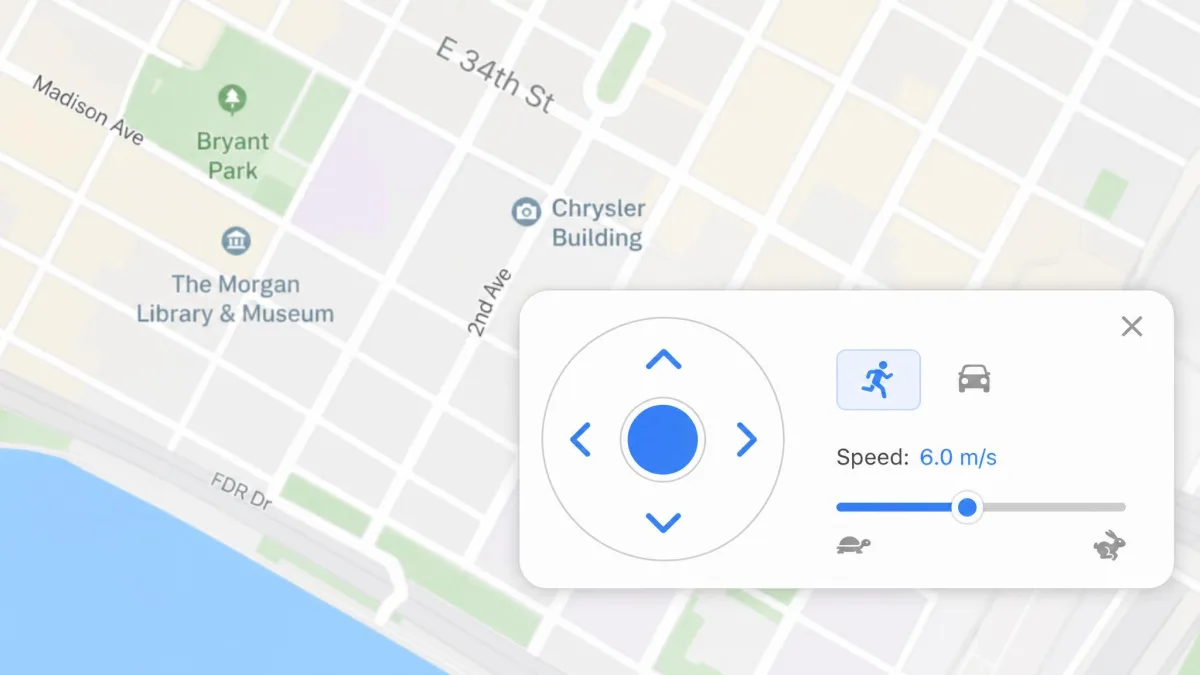
Route modes simulate travel instead of jumping. MockGo calls them One-Stop and Multi-Stop. AnyTo calls them Two-Spot and Multi-Spot. Functionally they match. Set a start and an end, or a chain of waypoints, choose a speed, and the app walks the device along the line. AnyTo's speed control is the more precise of the two, adjustable from 3.6km/h up to 120km/h. Both apps import GPX files, so you can replay a recorded route. AnyTo also exports them and saves routes to cloud storage.
Joystick and Real-Time Control
The joystick puts a thumb-stick overlay on the map. You steer the fake movement live, which is what location-based games are built around. AnyTo's joystick gives 360-degree control. It stayed responsive through long sessions, on Android and iPhone alike. MockGo's joystick works, but occasional lag or stutter shows up during simulated walking. It is more visible on long routes than on teleports. A quick teleport never surfaces it. An hour of joystick movement does.
Route Import, Speed Control, and Cooldown Tools
AnyTo carries two extras aimed at Pokemon GO players. One is a Cooling Mode timer. The other is an auto catcher. The timer is calculated from the distance of each jump rather than set to a fixed number of minutes. The wait it shows therefore changes with every teleport, and no single interval applies to all of them. It runs as a live countdown after a jump. Acting in-game before that countdown ends is what triggers a soft ban. MockGo has no documented cooldown feature, so you track the wait yourself.
Ease of Use and Setup
MockGo's setup is quick. Its interface is plain, a map and a mode picker rather than nested menus, so you are rarely two clicks from what you want. AnyTo has more to learn because it does more. The payoff is Wi-Fi mode. Once the first USB pairing is done, you stop replugging the cable. It still needs a computer running for most movement features, so it is not a phone-only tool. Neither is MockGo.
How to Change Your Location with MockGo
- Download and install the MockGo client on your Windows PC or Mac.
- Connect your iPhone with a USB cable, unlock it, then tap Trust when prompted.
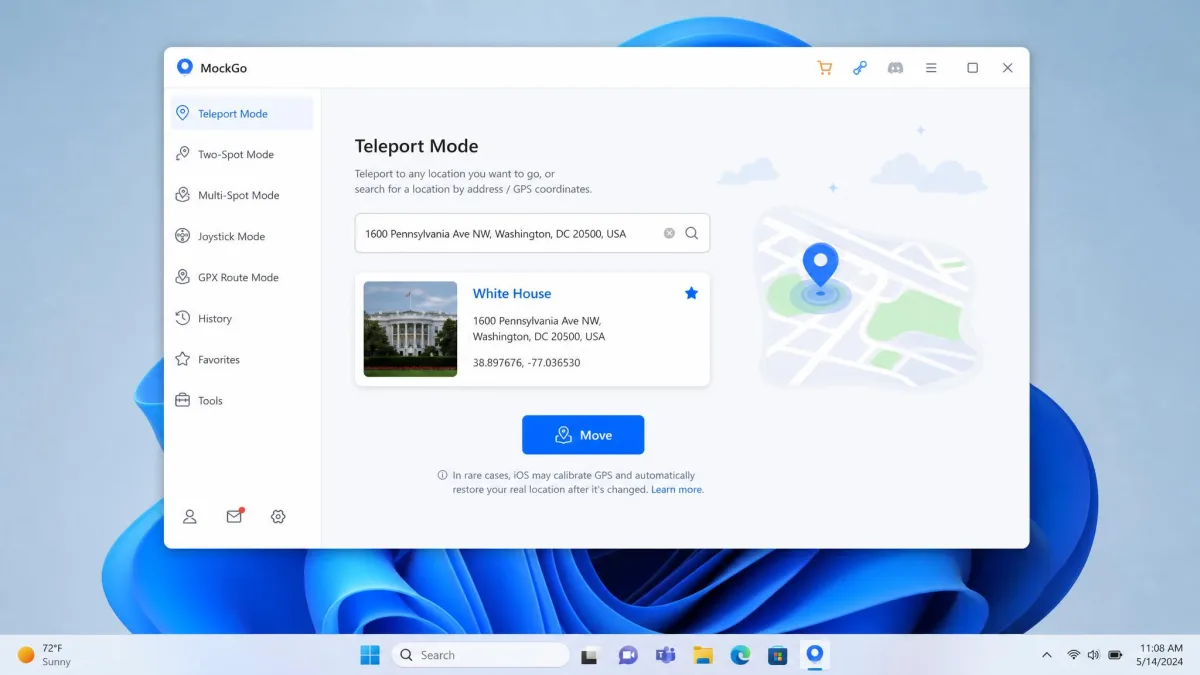
- Choose Teleport Mode from the icons above the map.
- Type an address in the search box, or click the point you want.
- Click Move. Every app on the device now reads the new GPS location.
To undo it, restart the iPhone. That restores the real location after a MockGo session.
How to Change Your Location with iMyFone AnyTo
- Install AnyTo on your computer, open it, then click Get Started.
- Connect the iPhone or Android device by USB and trust the computer.
- Pick Teleport Mode, then search for the place you want.
- Click Move, or switch to Two-Spot or joystick mode for movement.
- Turn on Wi-Fi mode afterwards if you would rather not stay tethered.
Pricing and Plans Compared
MockGo publishes its pricing plainly. It is $9.95 for a month, $19.95 for three, $39.95 for a year, and $59.95 one-time for the Lifetime plan. Subscriptions auto-renew and can be cancelled anytime. Every plan carries a 30-day money-back guarantee. AnyTo is harder to pin down. Its advertised price changes with near-constant promotions, and it differs by VIP versus SVIP tier. Check the iMyFone AnyTo purchase page for the live figure rather than any quoted number, ours included.
| Plan | MockGo | iMyFone AnyTo |
|---|---|---|
| 1 month | $9.95 | around $19.99 list |
| 3 months | $19.95 | tier and promo dependent |
| 1 year | $39.95 | around $69.99 list |
| Lifetime | $59.95 | around $119.99 list |
| Refund | 30-day money-back | 30-day, technical-issue conditioned |
The refund wording differs as much as the numbers do. AnyTo's guarantee is conditioned on technical problems support cannot solve. Buyers have been offered partial rather than full refunds under it.
Use the free trials first. MockGo's allows 3 uses each of teleport and joystick, plus 1 use each of one-stop and multi-stop. AnyTo's trial has no expiry date. It caps you at 5 teleport uses, 1 two-point-mode run, and 1 hour of joystick time. That is enough to confirm a location change and not much more.
Pros and Cons
MockGo Pros and Cons
Pros
- Cheapest option at every plan length, with a $59.95 lifetime license
- Up to 5 iOS devices at once, or 15 on Business
- Plain, fast interface instead of nested menus
- 30-day money-back guarantee with no technical-issue condition
Cons
- No Android support at all
- Occasional lag during simulated walking on longer routes
- Can stop working after an iOS or app update until a new build ships
- A set location can revert to the real GPS position after a few hours
iMyFone AnyTo Pros and Cons
Pros
- Covers iOS 5 and up plus Android 6.0 and up, with no root needed
- Wi-Fi mode after the first USB pairing, so no constant replugging
- Precise speed control from 3.6km/h to 120km/h
- GPX import and export, plus a cooling timer for Pokemon GO
Cons
- Roughly twice MockGo's price at comparable plan lengths
- Device ceiling depends on the tier, so the headline 10 is not universal
- Refund policy is conditioned on unsolvable technical problems
- Still needs a computer running for most movement features
Safety, Detection, and Ban Risk
Neither app hides you from the game or service you point it at. Each one sets a position. What the service does with that position is outside the app's control.
Both vendors advertise safety, but neither can protect an account from enforcement. Read Niantic's third-party software policy before you spoof a game. Assume any account you use this way can be actioned.
What Pokemon GO Players Report
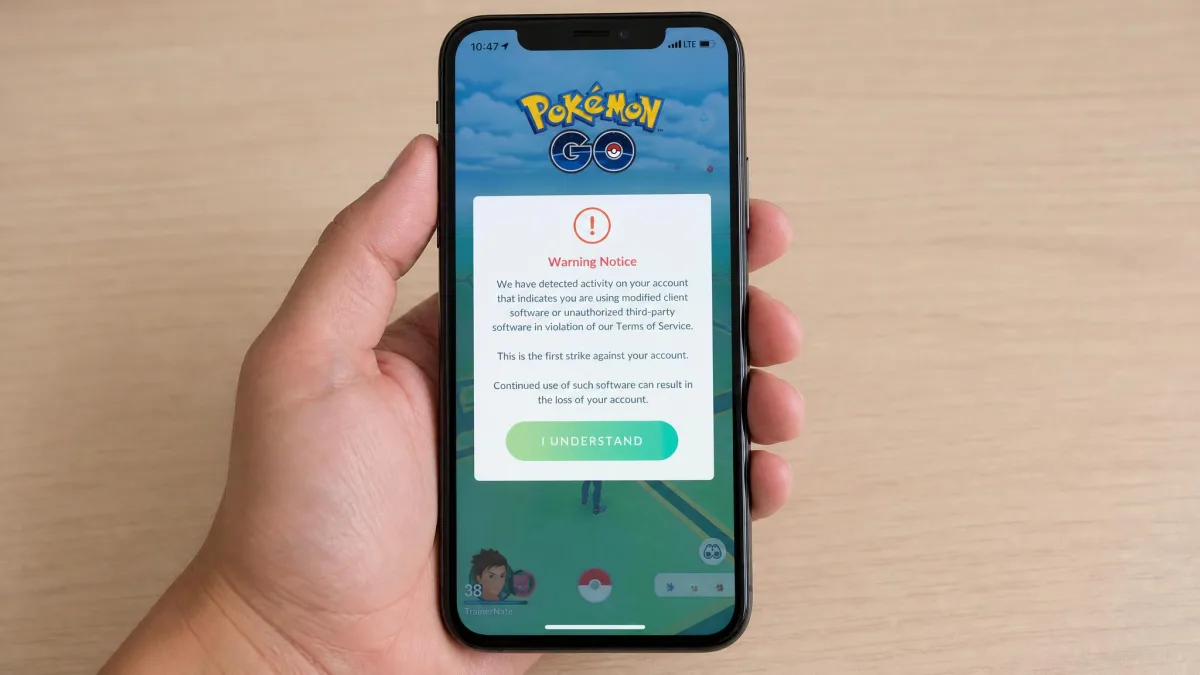
Bans do happen while spoofing with MockGo, and the tool does not shield the account. The same holds for AnyTo. Spoofing communities favour teleport-then-close over joystick walking. The theory is that one short jump attracts less attention than sustained fake movement. Treat that as folklore. No credible measured ban rate exists for either tool.
Detection is partly a physics question. Real satellite positioning has a published error margin. The GPS accuracy specification shows how much natural drift a normal device produces. A position that is too perfect, or that moves faster than any human could, is the data that stands out.
Is GPS Spoofing Legal?
Changing your own device's reported location is not illegal in most places. Privacy-minded people do it for ordinary reasons. It becomes a problem when it is used to deceive someone or break a contract. Beating a game's rules is not criminal. It is a clear terms-of-service breach, and the penalty is the account.
Alternatives Worth Considering
If MockGo's Apple-only list rules it out and AnyTo's price puts you off, look sideways. Our comparisons of MockGo vs iMoveGo, MockGo vs MocPOGO and MockGo vs FonesGo Location Changer cover the closest rivals. For a wider survey, see our roundups of the best GPS spoofing apps and the best location spoofers for iPhone. The background on GPS spoofing explains what these apps do underneath.
Which One Should You Choose?
Choose MockGo If You Want the Simpler Tool
Go in knowing the two rough edges. A set location can revert to the real GPS position after a few hours, so a long session needs re-setting. An iOS update can also break the app until a new build ships. Foneazy's support takes the sting out of both. It responds quickly, and it worked through an iOS-upgrade connection failure across two sessions. That matters more than a feature list when something goes wrong mid-week.
Choose iMyFone AnyTo If You Want the Broader Feature Set
AnyTo is the buy if you have an Android phone in the house. It is also the buy if you want to keep and reuse routes, or if you want the game-specific helpers. Wi-Fi mode is a genuine convenience once you have paired over USB. Its speed control is finer, and its route simulation held steady through long runs. You accept a refund policy with more conditions attached in exchange.