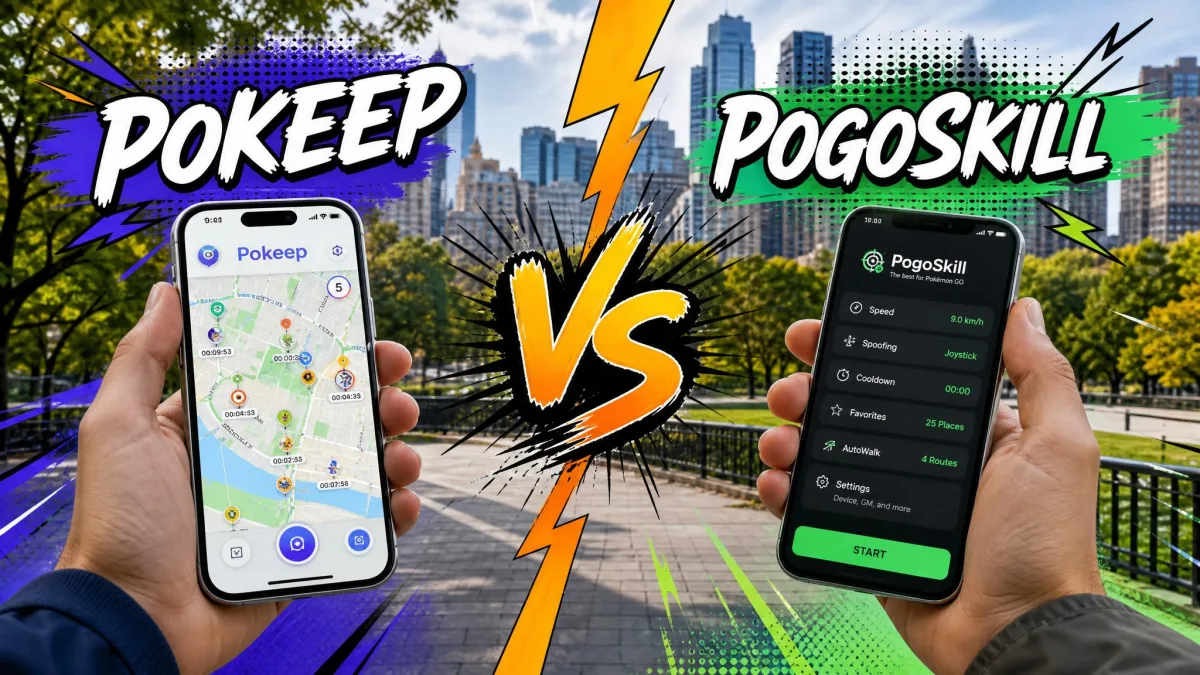
If you want to change your GPS location for region-locked events without risking a soft ban, both PoKeep and PoGoskill can do it, but they differ sharply. PoGoskill is the established name, a PC-first spoofer that also runs on iOS and Android. PoKeep is the challenger, built around Bluetooth and cooldown safety.
Both tools chase the same crowd: Pokémon GO players who want raid access, GO Fest spawns, and region-locked Pokémon without leaving home. They diverge on pricing, platform support, and risk, and that decides the winner.
What Is PoGoskill? Features, Pricing, and Known Problems
PoGoskill is a GPS location changer that runs from a Windows or Mac computer, an iOS app, or an Android app, with no jailbreak or root on any platform.
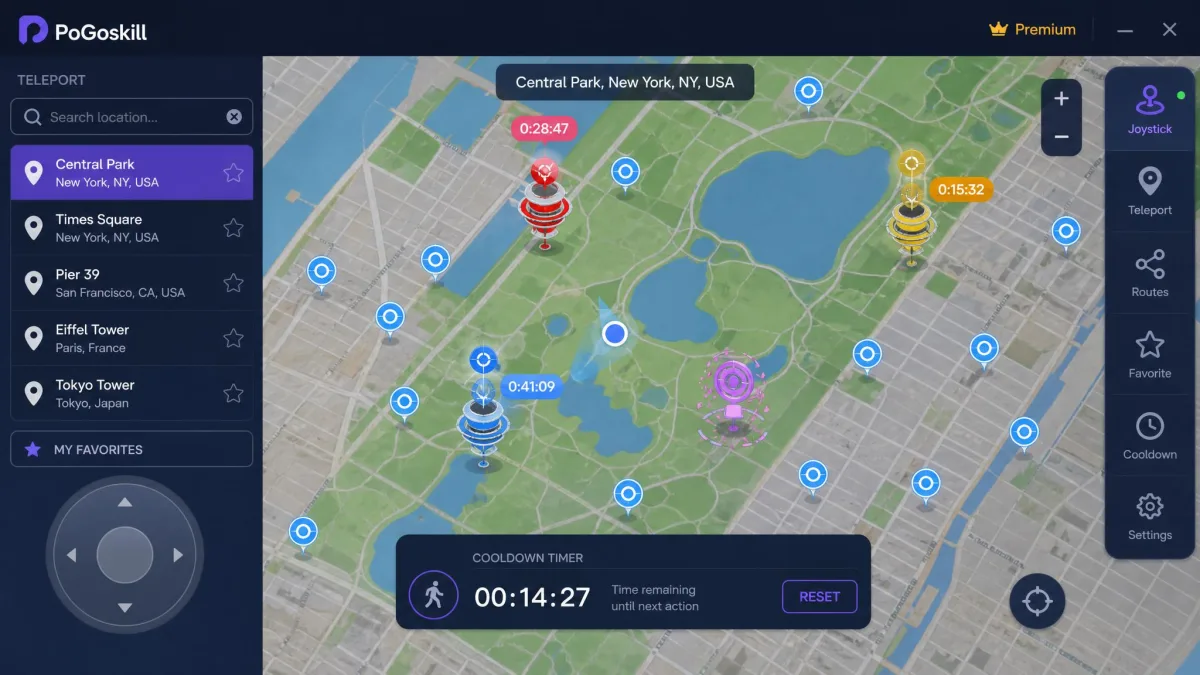
PoGoskill Core Features (Joystick, Teleport, Cooldown Timer)
- Joystick Mode for walking, cycling, or driving speed.
- Teleport Mode, two-spot and multi-spot routes, GPX import and export.
- A cooldown countdown timer that tracks the wait after jumps.
- Up to 15 devices changed at once from one license.
The Android app adds auto catch, auto spin, and IV checking.
PoGoskill Pricing: Plans and the Hidden Subscription Catch
The PC plan costs $14.95/month and covers one computer with up to 5 mobile devices; the iOS app runs $14.99/month, and the Android app runs $6.99/week.
Every purchase auto-bundles a PoGo Wizard 7-day trial that renews at about $14.95/month unless cancelled, so leaving it checked roughly doubles a one-month bill.
Known PoGoskill Problems (Reddit and Trustpilot Feedback)
In our testing on Samsung phones running Android 14, movement worked but joining in-game events like huntathons failed. After each new Pokémon GO version ships, the tool needs a day or two to be patched, hurting limited-time events. Refunds are frequently refused despite the advertised guarantee, and cancelling can take several emails. Ban-risk and Android 14 complaints recur on r/PokemonGoSpoofing; Trustpilot's regional pages range from 4.7/5 in the UK to 3.3/5 in Australia and Canada.
What Is PoKeep? Features, Pricing, and Safety
Where PoGoskill leans on scale, PoKeep is the lighter, safety-first alternative. It changes GPS location on iOS and Android and is marketed around Bluetooth, with no cracked app and no jailbreak or root involved.
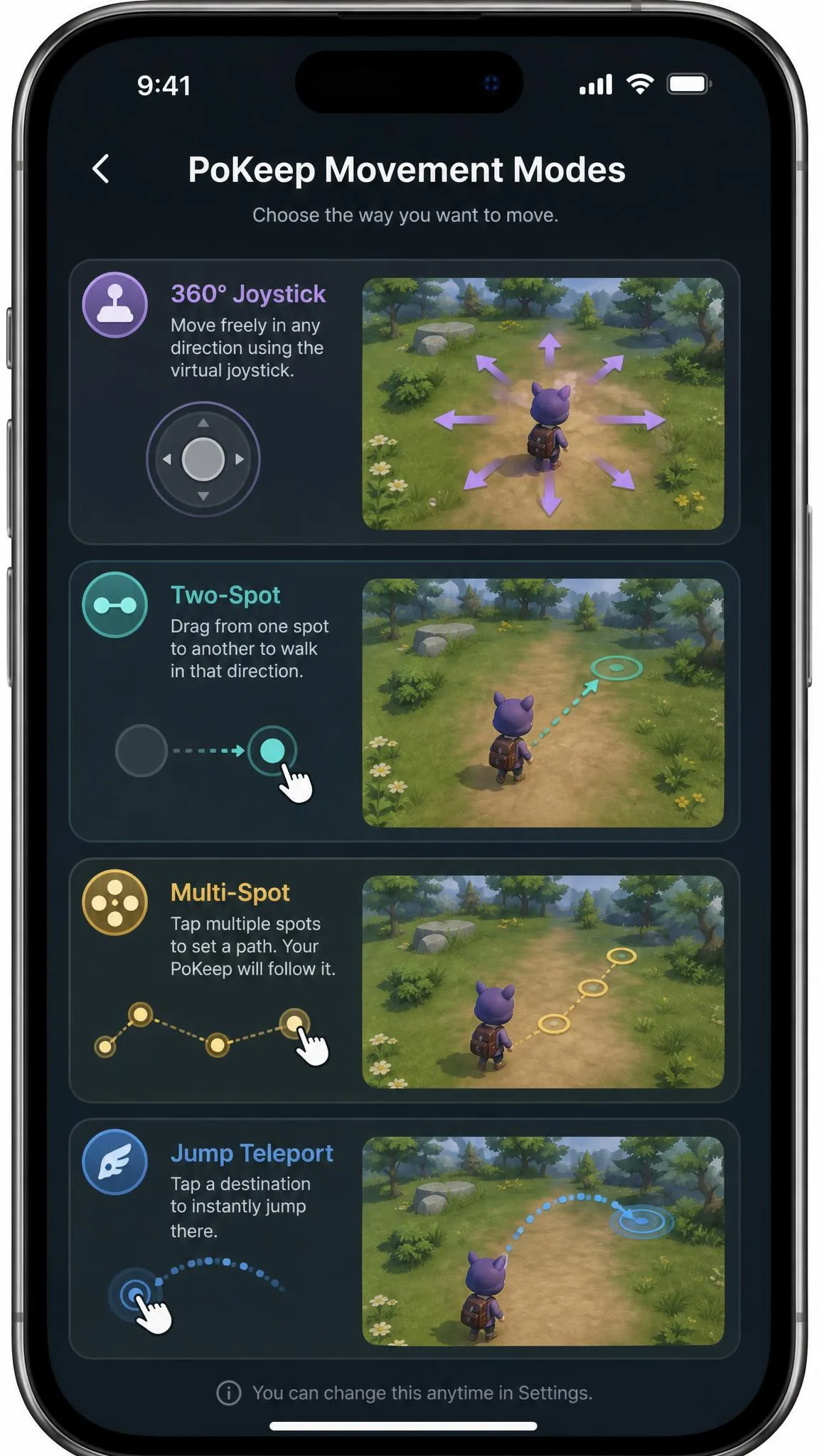
PoKeep Core Features (Bluetooth, 4 Movement Modes, Free Trial)
- A 360-degree joystick for fine control in any direction.
- Two-spot and multi-spot modes for routes between saved points.
- Jump teleport with Auto Jump for one-click hops to a saved location.
- A cooldown timer with a soft-ban calculator, plus GPX import.
Realistic fluctuation keeps movement looking human; one license covers 10 devices.
PoKeep Pricing and Free Trial
PoKeep costs $12.95/month, and paid plans carry a 30-day money-back guarantee. The free tier gives five uses of each mode, up to 25 total.
How to Use Each Spoofer: Quick Setup Steps
Both tools follow the same shape: install, connect, enable one permission, move the map.
PoGoskill quick start:
- Install from Google Play or the site.
- Connect the phone by USB or Wi-Fi.
- Enable mock location on Android or developer mode on iOS.
- Choose Joystick or Teleport Mode and set a route.
PoKeep quick start:
- Install PoKeep and connect over USB, then Bluetooth or Wi-Fi.
- Turn on developer mode on iPhone or mock location on Android.
- Pick one of the four movement modes.
- Teleport, then wait out the cooldown before catching or spinning.
PoKeep vs PoGoskill: Side-by-Side Comparison
Features Compared
Both tools ship four movement modes, so daily use feels similar. PoGoskill adds multi-device control; PoKeep counters with its soft-ban calculator.
Pricing Compared
PoKeep is the cheaper subscription, and PoGoskill starts at $14.95/month.
Platform Support Compared (iOS, Android, Windows, Mac)
PoGoskill's Google Play listing requires Android 6.0 or later; the official site claims Windows 7-11 and macOS 10.13-13. PoKeep wants Android 6.0+, Windows 10+, and macOS 11+. On iOS, PoGoskill claims iOS 12.5-26; PoKeep claims iOS 5-26, the widest range here, and neither tool needs jailbreak or root.
| Detail | PoKeep | PoGoskill |
|---|---|---|
| Price | $12.95/month; 30-day guarantee | From $14.95/month (PC); iOS $14.99/month; Android $6.99/week |
| Free trial | 5 uses per mode, up to 25 total | 1 hour of free use |
| Platforms | iOS 5-26, Android 6.0+, Windows 10+, macOS 11+ | iOS 12.5-26, Android 6.0+, Windows 7-11, macOS 10.13-13 |
| Jailbreak or root | No | No |
| Cooldown timer | Yes, with soft-ban calculator | Yes, countdown timer |
| Movement modes | 360-degree joystick, two-spot, multi-spot, jump teleport | Joystick, teleport, two-spot, multi-spot |
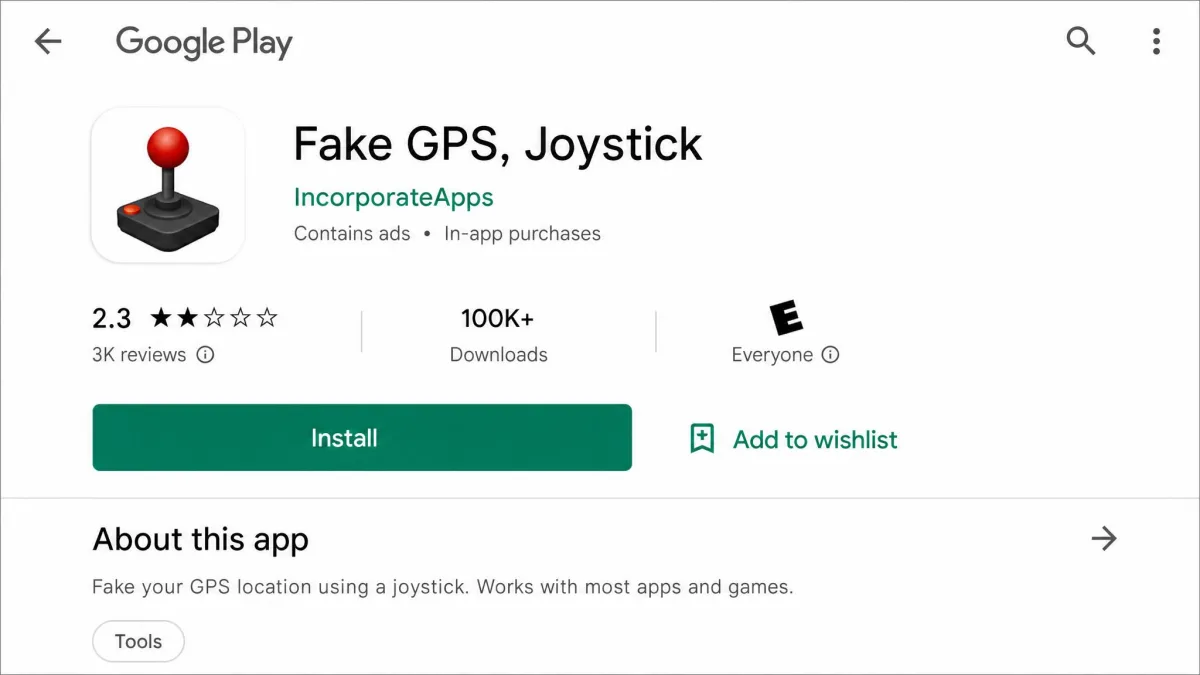
| Known issues | Antivirus flags on installer; no IP spoofing | Android 14 event failures; patch lag; refund complaints; about 2.5 stars on Google Play |
| Safety verdict | Cooldown-based protection; risk depends on behavior | Game Mode for Error 12; zero-ban claim contradicted; not risk-free |
Safety Comparison: Cooldown Rules, Soft Bans, and Detection Risk
The community standard caps any teleport over 1,500 km at a two-hour wait, and the timer starts after your last in-game action, not when you teleport. Breaking it produces a soft ban that lasts up to 12 hours: Pokémon flee after the first ball and PokéStops spin with no items. Niantic runs a three-strike system under its gameplay fairness policy.
Wait times scale from 30 seconds at 1 km to the full two hours past 1,500 km. Neither tool hides you from that system, and safety rankings put Bluetooth hardware and cloud emulators at roughly 99% safe, rooted Android at 95%, and sideloaded apps as low as 30%; neither appears on those lists, so no spoofing method is risk-free. PoKeep also changes the GPS signal only, so IP checks still see your real region.
Teleporting is safe; catching, spinning, raiding, or feeding berries during cooldown is what triggers the soft ban, so wait out the timer after every long jump.
Quick Verdict at a Glance
The 30-Second Answer
PoKeep is the safer, better-value pick for most players: cleaner billing and a trial you can judge, while PoGoskill still wins for multi-device power users.
Which One Should You Choose? Final Verdict
Choose PoGoskill If…
- You want up to 15 devices changed from one license.
- You plan GPX routes and prefer PC-first control.
- You play on older Windows machines, since PoGoskill reaches back to Windows 7.
Choose PoKeep If…
- You want the cheaper subscription and the more generous free tier.
- You prefer a Bluetooth connection over cracked apps.
- You spoof on an older iPhone, where iOS 5 support is the widest.
For most players, we recommend PoKeep; if neither fits, the usual alternatives are iMyFone AnyTo, iLocGo, and MocPoGo. Our PoKeep review and PoGoskill review go deeper.