iMyFone AnyTo and LocaChange are GPS location changers. They let you teleport your phone's location anywhere on the map. Both work on iPhone and Android with no jailbreak or root. Games like Pokemon GO and dating apps then see a position you choose instead of your real one.
Which tool is better in 2026? That is the question we set out to answer. We compared both changers across published hands-on tests, store reviews, and vendor documentation. We scored them on price, compatibility, spoofing modes, and the ban-risk picture.
Here is what we found.
TL;DR: iMyFone AnyTo vs LocaChange
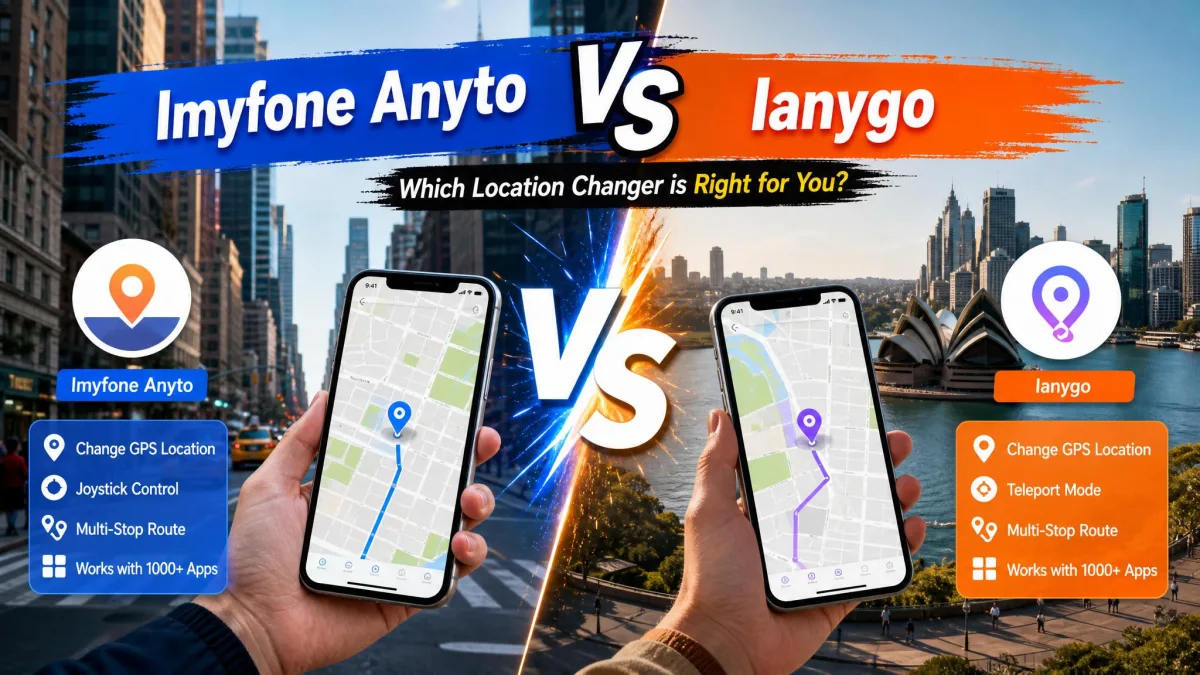
AnyTo and LocaChange do the same core job, but they differ on the details. AnyTo is cheaper, supports much older devices, and adds GPX route import and export. LocaChange counters with a built-in cooldown timer, Jump Teleport, and Fluctuation mode.
Quick verdict and who each tool is for
iMyFone AnyTo wins on balance for most users. It undercuts LocaChange on price, runs on iPhones as old as iOS 5, and offers a standalone Android app. Pick AnyTo for the cheapest reliable changer with the widest compatibility. Pick LocaChange if the built-in cooldown timer and extra movement modes matter more than price.
What Is iMyFone AnyTo?
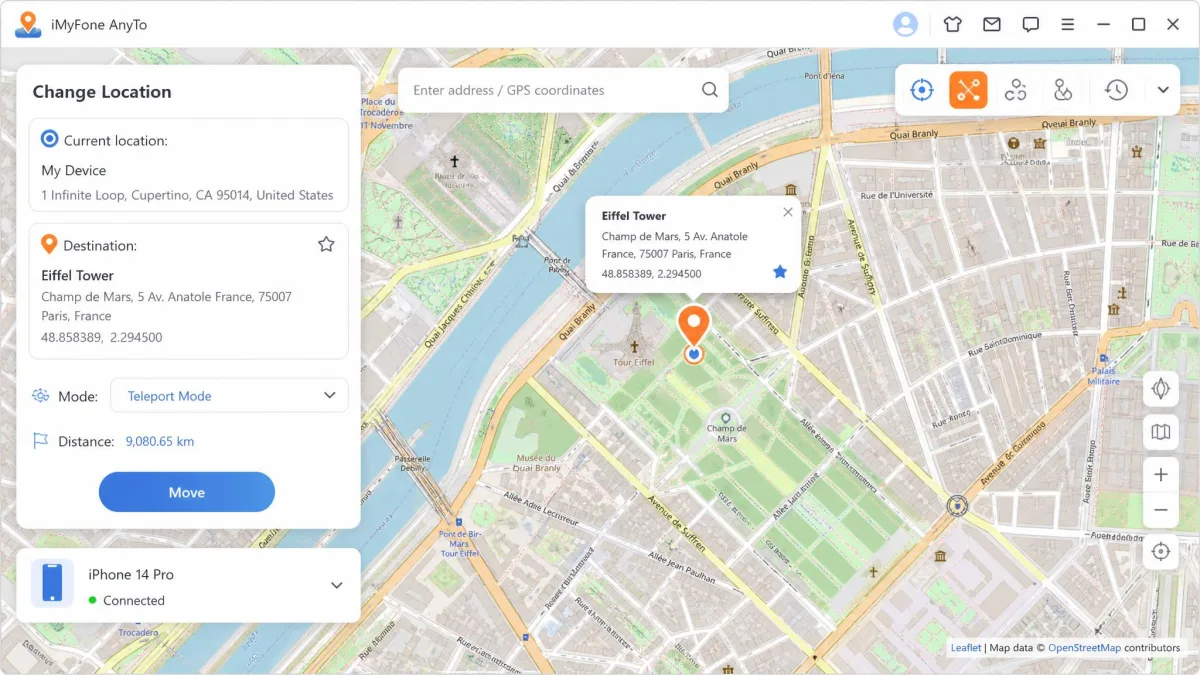
iMyFone AnyTo is a location changer from iMyFone, a Shenzhen company founded in 2015. The official iMyFone AnyTo page describes a tool for Pokemon GO and Monster Hunter Now, Life360 or Find My privacy, social check-ins, and dating apps. You control it from a Windows or Mac client over USB, Wi-Fi, or Bluetooth. The Android app also works standalone, with no PC at all. That version arrived on June 8, 2021, and now shows 1M+ installs on Google Play.
Key features
AnyTo bundles Pokemon GO helpers like a cooling timer, an auto catcher, and an IV scanner. Routes save to the cloud and sync across up to 10 devices. A one-tap reset returns you to real GPS instantly. Speed adjusts from 3.6 to 120 km/h.
Spoofing modes: Teleport, Joystick, Two-Spot, Multi-Spot
Teleport Mode makes a one-tap jump to any map spot. Two-Spot Mode walks you from point A to point B. Joystick Mode gives real-time 360-degree movement control. Multi-Spot Mode runs a route with several stops. GPX files import and export, so routes from other tools work here too.
Supported devices and platforms (iOS & Android, no jailbreak/root)
AnyTo supports iOS 5 and up, including the iOS 27 beta, and Android 6.0 and up, including Android 17, with no jailbreak or root. Desktop clients cover Windows 7 through 11 and macOS 10.9 through 14. The free trial allows Teleport Mode once plus a 15-minute joystick session.
What Is LocaChange?
LocaChange is the same idea from a different vendor, with extra movement tricks. It describes itself as having eight years of software experience and publishes no founding year. The LocaChange official website sells desktop plans for Windows and Mac plus a native iOS app that launched on the US App Store in February 2026.
Key features
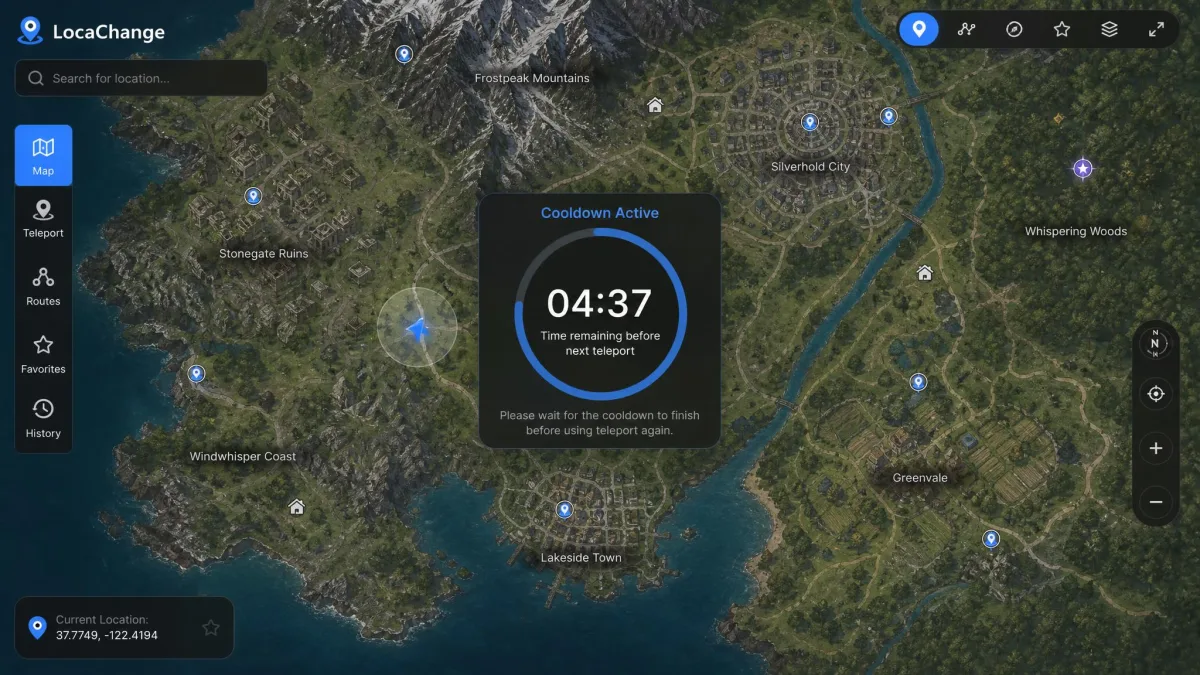
A built-in cooldown countdown timer tells you how long to wait after a long teleport. Game Mode covers Pokemon GO, Monster Hunter Now, Soundmap, and 50-plus location games. Pokemon info search covers names, numbers, and IVs. LocaChange states it does not store your location history.
Supported devices and platforms
LocaChange runs on iOS 14 through the iOS 27 beta and Android 8 through 17; its own FAQ narrows Android to 8 through 16. No jailbreak or root is required. Desktop clients cover Windows 7 through 11 and macOS 10.9 through 26.

How to Use iMyFone AnyTo: Step-by-Step Guide
If AnyTo is the pick, here is how to set it up. The workflow follows the tool's advertised design.
Step 1: Download and install
Download the AnyTo client for Windows or macOS from the official iMyFone page. Run the installer and open the app. You need a working USB cable and little else at this stage.
Step 2: Connect your device
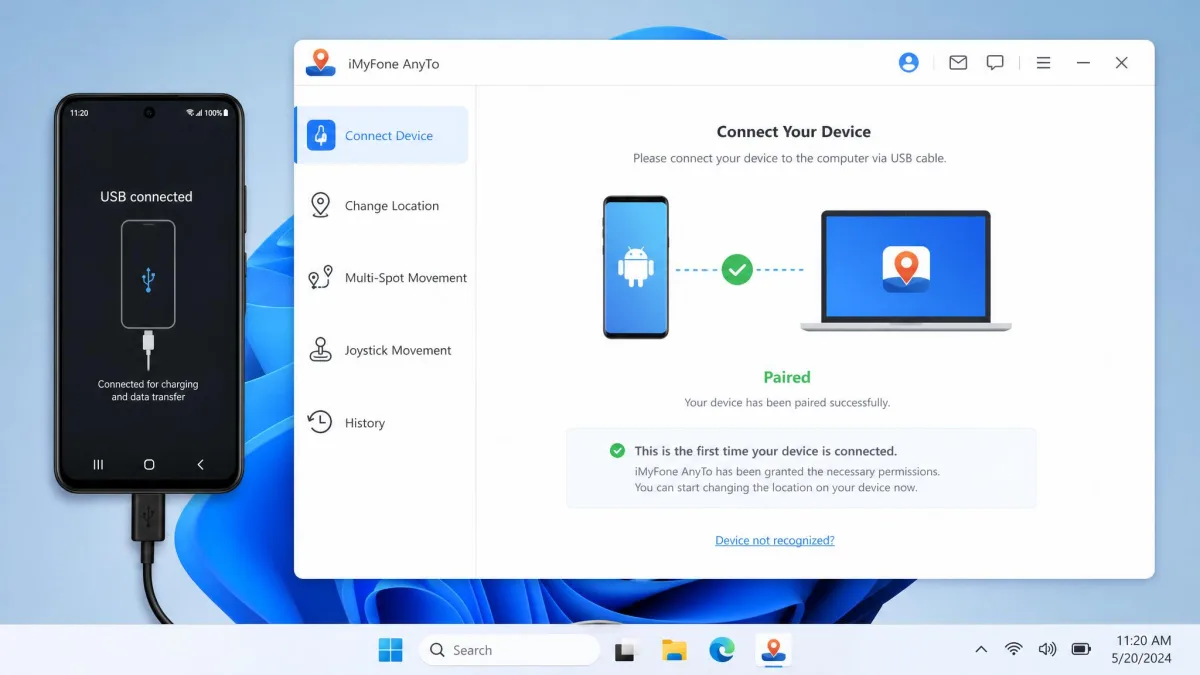
Plug your iPhone or Android phone into the computer with USB. The client walks you through the first pairing, and later sessions can connect over Wi-Fi or Bluetooth. Android users can run the standalone app instead.
Step 3: Teleport to your target location
Open the map in the client and pick your target spot by typing an address or dragging the pin. Tap Teleport, and the phone's GPS feed updates. Use instant reset to jump back to your real position.
Step 4: Move naturally with the joystick
Joystick Mode moves your in-game character in real time in any direction. Set a speed from 3.6 to 120 km/h so movement looks human. Two-Spot Mode walks a route between two points automatically.
Respect the cooldown when you teleport. A 1 km jump needs about 30 seconds, a 100 km jump roughly 35 minutes, a 1,500 km hop needs a 2-hour wait. The safest community pattern is teleport, wait, then close the game. LocaChange's built-in timer does this math for you; with AnyTo, you track it yourself.
iMyFone AnyTo vs LocaChange: Key Differences at a Glance
With both tools described, here is the side-by-side. iMyFone's store runs promos that drop its prices further.
Comparison table: price, platforms, modes, ban risk, free trial
| Feature | iMyFone AnyTo | LocaChange |
|---|---|---|
| Price (entry) | From $14.99/month (VIP); SVIP $19.99/month | $19.99/month (desktop) |
| Yearly / lifetime | $59.99/year, $89.99 lifetime (list; promos run lower) | $79.99/year, $119.99 lifetime (desktop) |
| Free trial | Teleport once, joystick 15 minutes | Each mode once, joystick 15 minutes |
| Platforms | iOS 5+, Android 6.0+, no jailbreak or root | iOS 14+, Android 8+, no jailbreak or root |
| Spoofing modes | Teleport, Two-Spot, Joystick, Multi-Spot, GPX routes | Teleport, Jump Teleport, Two-Spot, Multi-Spot, Joystick, Fluctuation |
| Ease of use | Intuitive client; standalone Android app | Simple map client; fast first-time setup |
| Safety / ban risk | Unverified 0% ban rate claim; no cooldown tooling | Cooldown timer built in; marketed to reduce detection risk |
| Customer support | 30-day refund; mixed Trustpilot history | 30-day refund; no independent support rating |
Head-to-Head: iMyFone AnyTo vs LocaChange
The table condenses the story; the details matter more.
Ease of use
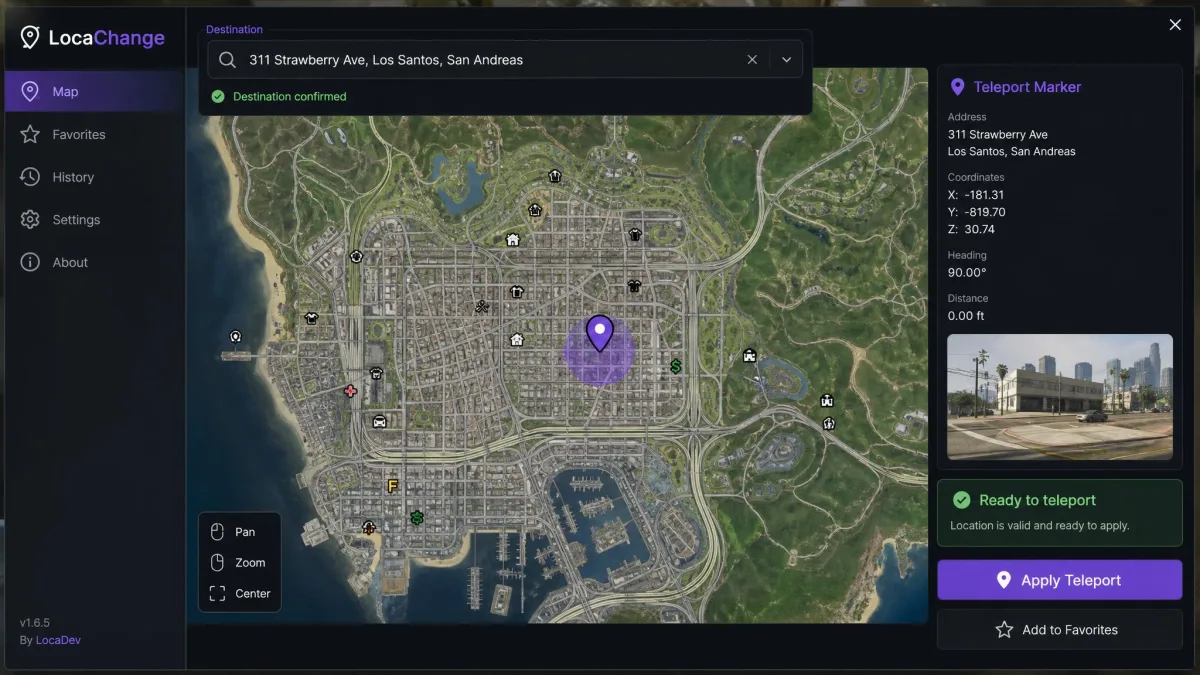
Both tools use a desktop client with a map, and both accept a typed address. The reviews we analyzed call AnyTo's interface intuitive and the teleport genuinely one-click. In a published four-day iPhone test, LocaChange changed Apple Maps and Instagram story tags instantly after a typed teleport, with no lag or reboot. First-time setup in that test took under a minute with a USB cable and one Developer Mode toggle.
Location spoofing modes and movement control
The mode sets are close, with different extras. AnyTo brings GPX route import and export; LocaChange adds Jump Teleport and Fluctuation mode. Both move you at 3.6 to 120 km/h. LocaChange's Two-Spot mode followed real park pathways at walking speed in published testing, turning corners like a person would. AnyTo's joystick drew stuck-joystick complaints on the Android listing.
Compatibility and setup requirements
Compatibility is where the gap shows. AnyTo supports iOS 5 and up and Android 6.0 and up; LocaChange needs iOS 14 or Android 8 at minimum. Neither requires jailbreak or root. AnyTo's Android app runs fully standalone, while LocaChange's desktop workflow tethers the phone to a computer.
Safety and ban risk
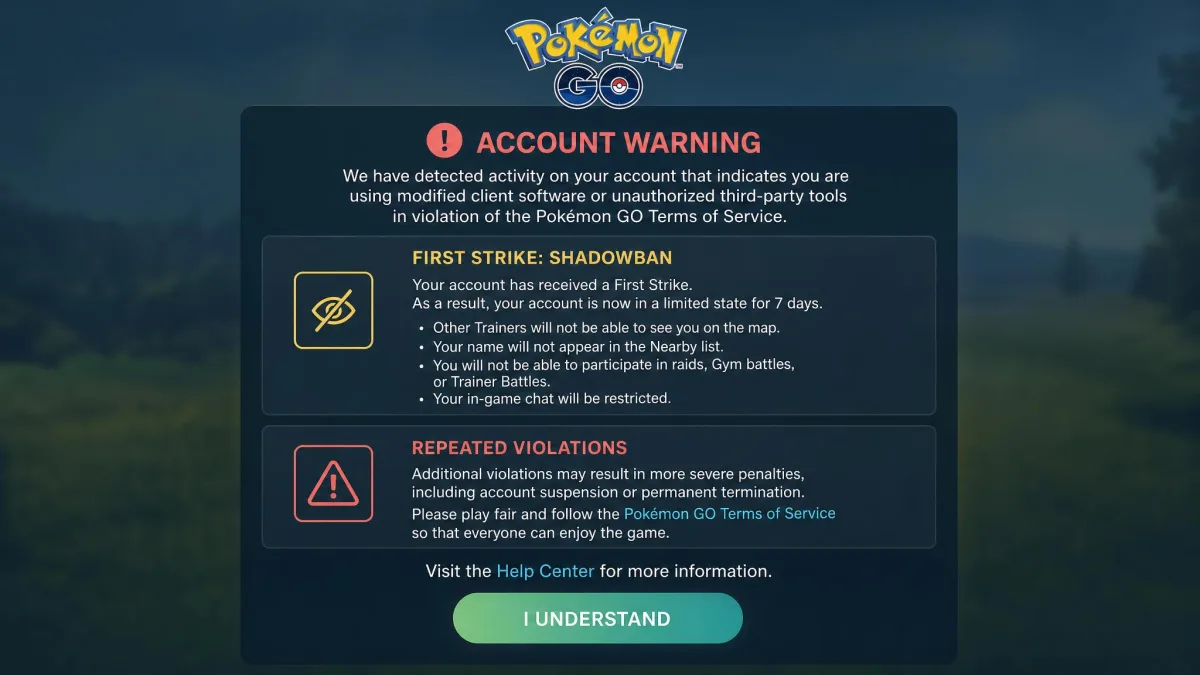
Ban risk is the real cost of this category. Pokemon GO runs a 3-strike system: a 7-day warning and shadowban, a 30-day suspension, then a permanent ban. Detection now pairs device-attestation checks with GPS-anomaly analysis; a teleport over 100 km in 30 seconds gets flagged, and most active spoofers are caught within weeks. iMyFone's 0% ban rate claim is unverified marketing; LocaChange's cooldown timer is the honest version of the same pitch.
Using any location changer carries real account risk. Pokemon GO's three-strike ladder ends in a permanent ban, and detection now watches device attestation and movement patterns. No vendor claim of perfect safety changes that. Treat any ban-free run as luck, not a guarantee.
Pricing and plans
AnyTo starts at $14.99 a month on the VIP tier, with SVIP at $19.99. LocaChange's desktop plan runs $19.99 a month. AnyTo lists $59.99 yearly and $89.99 lifetime, but the official store runs aggressive promos, so those figures swing widely. LocaChange lists $79.99 yearly and $119.99 lifetime. Both offer a 30-day money-back guarantee.
Customer support and reliability
The support picture is mixed beyond the 30-day guarantees. User reviews on Trustpilot split sharply across iMyFone product pages, from 1.6/5 to 3.7/5. Refund complaints appear among the top-voted AnyTo reviews on Google Play, including a same-day cancellation with no refund for five days. LocaChange has no independent support rating. On iPhone, a spoofed position can snap back to real GPS after a few hours; LocaChange users also report resets when the tethered computer shuts down after an iOS 18 update.
Use cases: Pokemon GO, dating apps, and beyond
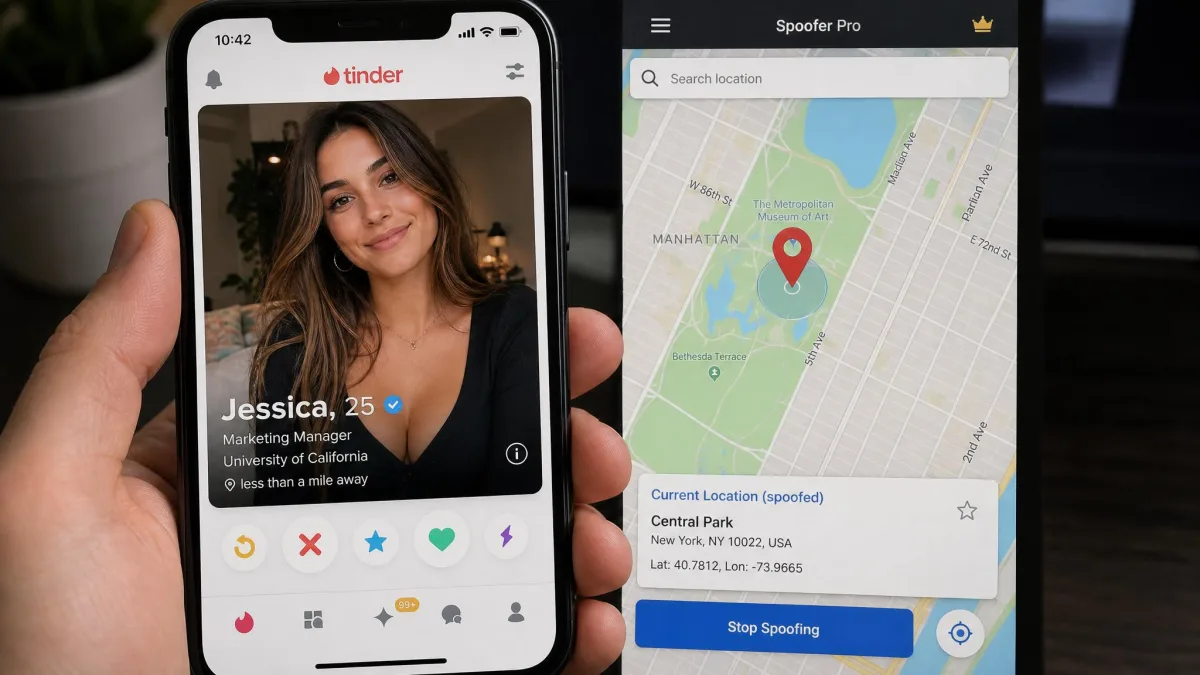
Pokemon GO spoofing is the headline use for both tools. AnyTo bundles an auto catcher, IV scanner, and map resources; LocaChange's Game Mode covers Pokemon GO, Monster Hunter Now, Soundmap, and 50-plus other games. Dating apps are the second draw; both target Tinder, and AnyTo also names Grindr and Hinge. Social check-ins on Snapchat, WhatsApp, and Instagram round out the list.
User reviews and real-world experiences
AnyTo's Android app shows 1M+ installs on the Google Play listing, with a star score of about 2.9 on the listing but closer to 3.6 in third-party scrapes of the same pool. Top-voted reviews focus on the paywall that appears right after install, with no working free trial. Some describe the target app still showing the original position after AnyTo reports a change. LocaChange's Android app left Google Play in March 2025 at 1.47 stars across 417 reviews, dominated by complaints that payment was demanded immediately. Its iOS app launched only in February 2026.
Pros and Cons: iMyFone AnyTo
Pulling the trade-offs together for AnyTo first.
Pros
- Cheapest entry price of the two changers
- Supports older devices, from iOS 5 and Android 6.0
- GPX route import and export
- Standalone Android app, no PC required
Cons
- No built-in cooldown timer
- Refund and support history is mixed across iMyFone products
- Android app draws paywall-after-install complaints
- iPhone position can snap back to real GPS after a few hours
Pros and Cons: LocaChange
Where AnyTo leads on price and reach, LocaChange leads on safety tooling.
Pros
- Built-in cooldown timer
- Extra modes: Jump Teleport and Fluctuation
- Responsive joystick and natural walking routes in published tests
- Game Mode covers 50-plus location games
Cons
- Higher entry price at $19.99 a month
- Needs iOS 14 or Android 8 at minimum
- Android app was removed from Google Play in 2025
- No GPX route import or export
Which Should You Choose? Our Verdict
AnyTo is our pick for most users. It costs less, runs on older phones, and has a longer Android track record. LocaChange wins the safety-tooling argument and adds two movement modes AnyTo lacks. One observation: LocaChange's site hosts assets on imyfone.com, and its plan ladder matches AnyTo's SVIP tier exactly, though neither vendor confirms a shared parent. Buy monthly first and test on your own device before a yearly or lifetime plan.