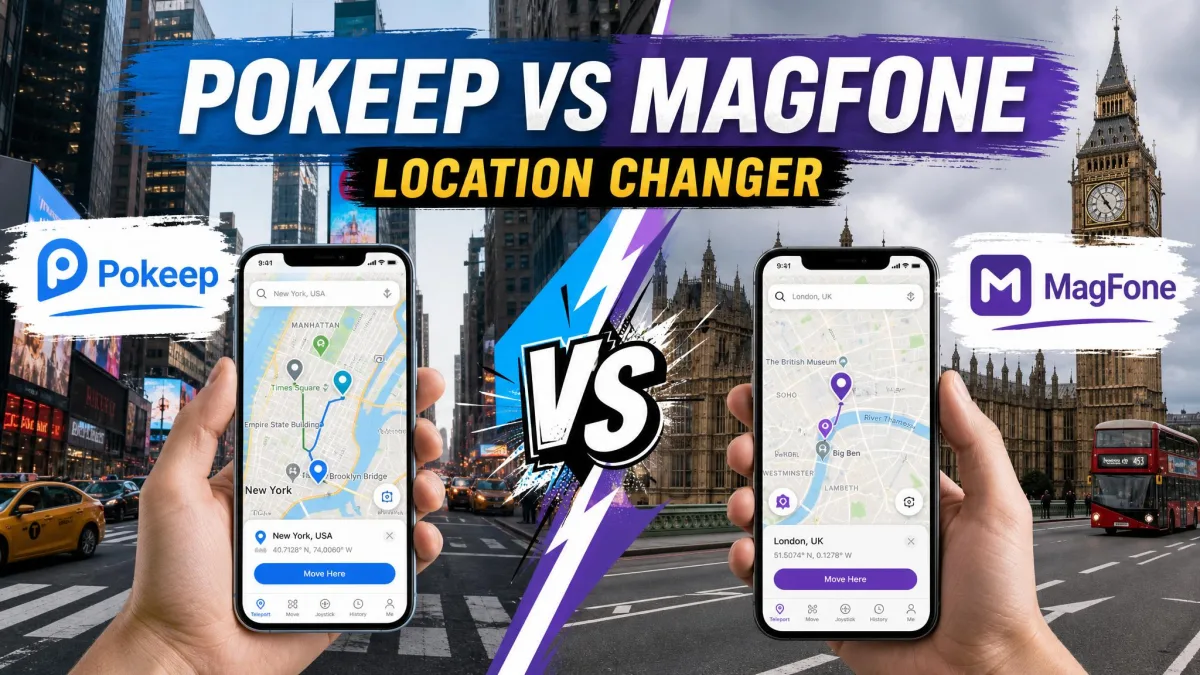
PoKeep is a desktop-based GPS spoofer for iPhone and Android. You install it on a Windows PC or a Mac, connect your phone over Bluetooth or USB, and it changes the location your apps report, with no jailbreak and no root required. MagFone Location Changer is the cross-platform alternative, working the same way from a Windows or Mac desktop over USB or Wi-Fi, with an official page that claims support for the newest iOS and Android releases.
The feature lists read almost identically at first. Both offer a 360-degree joystick, two-spot and multi-spot routes, jump teleport, a cooldown timer, GPX route files and ten devices per licence. Read the two pages side by side and you would be forgiven for thinking they are the same product. The differences that decide a purchase sit in pricing, setup experience and safety, so that is where this comparison focuses. We compared both tools across those lines and sorted out which one you should install.
So which GPS spoofer is actually better in 2026?
At a Glance: PoKeep vs MagFone Location Changer
We worked through each tool's connection flow, movement modes and cooldown behaviour for this comparison.
What PoKeep Does Best
PoKeep suits buyers who want to verify before paying: the most defined trial of the two, giveaway discounts, and a cooldown timer that auto-jumps.
What MagFone Location Changer Does Best
MagFone carries the pair's only lifetime licence, at $89.95 one-time. For buyers who want value and a fast path to the map, its plans undercut PoKeep's and the first teleport lands within minutes.
Quick Comparison Table
The table below is the short version.
| Feature | PoKeep | MagFone Location Changer |
|---|---|---|
| Price | $12.95/month list, promos near $9.95 | from $9.95/month; $39.95 yearly; $89.95 lifetime |
| Free trial | 25 uses total (5 per mode) | Free download, limited functionality |
| Platforms | iOS 5 to iOS 26, Android 6.0+; Windows 10+, macOS 11+ | iOS and Android; Windows and Mac |
| Movement modes | 360-degree joystick (WASD), two-spot, multi-spot, jump teleport | 360-degree joystick (WASD, arrows), two-spot, multi-spot, jump teleport |
| Cooldown timer | Built-in, auto-jump after cooldown | Built-in preset cooldown |
| GPX support | Import/export, favourites, history | Import/export, favourites, history |
| Ban risk | Cooldown and realistic modes; bans still possible | Cooldown only; detection possible |
| Ease of use | Setup a bit tricky; first connection about 10 minutes | Beginner-friendly; device-detection friction |
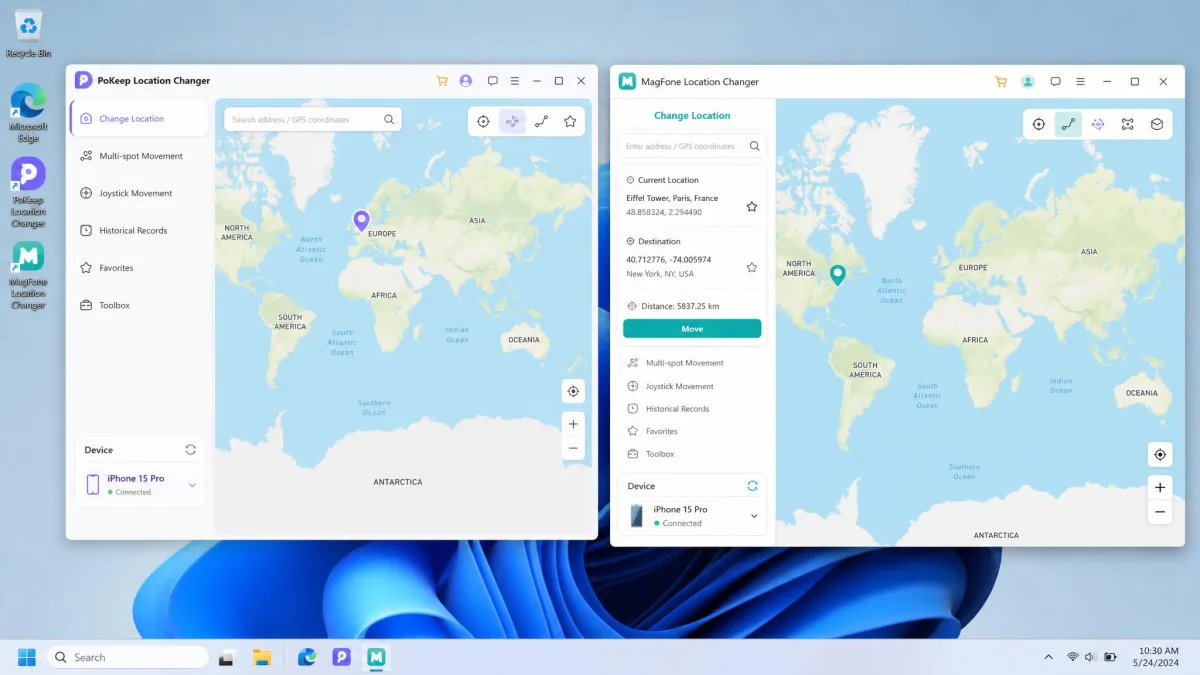
PoKeep vs MagFone: Overview
What Is PoKeep?
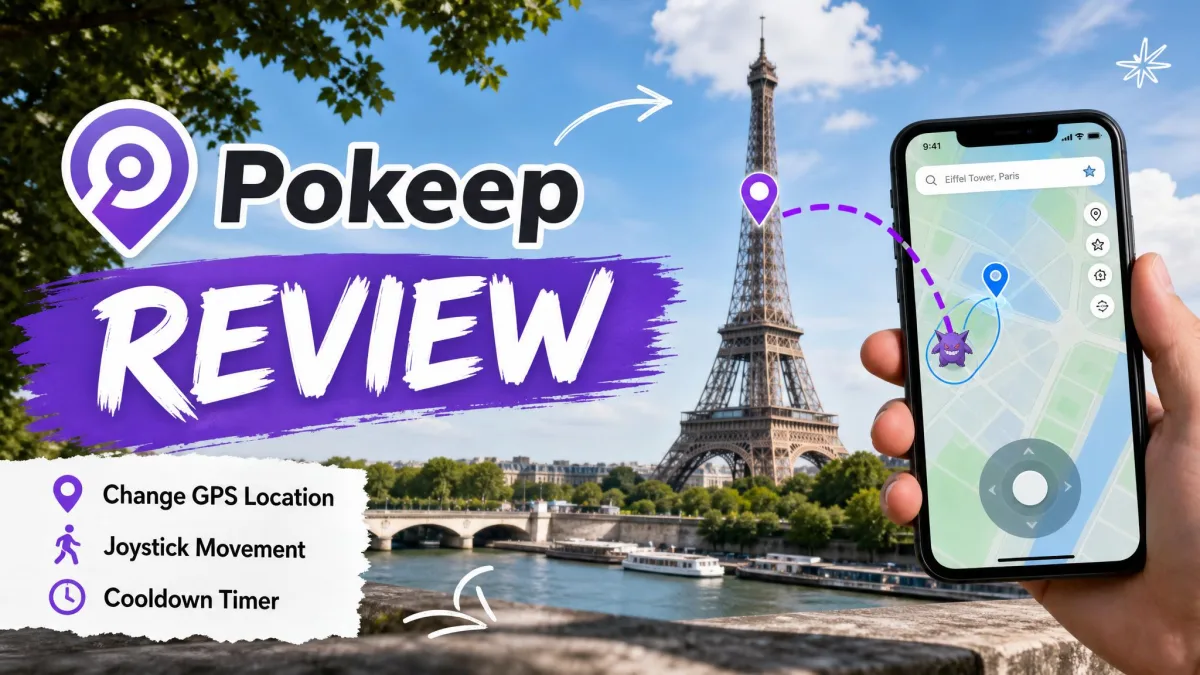
PoKeep is a desktop application for Windows and macOS that changes the GPS location your phone reports to other apps. You connect the handset over Bluetooth or USB, switch on developer or mock-location mode, and drop a pin anywhere in the world. PoKeep lists support from iOS 5 through iOS 26 and Android 6.0 and up, and no jailbreak or root is needed.
What Is MagFone Location Changer?
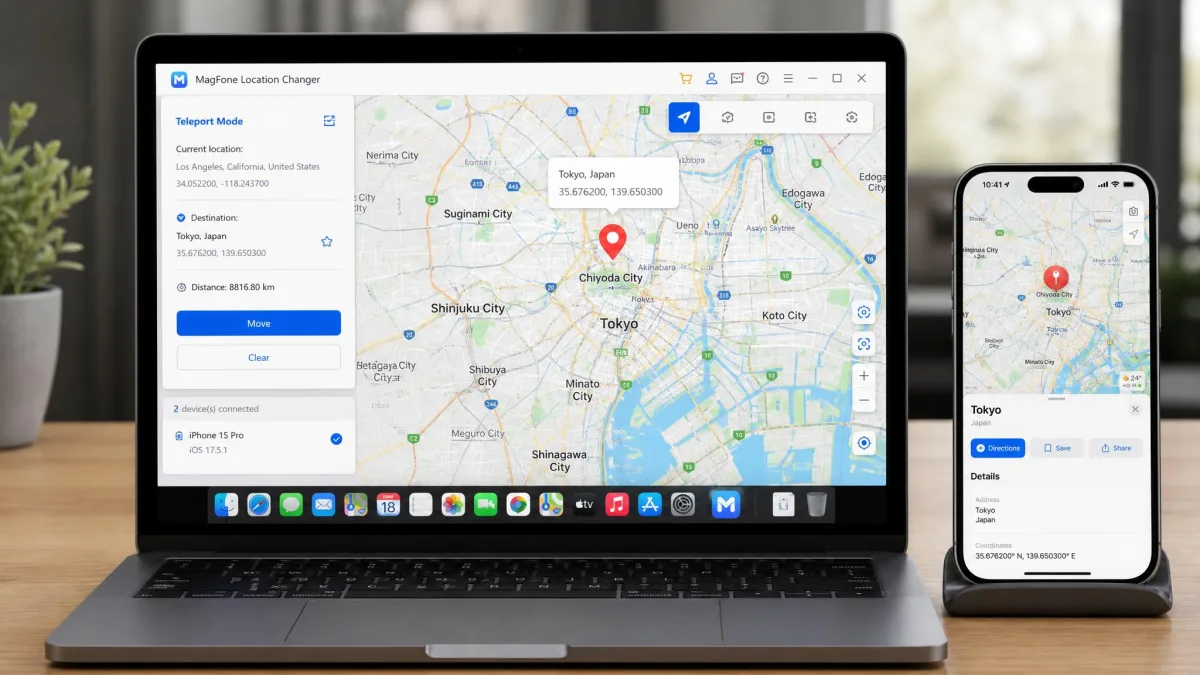
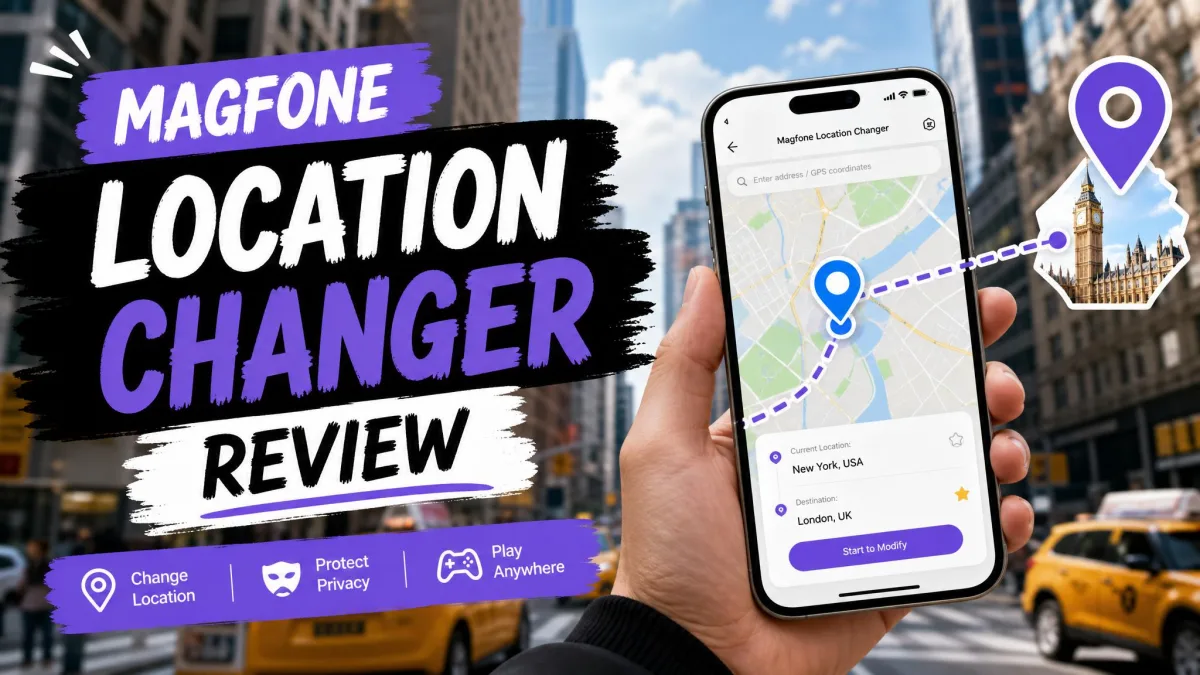
MagFone Location Changer works the same way from Windows or a Mac, over USB or Wi-Fi. MagFone Location Changer presents it as an iPhone and Android tool that needs no jailbreak or root, claims support for iOS 27 and Android 16, and licences up to ten devices at once.
PoKeep vs MagFone: Supported Platforms & Device Compatibility
iOS & Android Support Without Jailbreak or Root
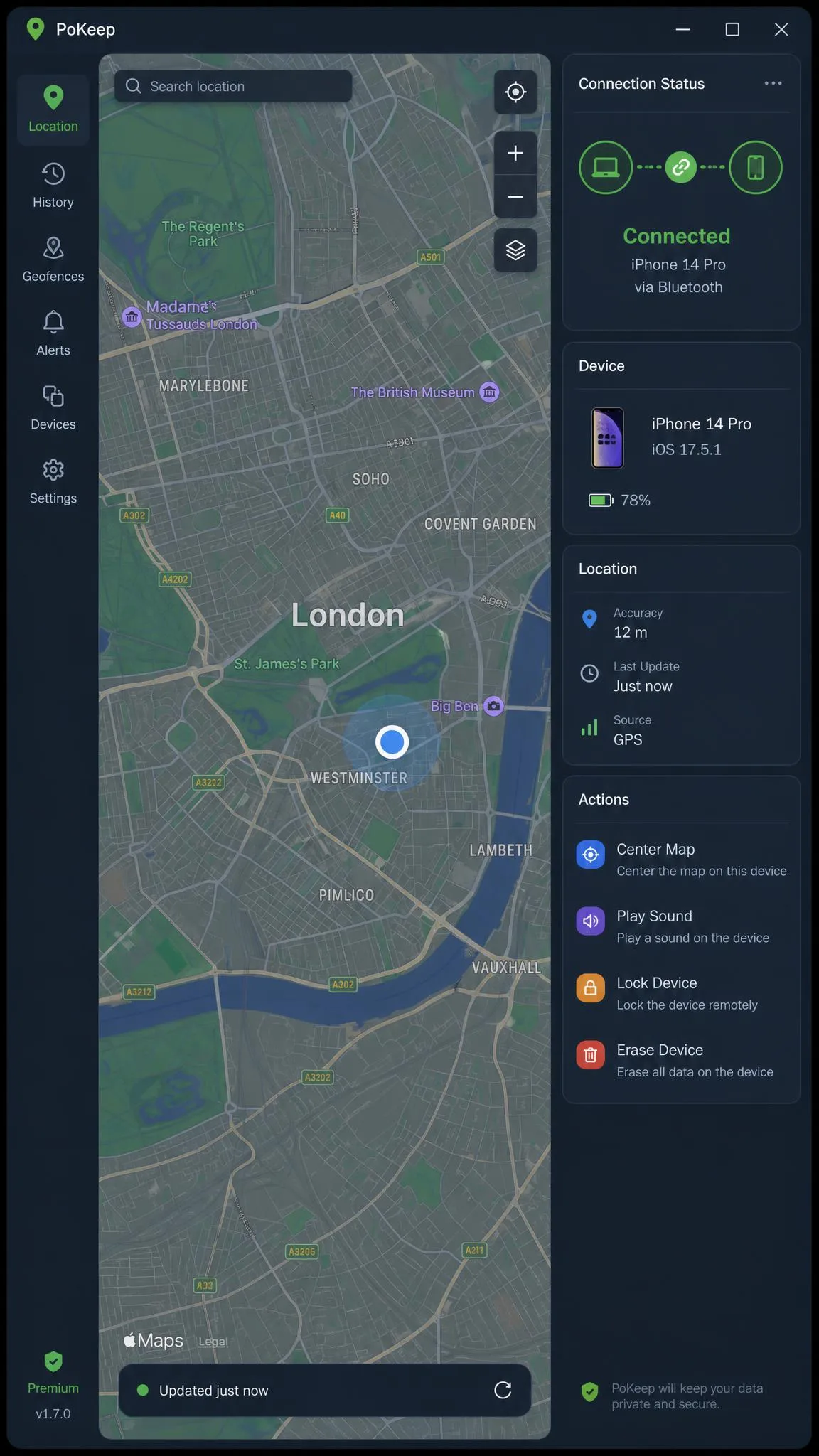
Neither tool asks you to modify the phone. PoKeep covers iOS 5 through iOS 26 and Android 6.0 and later; MagFone claims the newest iOS and Android builds, and both upper bounds are vendor claims that move with each release. On Android, spoofing runs through mock-location mode; on iPhone, the phone must trust the connected computer. Both licences stretch to ten devices.
PoKeep vs MagFone: Core Features Compared
Joystick & Movement Modes
Both tools drive a pin around the map with a 360-degree joystick, on PoKeep with W/A/S/D keys and on MagFone with WASD or arrows. Jump teleport is standard, with walking, cycling and driving speed presets. MagFone's dial runs from 0.4 to 108 km/h, and both add a realistic mode that varies route pace.
Route Simulation, Two-Spot & GPX Support
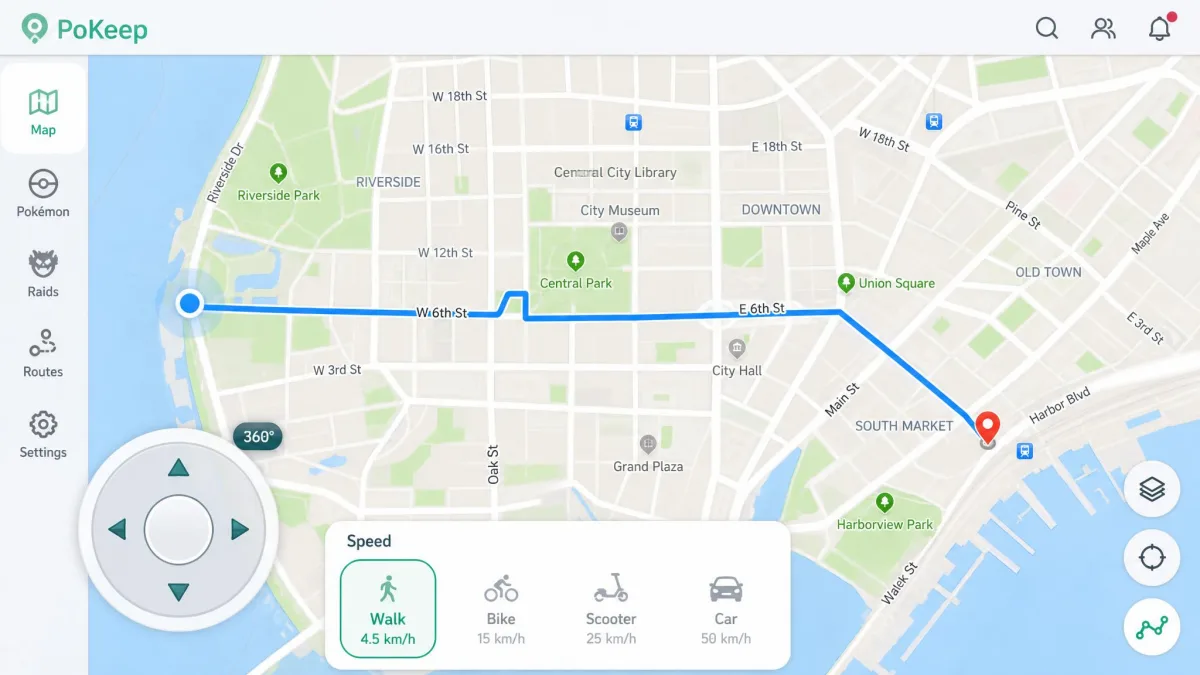
Route work is a tie on paper. Both run two-spot and multi-spot routes, import and export GPX files, and keep favourites and history. PoKeep adds coordinate collection and auto-jump; MagFone adds route search and pause and restart controls.
Cooldown Timer & Anti-Detection Safety
Both vendors ship a cooldown timer that enforces a wait between distant teleports. In our testing it cut soft-ban risk without eliminating it, and bans still happened after careless instant teleports.
Multi-Device & Desktop Control
Both licences control up to ten phones at once. The catch is shared: the desktop software must stay running for the session, because neither tool spoofs on the phone itself.
App Compatibility: Pokémon GO, Life360, Dating & Social Apps
The app lists are long on both sides. PoKeep names Pokémon GO, Monster Hunter Now, Ingress Prime, Life360, Find My iPhone, Tinder and Bumble; MagFone covers Pokémon GO, Ingress Prime, Minecraft Earth, Life360, Tinder, Bumble, Spotify, Netflix and TikTok. The lighter side works too, like a dating-profile pin that pranks your friends. Neither list is a guarantee, since apps change their detection methods.
PoKeep vs MagFone: Safety, Ban Risk & Trustworthiness
Safety starts with the phone, and both tools leave it intact. No jailbreak, no root, no modified game client. PoKeep changes the GPS signal only, not your IP or network location, so an app that checks both can still notice. Its desktop design carries a lower detection profile than client mods like iPoGo or PGSharp, while MagFone's software can be detected by Pokémon GO even with the cooldown timer active.
Spoofing can breach the terms of the apps you use, and falsifying location in Pokémon GO can cost you the account. Wait out the full cooldown between distant jumps, and never spoof on an account you would mind losing. A cooldown timer cuts soft-ban risk; nothing either vendor sells removes it.
The public ratings are thin but worth a look. Trustpilot rates PoKeep 4 out of 5, and magfone.com sits at 4.4 out of 5, though most of those reviews cover MagFone's iPhone unlocker products rather than the location changer. SourceForge shows 5.0 out of 5 for MagFone Location Changer, based on a single review.
PoKeep vs MagFone: Pricing, Free Trial & Value
Both vendors publish their prices on their official pages; here is what each licence costs as of August 2026.
| Plan | PoKeep | MagFone Location Changer |
|---|---|---|
| Monthly | $12.95 list, promos near $9.95 | from $9.95 |
| Quarterly | Not published | $19.95 |
| Yearly | Not published | $39.95 |
| Lifetime | Not published | $89.95 one-time |
| Free trial | 25 uses total, 5 per mode | Free download, limited functionality |
| Refund | 30-day, conditional | 30-day money-back guarantee |
PoKeep's prices drift with promotions, so the same monthly licence lists at $12.95 on the official site and around $9.95 on giveaway and reseller listings. MagFone's purchase page shows renewal figures like $24.95 a month next to the intro prices without labelling which is which, so check the renewal rate before checkout.
Free trials are thin on both sides. PoKeep's is the more defined of the two: 25 uses in total, five each for change location, two-spot, multi-spot, jump teleport and joystick, with multi-device and GPX excluded. MagFone offers a free download with limited functionality and never states how long the trial lasts. Refunds differ: PoKeep's 30-day guarantee excludes buyer's remorse and game-account penalties, while MagFone gives every plan a 30-day money-back guarantee.
PoKeep vs MagFone: Ease of Use (Step by Step)
Both tools are straightforward once connected. The difference is how much they ask of you before the map appears.
How to Use PoKeep in 3 Steps
First, install the desktop app on your Windows PC or Mac and open it. Second, connect your phone over Bluetooth or USB, then enable developer mode on Android or trust the computer on iPhone. Third, choose a mode, drop a pin and start, exactly as PoKeep's official user guide walks through with screenshots.
Two quirks surfaced in our sessions. The first connection can take around ten minutes to establish, and the Windows installer can trigger antivirus flags. Neither stopped the tool once connected, and fake-walking in Pokémon GO and location changes in Snapchat worked as advertised.

How to Use MagFone Location Changer in 3 Steps
First, install the Windows or Mac build and open it. Second, connect the phone over USB or Wi-Fi. Third, pick a mode, drop the pin and start. The interface is beginner-friendly, with the map in the centre, modes on the side and controls along the bottom.
Our first session with MagFone stalled at the connection step. The Android phone needed USB debugging enabled, the iPhone needed the computer trusted, and a bad cable killed the link entirely. Once a cable swap held, the desktop tether stayed up for the rest of the test, and the first teleport took about two minutes from a cold start. A hiccup resurfaced on the newest OS build mid-session, and we reconnected the phone before the next jump.

PoKeep vs MagFone: Pros & Cons
PoKeep Pros & Cons
Pros
- Defined free trial with a fixed use allowance
- Cooldown timer with auto-jump after the wait
- Lower detection profile than modified game clients
- Giveaway listings regularly discount licences to free
Cons
- Monthly price lists at $12.95, the dearer of the two
- No yearly or lifetime plan published
- First connection can take about 10 minutes
- Changes GPS only, not IP or network location
MagFone Location Changer Pros & Cons
Pros
- Cheapest monthly rate of the two, from $9.95
- $39.95 yearly and $89.95 lifetime options
- Beginner-friendly interface, one-click teleporting
- 30-day money-back guarantee on every plan
Cons
- Renewal prices shown without labelling
- Device-detection friction: USB debugging, trusted computer, cable quality
- Not a standalone app; the desktop tether must stay connected
- Can be detected by Pokémon GO even with cooldown active
PoKeep vs MagFone: Which One Should You Choose?
Most buyers should land on MagFone Location Changer. It is cheaper on every plan, offers the only lifetime licence of the pair, and is friendlier on first run. PoKeep fits when the trial matters more than the price, since its defined trial lets you verify it works with your phone and your apps before committing.
Alternatives to Consider
Neither tool is the only option. Our PoKeep vs iAnyGo and PoKeep vs iMyFone AnyTo comparisons cover two other desktop spoofers, and the FonesGo vs MagFone Location Changer, MockGo vs MagFone Location Changer and MocPOGO vs MagFone Location Changer comparisons round out the family, alongside our MagFone Location Changer review.
Frequently Asked Questions
How do I restore my real location?
Is PoKeep or MagFone Location Changer free?
Is PoKeep safe, and will I get banned?
Which tool's cooldown is safer for long Pokémon GO sessions?
Do I need to jailbreak or root my phone?
Final Verdict
Both tools change your GPS location without jailbreaking anything. The separation happens on price and first impressions.