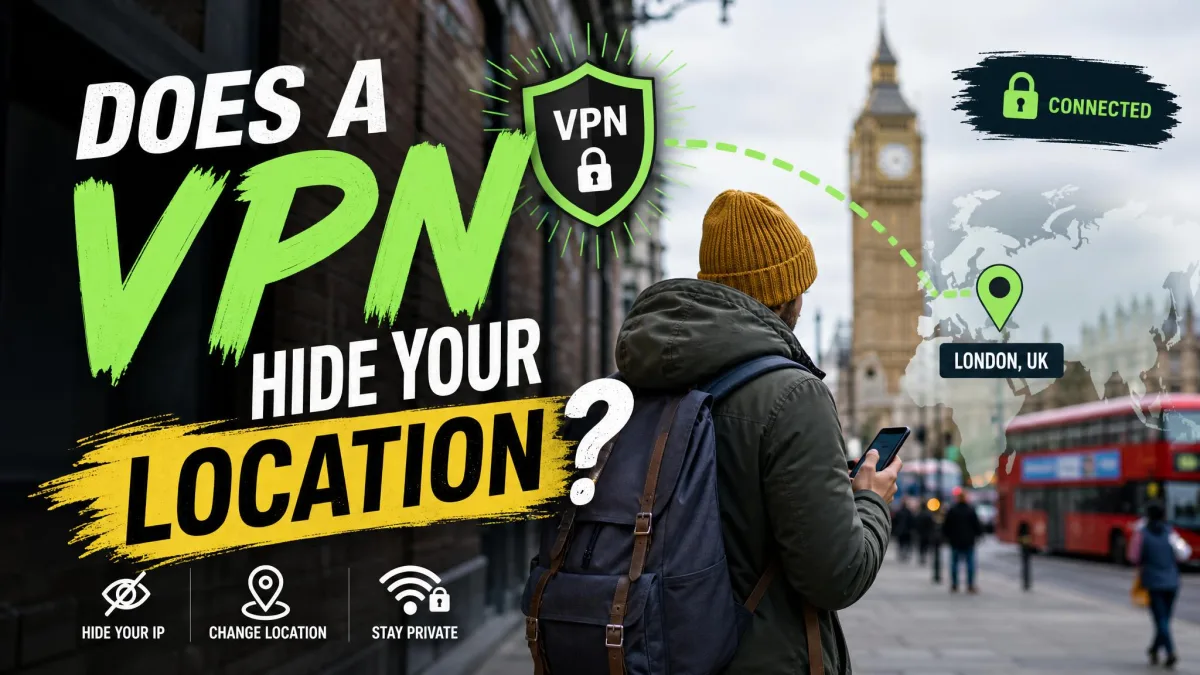
Yes, a VPN hides your IP-based location, which is the city, region or country that websites work out from your connection. It does not hide your phone's GPS, Wi-Fi positioning or the location tied to your signed-in accounts, and it won't make you completely anonymous online.
Most apps and services don't rely on your IP address alone. A VPN masks one location signal very well, but your devices send several others besides. This guide covers location only. For the wider picture, see our breakdown of what a VPN hides and what it can't.
A VPN changes the location tied to your IP address. These signals keep working with it on: GPS, nearby Wi-Fi networks and Bluetooth beacons, the browser's location prompt, your carrier's cell towers, and the home address saved in accounts like Google.
How a VPN Hides Your Location
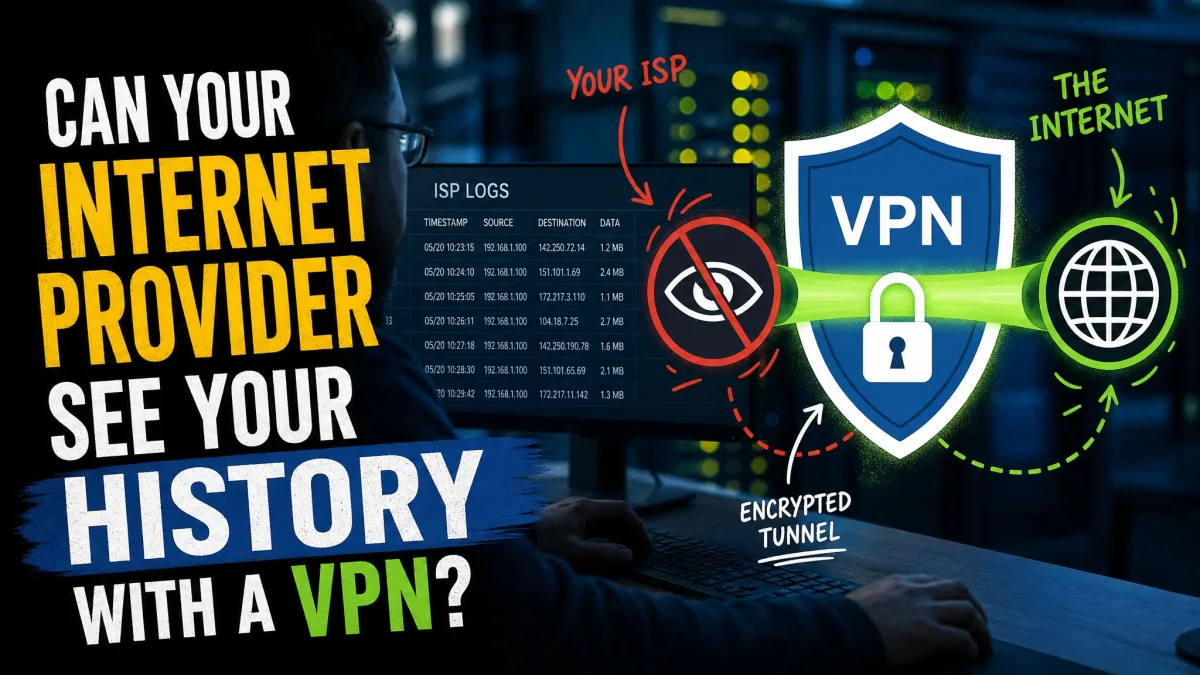
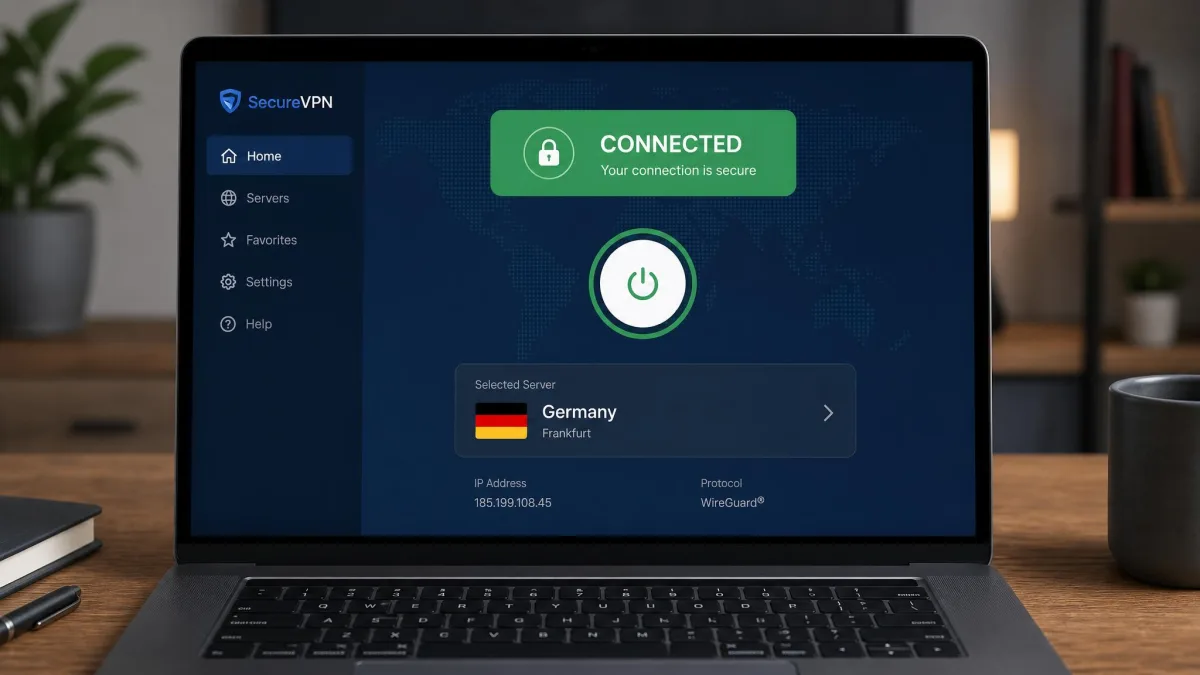
A VPN uses an encrypted tunnel to route your traffic to one of its servers. Websites see the server's IP address instead of yours, so any location they look up points to the server.
What Your IP Address Reveals About Where You Are
An IP address is the number your internet provider assigns to your connection so data can find its way back to you. Location databases map those numbers to places. MaxMind estimates it identifies the country with 99.8% accuracy and the US state or region with about 80% accuracy.
City-level results are weaker, at roughly two in three US lookups, and the figure shifts with each database update and between mobile and home connections. IP geolocation never pinpoints a household or street address. It returns an area, often a radius of many kilometres.
What Websites See When You Connect Through a VPN Server
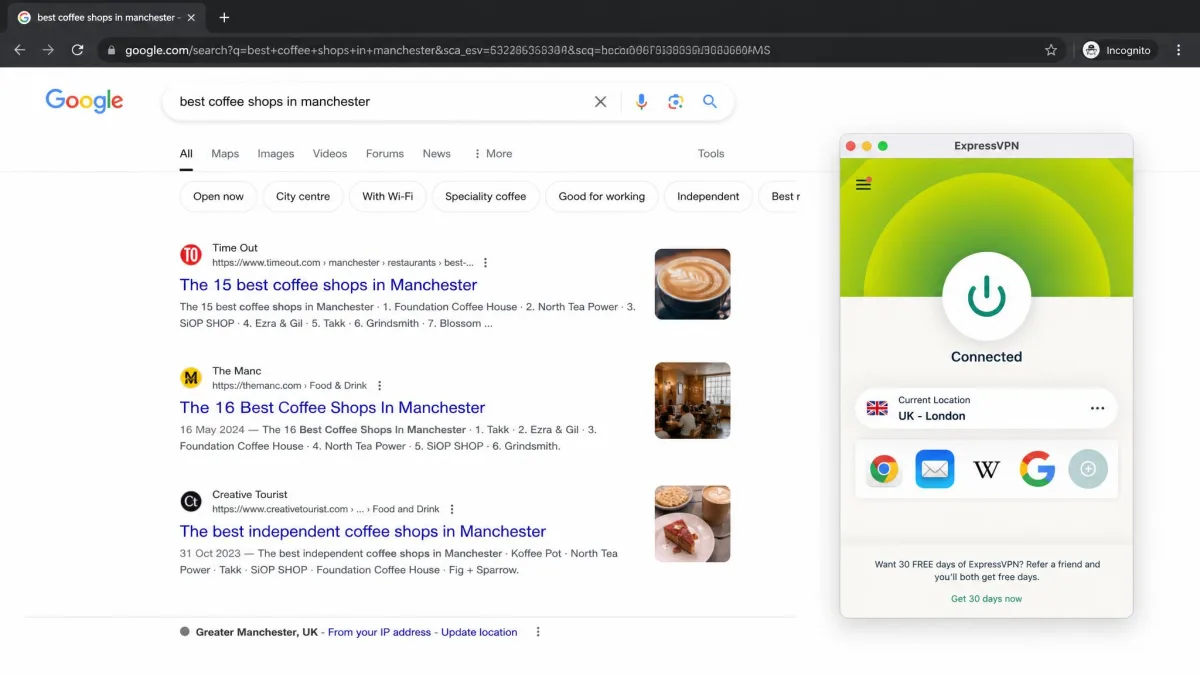
With the VPN connected, a website sees the server's IP and looks up that server's city. Your real IP never reaches the site unless something leaks. The site can also tell the IP belongs to a data center rather than a home connection.
Can a VPN Make It Look Like You're in Another Country?
Yes. Pick a server in another country and IP-based services treat you as if you're there, which is how people reach region-locked content. Our guide on how to change your location with a VPN covers picking servers on each device. This only fools services that trust the IP, though.
The Location Signals a VPN Can't Hide
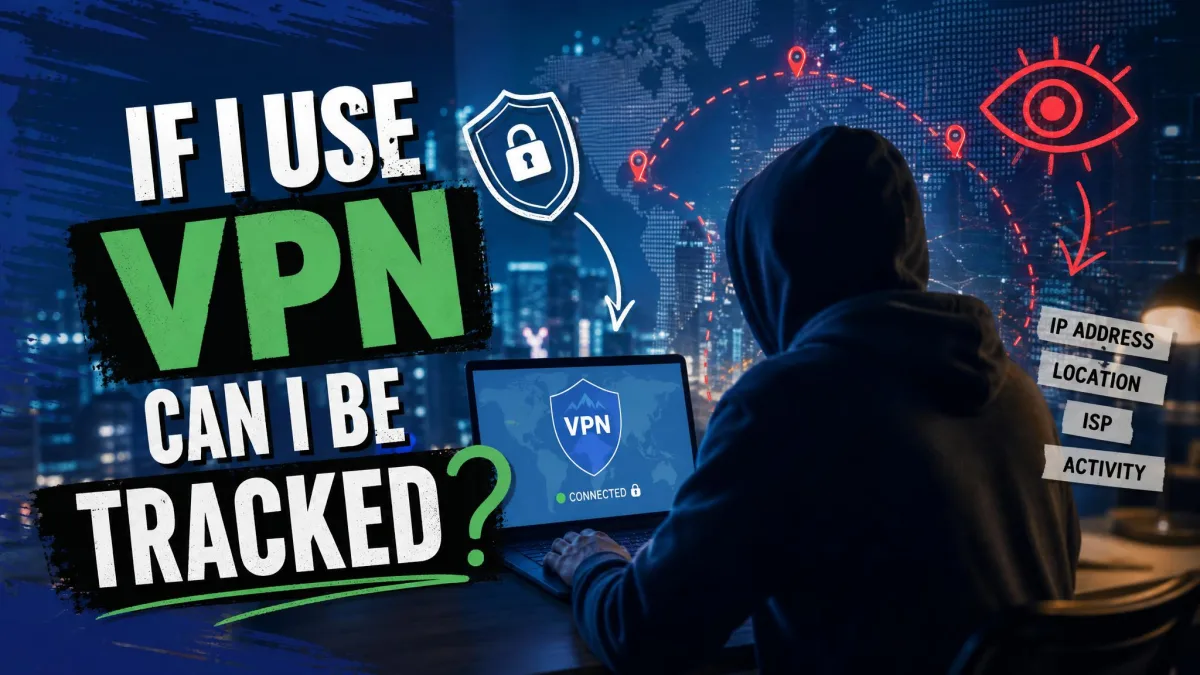
A VPN can't hide any signal that doesn't travel through your IP address. Your phone and browser collect position data locally, and apps with permission read it directly. That's why the answer to whether you can be tracked with a VPN is usually yes.
GPS on Your Phone
GPS (the Global Positioning System) reads satellite signals, so your phone works out its position without the internet. A VPN never sees that data. In our testing, Google Maps and Apple Maps kept the blue dot on our true position with the VPN connected to a server abroad.
Location-based apps like Tinder behave the same way, still showing people near your real position. On iPhone, the Precise Location toggle, added in iOS 14, lets each app see only an approximate area instead.
Wi-Fi Positioning and Bluetooth Beacons
Wi-Fi positioning means your device scans nearby routers and asks a database where they are. Google and Apple map routers to coordinates, and phones with GPS on keep those maps updated. University of Maryland researchers found new routers typically appeared in Apple's database within 2-7 days.
None of this passes through the VPN tunnel. If you own the router, adding _nomap to the network name opts it out of Google and Apple's databases.
Browser Geolocation Prompts
Browsers have their own location channel. The W3C Geolocation API, a W3C Recommendation since 2022, lets a site request your device's position from GPS, Wi-Fi, Bluetooth or cell data. It needs your permission first, but once you click Allow, the site gets a position that ignores your VPN.
When a site shows your real city despite the VPN, the usual culprit is the browser's Wi-Fi-based location. Blocking location permission for that site fixes it.
Location permission you granted months ago still applies with the VPN on. Review which sites and apps can read your location, and switch the ones you don't need to "Ask" or "Never".
Cell Towers and Your Mobile Carrier
Your mobile carrier always knows roughly where you are. Your phone registers with nearby cell towers to make calls and receive data, and that happens below the VPN tunnel. An FTC staff report found many ISPs collect real-time location data, and some shared it with third parties.
Logged-In Accounts, Time Zone, and Language Settings
Signed-in Google or Facebook accounts keep tying your activity to your registered location and billing address, whatever server you pick. Your browser's time zone and language don't change when you connect either, so a US server paired with a European clock is an easy mismatch for sites to flag.
Cookies and Browser Fingerprinting
Cookies store identifiers from earlier visits, so a site can recall the location it saw last time. Fingerprinting combines screen size, fonts and settings into a profile that allows tracking without cookies. EFF research on browser uniqueness from 2010 found 84% of browsers were unique, rising to 94% among those with Flash or Java.
Why Google and Other Apps Still Know Your Real City
Google knows your real city because it draws on four location sources, and IP is only one. The others are your device's precise location if you allowed it, the Home and Work addresses saved in your account, and your past search activity.
In our testing, Google Search kept showing our home area with the VPN on. Without precise location, Google falls back to a general area of at least 1,000 users, but a saved Home address still keeps results local. Google can also place a busy VPN server's IP where its users connect from, so the result may match neither you nor the server's city.
Leaks That Expose Your Real Location Through a VPN
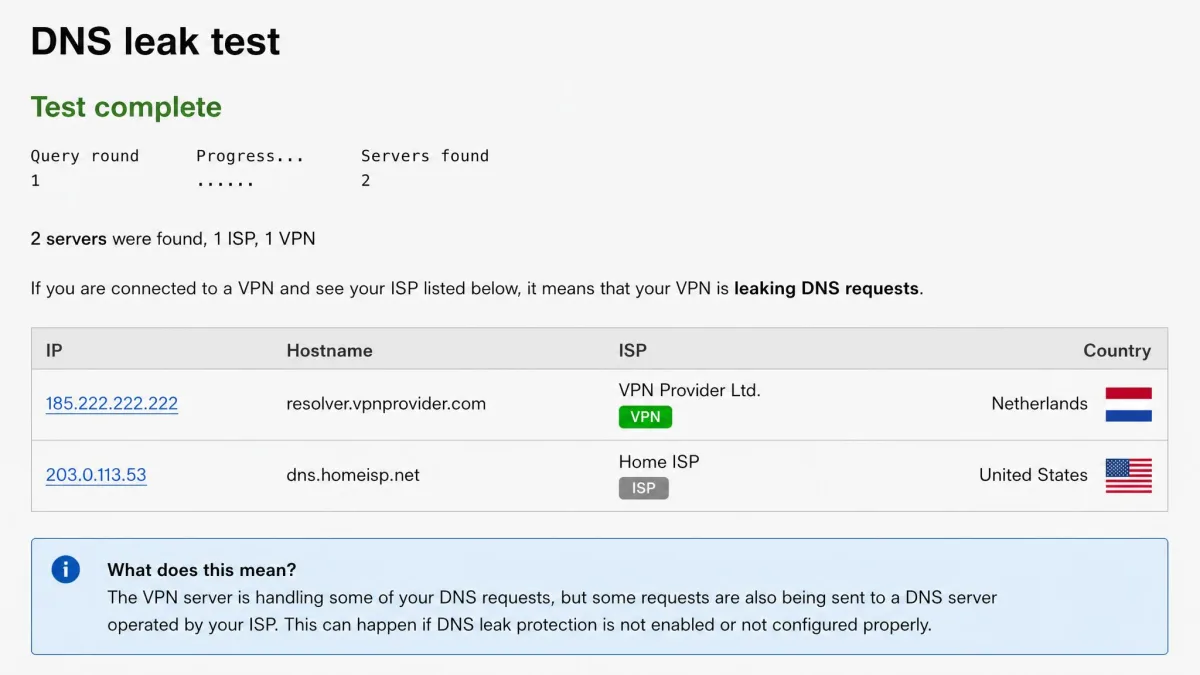
A leak happens when some traffic slips outside the tunnel and shows your real IP. Free VPN apps are the most likely to leak DNS, IP or WebRTC data, even while the app shows as connected.
DNS Leaks
DNS turns website names into IP addresses. A DNS leak happens when your device keeps using your internet provider's DNS servers instead of the VPN's. When we ran a DNS leak test, resolvers from our own ISP could still appear while the app reported it was connected. On Windows 8 and later, Smart Multi-Homed Name Resolution can send queries over every adapter. You can test your VPN for DNS leaks and fix a DNS leak with our guides.
WebRTC Leaks
WebRTC is the browser technology behind video calls, and it can reveal your real public IP to a web page. When you check for WebRTC leaks on BrowserLeaks, a private address such as 192.168.x.x or a string ending in .local is not a leak. Only your ISP's public IP counts. Our explainer on what a WebRTC leak is goes deeper.
IPv6 Leaks
Your real IPv6 address can leak even while the VPN is stable, because many VPNs tunnel only IPv4. A 2015 study of 14 popular commercial VPNs found 11 leaked IPv6 traffic, and a 2016 study of 283 Android VPN apps found 84% did.
Who Can See Your Location With a VPN On
Several parties still see your real location with a VPN on, and each learns it a different way.
| Party | Sees your real location? | How | What stops it |
|---|---|---|---|
| Websites | No, they see the server's | IP lookup of the server, plus location prompts, cookies, time zone | VPN, blocked browser location, leak protection |
| ISP (home internet) | Yes | Your service address; it also sees the VPN connection | Nothing; the VPN hides your sites, not your address |
| Apps with location permission | Yes | GPS, Wi-Fi, Bluetooth and cell data | Set location to Never or While Using |
| Often | Device location, saved addresses, past activity, IP | Deny location, remove Home address | |
| Mobile carrier | Yes | Cell tower connections | Nothing short of airplane mode |
| Wi-Fi network admin | Yes | You're physically on their network | Nothing for location |
| VPN provider | Your real IP area | You connect from your real IP | A tested no-logs policy |
The FTC report, released in 2021, studied six providers covering about 98% of the mobile internet market.
How to Hide Your Location More Completely
A VPN covers the IP layer, so closing the other gaps takes a few settings changes.
Turn Off Location Permissions and Services
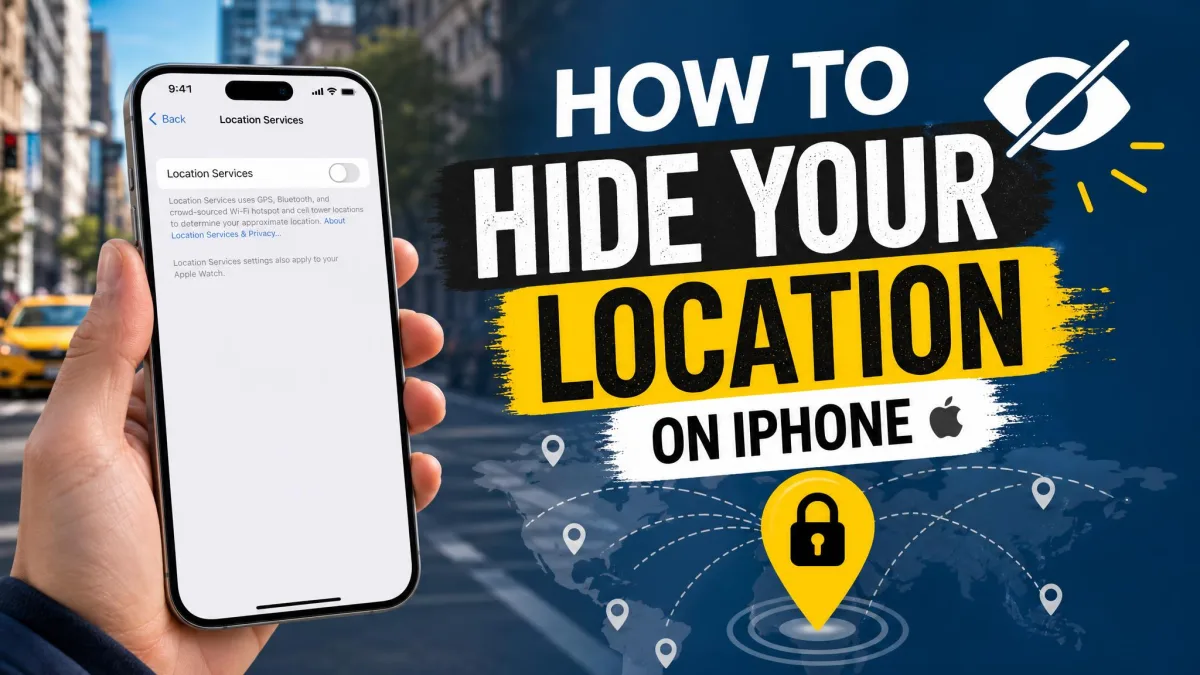
On iPhone, open Settings → Privacy & Security → Location Services and set each app to Never or While Using. Our guide to hiding your location on iPhone covers every option. On Android, open Settings → Location and turn off Wi-Fi scanning, Bluetooth scanning and Google Location Accuracy, then follow our steps to keep your Android location private.
Block WebRTC and Use Leak Protection
Turn on your VPN app's WebRTC and DNS leak protection. In Firefox, open about:config and set media.peerconnection.enabled to false. We found this stops the leak but also breaks browser calls on Google Meet and Discord voice. Chrome has no native switch, so rely on an extension or the VPN app.
Align Your Time Zone and Region Settings
Match your device's time zone and language to the server country when it matters, such as for streaming. Otherwise, the mismatch gives sites a reason to doubt your location.
Use a Kill Switch
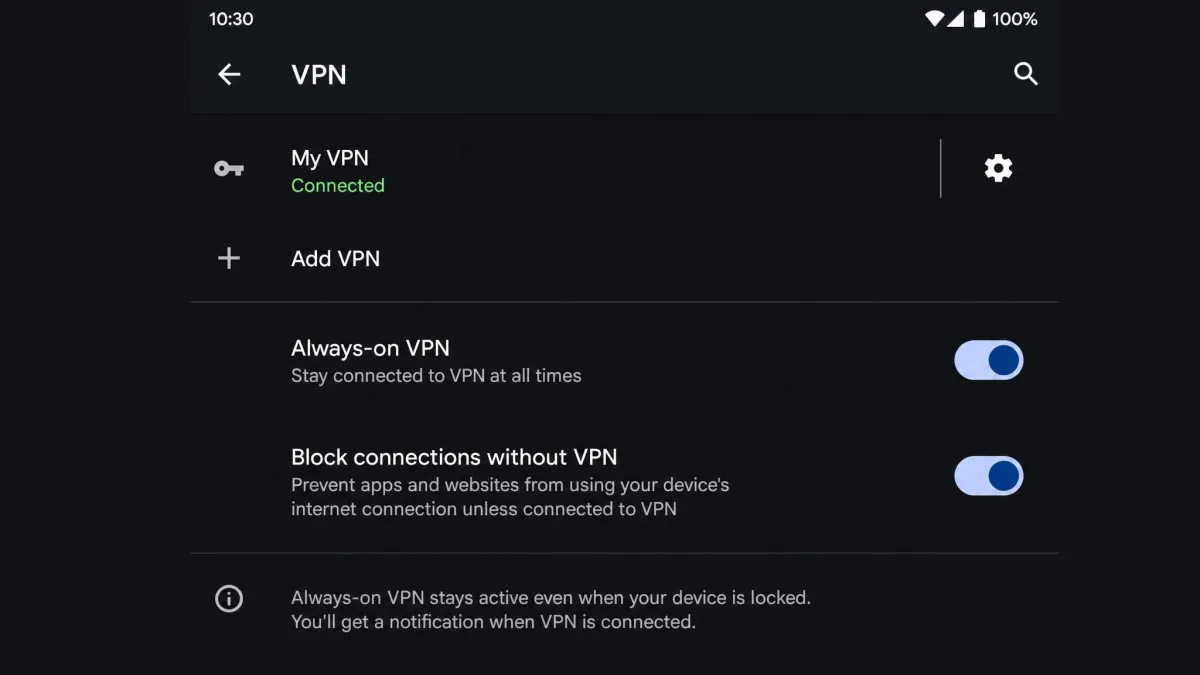
A VPN kill switch blocks traffic whenever the tunnel drops. On Android 8.0 or later, open Settings → Network & internet → VPN and turn on "Block connections without VPN". We found it cuts all access whenever the VPN is down, even after a manual disconnect. On iPhone, Apple's includeAllNetworks setting (added in iOS 14) forces traffic through the tunnel but can cause dropped connections when the phone switches networks.
How to Check Whether Your VPN Is Hiding Your Location
You can check your VPN in a few minutes with free tools. Connect to a server in another country first.
Open an IP lookup site and confirm it shows the server's city. Run DNSLeakTest's extended test and look for your own ISP's resolvers. Open BrowserLeaks' WebRTC page and look for your ISP's public IP. Then open Google Maps to see where Google places that server.
Run the checks twice, once on a stable connection and once right after switching servers. In our testing, leaks showed up in the brief moment a VPN reconnects, so a single test on a stable link can miss them.
FAQ
Does a VPN hide your location from Google?
Can a VPN change or spoof my GPS location?
Does a VPN hide my location on iPhone?
Can my mobile carrier see my location with a VPN on?
Can police track my location if I use a VPN?
Can Netflix and other sites tell I'm using a VPN?
Does a VPN hide my location from Find My or Life360?
The Bottom Line
A VPN hides your IP-based location well, which covers websites and anyone looking up your connection. It doesn't touch GPS, Wi-Fi positioning, cell towers or the location saved in your accounts. Pair it with tighter location permissions, leak protection and a kill switch, and you close most of the gaps.
If you want those protections built in, NordVPN is our top-rated pick. Its intro prices move with promotions and region, and renewal is billed at a higher rate.