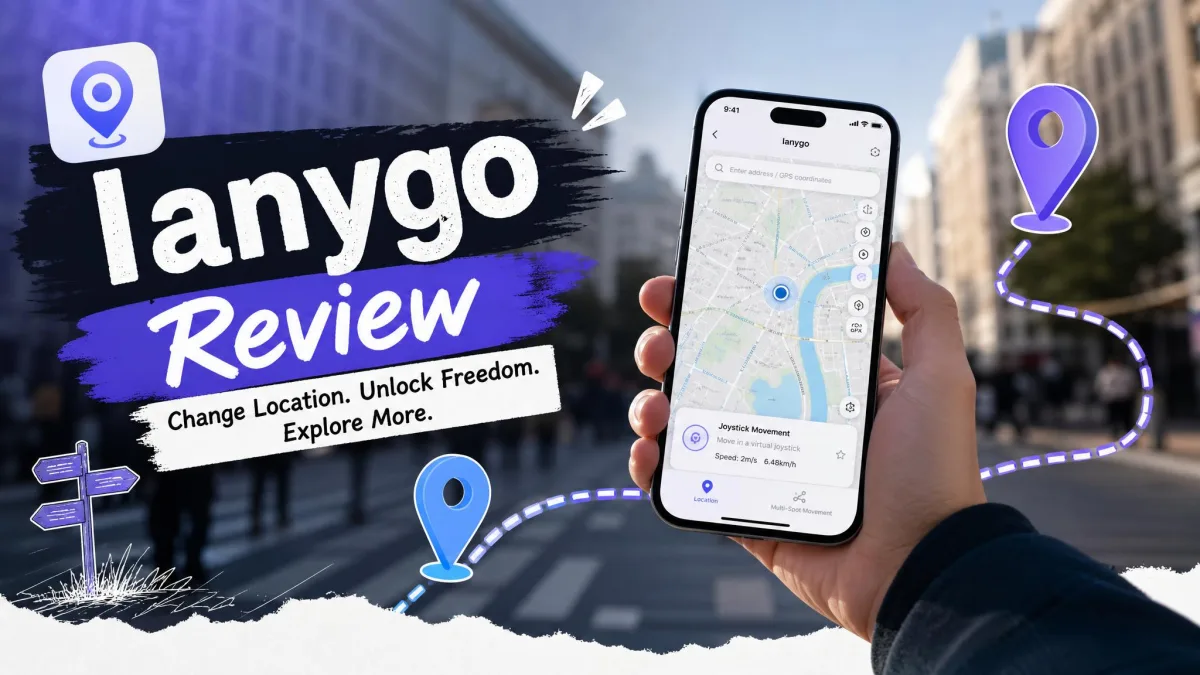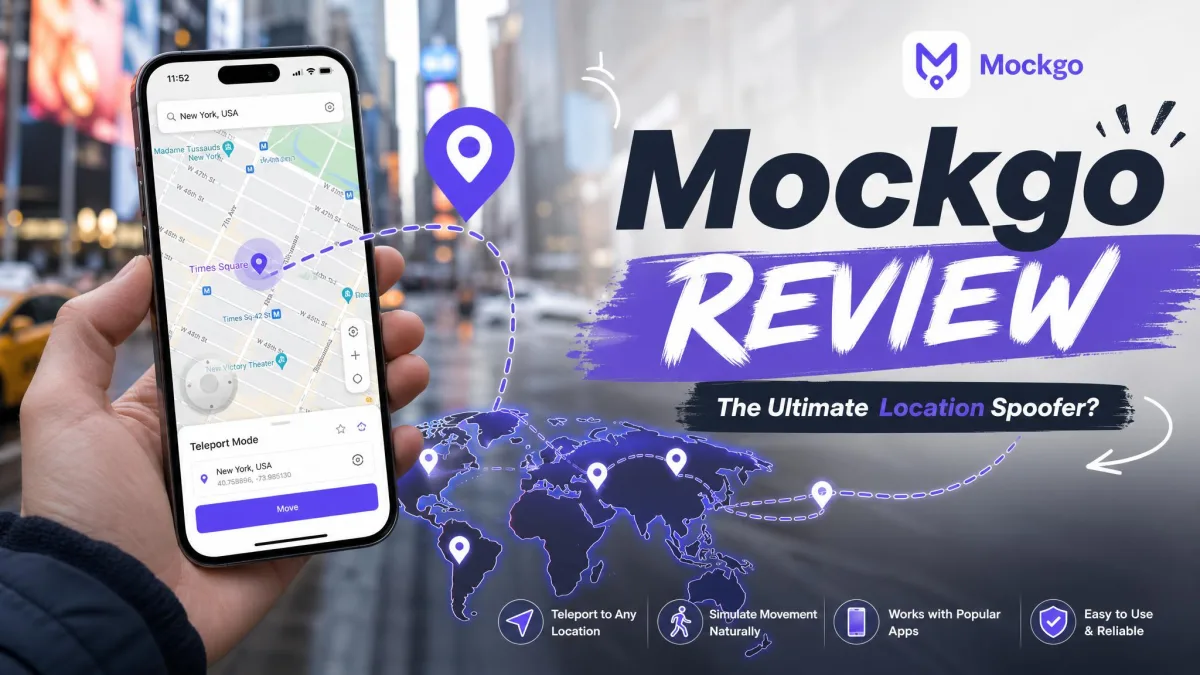
If you have narrowed your iPhone location changer down to these two apps, the decision comes down to three things. Price, route control, and how many platforms you need to cover. Both change your GPS location without a jailbreak. Both simulate movement along a saved route, and both keep a cooldown timer so you do not jump across the map too fast.
The differences show up in the details. Foneazy MockGo is an iOS-only tool with a flat lifetime price. Its backward compatibility is unusually deep. Tenorshare iAnyGo costs more, but it adds Android support, GPX export, and routes with far more waypoints.
Below we compare the two on cost, features, device support, setup, and detection risk, then name a winner.
MockGo vs iAnyGo at a Glance
| Feature | MockGo | iAnyGo |
|---|---|---|
| Lifetime price | $59.95 | $89.95 to $129.95 depending on storefront |
| 1-year price | $39.95 | $42.95 (1 PC, 5 iOS devices) |
| Monthly price | $9.95 | $12.95 (1 PC, 5 iOS devices) |
| Free trial | Single use per mode | 1 hour, 1 device, advanced features locked |
| Teleport | Yes | Yes |
| Multi-spot route | Yes, Multi-Stop mode | Yes, up to 99 waypoints |
| Joystick control | Yes | Yes, 360-degree |
| Speed adjustment | 3.6 to 108 km/h | 3.6 to 108 km/h |
| GPX import/export | Import only | Import and export |
| Simultaneous devices | 5 | 5 to 15 by tier |
| Windows support | Windows XP to 11 | Windows 7 to 11 |
| macOS support | macOS 10.12 to 15 | macOS 10.11 to Tahoe |
| iOS versions | iOS 9 to iOS 26 | iOS 14 and newer |
| Android support | No | Yes, Android 7 to 16 |
| Refund policy | 30-day money-back | 30-day money-back |
Pricing: MockGo vs iAnyGo
That table hides one thing, so we will start there: the price rows are the only ones where the two apps are not close. Here is what each licence actually costs.
MockGo pricing and license terms
Foneazy keeps the price list short. The Lifetime Plan costs $59.95 one time, down from a $79.95 list price. It covers 5 iOS devices on 1 PC or Mac. Shorter terms are available too. A month runs $9.95, three months runs $19.95, and a year runs $39.95. Foneazy flags the three-month plan as its best seller.
There is also a business tier for 15 devices and 1 computer, quoted from $19.95 per month. The per-tier total is not published alongside that starting figure.
iAnyGo pricing and license terms
iAnyGo is harder to pin down. Tenorshare sells it through two storefronts that do not agree with each other. The ianygo.com store shows a lifetime licence at $95.95, discounted from $159.95. The tenorshare.com purchase page shows $129.95. Foneazy and other secondary listings cite $89.95. Treat the lifetime cost as a moving number that shifts with rotating promotions.
Subscription tiers carry the same split. The ianygo.com store lists $12.95 per month and $42.95 per year for 1 PC and 5 iOS devices, plus a 15-device annual tier at $59.95. The tenorshare.com page shows $24.95 per month and $99.95 per year for what look like equivalent tiers. Mac licences also cost more than the equivalent Windows ones.
One more term matters at checkout. An iAnyGo licence is bound to the number of computers you buy. It does not move between machines, so replacing a PC can strand what you paid for.
Free trials and refund policies
iAnyGo's trial is the more generous offer on paper: 1-hour of free use, no credit card, one iOS device. In practice the hour runs out before you can judge the app properly. The advanced gaming features stay locked for the whole trial window.
MockGo's free trial takes the other approach. Each mode gets a single use, so you can see teleport and route simulation work once before paying. The exact number of free runs has changed between releases, so do not plan around a fixed allowance.
Both vendors publish a 30-day money-back guarantee. We would not treat iAnyGo's as automatic, though. Refund requests there have gone unhonoured, so keep your receipt and raise any claim early.
Which is better value
On the entry price, MockGo wins outright. Even against iAnyGo's most favourable $89.95 lifetime quote, MockGo saves you thirty dollars. Against the $129.95 figure the gap is more than double that. The annual tiers sit closer together, at $39.95 against $42.95.
iAnyGo earns its premium only if you need something MockGo cannot do at any price: Android spoofing, GPX export, or 15 devices at once.

Features Compared
Price is only half the question, because a cheaper app that cannot do the job is no bargain. So here is what each one actually gives you on the map.
Teleport and single-spot location change
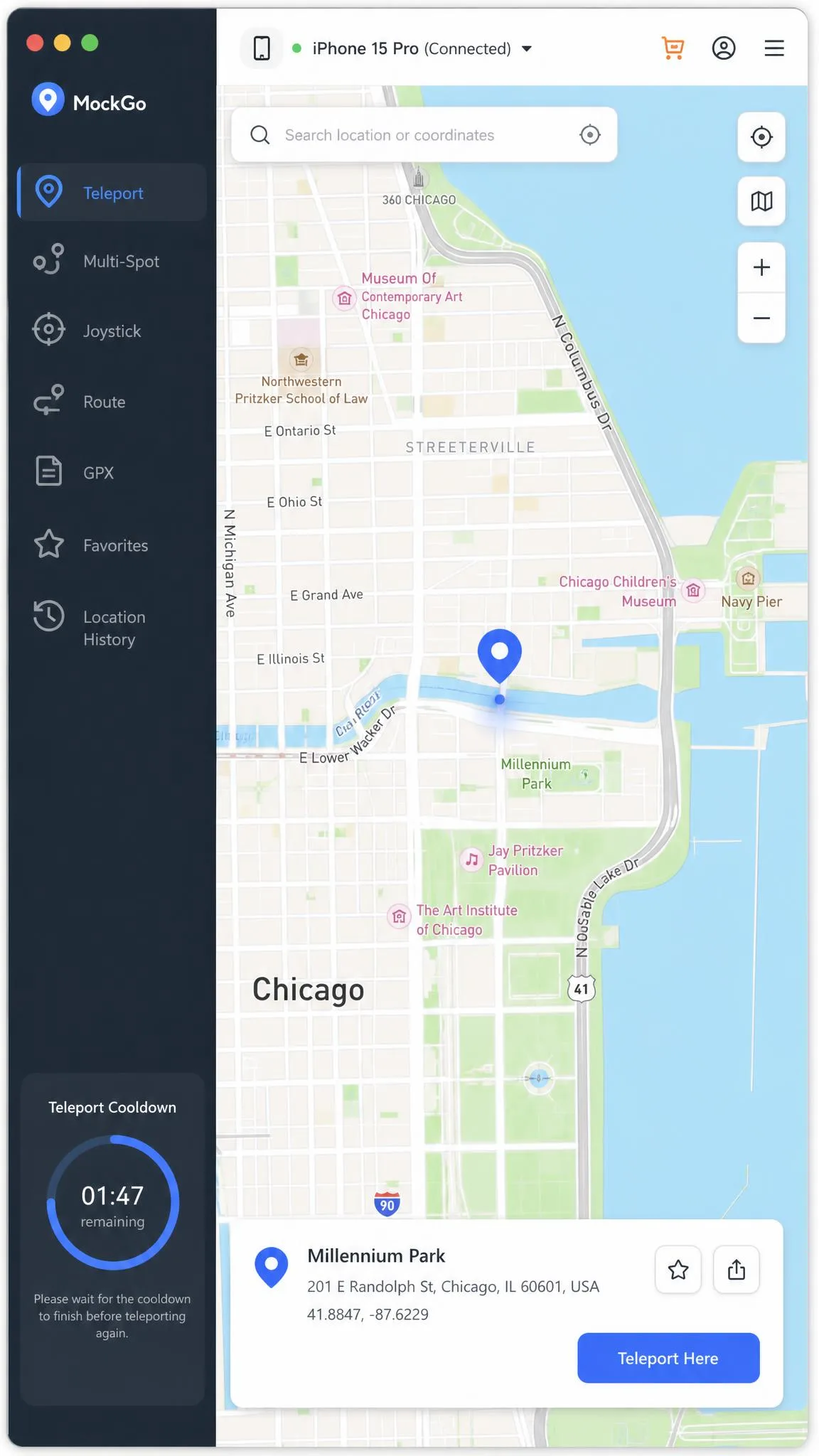
Both apps do the headline job the same way. You open the map, search or click a destination, and confirm the change. The iPhone then reports the fake GPS location to every app that asks. MockGo calls this Teleport Mode and iAnyGo calls it single-spot, but either one moves you in a single click.
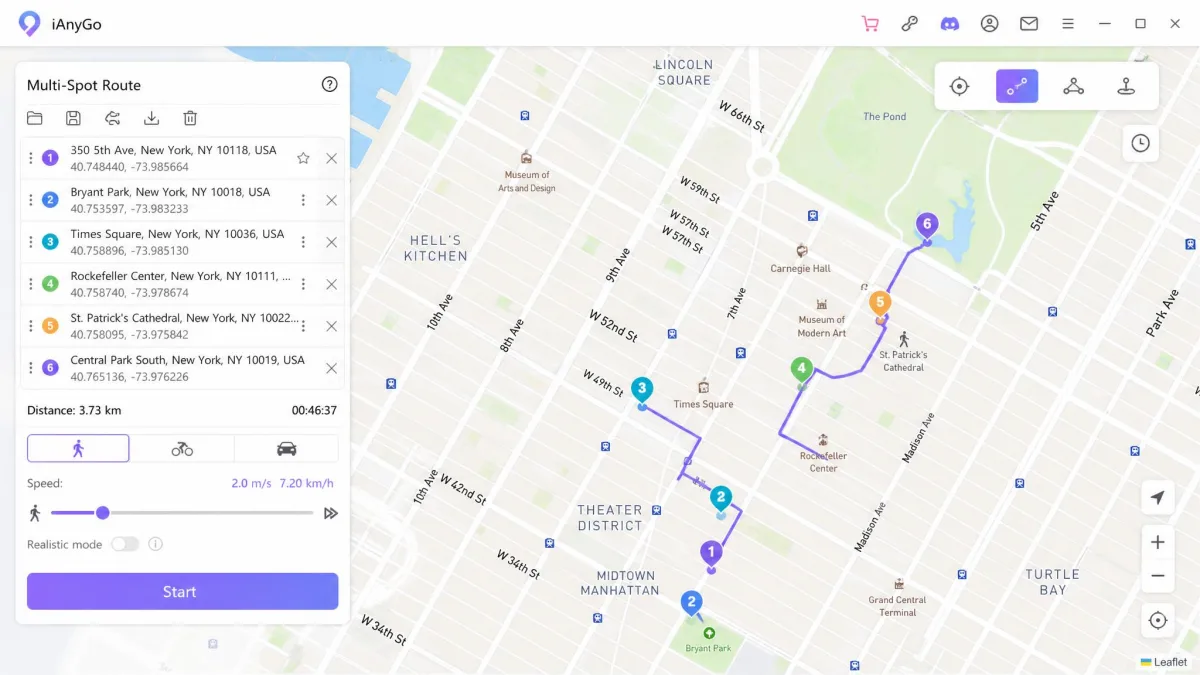
Multi-spot and two-spot route simulation
Route work is where iAnyGo pulls ahead. Its multi-spot mode accepts up to 99 waypoints. That is enough to trace a long custom loop through a city without breaking it into segments. It also offers a simpler two-spot mode for a straight run between two points.
MockGo's Multi-Stop mode covers the same ground with fewer stops per route. It is fine for a park circuit or a commute. It is less comfortable for anything elaborate.
Joystick and speed control
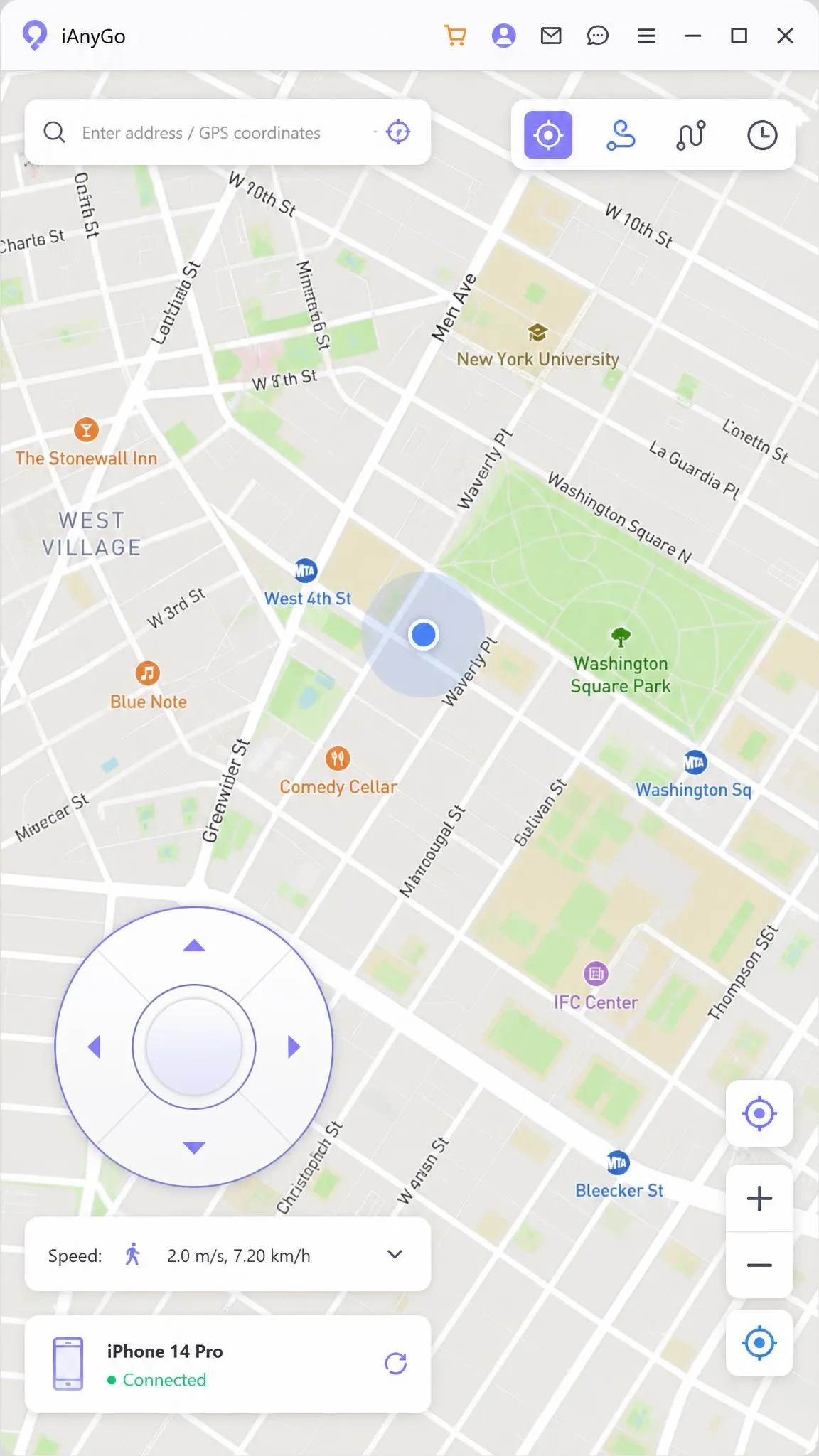
Both apps ship a joystick for manual walking. MockGo offers keyboard and on-screen control, iAnyGo offers a 360-degree pad. Speed ranges match exactly, from 3.6 km/h up to 108 km/h.
The feel differs. MockGo varies pace slightly as it moves, which reads as more natural on a long walk. iAnyGo's walking simulation runs at fixed speed steps instead of a continuously variable pace.
GPX import/export and route saving
MockGo imports GPX routes. Its own documentation covers import only, so treat export as unconfirmed. iAnyGo handles both import and export, which matters if you want to build a route once and reuse it elsewhere. Both apps keep a favorites list so you can save spots and routes for later.
Multi-device support
MockGo supports up to 5 iOS devices at once on one computer. iAnyGo starts at 5 on the entry tier and scales to 15 on its higher tiers. That makes it the practical choice if you are moving a group of phones together.
Platform and Device Compatibility
Those features only matter if the app runs on your hardware, and this is where the two diverge most sharply.
Windows and macOS support
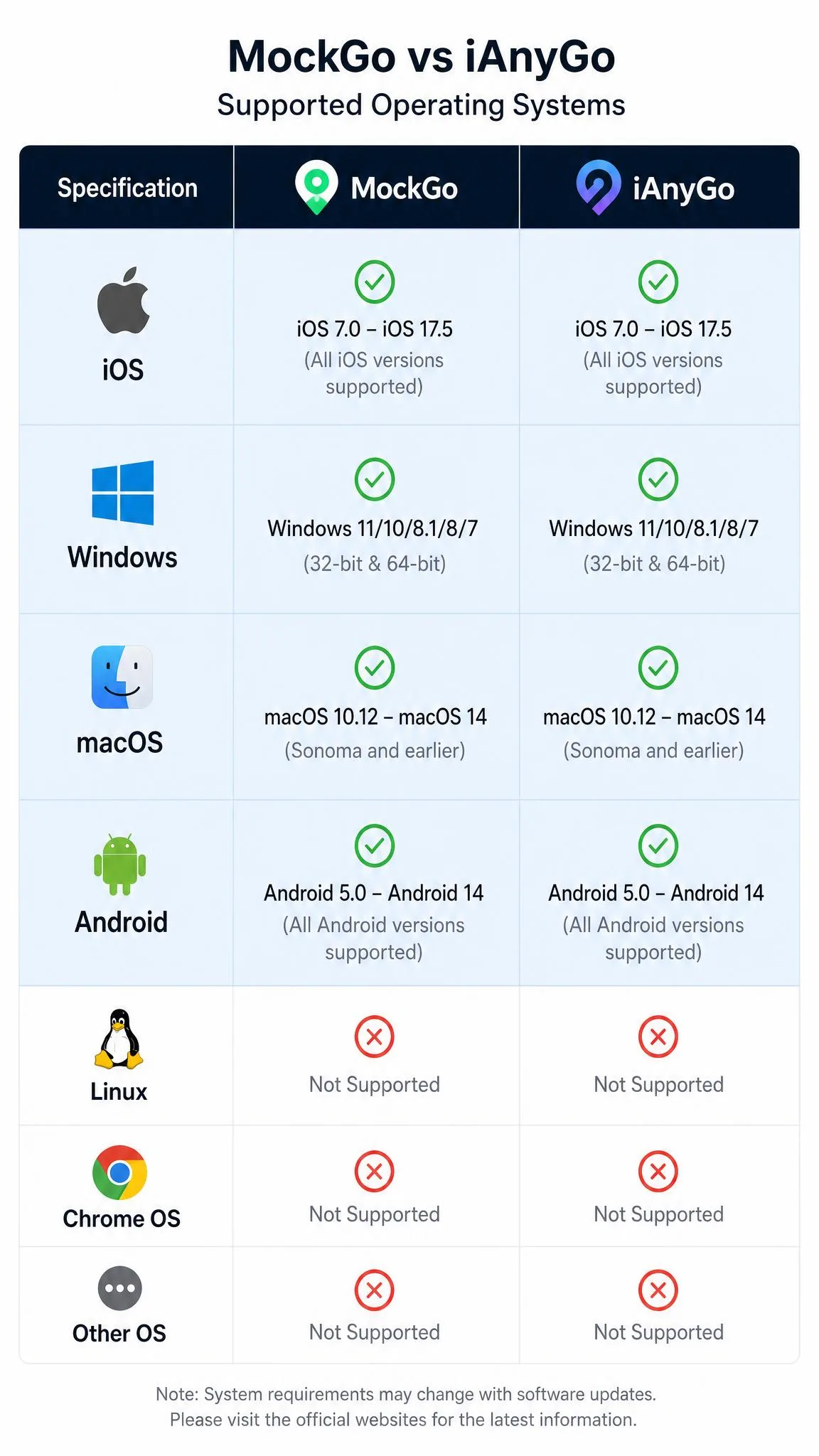
MockGo runs on Windows 11 back through 10, 8.1, 8, 7, Vista and XP. That is unusually deep coverage for a current app. iAnyGo covers Windows 7 through Windows 11.
On the Mac side the order reverses slightly. iAnyGo supports macOS 10.11 through macOS Tahoe. MockGo supports macOS 10.12 through macOS 15. Older macOS releases fall outside MockGo's list, and installs on them fail rather than degrade gracefully.
iOS version support
MockGo covers iOS 9 through iOS 26, spanning the iPhone 5s to the iPhone 16. iAnyGo requires iOS 14 or newer and covers the iPhone 6 through the iPhone 17.
So the newest hardware favours iAnyGo, and an old spare iPhone favours MockGo.
Android support
This is the clean split. MockGo is iOS-only with no Android build at all. iAnyGo supports Android 7 through Android 16 across more than 5,000 models, including Samsung Galaxy, Huawei, OPPO and LG handsets. It also ships mobile companion apps alongside the desktop software.
Ease of Use and Setup
Compatibility settles whether an app will run. Setup settles how long you wait before your first spoofed pin lands.
Getting started with MockGo
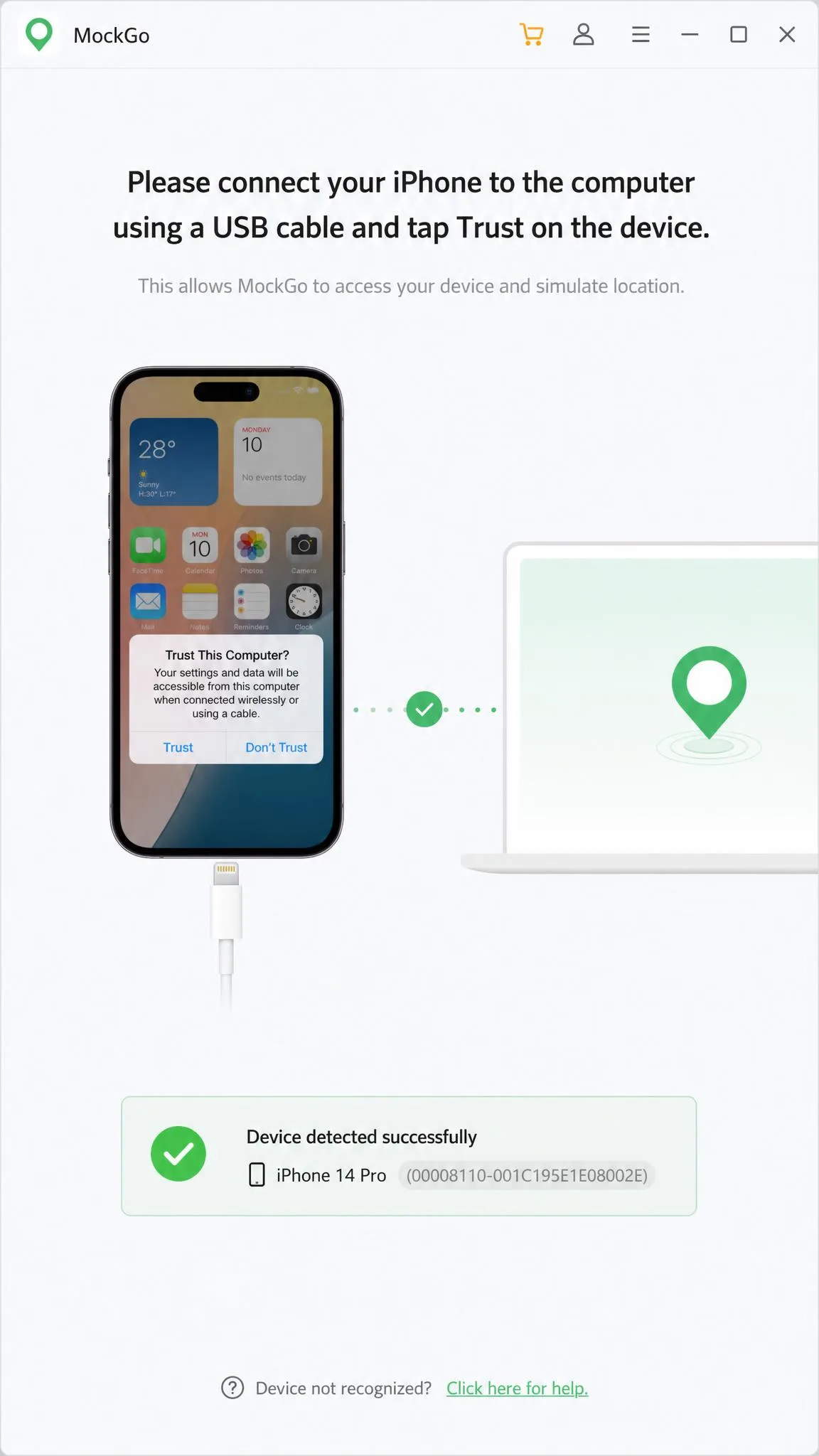
Install MockGo, connect the iPhone with a USB cable, trust the computer, and pick a mode from the top bar. MockGo reaches a working first spoof with very little setup effort. The map keeps its reset and re-center controls in the bottom right corner, which shortens the fix when a route drifts off target.
Two rough edges are worth knowing. MockGo can stop working after an app or iOS update, and it needs a reinstall of the latest build before it connects again. It can also lag during longer route simulations, and setup gets more involved once you attach several devices at once.
Getting started with iAnyGo
iAnyGo's interface is clean enough that a first location change takes only a few clicks. The device connection then holds steady once paired, and the app stands up to years of routine use without major breakage.
Newer releases complicate the first run, though. They lean on a Bluetooth connection workaround plus a helper app, which makes initial setup noticeably more fiddly than the older USB-only flow. iAnyGo also throws Error 12 when an app detects the USB tethering method, and the Bluetooth route does not clear that error every time.
Whichever app you buy, keep the original USB cable to hand. Both tools need the iPhone tethered to a computer, so neither runs untethered from the phone alone.
Accuracy, Stability and Detection Risk
Setup friction fades after the first hour. What you live with afterwards is accuracy and whether the spoof holds.
Positioning accuracy is a wash. Both apps place you exactly where you drop the pin, and both feed movement at a speed you control between 3.6 and 108 km/h. Both also ship a cooldown timer. That matters, because moving too far too fast is the behaviour that game anti-cheat systems flag.
Stability is where they diverge. MockGo's weak point is version drift after updates, and its longer route runs can stutter. iAnyGo's weak point is connection setup, with Error 12 and the Bluetooth workaround accounting for much of the friction. Failed installs and app freezing are its other recurring weaknesses. Its standing is still strong overall: Trustpilot rates ianygo.com 4.7 out of 5 across 127 reviews, 93% of them five-star.
Spoofing is not risk-free. AR games such as Pokemon GO can detect MockGo and act on the account, and changing your GPS location for gameplay breaks Pokemon GO's terms of service. Assume any account you spoof on could be warned, suspended or banned.
MockGo Pros and Cons
Pros
- Cheapest lifetime licence of the two at $59.95
- Widest iOS support in the category, from iOS 9 to iOS 26
- Runs on Windows versions as old as XP
- Very little setup effort before the first spoof
- Speed varies realistically during walking simulation
- 30-day money-back guarantee
Cons
- No Android support at all
- GPX export is not documented
- Can break after an app or iOS update until reinstalled
- Longer route simulations can lag
- Fewer stops per route than iAnyGo
- Older macOS releases are unsupported and installs fail
iAnyGo Pros and Cons
Pros
- Covers both iOS and Android, with 5,000+ Android models
- Routes accept up to 99 waypoints
- GPX import and export
- Up to 15 devices at once on higher tiers
- 1-hour free trial with no credit card
- Strong Trustpilot score of 4.7 out of 5
Cons
- Costs more, and the lifetime price varies by storefront
- Licence is bound to the computer count bought at checkout
- Bluetooth workaround makes first setup fiddly
- Error 12 appears when apps detect USB tethering
- Trial locks the advanced gaming features
- Walking speed moves in fixed steps
Which One Should You Choose?
Choose MockGo if...
You want the cheaper lifetime licence, you only spoof on iPhone, and you value a short path from install to first location change. It is also the only option if your iPhone or PC is genuinely old.
Choose iAnyGo if...
You need Android as well as iOS, you build long custom routes, you want GPX export, or you manage more than five devices. You are paying a premium for reach, and that reach is genuine.
The price gap only tells half the story. Check the licence terms before you buy, because MockGo's lifetime plan follows you to a new computer while iAnyGo's is tied to the machine count you paid for.
Alternatives to MockGo and iAnyGo
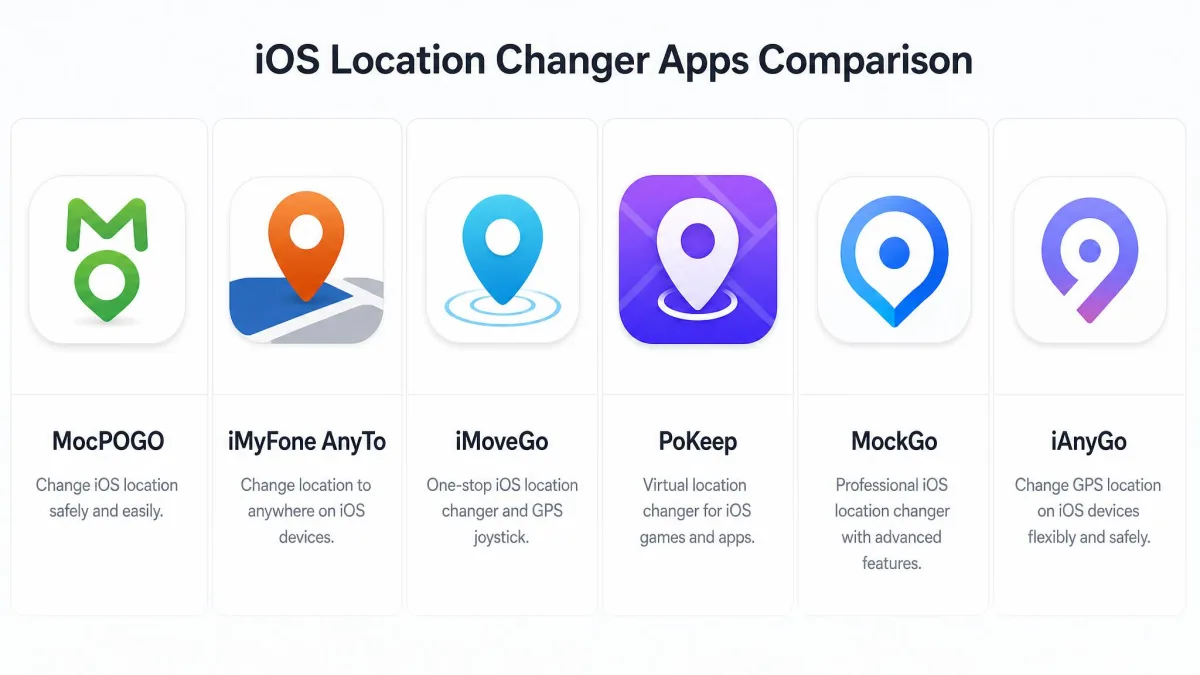
Neither app is the only choice. MocPOGO, iMyFone AnyTo, iMoveGo, FonesGo Location Changer and PoKeep all appear repeatedly as alternatives in this category. Most of them cover the same core set of features: teleport, route simulation, joystick control and no jailbreak.
If price is your deciding factor, compare their lifetime plans against MockGo's $59.95 before committing. If Android is the sticking point, check that the alternative actually ships an Android build, because several are iOS-only.