If screen time has become the main point of friction at home, you're not alone. The requests for one more episode or one more game start early, and before long the devices are running the family schedule. The goal here is not to turn your living room into a screen-free fortress. It's to get back to a setup where devices serve your family rather than run it.
We're the testing team behind The High Tech Society, and part of our work is walking through the parental-control tools families actually use, Apple Screen Time, Google Family Link, and Microsoft Family Safety among them, so the setup steps here match what you'll see on your own screens. We also track age-based guidance from the American Academy of Pediatrics and the World Health Organization, and the strategies that hold up in real households.
Below you'll find recommended limits by age, rules that stick, ten practical ways to cut back, and built-in controls that do some enforcing. Start with one or two changes this week.

Why Limiting Screen Time Matters
Most American children log 5 to 8 hours of screen time a day, and the number keeps climbing, with tween and teen media use growing 17% between 2019 and 2021. Pediatric guidance recommends roughly 1 hour of quality programming for young children and no screens at all for babies, and some organizations still publish an older 2-hours-a-day cap. When reality and recommendations sit that far apart, the daily battles at home make sense.
Health and developmental risks of too much screen time
Research on how screen time affects child development links heavy use to obesity, sleep disturbances, and mood problems. A 2023 review in Cureus flagged background TV in the first five years as a risk for weaker language and attention, and found more behavioral problems in children watching two or more hours a day. It also pulled together the Quebec Longitudinal Study, where each extra hour of daily TV at age 2 predicted a 7% drop in class participation and a 6% drop in math proficiency by fourth grade.
Separately, research on screen time and children's sleep and health ties heavy use to shorter, poorer sleep, lower executive function, and lower academic performance. Screens and sleep tend to feed each other.
Warning signs your child may have too much screen time
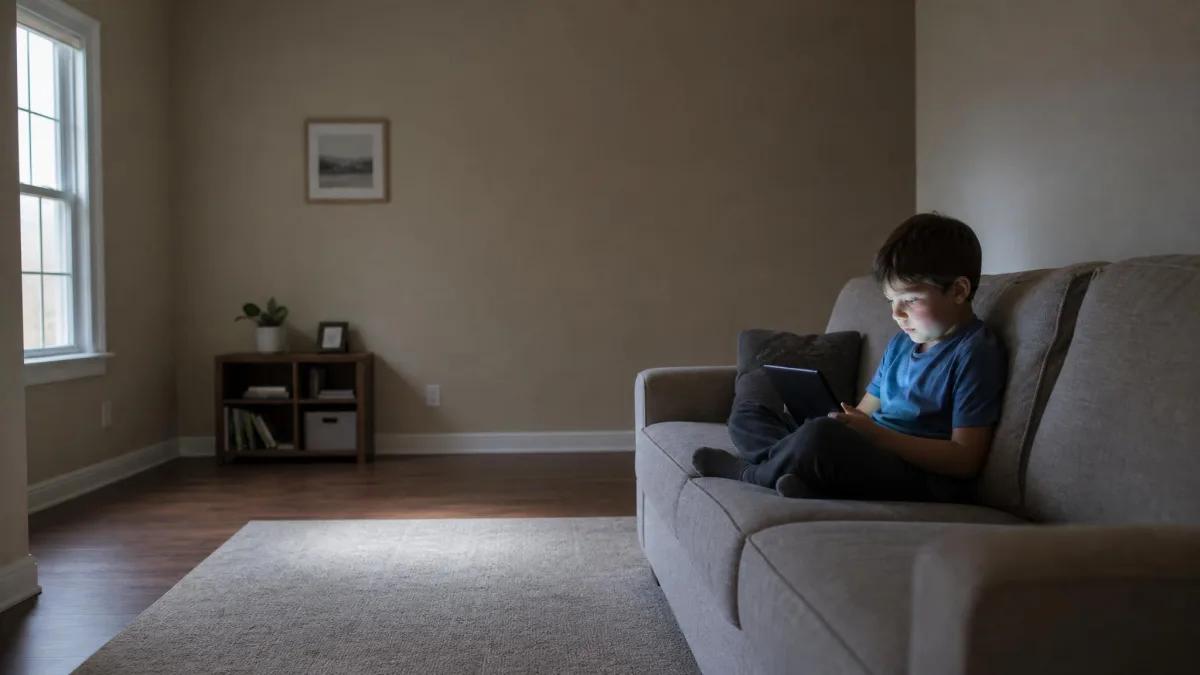
A useful test is to ask what screen time is displacing. If your child sleeps well, stays active, keeps up in school, and still spends time with family and friends, a screen-heavy day now and then is not a crisis. Warning signs appear when those basics slip: a child who chooses a screen over outdoor play, fights bedtime, or turns sour when a device is put down signals the balance has tipped. CDC data on screen time and children's health flags the same link to physical activity, and the American Psychological Association's research on technology and stress ties heavier device use to higher stress for older kids.
Recommended Screen Time Limits by Age
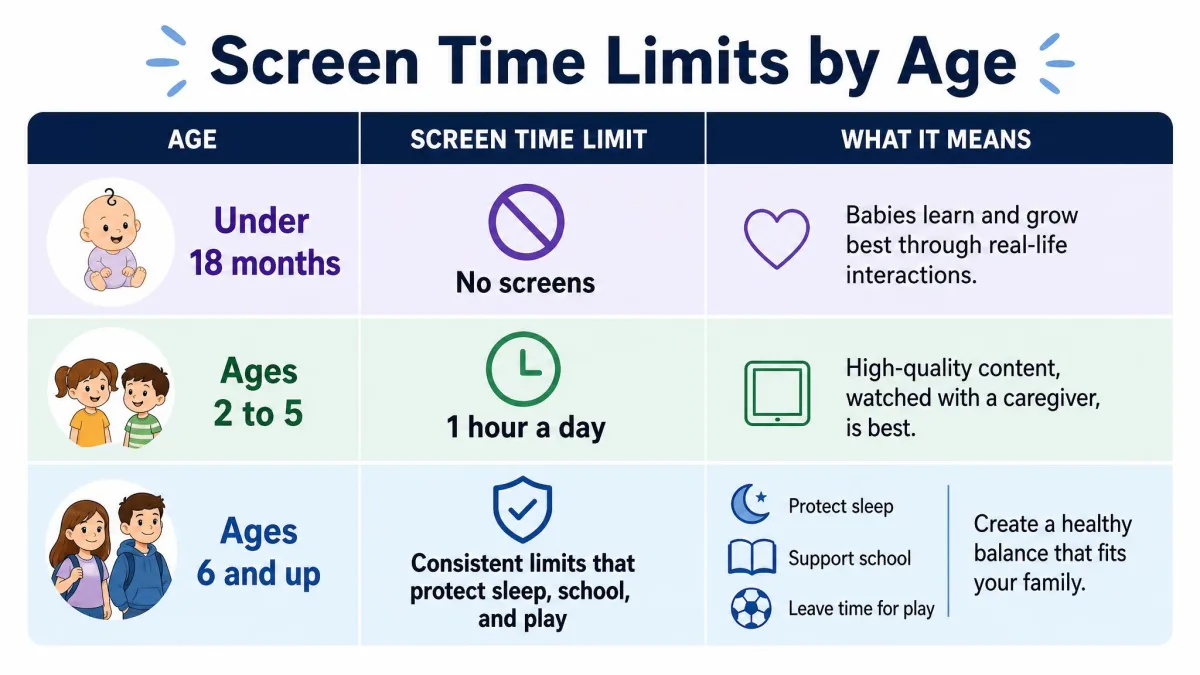
The American Academy of Pediatrics' screen time recommendations are the closest thing to a consensus starting point, and WHO guidance for under-5s lines up closely with them. Both groups favor age-based screen time limits over a blanket hourly cap for older children.
Under 18 months: avoid screens except video chat
The AAP advises no screen media for children under 18 months, with one exception: video chat, which a toddler experiences as real social interaction. The World Health Organization's guidance on screen time for children under five is even more absolute, recommending no sedentary screen time at all before age 1.
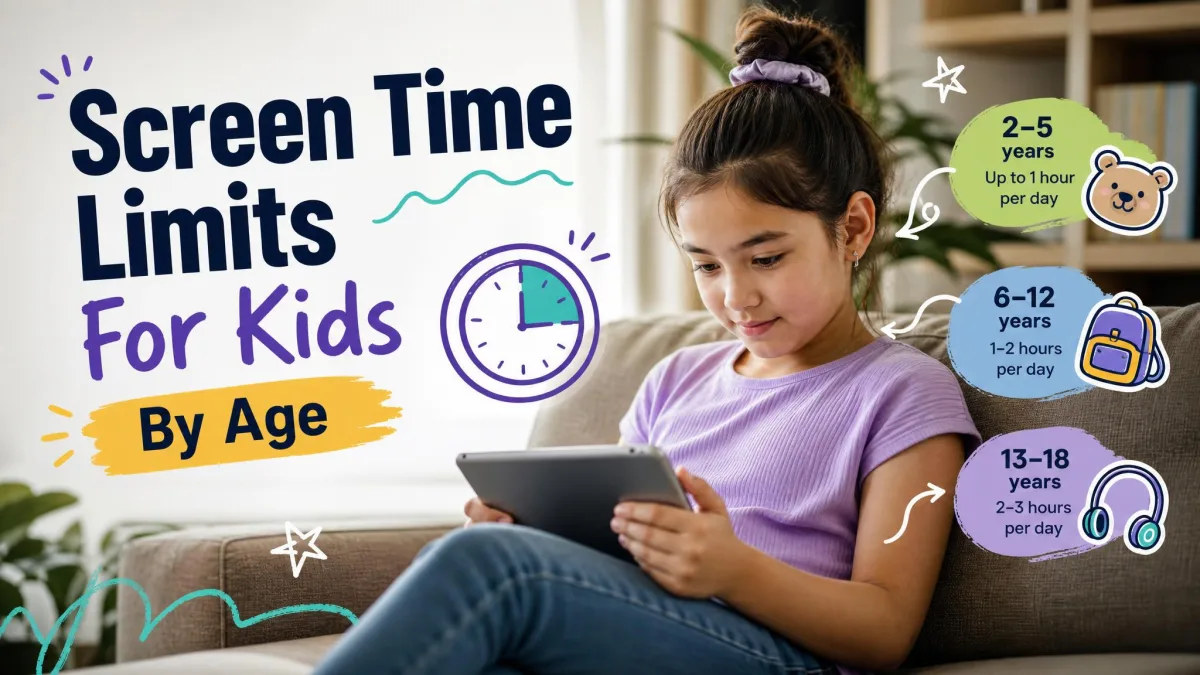
Ages 2–5: 1 hour per day of high-quality content
For ages 2 to 5, the AAP allows up to 1 hour a day of high-quality programming, watched with a parent so the child can connect what they see to the real world. The WHO sets the same 1-hour ceiling for ages 2 to 4, with less time always better.
Ages 6–12: consistent limits that protect sleep, school, and play
From age 6 on, the AAP sets no blanket hour cap. Its guidance is that media should never displace sleep, physical activity, school, or face-to-face time, so the limit that matters protects those four things.
Ages 13+: negotiate limits and encourage self-monitoring
For teenagers, negotiated limits work better than imposed ones. Teens who understand why a rule exists are more likely to follow it, and heavy surveillance tends to backfire. The approach that holds up is a family media plan the teen helps build, with controls tapering as self-regulation develops.
How to Set Screen Time Rules That Stick
Create a family media plan
The AAP endorses a family media use plan that names media-free times, such as dinner and homework, and media-free locations, such as bedrooms, covering every member of the household. When the rule is written down in advance, it stops being an argument you have to win in the moment.
Make screen time a privilege, not a right
Treat screen time as something that comes after the day's responsibilities, not a default state. Homework done, chores finished, and time spent together earn the device time, which is how many households run token systems where reading earns minutes.
Use time-based rules, not mood-based ones
Most limit-setting fails in the moment, with patience thin and a child mid-episode. A time-based rule, this show then a 30-minute break, or screens only after 4 p.m., is decided once and applied every day, and kids accept limits far faster when the rule does not move.
If you change one thing this week, move screens out of the bedroom and hold a family-wide dinner rule. Those two shifts do more for sleep and family time than most app limits.
10 Practical Strategies to Reduce Screen Time
The age bands above are the target. These ten strategies are how you get there; start with two or three.
Strategy 1: Make screen time predictable
A predictable schedule removes most of the negotiation. Kids who know when screens are available, after homework or one show after dinner, ask far less often.
Strategy 2: Create screen-free zones and times
Pick a few places and moments where devices simply do not appear. Dinner, the hour before bed, and the car are the usual starting points, and research on screen time and sleep backs treating the pre-bed hour as off-limits.
Strategy 3: Keep screens in common areas, not bedrooms
Family devices live in shared spaces, where use stays visible. Kids with a TV in their bedroom watch noticeably more than kids without one, so keep screens in common areas.
Strategy 4: Ban phones at the dinner table
Make dinner a phone-free zone for everyone, not just the kids. A rule for the whole household removes the sense that children are singled out and protects the one stretch of the day when everyone is in the same room.
Strategy 5: Build a go-to list of screen-free activities
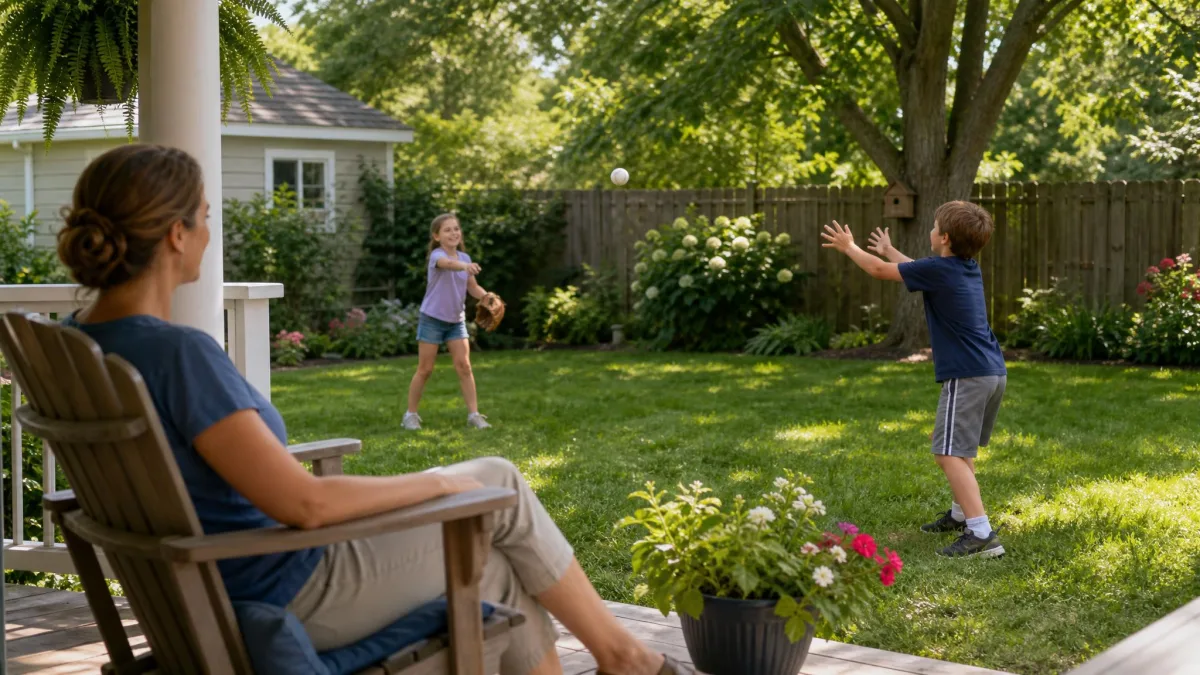
Removing screens without offering appealing alternatives sets kids up to fail, so build a shortlist of activities that actually hold attention. Outdoor play is the most effective substitute most families find.
Strategy 6: Lead by example and reduce your own screen use
Kids copy what you do far more than what you tell them. When parents watch more than four hours of TV a day, sons are 10.5 times and daughters 3 times more likely to do the same, and controlling your own phone use is the hardest part of enforcement.
Strategy 7: Co-view and prioritize quality content
For young children, content matters as much as the clock. The AAP's 1-hour allowance for ages 2 to 5 comes with a co-viewing requirement: watch alongside your child. Educational programming, watched together, behaves very differently from unsupervised fast-paced clips.
Strategy 8: Keep a family screen diary
Track where the time actually goes before you cut it. A family screen diary, one week of jotting down who used which device for how long, surfaces patterns you miss day to day.
Strategy 9: Use screen time as a reward
Some families run token systems where homework and reading earn redeemable minutes, and they find it works. Action for Healthy Kids advises against it, arguing it makes screens feel more important.
Strategy 10: Try a screen-free week
Screen habits spiral during summer and holidays when school structure disappears, so a screen-free week is a clean reset. Set the expectation in advance and fill the days with activities from your go-to list.
Use Parental Controls and Tech Tools to Enforce Limits
The rules you set are easier to keep when the devices help you enforce them. We walked through the three built-in options most families already own, Apple Screen Time, Google Family Link, and Microsoft Family Safety, and all three can lock down time, apps, and content behind a parent-managed account.
Built-in parental controls on iOS, Android, and Windows
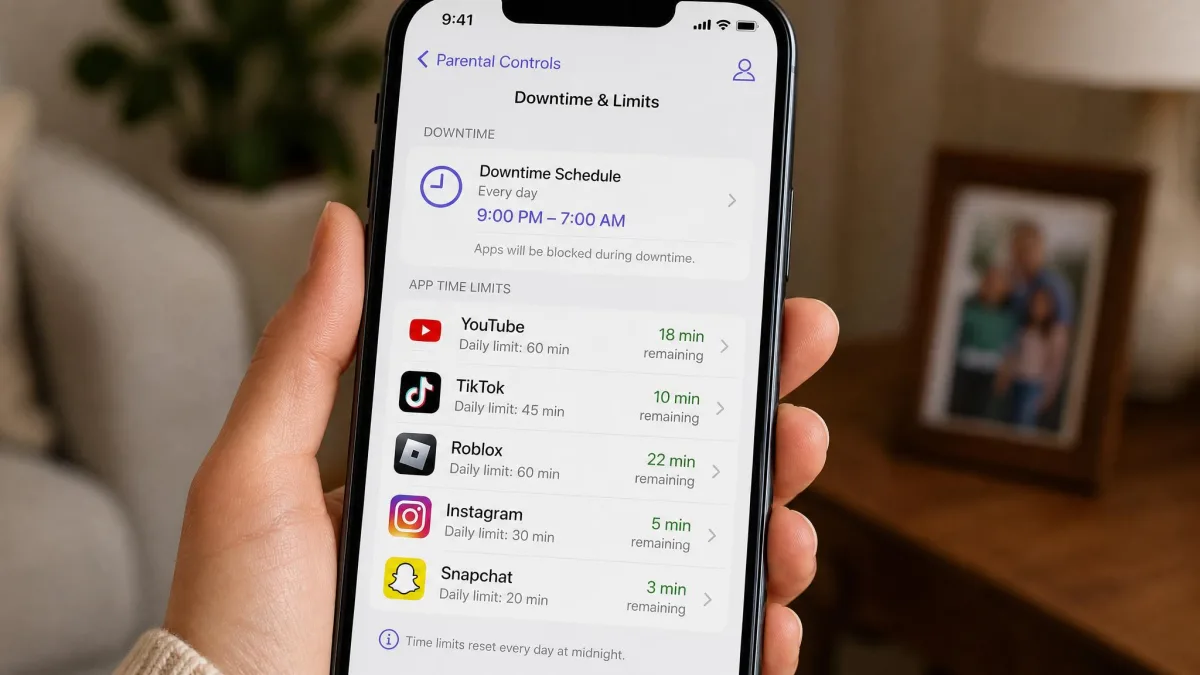
Apple Screen Time includes Downtime schedules that block apps during set periods, per-app App Limits, Communication Limits, and Content and Privacy Restrictions, all behind a passcode and synced across a child's iPhone, iPad, and Mac. Google Family Link locks the device when the daily limit runs out, adds per-app limits and Downtime and School-time schedules, and manages everything from a parent's phone. Microsoft Family Safety applies per-day schedules and total-hour caps across Windows, Xbox, and Android, with weekly activity reports.
None of the three is bulletproof. Apple Screen Time has had documented bypasses, including a loophole that let kids re-download previously installed apps without approval and a web filter that stayed bypassable until 2024. A 2025 Google Family Link bug blocked outgoing calls on some supervised devices, and Microsoft Family Safety's web filter only works in Microsoft Edge. These tools back up your rules, they don't replace them.
Best apps for limiting screen time
The built-ins cover most families, so try them before paying. If you want finer control, dedicated screen time apps add deeper reporting and per-app schedules. Our roundup of the best free parental control apps is a sensible starting point, and the top parental control apps for iPhone and Android parental control apps differ for good reason: the strongest choice varies by platform.
Router and Wi-Fi controls
Device-level controls are only half the picture. You can block a device from your WiFi or set up schedules that control internet access at home, and because the cutoff hits every device at once, it sidesteps the hunt for one more tablet that slipped past the rules.
How to Handle Pushback and Common Scenarios
What to do when your child resists the limits
Expect pushback, and don't read it as failure. The first few days after new limits are introduced are almost always the worst, and the resistance fades within a week or two when parents hold the line. For a child absorbed in a screen, an abrupt cutoff causes real distress, so give a warning and use gradual breaks, 10 minutes on and 5 minutes off.

Screen time on weekends and vacations
Screen habits spiral in summer and on holidays when school structure disappears, so limits need to be re-set for breaks. Decide the break rules in advance, with the kids, and expect the first few days off to be the hardest.
Managing school and homework screen use
School and homework are the one category most families don't want to limit, and you don't have to. Google Family Link's School-time schedule locks the device during school hours, and the family media plan can name homework as a window where everything else waits.
Frequently Asked Questions
How much screen time should a 10-year-old have?
Is screen time actually bad for kids?
How do I limit screen time without a fight?
Final Thoughts: Balance Over Bans
The aim is not to banish screens but to make them one activity among many. A child who sleeps well, stays active, keeps up at school, and can entertain themselves without a device can enjoy screen time without it becoming a problem. Start with one or two changes, hold the line for a couple of weeks while the pushback fades, and adjust as your kids get older.