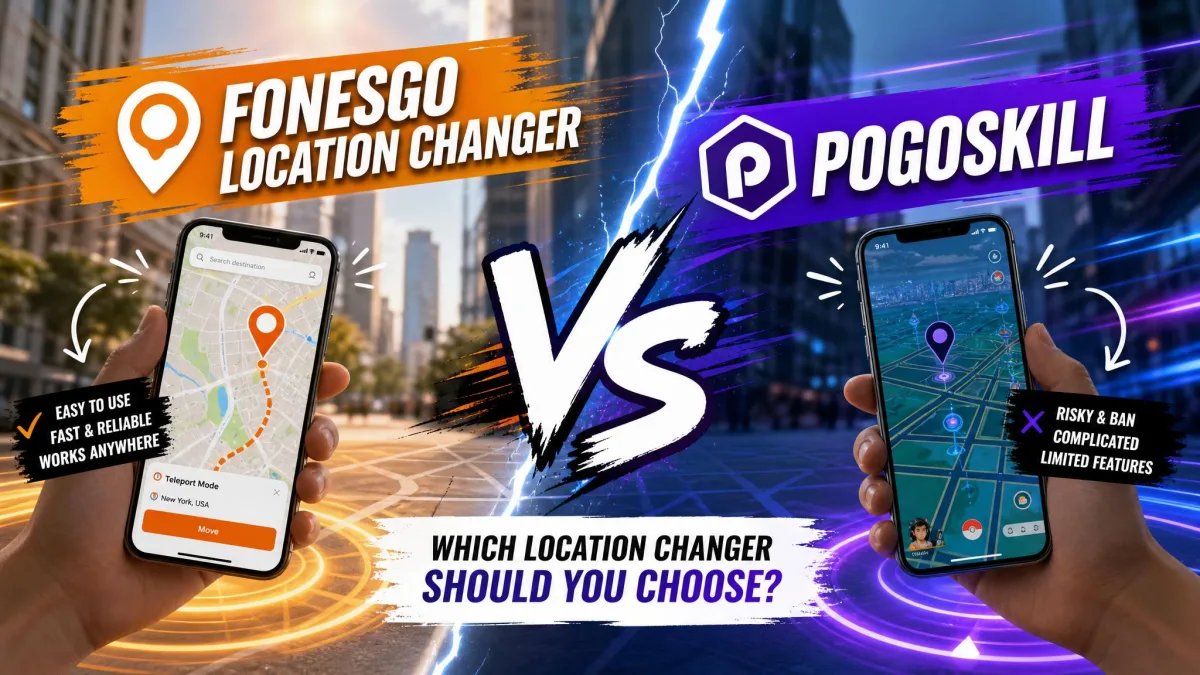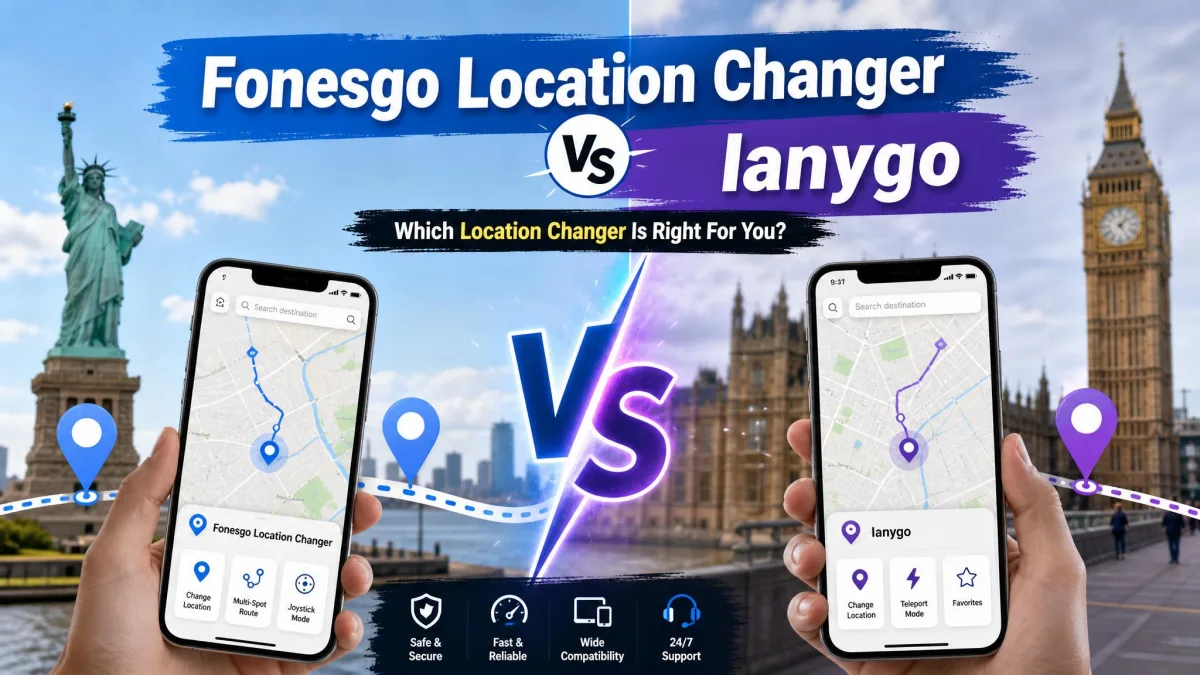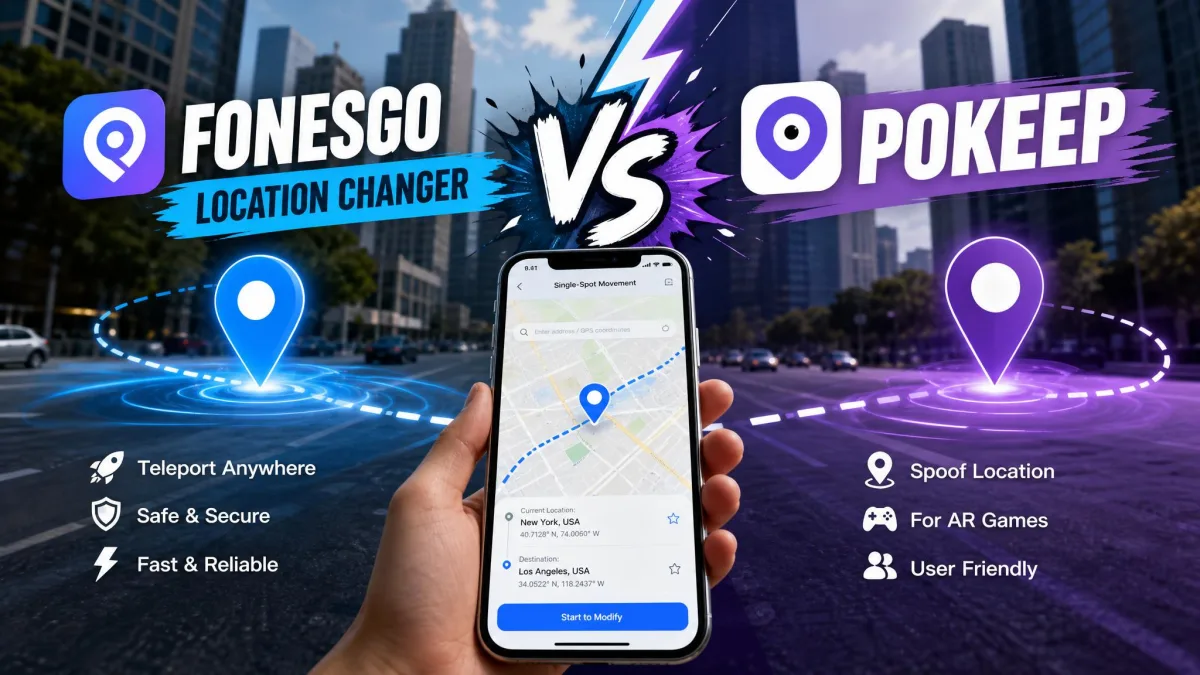
FonesGo Location Changer and PoKeep are desktop tools that change the GPS location your iPhone or Android phone reports to apps. Both run from a Windows or Mac computer. Each connects to the handset over a cable or Wi-Fi, then lets you drop a pin anywhere in the world without moving. Neither needs a jailbreak.
The two overlap heavily on paper. So the decision comes down to price, movement control, app coverage and how much friction the first connection costs you. This comparison sets them side by side and names the one we would install first.
FonesGo vs PoKeep at a Glance
FonesGo undercuts PoKeep at every licence term. PoKeep answers with wider app coverage and clearer setup documentation.
| Product | Buy | Price (monthly) | Lifetime | Free trial | Multi-device |
|---|---|---|---|---|---|
 |
Check price → | $12.95 | $89.95 | 5 uses per movement mode | 1 PC and 10 phones |
 |
Check price | $9.95 | $79.95 | Free download, limits not published | Up to 15 devices |
Both tools sit in the same tier of this software category. What separates them is practical: what the first connection costs you in time, how each behaves after weeks of daily use, and how the vendor responds when something breaks.
Feature-by-Feature Comparison
The core feature list is close to identical. The differences show up inside each movement mode and around the edges of a session.
Movement Modes: Joystick, Two-Spot, Multi-Spot and Teleport
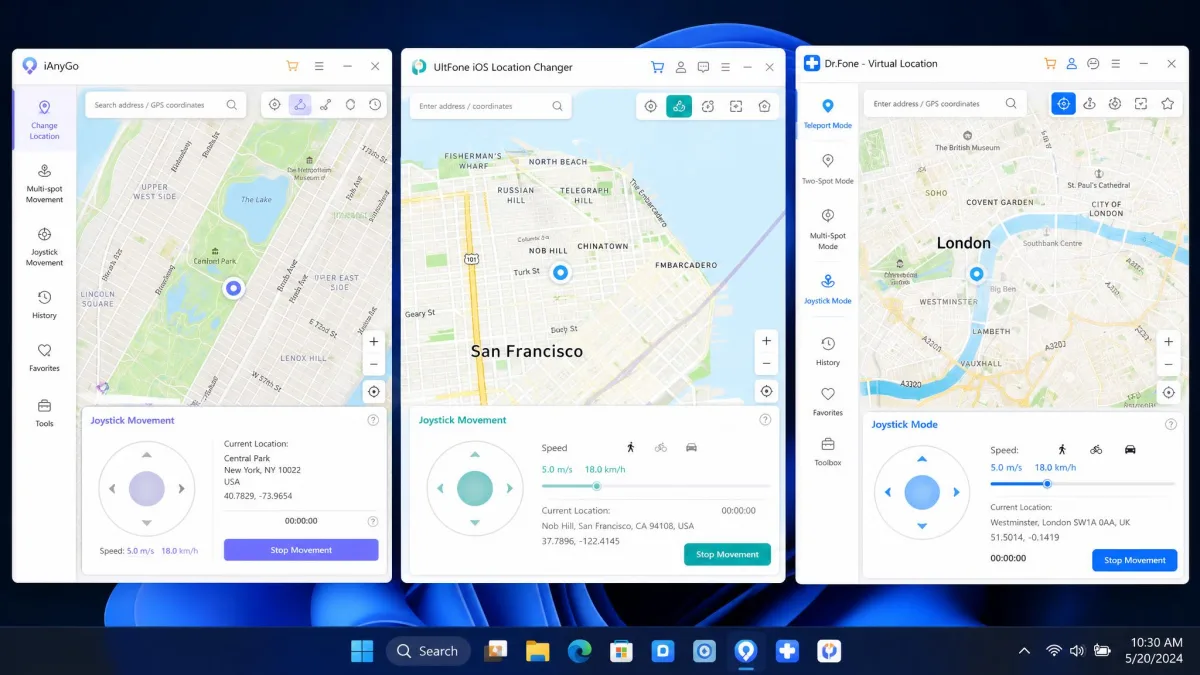
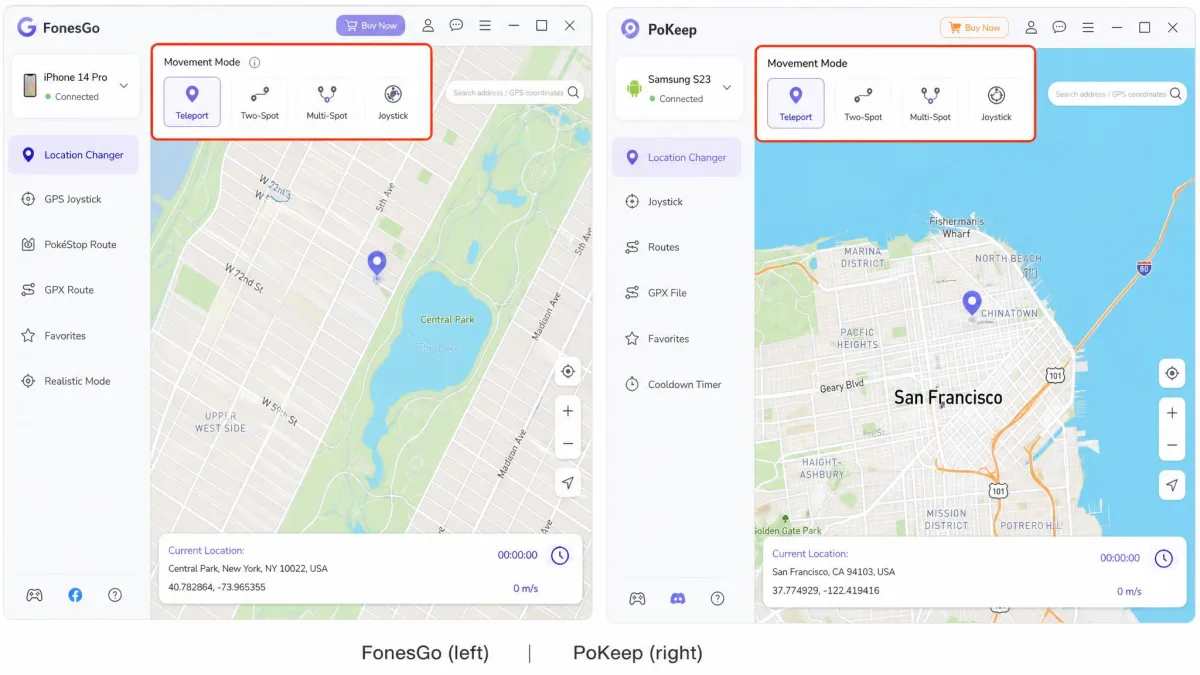
Both ship the same four ways to move. One-click teleport drops your device onto any point on the map instantly. Two-spot movement walks a straight line between two pins. Multi-spot movement strings several pins into a custom route. Joystick mode gives free real-time movement in any direction.
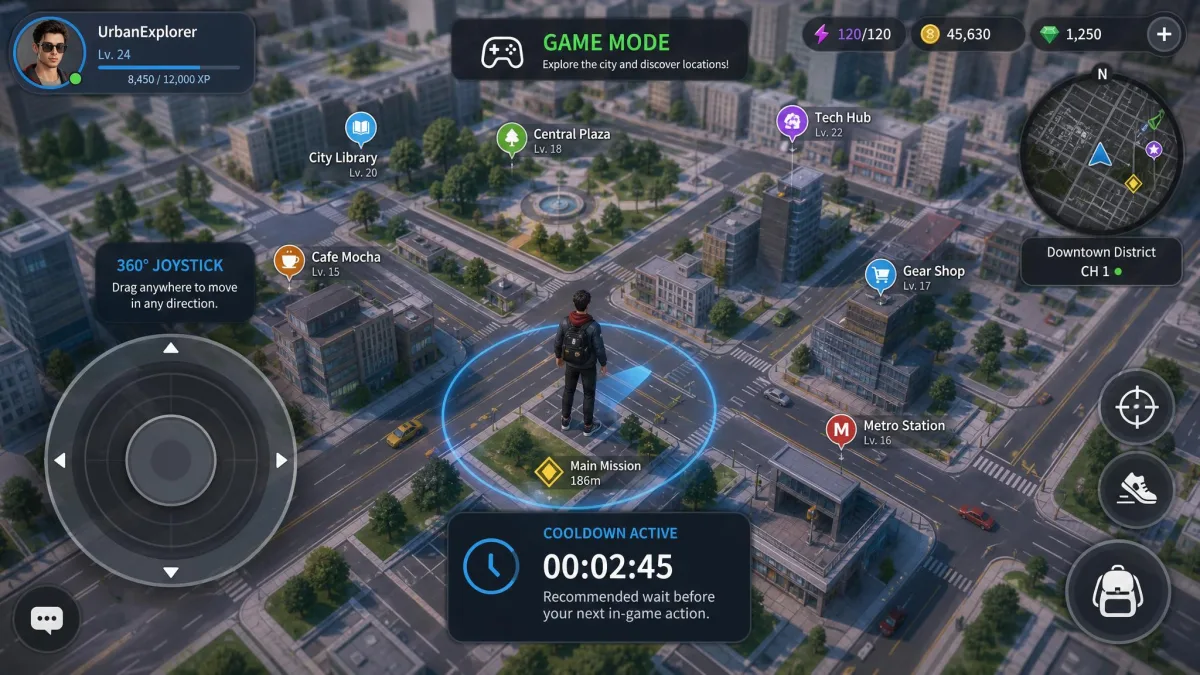
The joystick is where they diverge. FonesGo's supports a connected gamepad, which suits anyone already playing with a controller in hand. PoKeep's 360-degree joystick runs on screen or on the W, A, S and D keys. That is the more natural control at a laptop.
PoKeep also splits its behaviour into two simulation modes. Game Mode handles location-based games, while Universal Mode covers social, dating and tracking apps. FonesGo presents one unified map instead.
Route Simulation and Speed Control
A location that moves unnaturally is the easiest thing for an app to notice. FonesGo runs custom routes at adjustable speeds up to 100 km/h, covering walking, cycling and driving profiles. PoKeep adds a realistic fluctuation mode that varies your speed slightly, so a simulated walk does not hold one constant pace. Both save routes for replay.
Cooldown Timer and Ban-Risk Safeguards
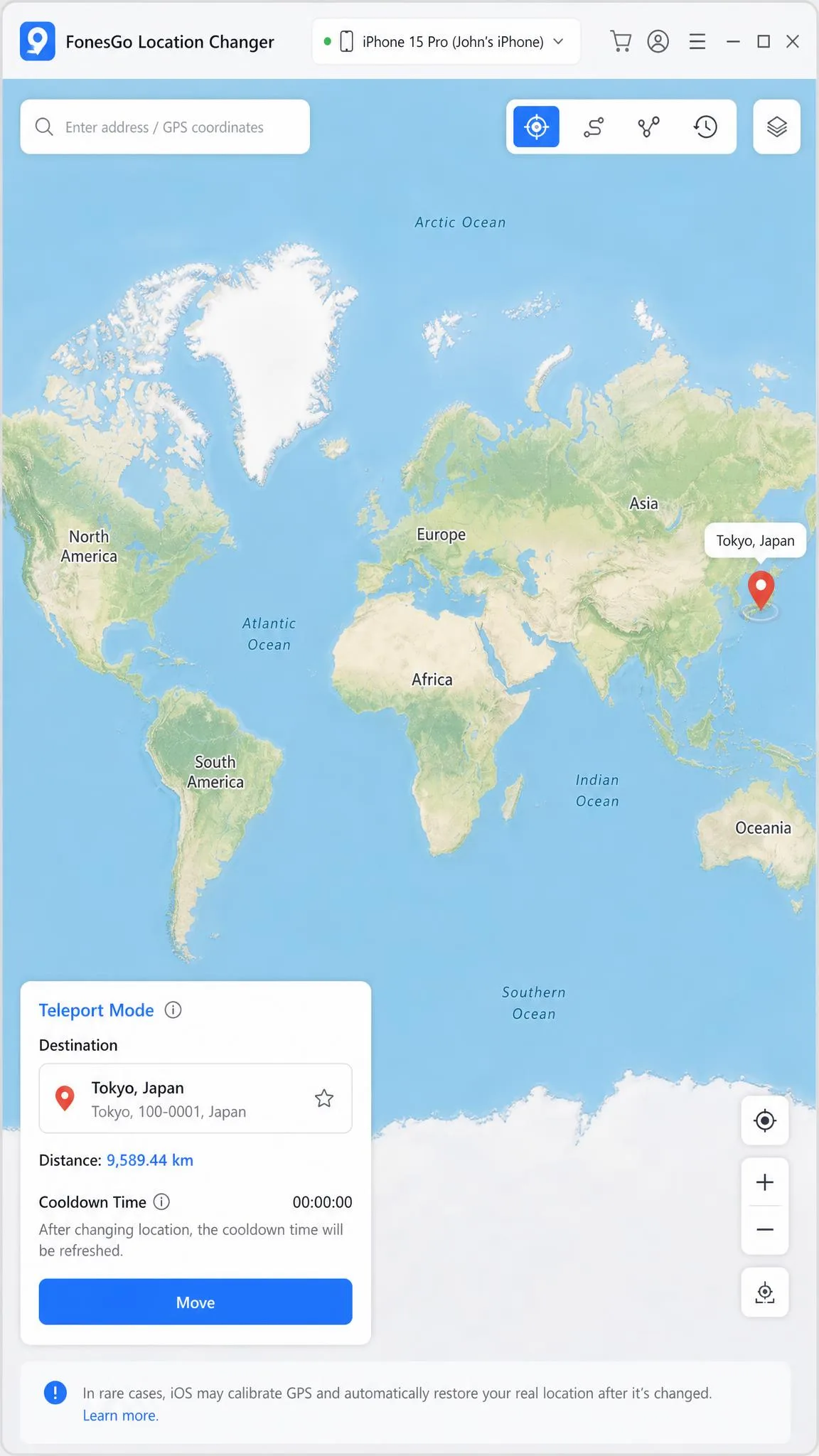
Teleporting a long distance and acting immediately in a location-based game triggers a soft ban. The cooldown timer in both tools exists to prevent exactly that. FonesGo displays the next safe action time. PoKeep calculates a recommended wait automatically from the distance travelled, which takes the arithmetic out of a long hop.
Treat the cooldown timer as mandatory rather than advisory. Waiting out the clock after a long teleport is the single habit that keeps a spoofing account healthy.
Multi-Device Support and Connection Method
FonesGo spoofs up to 15 devices at once from one computer licence. PoKeep covers 1 PC and up to 10 phones per plan, iOS or Android in any mix. Connection method differs more. FonesGo connects over USB or Wi-Fi and adds a Bluetooth mode. That mode needs a Bluetooth 5.0 or newer adapter if your computer lacks one. PoKeep wants a USB cable on the first run, then switches to Wi-Fi on the same network. Bluetooth stays reserved for iOS Game Mode.
GPX Import/Export, Favorites and History
FonesGo imports GPX files, keeps favorites and logs an automatic route history. PoKeep does all of that and adds GPX export, so routes you build can leave the software again. If you swap routes with other players, that export path is a genuine advantage.
What Each Tool Is Built For
FonesGo Location Changer in Brief
FonesGo Location Changer targets players who want the cheapest entry into GPS spoofing without losing the full movement toolkit. It covers Pokemon GO with spawn search and raid hunting, plus Monster Hunter Now and the mainstream social and dating apps. A Bluetooth mode lets an Android app drive an iOS device's location.
The trade-off is stability. FonesGo occasionally throws bugs, can fail on some handsets, and its support replies are inconsistent in quality. Independent write-ups are thin on the ground. Trustpilot's listing carries only 14 reviews, dominated by refund and non-working-software complaints. A mobile build exists as FonesGo on Google Play, but the desktop licence keeps you tethered to a PC or Mac.
PoKeep Location Changer in Brief
PoKeep Location Changer is the broader tool. Its supported list runs from Pokemon GO and Ingress Prime through to WhatsApp, TikTok, Tinder, Find My iPhone and Life360. The interface runs in six languages.
The first connection can be fiddly. Getting a phone recognised may take several minutes before the map settles. Once PoKeep is connected, day-to-day Pokemon GO spoofing runs steadily over weeks of use. That is the behaviour that matters for software you open daily.
Device and Platform Compatibility
iPhone and iOS Version Support
PoKeep states support from iOS 5 through iOS 26 with no jailbreak. That long tail helps if you keep an old spare iPhone for spoofing. FonesGo's own page lists iOS 13 through iOS 27, though third-party coverage puts the ceiling at iOS 26. The top of the supported range moves with each Apple release, so the newest builds may only be covered after an update.
Changing GPS Location Without Jailbreak or Root
Neither tool needs a jailbreak on iPhone or root on Android. Both feed a simulated GPS location to the device through the standard developer channels Apple and Google already expose. That is why the desktop software is required at all.
PoKeep supports Android 6.0 and up with no root. FonesGo also runs without root. Its published Android version range is stated inconsistently across its own pages, so the exact minimum and maximum are unsettled. On an older Android handset, PoKeep's stated floor is the safer bet.
Android Support and USB Debugging
On Android, nothing works until USB debugging is enabled in Developer Options. For PoKeep's Universal Mode, the software also has to be selected as the mock location app in the same menu. That second step catches new users out. It is a one-time change, and both tools walk you through it.
Desktop vs Mobile App
FonesGo runs on Windows 11, 10, 8 and 7 and on macOS 10.12 or later, a wider net for older computers. PoKeep asks for Windows 10 or newer and macOS 11 or newer. Both are desktop-driven. Plan on a computer being nearby whenever you change location.
App and Game Support
Pokemon GO and Other Location-Based Games
Both cover Pokemon GO and Monster Hunter Now. PoKeep goes further with Ingress Prime, Pikmin Bloom, Jurassic World Alive, Geocaching and Soundmap, so it will not run out of coverage if you play more than one game. FonesGo counters with in-app spawn search and raid hunting. That saves a lot of map-scrolling when you are chasing a specific spawn.
Life360, Find My and GPS Tracking Apps
PoKeep names Find My iPhone, Life360, Google Maps and Apple Maps among its supported apps, all handled in Universal Mode. FonesGo's published list is game-and-social focused and does not name the tracking apps. PoKeep is the tool built for that job.
Social and Dating Apps
Both cover the big platforms. FonesGo lists Instagram, Snapchat, Facebook, Tinder, Bumble and Badoo. PoKeep adds WhatsApp, Telegram, TikTok, Hinge, Grindr and OkCupid on top.
Ease of Use: Setup and First Location Change
How to Change Location with FonesGo (Step by Step)
- Install FonesGo on your PC or Mac and open the location changer module.
- Connect the phone by USB, Wi-Fi or Bluetooth, then accept the trust prompt on the handset.
- Wait for the map to load and confirm your real position is shown.
- Pick teleport mode, search a destination, and click to move.
- Switch to joystick, two-spot or multi-spot movement to simulate real movement instead of a jump.
Common FonesGo failure states have documented fixes. A map that will not load points at your network or an outdated build. A character that will not move means Location Services is off. A location that snaps back on iOS 27 means Developer Mode is still on. A stuck "Executing" message usually clears after closing other location-aware apps and restarting the phone. FonesGo's technical FAQ covers each one.
How to Change Location with PoKeep (Step by Step)
- Install PoKeep and connect the phone with a USB cable for the first session.
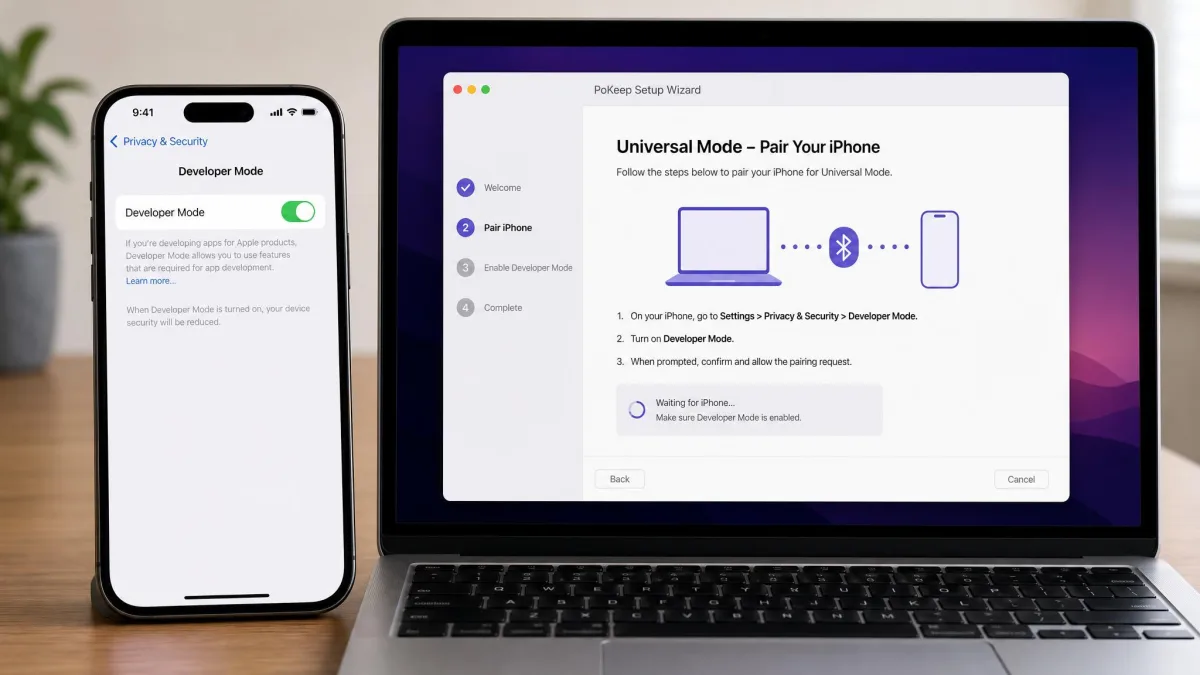
- On iPhone, trust the computer with your passcode, then pair over Bluetooth for Game Mode or turn on Developer Mode for Universal Mode.
- On Android, enable USB debugging and select PoKeep as the mock location app.
- Choose Game Mode or Universal Mode depending on the app you are spoofing.
- Search a destination and move by teleport, joystick or a saved custom route.
PoKeep's iOS setup adds real steps beyond plugging in. That is the honest cost of its wider app coverage. PoKeep's official setup guide documents each branch clearly, which is more than most tools in this category manage.
Pricing, Free Trials and Licensing
FonesGo is cheaper at every term. It asks $9.95 for one month against a $19.95 regular price, then $19.90 quarterly, $39.95 yearly and $79.95 for a lifetime licence. The same landing page also advertises separate per-platform app plans, so check which product you are buying at checkout.
PoKeep charges $12.95 for one month, discounted from $18.50. After that it is $29.95 quarterly, $69.95 yearly and $89.95 for a lifetime, one-time purchase. Across a year, PoKeep costs roughly $30 more.
Trials differ in transparency. PoKeep gives 5 uses per movement mode, enough to confirm the software recognises your phone before you pay. FonesGo offers a free trial download for every platform but does not publish what it allows. The usable limit is therefore unclear before purchase.
Both carry a 30-day money-back guarantee. PoKeep promises a full refund if support cannot fix a technical issue. FonesGo's is limited to listed qualifying circumstances. Refund requests can also come back with a partial offer rather than the full amount, even within a day of purchase.
Safety, Privacy and Account-Ban Risk
Neither vendor can promise safety, whatever the marketing says. FonesGo advertises "Zero Ban Risk" on its own page, and no independent measurement of account-ban rates exists for either tool.
Location falsification is prohibited by Niantic's Pokemon GO Terms of Service, and enforcement runs from a soft ban up to permanent account termination. Spoofing carries that risk regardless of which software you use.
Risk reduction comes down to behaviour rather than brand. Respect the cooldown timer after every long jump. Use route simulation instead of repeated teleports, and keep speeds plausible. Avoid spoofing an account you would be upset to lose. Both tools run locally and drive the phone over a direct connection, rather than routing your location through a third-party server.
Pros and Cons of Each Tool
FonesGo: Pros and Cons
Pros
- Cheapest at every licence term, starting at $9.95 monthly
- Spoofs up to 15 devices at once from one computer licence
- Custom routes with adjustable speed up to 100 km/h
- Runs on older systems, back to Windows 7 and macOS 10.12
- Gamepad support in joystick mode
Cons
- Occasional bugs and failures on some handsets
- Inconsistent customer support replies
- Refunds may come back as a partial offer
- Free trial limits are not published
- Very little independent community coverage
PoKeep: Pros and Cons
Pros
- Widest app coverage, including Life360 and Find My iPhone
- Runs steadily day to day once connected
- Cooldown timer calculates the wait for you
- GPX import and export, not import alone
- Clear published setup guide for both platforms
Cons
- More expensive at every licence term
- First connection can take several minutes to settle
- iOS setup needs Bluetooth pairing or Developer Mode
- Android needs USB debugging and mock location setup
- Requires Windows 10 or newer and macOS 11 or newer
Which One Should You Choose?
Choose FonesGo If...
You want the lowest price, and you are spoofing on Android or a mainstream iPhone build. It suits you too if you have a large fleet of handsets to cover. It also makes sense if your computer predates PoKeep's system requirements, or if a gamepad joystick is how you want to play.
Choose PoKeep If...
You play more than one location-based game, you need Life360 or Find My in the supported list, or you value a documented setup path and steady long-term behaviour over saving a few dollars a month. PoKeep is the better first purchase because its trial tells you plainly what you get.
Alternatives Worth Considering
iMoveGo, MockGo and MocPOGO cover the same movement modes at similar prices, and we compare each against both tools in dedicated head-to-heads. Free GPS spoofing tools tend to be feature-limited. That is why community threads point newcomers at paid software with trials instead. For a wider survey, see our guide to the best location changer for PC.