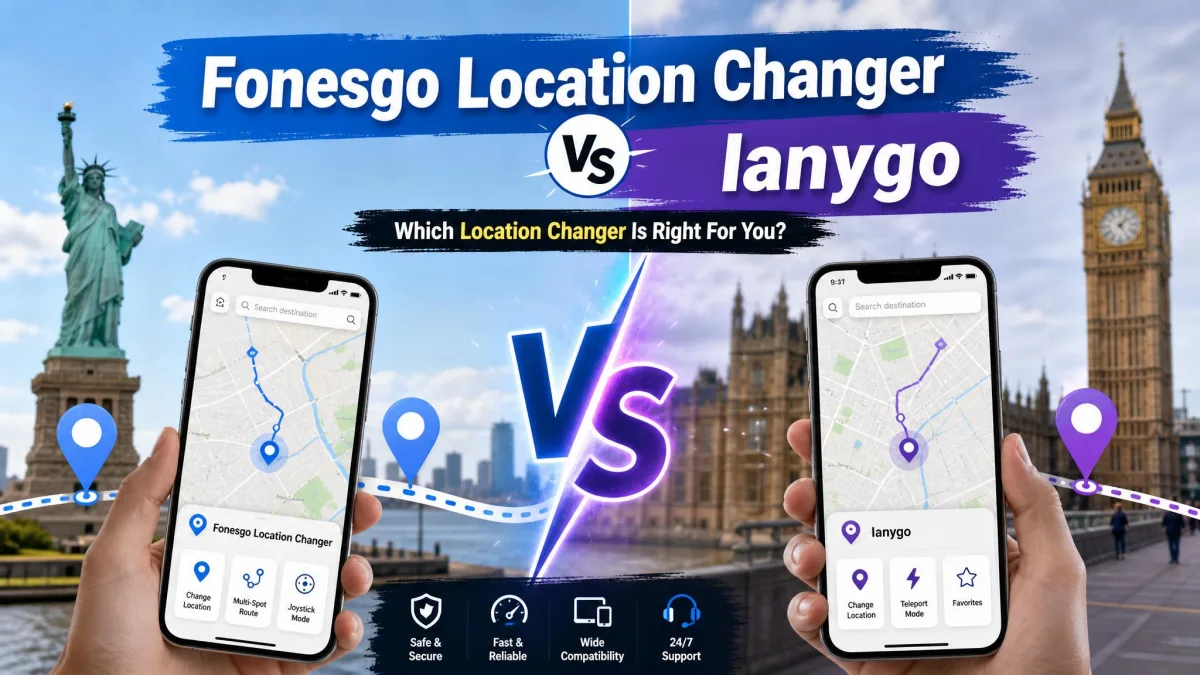
FonesGo Location Changer and Tenorshare iAnyGo are desktop GPS location changers that move the virtual position your phone reports to every app on it. Both promise one-click teleporting, simulated routes and joystick control for games, and both work without a jailbreak.
We ran both through the same jobs: a teleport, a multi-spot route, joystick control in a game, and a return to the real GPS position afterwards. What separates them is not the feature list, which is close to identical. It is setup friction, licence terms and price.
FonesGo Location Changer vs iAnyGo at a Glance
| Product | Buy | Desktop platforms | Devices per licence | Free trial | Money-back | Lifetime price |
|---|---|---|---|---|---|---|
 |
Check price → | Windows 11/10/8/7, macOS 10.12 or later | 15 devices plus 1 PC or Mac | Yes, limited testing features | 30-day | $79.95 |
 |
Check price | Windows, Mac | 5 to 15 mobile devices depending on tier | About one hour, advanced features locked | 30-day | Around $89.95 to $95.95 |
FonesGo supports iOS 13 through iOS 27 and Android up to Android 17. iAnyGo covers iOS 14 to iOS 27 and Android 4 through Android 16. Both offer single-spot teleport, multi-spot movement, route simulation, joystick control, a cooldown timer, GPX import and historical records.
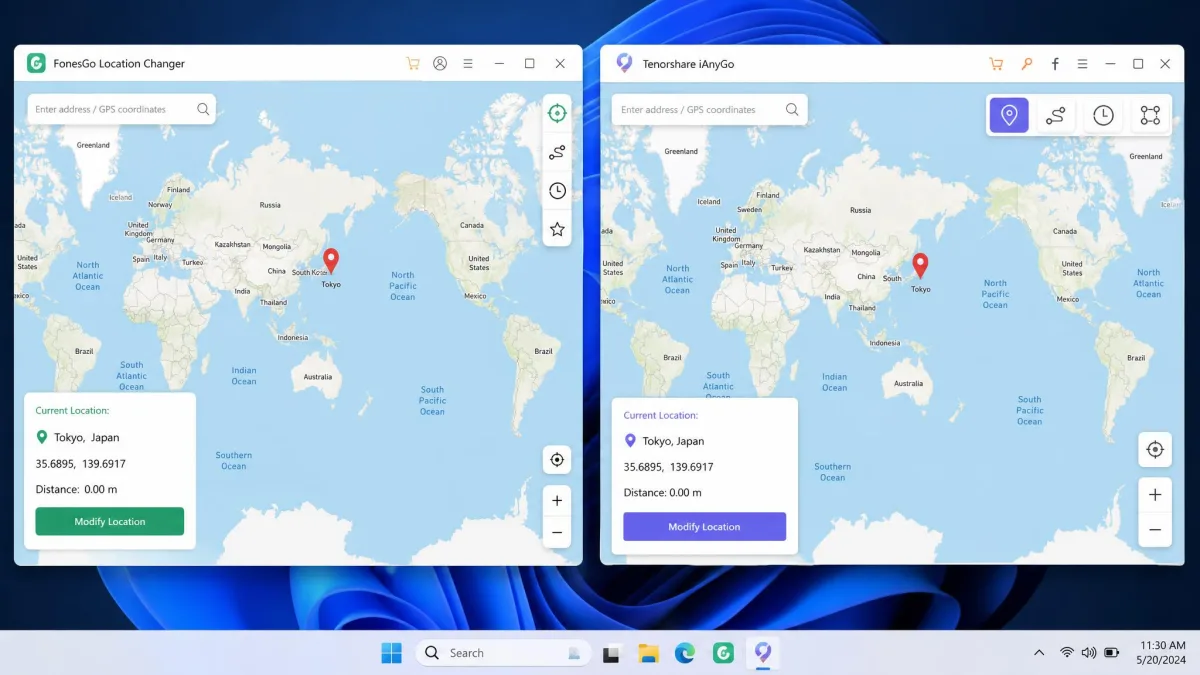
What Each Tool Actually Does
Both apps sit on your computer, connect to your phone over USB or Wi-Fi, and feed a fake coordinate to the device so every app that reads GPS believes you are somewhere else.
FonesGo Location Changer in Brief
FonesGo is built around one-click teleport plus movement simulation: custom routes, multi-spot movement, joystick control, favourite locations, historical records and speed up to 100km/h. GPX import is desktop-only. It advertises support for Pokemon GO, Monster Hunter Now, and social and dating apps including Tinder, Bumble, Instagram, WhatsApp and Life360.
Tenorshare iAnyGo in Brief
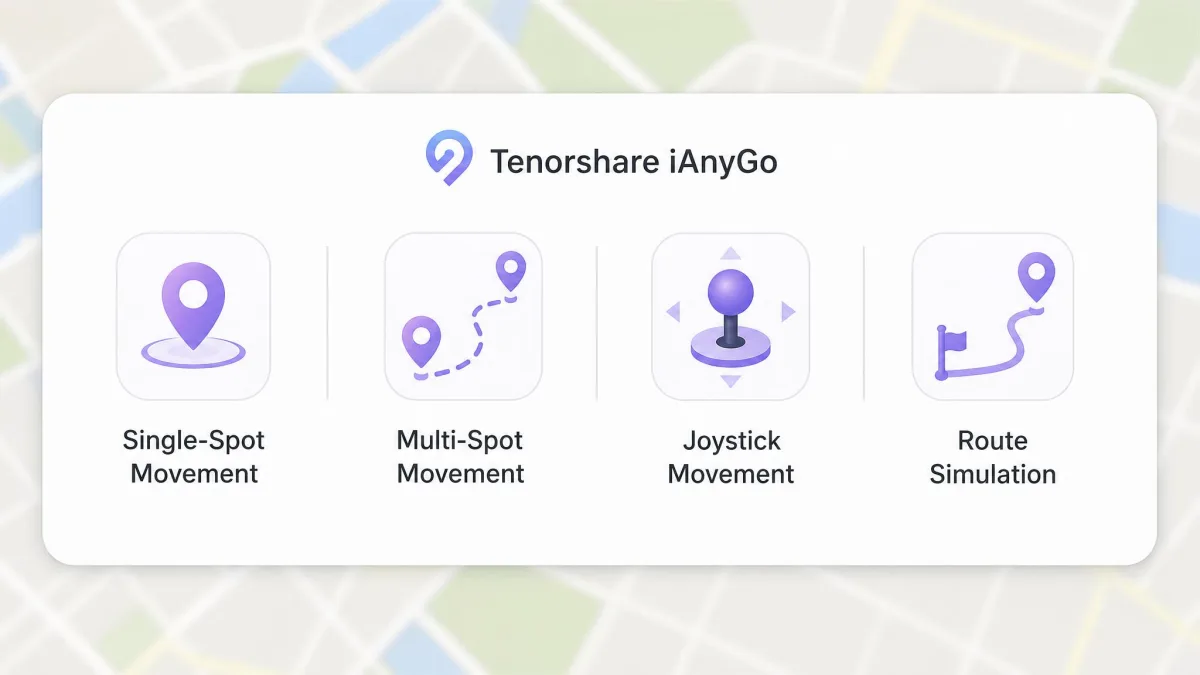
iAnyGo covers the same ground with a heavier tilt toward gaming. Alongside single-spot, multi-spot and joystick movement, it adds auto-catch, PokeStop and Gym scanning with shortest-route generation, GPX import, a cooldown timer and historical records, across Samsung, Huawei, OPPO, LG and thousands of other Android handsets.
Head-to-Head Feature Comparison
Three differences matter in daily use. A FonesGo licence covers 15 devices plus one computer, while iAnyGo's allowance is tier-dependent, with entry tiers at 5 mobile devices and the top tier at 15. An iAnyGo licence is also bound to the computers you choose at checkout and cannot be moved to new hardware without buying again. The third difference is the setup path, and it is the biggest gap between them.
The feature lists are near-identical. What actually separates these two is how much friction stands between you and a working spoof.
Movement Modes: Teleport, Multi-Spot, Route and Joystick
Single-Spot Teleport
Pick a point on the map, click, and the device jumps there. FonesGo changes register almost immediately in apps such as Google Maps and Snapchat. iAnyGo takes a few seconds to settle, and rapid back-to-back changes cause problems, so give it a moment between jumps.
Multi-Spot and Custom Routes
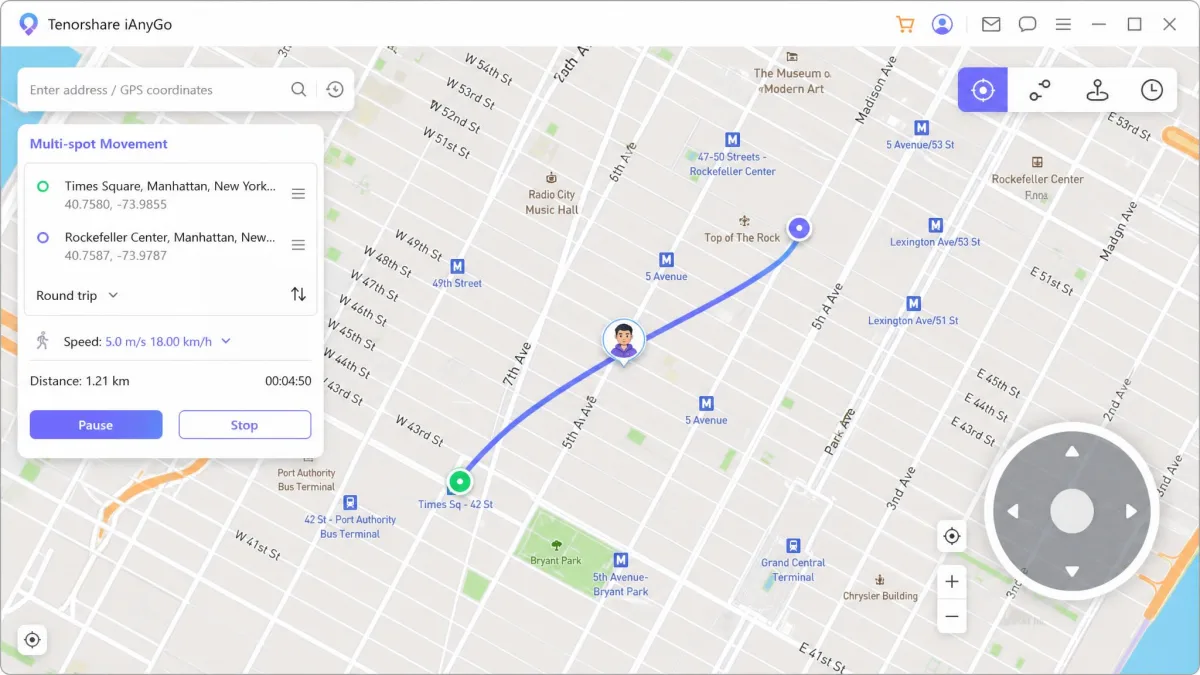
Multi-spot mode lets you drop several pins and have the device walk between them at a set pace. Both accept GPX files so you can replay a recorded route, though FonesGo's import is desktop-only.
Joystick and 360-Degree Control
The joystick is the mode most gamers actually use, putting an on-screen control on the map so you steer in real time rather than pre-planning a route. FonesGo tops out at 100km/h, iAnyGo at 108 km/h from a 3.6 km/h floor.
Advanced Controls: Speed, GPX Import, Cooldown Timer and History
Adjustable speed lets you match a plausible pace, and that matters: a jump that would need a car at 100km/h looks very different to a game server than a steady walk. The cooldown timer counts down the minimum wait between two distant locations, and historical records save the places you have already used for one-click reuse.
Cooldown timers are guidance, not protection. They estimate a safe wait between jumps, but they cannot stop a game's own detection from flagging your account. Treat the timer as a minimum, not a guarantee.
Ease of Use: Changing Your GPS Location in 3 Steps
Both tools follow the same shape: connect the device, pick a spot, apply the change. Getting to step one is where they diverge.
How to Change Location With FonesGo
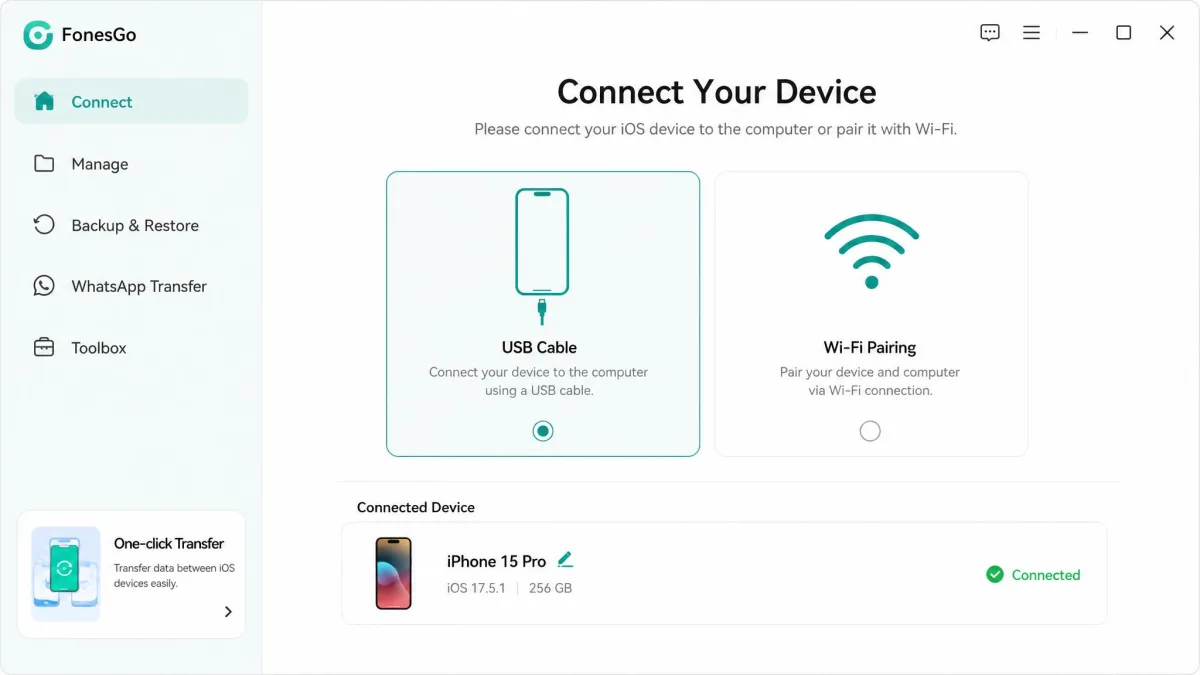
Install the software, connect the phone over USB or Wi-Fi, confirm your real position, then pick a destination and teleport. That is the whole run, and the connection held stable across our sessions with no crashes and no GPS drift. It is not flawless: FonesGo behaves inconsistently on certain iOS and Android versions, occasional bugs show up on less common device combinations, and support responses vary in quality and speed.
How to Change Location With iAnyGo
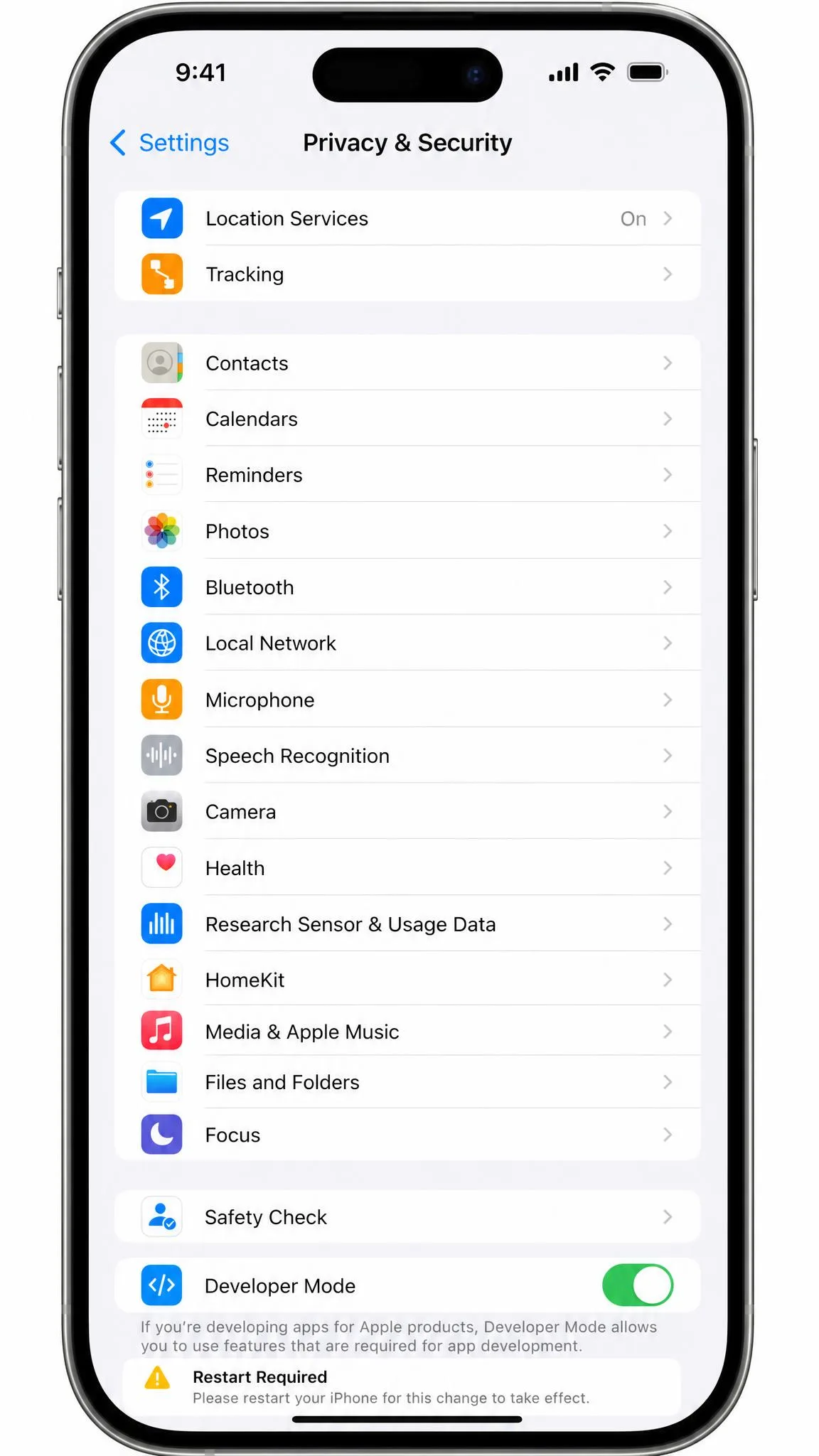
iAnyGo requires Developer Mode first, on both iOS and Android; Apple documents the prerequisite in its Developer Mode guide for iOS 16 and later. The second hurdle is that the iPhone "Trust This Computer" prompt frequently fails to appear, and the published workarounds involve uninstalling iTunes or unlinking your Apple ID.
USB reconnection errors pop up regularly, though clicking OK clears them. The computer and phone must share an internet connection, so you cannot spoof a remote device, and the map window is locked at 1020x640 pixels.
The practical story of this comparison is the gap between those two setup runs. FonesGo asked us for a cable and a click. iAnyGo asked us to chase a Trust prompt that kept refusing to appear, and to leave Developer Mode switched on afterwards.
Device and Platform Support: Desktop, iOS App, Android App
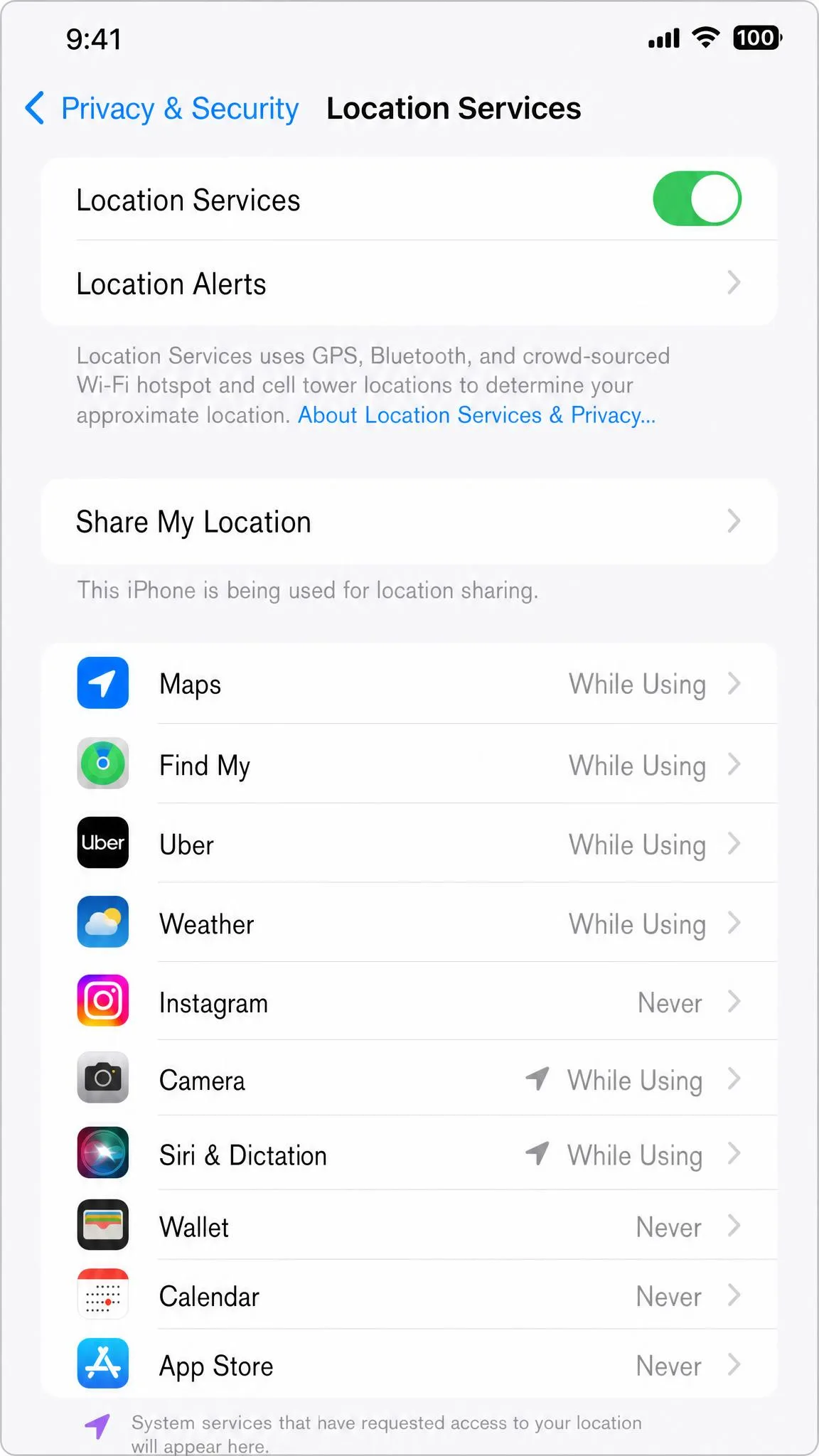
Neither tool is fully mobile. Both still need a computer in the loop, which makes changing your location on the go awkward.
FonesGo runs on Windows 11 through 7 and macOS 10.12 or later, and publishes an iOS app and an Android app on Google Play, covering iOS 13 to iOS 27 and Android up to Android 17.
iAnyGo has Windows and Mac software plus an iOS app, and covers Android 4 through Android 16. Its own pages disagree on iOS coverage: the homepage says iOS 14 to iOS 27, while the iAnyGo iOS version support page lists an older range. To check what your phone reports after a change, Apple's guide to Location Services on iPhone explains which apps have access.
Location-Based Games: Pokemon GO and Ban Risk
Both tools work in Pokemon GO. iAnyGo's teleports, routes and joystick control all functioned in our game testing without triggering a ban, and FonesGo advertises Pokemon GO and Monster Hunter Now support directly. Both also advertise a fix for the Error 12 message that remains a common stumbling block for spoofing setups.
Working is not the same as being safe. Niantic's policy on GPS spoofing treats falsified location as cheating and applies a three-strike system: a first strike degrades gameplay for about 7 days, a second suspends the account for about 30 days, and a third is a permanent ban, with severe cases skipping straight to termination.
No location changer makes spoofing in Pokemon GO risk-free. The three-strike policy applies regardless of which tool you use, and a permanent ban takes your account with it. If your account matters to you, do not spoof on it.
Threads among r/PokemonGoSpoofing users discussing safety focus far more on cooldown discipline than on which app has the best joystick, and that is the right emphasis.
Safety, Privacy and Jailbreak-Free Operation
Neither tool needs a jailbreak or root, which is the meaningful safety point, because jailbreaking is what genuinely weakens a phone's security model. Both feed a virtual coordinate to the device rather than modifying the operating system, so the change is reversible. The one privacy asymmetry is iAnyGo's Developer Mode requirement, which loosens protections Apple applies by default.
If you use a location changer for dating-app check-ins or social location sharing, set a plausible spot rather than a dramatic one. A profile that jumps between continents overnight draws attention from the app's own systems long before any ban policy comes into it.
How to Restore Your Real GPS Location
FonesGo returns the device to its real position when you stop the spoof and disconnect, and the change registers quickly.
iAnyGo is more work. Returning to your real position requires restarting the device, an irritation if you switch back and forth, and turning Developer Mode back off effectively requires a factory reset.
Pricing and Licence Tiers Compared
FonesGo is cheaper at every tier and publishes its pricing plainly: $9.95 per month against a $19.95 regular rate, $19.90 for three months, $39.95 a year, and $79.95 for a lifetime licence, each covering 15 devices plus one computer. The mobile plans are separate, at $19.95 per month for iOS (bundling the Windows and Mac versions) and $14.95 per month for Android.
iAnyGo's numbers move around. Third-party listings and the iAnyGo pricing page put a single-PC licence at around $9.95 to $12.95 a month, roughly $39.95 to $42.95 a year, and around $89.95 to $95.95 for lifetime. Annual pricing is frequently discounted, and subscriptions auto-renew unless you cancel manually.
Both vendors offer a 30-day money-back guarantee, so refund risk is even. The free trials are not. iAnyGo's runs about one hour and locks the advanced gaming features. FonesGo's trial download offers limited testing features with no published time limit, and its refund policy leans on that trial: refunds are refused where the buyer did not use it to check compatibility first. Run the trial on your own handset before you pay, with either tool.
Pros and Cons of Each Tool
FonesGo Location Changer Pros and Cons
Pros
- Cheaper at every licence tier, including a $79.95 lifetime option
- Sets up in four steps with no Developer Mode toggle to undo afterwards
- Stable connection with no crashes or GPS drift in extended sessions
- Location changes register almost immediately in maps and social apps
- Broadest OS coverage, from iOS 13 to iOS 27 and up to Android 17
Cons
- Behaves inconsistently on some iOS and Android versions
- Support response quality and speed vary
- GPX import works only in the desktop software
- Refunds are refused if you skipped the free trial compatibility check
iAnyGo Pros and Cons
Pros
- Deeper game tooling, including auto-catch and PokeStop scanning
- Wider route speed range, from 3.6 to 108 km/h
- Broad Android device coverage from Android 4 to Android 16
- Teleports, routes and joystick all worked in our game testing
Cons
- Requires Developer Mode, which needs a factory reset to switch back off on iOS
- Trust This Computer prompt often fails to appear during setup
- Returning to your real position requires a device restart
- Licence is tied to the computers chosen at checkout
- Free trial is about one hour with advanced features locked
Which One Should You Choose?
For most buyers that is FonesGo, but the two short sections below will tell you quickly which side of the line you fall on.
Choose FonesGo If...
You want the cheapest route to a working location changer, you have several devices to cover, or you would rather not turn on Developer Mode at all. It also suits anyone spoofing for social and dating apps rather than serious gaming.
Choose iAnyGo If...
You are a committed Pokemon GO player who wants auto-catch and PokeStop scanning built in, or you only ever use one computer. The extra setup work buys you the deeper game feature set.
Other Alternatives Worth Knowing
iMyFone AnyTo, Dr.Fone Virtual Location, iToolab AnyGo, MockGo and PoKeep all cover the same core job, differing mostly on price, device allowance and bundled game tooling. Price at least one alongside FonesGo before you commit.