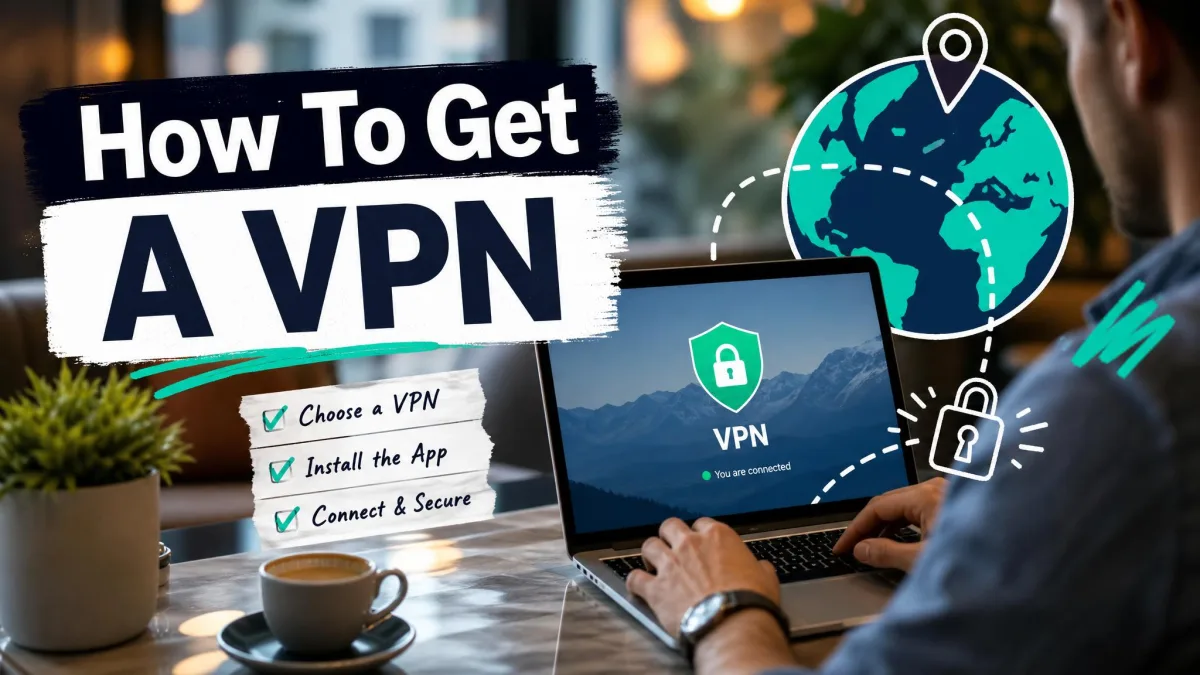
A VPN, or virtual private network, encrypts your internet connection and hides your IP address by routing your traffic through an encrypted tunnel to a private server somewhere else. That single sentence covers what the technology does, but it does not answer the question most people actually have. Do you need one?
That is the honest question worth asking, and the answer depends on what you do online, where you connect from, and how much of your activity you would rather keep to yourself. A VPN is not magic, and it will not turn you invisible. What it does is narrow the number of people who can watch what you do, which matters more in 2026 than it did a few years ago.
We have spent years connecting VPN apps across home Wi-Fi, hotel networks, and mobile data, testing how they behave in the real world rather than on a spec sheet. This guide walks through the nine reasons that come up most often, which is another way of saying what VPNs are actually used for, along with how the encryption works and where a VPN falls short so you can decide whether it belongs on your devices.
Why Use a VPN? The Top Reasons
There is no single reason that fits everyone. A frequent traveler cares about public Wi-Fi, a cord-cutter cares about streaming libraries, and someone in a country with a censored internet cares about reaching blocked sites. Here are the nine that come up most, roughly in the order most people find them useful.
Protect Your Privacy from Your ISP and Advertisers
Your internet provider can see every site you visit, and in many places it is legally allowed to collect and sell that browsing data. After the FCC rolled back broadband privacy rules, the leash on how providers handle your activity loosened considerably, and you can read the details of the FCC's net-neutrality rollback directly. A VPN closes that window. When your traffic is encrypted, your provider can see that you are connected to a VPN but not what you are actually doing.
The same logic applies to advertisers. With a VPN on, advertisers cannot tie your activity to your real IP address, which cuts down on the targeted ads that seem to follow you from site to site. It is not a complete shield against tracking, since cookies and account logins still identify you, but it removes one of the easiest signals used to profile you. If ad tracking bothers you, the FTC publishes plain-language guidance on how much of your data is in play.
Stay Secure on Public Wi-Fi
This is the reason we would give if we could only give one. Public networks in cafes, airports, and hotels are shared spaces, and you have no idea who else is connected or how the network is configured. On an open network, someone nearby can potentially intercept unencrypted traffic and capture what you send.
A VPN removes that risk by encrypting everything before it leaves your device, so even on a hostile network your data is unreadable to anyone watching. We keep a VPN set to connect automatically on untrusted Wi-Fi for exactly this reason. If you bank, shop, or log in to anything while traveling, this alone can justify the subscription.
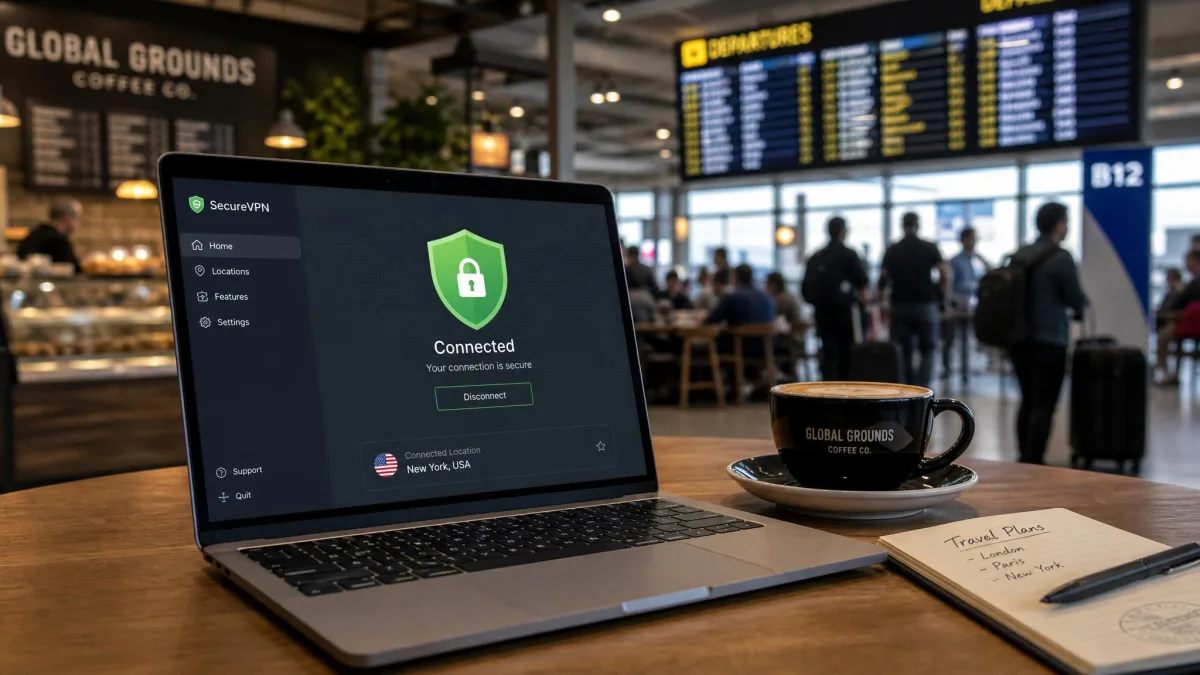
Free VPN apps are a poor trade on public Wi-Fi. Many make their money by logging and selling the very data you are trying to protect, which defeats the purpose. If you are going to trust a VPN with your traffic on an untrusted network, use a paid, audited, no-logs provider rather than a free one.
Hide Your IP Address and Location
Your IP address is a rough marker of who and where you are. It reveals your approximate location and ties your activity back to your household. When you connect through a VPN, websites see the server's address instead, so your real IP stays hidden.
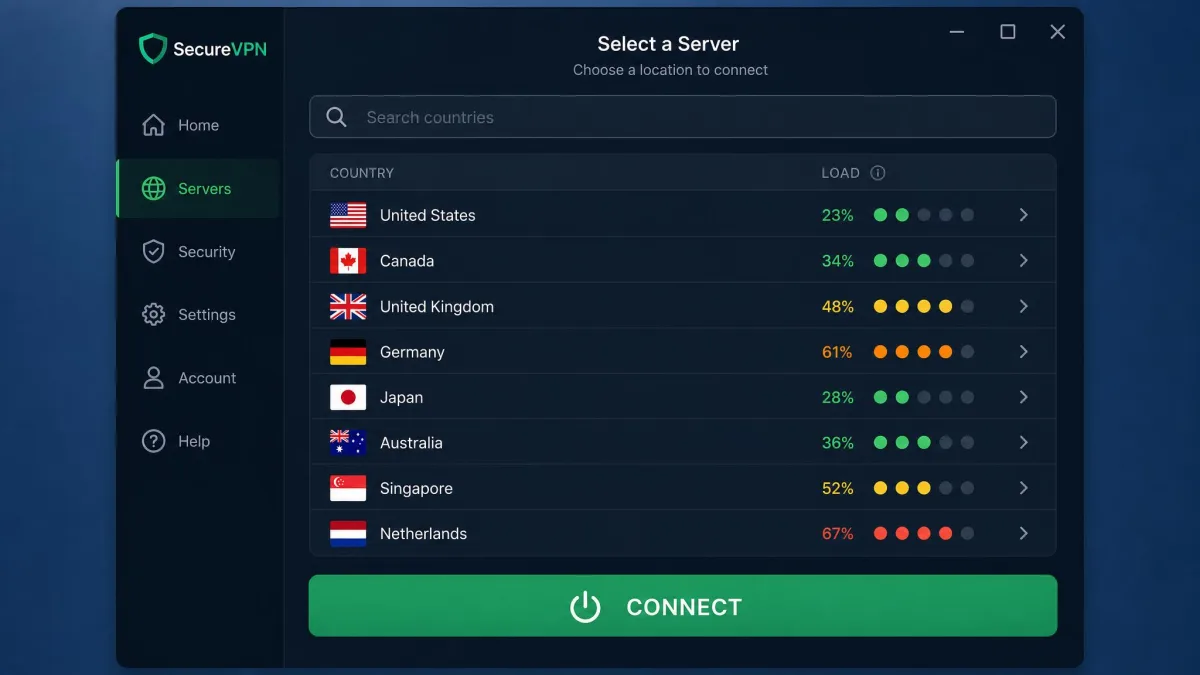
This is the feature that quietly powers most of the other reasons on this list. Masking your location is what lets you appear to browse from another city or country, which is the foundation of unblocking content and dodging location-based tracking. Whether it works well comes down to how many servers and locations a provider offers, so a good spread of countries is worth looking for.
Access Geo-Restricted and Streaming Content
Streaming libraries change from country to country, and plenty of sites and services are only available in certain regions. Because a VPN makes you appear to browse from the server's location, it can open up content that is otherwise fenced off by geography. This is one of the most popular everyday reasons people connect.
We will be straight about the catch, though. Streaming through a VPN is hit-or-miss. Netflix actively detects and blocks VPN traffic, so you will often see a proxy error or a reduced library rather than the catalog you were expecting, and you may have to switch servers a few times to find one that gets through. Netflix does not ban accounts for this, but using a VPN to change regions does violate its terms of service, so treat it as a convenience that may or may not work on any given day rather than a guarantee.
If streaming is your main reason for wanting a VPN, prioritize a provider known for keeping its streaming servers working. This is an ongoing cat-and-mouse game, and the providers that invest in it are the ones that keep access alive as services tighten their blocks.
Bypass Censorship and Internet Restrictions
In parts of the world the internet is heavily filtered, and entire categories of sites and services are blocked outright. A VPN can route your traffic through a server in a freer country, letting you reach information that would otherwise be off limits. About 9% of VPN users connect specifically to get around government internet censorship, which speaks to how real the need is for the people who have it.
This is not an abstract concern. Surveillance and censorship reach beyond national borders, and EFF's research on global surveillance and censorship documents how far that reach extends. A word of caution, though: some countries restrict or ban VPN use, and connecting where they are banned can carry real consequences, so it pays to know the local rules before you rely on one.
Secure Remote Work and Business Access
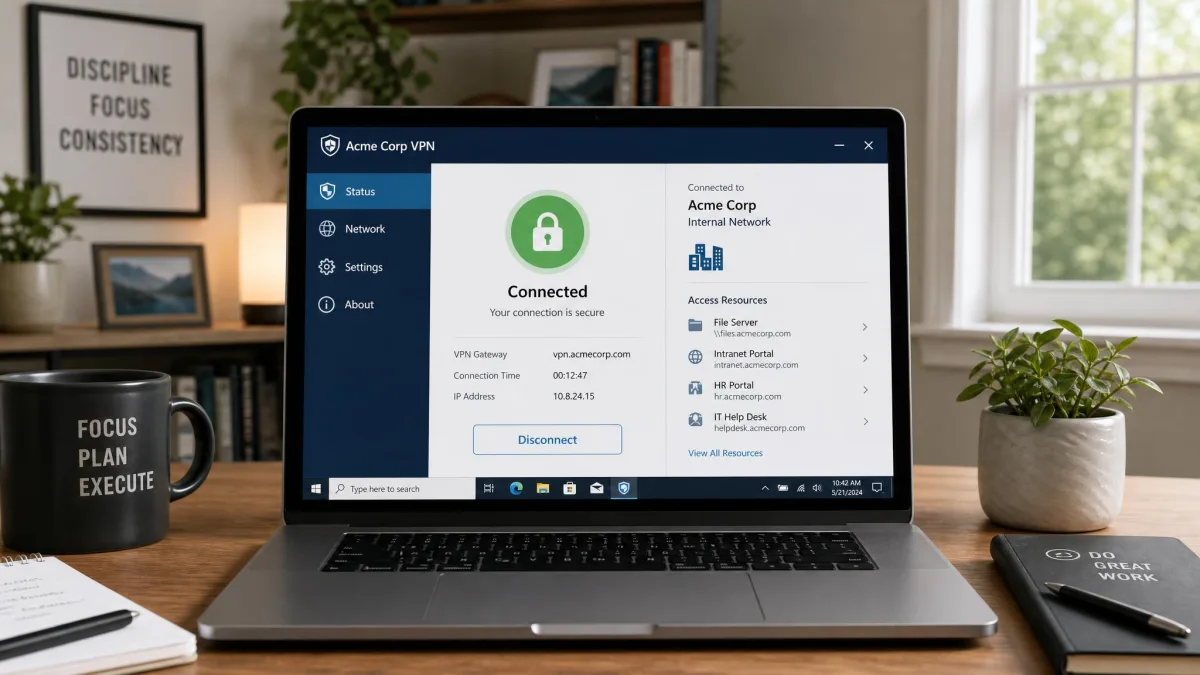
The original purpose of VPNs was connecting employees to a company network from outside the office, and that job is still central. A remote-access VPN lets a worker reach internal files, tools, and systems as if they were sitting at their desk, with all of that company traffic encrypted across the public internet. It is why so many employers require a VPN before you can touch internal resources from home or on the road.
Larger organizations extend the idea with site-to-site VPNs that link entire office networks together at the router level, and the same approach connects an office to resources hosted in the cloud. Staff at either location share files and systems without a separate login for each person. That is a business tool rather than something a home user sets up, but it explains why the same word covers both the app on your phone and the system your IT department runs.
Avoid ISP Throttling and Improve Gaming
Some providers slow down specific kinds of traffic, throttling video streams or downloads once they recognize what you are doing. Because a VPN encrypts your traffic, your provider can no longer tell a video stream from a file download, which can keep it from selectively throttling you. The effect is not guaranteed, since a VPN adds its own overhead, but on a connection that throttles by traffic type it can genuinely help.
Gamers sometimes reach for a VPN for a related reason. It can route around congested paths or reduce exposure to targeted attacks in competitive play. The tradeoff is latency: sending your traffic through an extra server rarely lowers your ping and often raises it, so a VPN helps gaming only in specific situations rather than as a blanket upgrade.
Safer Torrenting and File Sharing
People who use peer-to-peer file sharing often run a VPN to keep that activity private from their ISP and from other peers in the swarm. The encryption hides what you are transferring, and the masked IP keeps your real address out of the peer list. Because the traffic is hidden, a VPN can also sidestep an ISP that throttles torrents specifically, which in our experience sometimes yields faster speeds for that activity than an unprotected connection.
We only ever recommend this for legal file sharing, and not every VPN allows peer-to-peer traffic on every server. If it matters to you, look for a provider that clearly supports it rather than one that quietly blocks it.
Save Money on Online Purchases
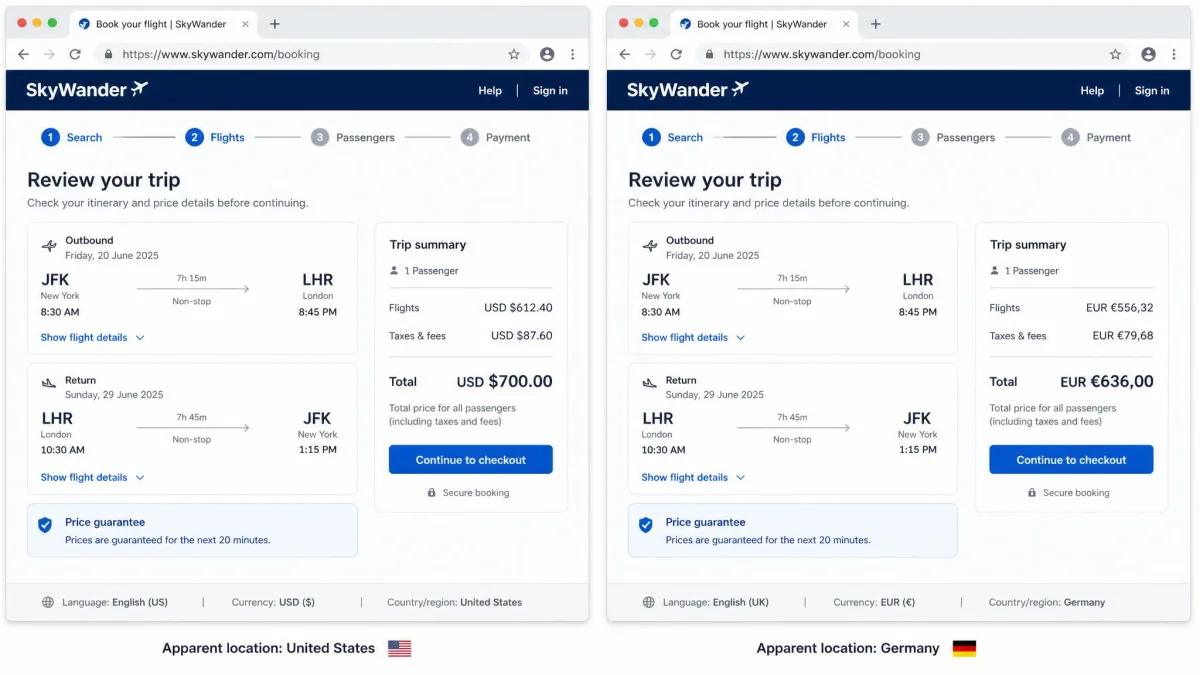
Prices for flights, hotels, and subscriptions sometimes vary by the region you appear to shop from. Because a VPN lets you change your apparent location, it can occasionally surface a cheaper price than the one shown at home. We treat this as a nice bonus rather than a reason to subscribe.
The honest picture is that these savings are inconsistent. Sometimes a different server turns up a better deal, and sometimes it makes no difference at all. It is worth a few minutes of comparison shopping before a big purchase, but do not expect it to pay for the subscription on its own.
What Is a VPN? (Quick Definition)
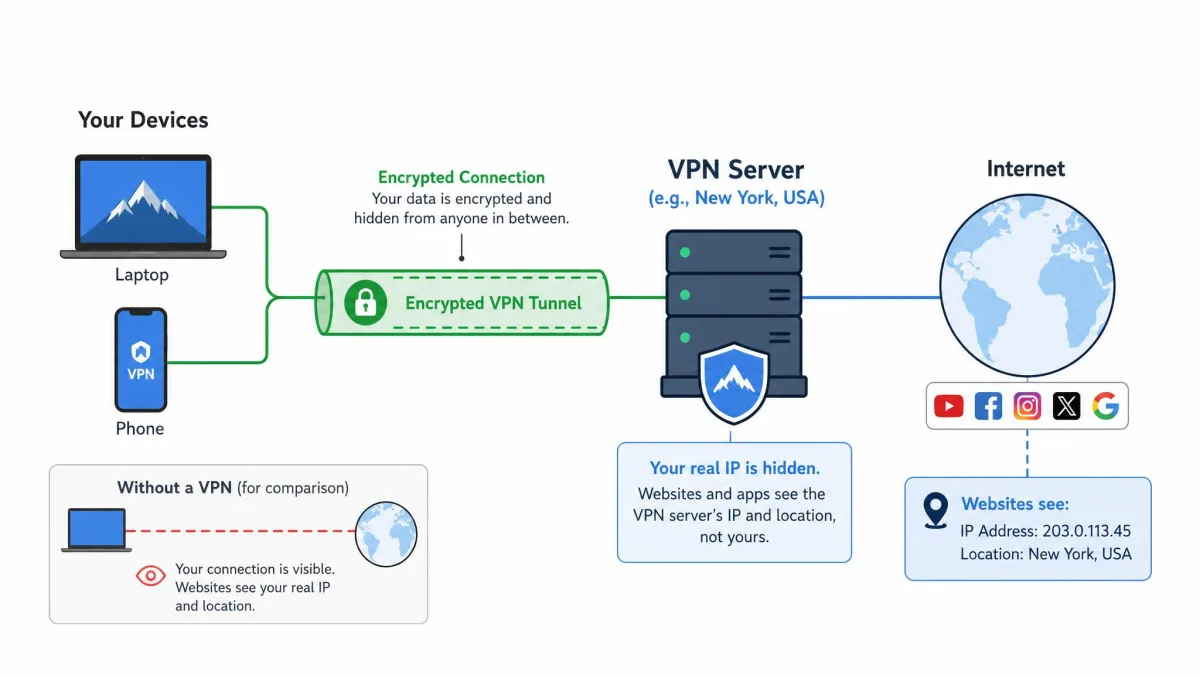
A VPN is a service that creates an encrypted tunnel between your device and a server run by the VPN provider. Everything you send and receive travels through that tunnel, so your internet provider, the network owner, and anyone snooping nearby see scrambled data instead of your actual activity. When your request reaches the VPN server, it goes out to the wider internet from there, which means websites see the server's IP address and location rather than your own.
Getting one running is far simpler than the description sounds. You download the provider's app, sign in, and tap connect. In our testing, a good VPN app needs no networking knowledge at all, and the whole setup takes a couple of minutes on a phone or laptop. The old approach of entering connection details by hand still exists, but it is fiddly and best avoided in favor of the app.
So the short version is this: a VPN changes where you appear to be and hides what you are doing from the networks in between. The rest of this guide is about when that is actually useful.
How a VPN Works (Encryption and IP Masking)
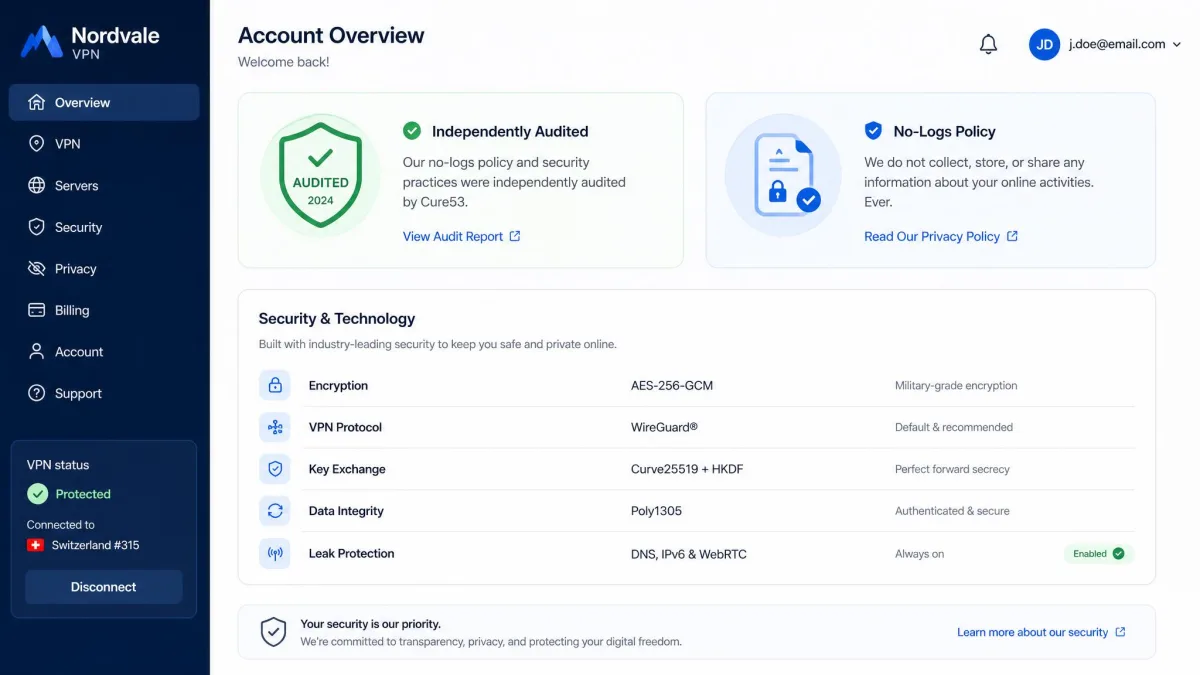
Under the hood, a VPN does two things at once: it encrypts your data and it masks your IP. The encryption is what keeps the contents of your traffic private, and AES-256 is the current industry-standard encryption that reputable providers use. It is the same class of encryption trusted for sensitive data elsewhere, which is why traffic inside the tunnel is effectively unreadable to outsiders.
The masking happens because of how the tunnel is routed. Your device contacts a website through the encrypted VPN connection, the VPN forwards the request on your behalf, and it returns the response to you. To the website, the traffic appears to come from the server's location and local network rather than yours. You get the content; the site sees the server.
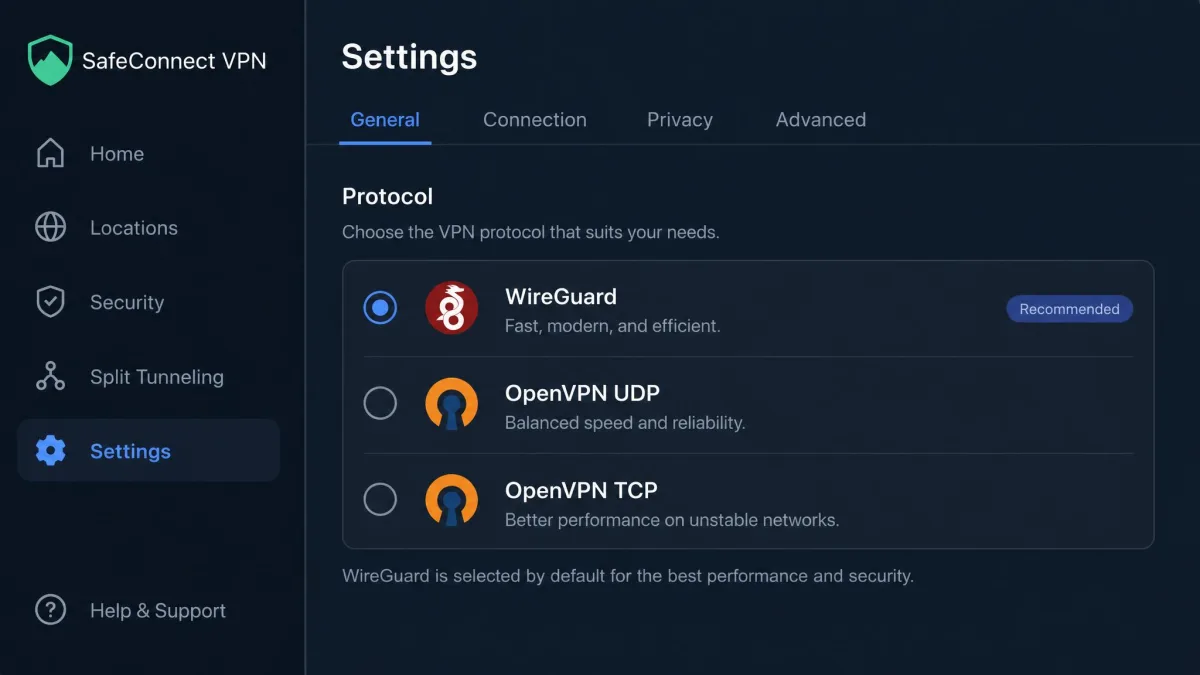
What carries all this is the protocol, the set of rules that governs the tunnel. The two you will see most are OpenVPN and the newer WireGuard, and traffic rides over either TCP or UDP underneath. In our testing, WireGuard connections establish their tunnel a second or two faster than OpenVPN and feel noticeably snappier from day to day, which is why many providers now default to a WireGuard-based option. It is faster and lower-latency, though the exact margin depends heavily on the server and your line.
Who Should Use a VPN? (Use Cases)
Not everyone needs a VPN running all the time, but several groups get clear value from one. Thinking in terms of who you are is often more useful than working through a feature list.
Frequent travelers benefit the most, because they are constantly on Wi-Fi networks they do not control. Remote workers who handle sensitive material get a similar benefit, adding a layer of protection on home and public connections alike. Gamers and streamers use one situationally, to reach content or route around throttling. And for journalists, activists, and anyone in a censored region, a VPN can be the difference between reaching information and hitting a wall, provided the local laws allow it.
If none of those describe you and you only ever browse from a trusted home network, the case is softer. You will still gain privacy from your ISP and advertisers, which many people value on its own, but the urgency is lower than it is for someone who logs in from a different coffee shop every morning.
The Downsides: VPN Pros and Cons
No tool is all upside, and a VPN has real tradeoffs worth weighing before you commit. The biggest is speed. All VPNs slow your connection to some degree because your traffic has to pass through the encrypted tunnel, and connecting to a distant server hurts speed more than a nearby one. On a fast modern connection with a good provider the loss is usually small, but it is never zero.
Cost is the next consideration. A trustworthy VPN is a subscription, and the free options that avoid the fee often make up for it in ways that undermine the whole point. There is also the anonymity ceiling, which matters most: a VPN is not full anonymity, since the provider itself can see your traffic and it does nothing to stop cookies, logins, or browser fingerprinting from identifying you. Finally, some websites and services block VPN traffic outright, which occasionally forces you to toggle the VPN off just to get in.
Pros
- Encrypts your connection so your ISP, advertisers, and network snoops cannot see your activity
- Protects your data on untrusted public Wi-Fi
- Hides your IP and location, unlocking geo-restricted and streaming content
- Helps bypass censorship and internet restrictions where VPNs are legal
- Can reduce traffic-based ISP throttling
- Secures remote access to work networks and keeps file sharing private
Cons
- Always adds some slowdown, more so on distant servers
- A trustworthy provider costs money as a subscription
- Not full anonymity, since the provider sees your traffic and tracking still works through cookies and logins
- Some sites and streaming services actively block VPN connections
Do You Really Need a VPN? (The Honest Answer)
Here is the straight answer we give friends who ask. If you regularly use public Wi-Fi, want to keep your browsing away from your ISP and advertisers, or need to reach content and information that is blocked where you are, a VPN is worth it. Those are concrete problems it solves well, and for those cases we would not go without one.
If you only ever connect from a trusted home network and none of those needs apply, a VPN is a reasonable privacy upgrade rather than a necessity. It still hides your activity from your provider, which is a genuine benefit, but you are not exposed the way a daily traveler is. The deciding factor is your habits, not fear. Match the tool to how you actually use the internet, and the decision usually makes itself.
A VPN does not make you anonymous. It narrows the number of people who can watch what you do, which is a smaller promise than "invisible" but a far more honest and useful one.
How to Choose a Trustworthy VPN (No-Logs, Audits)
If you decide a VPN is for you, the single most important thing to get right is trust. When you route your traffic through a provider, that provider can see it, so you are choosing who gets to sit in that position. That is why a genuine no-logs policy matters more than any flashy feature. A no-logs provider keeps no record of what you do, so there is nothing to hand over or leak later.
Claims are cheap, though, so look for a provider whose no-logs policy has been verified by an independent security audit rather than one that simply says the words on its homepage. Beyond that, weigh the things that separate a good service from a mediocre one: strong AES-256 encryption, modern protocols like WireGuard, a wide spread of server locations, and reliable performance. Some VPNs give spotty service and hit technical difficulties connecting to the nearest servers, which is exactly the kind of friction a short trial will expose.
One practical check before you commit: connect to the VPN and run a DNS leak test to confirm your real location is not leaking outside the tunnel. If your actual provider or region shows up in the results, the VPN is not doing its job, and you should look elsewhere.
| Feature | VPN | Tor | Proxy |
|---|---|---|---|
| Encrypts all traffic | Yes (AES-256) | Yes (layered) | Usually no |
| Hides IP address | Yes | Yes | Yes |
| Speed impact | Small to moderate | Large | Small |
| Ease of use | App, one tap | Browser bundle | Manual per app |
| Best for | Everyday privacy, streaming, Wi-Fi | Maximum anonymity | Quick single-app geo-shift |
The comparison above is worth a glance if you are weighing a VPN against the alternatives. Tor gives you stronger anonymity but at a heavy speed cost, and a proxy is quick but usually leaves your traffic unencrypted. For everyday privacy, streaming, and public Wi-Fi, a VPN sits in the practical middle, which is why it is the tool most people reach for.
Frequently Asked Questions
Is a VPN worth it?
Is a VPN legal?
Do I need a VPN at home?
When should I NOT use a VPN?
Will a VPN slow my connection?
Does a VPN make me anonymous?
Should I leave my VPN on all the time?
Is a free VPN good enough, or do I need to pay?
Can a VPN be hacked?
Bottom Line
A VPN is not a cure-all, and anyone selling it as total anonymity is overselling it. What it genuinely does is encrypt your connection, hide your IP, and shrink the number of parties who can watch or shape what you do online. That is a real, useful thing, especially on networks you do not control.
If you travel, use public Wi-Fi, want distance from your ISP and advertisers, or need to reach content and information that is blocked where you are, a VPN earns its place on your devices. Choose one with an audited no-logs policy, strong encryption, and enough servers to give you options, run a quick leak test to confirm it works, and you will have the protection without the false promises. Match it to how you actually browse, and the answer to "why use a VPN" tends to answer itself.