You have probably seen the ads promising that a VPN makes you invisible online, and you are right to be skeptical. The honest answer is yes, VPNs really work, but only for the specific jobs they were built to do. They are a genuine privacy tool, not a magic cloak. The trouble is that the marketing oversells what they protect, so people buy one expecting total security and end up disappointed or, worse, careless.
So let's be clear and practical about it. A VPN does a narrow set of things very well, and a much longer list of things not at all. Once you understand where that line sits, you can decide whether you actually need one and how to tell whether the one you are paying for is doing its job.
Across our own hands-on use, the pattern has been consistent: a VPN changes very little during routine browsing on secure sites, and earns its keep mainly on public Wi-Fi, while travelling, and when you are trying to reach content that is blocked where you are. That gap between everyday life and the edge cases is the whole story.
What a VPN actually does (and how it works)
A VPN is simpler than the marketing makes it sound. It is a piece of software that creates a private, encrypted path between your device and the internet, and most of the confusion comes from people assuming that path hides more than it does.
How a VPN reroutes and encrypts your traffic
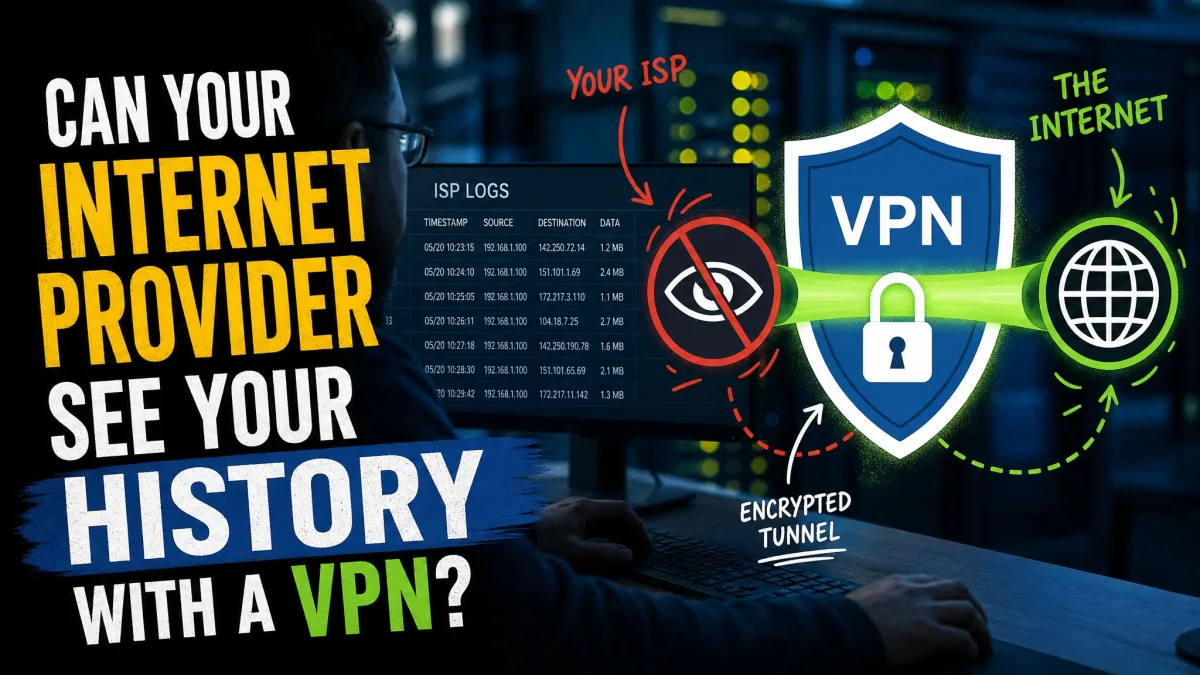
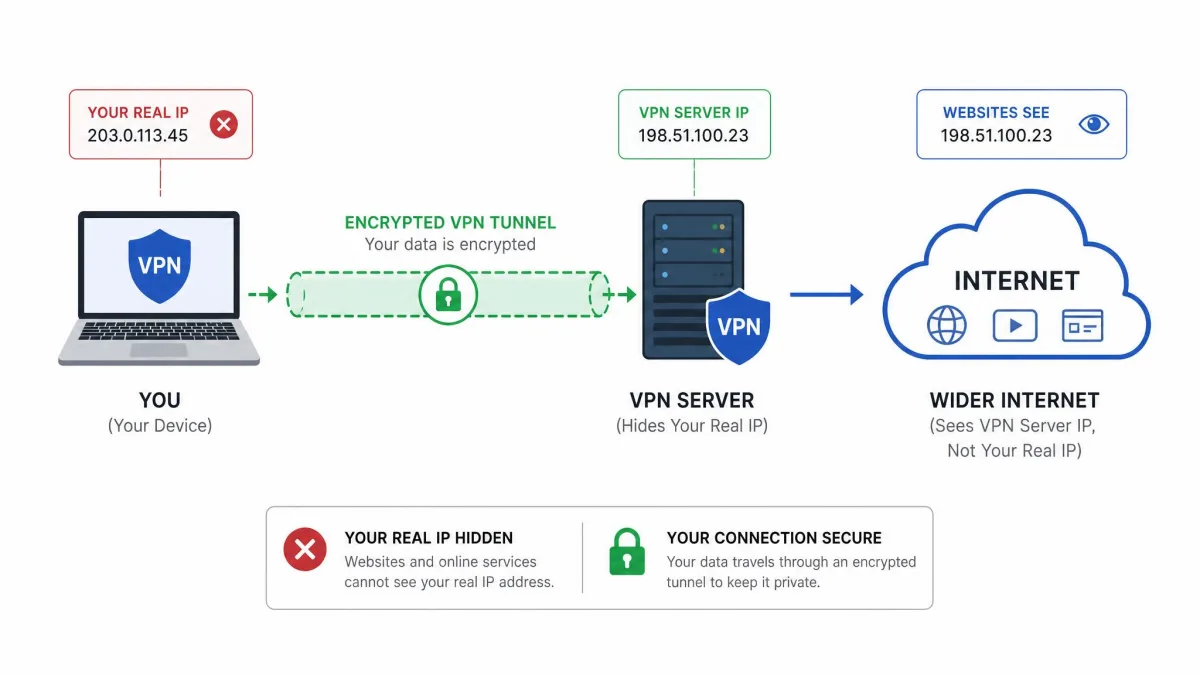
When you switch a VPN on, it reroutes your internet traffic through one of the provider's own servers and encrypts that connection along the way. Strong modern services use AES-256 encryption, which is well documented and has no known practical exploits. In plain terms, the data leaving your device is scrambled so thoroughly that anyone who intercepts it sees gibberish.
That encrypted path is often called a tunnel, and the name fits. Your traffic goes in one end at your device and comes out the other end at the VPN server, and the stretch in between is sealed off from prying eyes on your local network.
What "it hides your IP" really means
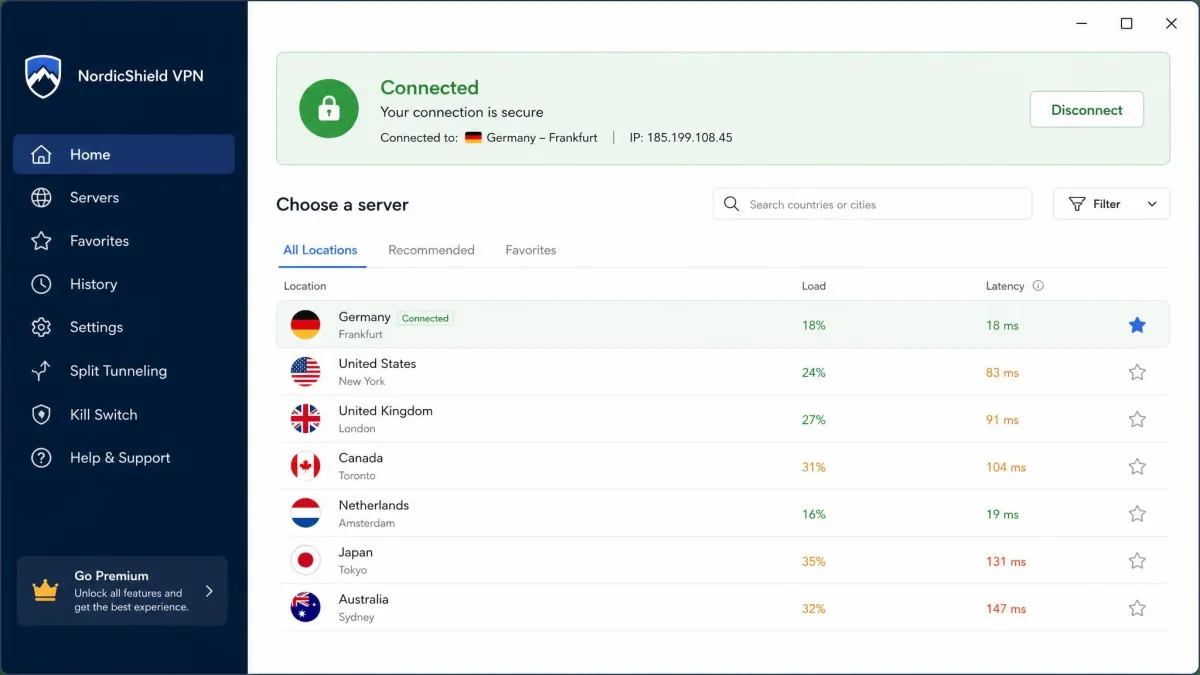
Because your traffic exits from the VPN server, the websites you visit see the server's IP address instead of yours. Your real IP address and rough location are replaced with the server's, so the sites and services you reach cannot read your location from your connection.
This is real, and it is useful. It just is not the same as being untraceable, which is where most of the myths begin.
Do VPNs really work? The short answer
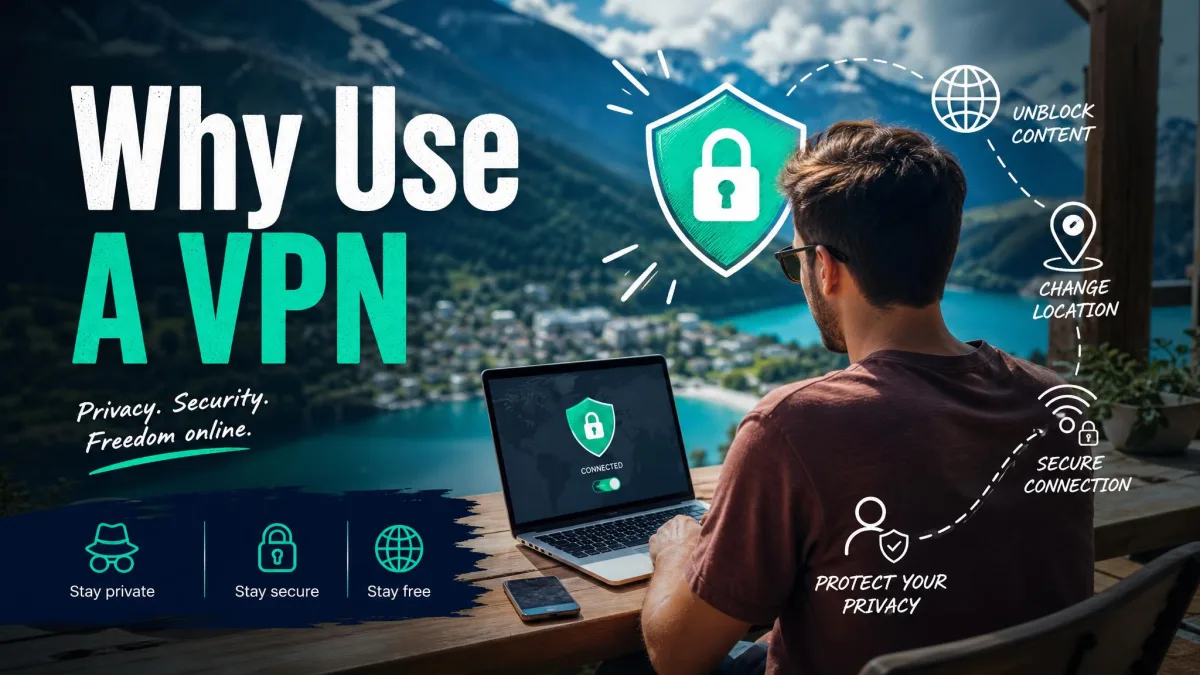
Yes. For masking your IP address, encrypting your connection on untrusted networks, and reaching content that is blocked where you are, a good VPN does exactly what it claims. Those functions are well understood and they hold up.
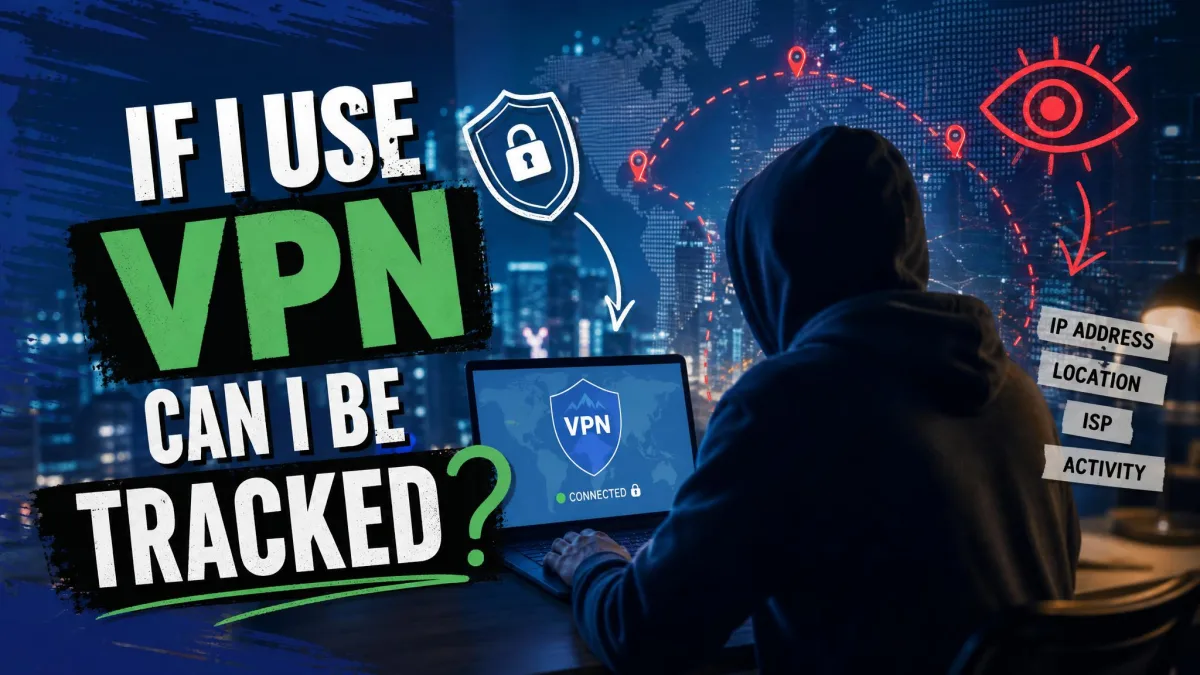
The catch is everything outside that list. A VPN does not make you anonymous, it does not stop trackers that follow your logged-in accounts, and it does not protect you from malware or phishing. So the tool works, but only if your expectations match its actual job.
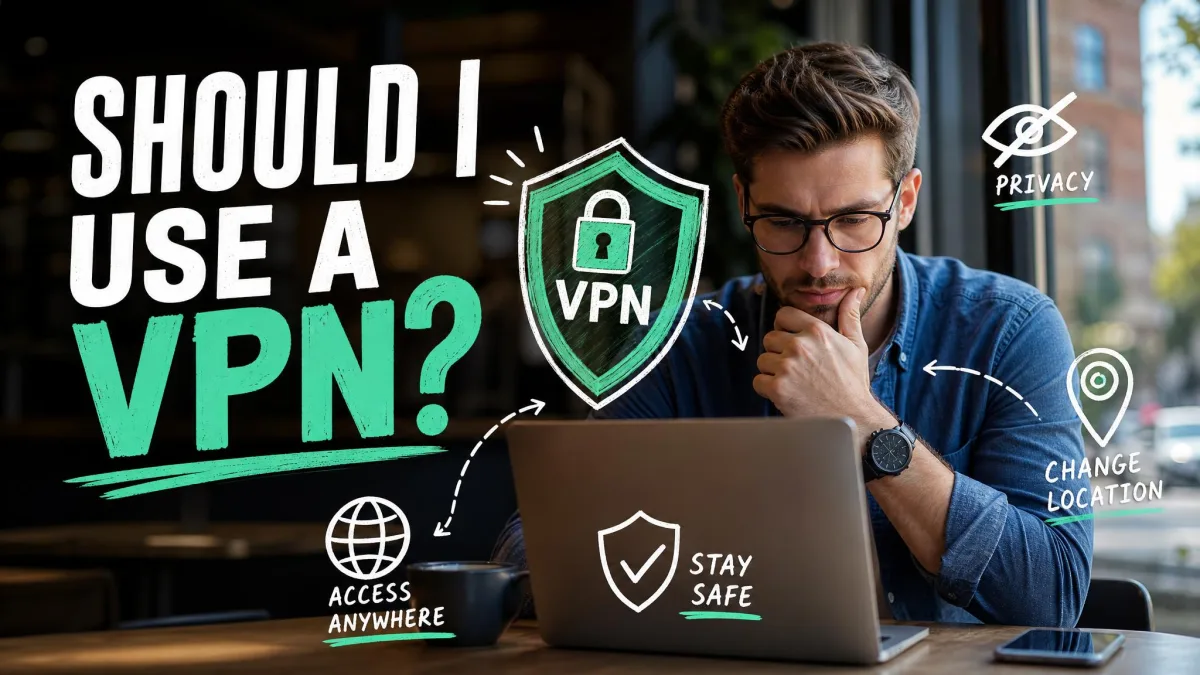
The fastest way to judge whether you need a VPN is to ask what you are protecting against. If the answer involves a network you don't control or a geographic block, a VPN helps. If it involves ads following you around, it won't.
What a VPN DOES protect
There are three jobs a VPN genuinely does well, and they are worth understanding on their own terms before we get to the limits.
Your IP address and location
A VPN masks your real IP address and location, which prevents IP-based tracking by your internet provider, by corporations, and by government agencies watching the network. Your ISP can still see that you are connected to a VPN, but it can no longer build a picture of every site you visit from your traffic.
Your traffic on public Wi-Fi
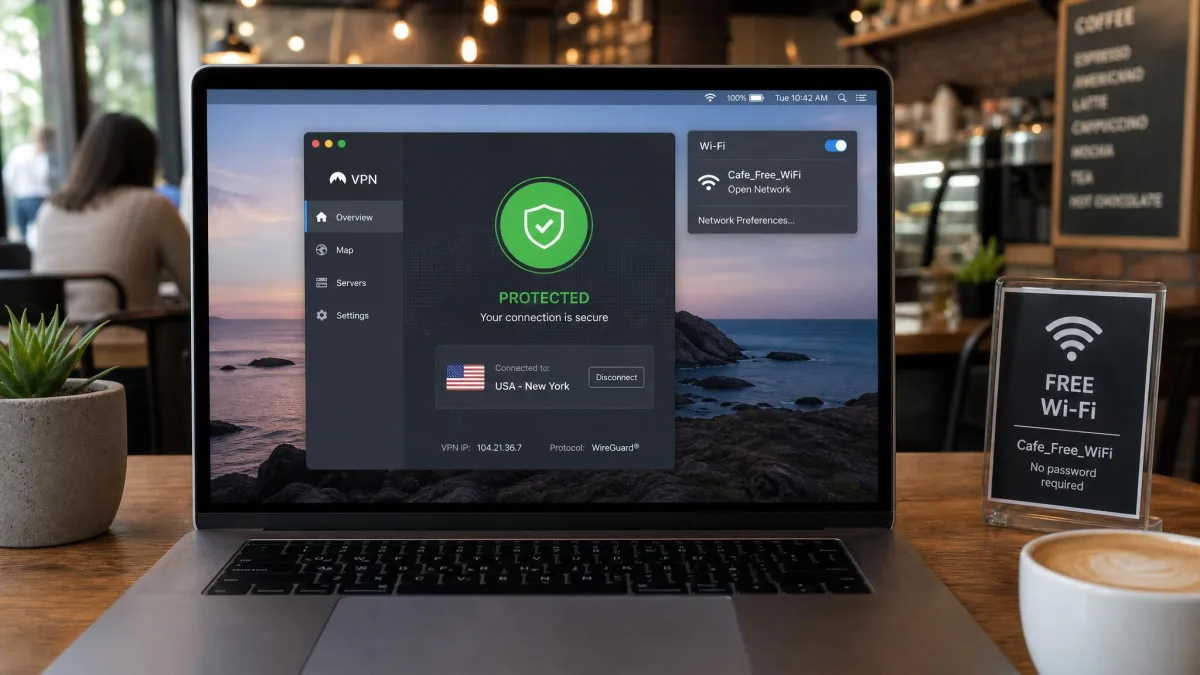
This is where the benefit is most concrete. On unsecured public Wi-Fi, anyone intercepting your connection sees only the encrypted tunnel and nothing past it. Public Wi-Fi carries real risk, because attackers use off-the-shelf tools to intercept traffic and push malware onto people sharing the network, and the encrypted tunnel is exactly where that risk gets neutralized.
Access to geo-blocked and censored content
Because you can choose which server to exit from, a VPN lets you appear to browse from another country, which is how people reach geo-blocked libraries and services. It also helps under censorship: a VPN obscures your activity and identity, so it is a common way to reach blocked sites.
That said, neither use is guaranteed. Streaming services run high-end VPN detection, so a service that unblocks a library one week can be blocked the next, and the bypass is unreliable despite vendor promises. Under government censorship a VPN is no failsafe either, because it can still be detected or blocked. Treat both as a best bet, not a sure thing.
Do not rely on a VPN alone where being blocked has real consequences, such as bypassing censorship in a restrictive country. It obscures activity and identity, but it can still be detected, so it is one layer of protection rather than a guarantee.
What a VPN does NOT do
Here is the part the ads skip. Knowing the limits is what separates people who use a VPN well from people who trust it blindly and get burned.
It doesn't make you anonymous
No VPN can guarantee complete online anonymity. It delivers privacy, not anonymity, which means you stay identifiable but you get to control what you share. The provider can still see your connection, and plenty of other signals can identify you even when your IP is hidden.
It doesn't stop cookies, trackers, or fingerprinting
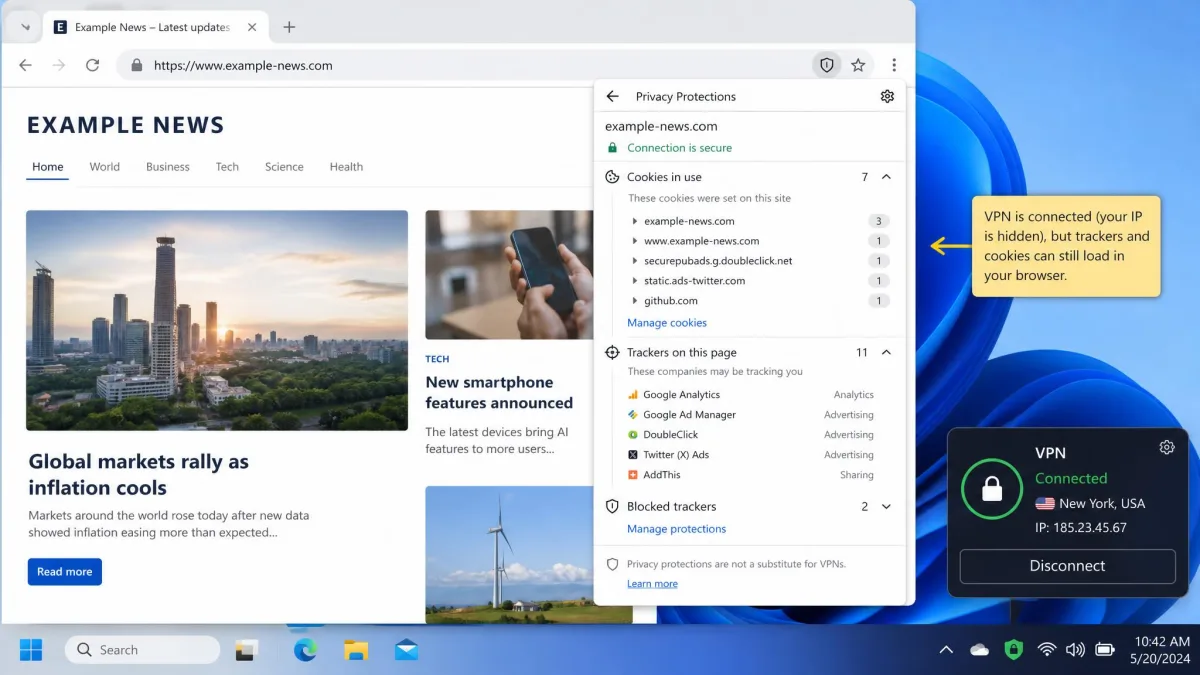
A VPN does nothing about browser fingerprinting, cookies, or the tracking tied to your logged-in Google and Facebook accounts, because those work independently of your IP address. If you are signed into your accounts, the companies behind them know it is you regardless of which server you exit from.
It doesn't protect against malware or phishing
A VPN does not protect against most malware or phishing. It encrypts the connection, not the content of what you download or click. If you download a malicious file or hand your password to a fake login page, the tunnel carries that mistake just as faithfully as anything else. You still need good habits and, ideally, separate security software.
It is also worth noting that sensitive data like credit-card details is already encrypted at the application level by HTTPS, so a VPN adds little to that specific protection. The padlock in your browser is doing that work before the VPN ever gets involved.
Pros
- Hides your real IP address and location from the sites you visit
- Encrypts your traffic on untrusted and public Wi-Fi networks
- Lets you reach geo-blocked or censored content by choosing a server location
Cons
- Does not make you anonymous or untraceable
- Does not block cookies, trackers, or account-based fingerprinting
- Does not stop malware, phishing, or a bad download
Privacy vs. anonymity: the distinction that trips people up
This is the single idea that clears up most VPN confusion. Privacy means controlling what you share. Anonymity means no one can connect any activity back to you at all. A VPN gives you the first and cannot give you the second.
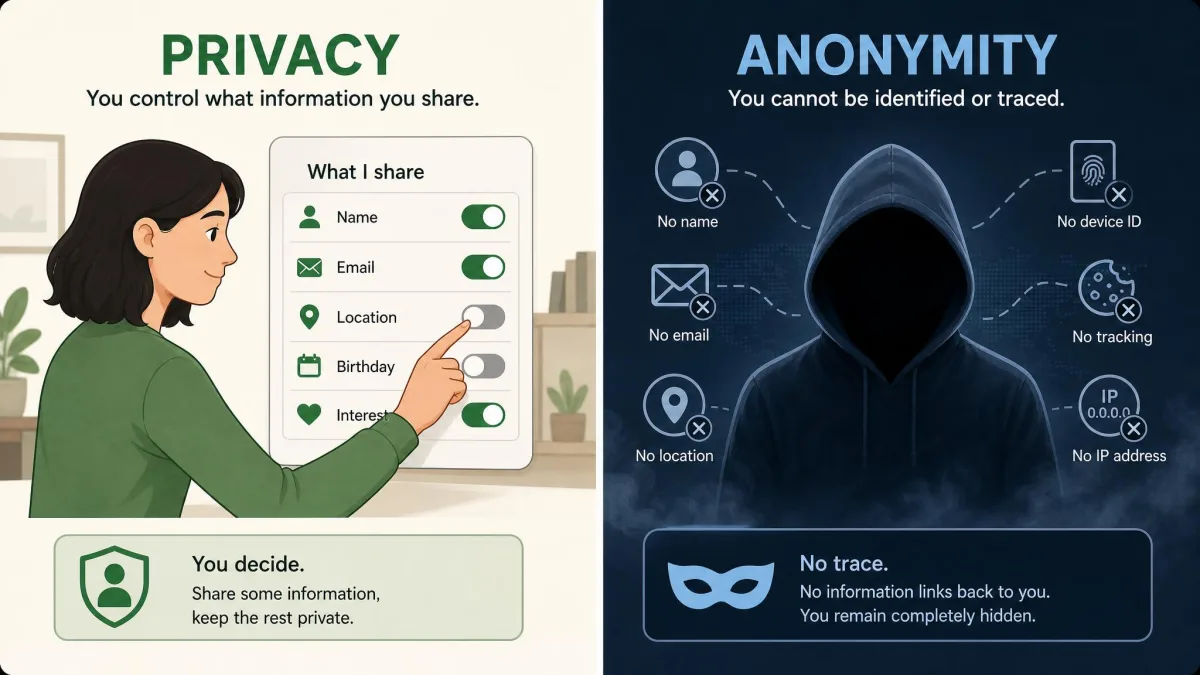
Think of it this way. With a VPN, the network operator and the websites you visit lose easy access to your identity and location, which is real privacy. But your VPN provider still handles your traffic, your logged-in accounts still know you, and your browser still looks distinctive. You have changed who can see what, not erased yourself from the internet.
A VPN gives you privacy, which is control over what you share. It does not give you anonymity, which is the guarantee that nothing traces back to you.
Can you actually trust a VPN? No-logs policies and audits
When you use a VPN, you are moving your trust from your internet provider to the VPN company. That only makes sense if the company is actually trustworthy, which is why the no-logs question matters so much.
Why independent third-party audits matter
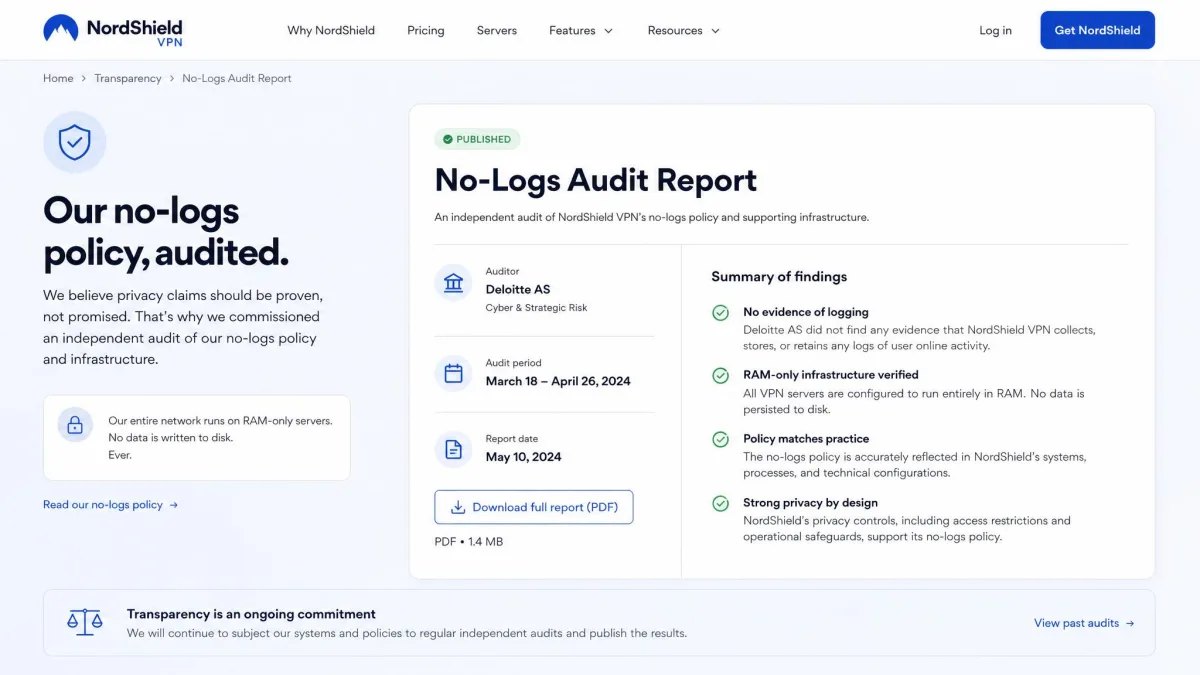
Here is the uncomfortable truth: most providers delete logs quickly rather than keeping literally zero, and there is no direct way for you to verify a no-logs claim yourself. You cannot see the provider's servers. That gap is exactly why independent audits matter, because a credible outside firm can inspect what you cannot.
The strongest example is a provider that does this on a schedule. TunnelBear has completed independent security audits by Cure53 every year since 2017, with the 8th published in November 2025. That audit was a white-box assessment run over 44 working days by a team of senior auditors, the kind of scrutiny a marketing page cannot fake.
For the wider picture on how companies are expected to handle your data, FTC guidance on data privacy is a useful baseline.
How to read a no-logs claim
Treat the phrase "no-logs" as a starting point, not proof. Look for a recent, named, third-party audit rather than a vague promise. Check who ran it and when, because an audit from five years ago says little about today's infrastructure. Repeated breaches and quiet logging scandals, often surfaced in reporting on data protection and privacy, are a reminder that claims and reality sometimes diverge.
Do you really need a VPN? Who benefits most
Not everyone needs a VPN, and it is fine to say so. For routine browsing on HTTPS sites, a VPN changes very little day to day. The benefit shows up mainly on public Wi-Fi, while travelling, or when you are unblocking content.
The clearest cases for a VPN are reaching geo-restricted content, protecting yourself on public Wi-Fi, evading government censorship, and bypassing network or workplace filters. If your daily routine involves none of those, you can live comfortably without one. If it involves any of them regularly, a VPN starts to pay for itself.
One caution worth naming: a VPN does not stop copyright-infringement notices on its own. Even a paid connection can leave your activity attributable if the setup or the provider's policy has gaps, so do not treat it as legal cover.
How to choose a VPN that works
Once you have decided you want one, the choice comes down to trust and capability rather than flashy feature lists. Start with the security basics: strong encryption such as AES-256 and a clear, recently audited no-logs policy. Those two things matter more than any other selling point.
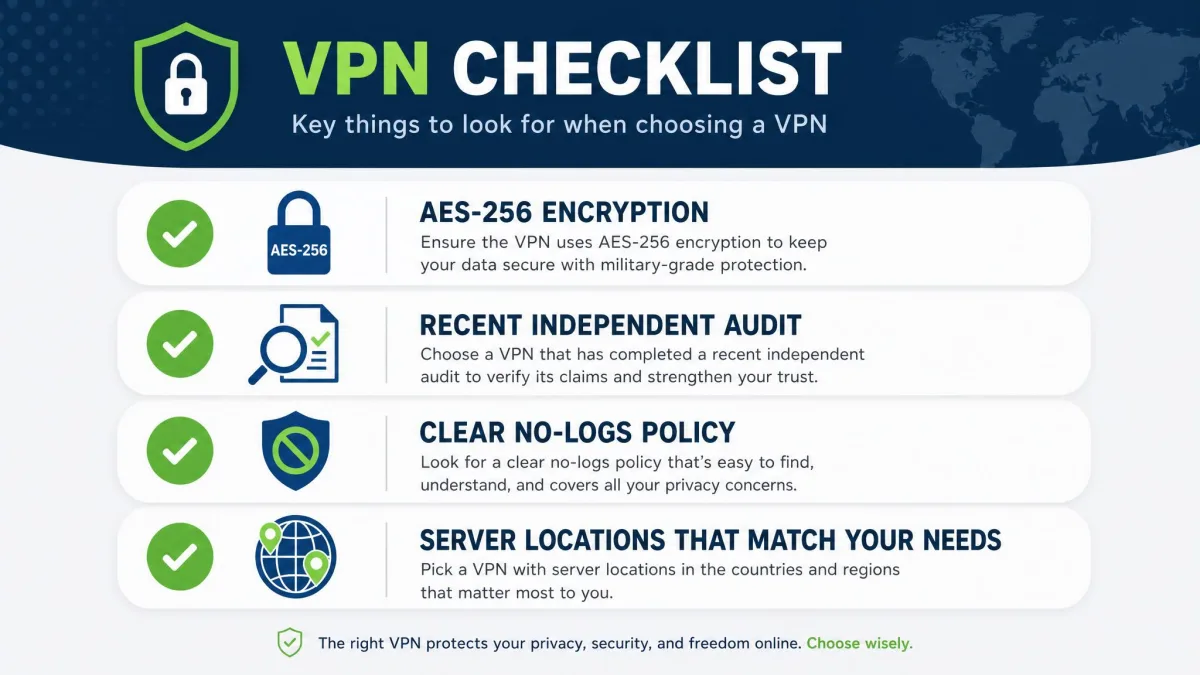
After that, match the service to your actual use. If you want to unblock content, look for a provider with a track record of getting past detection, knowing it will never be perfect. If public Wi-Fi protection is the goal, almost any reputable paid service covers that well. Providers with strong privacy reputations, including ProtonVPN and Mullvad, tend to lead on the trust side, while mainstream names like NordVPN, ExpressVPN, and CyberGhost are widely recommended all-rounders.
Free VPNs are the one category to approach with caution. Running a VPN network costs money, so a service with no revenue has to make it somewhere, often from your data. If you genuinely need a VPN, a reputable paid service is usually worth the modest cost.
VPN myths debunked
A few persistent myths cause most of the disappointment, so let's retire them directly.
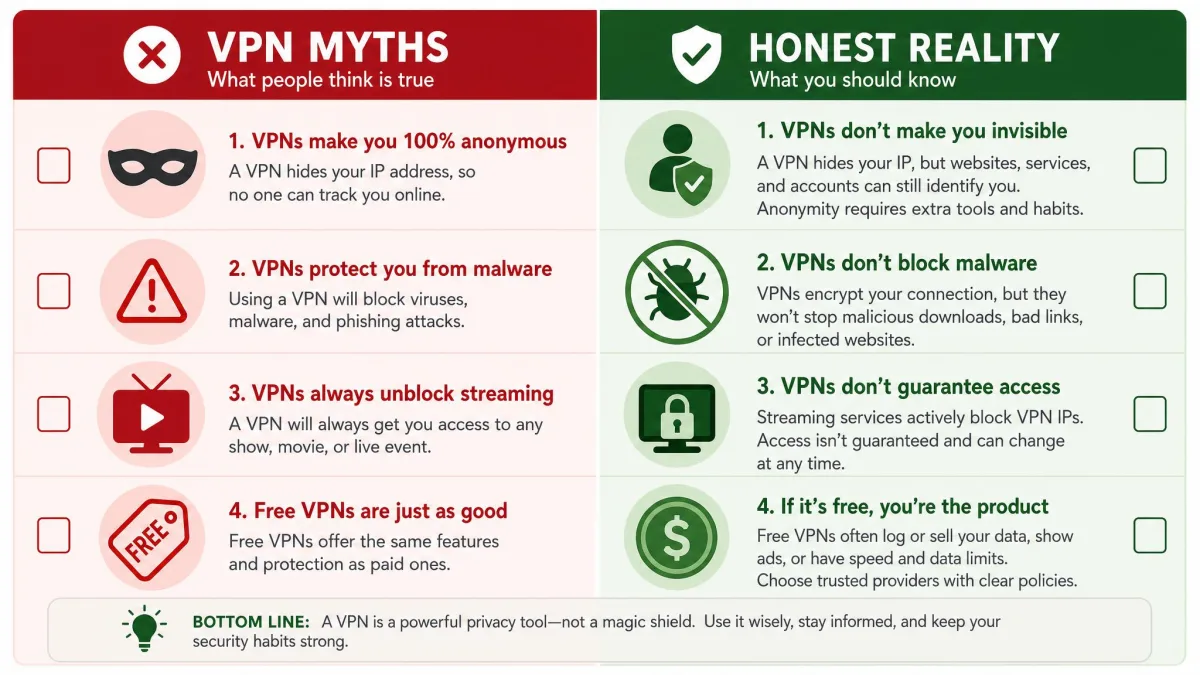
"A VPN makes me anonymous." It does not. It gives you privacy, which is control over what you share, and you stay identifiable through your accounts and your browser.
"A VPN protects me from hackers and viruses." Only in a narrow sense. It protects your connection on an untrusted network, but it does not stop malware, phishing, or a bad download.
"A VPN always unblocks streaming." No. Detection is constant, and a library that works today can be blocked tomorrow.
"Free VPNs are just as good." Rarely. Without a clear revenue model, a free service has an incentive to monetize the very data you are trying to protect.
Frequently asked questions
Is a VPN really necessary?
Can I be tracked if I use a VPN?
Does a VPN make me anonymous?
Do free VPNs work?
Can a VPN be hacked?
Final verdict: do VPNs really work?
Yes, VPNs really work, as long as you judge them by the right job. They reliably hide your IP address, encrypt your traffic on untrusted networks, and help you reach content that is blocked where you are. Those functions are solid and proven.
What they do not do is make you anonymous, block trackers, or stop malware, and the moment you expect any of that, the tool looks like a failure when the failure is really in the expectation. Pick a provider with strong encryption and a recent independent audit, match it to a real need rather than a vague sense of unease, and a VPN becomes a genuinely worthwhile layer of privacy. Buy one expecting invisibility, and you will be let down. Used honestly, it works.