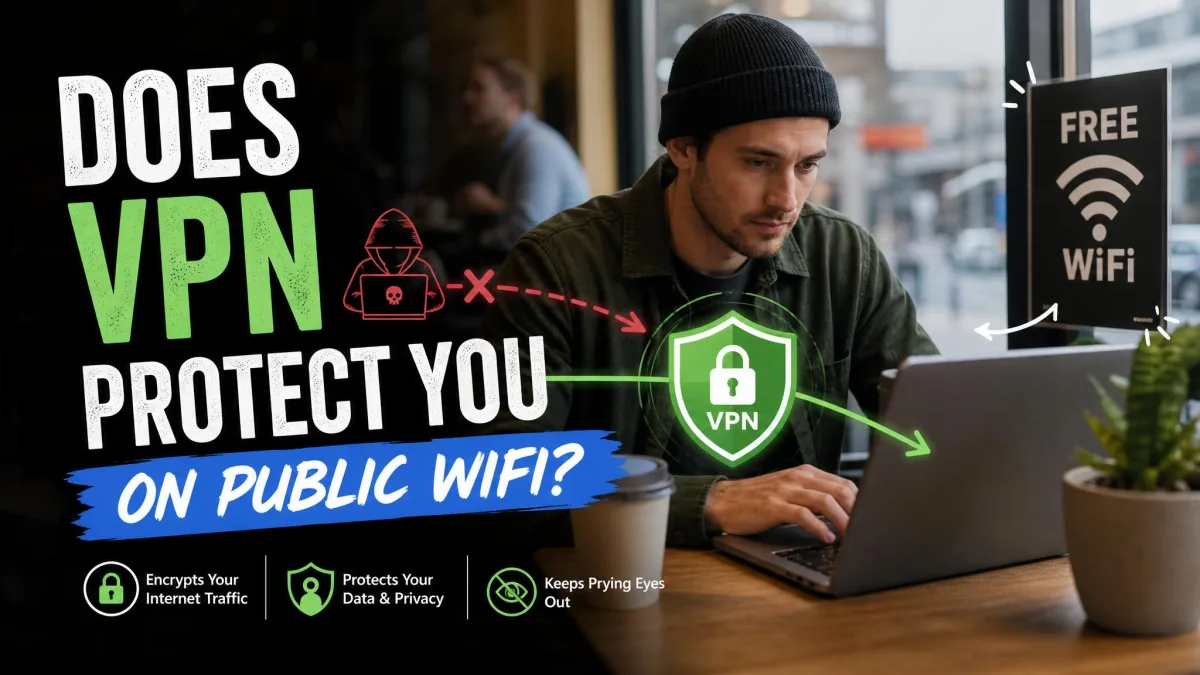
Public Wi-Fi in cafés, airports and hotels is convenient, but it puts your device on the same network as strangers you can't see. So does a VPN protect you there? Yes, in the way that matters most on a shared network: it encrypts your traffic so other people on the hotspot can't read it. It won't stop phishing, malware already on your device, or a weak password, though.
Below, we walk through the real risks of public Wi-Fi, the protection a VPN adds, the threats it can't touch, and the habits that close the gaps.
Does a VPN protect you on public Wi-Fi? The short answer
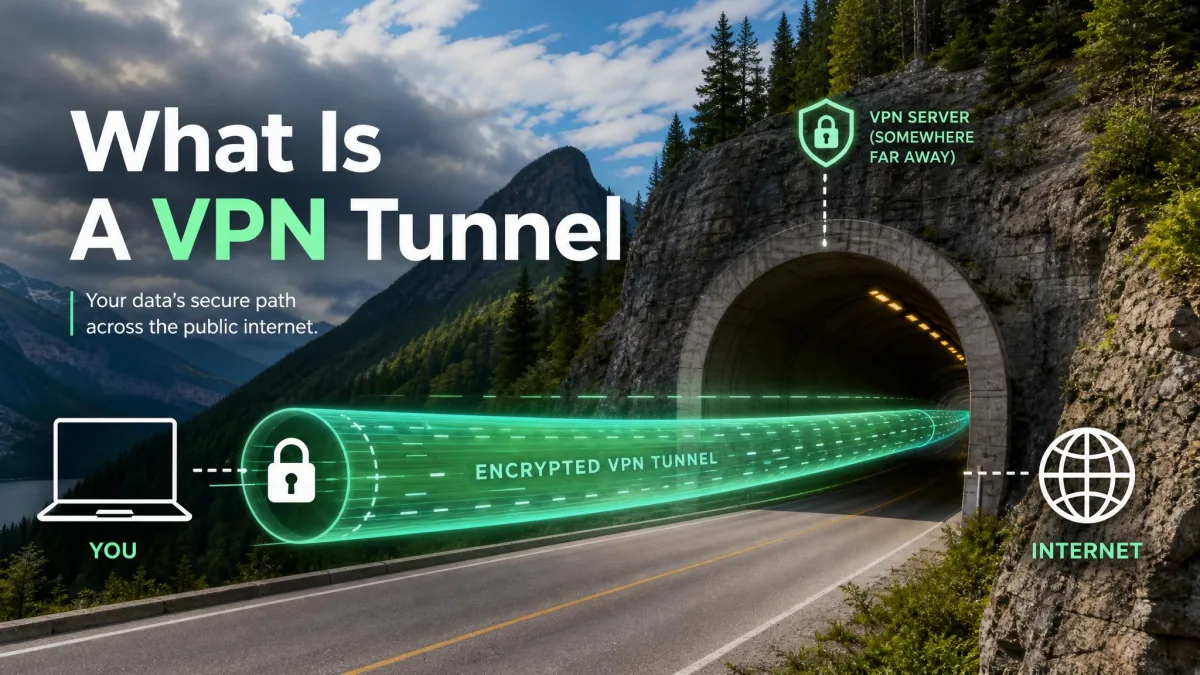
Yes, a VPN protects the data you send and receive over public Wi-Fi. It wraps every connection from your device in an encrypted tunnel to the VPN server, so anyone sniffing the hotspot or snooping on the router sees scrambled data instead of your logins, messages and browsing.
That protection covers the network, not you. A VPN can't judge whether a site is fake, whether a file is infected, or whether the password you just typed is the one you use everywhere else, so treat it as an extra layer that works alongside good habits, not a replacement for them.
What are the risks of public Wi-Fi?
Public Wi-Fi is less dangerous than it used to be, but it isn't risk-free. The FTC's guidance on public Wi-Fi, last updated in February 2023, says a public network is usually safe today because most websites encrypt their traffic, while warning that encryption won't protect you from scammers who run the site itself. The risks that remain fall into four groups.
Unencrypted networks and packet sniffing
Packet sniffing means capturing the data that travels over a network, and on an open hotspot anyone with a laptop and free software can do it. A network password doesn't fully fix this, because on WPA2-Personal everyone shares a key derived from the same password, so a person who read it off the café chalkboard can join and intercept other users' traffic with common tools.
Man-in-the-middle attacks
A man-in-the-middle (or adversary-in-the-middle) attack is when someone quietly places themselves between your device and the internet, so your traffic passes through them first. From there, an attacker on the same network can read unencrypted data or redirect you to look-alike pages.
Evil twin and fake hotspots
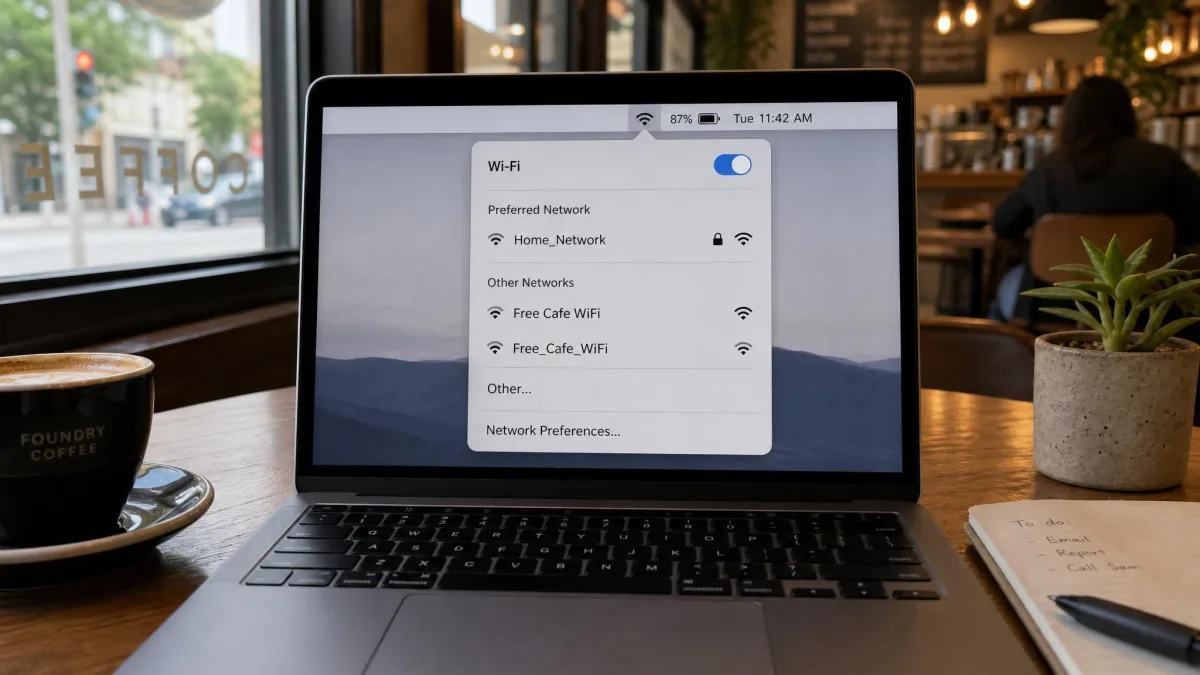
An evil twin hotspot is a fake Wi-Fi access point made to look like the real one. It can copy the exact network name, and a phone set to auto-join known names can connect to it without any prompt.
This isn't theoretical. An Australian man charged in 2024 ran fake free Wi-Fi networks at Perth, Melbourne and Adelaide airports and on domestic flights, where fraudulent login pages collected email and social media passwords, and in November 2025 he was sentenced to 7 years and 4 months in prison.
Malware distribution
A compromised network can push malicious downloads, fake update prompts or infected pages. The network is only the delivery route, and once malware lands on your device the problem follows you home.
How a VPN protects you on public Wi-Fi
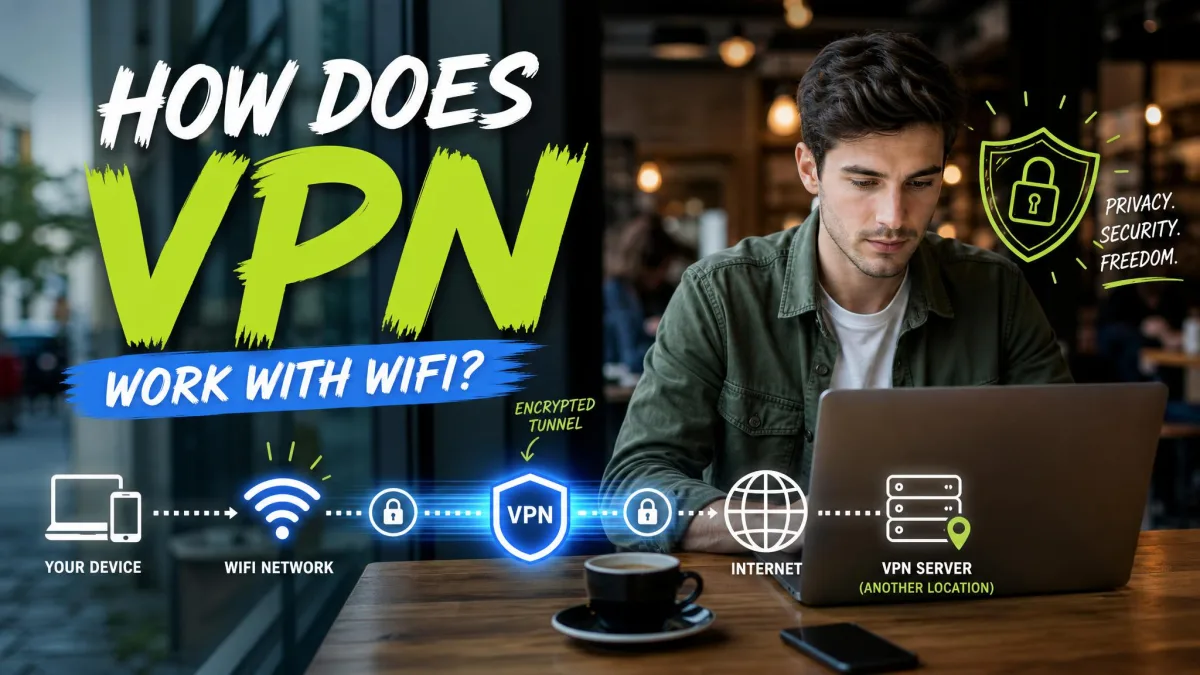
A VPN protects you in three concrete ways, all about the path between your device and the wider internet. Our guide to how a VPN works with Wi-Fi covers the tunnel mechanics in more depth.
It encrypts your traffic
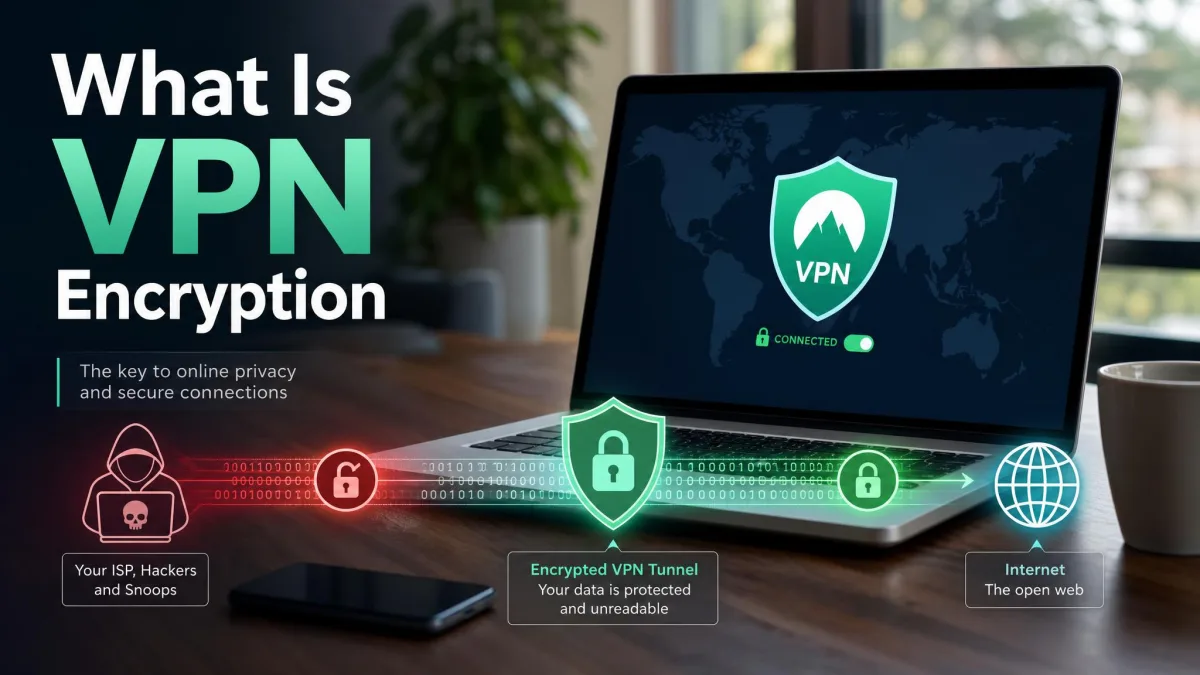
Encryption turns your data into scrambled text that only the VPN server can unlock, so anyone intercepting it on the hotspot gets unreadable noise. People often miss the scope: the VPN encrypts traffic from every app on the device, not just the browser, which matters for mail, messaging and background sync services that never show you a padlock.
It hides your IP address
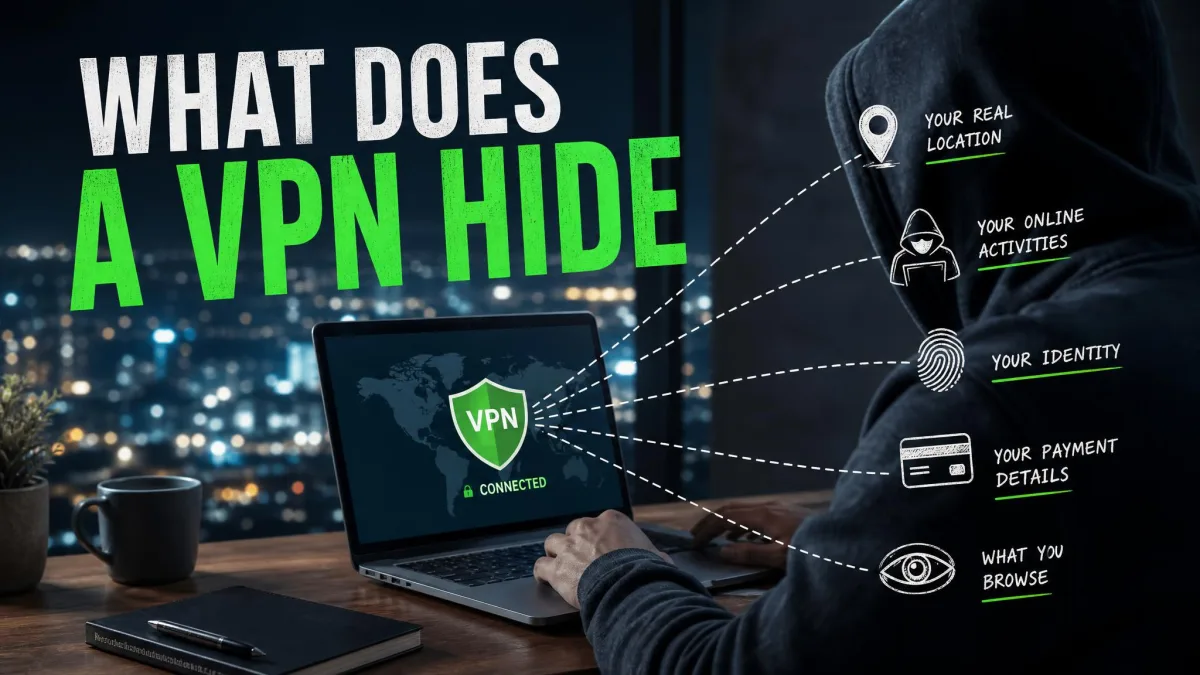
Sites and services you connect to see the VPN server's IP address instead of the one the hotspot assigned you. That stops other people on the network from tying activity to your device and keeps the sites you visit from learning which café you're sitting in.
It keeps your browsing private from the Wi-Fi operator
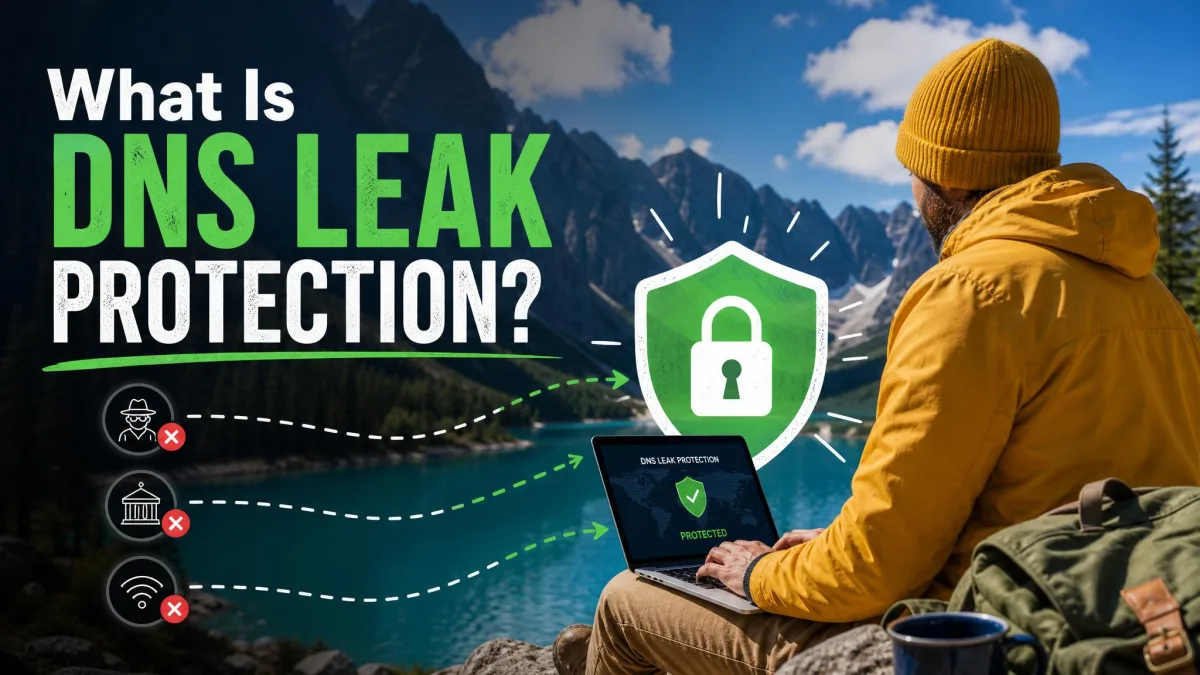
Without a VPN, the hotspot operator can log which sites you visit, even on HTTPS, largely through DNS lookups. DNS is the internet's phone book, turning a name like example.com into an address, and those lookups often travel in plain text. With the VPN on, lookups and traffic both go through the tunnel, which gives you real privacy from whoever runs the router.
Which public Wi-Fi threats a VPN stops, and which it doesn't
Here's how common public Wi-Fi threats line up against what a VPN actually does about them.
| Public Wi-Fi threat | Does a VPN help? | Why |
|---|---|---|
| Packet sniffing | Yes | Others on the hotspot capture only encrypted data |
| Man-in-the-middle | Yes | The tunnel blocks reading or altering traffic, TunnelVision aside |
| Evil twin hotspot | Partly | Traffic is safe once the VPN is up, but not a password typed into a fake sign-in page first |
| DNS snooping | Yes | Lookups go through the tunnel, if DNS leak protection works |
| Phishing | No | A VPN can't tell a fake site or link from a real one |
| Malware | No | Malware reads data before it's encrypted |
| Weak passwords | No | A stolen password works the same through a VPN |
| Shoulder surfing | No | A VPN can't stop someone watching your screen |
What a VPN can't protect you from on public Wi-Fi
A VPN can't protect you from anything that happens on your device or in your own choices. The tunnel secures only the connection, and these four threats sit on either side of it.
- Phishing websites and links
- Malware already on your device
- Weak or reused passwords
- Shoulder surfing and device theft
Phishing websites
Phishing is a scam that uses a fake site, email or link to trick you into handing over details. The VPN can't tell whether a website, email or link is fake, so a phishing page loads through the tunnel as smoothly as the real one would.
A VPN won't stop a fake Wi-Fi sign-in page. Evil twin attacks usually harvest passwords through a login page shown before any VPN can connect, so never enter an email or social media password just to get online.
Malware already on your device
Malware or a keylogger already on the device keeps collecting and sending data with the VPN on, because it sits before the encryption. That's a job for security software, and we compare suites that bundle both in our look at the best antivirus with a VPN.
Weak or reused passwords
If your password turned up in an old breach, it works just as well for an attacker on any network. Sites also still recognize you through cookies, browser fingerprints and logged-in accounts even when the VPN changes your IP address.
Shoulder surfing and device theft
The oldest public Wi-Fi threats are physical, and someone reading your screen on a busy train or walking off with an unlocked laptop needs no network skills at all.
Do you still need a VPN if websites use HTTPS?
Yes, though you need it less than you did ten years ago. HTTPS is the encrypted version of the web protocol, shown by the padlock in your address bar. Google's HTTPS Transparency Report tracks how the share of Chrome page loads over HTTPS climbed from about 30-45% in 2015 to the 95-99% range around 2020, where it leveled off, and Chrome 147 began warning Enhanced Safe Browsing users about insecure sites by default.
HTTPS still leaves gaps a VPN fills. It protects page content but not always the names of the sites you visit, it doesn't cover apps that skip encryption, and it doesn't hide your IP address.
When a VPN is enough, and when it isn't
A VPN is enough for most everyday public Wi-Fi use, such as reading the news, checking email, streaming, or working in a web app you trust. There, the main threat is someone watching the network, and that's exactly what the tunnel handles.
It isn't enough when the hotspot controls your device's network settings. A hostile network that runs DHCP, the service that hands out those settings, can quietly route traffic around the tunnel while the VPN app still shows connected. This trick, called TunnelVision and tracked as CVE-2024-3661, was disclosed in May 2024 and abuses DHCP option 121, which Android doesn't implement, so Android phones were immune. A kill switch gives only partial protection, because each VPN app enforces its firewall rules differently and vendors have patched unevenly since then. And no VPN is enough against a phishing link, an infected download, or a reused password.
How to use a VPN on public Wi-Fi safely
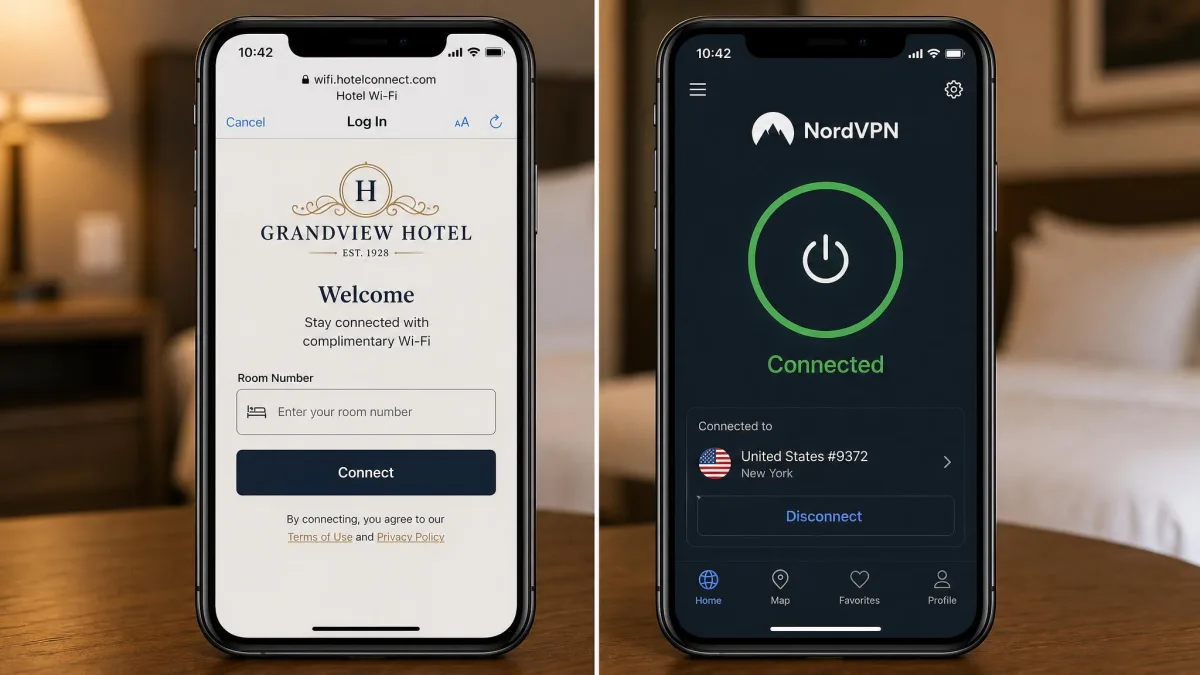
Using a VPN on public Wi-Fi safely depends on the order you connect in. Most hotel and airport networks use a captive portal, the sign-in or terms page you have to clear before the network lets you online.
- Join the Wi-Fi network after checking the exact name with staff.
- Clear the captive portal, entering only the room number or code the venue gave you.
- Connect the VPN before you open any other page or app.
- Confirm the app shows it's connected.
We stick to that order because there's a short unprotected window between clearing the portal and reconnecting the VPN, and reconnecting before your mail and apps start syncing keeps that window as small as possible. Expect some slowdown too: a VPN always adds a little on top of the hotspot's own limits, and even a good provider can only keep it small, never zero.
Other ways to stay safe on public Wi-Fi
A VPN handles the connection, and these habits cover the rest without taking much time.
- Stick to HTTPS sites, and save banking for a network you trust.
- Enable two-factor authentication on email, banking and social media accounts.
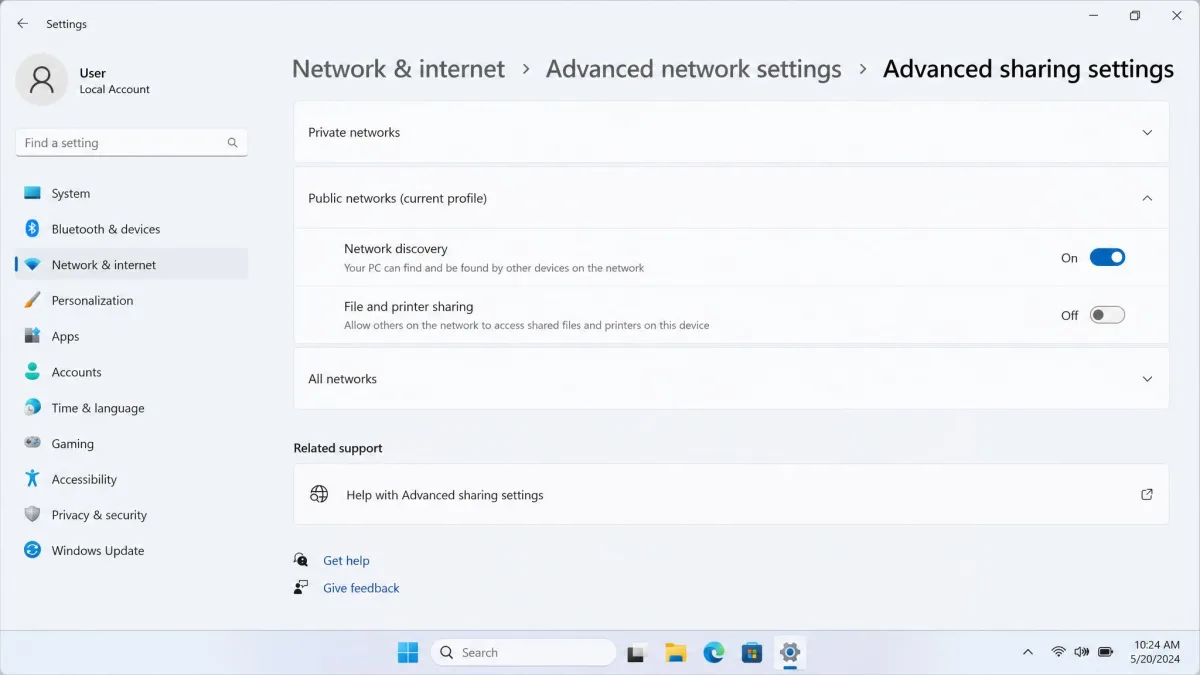
- Turn off file sharing and Wi-Fi auto-connect on laptops and mobile devices.
- Use strong, unique passwords stored in a password manager.
- Keep your OS, browser, apps and security software updated.
- Log out of accounts when you're done, then forget the network.
What to look for in a VPN for public Wi-Fi
A few features make the difference between a VPN you can trust on a hotspot and one you have to babysit.
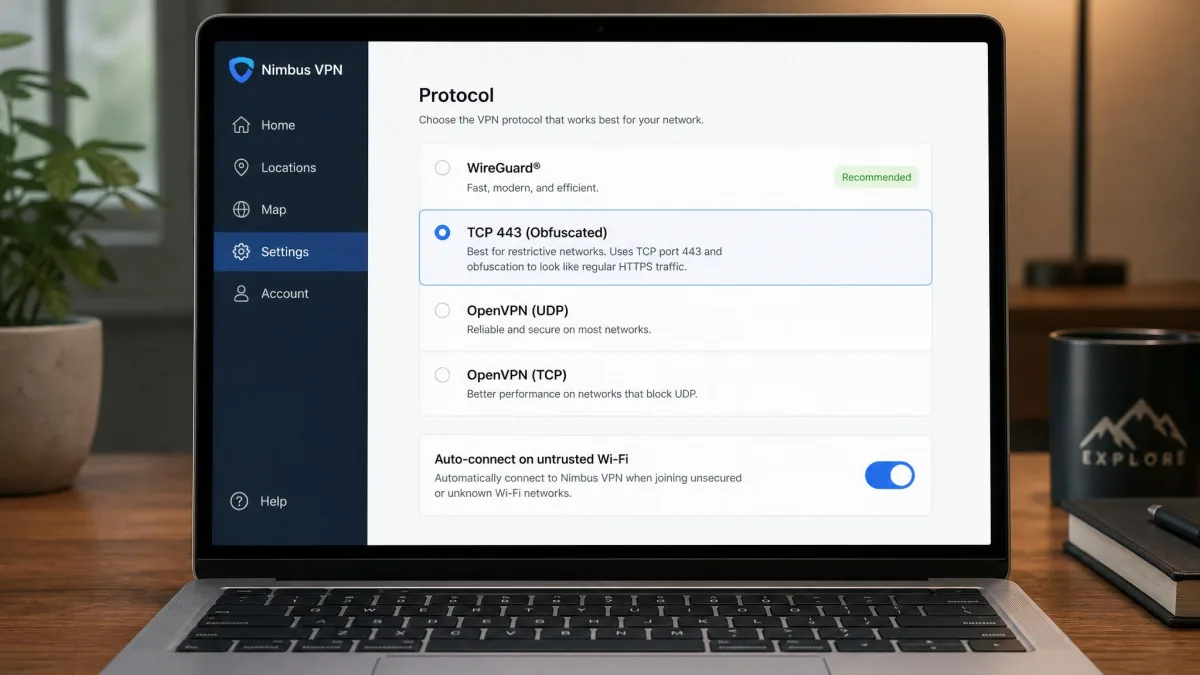
- Auto-connect on untrusted networks, so the VPN starts before anything else does.
- A kill switch that blocks traffic if the tunnel drops, as we explain in what a VPN kill switch does.
- A modern protocol such as WireGuard for speed and battery life.
- An independently audited no-logs policy, so the provider isn't the new weak point.
- DNS leak protection, so your lookups stay inside the tunnel.
- TCP 443 or an obfuscation mode for hotspots that block VPN ports.
Turn on auto-connect for untrusted networks and leave it on, because it protects you on the day you forget to open the app.
That last feature earns its place. We've seen a WireGuard connection that works fine at home and on mobile data fail outright on a hotel network that only let web and mail traffic through, and switching the app to TCP on port 443 or its obfuscated mode usually restores the tunnel at some cost in speed. When you're ready to compare providers against this checklist, start with the VPNs we tested for public Wi-Fi.
FAQ
Should I use a VPN on hotel or airport Wi-Fi?
Do I need a VPN on password-protected public Wi-Fi?
Can the Wi-Fi owner see what sites I visit with a VPN?
Can hackers see my data if I use a VPN on public Wi-Fi?
Should I connect to Wi-Fi or the VPN first?
Is a free VPN safe on public Wi-Fi?
Can public Wi-Fi block a VPN?
The bottom line
A VPN does protect you on public Wi-Fi wherever the network itself is the threat. It can't spot a phishing page, clean up malware or rescue a reused password, so pair it with two-factor authentication, updates and a healthy suspicion of free sign-in pages.