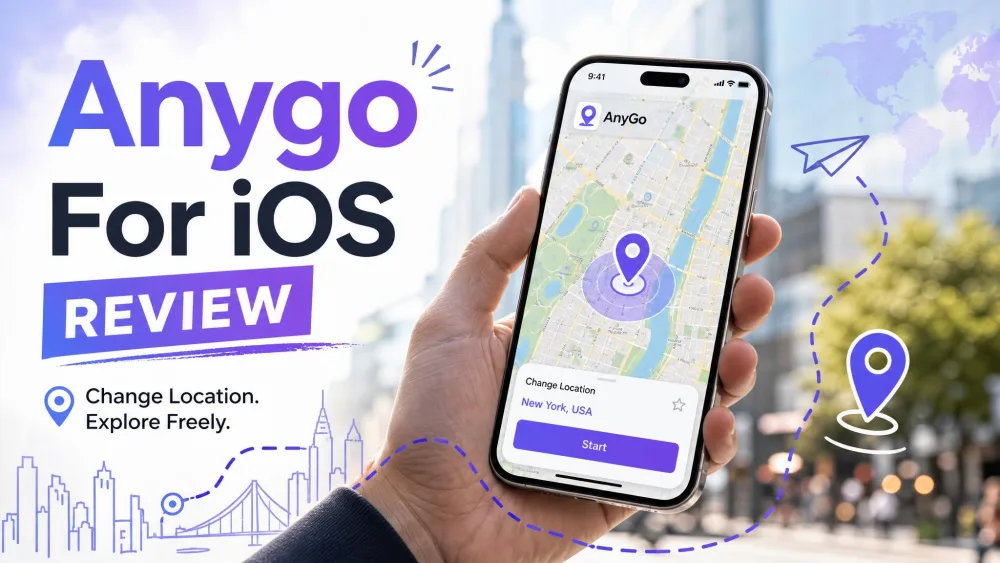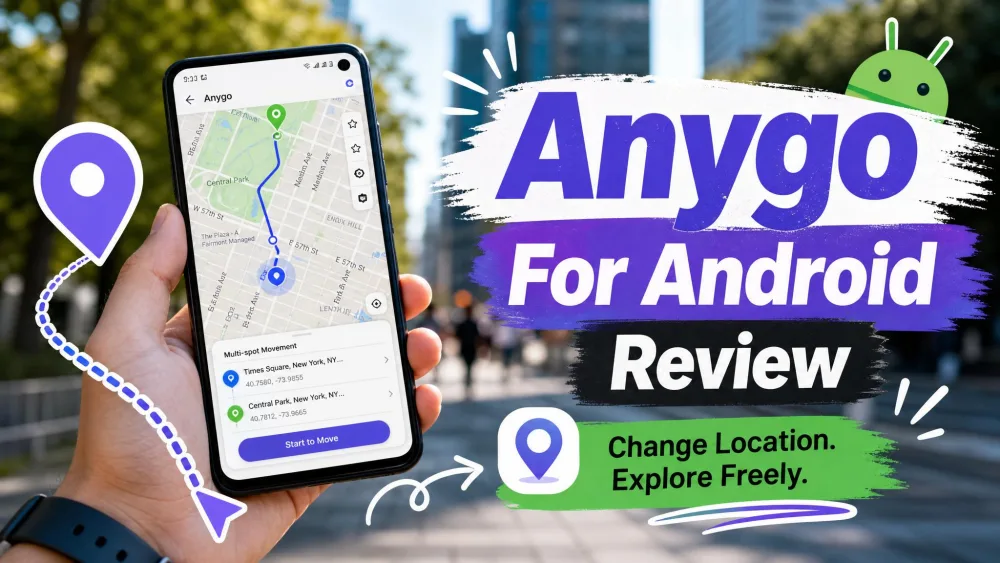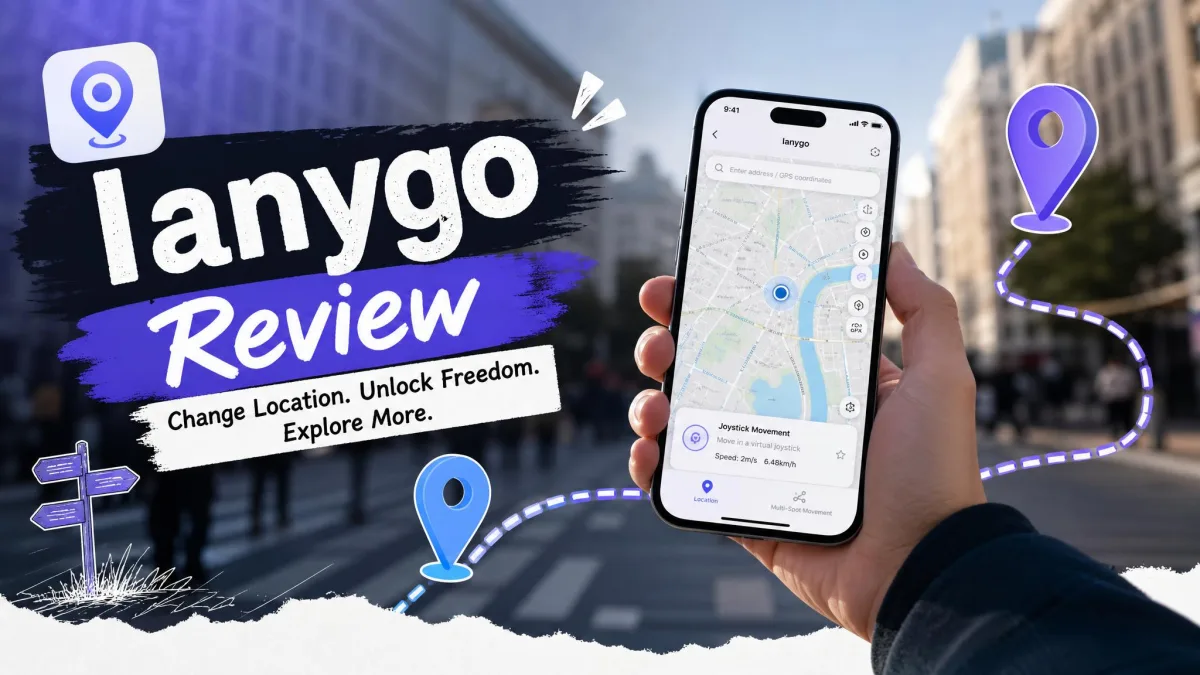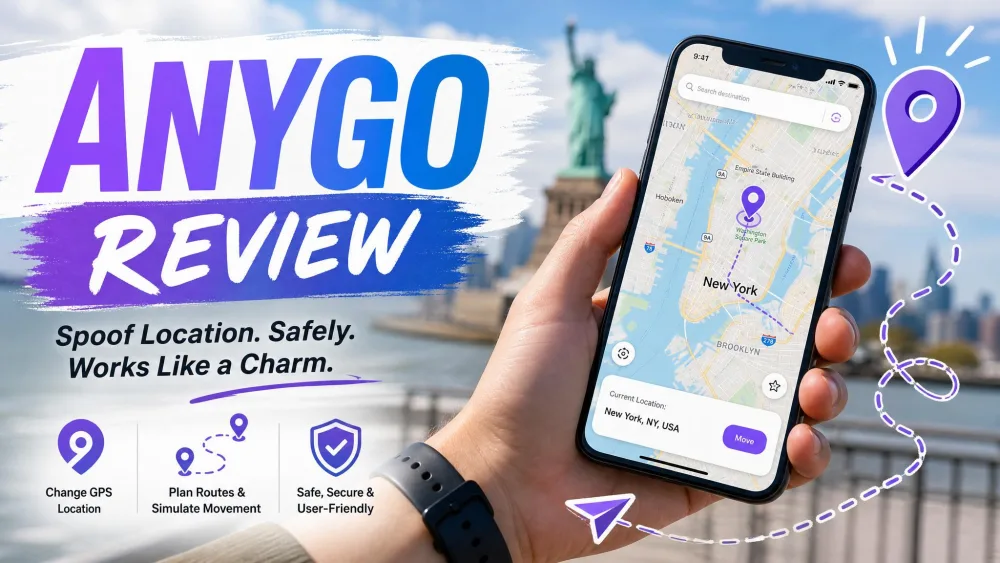
iToolab AnyGo is a desktop GPS spoofer that changes the location your iPhone or Android phone reports to apps like Pokemon GO, WhatsApp, Snapchat, and Life360. You connect the phone to a Windows or Mac computer, pick a spot on a map, and your device starts telling every location-aware app that you are somewhere else. No jailbreak, no root, no coding.
Buyers ask the same two questions: does it work, and is it safe? We spent time with AnyGo across iOS and Android to answer both, covering features, pricing, setup, real-user sentiment, and whether it is worth paying for in 2026.
What Is iToolab AnyGo?
AnyGo is a location-spoofing tool from iToolab. It is not an app you install on your phone. It is a desktop program for Windows and macOS that talks to a connected iPhone or Android device and overrides the GPS coordinates the phone hands to other apps. Once a fake location is set, any app that reads your position sees the spoofed spot: navigation, social apps, dating apps, family-tracking apps, and location-based games. The interface is clean and beginner-friendly, which matters, since most people buying a spoofer are not developers.
Compatibility and Supported Devices
AnyGo works on both iOS and Android, worth stressing because several competitors are iOS-only in practice. On the Apple side it reaches back to iOS 7.0 and the iPhone 5s and runs up through recent releases. The top of that range is a moving target: independent testers confirm real-world support up to iOS 26 and Android 16, while iToolab's own page claims the newer iOS 27 and Android 17. If you are on a brand-new build, treat the vendor's ceiling as optimistic and verify current compatibility on the iToolab AnyGo product page before you buy. The one hard requirement is a computer: most core features are desktop-bound, so you need a Windows or macOS machine. This is not a phone-only, install-and-go app.
Supported Games and Location Platforms
The spoofed location carried across the apps most people care about: Pokemon GO, WhatsApp, Snapchat, Instagram, Tinder, Life360, Google Maps, and Facebook. The location you set on the desktop map is the location those apps read, with no per-app setup.
Key Features of iToolab AnyGo
AnyGo covers the standard spoofer feature set, plus a couple of extras that make it more flexible than the bargain tools.
Teleport and Single-Spot Movement
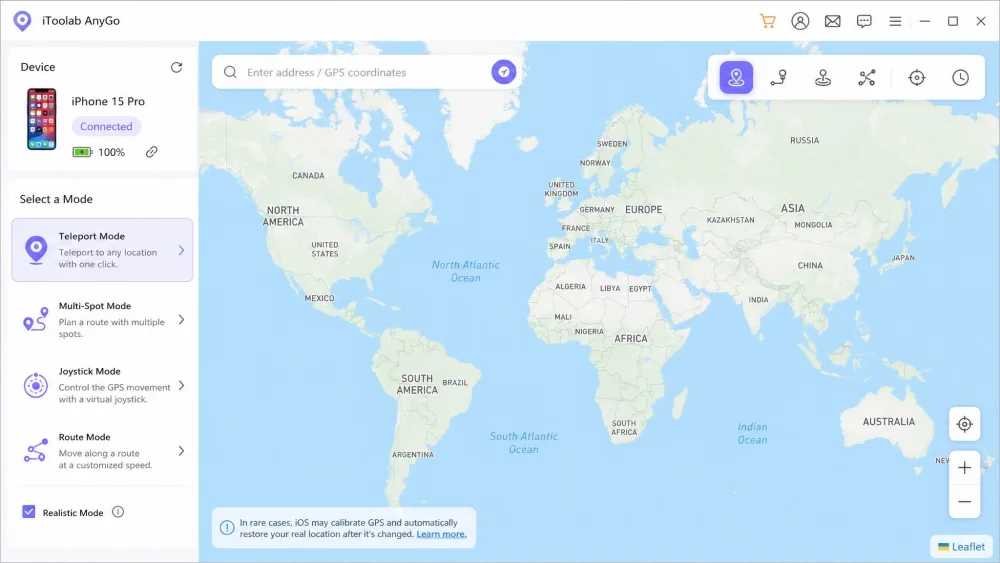
The headline feature is one-click teleport. Search a place or click the map, hit go, and your phone jumps there instantly. It is the fastest way to appear somewhere else, and the first thing most users try. It is also the riskier mode, since an instant jump across the world is easier for an app to flag than natural movement.
Simulated GPS Movement and Joystick Control
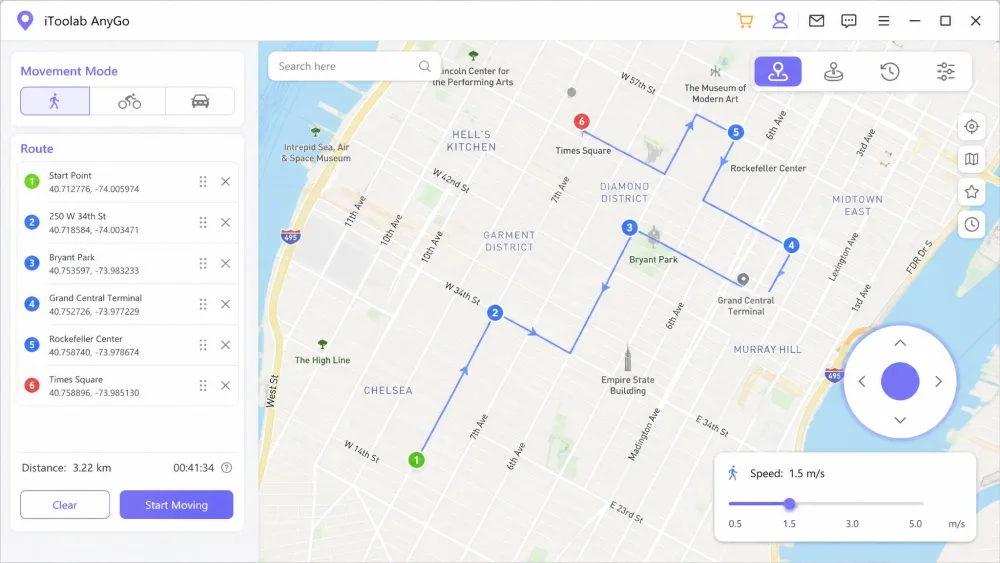
Where AnyGo earns its keep is movement simulation. You can plot a two-spot or multi-spot route and have the app walk your phone along it at an adjustable speed, mimicking realistic movement rather than a hard teleport. For Pokemon GO players, that route-and-speed simulation is the whole point, since it is designed to look like a real stroll and reduce detection. There is also joystick control: when tapping the map is not precise enough, you steer with the arrow keys or WASD to nudge the pin exactly where you want it. We found this useful for fine adjustments a mouse click kept overshooting.
Multi-Device and GPX Support
AnyGo can control up to 15 devices at once, more than a casual user needs but handy for anyone managing multiple accounts. It also imports GPX files, so you can load a pre-recorded route instead of drawing one by hand.
iToolab AnyGo Pricing and Plans
AnyGo is subscription-first, with a one-time lifetime option. The monthly plan is $9.95, in line with most competitors. A quarterly plan runs $19.95, the yearly plan lands around $39.95, and a lifetime licence sits in the roughly $59.95 to $95.96 range. Those upper figures are deliberately loose. Yearly and lifetime pricing varies by platform edition (Windows, Mac, Android, and iOS are priced separately) and by active coupon, so no single number holds.
| Plan | Price | Notes |
|---|---|---|
| Monthly | $9.95 | Regular list price $19.95 |
| Quarterly | $19.95 | Mid-tier option |
| Yearly | ~$39.95 | Varies by platform edition |
| Lifetime | ~$59.95 to $95.96 | Differs by OS and coupon |
A free download lets you try the interface, but full functionality needs a paid licence. The safety net worth knowing about is the 30-day money-back guarantee covering every iToolab product. Refunds go back to your original payment method within 2 to 4 working days after confirmation.
How to Use iToolab AnyGo (Step by Step)
Setup is one of AnyGo's genuine strengths. Getting a spoofed location live is a three-step flow that took us about a minute from a cold start.
Step 1: Connect Your Device and Launch AnyGo
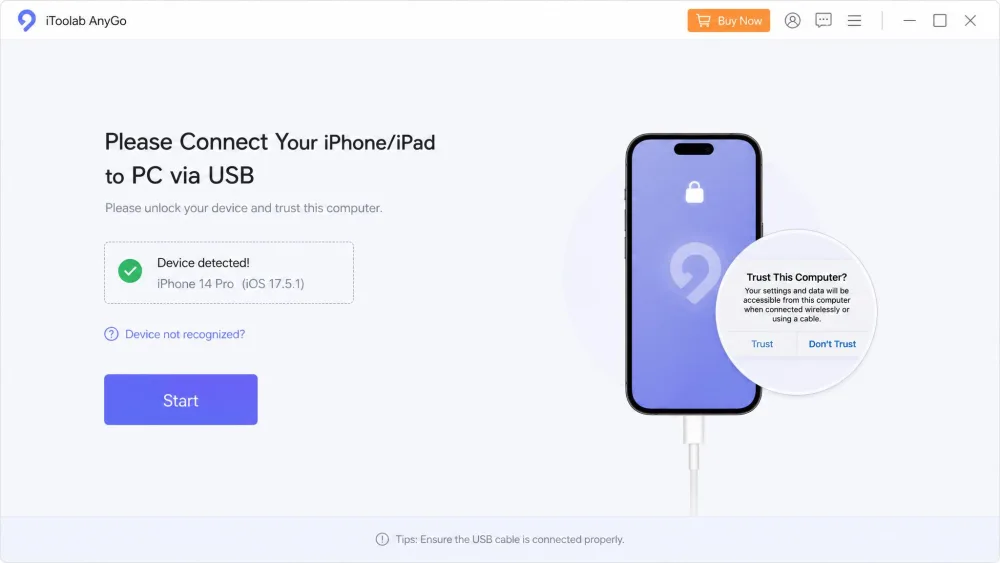
Install AnyGo on your Windows or Mac computer, connect your phone with a USB cable, and trust the connection when prompted. AnyGo detects the device and loads a full-screen map centered on your real location.
Step 2: Change or Simulate Your Location
Type a place into the search bar or click the map, then confirm. For a straight jump, teleport mode moves you there at once. For movement, switch to two-spot or multi-spot mode, plot your route, set a speed, and let AnyGo walk your phone along it. To return to reality, close the app and restart the phone. One quirk worth flagging: the device occasionally gets stuck at the fake location. When that happened to us, a quick restart of the app cleared it every time, so it is an annoyance rather than a dealbreaker.
Location changes apply system-wide, so any app that reads your GPS sees the spoofed spot. Turn AnyGo off and restart your phone before you need your real location back for maps or ride-hailing.
Is iToolab AnyGo Safe and Legit?
This is the question that brings most people to a review, so we will be direct. iToolab is an established software company, AnyGo is a legitimate product rather than malware, and the download did not raise red flags in our use. It does not require a jailbreak or root, which matters, since jailbreaking is where the real security risk in this category lives. Keeping your phone stock is far safer than the alternatives some spoofing methods demand.
The nuance is in how you use it. USB-based walking around a local area is the low-risk use, while instant teleporting is the riskier, more detectable behavior. Gentle, realistic movement looks like a person; a sudden hop across continents does not. For apps that discourage spoofing, the risk is account-side (a possible ban or soft-ban), not a threat to your device. For Pokemon GO, AnyGo's route-and-speed simulation is designed to reduce detection, but no one has measured actual ban rates, so treat any "100% ban-proof" claim with suspicion.
Spoofing your location can violate the terms of service of apps like Pokemon GO, which can mean a temporary or permanent account ban. Understand the account risk before you spoof anything you care about.
What Users Say: Trustpilot and Reddit
Real-user sentiment on AnyGo is genuinely split, and it is more useful to show you both sides than paper over it. AnyGo holds a 4.2/5 rating on Trustpilot, a solid score for this category. Many reviewers praise the support team as fast, professional, and effective, which matched some of our own contact experience.
The honest counterweight: recent Trustpilot reviews are mixed. Some current reviewers report the app is completely non-functional and unable to change location, while others say it works exactly as described. On Reddit, the PokemonGoSpoofing thread is more positive on value, pointing to AnyGo as a cheaper option that handles GPX and multi-device control well. Our read: the split is real because results are hit-or-miss depending on your device model and app version. After an OS update, AnyGo sometimes stops changing location until it is patched, which is likely what the "does not work" reviews are catching. The 30-day guarantee exists precisely so you can test your own device risk-free.
Pros and Cons of iToolab AnyGo
Pros
- Works on both iOS and Android, not iOS-only
- Easy USB spoofing with a clean, beginner-friendly interface
- Multi-spot route and joystick simulation for realistic movement
- No jailbreak or root required
- Controls up to 15 devices and imports GPX files
- 30-day money-back guarantee on every plan
Cons
- Subscription pricing rather than a cheap one-time buy
- Occasional stalls and crashes, especially after an OS update
- Reliability reports on Trustpilot are genuinely mixed
- Core features are desktop-bound, so you need a computer
- Yearly and lifetime pricing is confusingly edition-dependent
Best Alternatives to iToolab AnyGo
AnyGo is not the only spoofer worth a look. If it does not click with your device, here is how the main alternatives compare.
| Tool | Monthly | Lifetime | Money-back | Platforms |
|---|---|---|---|---|
| iToolab AnyGo | $9.95 | ~$59.95 to $95.96 | 30-day | iOS + Android |
| iAnyGo (Tenorshare) | $9.95 | $89.95 | 30-day | iOS + Android |
| Dr.Fone Virtual Location | $9.95 | n/a | 7-day | iOS + Android |
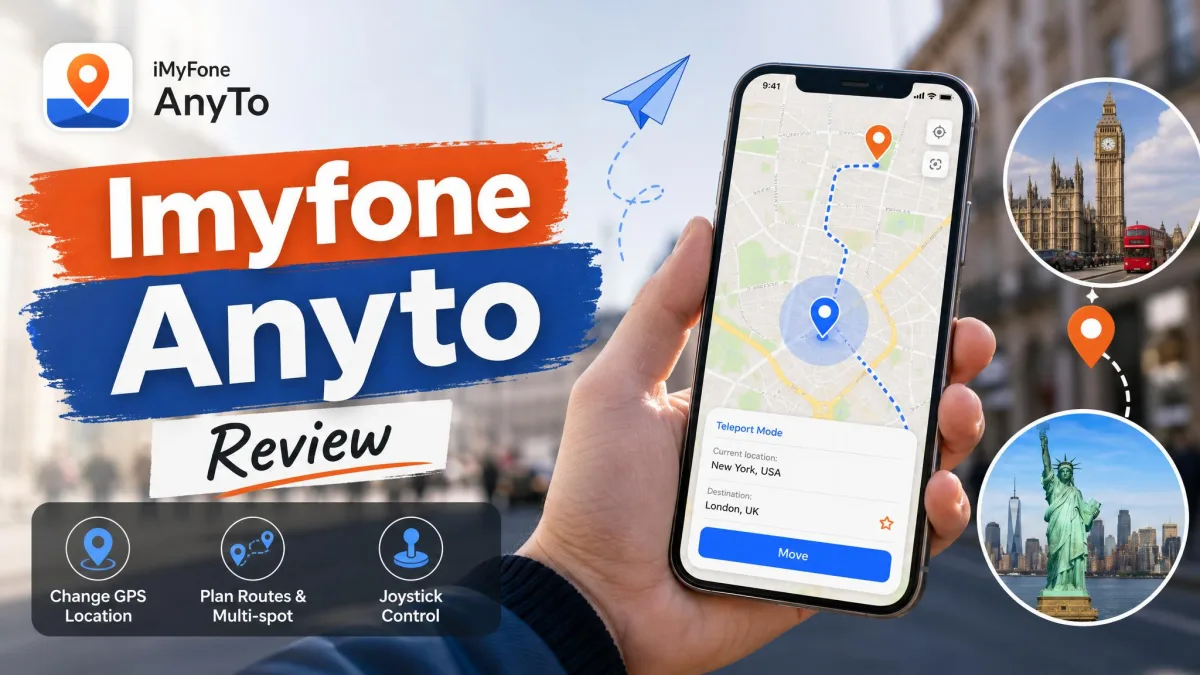
| iMyFone AnyTo | $14.99 | $89.99 | 30-day | iOS + Android |
iAnyGo by Tenorshare is the closest match, with the same $9.95 monthly price and a near-identical set of teleport, routes, joystick, and GPX import. Dr.Fone Virtual Location matches the monthly price but has a shorter 7-day window. iMyFone AnyTo costs more at $14.99 monthly but is a polished, well-known option. For Pokemon GO, iTools still has fans for its gym-and-stop detection, though its virtual location is a paid add-on.
iToolab AnyGo FAQ
Is iToolab AnyGo safe to use?
Is iToolab AnyGo legit?
Does AnyGo work for Pokemon GO without a ban?
How much does iToolab AnyGo cost, and is there a free version?
Does iToolab AnyGo need a jailbreak?
Does AnyGo work on both Android and iOS?
How do I restore my real GPS after using AnyGo?
Verdict: Is iToolab AnyGo Worth Buying?
Across our time with AnyGo on iOS and Android, the pattern was consistent: fast, easy setup, flexible movement tools, and the occasional stall that a restart fixed. The mixed Trustpilot reports are real, and they map onto how sensitive this category is to device model and OS version.
AnyGo is a capable, fairly priced GPS spoofer that gets the fundamentals right. Setup is quick, the movement simulation and joystick beat the budget tools, and running on both iOS and Android without a jailbreak is a genuine advantage. The catch is reliability, which depends heavily on your device and OS version, plus pricing that gets murky above the clean $9.95 monthly tier. Because that reliability is device-dependent, the smart move is to buy on the monthly plan, test AnyGo on your own phone, and lean on the 30-day guarantee if it underperforms.