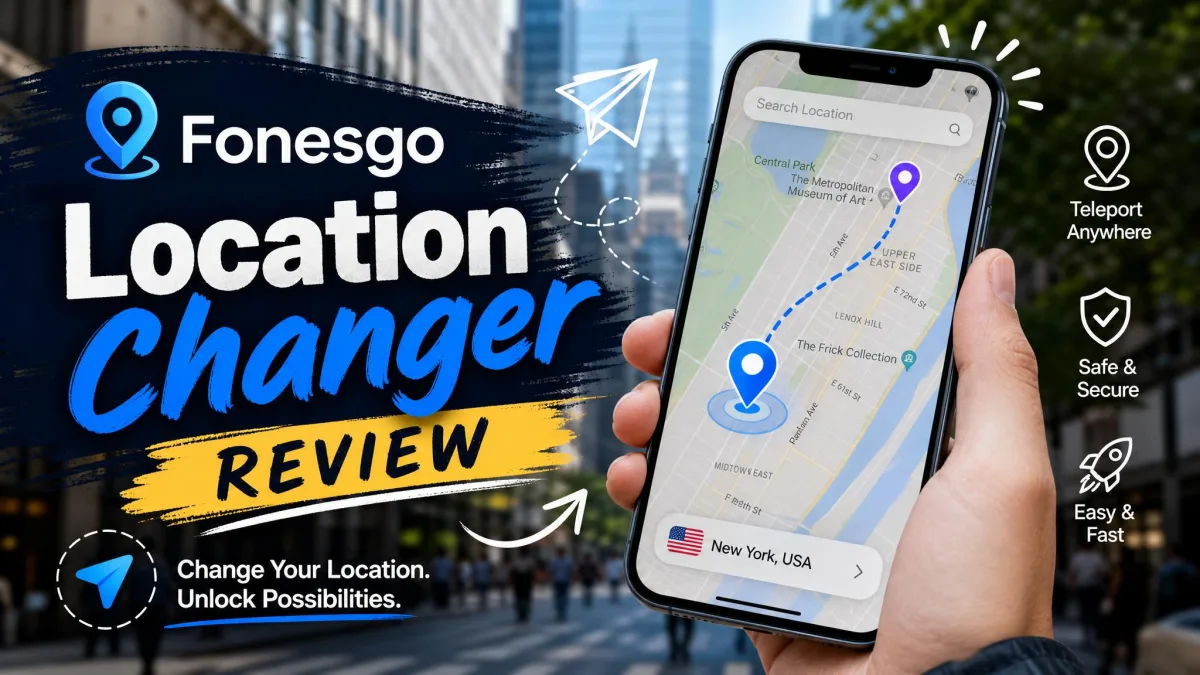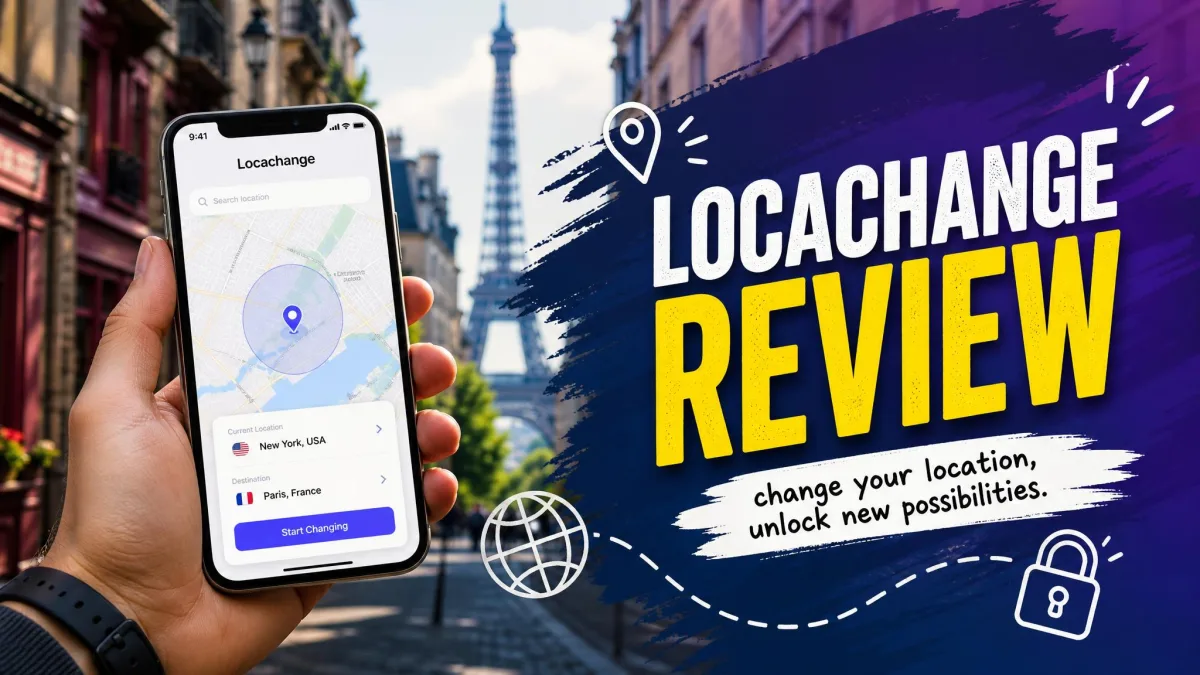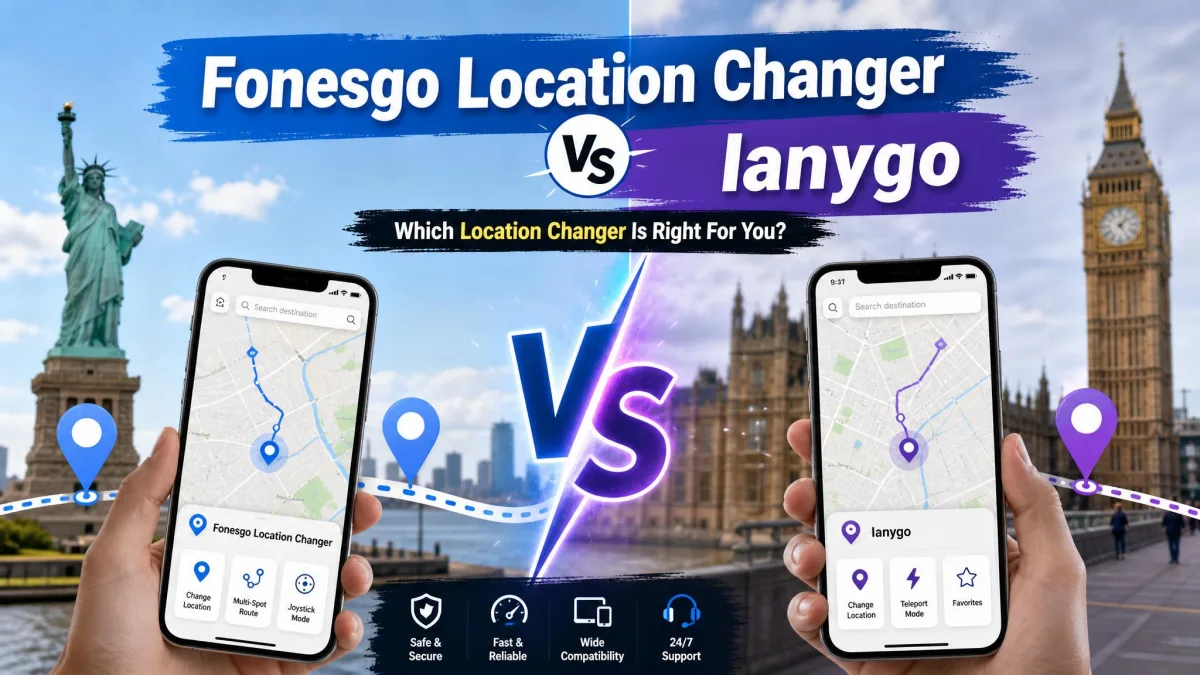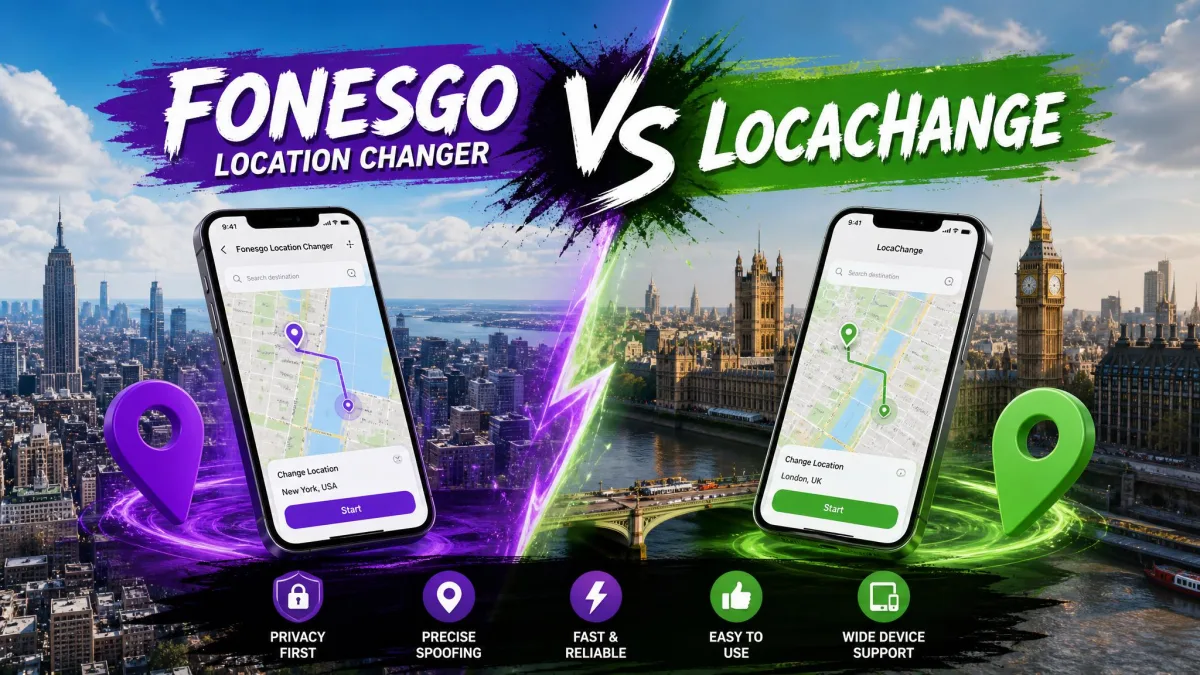
FonesGo Location Changer and LocaChange make the same promise. Teleport, joystick control, and a virtual location that holds on iOS and Android without a jailbreak. On the product pages they look interchangeable. They are not.
We looked at both across iPhone and Android handsets, driven from a Windows PC and a Mac. The differences show up in three places: how much friction the first setup carries, how well the connection holds, and what a year of use costs. This comparison covers pricing, spoofing modes, device support, safety and setup, in that order.
FonesGo vs LocaChange at a Glance
FonesGo is the cheaper licence and stretches across more phones, which is the single biggest separator between the two. LocaChange answers with a denser map experience, a fluctuation mode built for realistic movement, and unlimited desktop installs on one licence. The table below is the canonical spec sheet for the rest of this comparison.
| Product | Buy | Supported OS | Jailbreak or root | Teleport | Jump teleport | Joystick | Multi-spot route | GPX support | Speed control | Cooldown timer | Devices per licence | Free trial | Price |
|---|---|---|---|---|---|---|---|---|---|---|---|---|---|
 |
Check price → | iOS 13-27, Android to 17, Windows 11/10/8/7, macOS 10.12+ | Not required | Yes | Yes | Yes, 360-degree | Yes | Yes, GPX import | Up to 100km/h | Yes | 15 | Yes, feature-limited | $39.95/yr |
 |
Check price | iOS 14-27 beta, Android 8-17, Windows 11/10/8/7, macOS 10.9+ | Not required | Yes | Yes | Yes, 360-degree | Yes | Yes, GPX import and export | 3.6-120 km/h | Yes | 10 mobile, unlimited PC/Mac | Yes, 15 minutes joystick | $79.99/yr |
What Is FonesGo Location Changer?
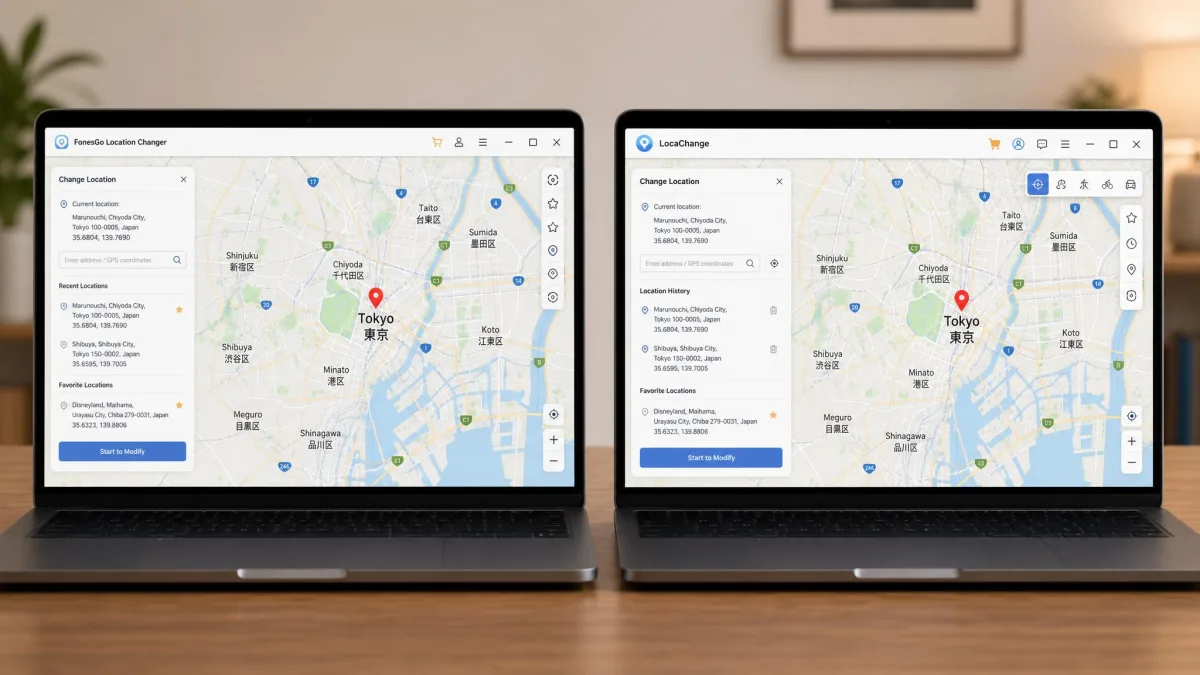
FonesGo Location Changer is a desktop app for Windows and Mac. It moves the reported GPS position of a connected iPhone or Android phone. You install it, connect the device, then pick a spot on the map.
The feature set is broad: teleport, jump teleport, two-spot and multi-spot route movement, a 360-degree joystick, adjustable speed, a cooldown timer, favourites and history, and GPX route import. A Pokémon GO resource search sits alongside them. That is the clearest signal of who the app is built for. The vendor ships mobile apps too, and the Android build lives on FonesGo's Google Play listing.
Our first run took four steps and nothing else. We installed the desktop app, plugged an Android handset in over USB, searched the map for a spot several thousand miles away, and hit teleport. The phone reported the new position before we had switched windows. Opening a location-aware app straight afterwards showed the same coordinates, with no restart and no second attempt.
What Is LocaChange?
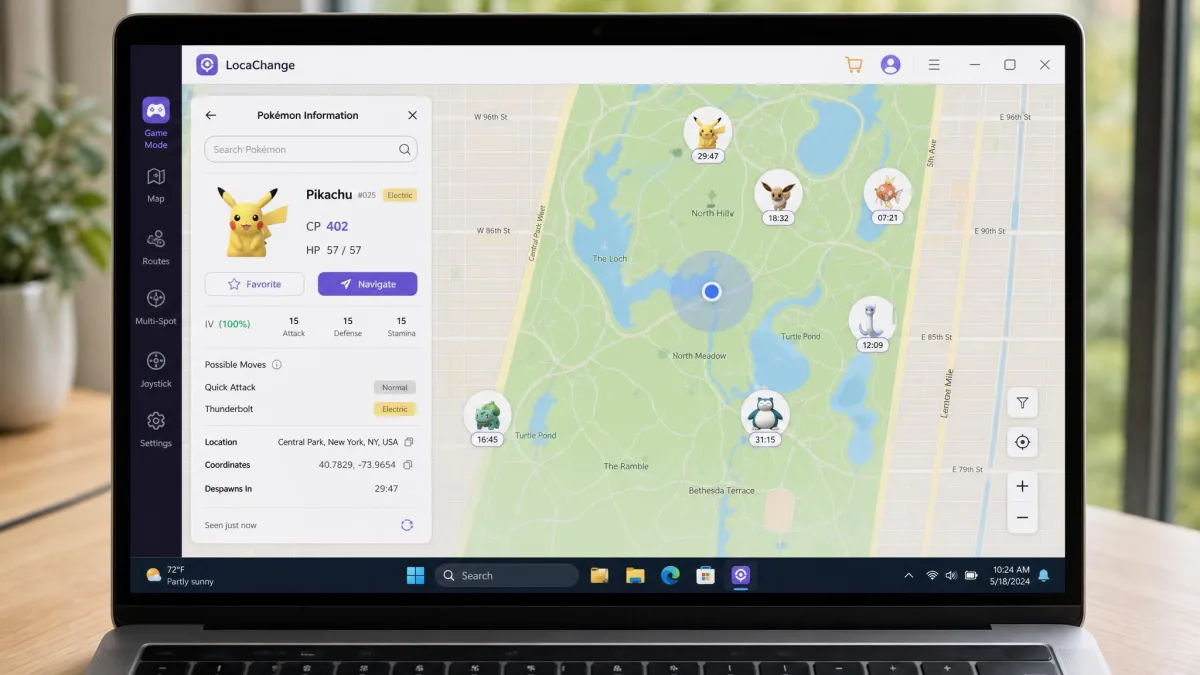
FonesGo leans on price and device count. LocaChange leans on the map instead. Its one genuinely distinct trick is fluctuation mode, which jitters your reported position the way a real GPS chip does rather than holding a mathematically perfect point. Around that sits the same core mode set as FonesGo, which the table above already lays out, plus a live atlas map, a Pokémon information search, and separate game and universal modes. LocaChange also advertises compatibility with 7,635+ location-based apps.
The density is the first thing you notice. On a first run the mode list felt overwhelming, and working out which mode belonged to which task took longer than it should have. The free version did not help. Fifteen minutes of joystick and one use of each other mode is not enough time to reach a confident judgement before paying.
Head-to-Head Feature Comparison
Teleport, jump teleport and multi-spot routes
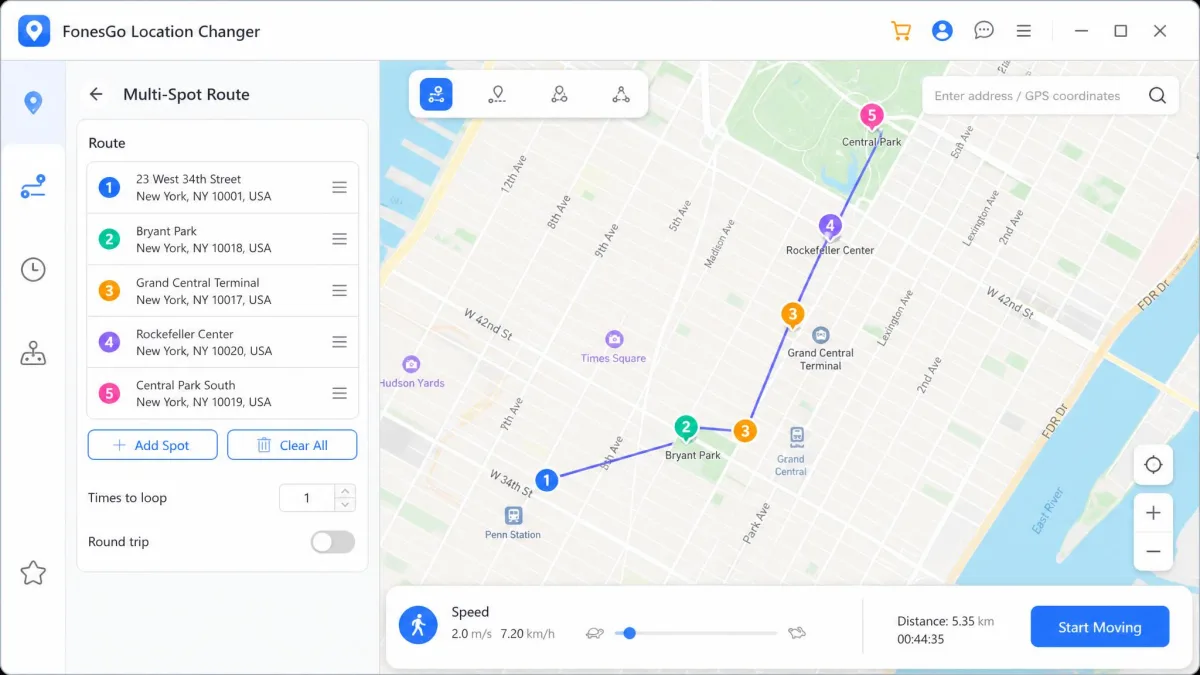
Both apps do one-click location change. Search an address, click the map, and the phone reports the new spot within a second or two. Jump teleport is common to both. Multi-spot routes chain waypoints so the phone walks a path instead of blinking across the world.
Route files are where LocaChange pulls ahead. FonesGo imports GPX, so a route built elsewhere can be replayed, but nothing comes back out. LocaChange imports GPX from the Import icon on its map panel, exports the current route as GPX, and batch-exports saved favourites. If you build paths once and reuse them across devices, that round trip matters.
Joystick control and real-time movement
Each tool ships a 360-degree joystick steered with the mouse or the arrow keys. Neither has an obvious edge in responsiveness. The difference is the trial. LocaChange gives you 15 minutes of joystick mode plus one use of each teleport and route mode. FonesGo counts uses instead of minutes. Its desktop trial allows three runs each of two-spot and multi-spot mode and five runs of the joystick, with the rest locked until purchase. Its Android app is more generous, letting you try every feature free three times.
Speed control, cooldown timer and route import/export
FonesGo simulates movement at speeds up to 100km/h. That covers walking, cycling and driving. LocaChange runs a stated band of 3.6-120 km/h, edging ahead at both the slow crawl and the motorway end. Both include a cooldown timer as the main safety control.
Neither vendor publishes a recommended cooldown wait in minutes. Treat the timer as a prompt to pause, not as a guarantee that a jump is safe.
Pokemon GO and game-specific tools
Modes and speeds are shared ground. This is where the two products stop pretending to be general utilities. FonesGo's Pokémon GO resource search surfaces spawns near your chosen location, and its supported app list names Pokémon GO, Monster Hunter Now, Tinder, Snapchat, WhatsApp, Life360, Instagram and Facebook. LocaChange counters with a Pokémon information search plus a dedicated game mode, held separate from the universal mode it uses for social and dating apps. For a Life360 style tracker or a dating app, either does the job. Those apps only read the position the phone reports.
Device and Platform Support Compared
Feature parity only helps if the app runs on your hardware, so support ranges deserve a closer look.
iOS, Android, Windows and Mac coverage
Both apps run on Windows 11, 10, 8 and 7. LocaChange goes back further on the Mac side, supporting macOS 10.9 or later against FonesGo's 10.12. FonesGo lists iOS 13 through iOS 27, though that ceiling moves with each Apple release. Its advertised Android ceiling of 17 differs between the product page and current review builds. LocaChange lists iOS 14 through iOS 27 beta, with beta support landing ahead of the stable version. Its Android range of 8 to 17 also runs ahead of what shipping builds handle.
LocaChange's compatibility with the newest iOS releases lags behind its advertised range. We saw iOS 18 problems alongside otherwise normal operation, so check your exact iPhone build against the vendor's list before you pay.
How many devices each license covers
The licence terms split along the same line. FonesGo counts phones and tablets, and one purchase stretches across a household or a group. LocaChange caps the mobile side lower but places no limit on computers, so moving between a work machine and a home machine favours LocaChange. The exact allowances sit in the comparison table above.
Ease of Use: Setting Up Each Tool Step by Step
Changing your location with FonesGo
FonesGo's desktop setup is the cleaner first run, and it is the sequence we walked through earlier.
- Download and install the app on your Windows PC or Mac.
- Connect your phone over USB, or pair it over Wi-Fi if you would rather stay cable-free.
- Search for the place you want on the map, or click the pin directly.
- Hit teleport, then confirm the new position in any location-aware app.
The catch is the computer. The core workflow still needs a PC or Mac in the loop, which is genuine friction if you only own a phone.
Changing your location with LocaChange
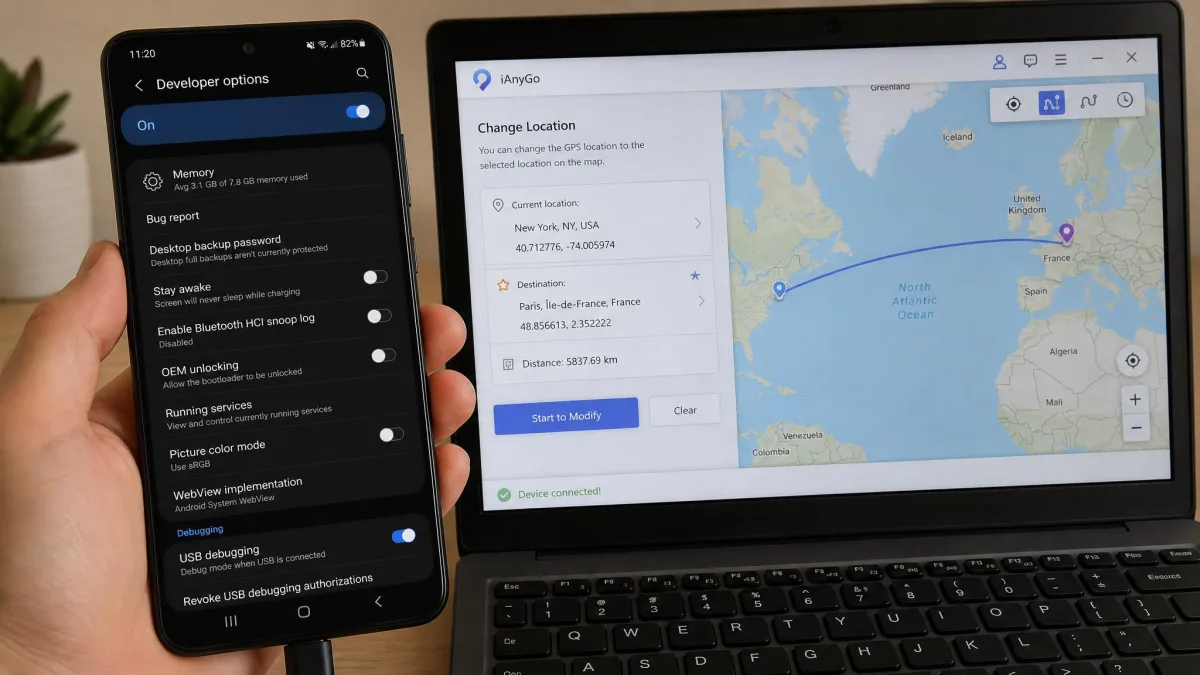
LocaChange follows the same four beats but asks more of you first. On Android you open Settings, tap Developer options and switch on USB debugging. On iPhone you must accept the Trust prompt before anything moves. LocaChange's iOS setup guide walks through the pairing sequence.
- Install LocaChange on your computer and launch it.
- Enable Developer options on Android, or tap Trust on the iPhone prompt.
- Choose teleport, jump, two-spot, multi-spot or joystick mode.
- Pick the destination and start the move.
The iPhone side is fiddlier than it should be. Expect to reconnect to a computer and reinstall the phone-side app roughly weekly to keep the spoof alive.
Keep the USB cable connected for the first session of each app. Wi-Fi mode is the less stable of the two links on LocaChange, and a dropped pairing mid-route means starting the route again.
Troubleshooting: When Location Does Not Change
Setup going smoothly once is no guarantee it will go smoothly twice. The most common failure is not the app refusing to work. It is the app never seeing your phone at all.
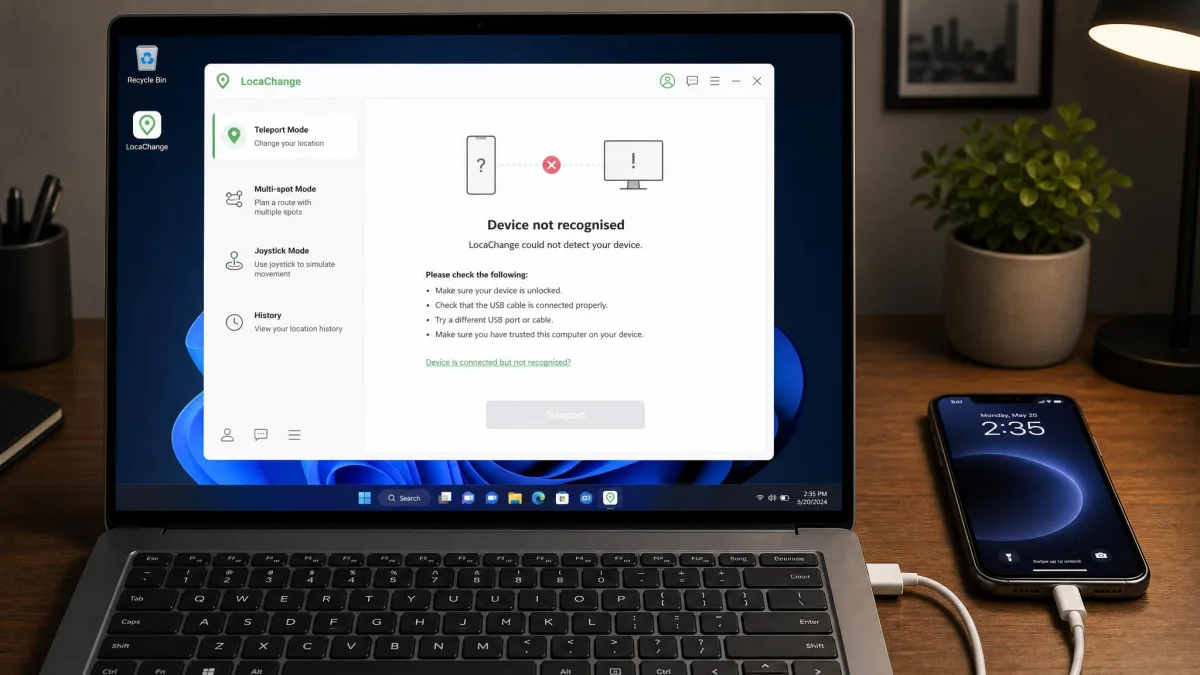
We hit that with LocaChange on a plugged-in handset. The app launched, the map loaded, and the teleport control stayed greyed out because the phone was never recognised. Unplugging and redoing the connection from scratch brought the device back and movement worked normally afterwards. A separate session over Wi-Fi dropped the link partway through a route, which meant starting the route again from the first waypoint.
Run LocaChange from the phone alone and it depends on Wi-Fi or a hotspot. It will not hold a spoof on mobile data by itself. Route and snapshot features can glitch on a first run, and updating clears those, so check for an update before you start debugging a route file. FonesGo has its own rough edges, including occasional bugs mid-session and patchy compatibility on the newest handsets.
Accuracy and Realistic Movement Simulation
Assume the connection holds. The next question is whether the movement itself looks human. Accuracy here is not about how precisely a pin lands, because both tools place you exactly where you click. LocaChange has the better answer. Its fluctuation mode adds small wobbles to your reported position, closer to what a real GPS chip produces than a perfect straight line. FonesGo relies on speed control and multi-spot routing instead. Set a walking speed, chain a few waypoints, and the result convinces most apps, though the path stays smoother than real life.
The mode list on both apps looks overwhelming on a first run, and LocaChange's is the denser of the two. Its free version is also too limited to evaluate properly, which is an awkward thing to ask of a buyer.
Safety, Ban Risk and Account Protection
Jailbreak and root requirements
Neither app needs a jailbroken iPhone or a rooted Android phone. That matters, because jailbreaking historically broke banking apps and voided warranties. Both are risk-free in that narrow sense only. Your device stays stock, but your game account gains no protection from it.
Cooldown discipline and detection avoidance
Cooldown discipline is the whole game. Teleport a long distance, play immediately, and you are telling the server that something impossible happened. Bans and warnings still happen when cooldown rules are ignored or modified game clients are used, whatever the marketing claims. Niantic's cheating and soft-ban policy sets out what the company does about location falsification.
Spoofing your GPS breaks the terms of service of Pokémon GO and most other location-based games, and it can breach the terms of dating and social apps too. A cooldown timer lowers your ban risk. It does not remove it, and no vendor can promise that it does.
Privacy and data handling
Both tools need a desktop install with device-level access, so read the privacy terms first. FTC privacy and data-security guidance is a fair yardstick for what a vendor should disclose. Support belongs in the same picture. FonesGo's is inconsistent in quality and response time, and cancelling a LocaChange auto-renewal is slow and unclear for some buyers.
Pricing and Value Compared
Device allowances set the shape of the deal. Price settles it. FonesGo is cheaper at every tier, and LocaChange asks roughly double per year for a broadly similar feature set. Both carry a 30-day refund window, and FonesGo processes approved refunds in 2-4 business days.
| Plan | FonesGo | LocaChange |
|---|---|---|
| Monthly | $9.95 | $19.99 |
| Quarterly | $19.90 | $39.99 |
| Yearly | $39.95 | $79.99 |
| Lifetime | $79.95 | $119.99 |
Pros and Cons of Each Tool
With the numbers settled, here is how each tool reads as a whole.
FonesGo Location Changer: pros and cons
Pros
- Cleanest first run of the two, with no phone-side preparation
- Trial counts uses rather than minutes, including five joystick runs
- Android app unlocks every feature free three times
- Refunds process quickly and deactivate the licence at the same time
- Pokémon GO resource search built into the map
Cons
- Occasional bugs mid-session
- Patchy compatibility on the newest handsets
- GPX routes import but never export
- Customer support quality and response time vary
- Core workflow still needs a PC or Mac
LocaChange: pros and cons
Pros
- Fluctuation mode for realistic movement
- GPX import and export, including batch export
- Wider speed band at 3.6-120 km/h
- Unlimited PC and Mac installs
- macOS support back to 10.9
Cons
- Fiddly iPhone setup with weekly reinstalls
- Connection drops, especially over Wi-Fi
- Will not hold a spoof on mobile data alone
- Free trial is too short to judge the app properly
- Refund and cancellation handling is slow
Common Mistakes Buyers Make
The first mistake is buying a lifetime licence before trialling the app on your exact handset. Both vendors advertise OS ceilings that run ahead of shipping builds. The second is treating the cooldown timer as permission, when it is a reminder rather than a shield. The third is planning around phone-only use. Both tools are computer-first, and no amount of configuration changes that.
Which One Should You Choose?
Choose FonesGo if...
You want the lower price and the bigger device allowance. For most players running a virtual location on one or two phones, it is the better buy.
Choose LocaChange if...
You care more about how the movement looks than what the licence costs, or you need the app installed on several computers.