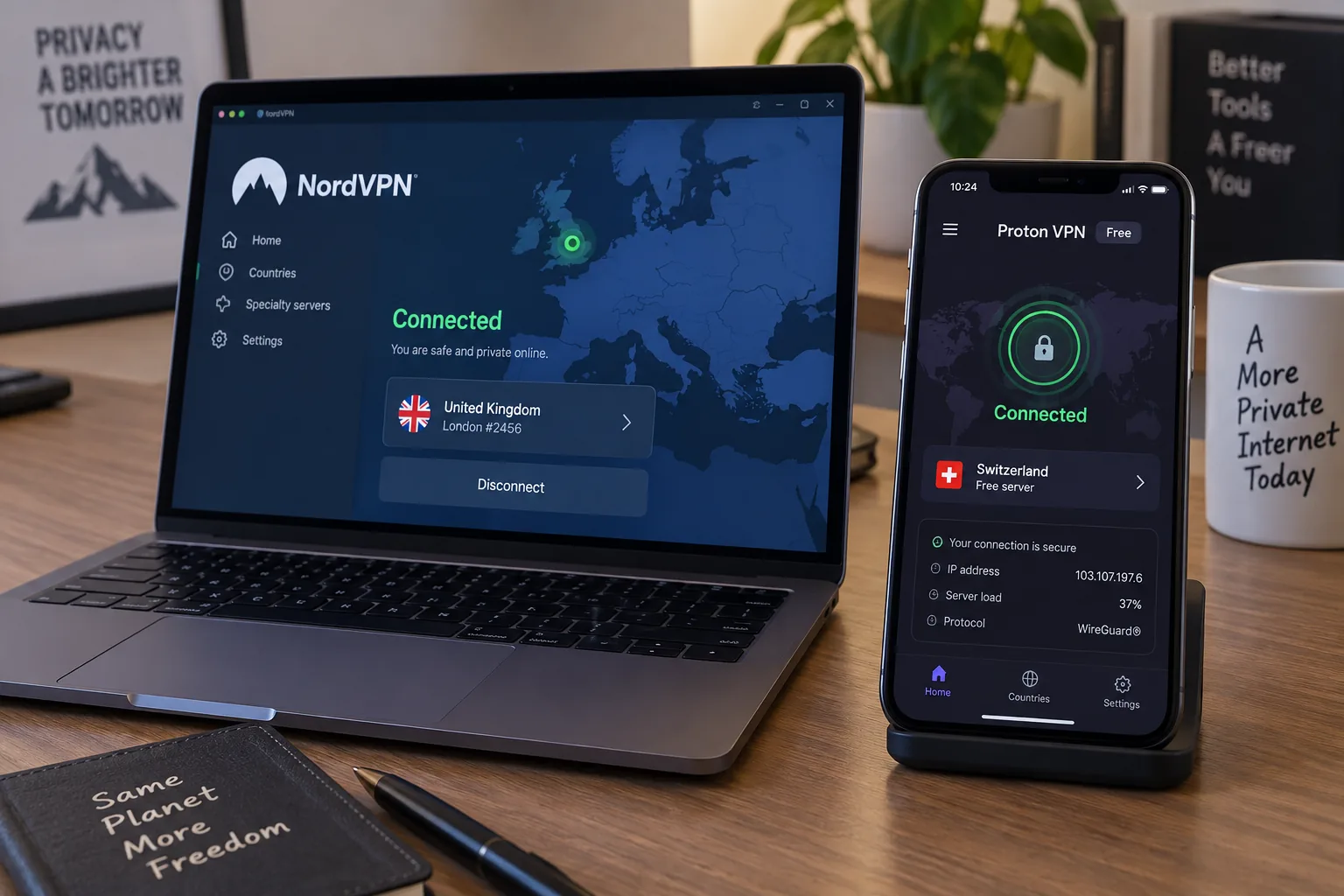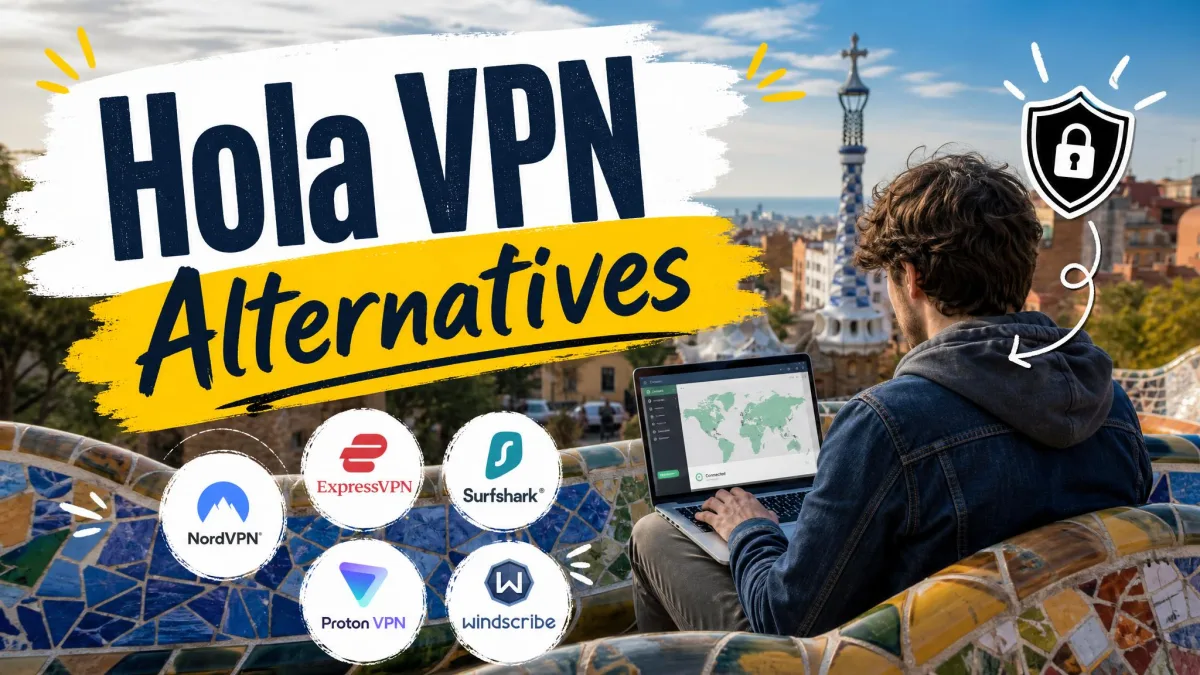
Whoer VPN is the paid VPN service from the team behind the Whoer.net IP checker. Most people who look for a replacement want stronger privacy proof, steadier apps, and better speed. If you need an independently audited no-logs policy, a kill switch that is on when you need it, or streaming that works, it is time to switch.
Our top pick is NordVPN, with Proton VPN Free as the best option if you would rather not pay at all.
If you came here for Whoer.net itself, the IP and leak checker, we cover the best free alternatives for testing your connection further down.
Whoer VPN alternatives at a glance
Every option below beats Whoer VPN on at least one point that matters for privacy. The table lines them up with Whoer VPN as the baseline, so you can see where each one gains ground.
| Product | Buy | Best for | Audited no-logs | Servers / countries | Leak protection (DNS / WebRTC / IPv6) | Kill switch | Devices | Starting price | Free tier / money-back |
|---|---|---|---|---|---|---|---|---|---|
 |
Check price → | All-round speed and features | Deloitte, 2025-26 | 9,000+ / about 118-167 | DNS, IPv6, WebRTC (extension) | Yes, customizable | 10 | About $3.09-$3.49/mo (2-yr) | No free plan; 30-day |
 |
Check price | Streaming and automatic obfuscation | KPMG, 2025 | Not published / 113 | DNS, WebRTC, IPv6 | Yes (Network Lock) | 10 / 12 / 14 by tier | From $4.99/mo (Basic); renews $99.95/yr | No free plan; 30-day |
 |
Check price | Unlimited devices on a budget | Deloitte, 2025 | 4,500+ / 100 | DNS, WebRTC (extension); IPv6 mixed | Yes, off by default | Unlimited | $2.49/mo (2-yr); renews $79/yr | No free plan; 30-day |
 |
Check price | Anonymous sign-up | Cure53, 2024 | 566 / about 50 | DNS, IPv6 | Yes, always on | 5 | EUR 5/mo flat | No free plan; 14-day |
 |
Check price | Unlimited devices, open source | Deloitte, Dec 2025 | About 104 countries | DNS, IPv6 | Yes (advanced) | Unlimited | About $1.89/mo (long plan) | No free plan; 30-day |
 |
Check price | Torrenting, long refund window | Deloitte, Q4 2025 | 100+ countries | DNS, IPv6 | Yes, on by default (desktop) | 7 | About $1.99/mo (2-yr); $12.99 monthly | No free plan; 45-day |
 |
Check price | Free use with no data cap | Securitum, 2026 | Free: 10 countries | DNS, WebRTC, IPv6 | Yes, all plans | 1 (10 on Plus) | Free; Plus $9.99 monthly | Free plan; 30-day on paid |
 |
Basic browsing on a nearby server | No audit | About 20 countries | DNS (official); WebRTC and IPv6 not stated | Some apps only, off by default | 5 | $2.08/mo (2-yr); $9.90 monthly | $1 30-day trial; conditional refund |
Prices marked "about" move with promotions. The Proton VPN rating is for the full service, since we score the provider rather than a single plan. Every pick also advertises DNS leak protection, which keeps your DNS lookups (the requests that turn a site name into an address) inside the encrypted tunnel.
What is Whoer VPN, and how does it relate to Whoer.net?
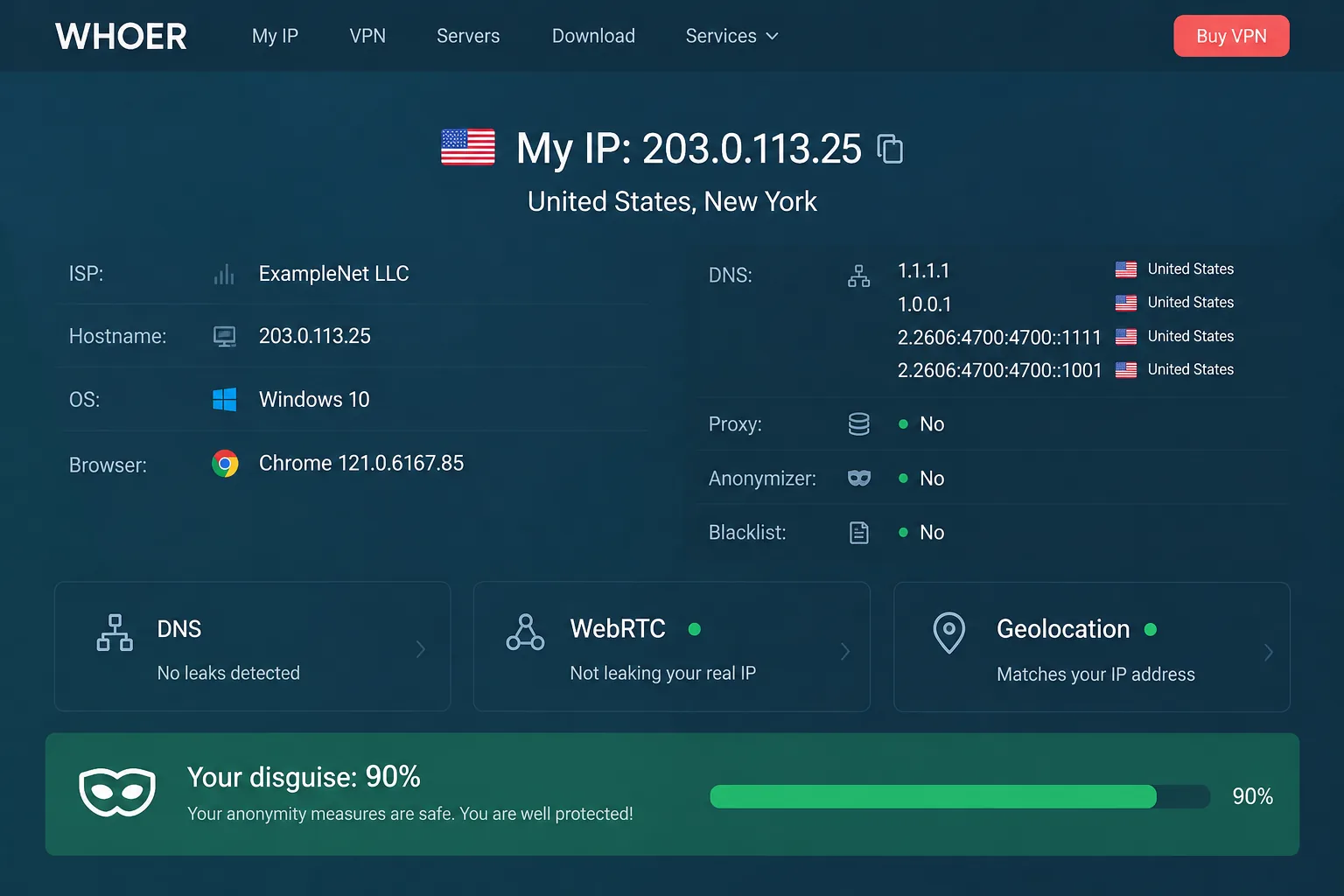
Whoer.net is a free IP-checking site that has been online since 2008. It shows your public IP address, location, DNS servers and browser details in one place, along with an anonymity score.
Whoer VPN comes from the same team. It is now sold as WhoVPN through whovpn.net, and the mobile apps are listed as "WhoX: Secure VPN without logs" on Google Play and the App Store. Whoer.net's top bar even tells visitors to install WhoVPN and connect to the country they want.
The company behind it is less clear than the brand. Whoer VPN long described itself as Cyprus-based under WHOIX Ltd, while its current privacy policy names Sam Digital Solutions FZE, a company registered in a UAE free zone. Its jurisdiction appears to have moved, and no public announcement dates the change.
We scored Whoer VPN 6.2/10, a Fair rating, and our full Whoer VPN review covers its apps and features in depth. Here we focus on what you gain by switching.
Why look for a Whoer VPN alternative?
Whoer VPN gets a few basics right. Installation is quick, and the desktop interface is small, clean and simple enough for beginners. When we ran DNS and WebRTC leak tests while connected, both came back clean and showed only the VPN server's address.
The problems start with privacy proof. In its privacy policy, WhoVPN calls itself a no-logs VPN, but no independent audit has been published to back that up. Every pick on our list has had its no-logs claims checked by an outside firm.
Speed was the next issue. On the free Netherlands server, our download speed dropped by more than 90 percent, and uploading a short video to Facebook failed while we were connected. Paid servers did better, but they still kept only about half of our base download speed, and ping sat around 186 ms.
The apps also need more work. On Android the app crashed often, especially at startup and while connecting. Mobile connections took anywhere from 30 seconds to two minutes. On Windows, the connection could drop at random and needed a restart to come back.
Whoer VPN's kill switch ships turned off, and it only appears in some of its apps. If the tunnel drops while the kill switch is off, websites can see your real IP address until you reconnect.
Streaming and torrenting are limited. Netflix US played with buffering, Disney+ loaded only after several attempts, and Hulu, HBO Max, Prime Video and BBC iPlayer all detected the VPN. Torrenting runs on a few designated servers, and a 700 MB file took about 40 minutes with pauses along the way.
Buying and getting help can be frustrating too. Card and PayPal payments can fail at checkout, activation codes can fail to arrive, and support is email and ticket only. The checkout promises a no-questions-asked refund, but the refund policy requires a technical fault that support cannot fix, so a refund is not guaranteed.
Whoer VPN does have a low entry price: $1 for the first 30 days, then $29.90 a year, or $49.90 for two years ($2.08 a month). A cheap price only helps, though, if the service works when you need it.
How we picked these alternatives
We started from the weak spots above and looked for VPNs that fix them.
- An independent no-logs audit. In a no-logs audit, an outside firm checks that a VPN does not store records of what you do online. We only included providers with a recent, published audit.
- Leak protection. A DNS leak happens when your lookups bypass the tunnel and go to your internet provider. A WebRTC leak happens when a browser feature exposes your IP address to websites. An IPv6 leak is traffic on the newer IPv6 address format slipping outside the VPN.
- A working kill switch. A kill switch blocks all internet access if the VPN connection drops, so your real IP never shows.
- Speed, streaming and P2P. We weighed how much speed each one keeps, and whether it handles streaming sites and torrents.
- Price and transparency. We compared starting prices, renewal prices, refund windows and free tiers, plus who owns each service and where it is based.
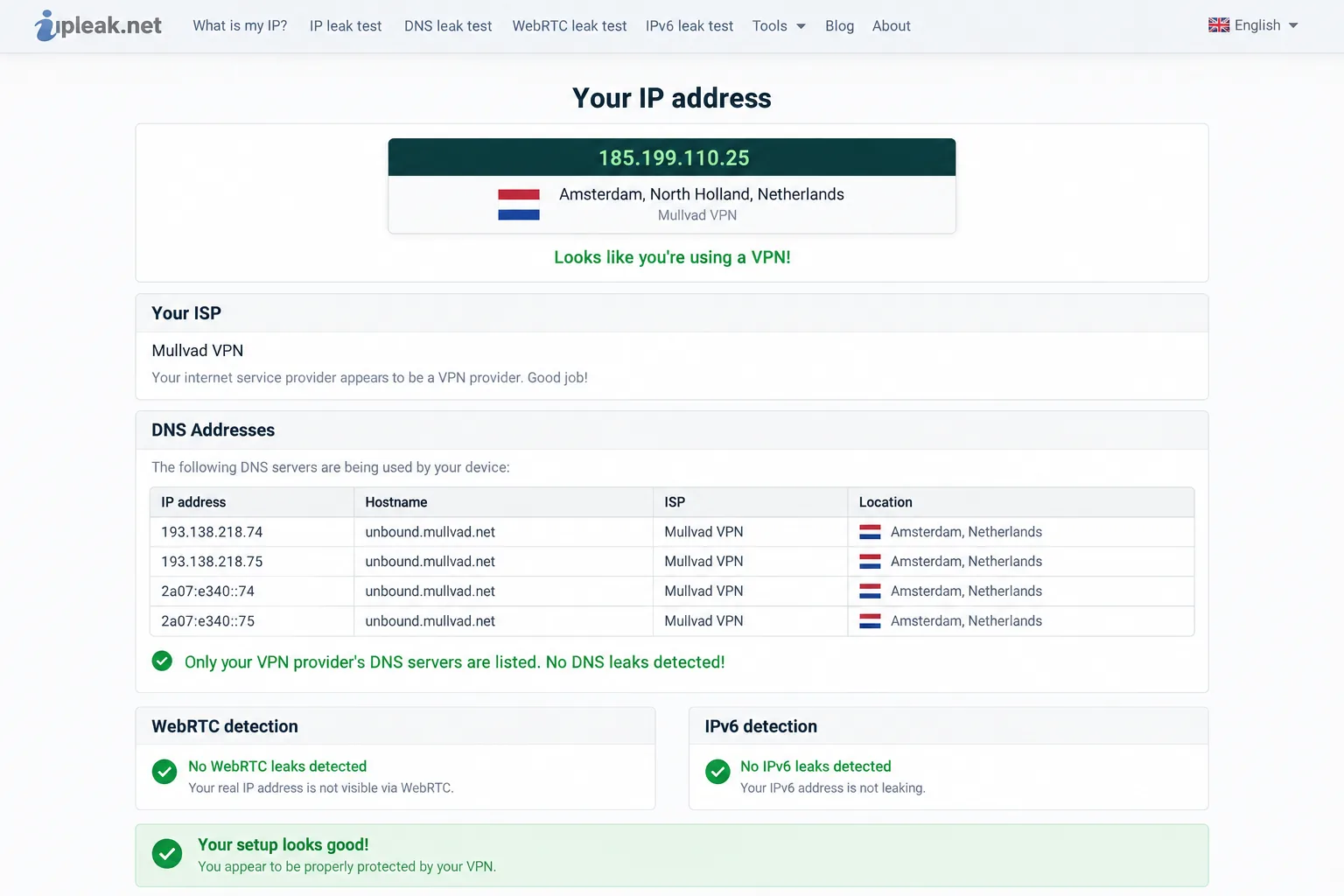
For leak checks, we connect to the VPN and open ipleak.net. A DNS leak shows up as our internet provider's resolver in the DNS list, and a WebRTC leak shows up as our provider's IP. We ranked the picks by their scores in our full HTS reviews, with one change. Proton VPN ties for first, but we moved it to slot 7 because its free plan is the strongest no-cost option.
The best Whoer VPN alternatives
Each pick below solves at least one Whoer VPN problem, starting with the best all-rounder and ending with a free option.
1. NordVPN: Best Whoer VPN Alternative Overall
Best for: anyone who wants fast speed, audited privacy and a deep feature set in one app.
NordVPN fixes Whoer VPN's biggest weakness first: speed. On nearby servers, our speed loss stayed at single-digit percentages, and connections held without unexpected drops.
Our leak tests came back clean as well, with the real IP hidden and no DNS or WebRTC leaks. The only friction was picking a city, because the desktop map needs zooming before city-level servers appear. We switched to the list view and found it quicker.
NordVPN is based in Panama and completed its sixth Deloitte no-logs assurance engagement, announced in February 2026. It earns 9.0/10 in our NordVPN review.
Pros
- NordLynx (WireGuard-based) protocol, plus obfuscated servers through NordWhisper
- Threat Protection Pro, Double VPN and Meshnet in one app
- RAM-only servers and post-quantum encryption
Cons
- No free plan
- The introductory two-year rate of about $3.09-$3.49 a month moves with promotions and renews higher
2. ExpressVPN: Best for Streaming
Best for: streamers who want a VPN that just works across services and countries.
Where NordVPN wins on raw speed, ExpressVPN wins on streaming, which is where Whoer VPN struggles most. It scores 8.8/10 in our ExpressVPN review. We streamed Netflix libraries in several countries, plus ESPN+ and Hulu, without issues. Its long-distance servers kept roughly 85 to 90 percent of our base speed, which is why playback stayed smooth.
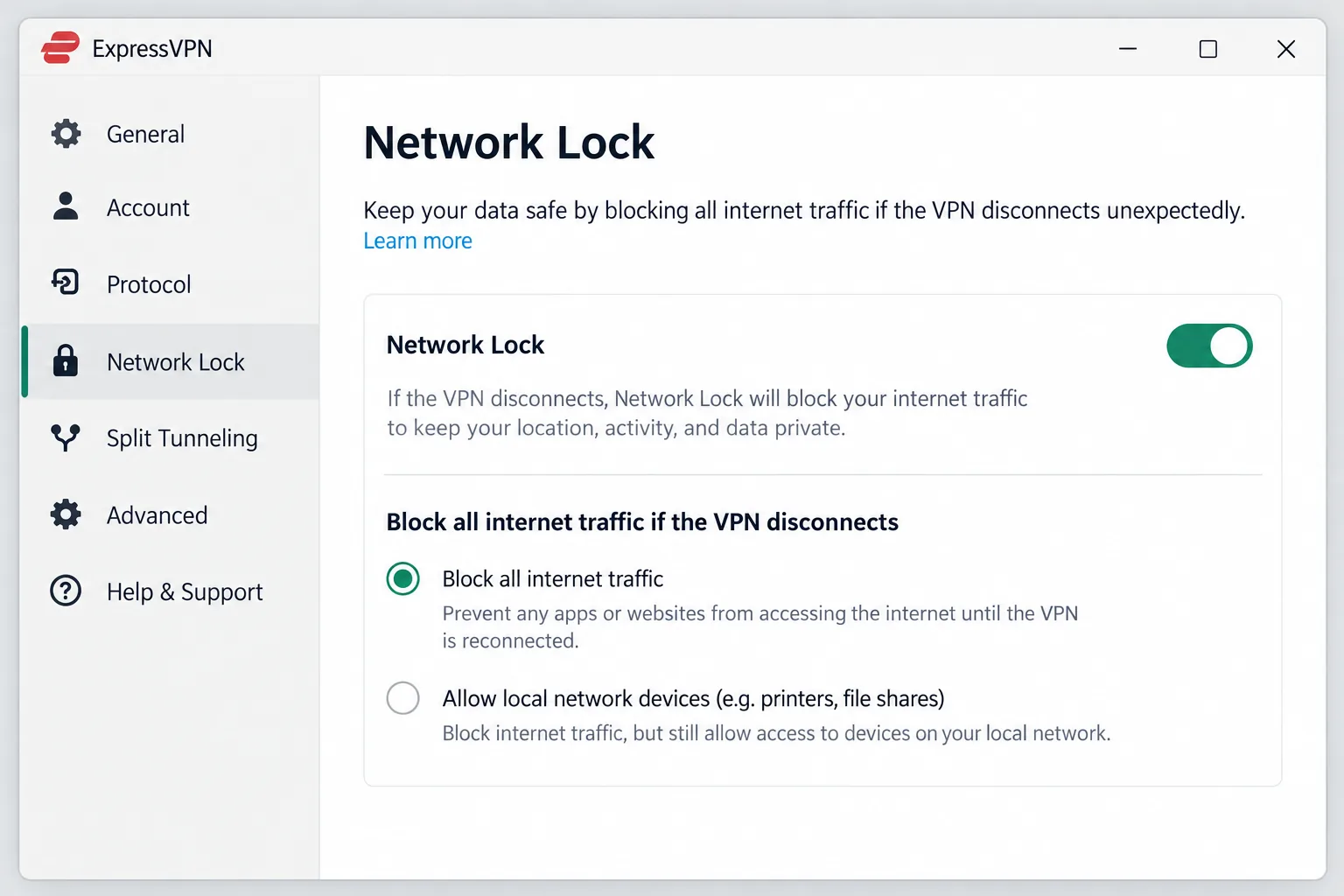
We also tested the kill switch the hard way. When a server timed out, and again when our Wi-Fi flickered, Network Lock cut the connection correctly. The apps passed IP, DNS and WebRTC leak tests with no leaks.
Kape Technologies owns ExpressVPN, which is based in the British Virgin Islands. The VPN passed a KPMG assessment of its privacy policy and RAM-only TrustedServer setup in 2025. Basic starts at $4.99 a month on its current promotion and renews at $99.95 a year, so it costs more than NordVPN and Surfshark on comparable terms.
Pros
- Lightway protocol with post-quantum encryption
- Automatic obfuscation, with no special servers to pick
- 10, 12 or 14 devices depending on the plan
Cons
- The intro price depends on the current promotion
- No free plan
3. Surfshark: Best Value for Unlimited Devices
Best for: households that want to cover every device for a low price.
ExpressVPN is the priciest of our top three, and Surfshark is the cheapest of them. It costs $2.49 a month on the two-year plan, renews at $79 a year, and lets you connect unlimited devices at once. Whoer VPN caps you at five.
Our IP, DNS and WebRTC leak tests came back clean across servers. When we forced a disconnect, the kill switch cut traffic instantly. It ships switched off, though, so turn it on before you rely on it.
Native apps made setup on Android TV, Apple TV and Fire TV painless. Based in the Netherlands, Surfshark passed Deloitte no-logs checks in 2023 and again in 2025, and it scores 8.6/10 in our Surfshark review.
Pros
- CleanWeb ad blocking and Camouflage mode
- Bypasser split tunneling
- 30-day money-back guarantee
Cons
- IPv6 addresses can occasionally leak on IPv6 networks
- No free plan
4. Mullvad VPN: Best for Anonymous Sign-Up
Best for: privacy-first users who want as little as possible tied to their account.
Surfshark adds features, while Mullvad strips the account itself down to almost nothing. Sign-up took us seconds: Mullvad generates a random 16-digit account number, and that number is the only login. You can pay by cash, crypto, card or PayPal. That design has been tested outside the lab, too, because when Swedish police raided Mullvad in 2023, they found no user data to take.
Speed was solid close to home, with only around 6 percent loss on local servers, though distant servers slowed downloads noticeably. Streaming was hit or miss, with some servers getting into Netflix and others being detected. Support is email-only, and our replies came in hours rather than minutes.
Mullvad scores 8.5/10 in our Mullvad VPN review, and its fourth Cure53 infrastructure audit in 2024 backs up the privacy claims. If you pay in cash, note that cash payments do not qualify for the money-back guarantee.
Pros
- No email or personal details needed
- Always-on kill switch and IPv6 leak blocking
- Open-source apps, multihop and DAITA traffic protection
Cons
- WireGuard only, since OpenVPN shut down in January 2026
- No port forwarding and no free trial
5. Private Internet Access: Best for Tinkerers
Best for: advanced users who want open-source apps and deep settings.
Like Surfshark, PIA allows unlimited devices, but it gives you far more control over how each connection behaves. The desktop app's long settings list can feel overwhelming at first. Once we had it tuned, the app became easy to use, with port forwarding, split tunneling and the MACE ad and tracker blocker all in one place.
Speed held up on nearby servers, with about 4 percent loss, but dragged over long distances. Streaming was the weak point: US and UK Netflix did not unblock, and Disney+ and Hulu detected the VPN.
PIA is based in the US and, like ExpressVPN and CyberGhost, belongs to Kape Technologies. It completed its third Deloitte no-logs audit in December 2025, runs RAM-only servers, and scores 8.4/10 in our Private Internet Access review.
Pros
- Open-source apps, including a native Linux app
- Port forwarding (outside US servers)
- 30-day money-back guarantee
Cons
- Weak streaming support
- US jurisdiction
- The intro price and bonus months rotate often, so the deal changes from week to week
6. CyberGhost: Best for Torrenting
Best for: torrent users who want dedicated servers and a long refund window.
If PIA is built for tinkerers, CyberGhost, which scores 8.4/10 in our CyberGhost review, is built for people who want the app to make choices for them. Setup was quick and beginner-friendly. Its Smart Rules can launch CyberGhost and connect to a chosen server automatically when a torrent client opens, which suits P2P users far better than Whoer's few designated torrent servers.
Speed was less consistent. Nearby servers varied from test to test, and long-distance servers cut our speed by about 44 to 59 percent. The Windows app also looks dated next to newer rivals, while the mobile apps are cleaner.
CyberGhost is based in Romania, passed its third Deloitte no-logs audit in late 2025, and has torrenting-optimized servers in 87 of its 100+ countries.
Pros
- Kill switch on by default on desktop
- Dedicated streaming and NoSpy servers
- 24/7 live chat support
Cons
- No free plan
- The 45-day refund covers long plans only, and monthly plans get a much shorter 14 days
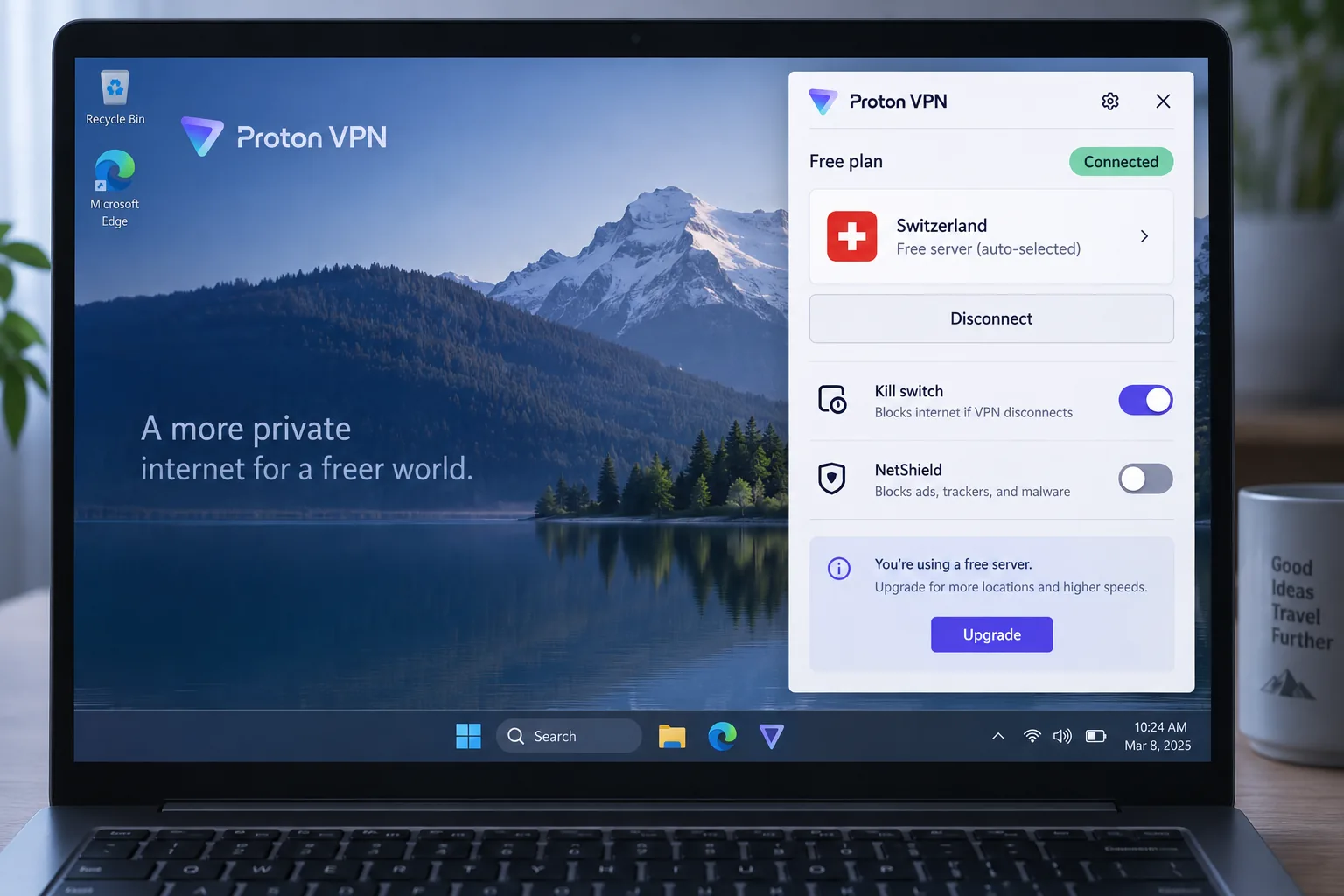
7. Proton VPN Free: Best Free Whoer VPN Alternative
Best for: anyone who wants a capable, ad-free VPN without paying.
Every pick so far costs money, but Proton VPN Free does not. Whoer VPN's old free tier was throttled to about 1 Mbps on a single Netherlands server, and WhoVPN's site no longer advertises a free plan at all, only the $1 trial. Proton's free tier showed no throttling and no data cap in our testing.
Across repeated connections, the free plan stayed stable with about 8 percent download loss and no data leaks. Installation took about two minutes, and the apps explain each setting in plain language. Support was the slow part: live chat is not available around the clock, and email replies took about two days.
The full Proton VPN service scores 9.0/10 in our Proton VPN review and leads our list of the best free VPNs. Proton is based in Switzerland and published its fifth consecutive Securitum no-logs audit on June 19, 2026.
Pros
- No ads and no credit card needed
- Kill switch and the Stealth protocol, which disguises VPN traffic as ordinary HTTPS, included on the free plan
- Open-source apps
Cons
- You cannot choose the server location on Free, because Proton picks it for you
- No P2P or streaming without upgrading
Looking for a Whoer.net alternative instead? Free sites to test your VPN
Plenty of people search for "Whoer" because they want the IP checker, not the VPN. Whoer.net shows a lot in one place, including your IP, DNS, WebRTC status, proxy signals and browser data. The trade-off is heavy ads and VPN upsells, so it helps to know the other tools.
How IP-checking sites work
Every website you visit can see the IP address your connection comes from. An IP-checking site simply shows you that same information, then runs extra checks in your browser to find details that might reveal your online identity.
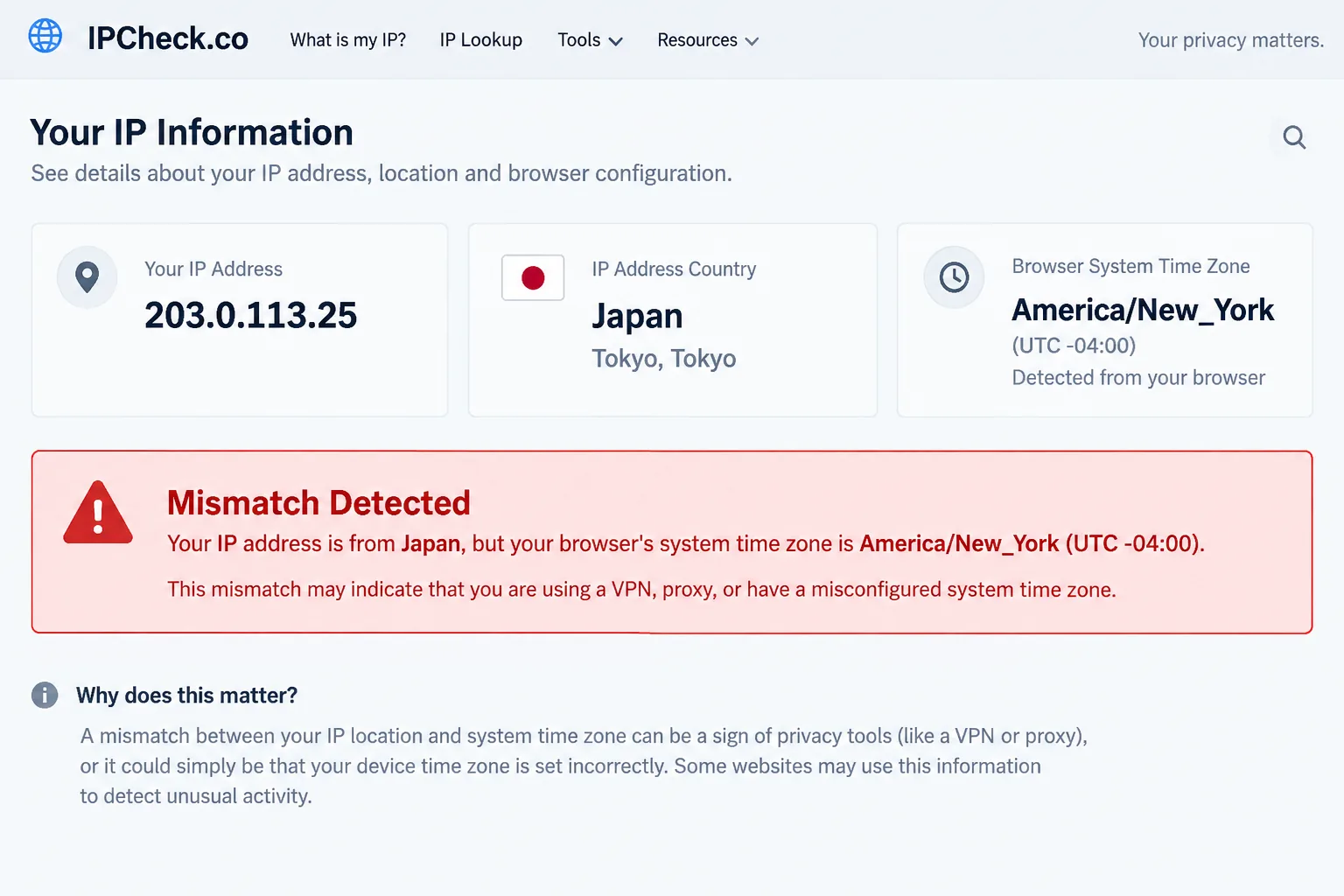
Most of these sites compare several signals. If your IP says one country, your DNS servers say another, and your browser's time zone says a third, the site flags the mismatch. That is how websites designed to block VPN or proxy users spot them, too.
Whoer.net turns these checks into a "Your disguise" percentage. It deducts points for VPN, proxy or Tor detection, blacklisting, and time-zone, language or user-agent mismatches.
What an IP checker actually tests
A comprehensive checker usually covers these details:
- Public IP address, the address websites see.
- Geolocation, the country and city tied to that IP.
- ASN and ISP, the network that owns the address. A VPN's ASN often belongs to a hosting company.
- VPN, proxy and Tor signals, including blacklists of known VPN addresses.
- DNS leaks, which show whose servers answer your lookups.
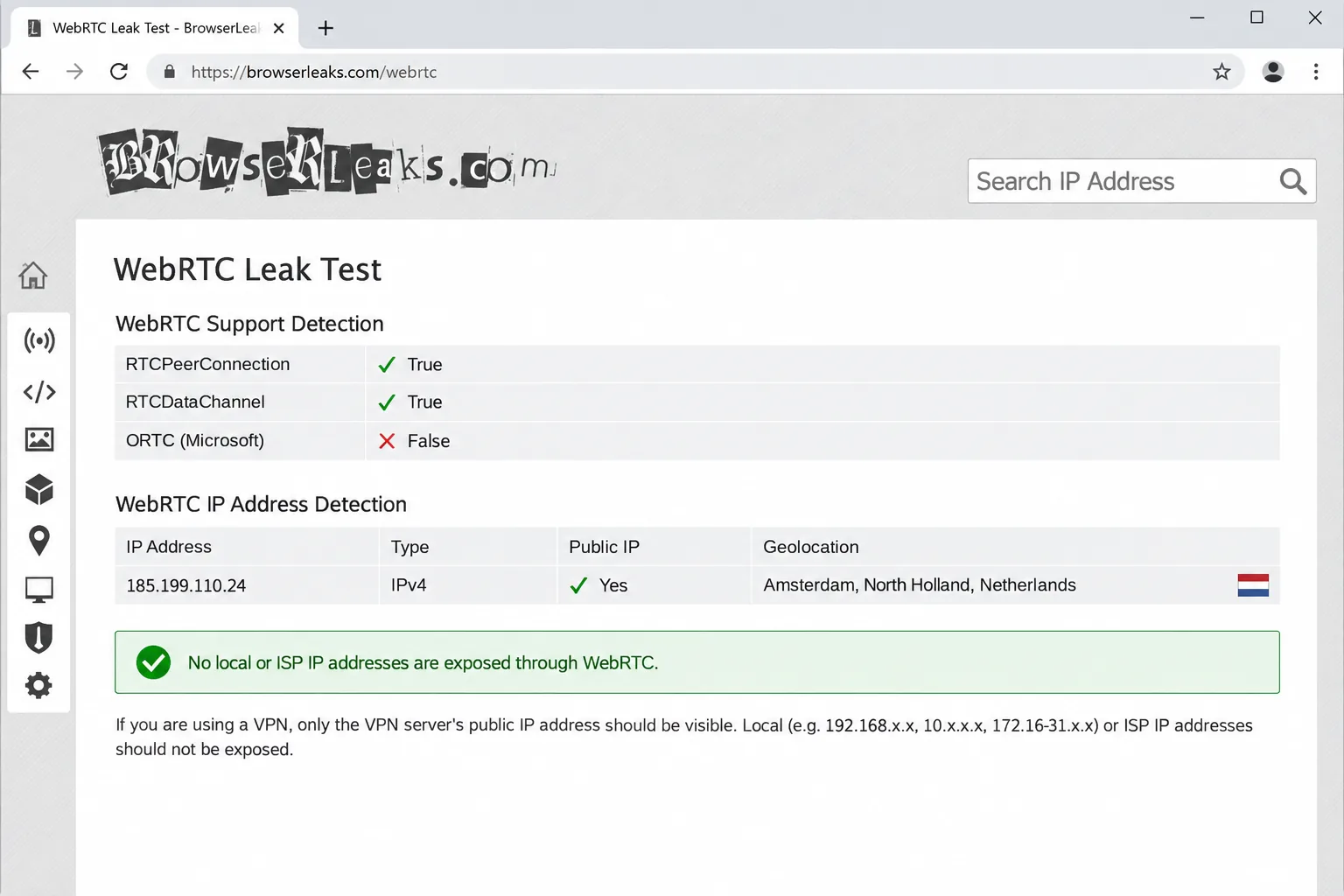
- WebRTC leaks, where a browser feature for calls and video reveals your real IP.
- IPv6 leaks, where traffic on the newer address format bypasses the tunnel.
- Browser fingerprint, the mix of fonts, screen size and settings that can identify you without cookies.
The best Whoer.net alternatives for leak tests
Each free tool provides a different angle, so pick based on what you want to understand.
- ipleak.net is our go-to for a quick check. You can test for DNS, WebRTC and IPv6 leaks on ipleak.net in one page, and it even detects your torrent client's address through a magnet link. It is run by AirVPN.
- BrowserLeaks is the most detailed option. You can run a WebRTC and DNS leak test on BrowserLeaks and then dig into Canvas, WebGL, font and TLS fingerprinting. It can feel overwhelming for casual users.
- Pixelscan is a free instant scan with no registration. You can check your browser fingerprint with Pixelscan, which also flags DNS leaks, blacklisted IPs and time-zone mismatches.
- Cover Your Tracks comes from the Electronic Frontier Foundation. EFF's Cover Your Tracks fingerprint test shows how well your browser resists tracking and lists its most identifying traits.
- WhatIsMyIPAddress is the simple choice when you only need the basics. You can confirm your new IP address on WhatIsMyIPAddress along with its location and ISP details.
IP.me and MyIP.com also show your IP address, but they add little beyond the tools above.
Fake Whoer.net clone sites exist. Whoer.net's own warning about clones lists lookalike domains such as whoer.co, whoeer.net and wh0er.net, and says they may collect your data or show fake anonymity results. A separate whoer.net post carries a title warning against checkers like whoer.com and whoer.to. Type the address carefully, or use one of the tools above.
How to check any VPN for leaks, step by step
You don't need technical skills to test a VPN. The whole check takes a few minutes. Our guide on how to test your VPN for DNS leaks goes deeper on that one test.
- Record your baseline. With the VPN off, open ipleak.net and note your real IP address and your internet provider's DNS servers.
- Turn on the kill switch. Open your VPN app's settings, then switch on the kill switch before you connect. Some apps ship with it switched off.
- Connect and retest. Connect to a server and reload ipleak.net. Your IP should now belong to the VPN, and your provider's DNS servers should be gone from the list.
- Check WebRTC and IPv6. Look at the WebRTC section on ipleak.net or BrowserLeaks. If it still shows your provider's IP, your browser is leaking through WebRTC. Then check the IPv6 result that ipleak.net shows alongside your IPv4 address. If that IPv6 address belongs to your provider rather than the VPN, IPv6 traffic is slipping outside the tunnel.
- Simulate a network change. Switch Wi-Fi networks while connected, then run the test again. Leaks often appear during a change like this, which is exactly when a kill switch should step in.
- Repeat on your phone. Mobile apps behave differently from desktop ones. On Android, the system runs some connectivity checks outside the VPN tunnel even while the VPN is active, so expect a little background traffic there.
Run two tools, not one, because each checks slightly different things. Keep the kill switch on while you test, and retest after every app update, since an update can reset your settings.
Is Whoer VPN still worth using?
For most users, no. The $1 trial makes it cheap to try, and the desktop app is pleasant enough, but the gaps we covered above outweigh both. The missing no-logs audit and the off-by-default kill switch matter most for a privacy tool. Our Whoer VPN review has the full breakdown.
If you want one VPN that fixes all of that, start with NordVPN. If you want to stand out less online without paying anything, Proton VPN Free is the safer free choice. Whichever you pick, run the leak checks above on day one.