Looking for a Touch VPN alternative? For most people, Proton VPN is the best swap, because its free plan has no data limit and no ads, and the service has passed an independent no-logs audit. If you are ready to pay, NordVPN is the upgrade we would pick.
We put Touch VPN through the same speed, leak and streaming checks as its rivals, and the gap was wide. We score it 4.5/10 in our Touch VPN review, while every alternative below earns 8.4/10 or better in its own full review. Below you'll find seven safer options, free and paid, with prices, device limits, platforms and browser extensions compared side by side, so you can match one to the way you actually use a VPN.
Best Touch VPN alternatives at a glance
If you only have a minute, these are the three picks that cover most Touch VPN users: one free plan with no data cap, one free plan with more control over locations, and one paid service that does everything well.
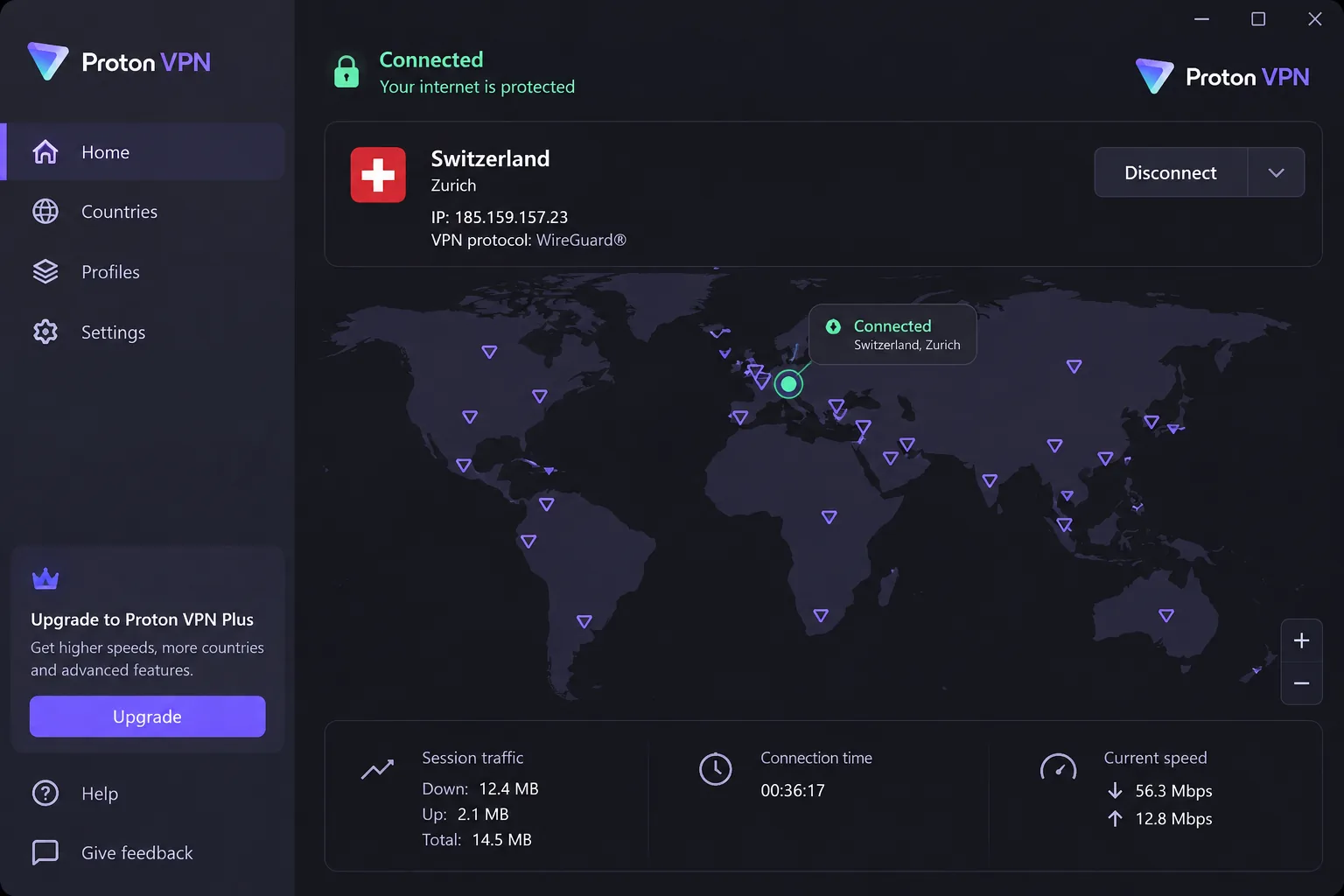
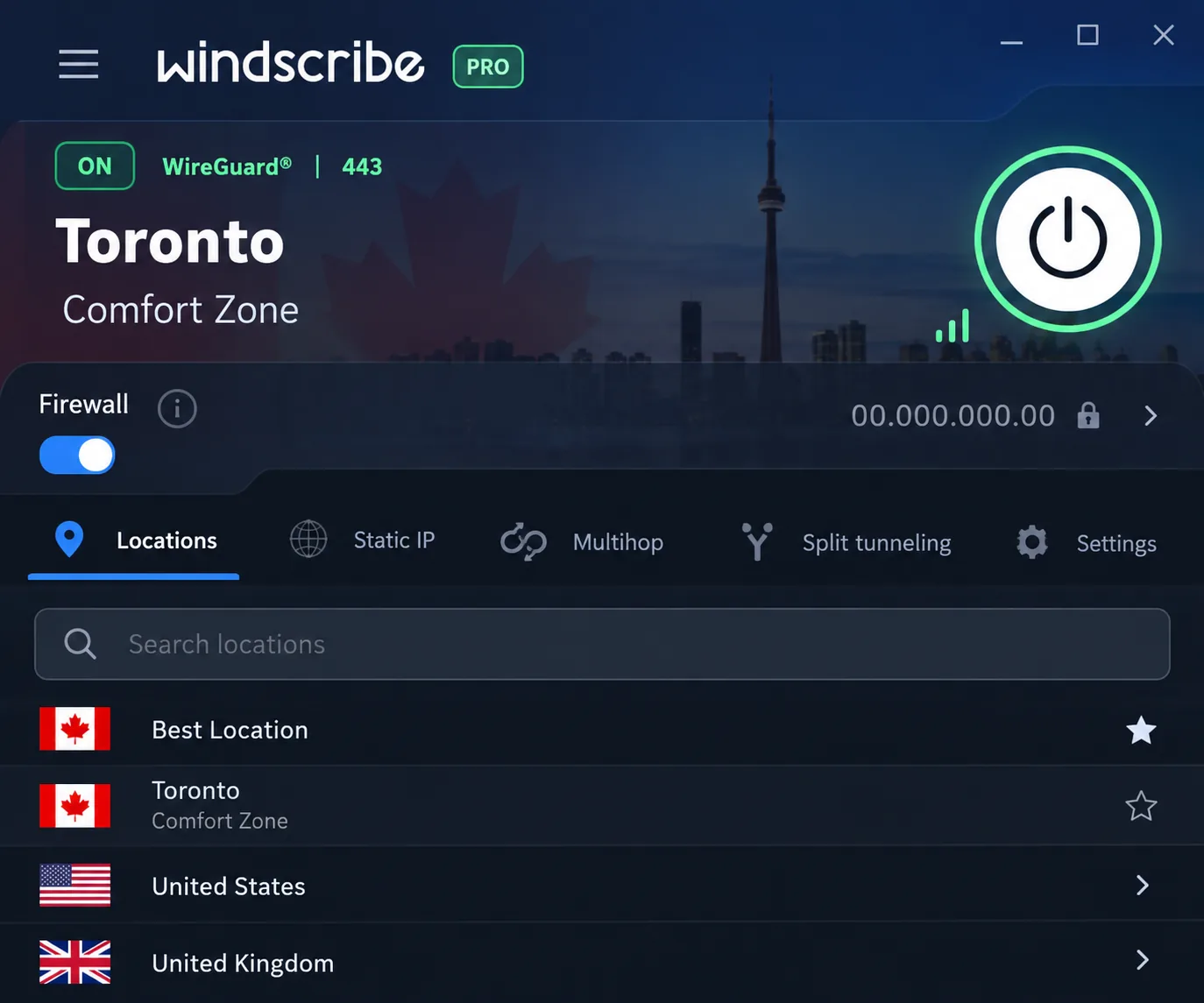
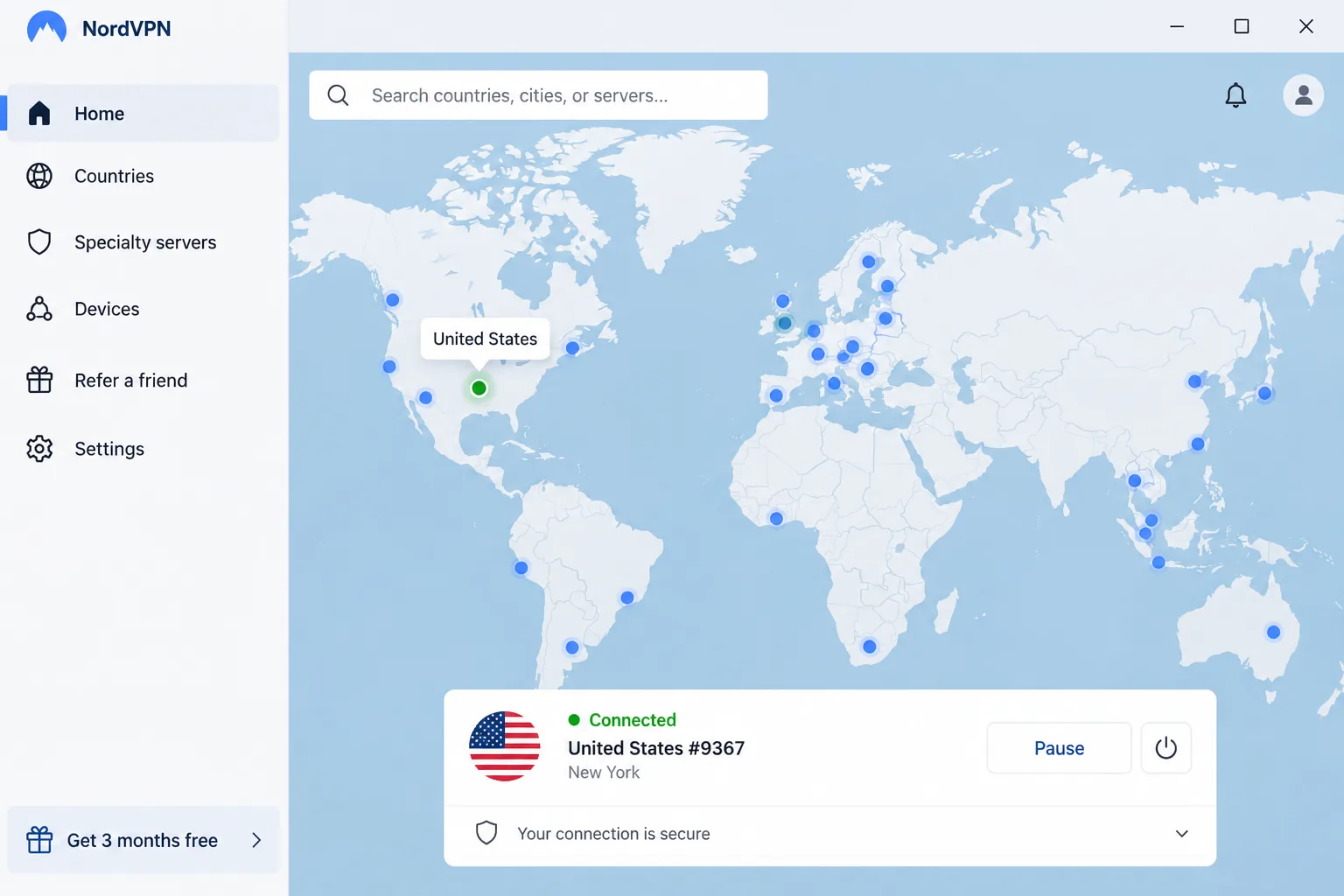
The table below puts all seven alternatives next to Touch VPN, which sits in the last row as the baseline. Prices marked "about" are promotional rates that change with each vendor's sales.
| Product | Buy | Free plan | Starting price | Server countries | Devices | No-logs audit | Streaming | Platforms and extensions |
|---|---|---|---|---|---|---|---|---|
 |
Check price → | Yes: unlimited data, 1 device, 10 countries | $9.99/mo; about $3.49/mo on 2 years | 140+ | 10 (1 on Free) | Securitum (2025) | Reliable on paid plans | Windows, macOS, Linux, iOS, Android; Chrome and Firefox (free users included) |
 |
Check price | Yes: 2GB/mo, 10GB with email | $9/mo or $69/yr | 69+ on Pro; about 10 free (rotates) | Unlimited | Court-tested (Greece, 2025) | Inconsistent | Windows, macOS, Linux, iOS, Android; Chrome, Firefox, Edge |
 |
Check price | No | About $3.09-$3.49/mo on 2 years | About 118-167 (depends on virtual locations) | 10 | Deloitte (sixth, 2025-26) | Reliable | Windows, macOS, Linux, iOS, Android, TV; Chrome proxy (paid) |
 |
Check price | No (app-store trial) | $2.49/mo on 2 years | 100 | Unlimited | Deloitte (2025) | Reliable | Windows, macOS, Linux, iOS, Android, TV; Chrome, Firefox, Edge |
 |
Check price | No | About $1.89/mo on 3 years; $11.95/mo | 104 (recently changed) | Unlimited | Deloitte (Dec 2025) | Weak | Windows, macOS, Linux, iOS, Android; Chrome and Firefox proxy (paid) |
 |
Check price | No | EUR 5/mo flat | About 50 (list changes) | 5 | Multiple (Cure53, Assured AB) | Hit or miss | Windows, macOS, Linux, iOS, Android; Firefox-based browsers only |
 |
Check price | No VPN plan; separate free Chrome proxy | $12.99/mo; about $1.99/mo on 2 years | 100+ | 7 | Deloitte (Q4 2025) | Strong (streaming servers) | Windows, macOS, Linux, iOS, Android, Fire TV, Android TV |
 |
Yes, ad-supported; 500 MB/day in the apps (site says unlimited) | $12.99/mo or $79.99/yr | 80+ or 90+ (vendor figures differ) | 5 paid; any number free | None | Fails in our tests | Windows, macOS, iOS, Android; Chrome, Firefox, Edge |
1. Proton VPN - best free Touch VPN alternative
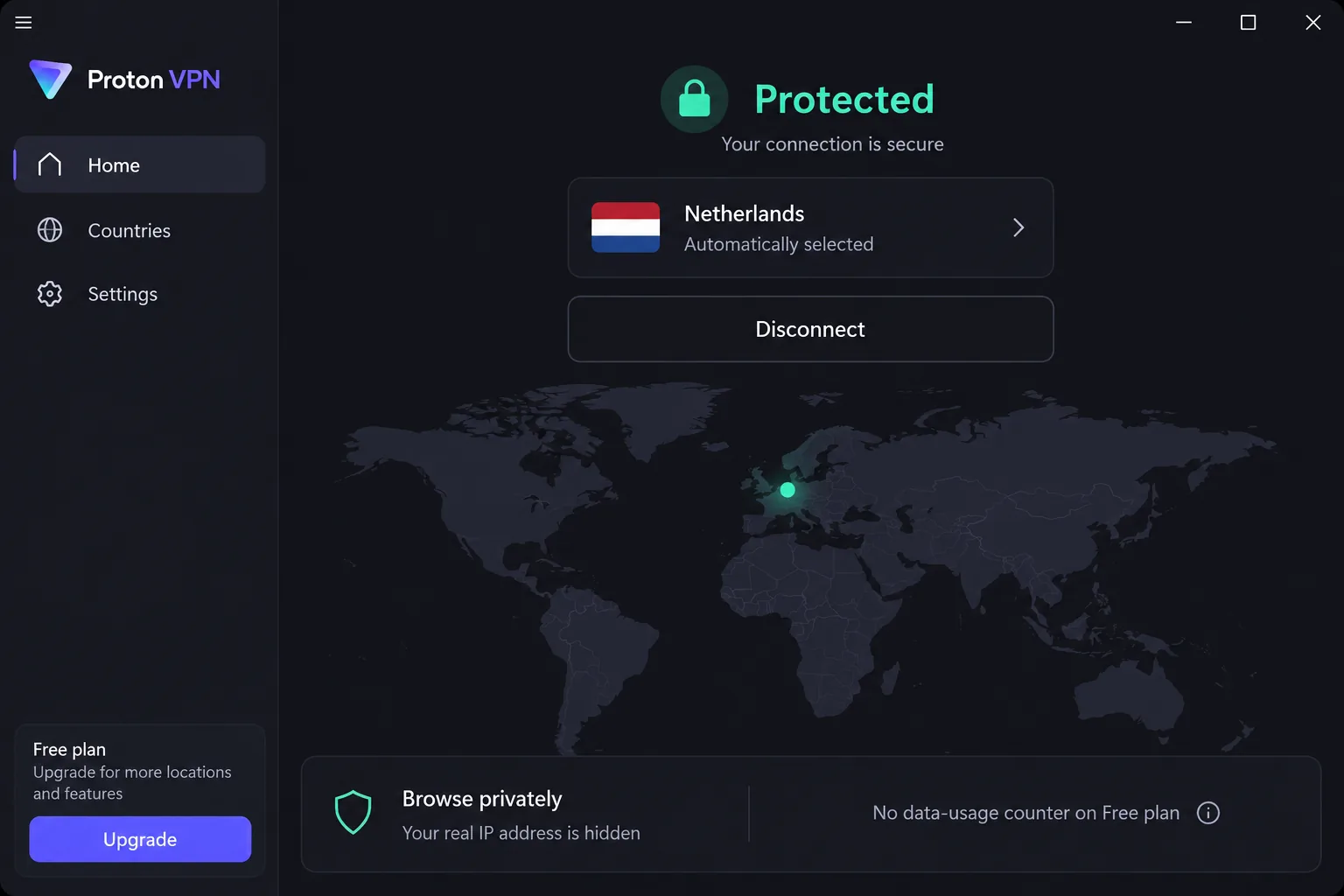
Proton VPN is the only pick here whose free plan has no data limit, no ads and no credit card requirement. That makes it the closest like-for-like swap for a Touch VPN user who never planned to pay. The catch is scope. Proton Free covers 1 device at a time and connects you to servers in 10 countries that it selects for you, with no manual country choice.
Paid VPN Plus costs $9.99 on monthly billing, or $3.49 a month on the two-year plan. That two-year rate moves with Proton's seasonal sales and renews at a different price. Plus covers 10 devices and opens up 20,000+ servers in 140+ countries, with a 30-day money-back guarantee. Proton runs on Windows, macOS, Linux, Android and iOS, and its Chrome and Firefox extensions have been open to free users since August 14, 2024. That matters if you mostly used Touch VPN in the browser, though the extension protects only browser traffic, not the rest of your device.
Proton is based in Switzerland. A Securitum audit, carried out on-site in Zurich in August 2025, concluded that the service complies with its no-logs policy, and anyone can read Securitum's 2025 no-logs audit report. The apps are open source and include WireGuard, OpenVPN and a Stealth protocol, plus Secure Core routing and the NetShield ad and tracker blocker.
Installing it on our test machines took about two minutes, and the apps explain each setting in plain language instead of hiding it behind protocol names. On the free tier we saw no throttling and never hit a data cap. Coming from Touch VPN's daily allowance, that is the biggest single change. On the paid plan, nearby servers cost us under 10 percent of our download speed, and leak tests across dozens of server countries showed no DNS, IPv6 or WebRTC leaks. We score Proton VPN 9.0/10 in our full Proton VPN review.
Pros and cons
Pros
- Free plan with no data limit and no ads
- Free Chrome and Firefox extensions
- Audited no-logs policy under Swiss jurisdiction
- Netflix, Prime Video, BBC iPlayer, Disney+, HBO Max and Hulu unblock on paid plans without server hopping
Cons
- Free plan covers one device and picks the country for you
- No streaming or P2P on the free tier
- Live chat is not 24/7, and email replies can take about two days
2. Windscribe - best free plan with more locations
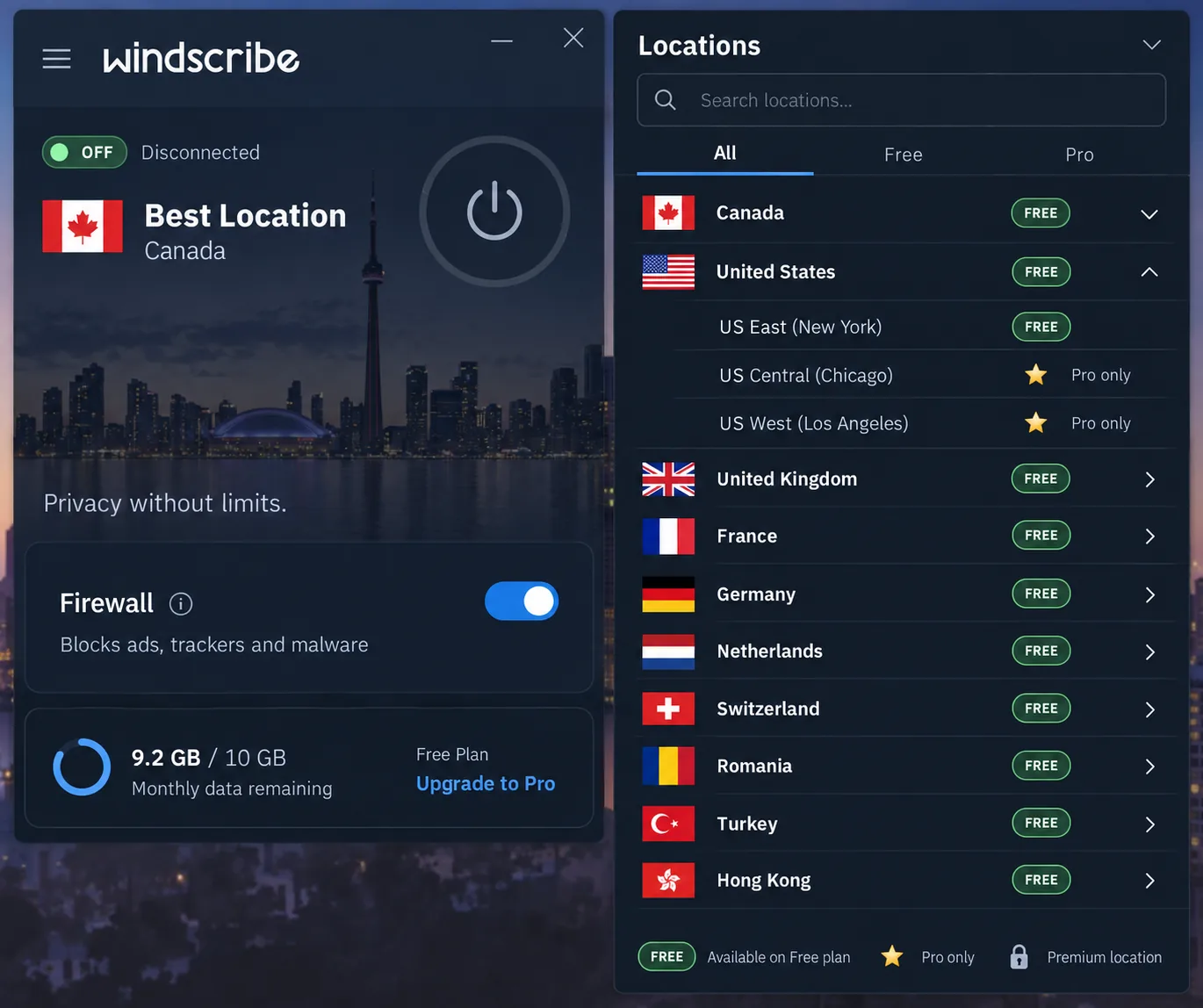
Windscribe's free plan gives you 2GB a month without an email address and 10GB a month once you confirm one. Unlike Proton, it lets you choose the server location yourself. Free users get servers in about 10 countries, though Windscribe rotates which locations are free, so the count varies. It also allows unlimited simultaneous devices on every plan, free included.
Pro costs $9 a month or $69 a year. Build-a-Plan instead charges $1 per location per month (with a $3 minimum), and each location adds 10GB a month. Paid users reach 69+ countries and 112 cities. Apps cover Windows, macOS, Linux, Android and iOS, plus Chrome, Firefox and Edge extensions, so a Touch VPN extension user can swap like for like in all three browsers. Windscribe's no-logs claim has also been tested in court: a Greek court dismissed charges against its CEO on April 11, 2025, accepting that the company held no user logs.
What surprised us on the free tier was how little it held back. The free plan kept the full feature set, including the R.O.B.E.R.T. ad and tracker blocker and the firewall that works as a kill switch. Free servers ran at roughly the same speeds as Pro, but at busy moments congestion caused sudden drops of up to 90 percent. For streaming, 10GB a month stretches to roughly 33 hours of lowest-quality video, against about two hours on Touch VPN's daily allowance. We rate Windscribe 8.5/10 in our Windscribe review.
Pros and cons
Pros
- Free plan lets you pick your own location
- Unlimited devices, even on the free plan
- Free plan keeps the ad blocker and firewall
- Build-a-Plan lets you pay only for the locations you need
Cons
- Free data runs out at 10GB a month
- Congestion can cut free-server speeds sharply
- Netflix access is inconsistent, especially on distant servers
3. NordVPN - best overall paid upgrade
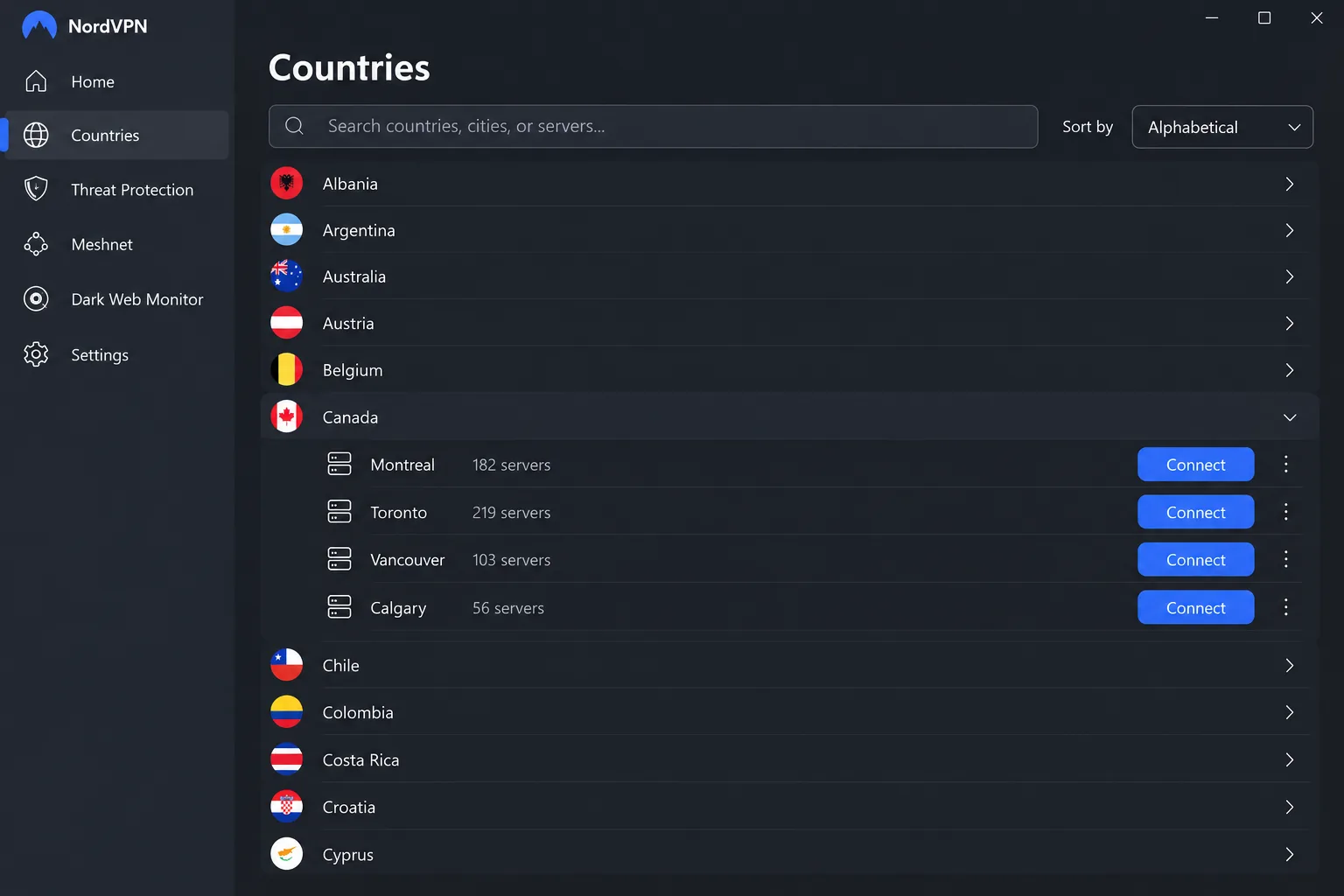
NordVPN has no free plan, so it is an upgrade rather than a swap. The two-year Basic plan runs roughly $3.09 to $3.49 a month, an introductory rate that moves with promotions and renews higher. One subscription covers 10 devices and comes with a 30-day money-back guarantee, and the network spans 9,000+ servers. Its country total is quoted anywhere from about 118 to 167, depending on how virtual locations are counted.
Apps cover Windows, macOS, Linux, Android, iOS, Apple TV and Fire TV. The Chrome proxy extension is free to install but needs a paid subscription and covers browser traffic only. NordVPN is based in Panama. Deloitte has now completed six no-logs assurance engagements for it, the latest with fieldwork from November to December 2025. Extras include Threat Protection Pro, Double VPN, obfuscated servers, Meshnet, RAM-only servers and post-quantum encryption.
On nearby servers we lost only single-digit percentages of download and upload speed, and 4K streams played without buffering. Connections held without unexpected drops over our sessions, and when the tunnel failed, the kill switch cut traffic straight away. Two small annoyances stood out. The desktop map needs zooming before you can reach city-level servers, so the list view is quicker. Renewal charges also landed about two weeks before the term ended, which is worth a calendar reminder. We give NordVPN 9.0/10 in our NordVPN review.
Pros and cons
Pros
- Single-digit speed loss on nearby servers, with smooth 4K playback
- Netflix, Hulu, BBC iPlayer, Prime Video, Disney+ and HBO Max unblock reliably
- Six Deloitte no-logs assurance reports
- Apps for TVs as well as computers and phones
Cons
- No free plan
- Renewal price is higher than the introductory rate
- Chrome extension needs a paid subscription
4. Surfshark - best for unlimited devices
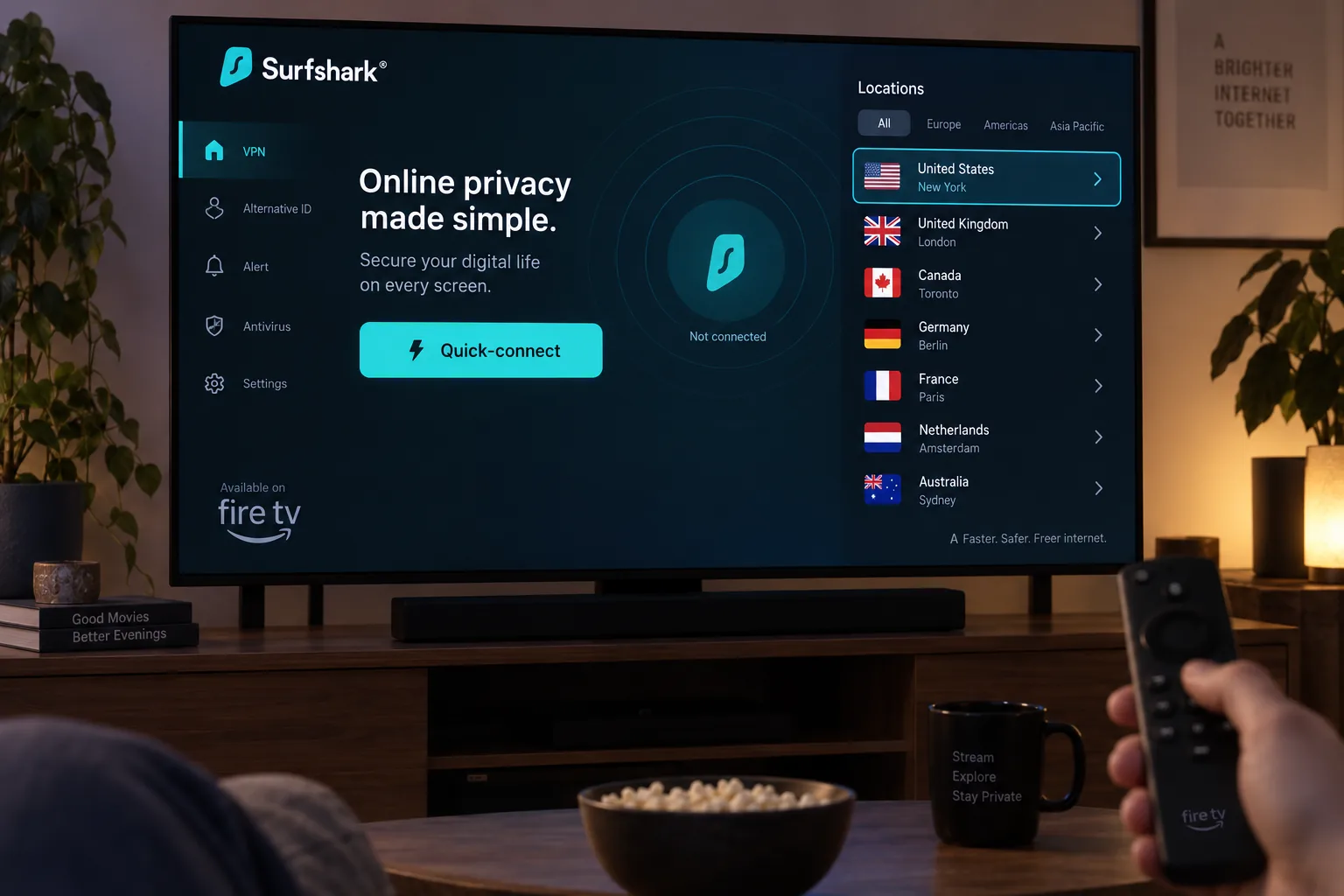
Surfshark's headline is unlimited simultaneous devices on one subscription, which suits a household that ran Touch VPN's free app on every phone and tablet. Starter costs $2.49 a month on the two-year plan ($67.23 for the first 27 months, including 3 bonus months) and renews at $79 a year, with a 30-day money-back guarantee. There is no free plan, only an app-store trial limited to 3 devices. The network covers 4,500+ servers in 100 countries.
Surfshark runs on Windows, macOS, Linux, iOS, Android, Apple TV and Fire TV, with Chrome, Firefox and Edge extensions. It is based in the Netherlands, and Deloitte verified its no-logs policy in 2023 and again in 2025. CleanWeb blocks ads and trackers, Camouflage mode hides the fact that you are using a VPN, and every server runs RAM-only.
The cost of encryption showed up more clearly in our Surfshark speed checks than in our NordVPN ones. Download speed dropped about 17 percent on Windows and about 31 percent on macOS, though latency stayed steady on both. The native apps made setup on Android TV, Apple TV and Fire TV painless, and when the VPN dropped, the kill switch cut internet access instantly. Surfshark scores 8.6/10 in our Surfshark review.
Pros and cons
Pros
- Unlimited devices on every paid plan
- Netflix works across regions without VPN detection
- Native apps for Android TV, Apple TV and Fire TV
- Deloitte-verified no-logs policy, twice
Cons
- No free plan, only a 3-device app-store trial
- Bigger speed drop on macOS than on Windows
- Renews at $79 a year after the first term
5. Private Internet Access - best budget pick
Private Internet Access is the cheapest long-term option here, at about $1.89 a month on its three-years-plus-three-months deal. That deal renews at $73.71 every three years. PIA rotates that intro rate from week to week, so expect it to move. A year costs $47.88 and a single month $11.95. Like Surfshark, it allows unlimited simultaneous devices, and new subscribers get a 30-day money-back guarantee (app-store purchases follow store terms). Its current page advertises servers in 104 countries, including all 50 US states, a figure that changed within weeks.
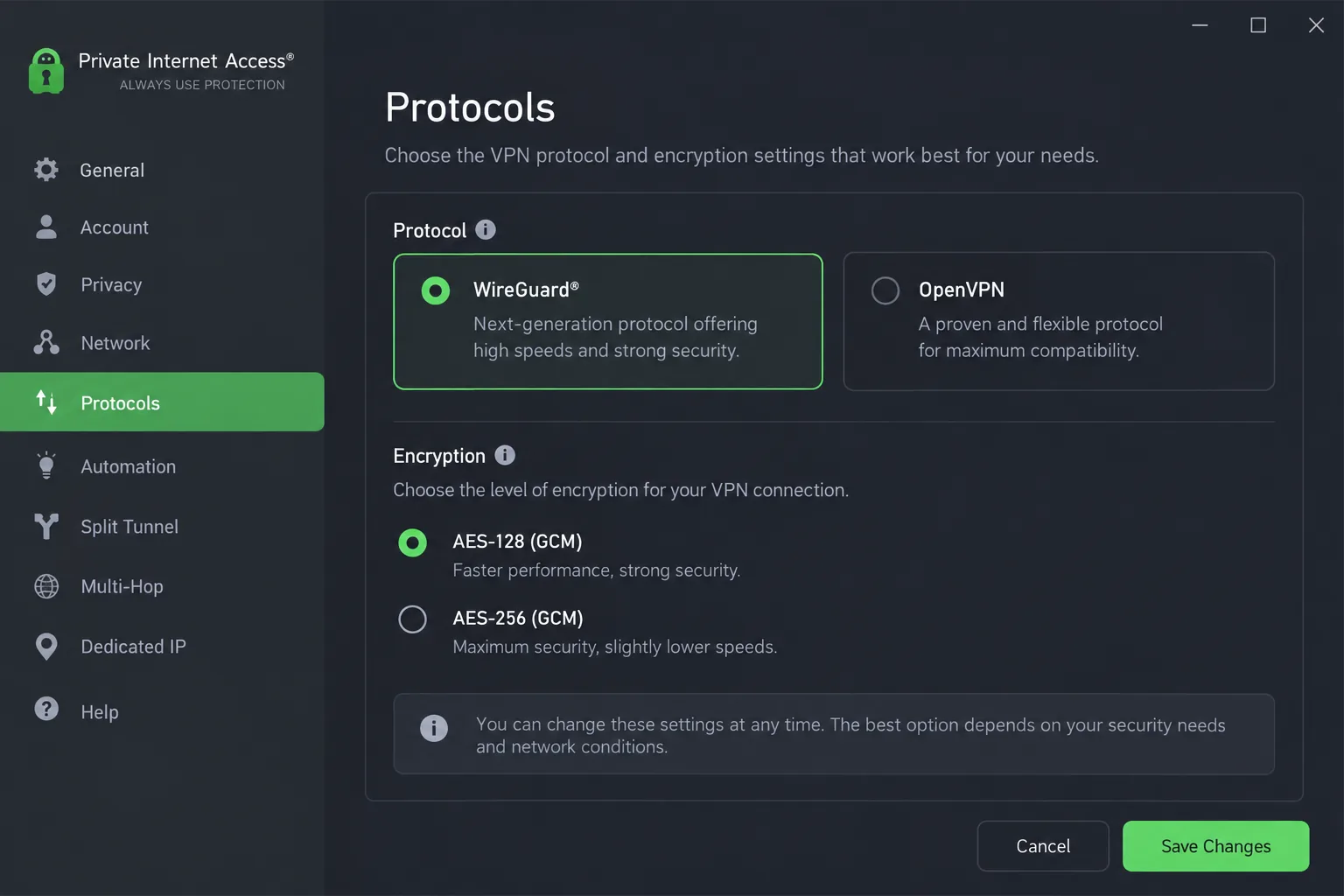
PIA has open-source apps for Windows, macOS, Linux (with a native desktop app), Android and iOS. Its Chrome and Firefox proxy extensions need your subscription login and cover browser traffic only. It is US-based and has been owned by Kape Technologies since 2019. Deloitte completed its third no-logs assurance for PIA on December 19, 2025, and the servers run RAM-only. Power users get port forwarding (not on US servers), split tunneling and a choice of AES-128 or AES-256 encryption.
Speed loss was small in our testing, about 4 percent on local servers and 18 percent on international ones. The desktop app's long settings list overwhelmed us at first, but it became easy to use once we had tuned it the way we wanted. We rate PIA 8.4/10 in our PIA review.
Pros and cons
Pros
- One of the lowest long-term prices here
- Unlimited devices
- Small speed loss on local and international servers
- Deep settings for split tunneling, port forwarding and encryption
Cons
- US and UK Netflix no longer unblock, and Disney+ and Hulu detect the VPN
- Settings list can overwhelm beginners
- US jurisdiction
6. Mullvad - best for anonymity
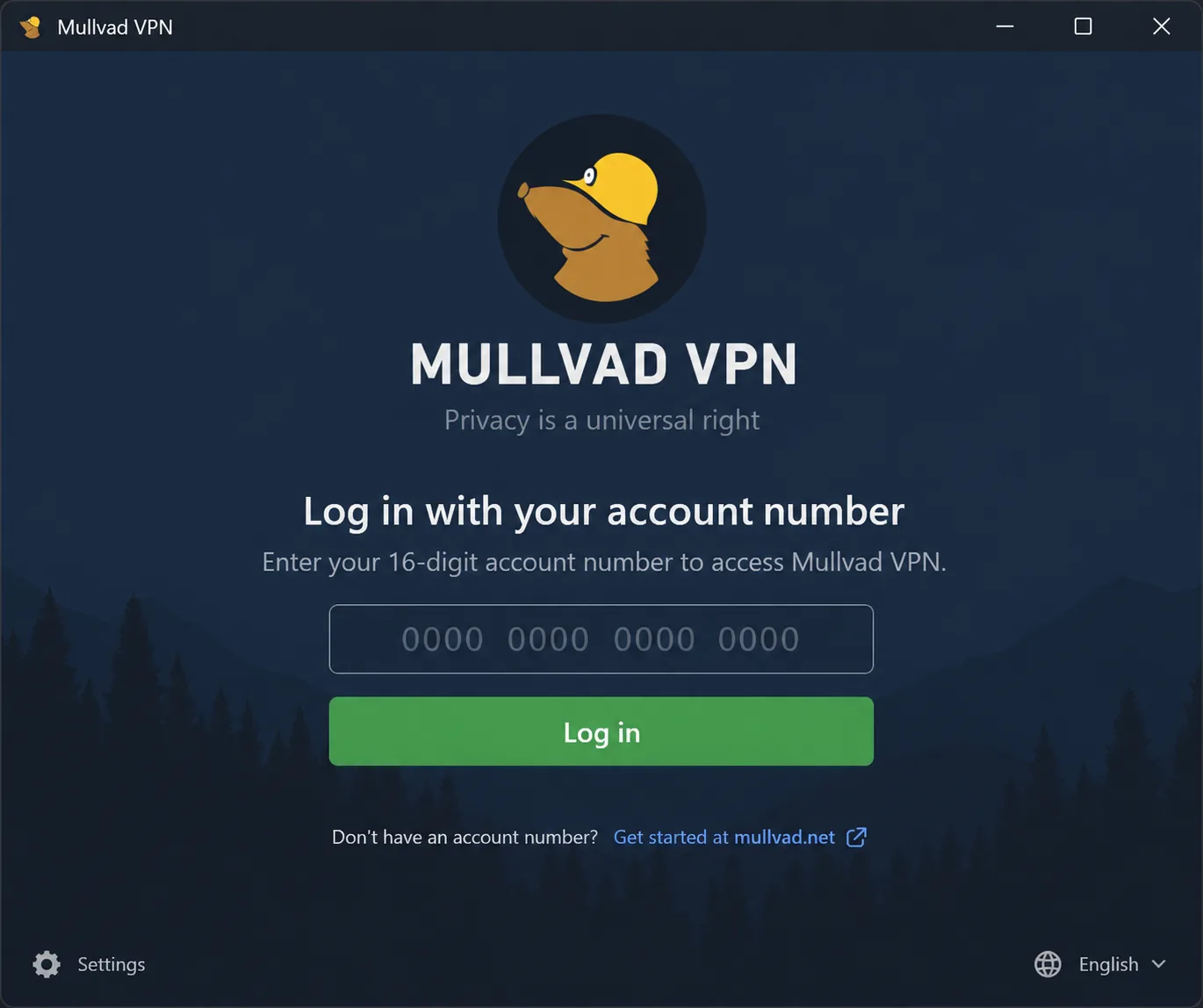
Mullvad charges a flat EUR 5 a month whatever the term, with a 10 percent discount for crypto, so the price never jumps at renewal. Sign-up generates a random 16-digit account number with no email, username or password. That approach is the opposite of Touch VPN's ad-tracked free tier. Each account covers 5 devices. There is no free plan or trial, and Mullvad offers a 14-day money-back guarantee (cash payments excluded). Its server list spans about 50 countries, though that changes as Mullvad adds and retires servers.
Mullvad is based in Sweden and has passed more than ten independent audits from firms including Cure53 and Assured AB. A 2023 Swedish police raid also found no user data to seize. Apps cover Windows, macOS, Linux, Android and iOS. It is the one pick with no Chrome extension: its browser extension works only in Firefox and Firefox-based browsers, and its proxy works only inside a Mullvad VPN tunnel. Since January 2026 it has run on WireGuard only, with DAITA, multihop and obfuscation for harder cases, and you can pay by cash, crypto, card, PayPal or bank transfer.
Sign-up took us seconds, since the random account number is the only login. Local speed loss was only around 6 percent, while distant servers slowed downloads noticeably. Streaming was hit or miss, with some servers reaching Netflix and others getting detected. Mullvad scores 8.5/10 in our Mullvad review.
Pros and cons
Pros
- No email or personal details needed to sign up
- Flat price with no renewal increase
- More than ten independent audits, plus a police raid that found no data
- Accepts cash and crypto
Cons
- No free plan or trial
- No Chrome extension
- Email-only support, with replies in hours rather than minutes
7. CyberGhost - best for streaming beginners
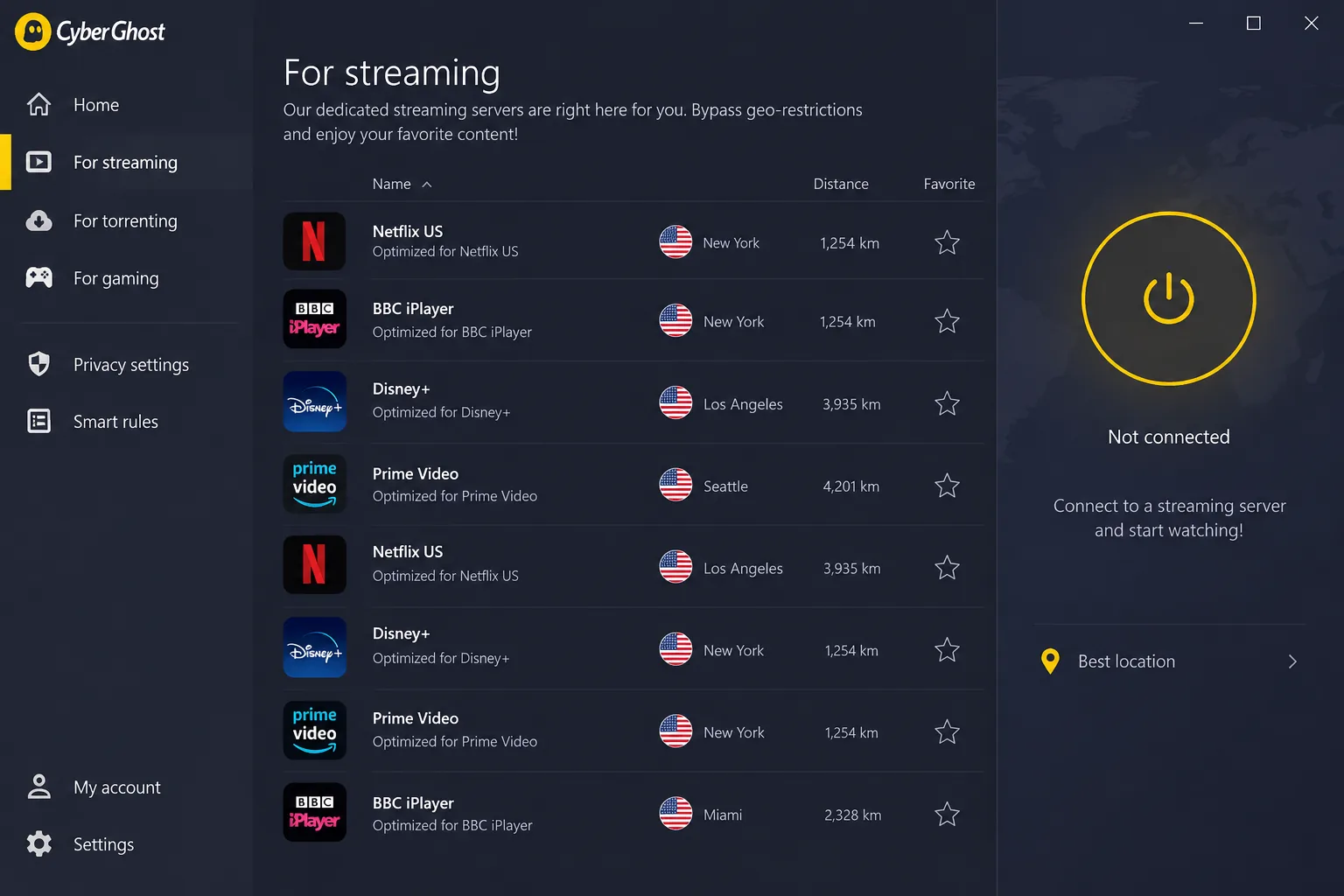
CyberGhost costs $12.99 on monthly billing or about $1.99 a month on its two-years-plus-two-months plan ($51.74 upfront). That long-term rate shifts with rotating promotions. The 2-year and 6-month plans carry a 45-day money-back guarantee, while the monthly plan gets 14 days. One subscription covers 7 devices on servers in 100+ countries, and the apps list dedicated streaming servers labeled by service, so you do not have to guess which one works.
There is no free VPN plan, but a separate free CyberGhost Chrome proxy extension needs no account and offers a handful of locations. Its location list and update status differ between store snapshots, and it is a proxy rather than the full VPN, so treat it as a stopgap. The full apps cover Windows, macOS, Linux, iOS, Android, Fire TV and Android TV. CyberGhost is based in Romania and, like PIA, owned by Kape Technologies. Deloitte completed its third no-logs assurance for the service in Q4 2025. It also runs NoSpy servers on RAM-only hardware and offers 24/7 live chat.
Setup was beginner-friendly and quick, and switching protocols on desktop took about four seconds. Through the dedicated streaming servers, Netflix US, BBC iPlayer, Disney+ and Prime Video unblocked on the first try. Nearby servers lost little speed, roughly 5 to 19 percent, but long-distance servers dropped by about 44 to 59 percent. We score CyberGhost 8.4/10 in our CyberGhost review.
Pros and cons
Pros
- Streaming servers labeled by service
- 45-day money-back guarantee on longer plans
- 24/7 live chat
- Quick, beginner-friendly setup
Cons
- Long-distance servers lose about half your speed
- Windows app looks dated next to newer rivals
- Free Chrome extension is only a proxy
Why look for a Touch VPN alternative?
Touch VPN is a free, ad-supported VPN and proxy service with a large following, and it is still live in 2026. Its Chrome Web Store listing shows 3,000,000 users, and the extension was last updated on September 7, 2026. The appeal is simplicity: installing and connecting takes one tap, and the free version needs no account or payment details. App-store ratings stay high (4.6/5 on iOS, 4.2/5 for the Chrome extension), but they reward that one-tap simplicity rather than the privacy setup.
The problems start with how the free service pays for itself. Touch VPN's privacy policy names Unity Ads, ironSource, Kochava and Google Publisher as ad partners for its free apps. On mobile, every connection we made started with a video ad, and the Android app kept a banner ad on screen while we stayed connected. Touch VPN markets unlimited bandwidth while its free apps enforce a 500 MB daily allowance, so the free limit depends on which claim you read. In our testing, that allowance covered roughly half an hour of SD Netflix.
Speed and streaming did not make up for it. Local servers kept almost all of our baseline download speed, a 2 to 5 percent drop, but international servers lost around 89 percent on average and up to 98 percent on a Japan server. Netflix (US and UK), BBC iPlayer, HBO Max, Hulu, Prime Video and Disney+ stayed blocked. Only ITV Hub loaded on the paid plan, and the free plan unblocked nothing. The Chrome extension even handed us a UK IP address while Canada was selected.
Ownership is the last reason, and it rules out two apps you might reach for next. The privacy policy names the operator as VPN Proxy Pro, LLC, "a Pango Group company," with TouchVPN LLC as an affiliate and an address in Boston. Pango was part of Aura until September 3, 2024, when Aura split into two companies. The portfolio list published that day put Touch VPN alongside Betternet, Hotspot Shield, Ultra VPN and VPN 360. Hotspot Shield and Betternet are not on our list for that reason: they come from the same company, and both use Catapult Hydra, the same proprietary protocol as Touch VPN's mobile apps. Switching to a sibling app changes the logo but not the company handling your traffic, which is why our Betternet VPN alternatives guide steers away from the same family.
How we picked and tested these alternatives
We built the shortlist around the weak spots we found in Touch VPN, then held every candidate to the same checks. Free-tier limits came first because most Touch VPN users never paid. We looked at data caps, free device limits and whether ads fund the service. Next came logging policies and whether an independent firm or a court had tested them, followed by ownership and jurisdiction, since a sibling app from the same parent fixes nothing.
Network size, simultaneous devices and platform coverage came after that. We gave browser extensions extra weight because many Touch VPN users only ever ran the Chrome, Firefox or Edge extension. An alternative without one forces a change of habit. Streaming support and price rounded out the criteria, including what each plan renews at, not just the introductory rate.
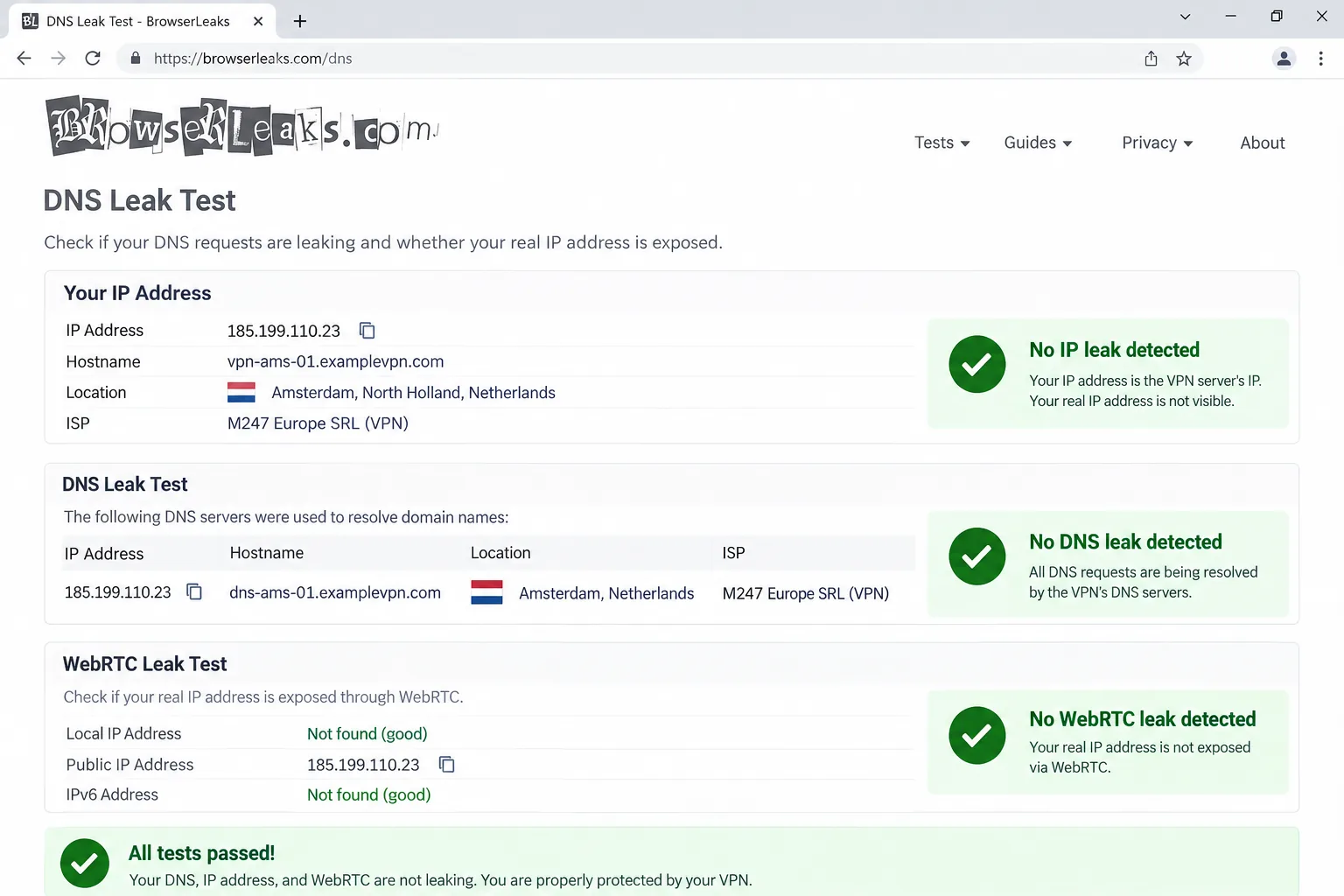
For speed, we compared nearby servers with distant ones, since Touch VPN's weakness showed up on international routes rather than local ones. We ran DNS, IPv6 and WebRTC leak checks, tried the major streaming libraries on each service and watched what each kill switch did when a connection failed. Every pick also has its own full review on our site, and the ratings in the table come from those reviews' verdicts. We left out Pango's sibling apps and any free app with a documented privacy incident.
Free vs paid: which kind of Touch VPN alternative do you need?
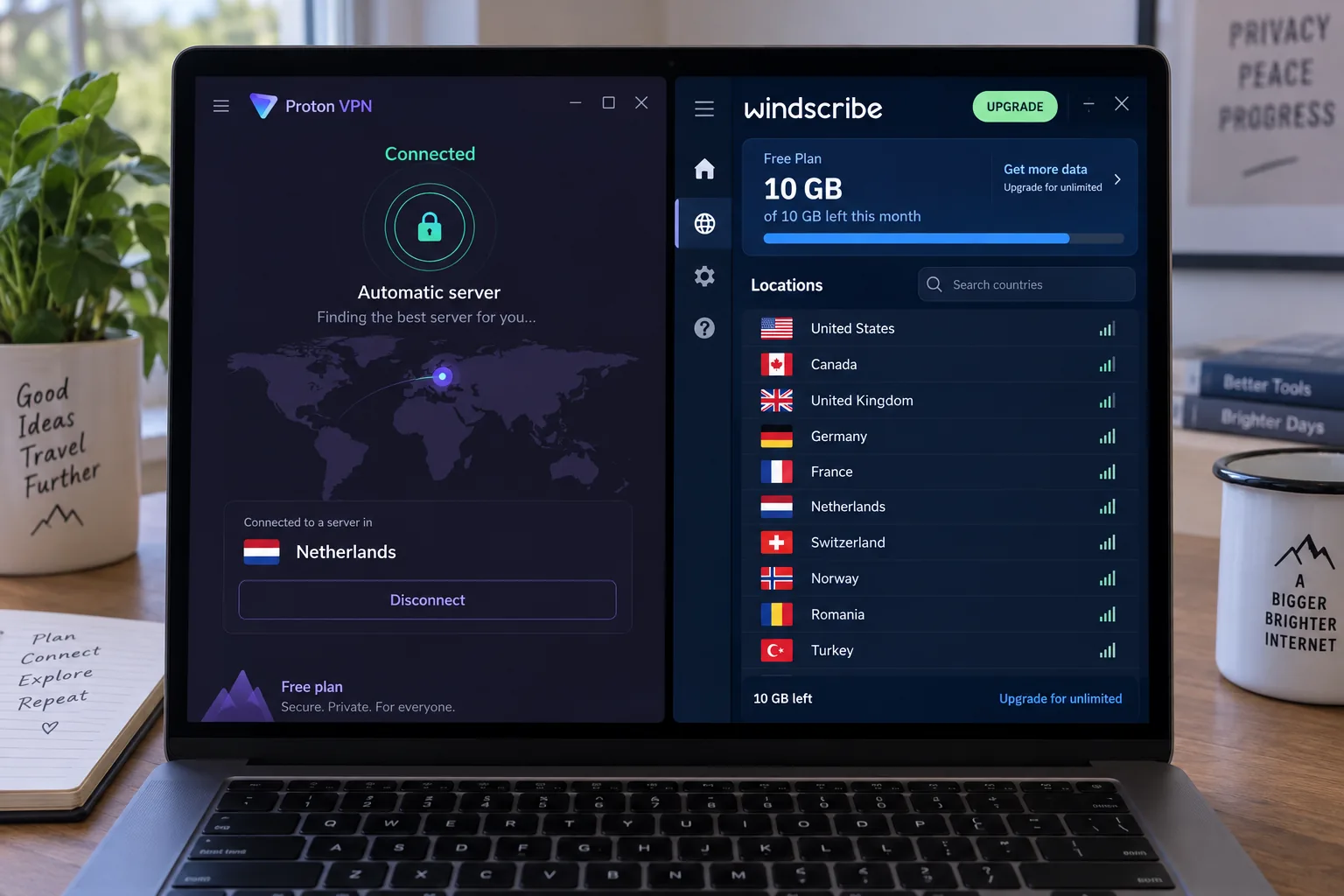
Stay free if you used Touch VPN for occasional public Wi-Fi sessions, light browsing or a quick change of location in Chrome. Proton VPN is the safer default, since its unlimited data means you will not run dry mid-session. Windscribe suits you better if you want to choose your country or protect multiple devices on one free account. Neither free plan is built for streaming, and both apply limits a paid plan removes.
Pay if you stream, torrent, game or want a VPN on a TV. Compare any paid pick against Touch VPN's own paid tier, which costs $12.99 for one month or $79.99 for one year. That yearly price is higher than Surfshark's or PIA's long-term rates, and Touch VPN still offers no independent no-logs audit for the money. NordVPN is our all-round paid choice, Surfshark and PIA cover the most devices for the least, Mullvad keeps your identity out of the account entirely, and CyberGhost makes streaming servers easy to find.
If you want more free options beyond these two, our roundup of the best free VPN alternatives compares the wider field.
Free VPN apps to avoid as a Touch VPN replacement
Touch VPN is not the only free app that turns up on alternatives lists, and several of the most common names have documented problems. In 2023 a security researcher found an exposed, non-password-protected database linked to SuperVPN holding more than 360 million records. That data included emails, original IP addresses, geolocation and server usage records, which contradicted SuperVPN's no-logs claim. Our SuperVPN alternatives guide covers safer replacements.
Turbo VPN and VPN Proxy Master come from the Innovative Connecting network, whose sole shareholder, Lemon Seed Technology, was acquired by Qihoo 360 in 2019. The US Commerce Department placed Qihoo 360 on its Entity List in June 2020. Qihoo says it sold the companies in September 2020, but the Tech Transparency Project's 2025 investigation into free VPN apps found evidence of a continuing connection. The same research found that 20 of the top 100 free VPN apps in the US App Store in 2024 were owned by companies or individuals in mainland China or Hong Kong that did not clearly disclose that ownership.
Hola works differently from a standard VPN. In late 2014 it began selling access to its free users' connections as exit nodes under the Luminati brand, now Bright Data. That is why we cover replacements in our Hola VPN alternatives guide. Planet VPN, another no-signup app, appears on many of the same lists, and our Planet VPN alternatives guide looks at it in detail.
Before installing any free VPN, check who owns it and how it is funded. An app that hides its owner and has no paid tier still needs revenue, and with SuperVPN, Turbo VPN and Hola, researchers found out where it came from: user records, undisclosed ownership and the users' own connections.