Turbo VPN connects in one tap, but the problems show up after the install. The free tier runs on ads, its no-logs claim has never been independently audited, and the company behind it is a Singapore entity with reported Chinese ownership ties. Its free servers also slow down or drop at peak hours. We score it 5.0/10 in our Turbo VPN review.
Proton VPN is the best replacement for most people, because its free plan has no data limit, shows no ads and sits behind an audited no-logs policy. Below we compare eight alternatives, free and paid, on audits, data caps, device limits, speed and price, and we flag where each one falls short.
Quick comparison: Turbo VPN alternatives at a glance
Turbo VPN sits in the last row as the baseline. Long-plan prices are introductory rates that renew higher, and those marked "about" also move with each vendor's sales.
| Product | Buy | Best for | Free plan (data cap) | Starting price | Audited no-logs | Devices |
|---|---|---|---|---|---|---|
 |
Check price → | Best free option | Yes, no data cap, 1 device | $9.99/mo; about $3.49/mo on 2 years | Yes, Securitum (2026) | 10 |
 |
Check price | All-round paid | No | About $3.09-$3.49/mo on 2 years | Yes, Deloitte (2025) | 10 |
 |
Check price | Unlimited devices | No | $2.49/mo on 2 years | Yes, Deloitte (2025) | Unlimited |
 |
Check price | Anonymous sign-up | No | €5/mo flat | Yes, Cure53 (2024) | 5 |
 |
Check price | Free tier with features | Yes, 10GB/mo with email | $9/mo or $69/yr | No; court-tested (2025) | Unlimited |
 |
Check price | Customization | No | About $1.89/mo on 3 years | Yes, Deloitte (2025) | Unlimited |
 |
Check price | Raw speed | Yes, ad-supported, 1 device | $7.99/mo on 1 year | Disputed | 10 per vendor |
 |
Censored networks | Yes, ad-supported, about 2-5Mbps | Plus from $2.88/mo | No (code reviews only) | Not published | |
 |
Baseline | Yes, 500MB/day, ads | $3.33/mo on 27 months | No | 10 (Gold) |
Why people switch from Turbo VPN
Most people leave Turbo VPN over who owns it, how it handles data, or how its free servers perform.
Ownership: who is behind Turbo VPN
Turbo VPN's website footer names its legal entity as Innovative Connecting Pte. Limited, registered in Singapore. A 2019 Security Affairs report, based on VPNpro research, described Innovative Connecting as a Chinese company that owned 10 VPN products with 86 million installs, Turbo VPN among them.
A Tech Transparency Project investigation from April 2025 found that the network's sole shareholder was Qihoo 360, which acquired the network in 2019 and was added to the US Entity List in June 2020. Qihoo says it sold the companies in September 2020, but TTP found evidence of a continuing link. The current ownership chain is not settled.
Unaudited no-logs claims and an ad-heavy free tier
Turbo VPN markets a no-logs policy, but no independent firm has audited it. Its privacy policy describes collecting device IDs, ISP information, advertising identifiers and timestamps. A 2016 CSIRO study of 283 Android VPN apps flagged 38% for some malware presence, and Turbo VPN was one of the apps flagged.
The free plan is capped at 500MB per day and paid for by advertising. In our testing, the free mobile app interrupted connect and disconnect with unskippable 30-second video ads. Premium removes them for $11.99 a month, or $3.33 a month on the 27-month Gold plan.
Free servers that slow down or drop at peak hours
Free access is limited to a handful of servers, which invites congestion at peak hours. Nearby servers cost us around 25 percent of our speed. Distant ones cost 89 to 93 percent, and one crawled at about 8Mbps against a 61Mbps baseline. Some sessions also dropped mid-use. A 1.62GB torrent took us over two hours, against about 10 minutes without the VPN.
The best Turbo VPN alternatives
The picks follow their scores in our full reviews, with Psiphon last because it does a narrower job.
1. Proton VPN: best free Turbo VPN alternative
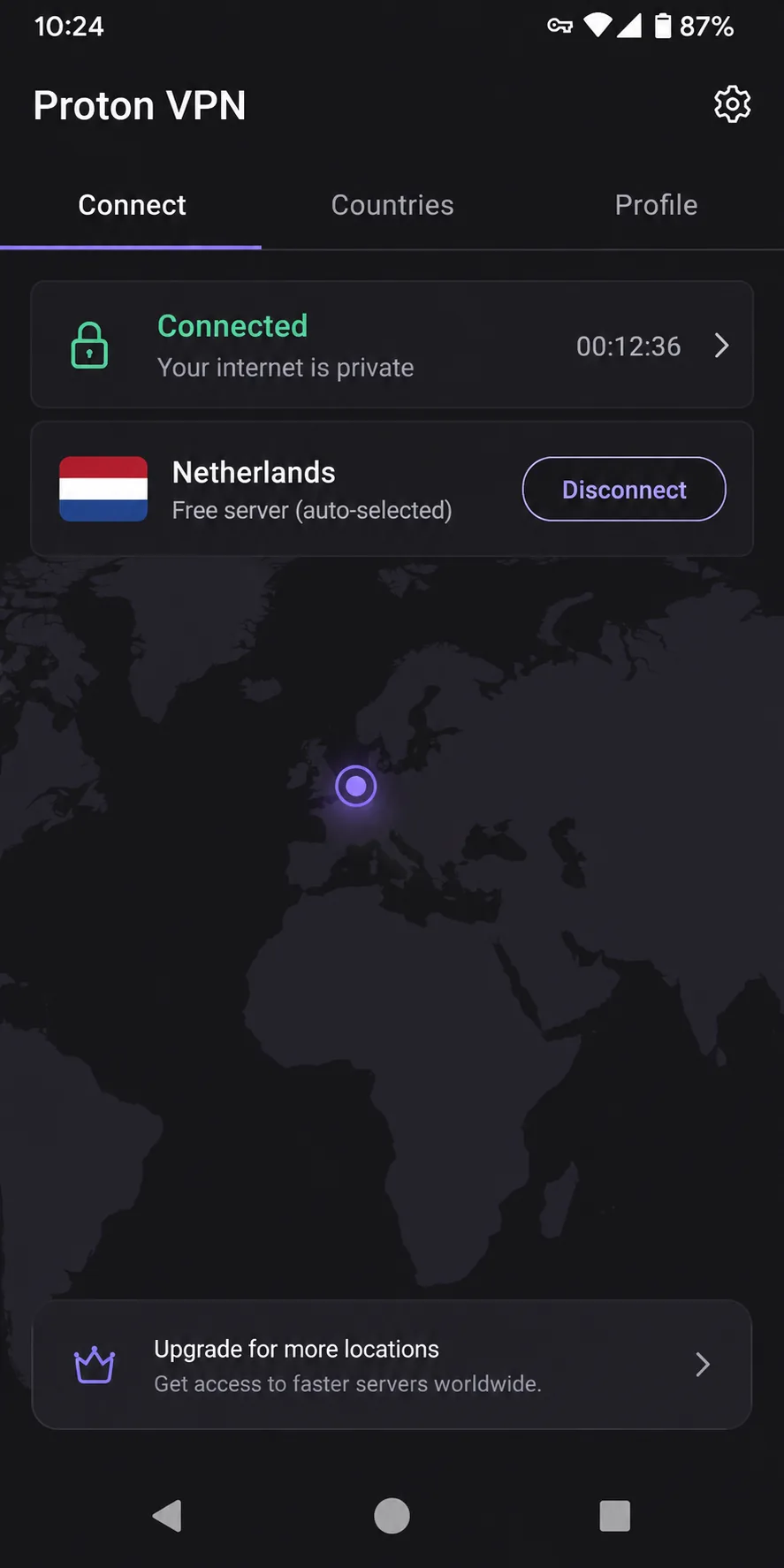
Proton VPN fixes Turbo VPN's two biggest free-tier problems at once: no data limit and no ads, with no credit card needed. The free plan covers 1 device, using servers in 10 countries, and Proton picks the server for you. Proton is based in Switzerland, and Proton's 2026 no-logs audit by Securitum was its fifth in a row.
Installing it on our test machines took about two minutes, and the apps explain each setting in plain language. On the free tier we saw no throttling and never hit a cap. On the paid plan, nearby servers cost us under 10 percent of our download speed, and leak checks across dozens of countries showed no DNS, IPv6 or WebRTC leaks.
VPN Plus costs $9.99 monthly, or $3.49 a month on the two-year plan. That two-year rate moves with Proton's sales and renews at a different price. It covers 10 devices and 140+ countries, with a 30-day money-back guarantee. Our full Proton VPN review breaks down each plan.
Pros
- Five consecutive independent no-logs audits
- Netflix, Disney+ and Hulu unblock on paid plans
Cons
- Free plan: one device, no server choice, no streaming or P2P
- Live chat is not 24/7
2. NordVPN: best all-round paid replacement
Where Proton wins on its free plan, NordVPN is the paid upgrade that does the most things well. Basic costs about $3.09 to $3.49 a month on the two-year plan, an introductory rate that renews higher. It is based in Panama and covers 10 devices with a 30-day money-back guarantee. NordVPN's sixth no-logs assurance by Deloitte finished fieldwork in December 2025.
Our first job on the desktop app was finding a city-level server. The map made us zoom in before the city pins appeared, so we switched to the list view, which got there faster. Once connected nearby, we lost only single-digit percentages of speed, and a 4K stream played without buffering. Netflix, Hulu, BBC iPlayer and HBO Max all unblocked reliably. Connections held without unexpected drops, and when the tunnel failed, the kill switch cut traffic as it should. The NordVPN review has our full scoring.
Pros
- NordLynx (WireGuard-based), split tunneling and malware blocking
- RAM-only servers and post-quantum encryption
Cons
- No free plan
- Renewal charges land about two weeks before the term ends
3. Surfshark: best for unlimited devices
Surfshark takes NordVPN's formula and removes the device cap, so one subscription covers unlimited simultaneous devices. Starter costs $2.49 a month on the two-year plan and renews at $79 a year. It runs 4,500+ servers in 100 countries from the Netherlands, and Deloitte verified its no-logs policy in 2023 and again in 2025.
Our download speed dropped about 17 percent on Windows and about 31 percent on macOS, while latency stayed steady. Netflix worked across regions without VPN detection, and the native apps made setup on Android TV, Apple TV and Fire TV painless. When the VPN dropped, the kill switch cut internet access instantly. Our Surfshark review covers the rest.
Pros
- CleanWeb blocks ads, trackers and malware
- Native apps for Android TV, Apple TV and Fire TV
Cons
- No free plan, only an app-store trial
- No port forwarding
4. Mullvad VPN: best for anonymous sign-up
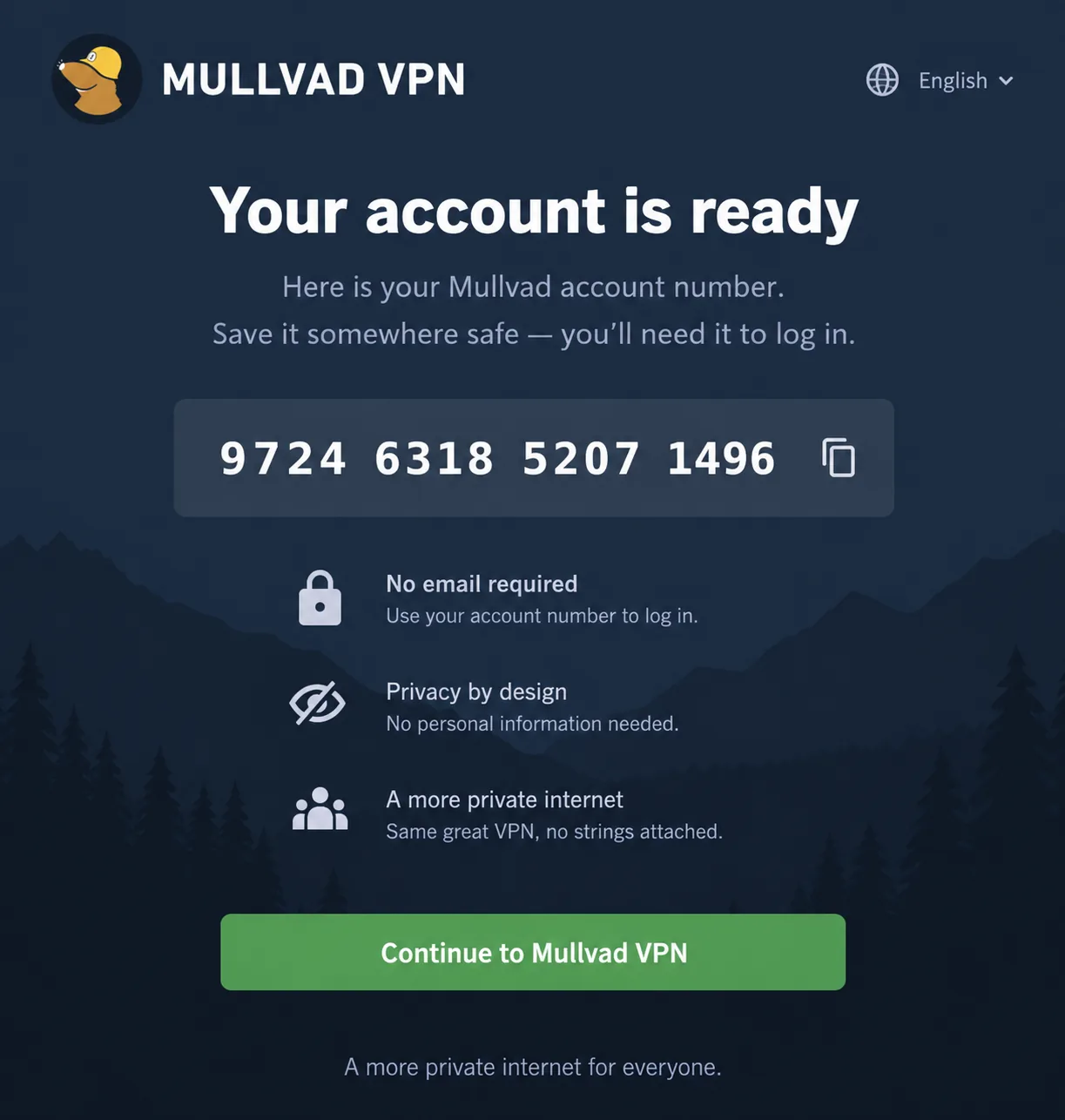
Mullvad goes further on anonymity than any other pick. You can pay in cash or crypto. The price is a flat €5 a month on any term and covers up to 5 devices, with a 14-day money-back guarantee. Mullvad is based in Sweden, and its fourth Cure53 infrastructure audit landed in 2024. In 2023 a Swedish police raid found no user data to seize.
Signing up took us seconds. We opened the app, it generated a random 16-digit account number, and that number became the only login, with no email or password asked at any point. On a local server we lost only around 6 percent of our speed, though distant servers slowed downloads noticeably. We then hopped between servers to check Netflix, and some got through while others were detected. If you want the audit history in detail, it is in our Mullvad VPN review.
Pros
- Open-source apps with DAITA and multihop
- More than ten independent audits overall
Cons
- No free plan or trial
- Email-only support, with replies in hours rather than minutes
5. Windscribe: best generous free tier with features
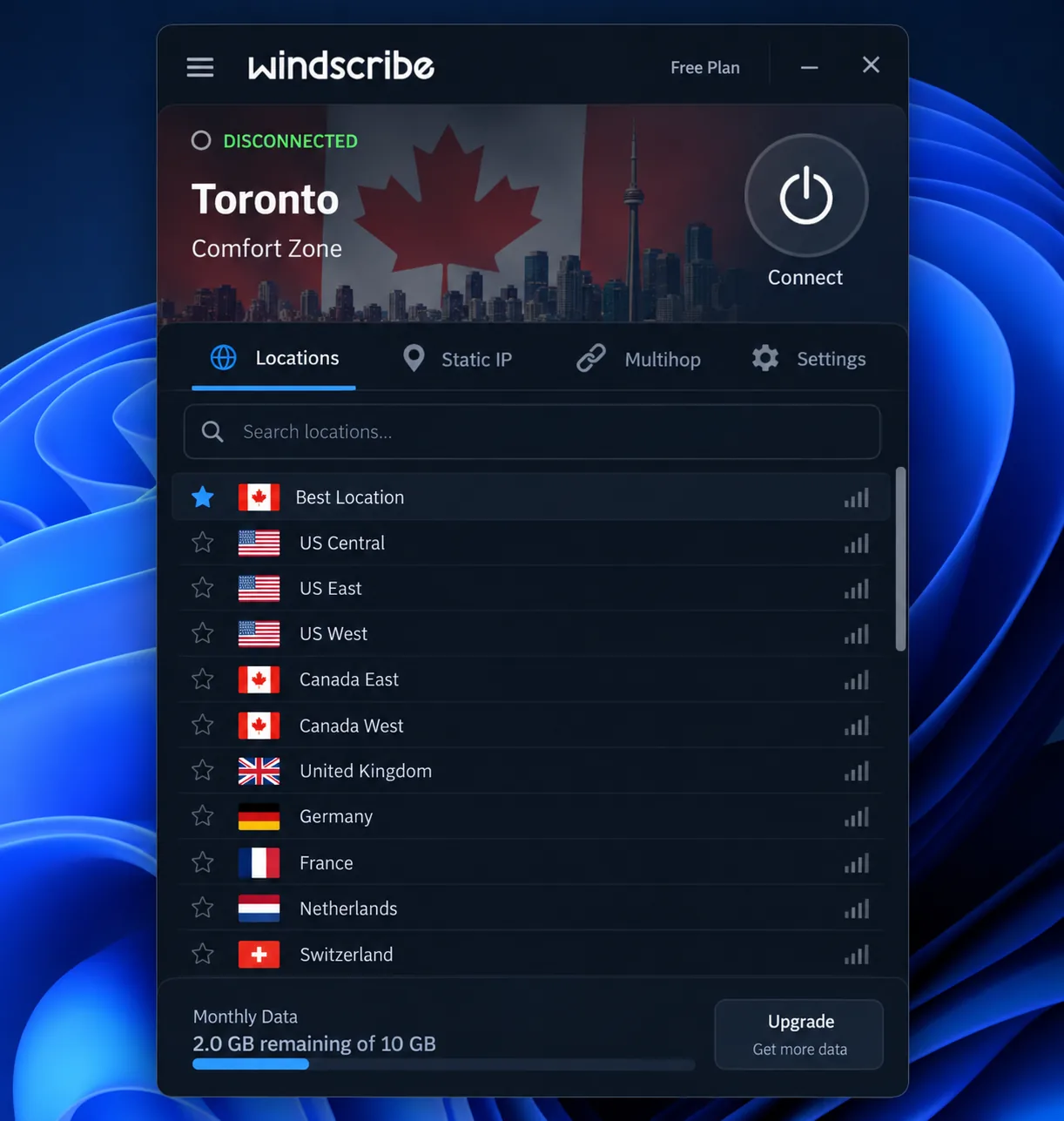
Windscribe is the free plan to choose if Proton's lack of server choice bothers you. It provides 2GB a month without an email and 10GB once you confirm one, free servers in about 10 rotating countries, and unlimited devices. Pro costs $9 a month or $69 a year for 69+ countries. Windscribe has no third-party audit, but a Greek court dismissed charges against its CEO on April 11, 2025, accepting that Windscribe held no user logs.
What surprised us on the free tier was how little it held back. R.O.B.E.R.T. blocking and the firewall kill switch both stayed available. Free servers matched Pro speeds most of the time, but congestion caused sudden drops of up to 90 percent. For video, 10GB stretches to roughly 33 hours at the lowest quality. The court case gets more space in our Windscribe review.
Pros
- Free plan lets you choose your location
- R.O.B.E.R.T. and the firewall stay on the free tier
Cons
- Free data runs out at 10GB a month
- Netflix access is inconsistent
6. Private Internet Access: best for customization on a budget
Where Windscribe gives the most away free, Private Internet Access gives the most control for the money. You pick WireGuard or OpenVPN, then AES-128 or AES-256, the AES standard usually marketed as military-grade encryption. Port forwarding works on every server except US locations, and the plan covers unlimited devices. The three-year deal is about $1.89 a month, though PIA rotates that rate from week to week.
The long settings list made our first session in the desktop app feel overwhelming, but once we had tuned the app, day-to-day use was easy. Speed loss stayed small, about 4 percent locally and 18 percent internationally. Streaming was where it let us down. US and UK Netflix no longer unblocked, and Disney+ and Hulu both detected the VPN. The PIA review goes through every setting.
Pros
- Port forwarding and a dedicated IP add-on
- Open-source apps with a native Linux GUI
Cons
- Weak for streaming
- US jurisdiction, owned by Kape
7. Hotspot Shield: best for raw speed
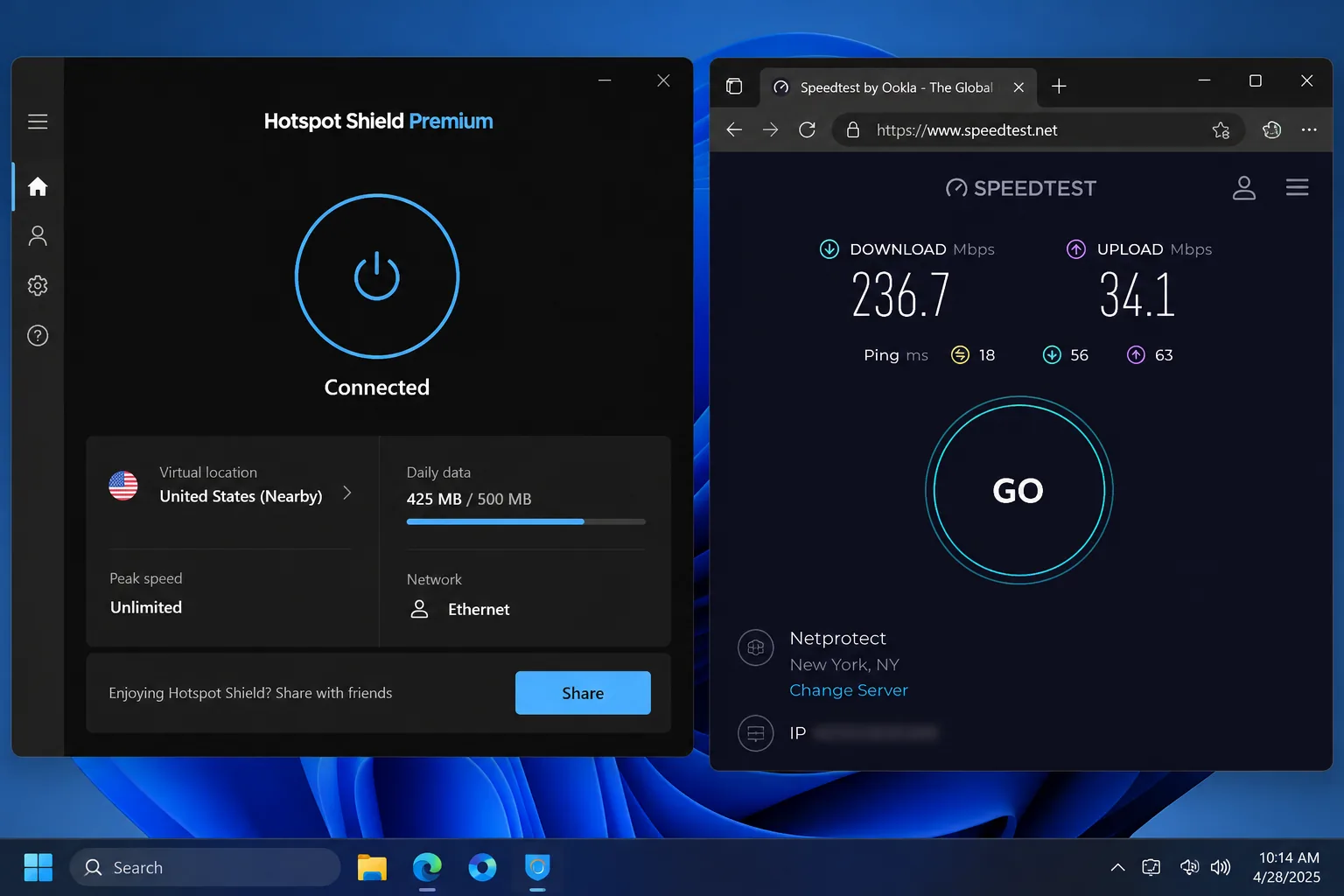
If PIA trades speed for control, Hotspot Shield goes the other way. It markets itself as the world's fastest VPN, up to 2.2x faster than competitors. Our download results backed that up: speed dropped only about 3 percent on nearby servers, and connecting took about seven seconds. Uploads lagged, though, and a 15 GB file took 35 minutes instead of 10. Premium unblocked Netflix, Max and BBC iPlayer, while Disney+ consistently blocked us.
Privacy explains its 6.5/10 score. We could find no published report of an independent audit of its no-logs policy. It records connection times and data transferred and operates from the US under Point Wild. It also drew an FTC complaint from the CDT in 2017. Premium costs $7.99 a month on the annual plan, with a 45-day money-back guarantee. The vendor says it covers 10 devices, though at least one plan table lists 5. We explain the score in our Hotspot Shield review.
Pros
- Very small download speed loss nearby
- No IP, DNS or WebRTC leaks across 60 locations
Cons
- The free app shows video ads on every connect
- Basic kill switch with no per-app option
8. Psiphon: free option for censored networks
Psiphon is not a privacy VPN, and it says so. Its FAQ calls it a censorship circumvention tool, "not specifically designed for anti-surveillance purposes." Its job is staying connected online where networks block ordinary VPNs, such as in Russia and Iran, though it can fail against China's Great Firewall. Cure53 has reviewed parts of its open-source code, but that is not a no-logs audit. Psiphon keeps your IP, timestamps and visited domains for up to 90 days.
On Windows, Psiphon started us in proxy mode, so we had to change Transport Mode and click Apply Changes to get full VPN coverage. We repeated that every time. It then assigned a server at random, often in Singapore, and opened a new ad window as each connection came up. Free speeds were about 5Mbps locally and 2Mbps internationally, enough for light browsing and little else, and our leak checks caught DNS leaks on the Windows app. Psiphon Plus drops the ads from $2.88 a month.
Pros
- Built to get through networks that block VPNs
- Free, with no account needed
Cons
- No kill switch
- Fake spyware copies circulate, so install only from psiphon.ca or an official store
How to choose a Turbo VPN alternative
We weighed each alternative on a readable no-logs audit first, then jurisdiction, the free plan's data cap, device limits and the price after the intro term. Speed and streaming came next, because a fast VPN without a clear data policy does not fix what drives people away from Turbo VPN. If you only want a free plan, our roundup of the best free VPNs goes wider.
- Pick Proton VPN if you need a free plan you can use every day.
- Pick Windscribe if you want free server choice on several devices.
- Pick NordVPN if you will pay for streaming, speed and audits in one app.
- Pick Surfshark if your household outgrows a 10-device plan.
- Pick Mullvad VPN if you never want to hand over an email address.
- Pick Private Internet Access if you need port forwarding.
- Pick Hotspot Shield if download speed matters more than an audit.
- Pick Psiphon if your network blocks ordinary VPNs.
We also considered CyberGhost, which has dedicated streaming servers and a Deloitte no-logs assurance from Q4 2025. It has no free VPN plan and covers 7 devices, so it missed the list. Its strengths are in our CyberGhost review.
Is Turbo VPN safe to keep using?
Turbo VPN works as a basic IP changer, but it gives you less protection and security than its marketing suggests. Our leak checks found DNS leaks that can expose the sites you visit, and a Dublin server leaked our real UK IP address in one test. Our Turbo VPN review has the full results.
Stay on Turbo VPN if you only need a quick IP change for low-stakes browsing and accept the ads. For anything that needs a secure connection, switch.