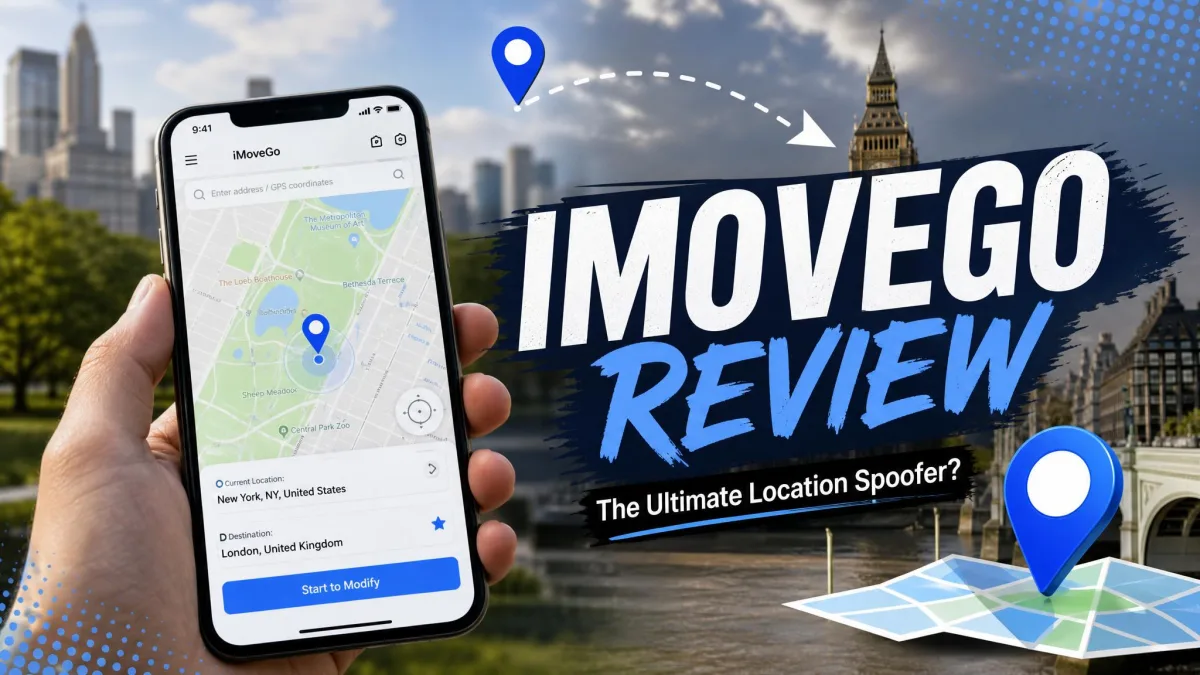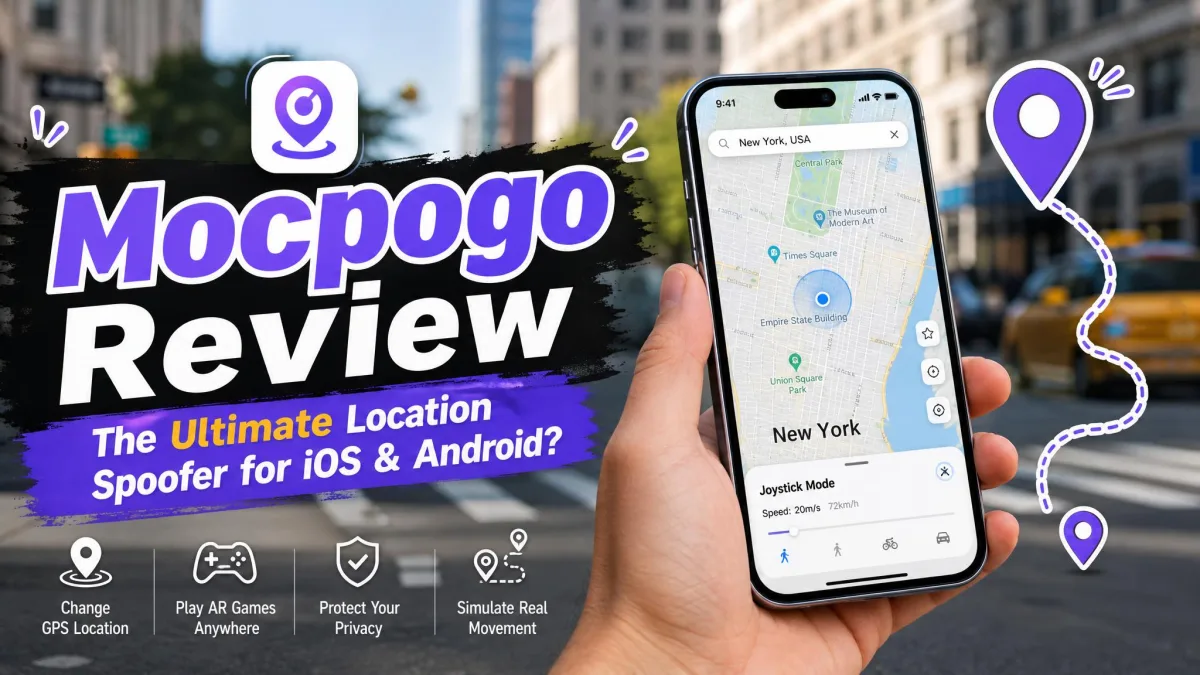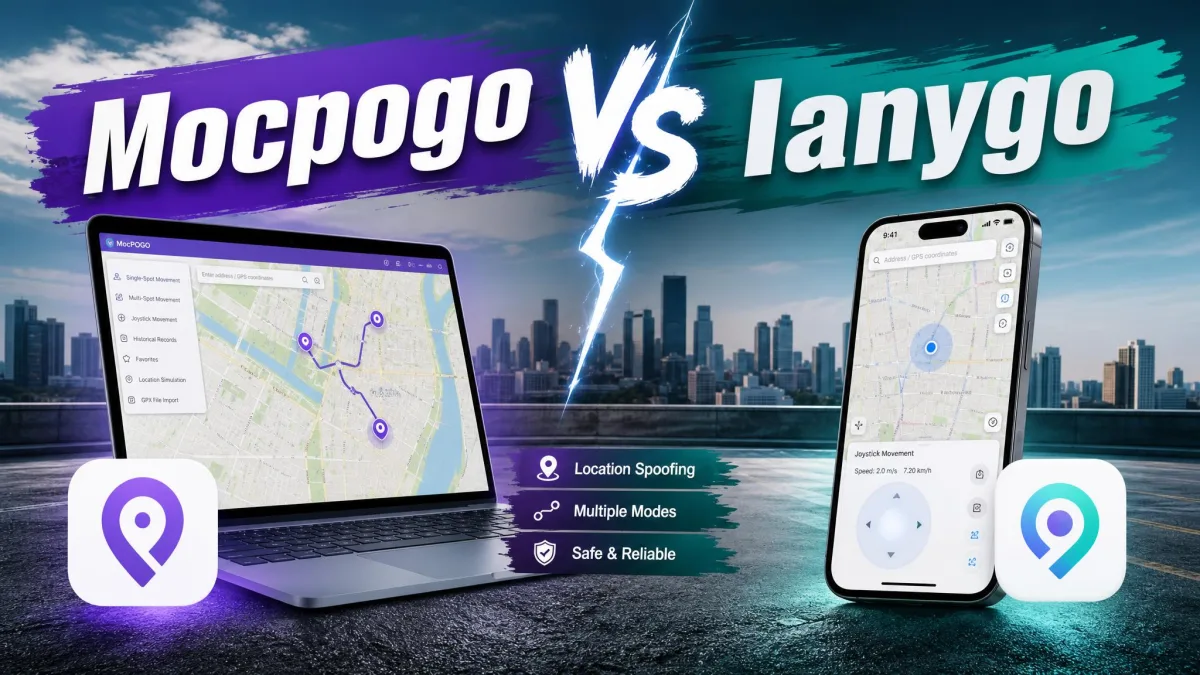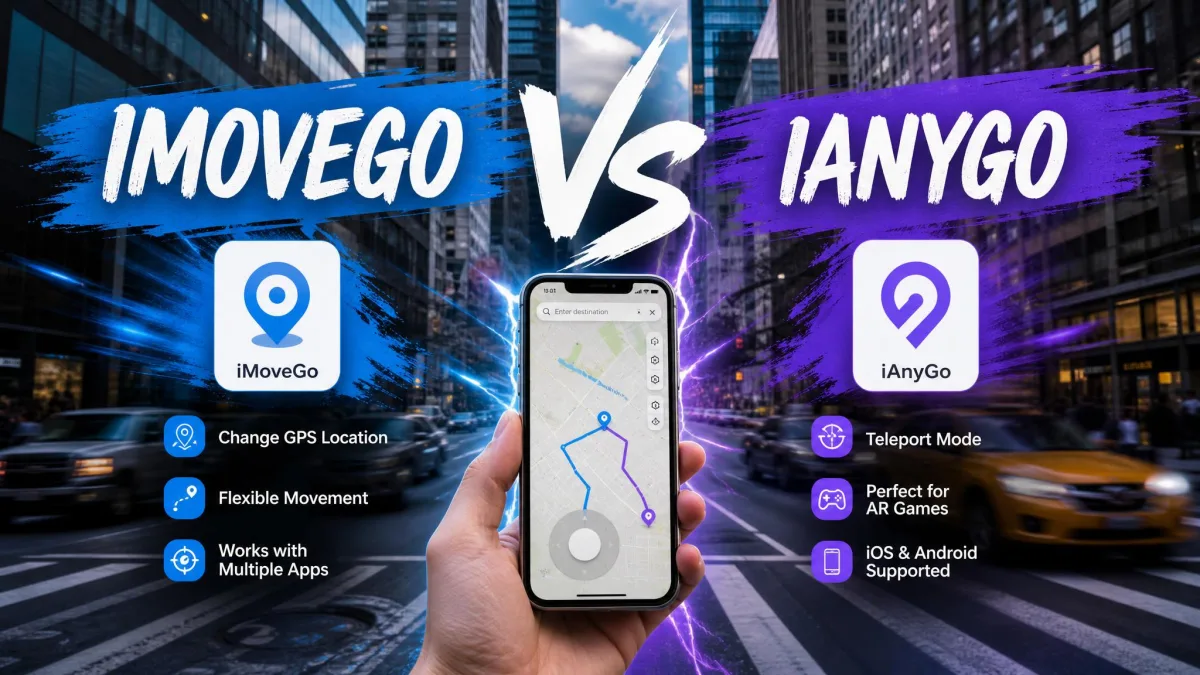
If you want to change your phone's GPS location without jailbreak or root, two names keep coming up. This comparison covers what MocPOGO and WooTechy iMoveGo each do, what they cost, how their movement modes differ, and which one we would pay for.
Both tools sit in the same category. You install a desktop app, connect your phone, drop a pin, and your location-based apps believe you. The differences show up in pricing, device limits, joystick behaviour and cooldown handling.
MocPOGO vs iMoveGo at a Glance
Here is the full spec picture before we get into how each one feels to use.
| Product | Buy | Monthly | Lifetime | Devices | Free tier |
|---|---|---|---|---|---|
 |
Check price → | $9.95 desktop, $14.95 Android, $19.95 iOS | Promo dependent | 15 | Free trial |
 |
Check price | $14.99 VIP | $89.99 VIP | 10 | 5 teleports, ~1 hour joystick |
| Feature | MocPOGO | WooTechy iMoveGo |
|---|---|---|
| Quarterly price | Promo dependent | $29.99 |
| iOS support | From iOS 13 | Newest release lags |
| Android support | Yes | Yes, Android 16 |
| Jailbreak or root needed | No | No |
| Route simulation | Multi-spot | Two-spot and multi-spot |
| Joystick | Yes | 360-degree |
| GPX import / export | Import only | Import and export |
| Cooldown timer | Yes, on screen | Yes |
| Speed range | 3.6 to 100 km/h | 3.6 to 120 km/h |
What MocPOGO Is
MocPOGO is a desktop location changer from the MocPOGO team, with a companion mobile app on the side.
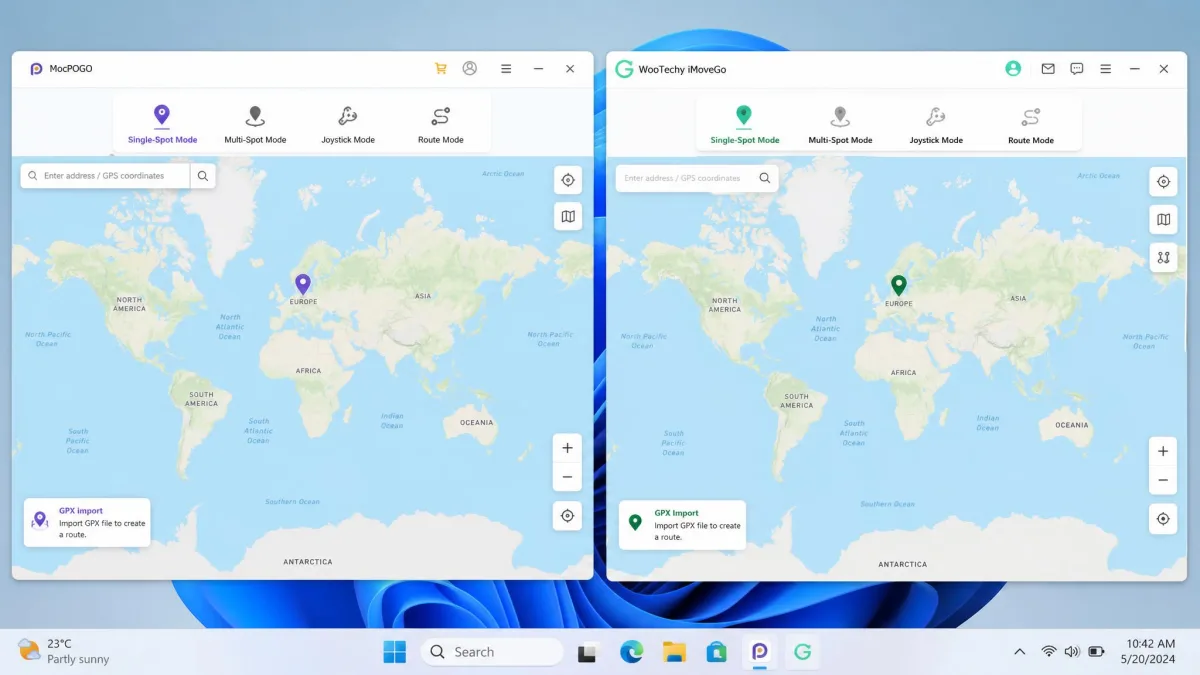
It runs on Windows and Mac and connects to iPhone or Android over cable or Bluetooth. There is also MocPOGO's Android listing if you prefer working from the phone. The feature set covers teleport, jump teleport, multi-spot route simulation, joystick control, a cooldown timer, GPX file import, saved routes and adjustable speed.
The device ceiling is the highest in this pairing, which means a household with a main phone, a spare handset and a tablet in the drawer never has to think about seats again.
What WooTechy iMoveGo Is
WooTechy iMoveGo is the closer of the two to a full route-planning tool.
It offers 1-click teleport, jump teleport, two-spot mode, multi-spot mode, a 360-degree joystick, GPX import and export, saved favourites, pause and resume, and a cooldown timer.
Connection happens over USB or WiFi. The top tier controls up to 10 devices, while the standard VIP plan covers 5.
Changing Your Location: Teleport and Movement Simulation
This is the core job, and both tools do it well. The split is in how much control you get over the movement in between.
Teleport and jump teleport
Teleport is the simple case. You search an address or click the map, confirm, and the phone reports the new spot in seconds. Both apps include a jump teleport mode for hopping between saved points without replaying the search.
In our testing, this is the mode most people use most of the time. Both handle it cleanly.
Two-spot and multi-spot routes
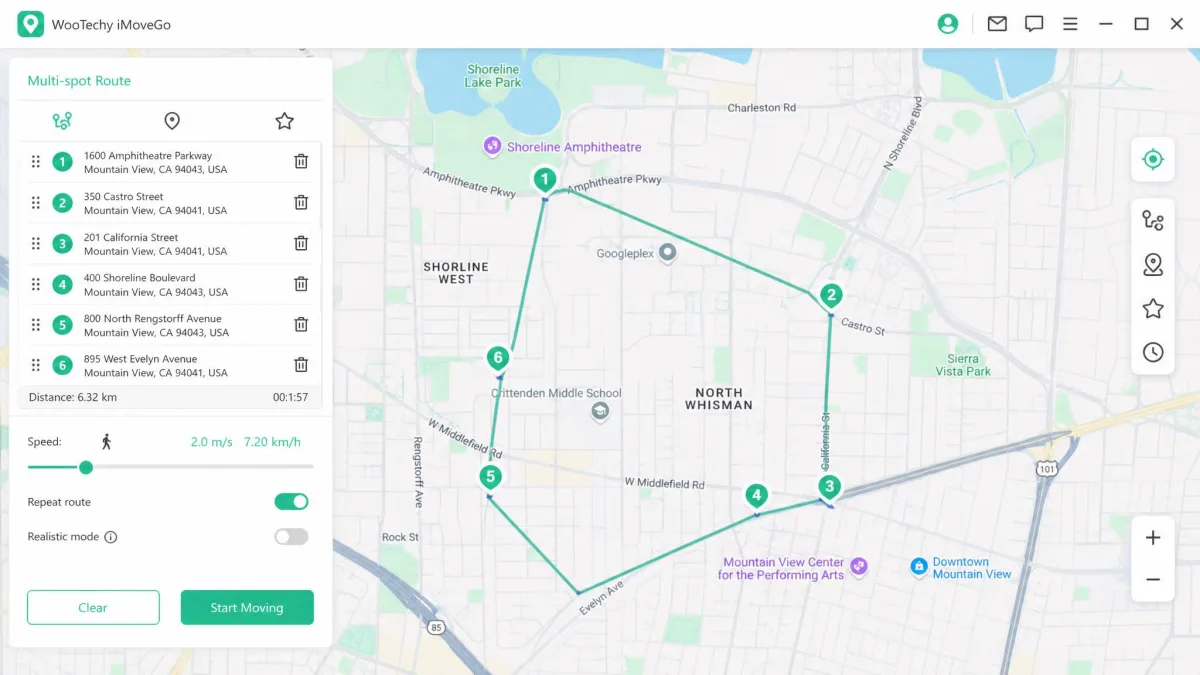
Route simulation is where iMoveGo pulls ahead. Its two-spot and multi-spot modes make plotting a believable route straightforward, and pause plus resume adds realism, because a route that stops at a traffic light reads more like a person than a metronome.
MocPOGO's multi-spot routes cover the same ground with fewer options around them.
GPX import, realistic mode and speed fluctuation
Both tools accept a GPX file, so you can import a route recorded elsewhere instead of clicking pins by hand. iMoveGo goes one step further and exports GPX too, which is worth paying for if you build routes once and reuse them across devices.
Speed control is close. MocPOGO runs from 3.6 km/h up to 100 km/h, and iMoveGo stretches to 120 km/h. Realistic movement comes from varying that speed rather than from the ceiling, and neither app looks human at a constant value.
Joystick Control Compared
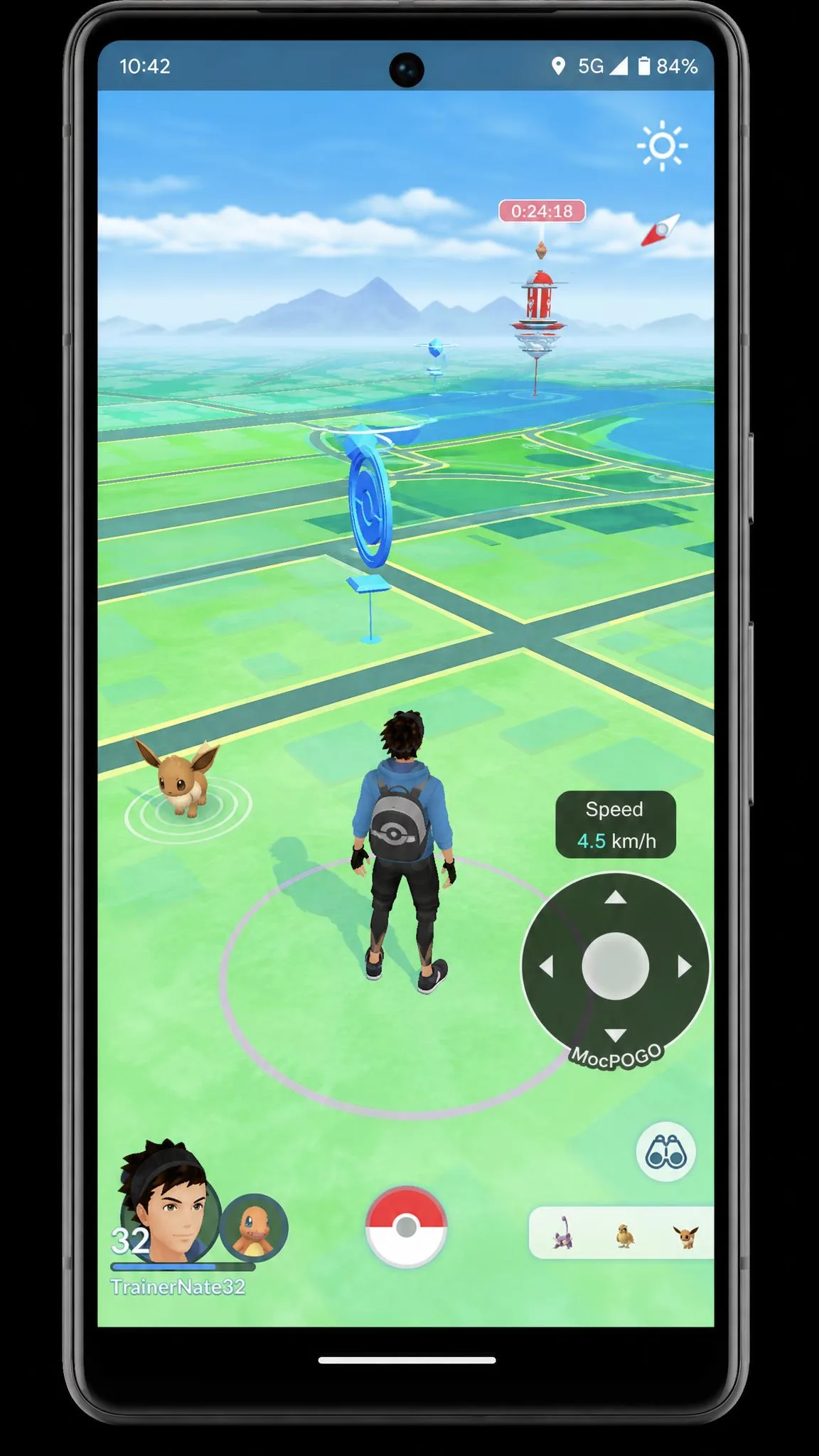
The joystick is what makes a spoofer usable for gaming rather than for a static location change alone. We put MocPOGO's through the hardest thing we could ask of it, which is a raid on a mid-range Android phone rather than a current flagship. That is the machine where a spoofer usually gives itself away, because the overlay and the game are competing for the same modest processor. The directional pad kept answering our thumb through the whole raid, with no drifting and no stutter in the walk animation, and the same held true when we came back to it in later sessions.
iMoveGo's 360-degree joystick gives finer directional control on paper, and for the first stretch of a session that is exactly how it plays. The trouble arrives once you settle in for a long run. Lag creeps into the movement, and the phone itself warms up enough to notice in your hand, which is the point where precise steering stops feeling precise. Short bursts favour iMoveGo's control, and long sessions favour MocPOGO's stability.
Supported Apps and Games
Pokemon GO and other AR games
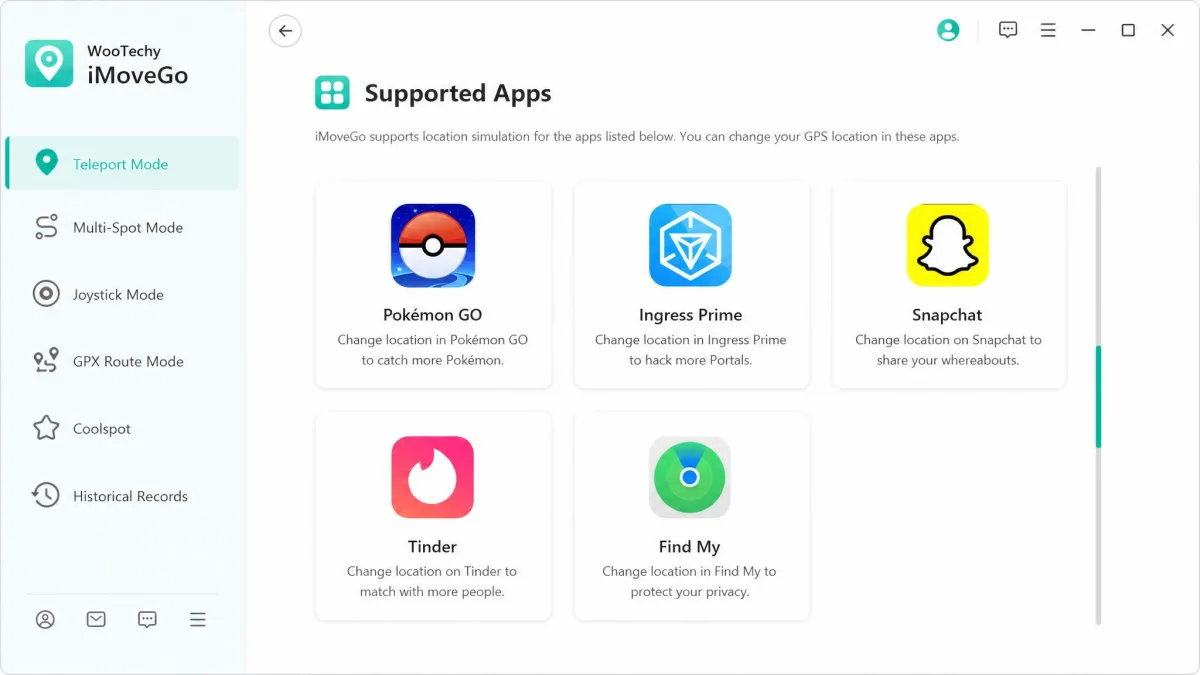
Both tools list Pokemon GO first, and both work with the wider AR catalogue. iMoveGo names Ingress Prime and Harry Potter Wizards Unite explicitly. MocPOGO covers Pokemon GO and other AR games without the same title-by-title list.
An r/PokemonGoSpoofing thread on MocPOGO is where the tool first picked up traction with players.
Snapchat, Find My and social apps
Outside gaming, both handle the usual location-based apps. MocPOGO covers WhatsApp, Snapchat, Tinder, Google Maps, Waze and Uber. iMoveGo covers Tinder, Bumble, Snapchat and Find My, so a shared location can show a different city.
Platform and Device Support
iOS support and jailbreak requirements
Neither tool needs a jailbreak, which is now table stakes in this category.
MocPOGO supports iOS from version 13 upward. The supported-OS ceiling changes with each iOS release, so check the vendor list before buying for a brand-new phone.
iMoveGo has the same caveat in sharper form. iOS support at the newest release lags behind, so a phone on the latest iOS may not connect yet.
Android support and rooting
No rooting is required on either side. iMoveGo states support through Android 16. MocPOGO supports current Android releases and adds a phone-side app, which is the more flexible setup if you do not always have a laptop nearby.
How many devices each licence covers
MocPOGO controls up to 15 mobile devices on one licence. iMoveGo covers 5 devices on VIP and up to 10 on its top tier.
That gap is the clearest practical win for MocPOGO. Per device, a 15-device MocPOGO licence costs less than half of what the same coverage would run on iMoveGo, which is the calculation that decides it for anyone running more than one account.
Pricing and Plans Compared
MocPOGO pricing tiers
MocPOGO prices by platform rather than by feature bundle. The Windows and Mac desktop plan starts at $9.95 per month. Android runs $14.95 per month, and the iOS plan is $19.95 per month with desktop access included.
Each platform offers 1-Month, 1-Quarter, 1-Year and Lifetime terms. Lifetime and annual prices move with running promo codes, so the checkout figure may differ from the list price.
iMoveGo pricing tiers
iMoveGo prices by tier instead. VIP is $14.99 per month or $29.99 per quarter. The VIP lifetime licence is $89.99, and SVIP lifetime is $119.99 covering Windows, Mac, Android and iOS together. Every plan carries a 30-day money-back guarantee, which MocPOGO does not match with any confirmed refund window.
Which is better value
On a single month, MocPOGO desktop at $9.95 undercuts iMoveGo VIP at $14.99 by about a third. Buy the quarter instead and iMoveGo's $29.99 works out to roughly $10 per month, which erases most of that lead. Go long and iMoveGo's $89.99 lifetime is the cleaner number, because it is a fixed published price rather than a promo-dependent one. MocPOGO wins the cheap monthly test, and iMoveGo wins the buy-it-once test.
Cooldown Timers and Ban Safety
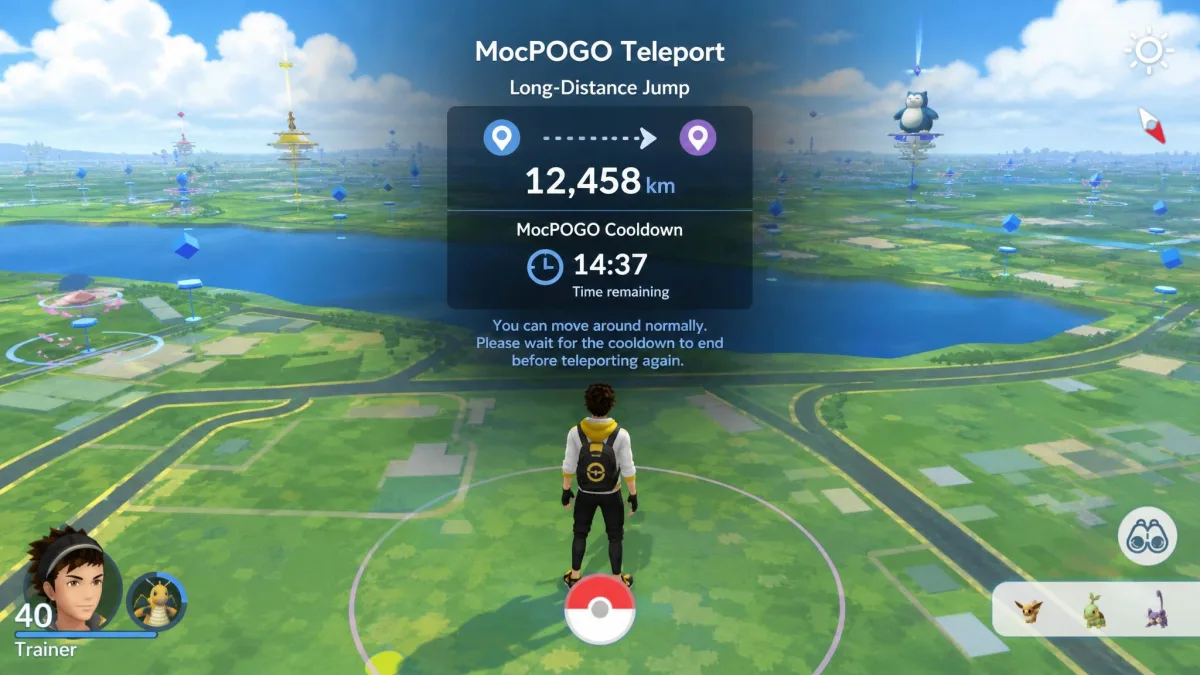
Every location-based game watches for movement no human could make. Jump 400 miles in a minute and you look like software, not a player. That is what a cooldown timer solves: after each change you wait out a period scaled to the distance moved.
Both tools include one. The difference is where it lives, and MocPOGO putting it in front of you is the reason it feels safer to run day to day.
MocPOGO shows the cooldown countdown on screen after every jump, so you stop guessing whether the next tap is the one that flags you.
— From our hands-on testing
On the iMoveGo side, accounts have run for around two years without warnings when teleport cooldown rules are respected. Discipline does more work here than the software does.
No GPS spoofer removes ban risk. Both vendors describe soft-ban avoidance, but no credible measured ban rate exists for either tool. Assume any account you spoof on can be actioned, and never use an account you cannot afford to lose. Check user reports on iMoveGo before committing, because the picture shifts with each game update.
Ease of Setup: Step by Step With Each Tool
Setting up MocPOGO
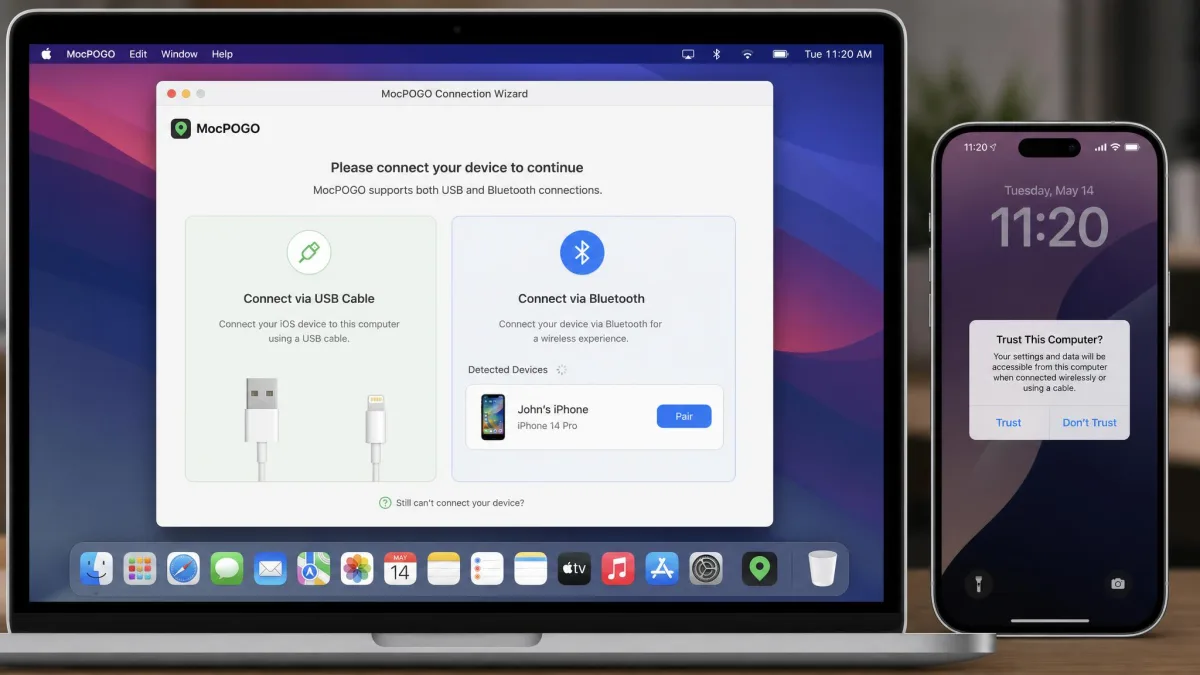
- Install MocPOGO on your Windows or Mac machine.
- Connect the phone by cable, or pair over Bluetooth if you would rather stay wireless.
- Trust the computer on the phone when prompted.
- Pick your mode: teleport, multi-spot, or joystick.
- Drop a pin, set a speed, and start moving.
MocPOGO has a steeper learning curve than a one-button spoofer, mostly because of the number of movement modes on the toolbar.
Setting up iMoveGo
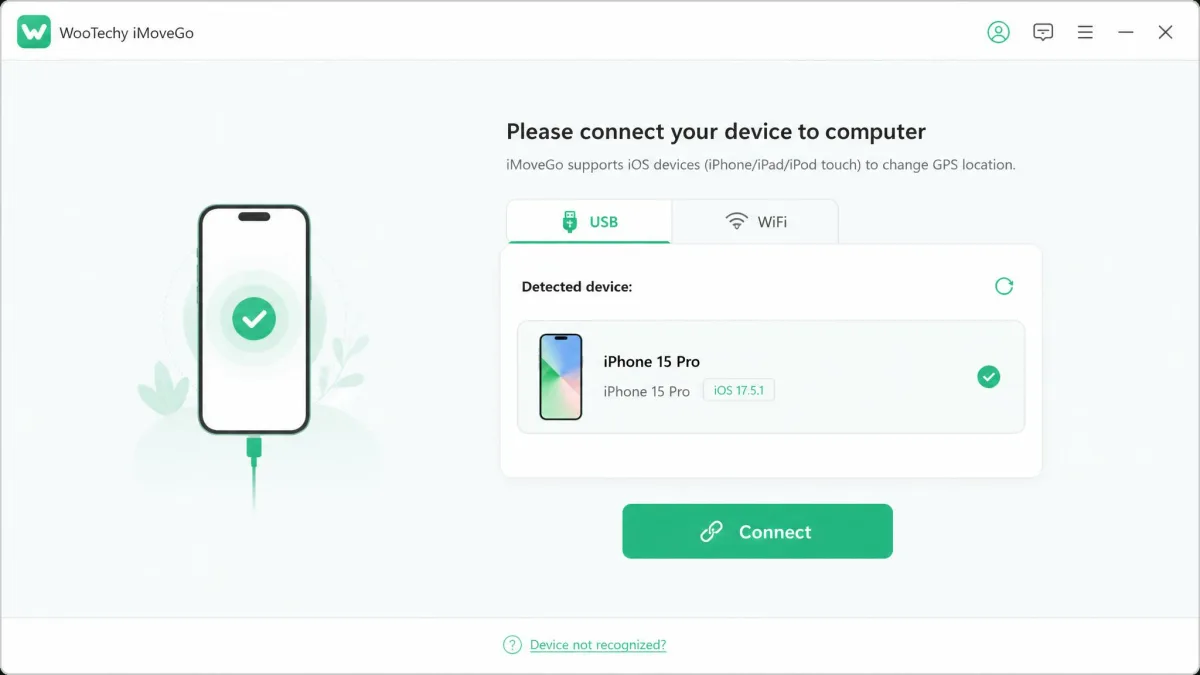
Setup here is short. You connect over USB or WiFi, install the on-device assistant, pick a mode, then click Move.
iMoveGo's official setup guide walks through the connection step if the phone does not appear.
One thing to plan around: iMoveGo needs the PC connection kept alive for setup and for several ongoing operations, so you cannot close the desktop app mid-session. Pressing refresh can also restart it back at your home location rather than the spoofed one.
We spent our sessions on the joystick and route modes rather than the marketing pages, because those are the two places a spoofer either holds up or falls apart.
Pros and Cons
MocPOGO pros and cons
Pros
- Cheapest monthly entry at $9.95 for the desktop plan
- On-screen cooldown timer after every location change
- Joystick stays responsive during raids, including on mid-range phones
- Bluetooth connection option, not cable only
- Free trial available before you commit
Cons
- The desktop app can crash mid-session, and phone connections sometimes drop or fail to establish
- Refund and cancellation handling can be inconsistent, with occasional activation or billing hiccups
- No confirmed money-back window
- Steeper learning curve than a one-button spoofer
- Lifetime and annual pricing shifts with promo codes
iMoveGo pros and cons
Pros
- 30-day money-back guarantee on every plan
- Two-spot and multi-spot routes make plotting a believable route straightforward
- GPX import and export, not import alone
- 360-degree joystick with pause and resume
- Free version lets you confirm the connection before paying
Cons
- More expensive monthly at $14.99
- Can cause lag or noticeable device warming during long sessions
- The desktop connection must stay open for several ongoing operations
- Support can be slow or unhelpful on licence and activation problems
- iOS support at the newest release lags behind
Alternatives Worth Considering
These two are not the only options, and the neighbouring tools solve slightly different problems.
MockGo is the closest alternative, and we put it against both in MockGo vs iMoveGo compared and MockGo vs MocPOGO head-to-head.
For the single-tool picture, see our MocPOGO review and our WooTechy iMoveGo review.
If you are still deciding on the category itself, our roundups of the best GPS spoofing apps and the best Pokemon GO spoofers cover the wider field.
Which One Should You Choose?
Buy MocPOGO if you want the cheapest way in, run several devices, or care most about the cooldown timer sitting on screen where you can see it. Buy iMoveGo if you plan routes seriously, want GPX export, or want a refund window behind the purchase.
For most people, MocPOGO takes it. The entry price, the device ceiling and the joystick stability add up to the tool we would reach for on a normal week.
The free tiers make this low-stakes. iMoveGo's free version is enough to confirm the tool connects to your phone, though not enough to play a session with, and MocPOGO offers a free trial before purchase.