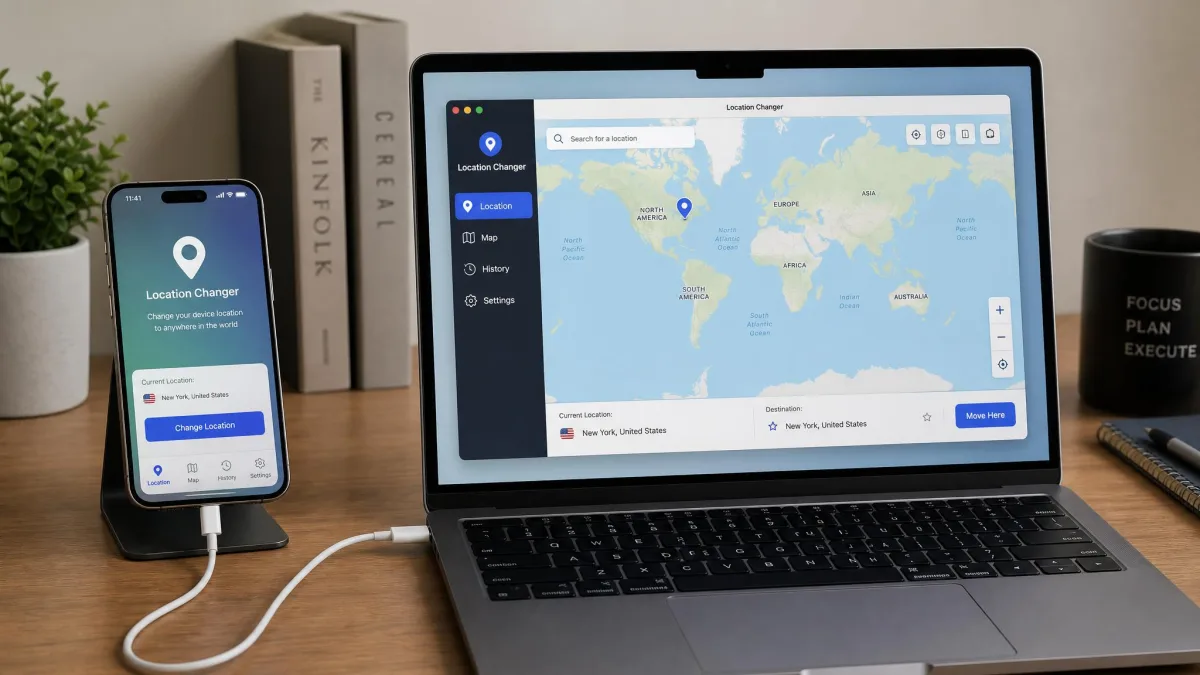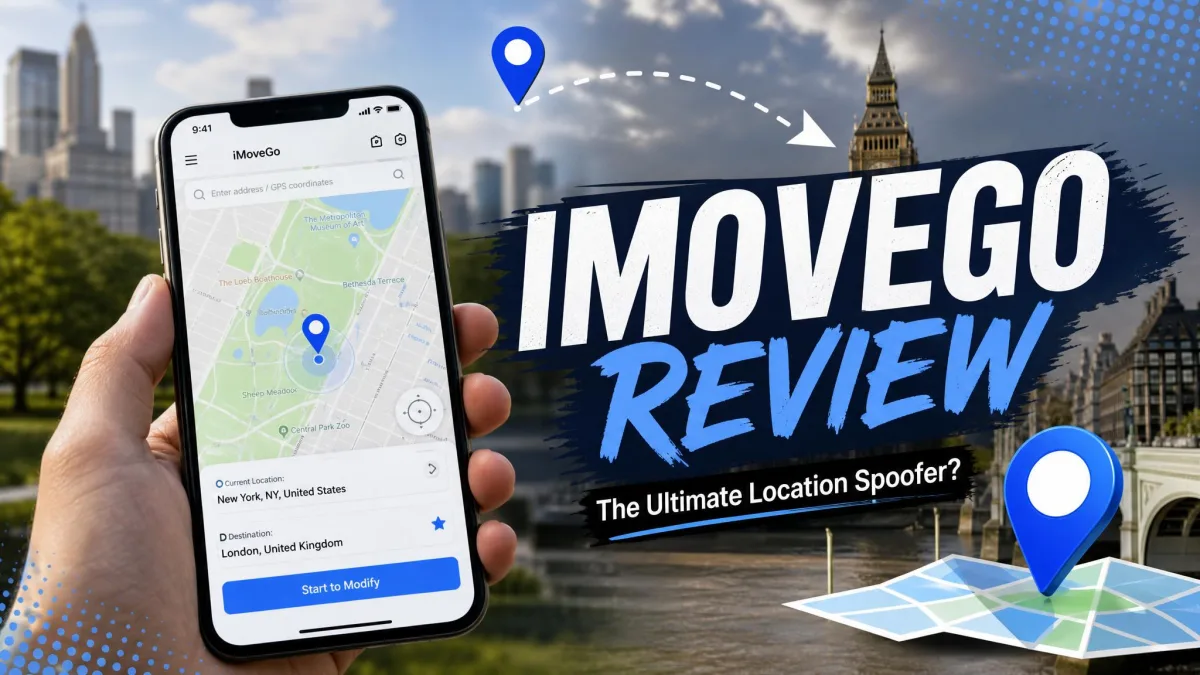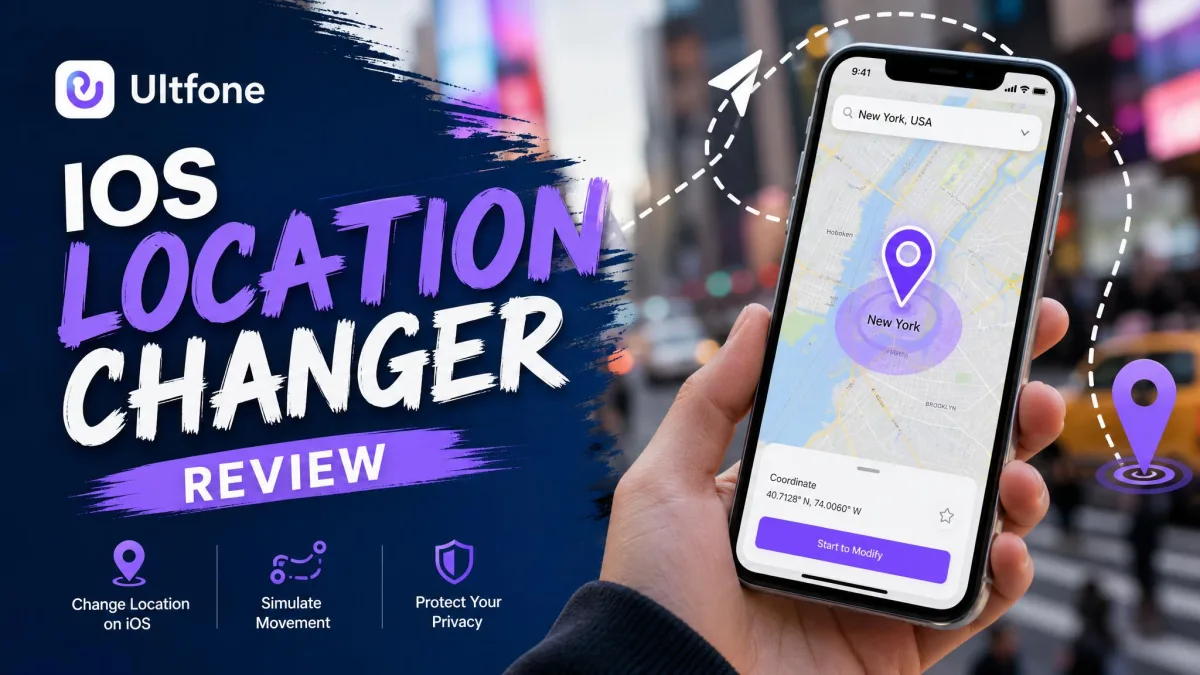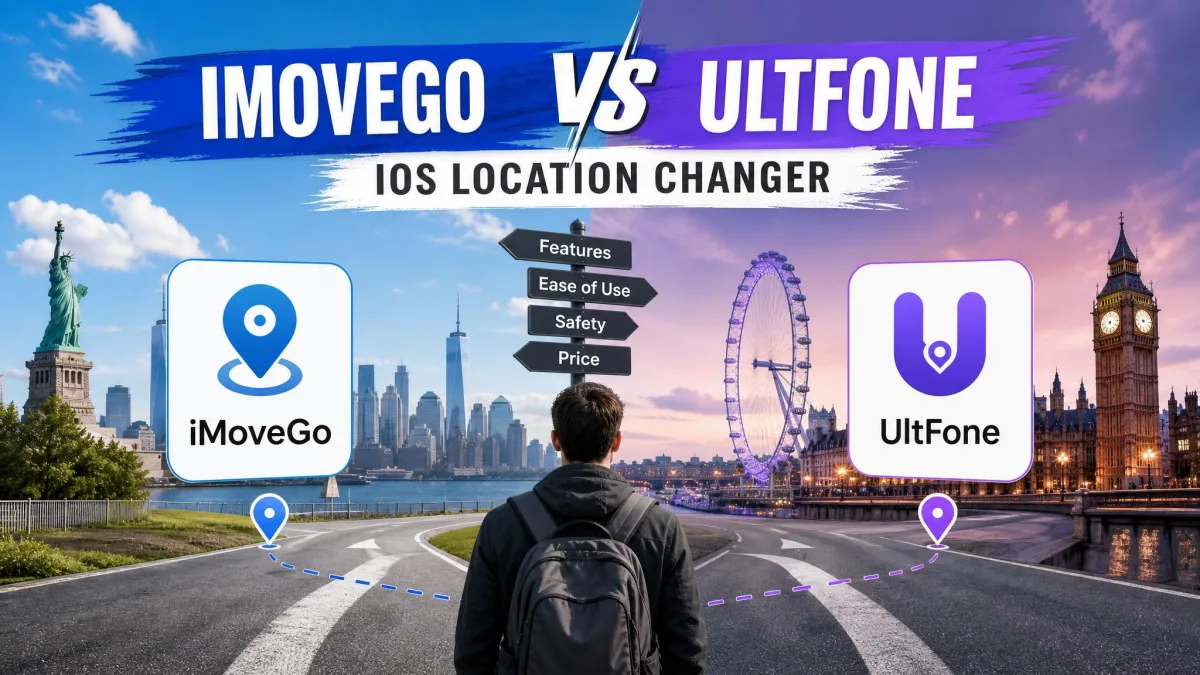
Want to fake your GPS location on an iPhone without jailbreak, but can't tell these two apart? WooTechy iMoveGo is a desktop location changer. It teleports your device anywhere and simulates walking routes on iOS and Android. UltFone iOS Location Changer does the same job on iPhone and iPad, with a shorter setup and a lower price.
Both run from a Windows PC or a Mac. Both promise 1-click spoofing, joystick control and route simulation for games like Pokemon GO. The gap shows up in movement quality, device limits and what you pay over a year.
iMoveGo vs UltFone at a Glance
| Product | Buy | Jailbreak required | Movement modes | Devices | Price |
|---|---|---|---|---|---|
 |
Check price → | No | Teleport, Jump Teleport, two-spot, multi-spot, joystick | 5 devices (VIP), 10 devices (SVIP) | $89.99lifetime |
 |
Check price | No | Teleport, Jump Teleport, two-spot, multi-spot, joystick | 5 devices per licence | $69.95lifetime |
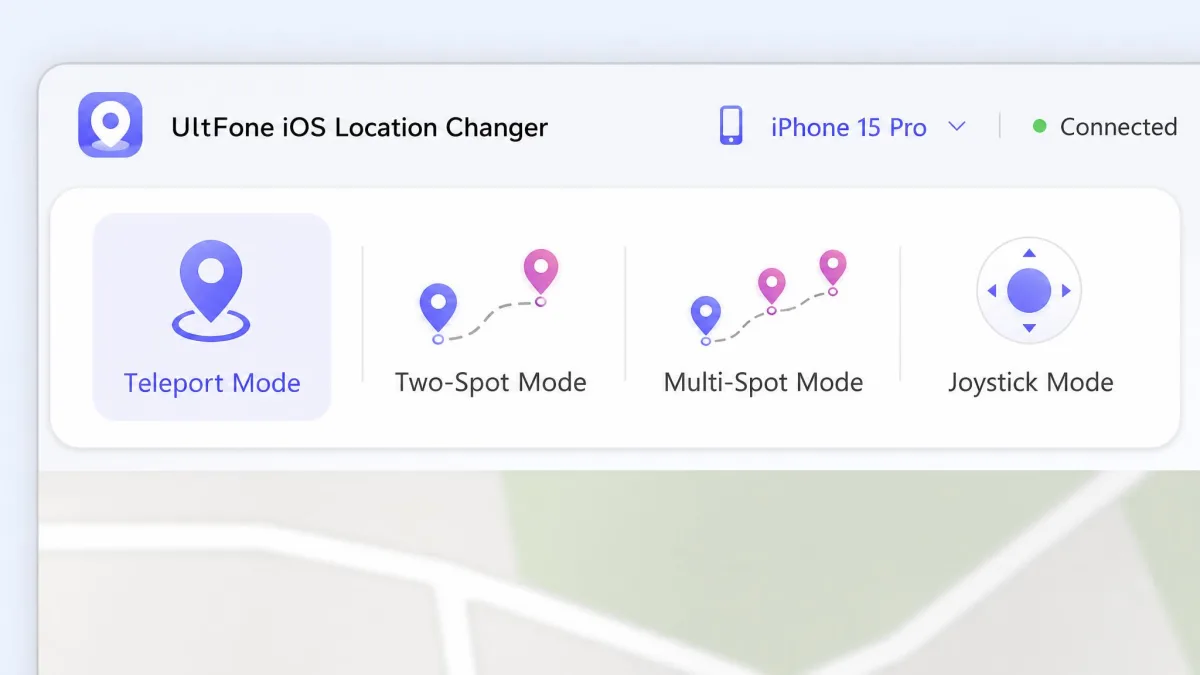
The feature checklists are close. iMoveGo runs its joystick through a full 360-degree control and imports and exports GPX files. It adjusts movement speed across a 3.6-120 km/h band. UltFone matches the same mode list and tops out at 3.6-108 km/h. Both waive jailbreaking. Both hand you a 30-day money-back window, and both connect over USB from a desktop app.
What Each Tool Actually Is
WooTechy iMoveGo
WooTechy iMoveGo is a virtual location app you install on a computer and pair with your phone. Once the device is connected, you drop a pin on the map and click once. Every app that reads GPS location then believes you are there. It covers iOS and Android and needs no jailbreak or root. On top of plain teleporting it layers game features: PokeStop and gym maps, a cooldown timer, favourites and history records.
The extras are what set it apart. Multi-spot routes accept unlimited waypoints. That lets you create a walking loop that never repeats itself the same way twice. You can pause and resume a run, then export the path as GPX and reuse it later.
UltFone iOS Location Changer
UltFone iOS Location Changer is the leaner of the two. It gives you 1-click single-spot teleport and Jump Teleport for hopping between PokeStops and gyms. You also get two-spot and multi-spot routes, a joystick, GPX import and export, adjustable speed, and direct coordinate entry. It supports a Bluetooth connection too. That is the standard fix when a USB link throws Error 12.
Its stated compatibility range is wide. UltFone lists support from iOS 14 through iOS 27. The desktop side covers Windows 11 back to Windows 7 plus macOS 10.10 or later. Android is a murkier question. Coverage depends on which UltFone edition you buy, because the iOS Location Changer and the broader Location Changer bundle are sold separately.
Setup and First Run: Which Gets You Spoofing Faster
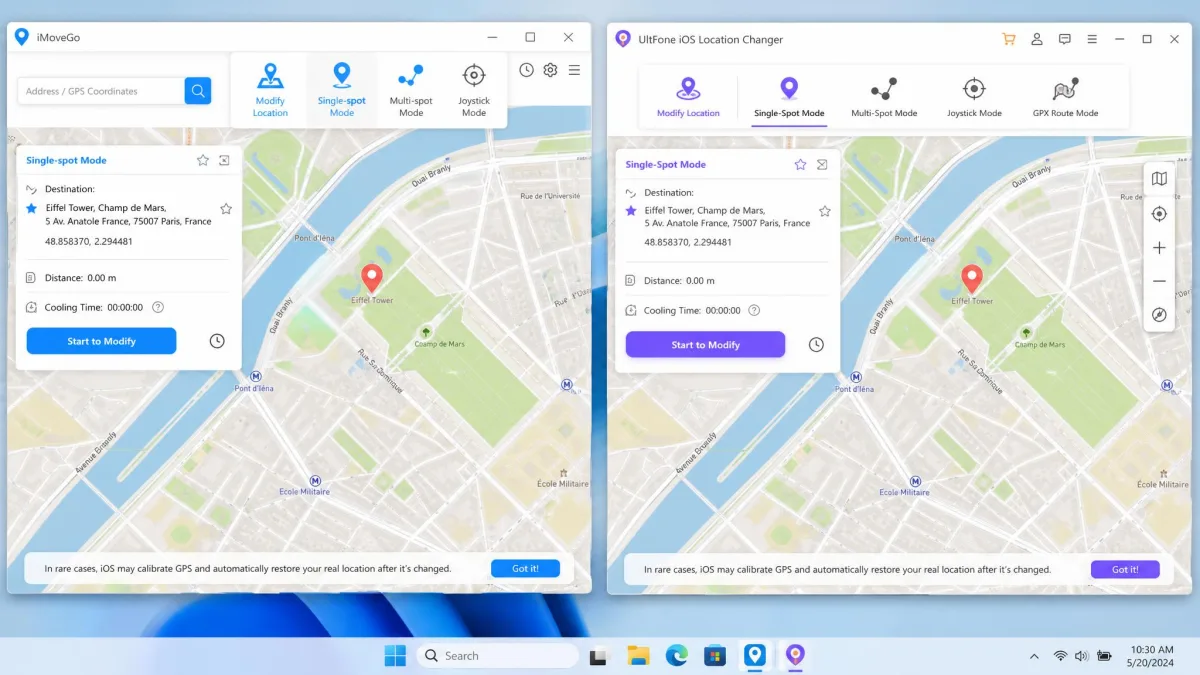
UltFone wins this round. Its install-to-first-spoof flow is short. Install on Windows or Mac, connect the iPhone by USB, pick a spot on the map, and click Start to Modify. There is no account wall in the way and no long configuration screen.
iMoveGo also requires a desktop connection over USB cable or WiFi before the phone will accept a new position. The interface takes a little learning if you have never used a location changer before. Switching between saved spots can feel laggy on the first run.
One quirk to expect from UltFone: it can display an incorrect current position the moment you connect. Refreshing the map or reconnecting the cable settles it.
Trust your desktop cable, not a hub. Connection failures with either app usually trace back to an unpowered USB hub or a charge-only cable. Plug the iPhone straight into the computer before you blame the software.
Changing Your GPS Location Without Jailbreak
Neither tool asks you to jailbreak. That matters more than it sounds. Jailbreaking voids your warranty, blocks system updates and locks you out of banking apps. Both companies handle it the same way. The desktop app talks to your iPhone over the developer connection Apple already allows, then feeds a new position to the system location service.
Because there is no jailbreaking involved, you can undo everything with a restart. Close the app, disconnect the cable, restart the iPhone, and the real GPS location comes back on its own.
The practical difference is how long the fake position holds. UltFone's spoofed position can snap back to the real location after a few minutes on recent iOS builds, which interrupts a route mid-run. iMoveGo has no comparable pattern of the position dropping out mid-session.
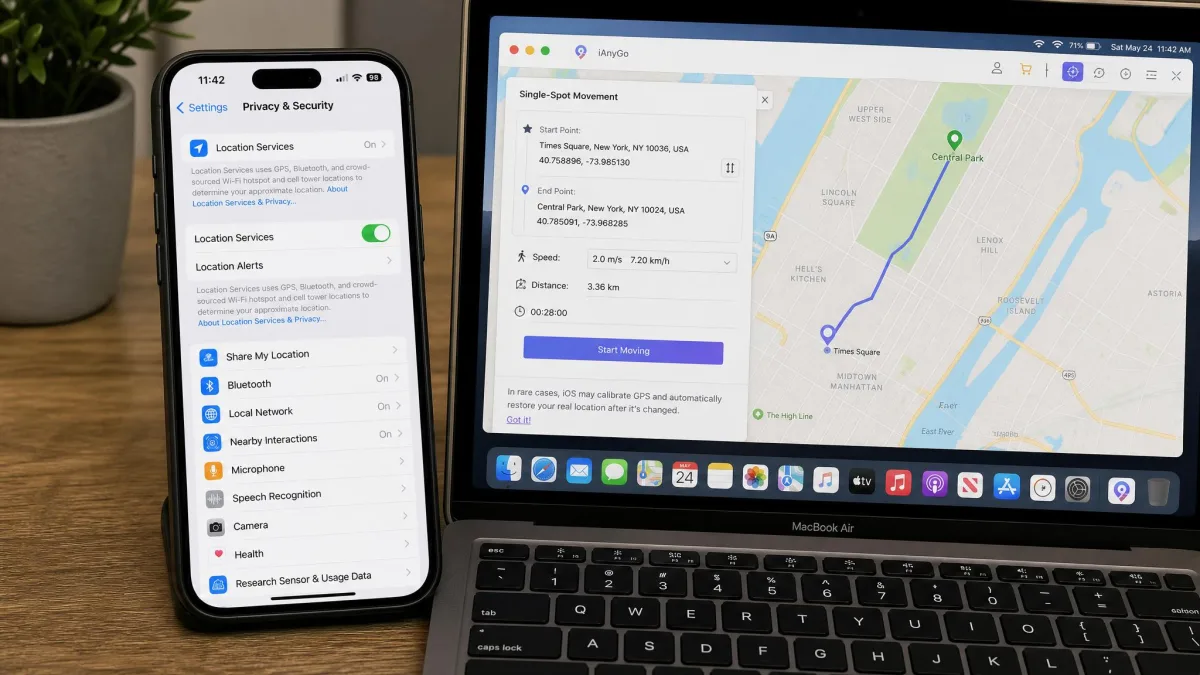
Movement Modes Compared
Teleport and Jump Teleport
Both apps teleport your location with one click on the map, or by typing coordinates directly. Jump Teleport is the game-oriented version. You queue several stops and hop between them in sequence. That is how players farm PokeStops without drawing a straight line across a city.
Two-Spot and Multi-Spot Routes
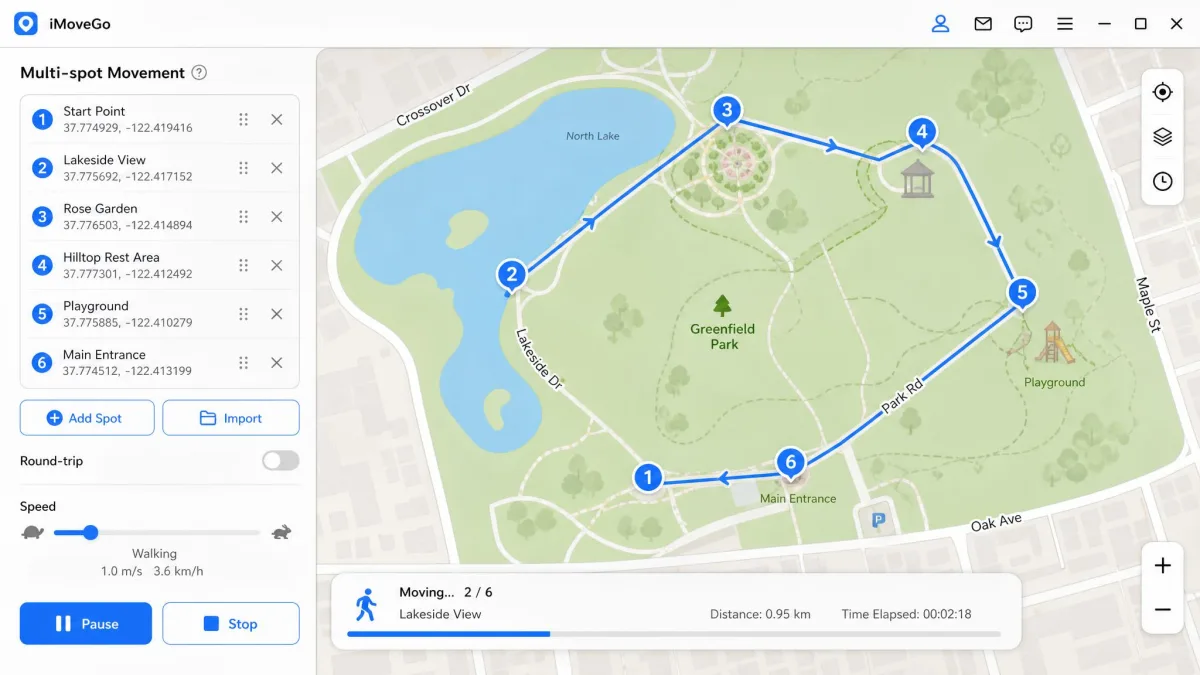
Two-spot movement walks you from A to B. Multi-spot chains several points into a route. iMoveGo's multi-spot and two-spot modes make simulated travel look more natural than a bare teleport. Its unlimited waypoints let you round off corners, so the path stops looking machine-drawn.
UltFone's routes work the same way on paper. In practice, its joystick becomes unreliable mid-session once the connection destabilises, and route simulations sometimes end early.
Joystick Control and Speed Settings
The joystick is what you use when you want to steer live rather than draw a path first. iMoveGo's 360-degree control and 3.6-120 km/h range cover everything from a slow walk to a highway drive. UltFone stops at 108 km/h. That is plenty for a game and short of a road trip.
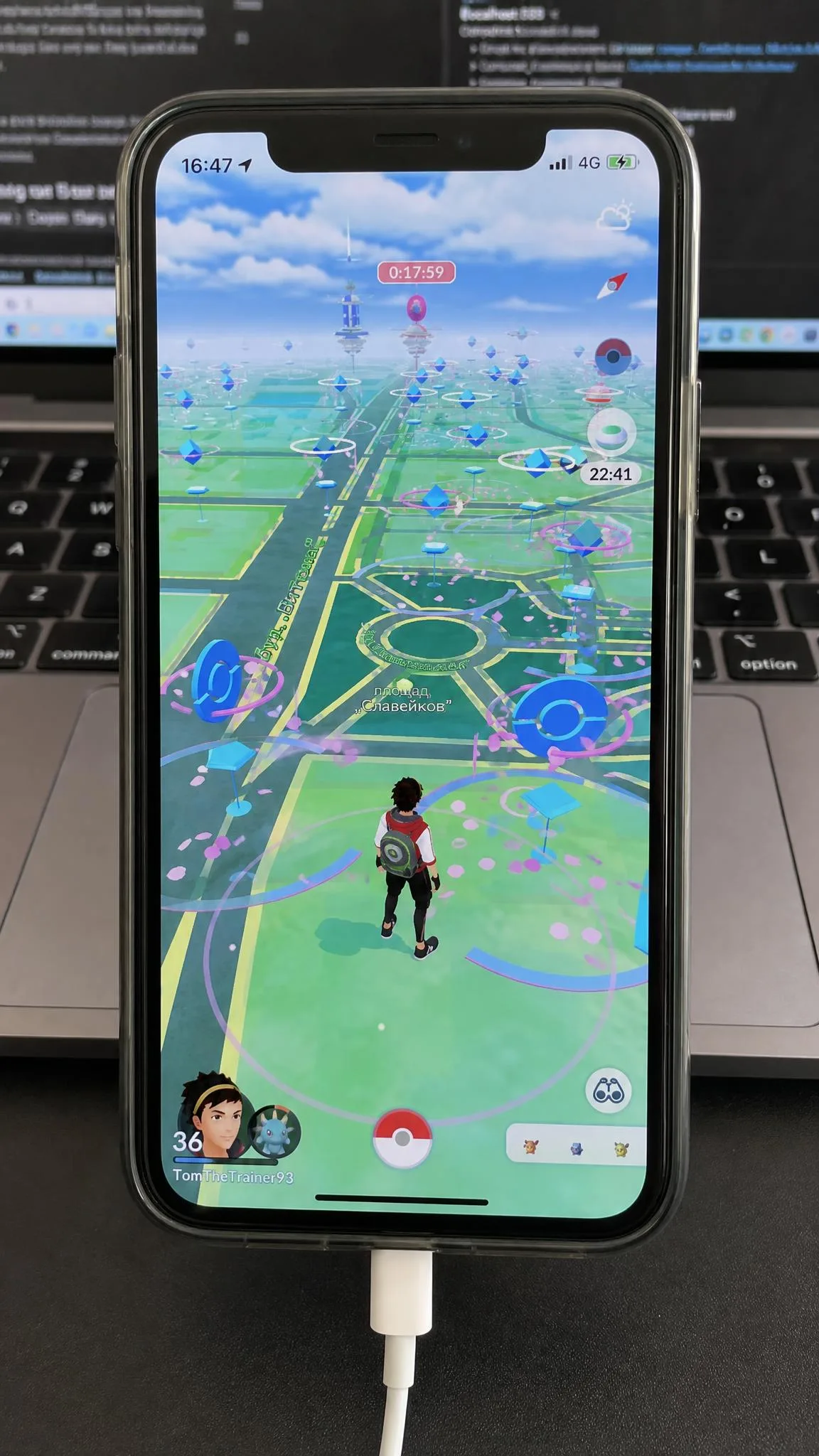
Set your speed to a believable value for the activity. A 5 km/h walking pace looks ordinary to a game server. A 100 km/h sprint through a park is exactly the pattern that gets an account flagged.
How to Change Your iPhone Location Step by Step
With iMoveGo:
- Install iMoveGo on your PC or Mac and open it.
- Connect the iPhone by USB cable, or pair it over WiFi on the same home network, and trust the computer when prompted.
- Pick teleport mode, search a city or drop a pin, and click to move.
- Switch to two-spot, multi-spot or joystick if you need movement rather than a fixed point.
- Restart the phone to restore the real location.
With UltFone, UltFone's official setup guide describes three steps, and that matches what we found:
- Launch the desktop app on Windows or Mac.
- Connect the iPhone by USB and choose a mode.
- Select a destination and click Start to Modify.
Device Support, Compatibility and Multi-Device Limits
This is where the licences separate. UltFone covers 5 devices per licence on one PC. A 2-PC tier spreads those devices across two computers. iMoveGo's VIP plan also covers 5 devices. Its SVIP plan raises that to 10 devices at once on a single PC or Mac. If you run a household of phones or play with a group, SVIP is the only plan here that scales.
On operating systems, UltFone publishes the clearer range. It lists iOS 14 through iOS 27, on Windows 11 through Windows 7 and macOS 10.10 or later. iMoveGo's vendor page lists iOS 26 and Android 16. iOS 26 support is still settling, so the newest builds can behave differently from older releases.
Android is the other split. iMoveGo genuinely works on Android without root, but its Android side is less capable than its iOS side. Its Android flow has installed a customised build of Pokemon GO on the device, which surprises some buyers. UltFone's Android coverage depends on which edition you buy.
Supported Apps: Pokemon GO, Snapchat, Life360, Find My and Dating Apps
iMoveGo lists Pokemon GO, Ingress Prime, Jurassic World Alive and Harry Potter Wizards Unite on the game side. For dating it names Tinder, Bumble, Grindr and Hinge. Everything else covers Snapchat, WhatsApp, iMessage, Find My and Apple Maps.
UltFone lists Pokemon GO, Monster Hunter Now, Facebook, WhatsApp, Snapchat, dating apps and Find My.
The lists are close enough that app coverage should not decide your purchase. Any app that reads the system GPS location sees the spoofed position, Life360 included. Neither tool patches individual apps. Each changes what the phone reports, so every location-based app downstream inherits the change.
Pricing and Value: iMoveGo vs UltFone
UltFone is cheaper at every comparable tier. Its plans run $9.95 for one month on one PC, $19.95 for a quarter, $39.95 for a year, and $69.95 for a lifetime licence. There is also a 2 PC yearly option at $59.95. You can confirm the current tiers on UltFone's current pricing page.
iMoveGo splits into two tiers. VIP costs $14.99 monthly, $29.99 quarterly, or $89.99 as a one-time lifetime purchase. SVIP, the 10-device plan, costs $19.99 monthly, $39.99 quarterly, or $119.99 lifetime.
| Plan | iMoveGo VIP | iMoveGo SVIP | UltFone |
|---|---|---|---|
| Monthly | $14.99 | $19.99 | $9.95 |
| Quarterly | $29.99 | $39.99 | $19.95 |
| Yearly | Not offered | Not offered | $39.95 |
| Lifetime | $89.99 | $119.99 | $69.95 |
| Refund | 30-day | 30-day | 30-day |
Both free trials are tight. iMoveGo's free tier allows 5 teleports and 1 hour of joystick movement. That is capped tightly enough that meaningful testing is difficult before buying. UltFone's free trial runs out fast too, and trial allowances change between builds and promotions, so what the free version lets you do varies.
Read the lifetime prices as the real comparison. If you spoof more than four months a year, a one-time licence beats any monthly plan. The $20 gap between the two lifetime tiers is smaller than the feature gap it buys.
Pros and Cons
iMoveGo Pros and Cons
Pros
- Unlimited waypoints on multi-spot routes, so simulated travel looks natural
- Widest speed range here at 3.6-120 km/h
- SVIP covers 10 devices at once on one computer
- Works on iOS and Android with no jailbreak or root
- Support has issued partial refunds, including a 50 percent refund, outside the standard policy
Cons
- Costs more than UltFone at every tier
- Interface takes a little learning, and switching locations can feel laggy
- Android side is less capable than iOS, and the Android flow installs a customised Pokemon GO build
- Free tier allows only 5 teleports
The shape of that list is the shape of the product. You pay a premium and accept a fiddlier first hour, and in exchange you get route-building depth and device headroom that the cheaper tool does not offer. It suits someone who spoofs habitually rather than once.
UltFone iOS Location Changer Pros and Cons
Pros
- Cheapest plans of the two at every tier, starting at $9.95 monthly
- Fastest install-to-first-spoof flow of the two
- Clear compatibility range from iOS 14 through iOS 27
- Bluetooth connection option when USB throws Error 12
- Support answers subscription and cancellation requests within 48 hours
Cons
- Spoofed position can snap back to the real location after a few minutes on recent iOS builds
- Joystick becomes unreliable mid-session and routes can end early
- Can show an incorrect current position on first connection, and drains battery during long sessions
- Android access depends on which edition you buy
Read that list as a trade you make knowingly. The speed to a first spoof and the price are both genuine wins, and the wobbles all show up later in a session rather than at the start. Short jobs sit comfortably inside that window.
Is Location Spoofing Safe and Legal?
Changing your own device's reported position is legal in most places. It is not a crime to tell your phone you are in Tokyo. The risk sits in the terms of service of whatever app you point it at, and in what you do with the fake position.
Apple's own controls are worth understanding first, because both tools ride on top of them. Apple's Location Services documentation explains which apps can access your position and how to revoke that access. That is the fastest way to audit what a spoofed location is actually reaching.
Neither tool jailbreaks the device, so your Apple ID is not at risk from the spoofing itself. Game accounts are a different story. Ignoring Pokemon GO cooldown rules while spoofing can still trigger a soft ban with either tool. UltFone's cooldown timer is advisory only, so it does not technically block a ban-worthy jump.
Read Niantic's policy on cheating before you spoof a game account. Falsifying location is grounds for a warning, a suspension and then a permanent ban. No location changer, cooldown timer included, can appeal that decision for you.
Which One Should You Buy?
Work out which situation you are in before you look at the price tags. Some people spoof for a specific, short reason: checking a store's regional pricing, joining a friend's raid for a weekend, or setting Find My to a home address while travelling. The cheaper option covers all of that, and you will never hit its limits inside that window. If spoofing is part of your week, the calculation changes. Once several phones in the house need it at once, you are buying a tool you have to live with rather than one you use twice.
There is a third situation, which is that neither of these is your only choice. iAnyGo, MocPOGO and LocaChange all sit in the same price band and share the same desktop-plus-cable model. If you already own one of them, the decision usually comes back to route quality and device count rather than a switch.
Frequently Asked Questions
Will an iOS update break my licence?
What happens if I unplug the cable mid-route?
What does UltFone's Error 12 actually mean?
Can I move my licence to a new computer?
Does the 30-day refund apply to a lifetime licence?
Is iMoveGo or UltFone safer for my Apple ID?
Can I get banned from Pokemon GO for spoofing?
Do they work without a computer?