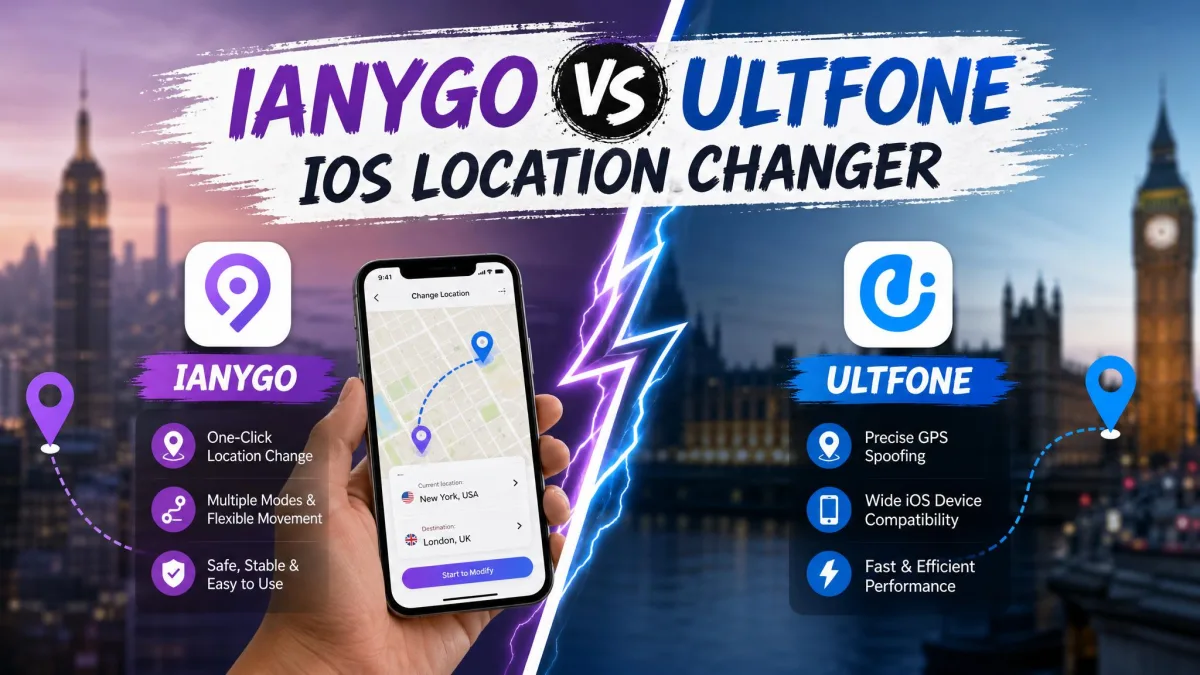
An iOS location changer is a tool that changes the GPS coordinates your iPhone reports to apps, and it does that without a jailbreak. Tenorshare iAnyGo and UltFone iOS Location Changer are the two most popular options. Both drop a spoofed pin anywhere on the map from the comfort of your home. If your real GPS location is the problem, these tools exist for that exact moment: Pokemon GO will not reach your neighborhood, or a dating app keeps matching you with a city you just left. Both fix it with a one-click teleport.
Which one should you pick in 2026 is the question we set out to answer. We ran both tools on up-to-date iOS builds, tested teleports, route loops and joystick movement, and watched what happens when the phone is unplugged. We report wins and limitations alike, because a changer that snaps back mid-session is worse than none at all.
We tested both tools hands-on over multiple sessions: cross-city teleports, multi-spot route loops, joystick walks, and full setup runs from first plug-in to first spoofed pin.
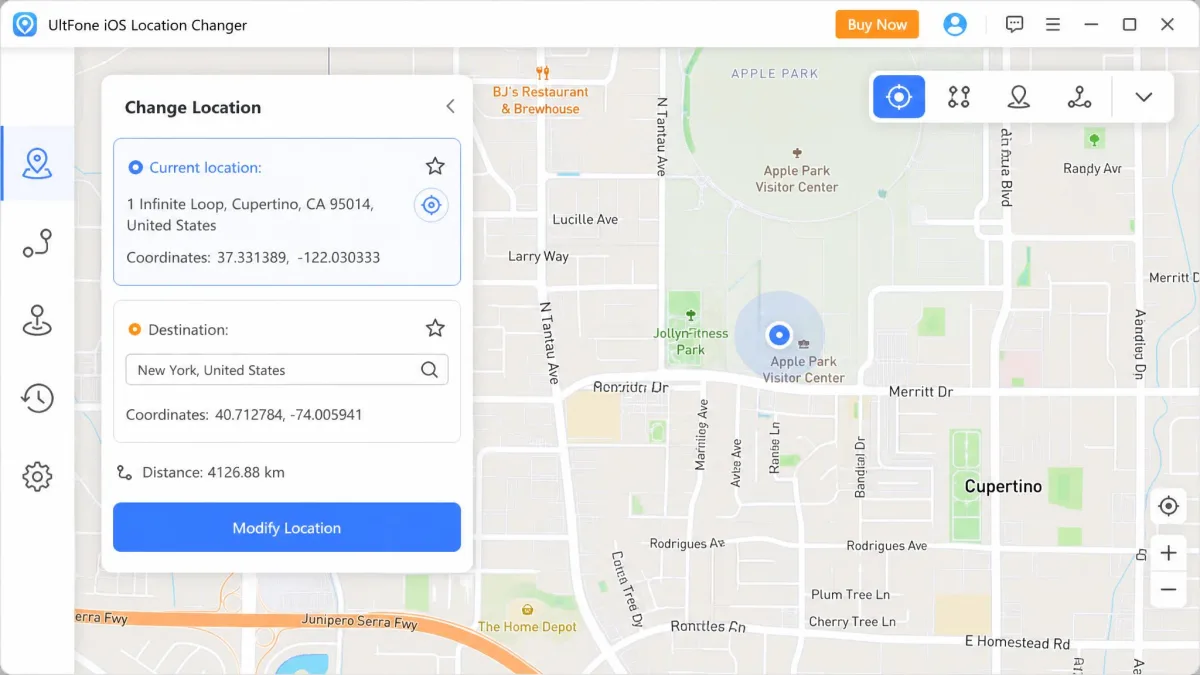
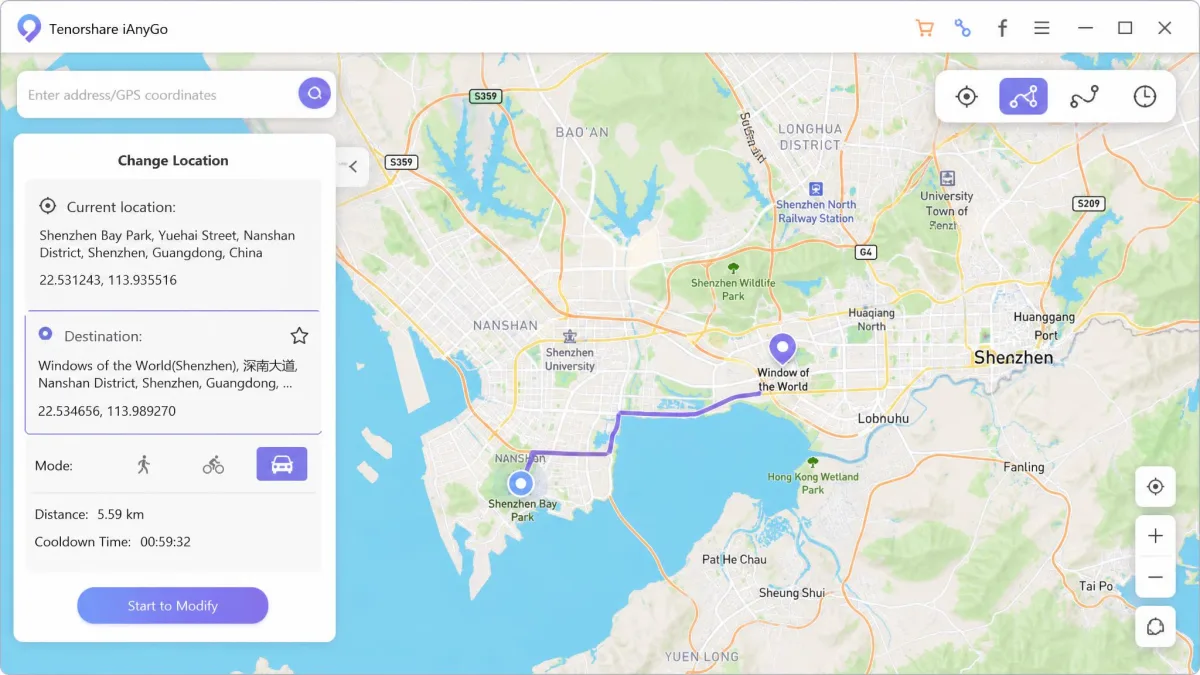
iAnyGo vs UltFone: Quick Comparison
Before the deep dive, here is where the two tools stand at a glance. Both are jailbreak-free, run on Windows and macOS, and cover the core movement modes. The differences show up in price, device scale and setup friction.
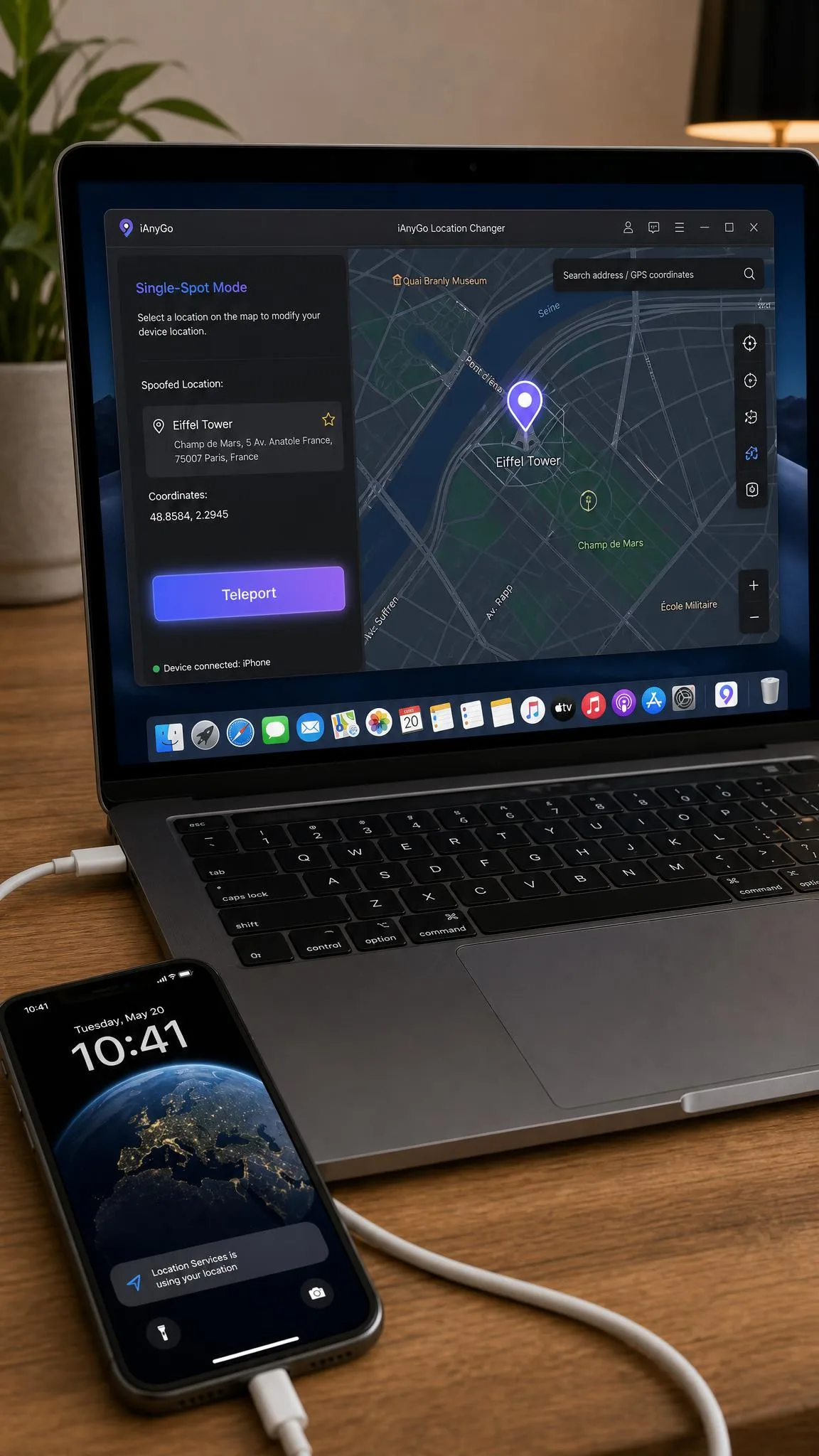
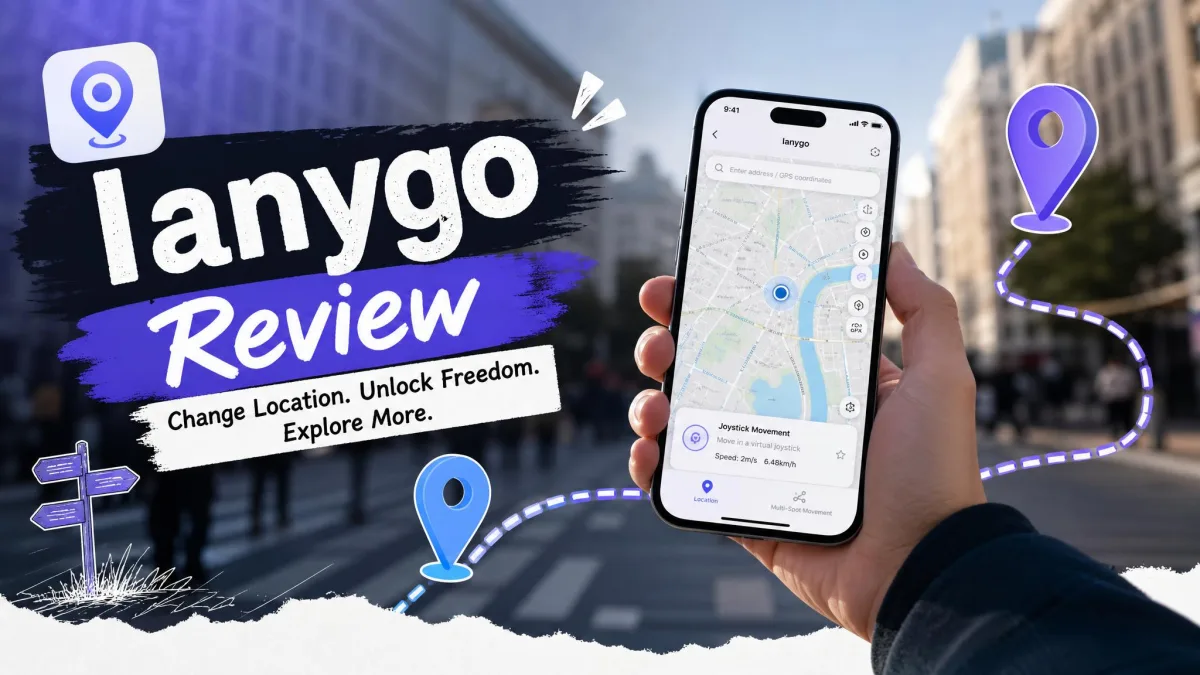
Tenorshare iAnyGo at a Glance
iAnyGo is Tenorshare's location changer for iOS and Android. Its strengths are scale and depth, with the biggest device ceiling in the category and route tools that go beyond a one-click teleport. The trade-off is setup friction on the first run.
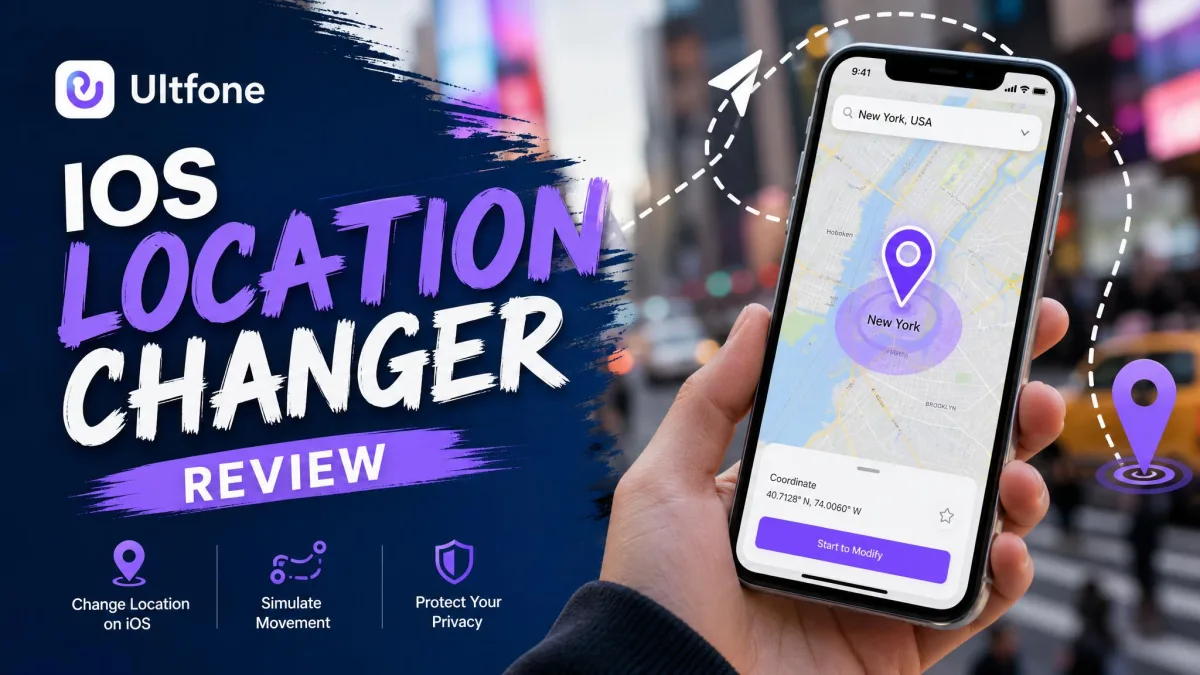
UltFone iOS Location Changer at a Glance
UltFone is the simpler rival. It supports iOS 14 through iOS 27, and its interface is about as beginner-friendly as this category gets.
Side-by-Side Feature and Price Comparison
The table below compresses the key differences.
| Row | iAnyGo | UltFone iOS Location Changer | Best for |
|---|---|---|---|
| Price | $12.95/mo, $22.95/quarter, $42.95/yr, $95.95 lifetime (5 iOS devices, 1 PC) | $9.95/mo, $19.95/quarter, $39.95/yr, $69.95 lifetime (5 devices, 1 PC) | Budget buyers: UltFone |
| Free trial | Yes, but heavily restricted (duration unpublished) | Yes, but capped (route and duration limits) | Trying before paying: both, but tight |
| Jailbreak required | No | No | Non-technical iPhone owners: both |
| iOS compatibility | Latest iOS (iOS 27) | iOS 14 to iOS 27 | Latest-version iPhones: both |
| Movement modes | Single-spot, multi-spot, joystick, teleport | Single-spot, multi-spot, jump teleport, joystick | Route planning: iAnyGo; game scanning: UltFone |
| Max devices | Up to 15 iOS devices (top tier), unlimited Android | 5 devices per plan | Multi-device households: iAnyGo |
| Cooldown timer | Yes | Yes (advisory only) | Ban-conscious players: both |
| GPX import/export | Yes | Yes | Custom-route tinkerers: both |
| Ease of use | Clean minimal UI, but first setup is a hurdle | Very simple, clean interface | Absolute beginners: UltFone |
| Safety record | Trustpilot 4.8/5 (ianygo.com), 3.5/5 (tenorshare.com) | Trustpilot 4.9/5 (ultfone.net) | Support and billing peace of mind: UltFone |

What Is Tenorshare iAnyGo?
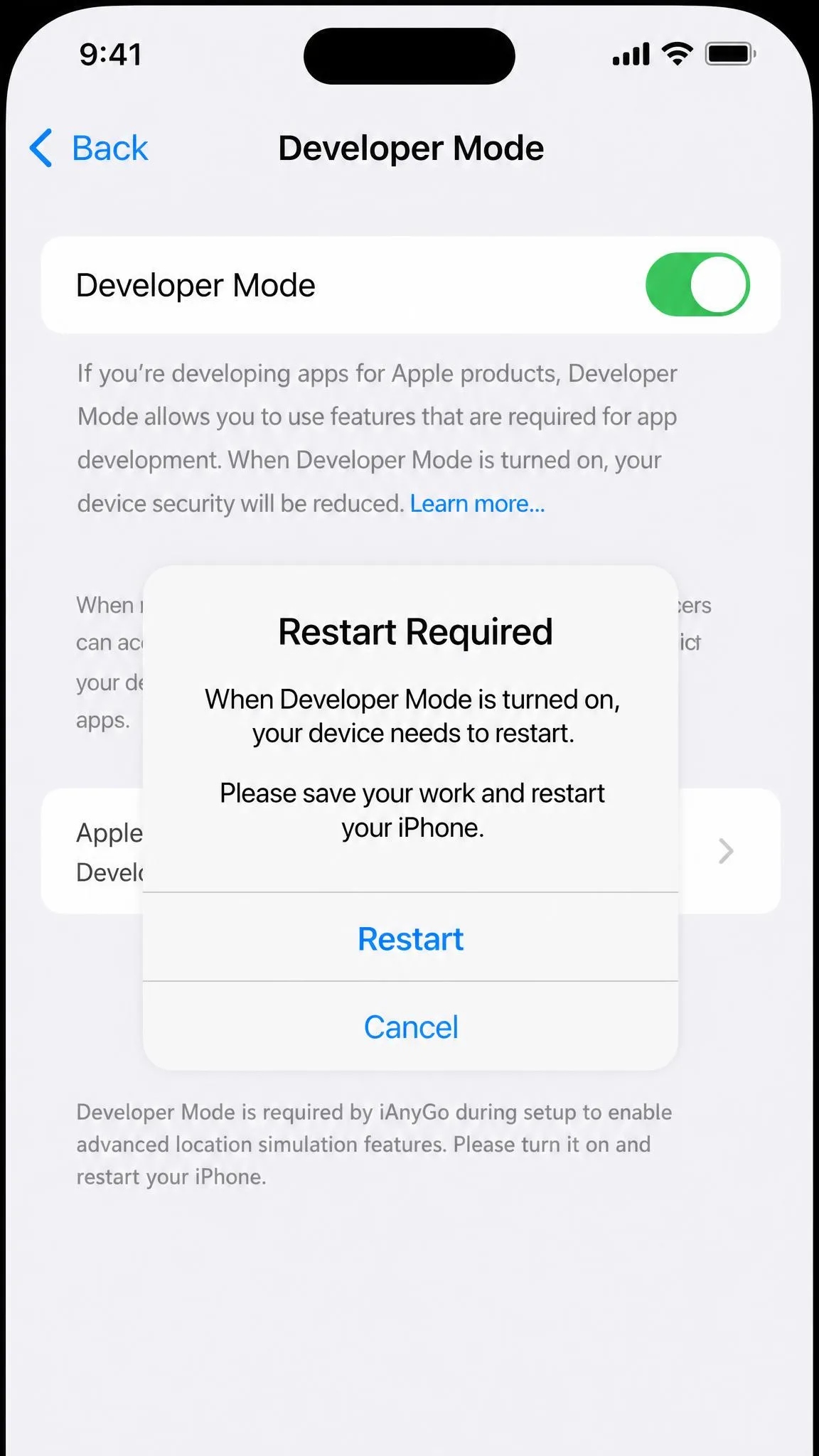
Under that table summary, Tenorshare iAnyGo is a desktop and mobile location changer for iOS and Android. Our first setup run stalled at the connection step: the iPhone kept prompting "Trust This Device", and the app could not see it until we unplugged and reconnected the cable. The most common cause of a silent connection is a charging-only USB cable, and an MFi data cable fixed it for us. Once connected, iAnyGo asks you to enable Developer Mode on the phone, a state that can only be undone with a factory reset.
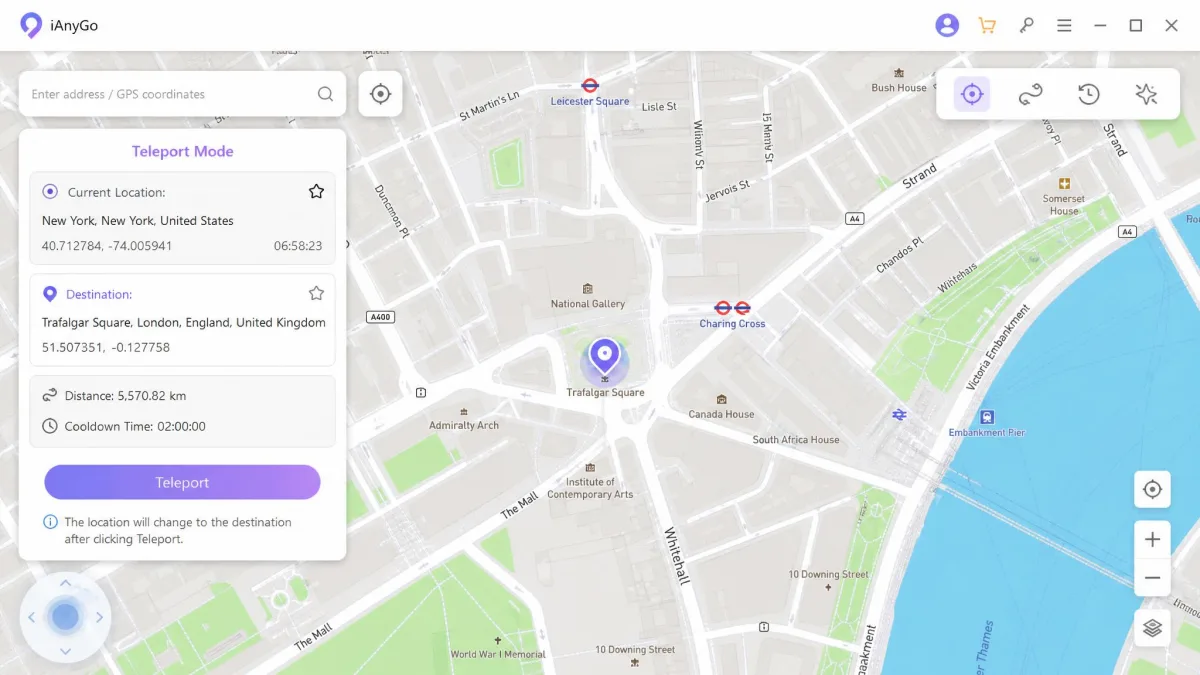
Key Features of iAnyGo
- One-click teleport with coordinate search
- Single-spot and multi-spot route simulation at speeds from 3.6 to 108 km/h (the joystick tops out at 72 km/h)
- GPS joystick with 360-degree direction and WASD keyboard movement
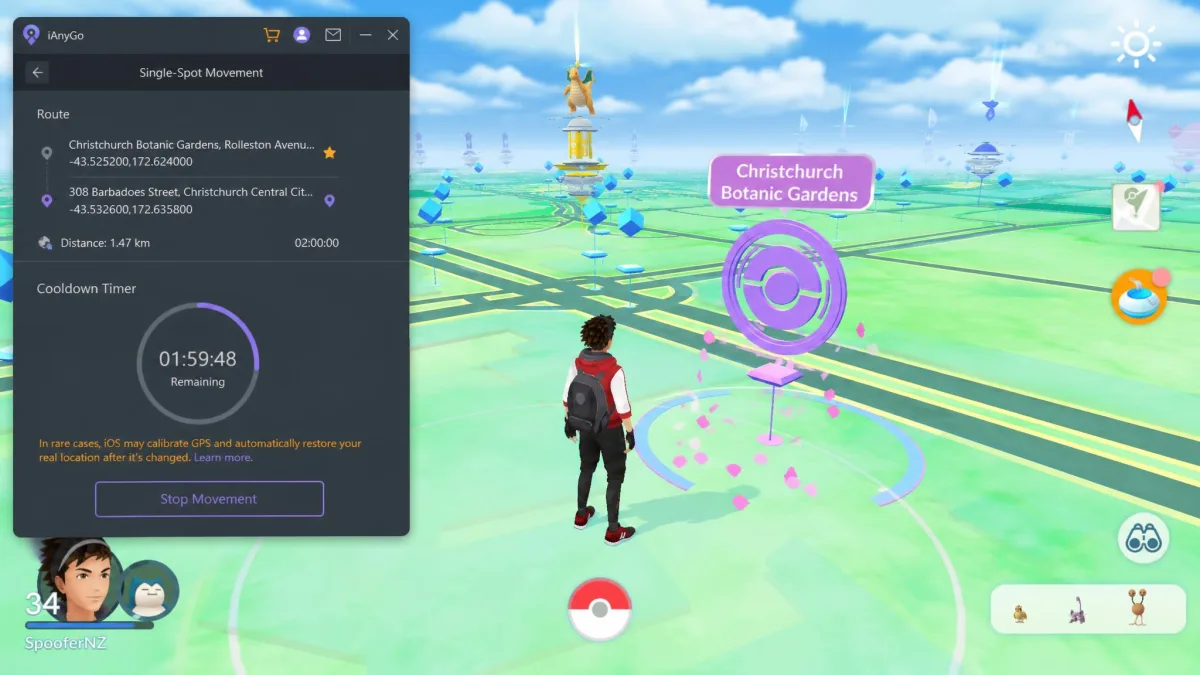
- Cooldown timer between location changes to reduce ban risk
- GPX import and export for custom routes
- Game Mode for Pokemon GO and a dedicated Monster Hunter Now wizard
- Save favorite spots and routes, with historical records
iAnyGo Pros and Cons
Pros
- The largest device allowance in the category
- Favorite-spot saving and historical route records
- Support answered our weekend ticket in about 22 hours
Cons
- No practical standalone mode, so the phone must stay connected to the computer
- The free trial is heavily restricted, with no published duration
- Monthly, quarterly and annual licenses auto-renew by default
What Is UltFone iOS Location Changer?
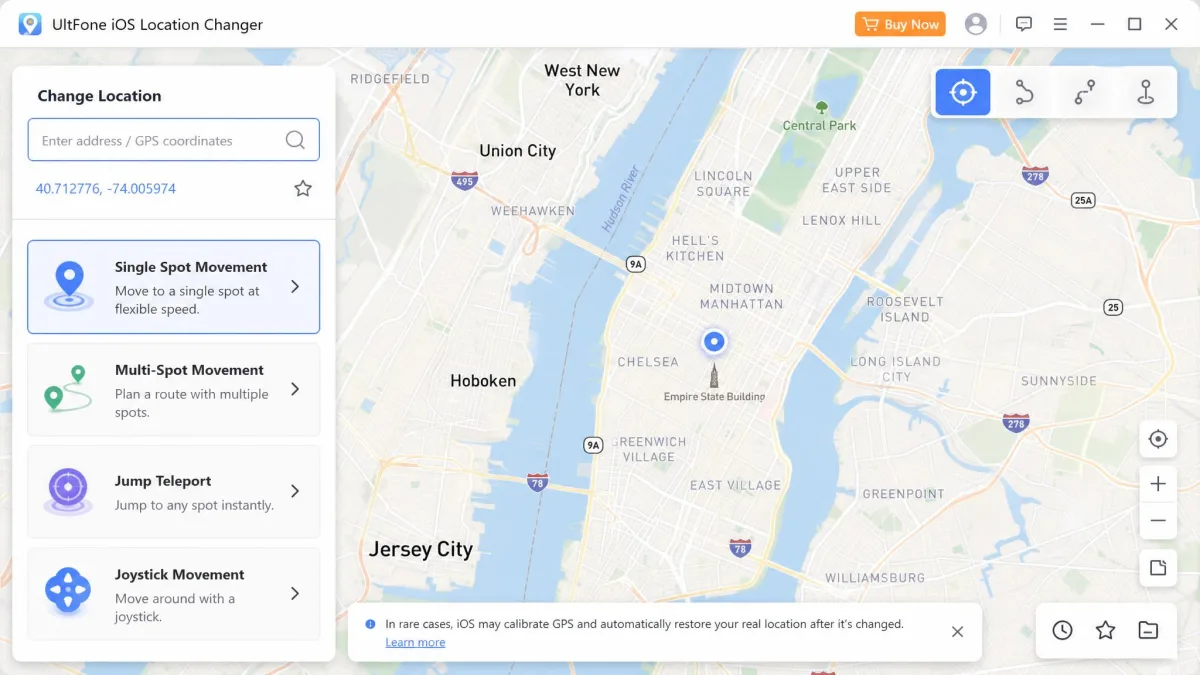
Where iAnyGo is feature-dense, UltFone iOS Location Changer is the simpler contender, and setup reflects that. You install the desktop app on a PC or Mac, connect the iPhone over USB, and tap Trust on the phone. Our teleport testing came with a candid caveat: on current iOS builds the spoofed location held for roughly 3 to 5 minutes before snapping back, and a 2 km route loop dropped about 4 minutes in, with the avatar back at the original spot. Earlier iOS versions held up better, so the reset behavior appears version-dependent.
Key Features of UltFone iOS Location Changer
- One-click teleport and exact-coordinate entry
- Single-spot and multi-spot routes with looping and pause-any-time
- Jump teleport with a Pokestop, Gym and Raid scan map
- Joystick movement along custom paths
- Cooldown timer and historical records of visited spots
- GPX import and export
- Bluetooth game mode for Pokemon GO
UltFone iOS Location Changer Pros and Cons
Pros
- Standalone iOS app mode with no PC required after the initial setup
- Jump teleport with a Pokestop and Gym scan map for Pokemon GO
- Responsive support that resolved our login and license issues in one contact
Cons
- Battery drain is noticeably higher while spoofing
- The free trial is capped and the vendor publishes no terms
- Error 12 can still appear during Pokemon GO sessions
- The cooldown timer is a reminder, not a safeguard
iAnyGo vs UltFone: Key Differences Compared
The glance sections show two competent tools. Where they actually differ is price, device scale, movement modes, safety and setup.
Pricing and Plans
UltFone is cheaper at every level. Base plans run $9.95/month, $19.95/quarter, $39.95/year and $69.95 lifetime for 5 devices on 1 PC, with a 2-PC tier at $15.95, $29.95 and $59.95. iAnyGo lists $12.95/month, $22.95/quarter, $42.95/year and $95.95 lifetime, plus a 15-device tier at $19.95, $39.95 and $59.95 and a 2-PC tier at $18.95, $32.95 and $62.95. Note that iAnyGo raised list prices and runs frequent promotions, so older roundups still quote the old $9.95 entry rate. Both vendors offer a 30-day money-back guarantee, and iAnyGo's subscriptions auto-renew by default, so cancel manually when you are done.
iOS Compatibility and Device Support
Both tools support the latest iOS and run on Windows and macOS. iAnyGo lists iOS 27 and Android 16 support, handles up to 15 iOS devices per PC on the top tier, and controls up to 5 at once, with unlimited Android devices on top. UltFone lists iOS 14 through iOS 27, Android 15 and 16, Windows 11, 10, 8.1, 8 and 7, and macOS 10.10 and later, at 5 devices per plan. For a multi-device household, that difference alone can decide the purchase.
Movement Modes: Single-Spot, Multi-Spot, Joystick, and Teleport
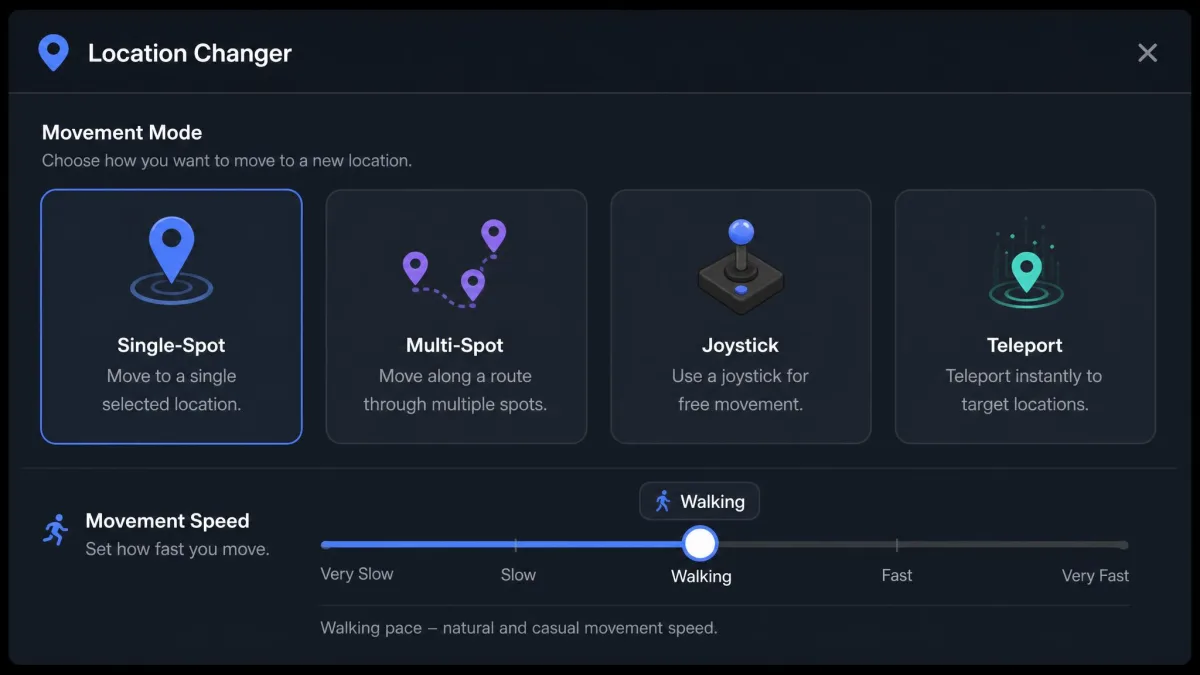
Both tools cover the four core modes, with a twist each. iAnyGo pairs teleport with a 360-degree joystick and WASD support. UltFone pairs jump teleport, which scans for Pokestops, Gyms and Raids, with joystick movement along custom paths. iAnyGo's route speeds run 3.6 to 108 km/h with the joystick capped at 72 km/h. UltFone advertises up to 108 km/h, though the practical ceiling is closer to 72 km/h. In our sessions, iAnyGo's mode switching was not smooth, and its fixed walking speed could look unnatural. UltFone's joystick moved the character smoothly until the GPS connection dropped. The drop froze the game and snapped the location back, a pattern game servers read as spoofing.
Safety and Legitimacy: Are They Safe to Use?
Neither tool requires a jailbreak or root access, and neither modifies the device, so the phone itself stays safe. The real risk is account-level: Pokemon GO and many location-based apps treat spoofing as a terms-of-service violation. Sudden long-distance teleports triggered softbans in our Pokemon GO sessions; the cooldown timer and iAnyGo's oscillation mode are the recommended mitigations. On Android, iAnyGo sends constant altitude, speed and accuracy values while only the coordinates update. Anti-cheat systems can flag that pattern. Community ratings favor UltFone. Its Trustpilot profile is rated Excellent at 4.9/5, while iAnyGo sits at 4.8/5 on its own ianygo.com profile but only 3.5/5 on tenorshare.com. The tenorshare.com complaints center on auto-renewal charges and refunds that are hard to enforce despite the 30-day guarantee.
Ease of Use and Setup Experience
UltFone is the friendlier setup. Install, connect over USB, trust the connection, and you are spoofing within a few minutes. The interface is clean and genuinely beginner-friendly. Its quirks showed up in use: the location reverts if you unplug the iPhone in the desktop workflow, and we hit a device-limit snag where the account registered only 2 of the 5 allowed devices until support raised the limit. iAnyGo's interface is clean and minimal as well, but first setup is the harder one.
How to Use iAnyGo to Change Your iPhone Location
Next, we walk through the setup flow for each tool, starting with iAnyGo. This is the flow that worked for us.
- Install the desktop app on a Windows PC or Mac and launch it.
- Connect the iPhone with a data-capable USB cable. A charging-only cable is the most common reason the phone is never detected; an MFi data cable fixes it.
- Tap Trust on the iPhone when the prompt appears. If the app still cannot see the phone, unplug and reconnect the cable.
- Enable Developer Mode when iAnyGo asks. Remember that this state can only be undone with a factory reset.
- Pick a mode: teleport to a single spot, plan a multi-spot route, or drive with the joystick using WASD.
- Search a coordinate or drop a pin, set the speed, and apply the one-click change. Wait out the cooldown timer between jumps.
- To stop the spoof, restart the iPhone.
How to Use UltFone iOS Location Changer to Change Your iPhone Location
UltFone follows the same general shape with less ceremony. Our setup ran without a single restart.
- Install UltFone on a Windows PC or Mac and open the desktop app.
- Connect the iPhone over USB and tap Trust on the phone when prompted.
- For the iOS app version, complete the one-time PC-based setup. After that it runs standalone with no computer.
- Choose a mode: one-click teleport, exact coordinates, multi-spot with looping, or jump teleport for Pokestops and Gyms.
- Drop the pin, set a walking, cycling or driving speed, and apply the change.
- Keep the iPhone connected to the PC throughout the desktop session.
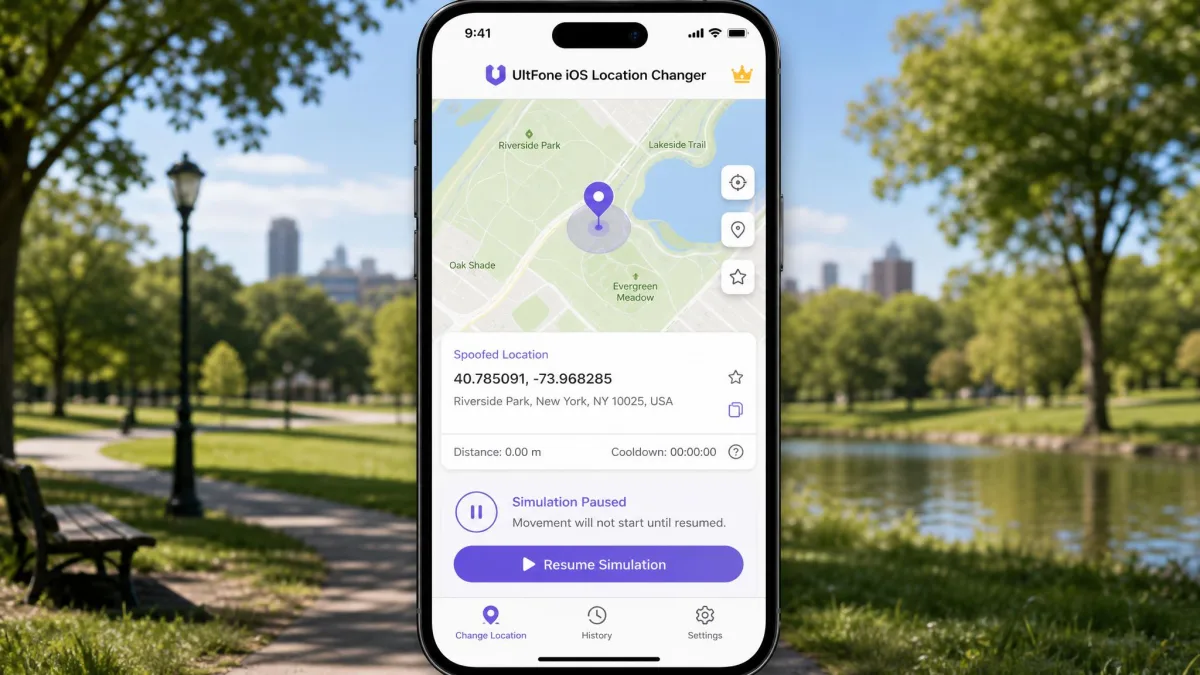
- Use the cooldown timer after big jumps and pause the simulation whenever you need to.
iAnyGo vs UltFone for Pokémon GO and Dating Apps
Most people buy one of these tools for games and dating apps, so this is where the choice gets real. For Pokemon GO, iAnyGo brings Game Mode, a Monster Hunter Now wizard and an oscillation mode. UltFone brings a Bluetooth game mode that resolves Error 12 without modifying the app, plus a jump teleport that scans for Pokestops, Gyms and Raids. Honest findings from our sessions: Error 12 can still appear with both tools, sudden long-distance teleports triggered softbans, and a GPS drop mid-movement froze the game in a pattern servers read as spoofing. UltFone support resolved our Error 12 in one contact, and iAnyGo publishes a fix path we describe in the FAQ.
Keep movement realistic. Walk at walking speed, wait out the cooldown timer after long jumps, and avoid teleporting across oceans and back in ten minutes, no matter which tool you use.
For dating and social apps, UltFone lists Tinder, Bumble, WhatsApp and Facebook; iAnyGo lists Life360, Instagram, WhatsApp, Facebook, Google Maps, Pikmin Bloom and Geocaching. Both tools spoof whatever app reads the GPS output, so a pin in a new city is what Tinder and Bumble show. Keep changes modest, because sudden jumps look suspicious to apps that track movement history.
Frequently Asked Questions
Is it safe to change my iPhone location?
Does it require jailbreak?
Can I use it with Pokemon GO without getting banned?
Will it work with Find My, Life360 or dating apps?
How do I fix "failed to detect location 12" (iAnyGo)?
How long does the change last?
Final Verdict: iAnyGo vs UltFone
So which should you pick in 2026? For most iPhone owners, UltFone iOS Location Changer is the better buy: it costs less at every plan level, its setup skips the Developer Mode hurdle, and its community rating is the strongest in the category. Our sessions also confirmed the honest trade-off: a snap-back caveat applies on current iOS builds, so it is not a set-and-forget tool; the review section has the details.
iAnyGo is the right choice when scale and depth matter. It controls the most devices per PC, the route toolkit is the deepest in the category, and Pokemon GO and Monster Hunter Now players get Game Mode plus the MHN wizard. Budget for the setup friction and the billing complaints on tenorshare.com's Trustpilot profile.
Start with the free trials if you can. For everyone else, our pick stands: UltFone iOS Location Changer, with Tenorshare iAnyGo as the strong multi-device alternative.