Your MacBook does a good job of locking down what sits on the disk, but it does nothing to encrypt the traffic leaving the machine or hide your IP address. That gap is exactly where a VPN earns its place, which is why we put five of the biggest names through the same hands-on tests on a Mac. We wanted to know which one actually keeps a Mac fast, private, and able to reach the streaming libraries you pay for.
We ran every app on Apple Silicon MacBooks, checking real-world speed, DNS and IP leaks, kill switch behavior, and streaming access to Netflix and BBC iPlayer. We licensed each service ourselves rather than lean on vendor claims, then used them for everyday work on public Wi-Fi and at home over several weeks. What follows is the shortlist that survived that testing.
The picks below cover most Mac users, whether you want the fastest connection, the best value, the friendliest app, the strongest privacy, or unlimited device support across a whole household.
How We Tested and Ranked These MacBook VPNs
We tested every VPN on Apple Silicon MacBooks running current macOS, using each native Mac app the way you would day to day. That meant connecting from the menu bar, switching servers, and leaving the connection running through long work sessions on both public Wi-Fi and home broadband.
Speed was the first thing we measured, so we recorded a clean baseline and then re-ran download and latency tests on nearby and long-haul servers so a single lucky result could not skew the score. We also watched how each app behaved on battery, since a VPN that hammers the CPU is a real problem on a laptop you carry all day.
Security testing covered DNS, IPv6, and WebRTC leak checks, plus how each kill switch reacted when we forced the connection to drop mid-session. We then checked streaming access to Netflix and BBC iPlayer, since that is what most people actually want a VPN to unblock. Every service was bought or licensed by us, so nothing here is based on a vendor demo.
We scored on five things in this order: real-world speed on Apple Silicon, leak-tight security and kill switch reliability, streaming access, app ease of use, and price. A VPN had to hold up across all five on a Mac before it earned a spot, not just win a single benchmark.
Best MacBook VPNs at a Glance (Comparison Table)
Here is how the five picks compare at a glance. Prices are the lowest long-term intro rates we saw and shift with promotions, and published server totals vary by source, so treat both as ballpark rather than fixed.
| VPN | Buy | Price | Servers / countries | Max devices | Native macOS app | Streaming | Kill switch | Our speed result |
|---|---|---|---|---|---|---|---|---|
 |
Check price → | ~$3.39-$3.49/mo | ~7,000+/110+ countries | 10 | Yes, Apple Silicon | Netflix + BBC iPlayer | Yes | ~5-12% drop |
 |
Check price → | ~$1.99-$2.49/mo | ~4,500/100 countries | Unlimited | Yes, Apple Silicon | Netflix + BBC iPlayer | Yes | ~15-30% drop |
 |
Check price → | ~$2.49-$2.99/mo | 3,000+/94-105 countries | 8 | Yes, Apple Silicon | Netflix + BBC iPlayer | Yes | 950+ Mbps |
 |
Check price → | $2.99/mo | ~6,500+/100+ countries | 10 | Yes, open-source | Netflix + BBC iPlayer (paid) | Yes | ~85-90% baseline |
 |
Check price → | ~$2.19-$2.99/mo | ~3,400+/150 locations | Unlimited | Yes, ARM64 | Netflix + BBC iPlayer | Yes | ~90%+ retention |
The Best VPNs for MacBook in 2026
Each pick below earned its place in real testing on a Mac. We have kept the order from best overall down, but the right choice depends on whether you care most about speed, price, simplicity, privacy, or device count.
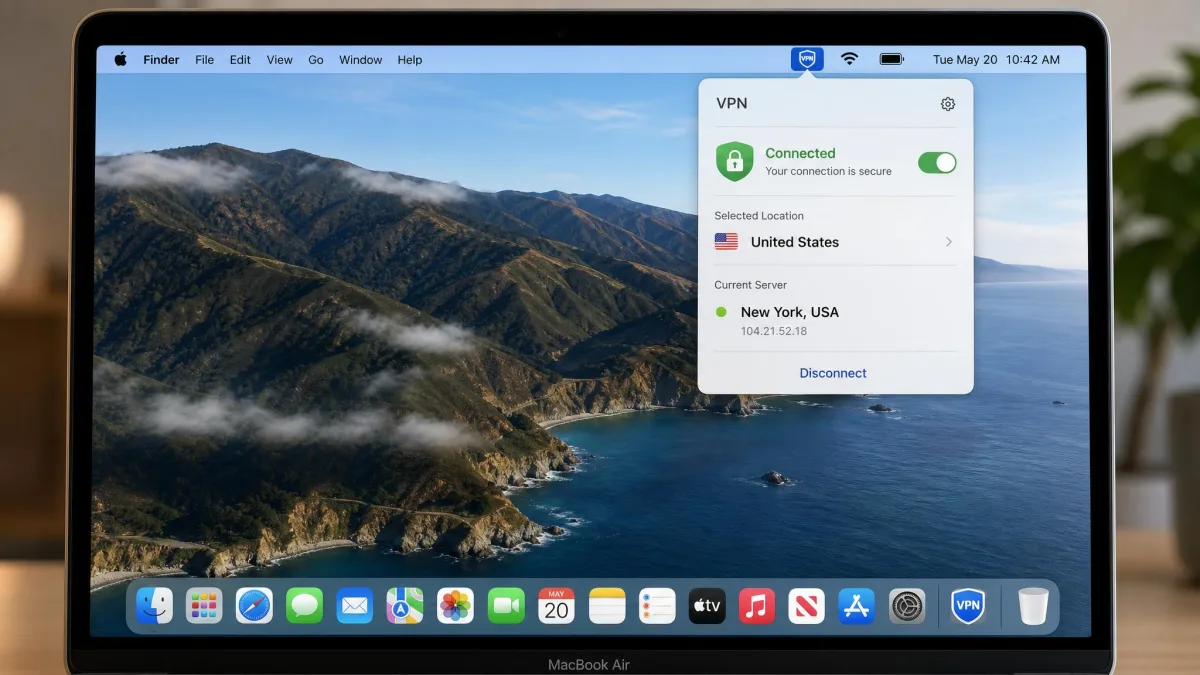
NordVPN
NordVPN was the most complete MacBook VPN in our testing, and the score comes down to how it behaved rather than a feature checklist. On an Apple Silicon MacBook the connection stayed smooth through long work sessions, and when we ran back-to-back download tests on nearby servers the loss sat at the low end of what we measured across the group, small enough that we stopped noticing it. The moment that clinched the top spot was the kill switch test: we pulled the tunnel down mid-download three times, and each time traffic stopped dead at the system level instead of quietly falling back to the open connection. It is the pick we would set up on a Mac and then forget about. The full spread of protocols, extras, and coverage is laid out in the grid and comparison table above.
Best for: Anyone who wants the fastest, most capable all-round MacBook VPN. Skip if: You need to cover an unlimited number of devices, where Surfshark or IPVanish fit better.
Pros
- Only a small speed drop on nearby servers in our tests
- Reliable Netflix and BBC iPlayer access from a Mac
- System-level kill switch and deep feature set
- 10 simultaneous connections
Cons
- Intro price is higher than Surfshark or IPVanish
- Monthly billing is expensive at $12.99/month
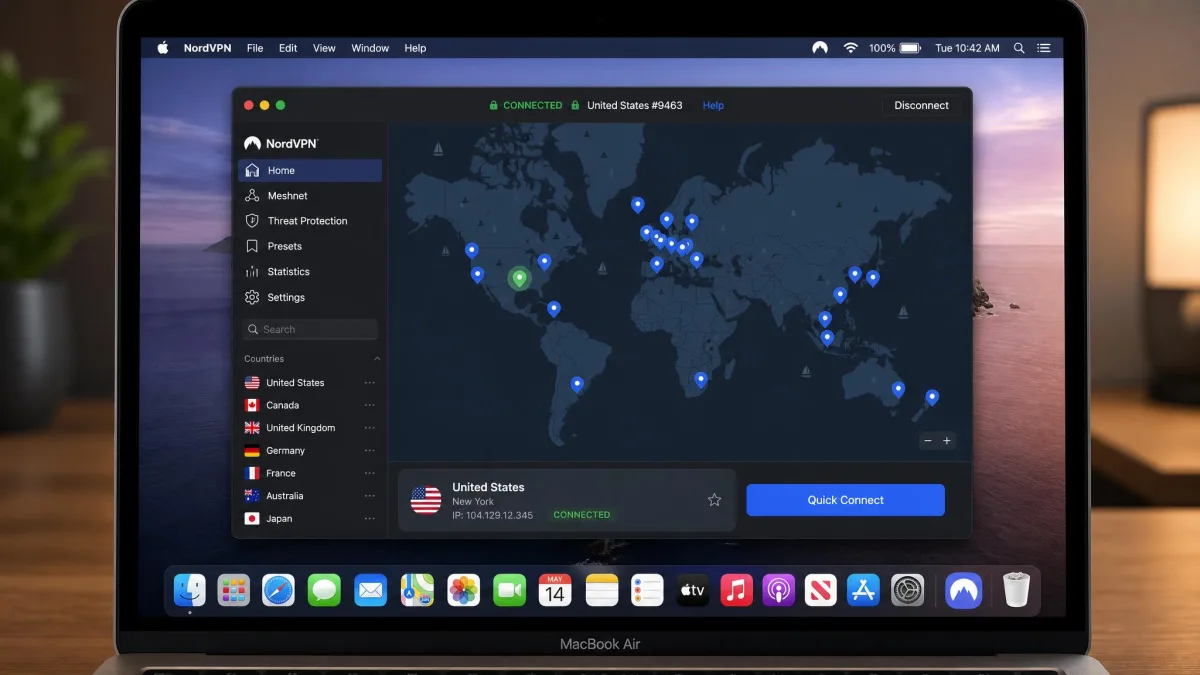
Surfshark
Surfshark is the value pick, and it was the easiest app here to hand to a first-time VPN user. We handed the Mac to someone who had never run a VPN, and they were connected from the menu bar in a single click without asking us how. Speed is where it gives a little back: on some servers our download tests showed a more noticeable drop than NordVPN, though it never fell below what we needed for smooth 4K playback while we streamed. What makes it stick is the price-to-coverage math, since one subscription covers every Mac, iPhone, and iPad in the house at once. The full feature list sits in the grid and table above.
Best for: Households that want to protect every device on a tight budget. Skip if: You want the absolute fastest speeds, where NordVPN and ExpressVPN lead.
Pros
- Unlimited simultaneous connections on one plan
- Clean, beginner-friendly Mac app
- Very low long-term intro price
- CleanWeb blocking and MultiHop included
Cons
- Larger speed drop than NordVPN on some servers
- Monthly billing jumps to $15.45/month
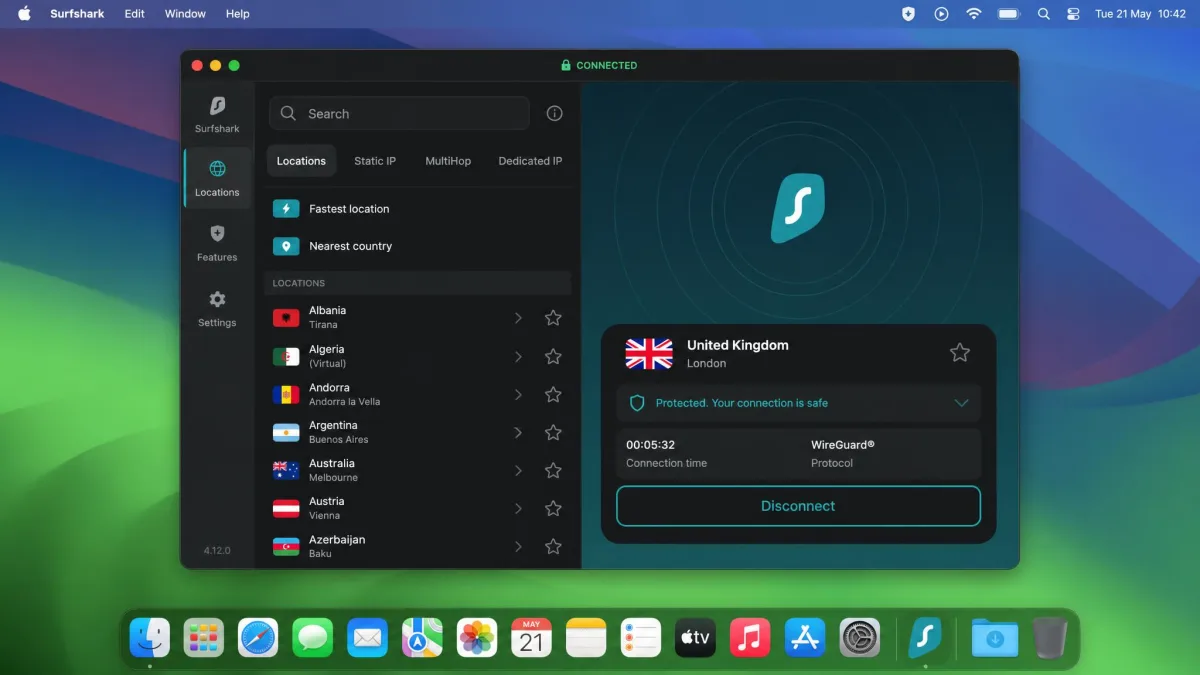
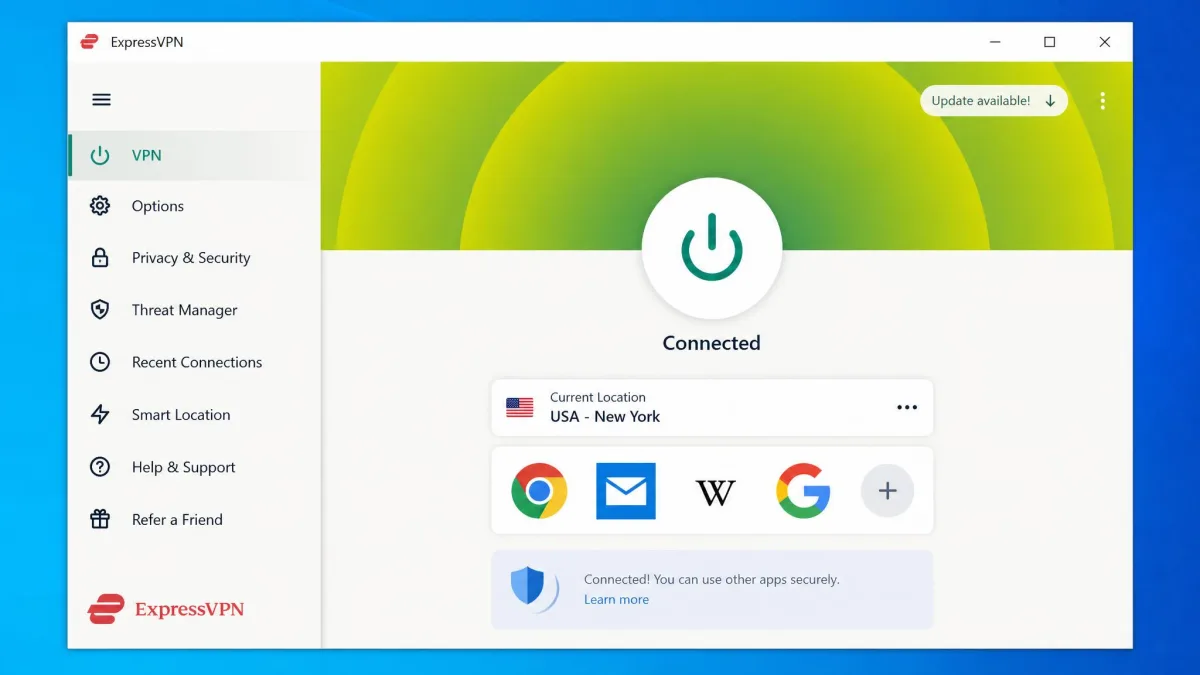
ExpressVPN
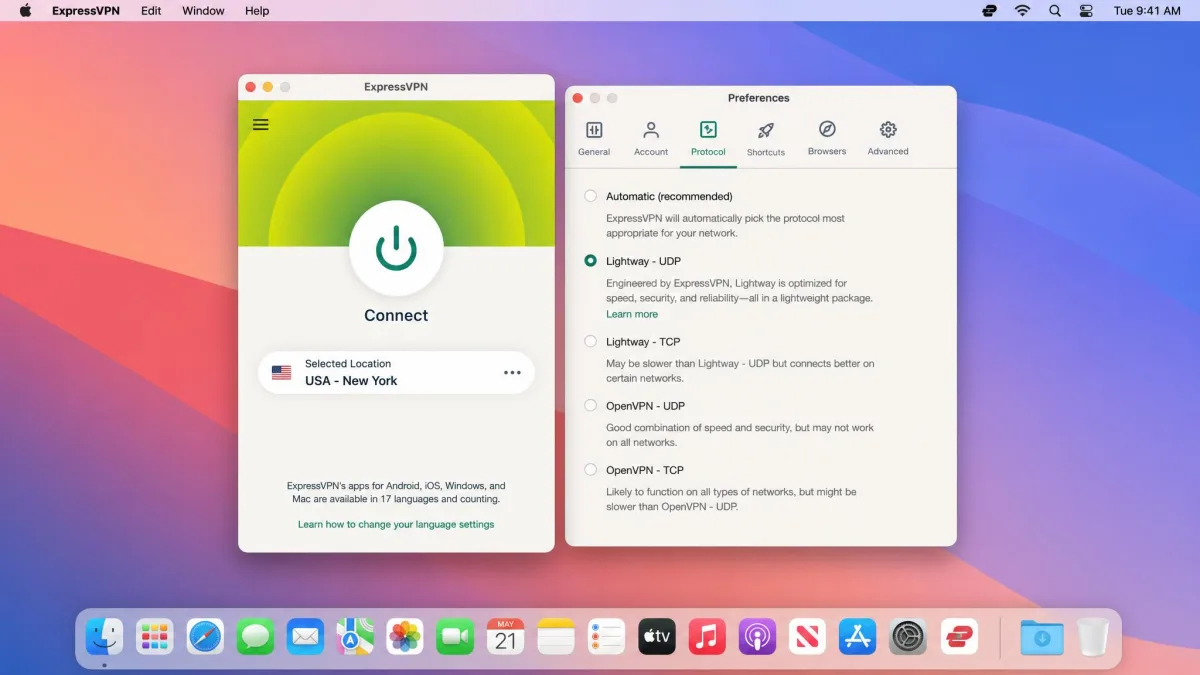
ExpressVPN is the one we would hand to someone who wants zero complexity. The macOS app is minimalist, so there is almost nothing to learn before you connect, and that restraint is the point rather than a limitation. Speed was the surprise in testing: on the Lightway protocol our fastest nearby-server runs pushed past 950 Mbps on the Mac, high enough that the VPN stopped being the bottleneck on our line. The catch is price, which is its most common complaint and the reason it lands third rather than higher. The protocol details, server spread, and device limit are in the grid and comparison table above.
Best for: People who want the simplest, fastest app and will pay for polish. Skip if: Price is your main concern, where Surfshark and IPVanish undercut it.
Pros
- Minimalist, genuinely easy-to-use Mac app
- Very fast Lightway protocol on Apple Silicon
- RAM-only TrustedServer network and no-logs stance
- Reliable Netflix and BBC iPlayer access
Cons
- Costs more than most rivals here
- Fewer simultaneous connections than NordVPN or Proton VPN
Proton VPN
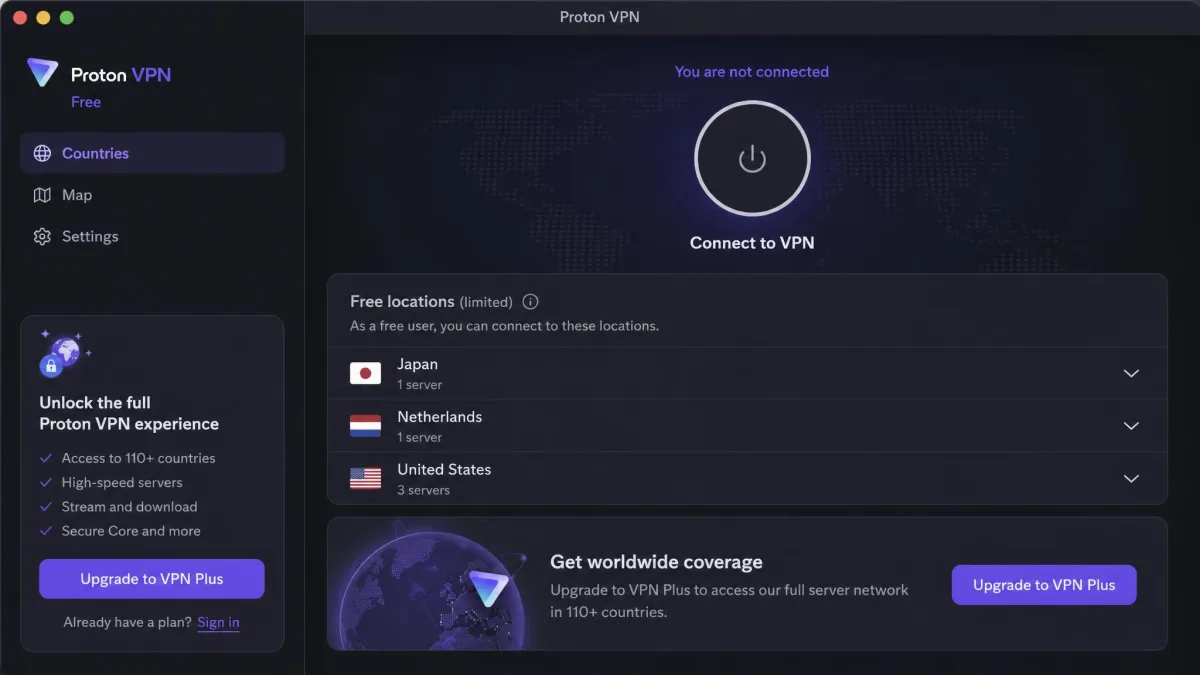
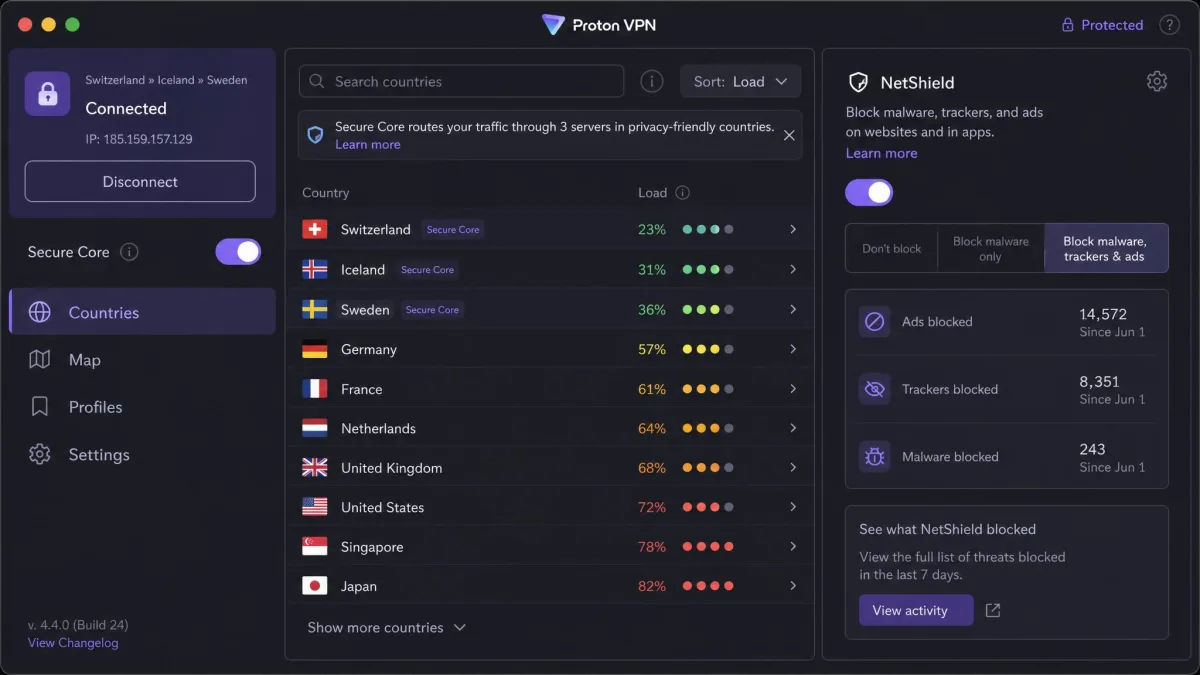
Proton VPN is our privacy pick, and it asks a little more of you up front in return for real control. Setup on the Mac felt fiddlier than the one-tap rivals here, with more toggles to understand before our first connection, but on the paid plan it held roughly 85 to 90 percent of our baseline speed once we were running. The free tier is a different experience, noticeably slower in our tests, though it stayed usable for browsing. Streaming worked cleanly on the paid plan when we watched. The open-source apps, Swiss jurisdiction, and multi-hop details are laid out in the grid and comparison table above.
Best for: Privacy-focused users who want open-source apps and a real free option. Skip if: You want the simplest possible setup, where ExpressVPN wins.
Pros
- Open-source apps and Swiss privacy jurisdiction
- Secure Core multi-hop and NetShield blocking
- Genuinely trustworthy free tier with unlimited data
- 10 simultaneous connections
Cons
- Setup feels a little fiddly versus one-tap rivals
- Free tier is noticeably slower than paid, and monthly billing runs $9.99/month
IPVanish
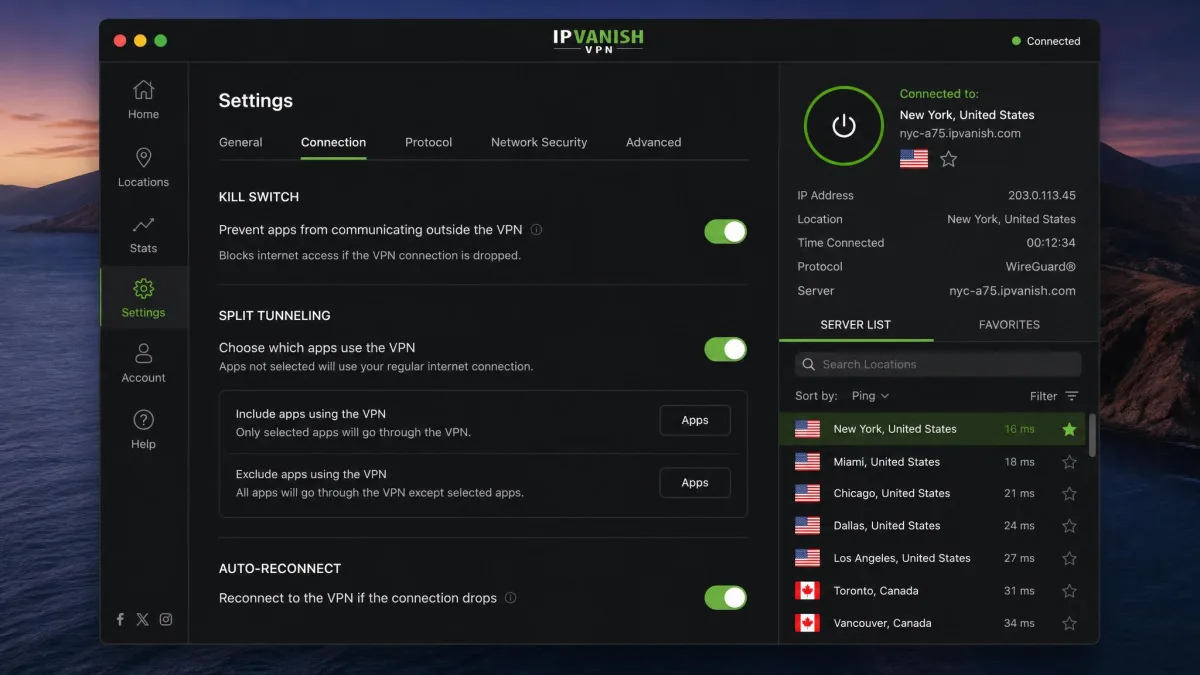
IPVanish is the pick we reached for when battery mattered most. Its native ARM64 build for Apple Silicon barely registered in Activity Monitor during long working sessions, and the MacBook ran cool with the tunnel up all afternoon, which is not something we could say about every app here. Speeds held up better than the price suggests, staying close to our unprotected baseline across the regions we tested. It pairs that with the same unlimited-device deal as Surfshark, so it never counts how many Macs, phones, or tablets you connect. The owned-server network and automation rules are in the grid and comparison table above.
Best for: Apple Silicon users who want unlimited devices and long battery life. Skip if: You want the deepest feature set, where NordVPN leads.
Pros
- Unlimited simultaneous connections
- Native ARM64 app with very low CPU and battery use
- Strong speed retention across major regions
- Owned server network with Wi-Fi automation rules
Cons
- Mac app is less customizable than the Windows version
- Renewal price rises sharply after the intro term
Why Do You Need a VPN on a MacBook?
macOS protects the data stored on your Mac well, but it does nothing for the data moving across the network. Without a VPN, your internet provider and anyone on the same public Wi-Fi can see which sites you connect to, and websites can log your real IP address.
A VPN closes that gap by encrypting your connection and routing it through a server elsewhere. On public Wi-Fi in a cafe or airport, that encryption is the difference between a private session and one that a stranger on the same network could quietly snoop on. Every pick here uses AES-256 or WireGuard-grade encryption, so the traffic leaving your MacBook stays unreadable in transit.
There is a practical upside too. Because your connection appears to come from the server's location, a VPN lets you reach geo-restricted content, keep access to your home streaming library while traveling, and avoid price or content changes based on your region.
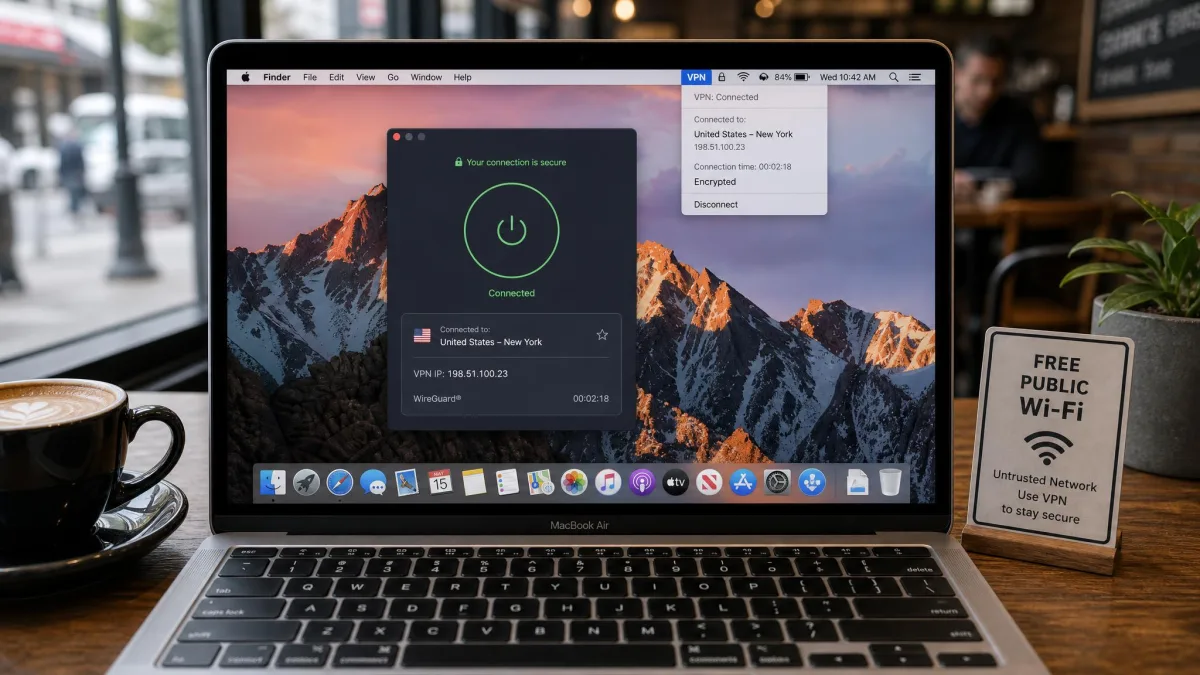
macOS secures what sits on the disk, but the moment your traffic leaves the machine it is exposed. A VPN is what makes that traffic private.
— From our hands-on Mac testing
Does macOS Have a Built-in VPN? (iCloud Private Relay vs. a VPN)
macOS does not include a full VPN. It has a built-in VPN client that can connect to a server you configure, but Apple does not run any VPN service for you to connect to, so the client is only useful if you already have server details from an employer or a provider.
The closest Apple feature is iCloud Private Relay, part of an iCloud+ subscription. It hides your IP and encrypts traffic, but only for Safari browsing, and it does not let you choose a country. That makes it a privacy layer for web browsing rather than a full replacement for a VPN.
A dedicated VPN covers your whole system, works across every app and browser, and lets you pick a server location. If you want to unblock streaming, protect all your traffic on public Wi-Fi, or choose where you appear to connect from, you need one of the apps above rather than a built-in feature. You can still use Apple's built-in VPN client on Mac if a provider gives you manual configuration details.
What to Look for in a MacBook VPN
Start with a native macOS app built for Apple Silicon, because a properly native app runs cleaner and lighter than a ported one, which matters on a laptop where CPU load eats battery. Every pick here ships an Apple Silicon or ARM64 build.
A kill switch is the next non-negotiable. It cuts your internet if the VPN connection drops, so your real IP never leaks during a reconnection. We tested this directly by forcing the tunnel down, and all five held.
On a Mac, prefer the WireGuard or Lightway protocol over older OpenVPN connections. In our testing these are consistently faster and lighter on battery, which is exactly what you want on a laptop.
Then weigh speed, server coverage, and streaming together. Look for strong speed retention on nearby servers, a wide country list if you travel, and confirmed access to the services you actually watch, such as Netflix and BBC iPlayer. A strict no-logs policy and leak protection round out the security side.
Finally, match the device limit to your life. If you own several Apple devices or share with family, unlimited connections from Surfshark or IPVanish save money, and if not, 8 to 10 connections is plenty.
Watch the renewal price, not just the intro rate. Several VPNs advertise a low first-term price that rises sharply on renewal, so check what you will pay in year two before you commit.
How to Set Up and Install a VPN on Your MacBook
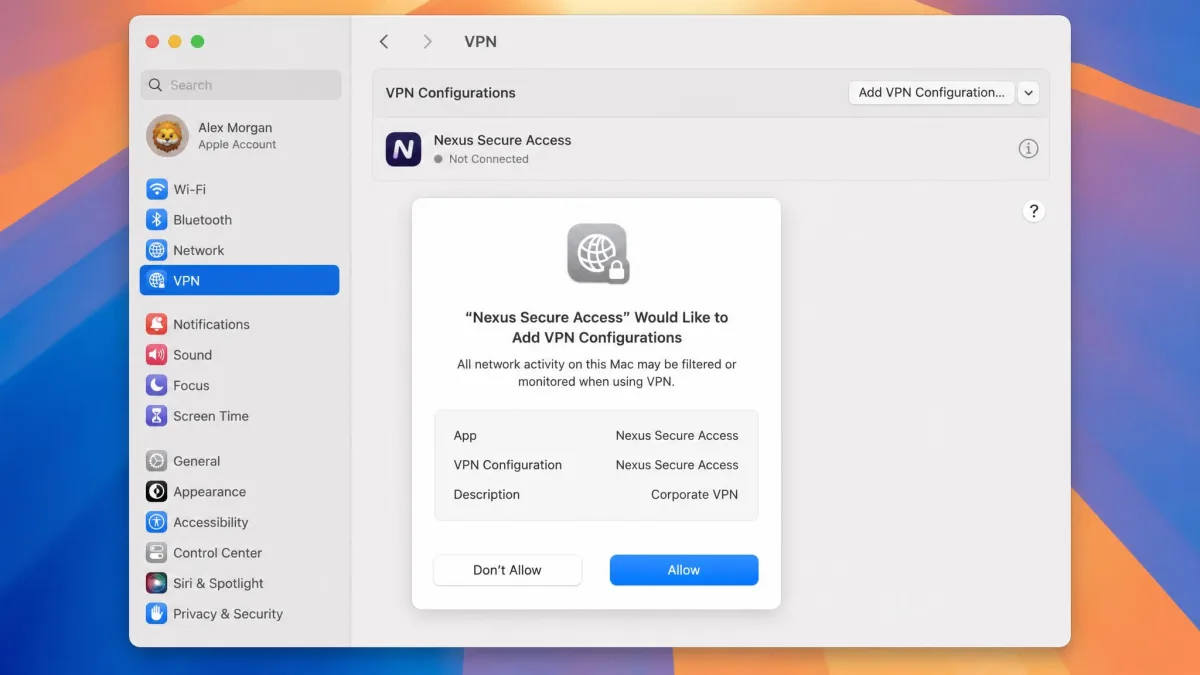
Setup is quick with any pick here. Choose a plan, download the native Mac app from the vendor's site or the Mac App Store, and install it like any other app. You will be asked to approve a VPN configuration in System Settings the first time, which is normal and required for the tunnel to work.
Sign in, then connect. Most apps offer a one-tap quick-connect that picks the fastest nearby server, or you can choose a specific country from the list. Turn on the kill switch in settings before you rely on the connection, since it is not always enabled by default.
Two common macOS snags are worth knowing. A firewall or security tool can block the VPN and may need a manual rule to allow it, and Mac App Store builds sometimes restrict split tunneling, so download from the vendor site if you need that feature.
Once it is running, the VPN lives in your menu bar, so you can connect, switch servers, or disconnect without opening the full app.
Is It Legal and Safe to Use a VPN on a Mac?
Using a VPN on a Mac is legal in the US, UK, and most countries, and it is a mainstream privacy tool. A handful of countries restrict or ban VPNs, so if you travel to one, check local rules first. Using a VPN never makes an otherwise illegal activity legal.
Safety comes down to which VPN you choose. A reputable paid service with a no-logs policy, audited apps, and strong encryption is safe to run all day. The real risk sits with sketchy free VPNs that may log or sell your data, which is why the only free tier we recommend is Proton VPN's. Every paid pick here uses AES-256 or WireGuard-grade encryption and keeps no activity logs.
macOS Compatibility: Apple Silicon and Version Support
Every VPN in this roundup ships a native macOS app that runs on Apple Silicon, so M-series MacBooks get full-speed, battery-friendly performance rather than an emulated build. IPVanish specifically ships a native ARM64 app tuned for M1 through M4 chips, and NordVPN, Surfshark, and ExpressVPN all confirm Apple Silicon support.
Version support is broad. Surfshark's app runs on macOS Big Sur 11 and later, while ExpressVPN offers its app for macOS 15 and up through the Mac App Store, with macOS 11 to 14 supported via the website download. If you are on an older macOS release, download from the vendor site rather than the App Store, since the direct build usually reaches further back. NordVPN's current Mac app requires macOS 14 (Sonoma) or later, though it keeps legacy builds around for older systems. Proton VPN reaches much further back, running on macOS 10.12 and higher, which makes it the friendliest pick if you are keeping an aging MacBook in service.
Best Free VPNs for MacBook
Most free VPNs are not worth the risk on a Mac, because the business model often relies on logging or selling data, and speeds are throttled hard. The one clear exception is Proton VPN's free tier, which is one of the few genuinely trustworthy free options, offering unlimited data across a limited set of 10 countries with no logging.
The trade-off is speed and choice. The free tier is noticeably slower than Proton's paid plans, and you cannot pick from the full country list, so it is not ideal for streaming. For occasional private browsing on public Wi-Fi, though, it is a safe, no-cost starting point.
If you want free access to a top-tier VPN temporarily, remember that NordVPN, Surfshark, ExpressVPN, and IPVanish all carry a 30-day money-back guarantee, so you can test the full service and get a refund if it is not for you.