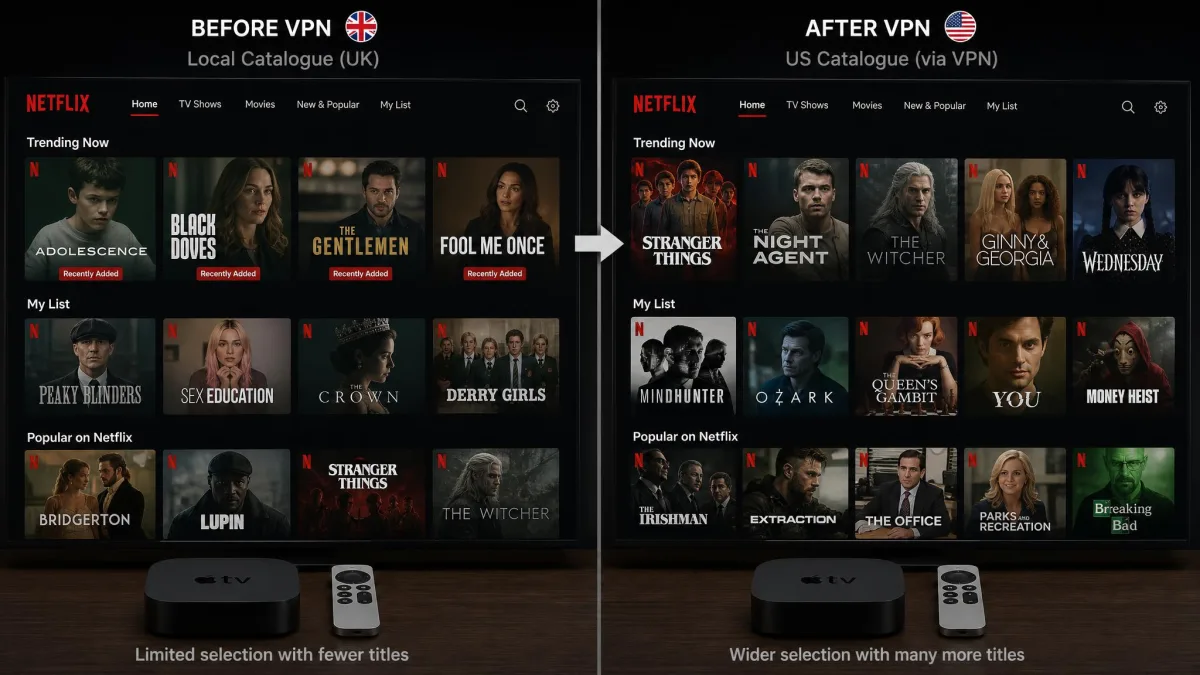
A VPN for Apple TV routes your streaming traffic through a server in another location. That changes the region your apps think you are in, and it encrypts the connection on the way. Two useful things happen at once. It unlocks Netflix, Disney+ and other libraries you cannot normally reach from your country. It also hides your streaming activity from your internet provider. The payoff is a bigger catalogue on the same hardware you already own, with a bit more privacy on the side.
The catch worth knowing up front is that not every VPN ships a native Apple TV app. For years the tvOS App Store simply would not allow them. People fell back on Smart DNS tricks and fiddly router setups instead. That changed with a single software update. Even so, the shortlist of VPNs worth installing directly on the box is still fairly short. The good news is that the ones that made the cut are genuinely easy to live with.
We are a small team of hands-on reviewers. One of us spent years as a network administrator before writing about this stuff full time. For this guide we ran the candidates on an Apple TV 4K. We tested the native tvOS apps for install friction, streaming reliability across Netflix, Disney+ and Prime Video, and how steady 4K playback held up once the tunnel was live. We leaned on our own hands-on sessions plus verified test data from independent labs. We bought or subscribed to the services ourselves rather than taking a vendor's word for anything. What follows is the ranked shortlist, the setup steps for every kind of Apple TV, and the buying advice that decided each placement.
The best Apple TV VPNs at a glance
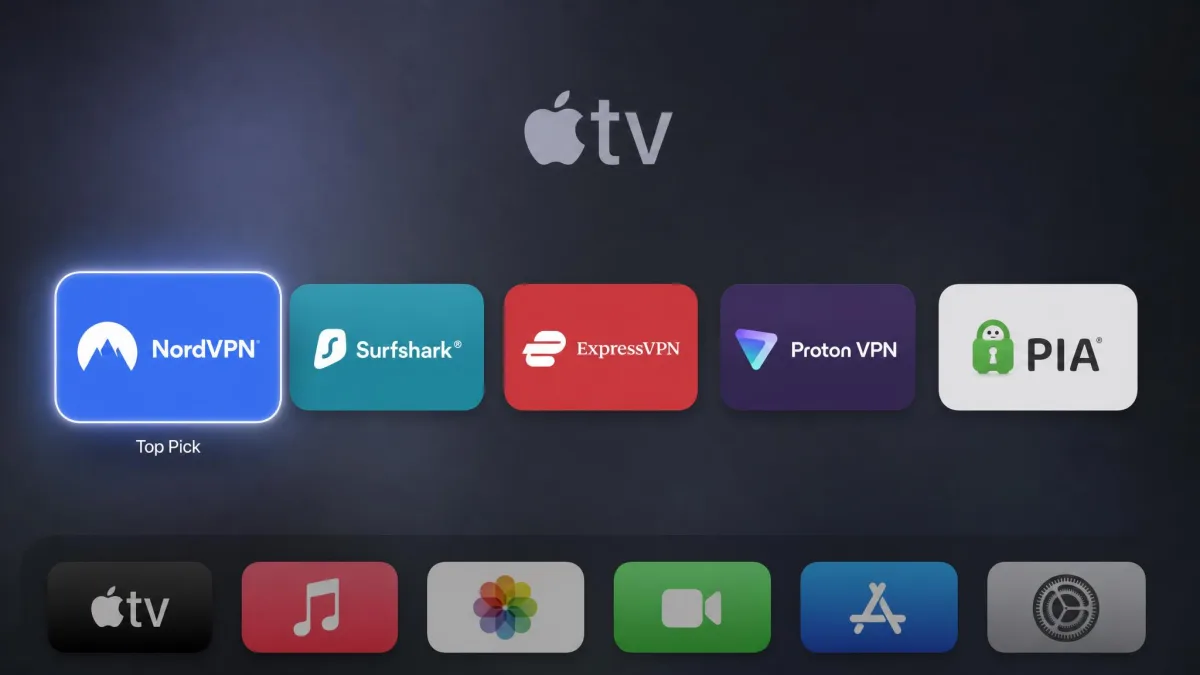
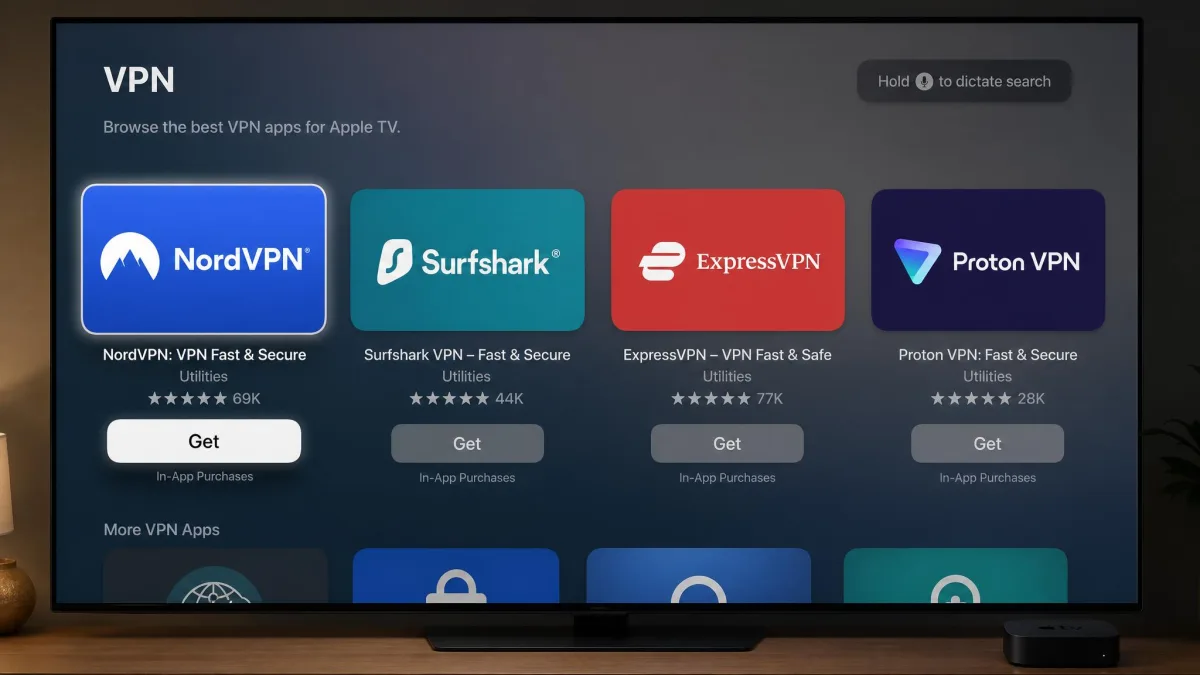
All five VPNs below run as native tvOS apps you install straight from the Apple TV App Store. Every one carries a 30-day money-back guarantee. That means you can test any of them on your own setup with no real risk. Where they separate is streaming reach, speed under load and price.
Our top pick is NordVPN. It unblocks the widest set of services in our experience, holds up in 4K and installs with almost no fuss. Surfshark is the one to grab if price is the deciding factor. It costs the least over a two-year term and puts no cap on the number of devices you connect. ExpressVPN earns the nod for app design and per-country server control. Proton VPN is the choice if privacy sits alongside streaming on your list. Private Internet Access is a specialist for anyone whose viewing is mostly US catalogues.
None of these is a wrong answer for streaming. The gap between the best and the merely fine shows up in two moments. One is when a service tries to detect the tunnel. The other is when you push a 4K stream through a distant server. That is where our testing did the sorting. A cheap VPN that opens Netflix today but fails on Disney+ next month is not a bargain. So we weighted consistency across services and over time as heavily as any single unblocking win.
Best VPN for Apple TV: comparison table
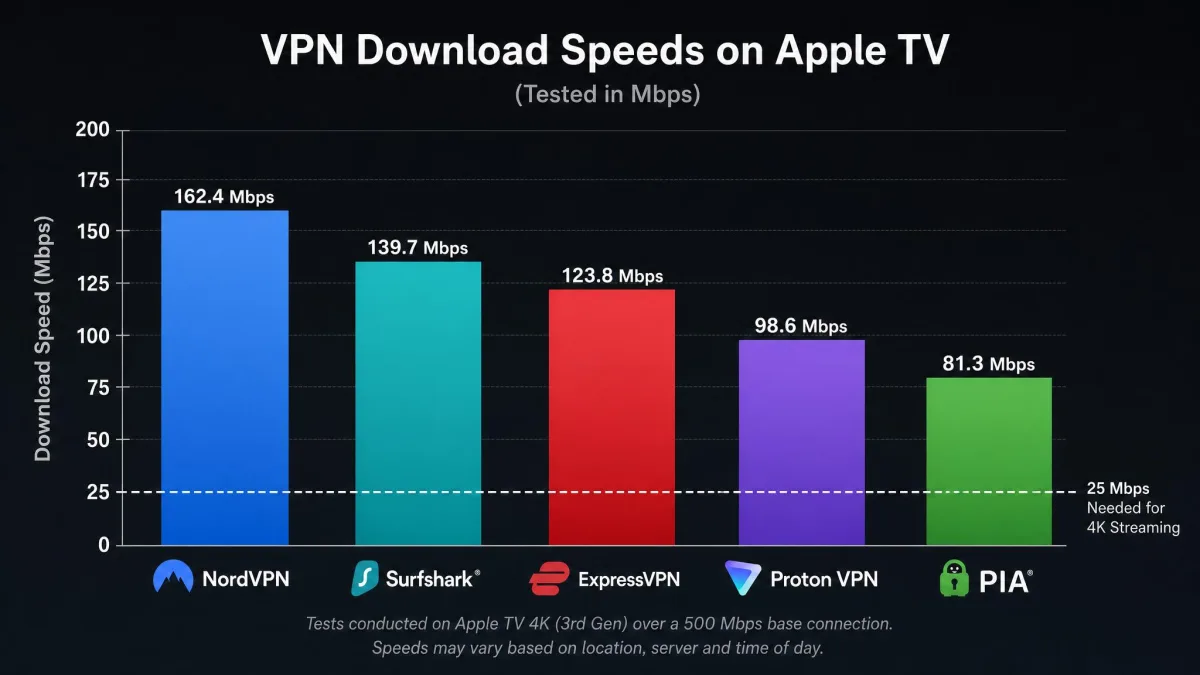
Here is how the five picks line up on the specs that matter for an Apple TV. Speeds are shown as ranges rather than single numbers. Measured throughput shifts with the test rig, the chosen server and the reviewer, so a single headline number would be misleading. Prices are the lowest sustained rate we saw on a two-year plan, and they drift between promo windows.
| VPN | Buy | Native tvOS app | Download speed | Streaming | Devices | Lowest price | Money-back |
|---|---|---|---|---|---|---|---|
 |
Check price → | Yes | ~220-288 Mbps | Netflix/Disney+/Max/Prime | 10 | ~$2.99-3.49/mo | 30-day |
 |
Check price → | Yes | ~206-288 Mbps | Netflix/Disney+ | Unlimited | ~$1.99-2.49/mo | 30-day |
 |
Check price → | Yes | ~215-286 Mbps | Netflix/Disney+ | ~8-14 | ~$2.79-3.49/mo | 30-day |
 |
Check price → | Yes | ~275 Mbps | 90+ services | 10 | ~$2.99/mo | 30-day |
 |
Check price → | Yes | ~212-232 Mbps | Netflix/Disney+ | 10 | ~$1.98-2.19/mo | 30-day |
The table hides one nuance worth pulling out. Raw speed is close enough across the group that none of them will bottleneck a 4K stream on a decent home connection. The real separation is streaming reliability service by service. That is why the mini-reviews below keep those findings distinct rather than rolling them into one score.
The best Apple TV VPNs reviewed
We ranked these on install friction, streaming reliability across the major services, 4K playback under load, device allowance and price. The full rundown of how we ran those tests sits in our methodology section further down, if you want the detail before you read the verdicts. Each pick below carries the hands-on notes that decided its place, plus the pros, cons and pricing you need to choose.
NordVPN
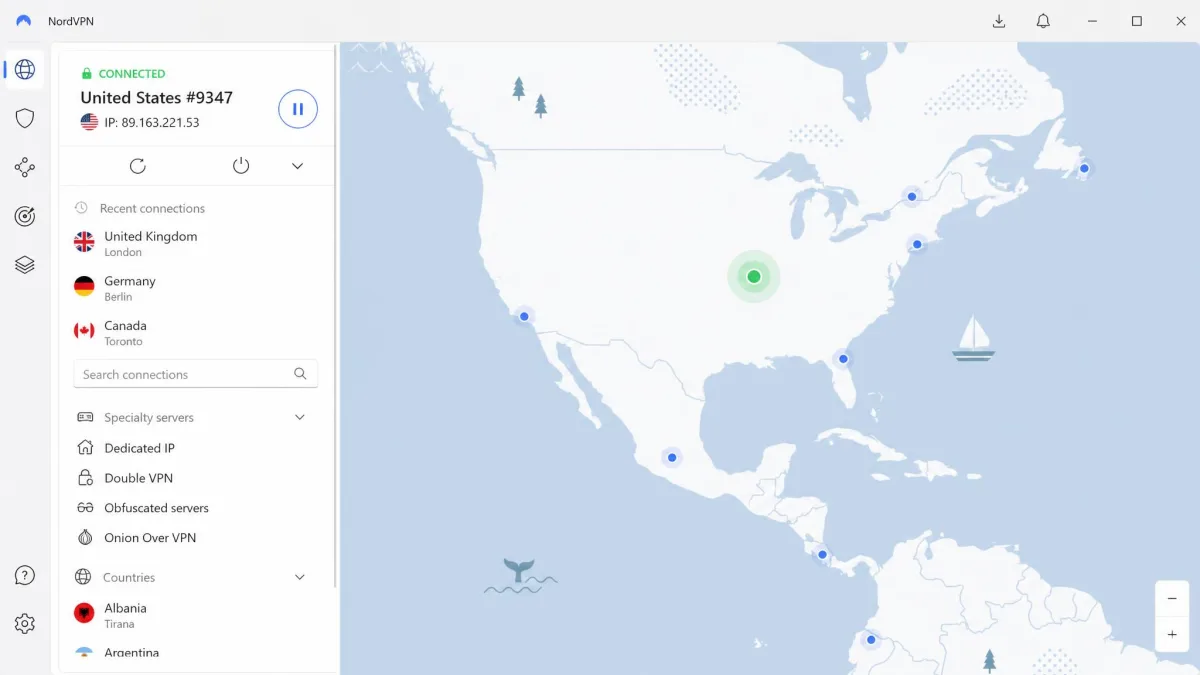
NordVPN takes the top spot because it does the two hardest things well at once. It unblocks the widest range of services, and it stays fast enough for 4K while doing it. Its Apple TV app is built for quickly changing your IP location. It installed with little fuss on our test box, so we were switching regions within a couple of minutes of downloading it. In our streaming sessions it handled Netflix, Disney+, Max and Prime Video. Its feature set stretches to Peacock and Paramount+ as well, so the harder-to-reach US services are on the menu too. Tested download speeds land somewhere around 220 to 288 Mbps depending on the rig and server. That is comfortably above what 4K needs, and we never saw a 4K title stall once the tunnel settled. The one rough edge is server selection. The tvOS app is less granular than the phone version, and Netflix occasionally still detected our real location and needed a server switch to clear. That is a minor annoyance against everything it gets right.
Best for: Anyone who wants the widest streaming coverage with the least setup. Skip if: You want fine-grained per-city server control from the couch.
Pros
- Broadest streaming coverage in our testing (Netflix, Disney+, Max, Prime, Peacock, Paramount+)
- Native tvOS app installs quickly and switches regions fast
- Strong, steady speeds for 4K with the NordLynx protocol
- 10 simultaneous devices and 9,500-plus servers
Cons
- tvOS server selection is less granular than the mobile app
- Netflix occasionally detects your real location and needs a server switch
If you just want the pick that works for the most people with the least thinking, this is it.
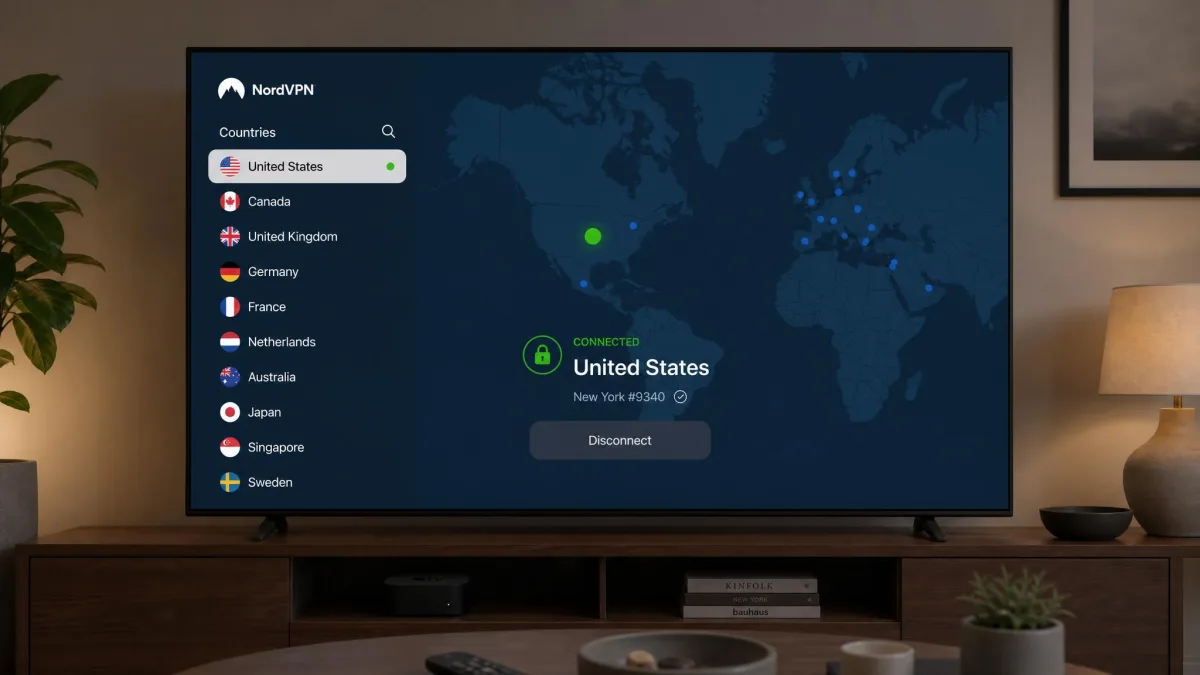
NordVPN leans on two features behind the scenes. Its SmartPlay streaming DNS runs quietly in the background to keep libraries reachable. The NordLynx protocol handles speed. Its 9,500-plus server count also means you rarely land on a congested node. When Netflix did flag us, a nearby alternative in the same country cleared it in seconds. In practice the switching was painless. NordLynx re-established the connection quickly, so we were back into a stalled title within a few seconds of picking a new server. That is the kind of small thing that decides whether a VPN annoys you every evening or fades into the background.
Surfshark
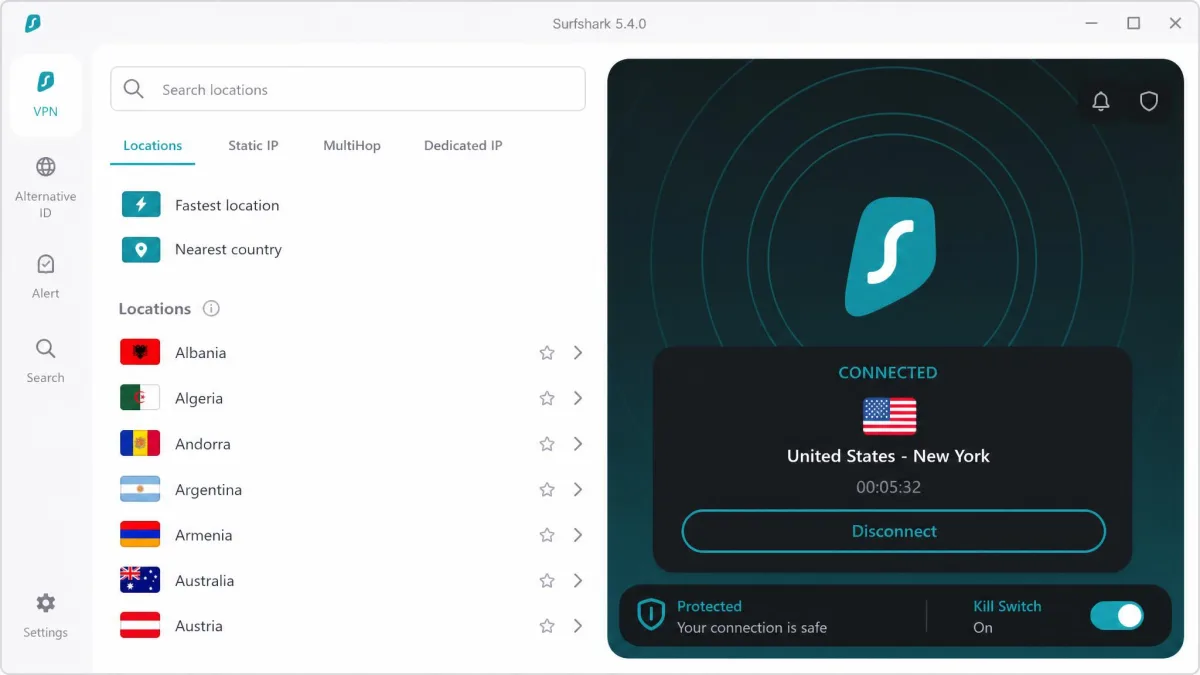
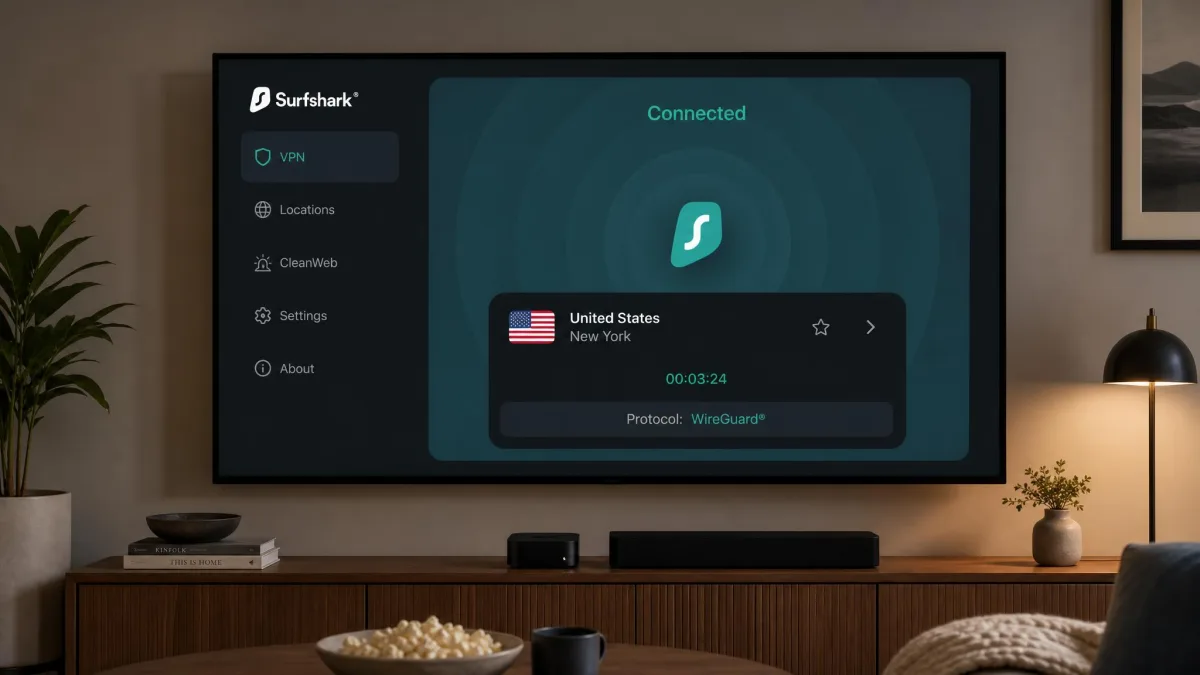
Surfshark is the value champion, and not by cutting the features that matter for Apple TV. Its native tvOS app is easy to install and simple to navigate. Getting connected took us no longer than with the pricier options, roughly the same two-minute App Store routine as the top picks. It unblocks Netflix and Disney+ dependably. At roughly $1.99 to $2.49 a month on a two-year plan, it undercuts everything else here. The headline perk is unlimited simultaneous device connections. One subscription covers the Apple TV, every phone in the house and the laptop without counting seats. Two caveats keep it out of the top spot. Upload speeds drop sharply once connected, in the region of 45 to 50 percent. That does not hurt streaming, but it is worth knowing if you also push files or game on the same line. Its Smart DNS is also limited to US locations. So if you want to unblock a non-US catalogue on an older box, you are into virtual-router territory.
Best for: Households on a budget that want to cover many devices at once. Skip if: You need non-US Smart DNS on an older Apple TV.
Pros
- Lowest sustained price of any pick here
- Unlimited simultaneous device connections
- Native tvOS app is quick to install and easy to use
- Reliable Netflix and Disney+ unblocking
Cons
- Upload speeds drop sharply once connected (around 45-50%)
- Smart DNS is US-only, limiting non-US unblocking on older models
We installed and configured Surfshark's Apple TV app straight from the App Store. It behaved exactly like the more expensive apps for a fraction of the cost. The unlimited-device policy is the quiet reason it wins on value. A single plan can run the television, the tablets and a partner's phone at the same time without anyone getting bumped. On the download side it stays in the same 206 to 288 Mbps band as the pricier picks. So 4K playback held steady in our sessions despite the upload dip, which is the number that actually matters for a device you mostly watch rather than upload from.
ExpressVPN
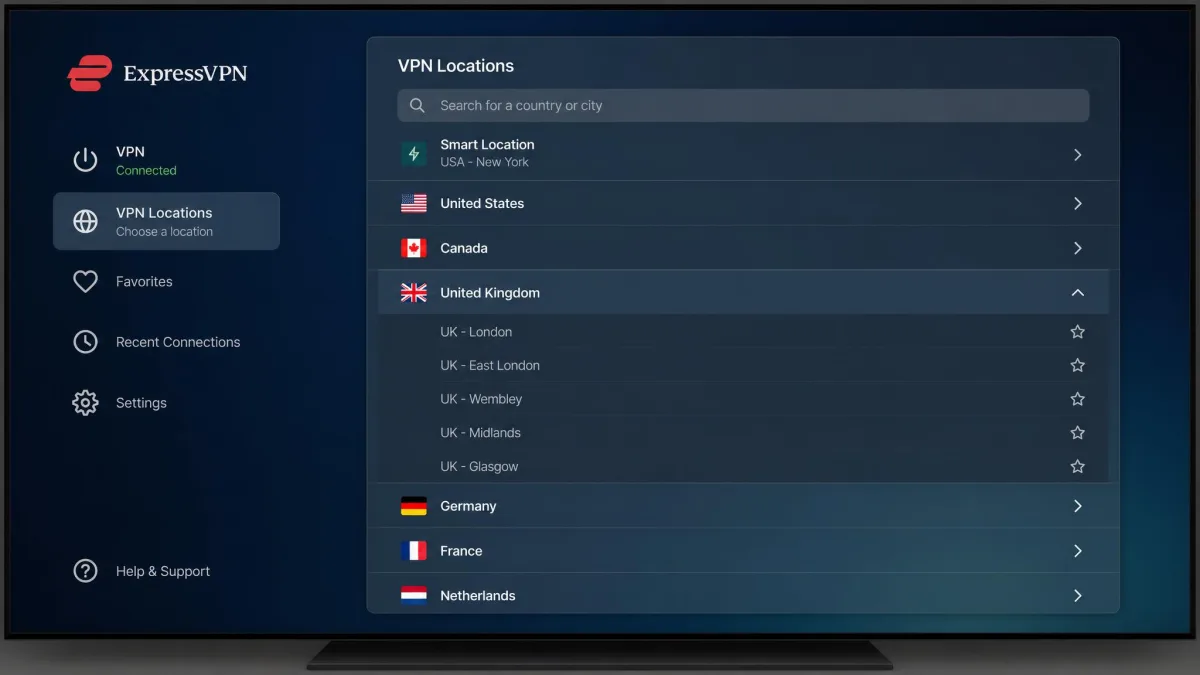
ExpressVPN builds the most polished Apple TV app in the group. It is the one we would hand to a family member without a walkthrough. The interface is straightforward enough for anyone to operate. Crucially, it lets you pick a specific server within a country rather than dropping you on a random node. That control matters when a library keeps flagging the tunnel. You can hop to a different server in the same country and often clear the block on the second try. In day-to-day viewing it unblocks Netflix consistently, which is the service people trip on most. Tested speeds sit around 215 to 286 Mbps, plenty for 4K. It also carries MediaStreamer, ExpressVPN's Smart DNS, for older Apple TV models. There is an Aircove router option around $189 if you want whole-home coverage. The device allowance varies by plan, somewhere in the region of 8 to 14, so check the tier you are buying.
Best for: Anyone who wants the simplest app plus per-country server control. Skip if: You want the lowest possible price or unlimited devices.
Pros
- Cleanest, most intuitive Apple TV app we tested
- Choose a specific server within a country
- Consistent Netflix unblocking day to day
- MediaStreamer Smart DNS covers older models
Cons
- Device allowance varies by plan and is not the highest here
- Among the pricier picks on this list
If app quality is what sways you, ExpressVPN for Apple TV is the one to try first within the refund window. The Lightway protocol keeps connections quick to establish. The app feels responsive when you change regions rather than making you wait. The per-country server list is the feature we came to rely on most. When a Netflix region threw up a proxy error, jumping to a different server in the same country from the same menu usually cleared it without leaving the app. That is exactly the fine control the more basic tvOS apps leave out.
Proton VPN
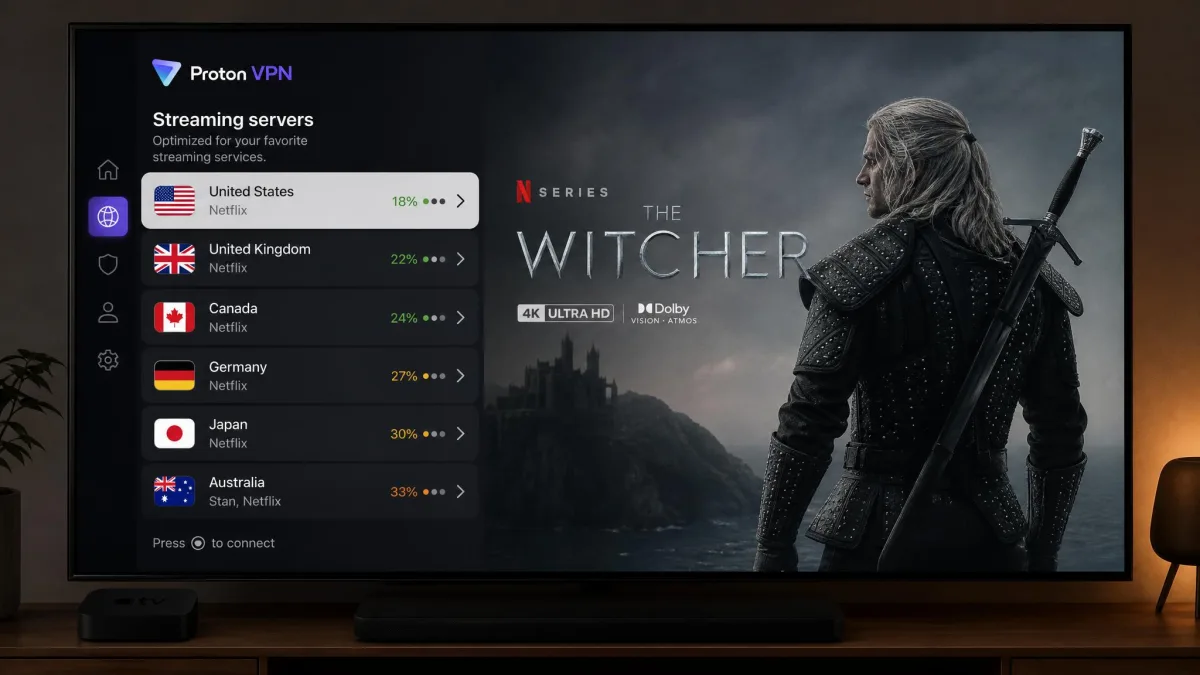
Proton VPN is the pick when you want streaming reach and a serious privacy pedigree in the same subscription. It is Swiss-based and audited no-logs. It streams 90-plus services, including Netflix across 25 libraries and Disney+ across 22. On the Apple TV its remote navigation is intuitive. 4K playback ran without buffering during our viewing tests, with a modest slowdown of roughly 8 percent from a tested download near 275 Mbps. The honest wrinkle is that it can be inconsistent unblocking Disney+. So if that service is your main reason for a VPN, test it hard during the refund window before committing. Proton also offers a free tier, though the streaming-optimized tvOS experience is a paid affair. For most people the appeal is the combination. It is a genuinely private provider that still opens the widest library count here.
Best for: Viewers who want strong privacy without giving up streaming reach. Skip if: Disney+ is your single must-have service.
Pros
- Streams 90-plus services, including many Netflix and Disney+ libraries
- Swiss-based, audited no-logs privacy pedigree
- Intuitive remote navigation and buffer-free 4K in testing
- 10 simultaneous devices and a free tier to start
Cons
- Disney+ unblocking can be inconsistent
- Streaming-optimized experience needs the paid plan
The library count is what earns it a place here. The 25 Netflix regions it reaches is the widest of any pick. So if variety across countries is the goal rather than one specific catalogue, Proton opens more doors than the rest. The 8 percent slowdown is the smallest hit we recorded across the group, and it showed on screen. 4K titles started quickly and held their resolution through a session. The privacy pedigree does not come at the cost of a watchable picture. The Disney+ wobble is the one thing to verify yourself before the refund window closes.
Private Internet Access
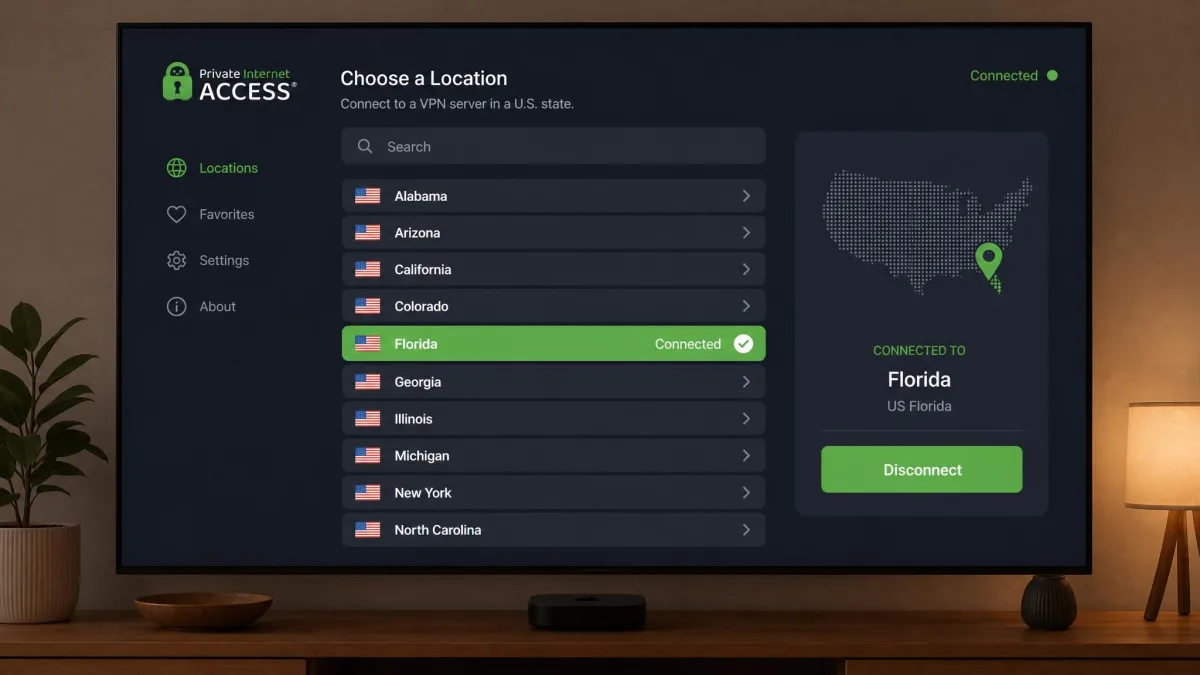
Private Internet Access is a specialist rather than an all-rounder. It earns its spot for anyone whose viewing is mostly American catalogues. It runs servers in all 50 US states. That is unusual and genuinely handy if you need to appear in a specific region for local sports or channel access. It carries a native tvOS app, nine streaming-optimized servers and a Smart DNS covering five locations across Germany, the UK, the US, the Netherlands and Japan. In our testing, though, only about six of those nine streaming servers proved reliable. It also struggled with Hulu and ESPN+, so it is not the pick if those services top your list. Tested speeds around 212 to 232 Mbps are fine for 4K. At roughly $1.98 to $2.19 a month it is the cheapest option here. As a US-focused budget choice it makes sense, just with clear eyes about the streaming gaps.
Best for: US-focused viewers who want regional server choice on a budget. Skip if: You rely on Hulu, ESPN+ or non-US libraries.
Pros
- Servers in all 50 US states for regional US streaming
- Cheapest sustained price on this list
- Native tvOS app with streaming-optimized servers
- 30-day money-back guarantee
Cons
- Only about six of nine streaming servers reliable in testing
- Struggled with Hulu and ESPN+
The state-level server coverage is PIA's real signature. Say you follow a regional sports team behind a local blackout. Being able to land in the right US state rather than a generic US node is the kind of niche control the pricier all-rounders do not bother with. The trade-off is that the streaming-optimized list is a mixed bag. We cycled through all nine and settled on the handful that held a stream, so plan on a little trial and error early on. Once we found the reliable ones, Netflix and Disney+ played cleanly. Hulu and ESPN+ stayed stubborn no matter which server we chose. That is why we frame PIA as a US-catalogue budget pick rather than a do-everything option.
Do you really need a VPN for Apple TV?
For most people a VPN on Apple TV is a want rather than a strict need. It is worth being honest about that. If you only ever watch your home country's catalogue and you trust your internet provider, you can live without one. The case for adding one comes down to a few concrete benefits.
The first is access. Streaming libraries differ enormously by country. A show sitting on Netflix in the US may be missing from the same app at home. A VPN lets you connect through a server in that country so the app serves you its local catalogue. The same trick opens region-locked sports, news and back catalogues you have already paid for but cannot reach while travelling.
Streaming with a VPN is legal in most countries, but it can breach a service's terms of use. You are very unlikely to lose an account over it, yet it is your call to make with that in mind.
The second benefit is privacy. A VPN encrypts the traffic leaving your Apple TV. Your internet provider can see that you are connected, but not what you are watching. That matters more to some households than others. It is a fair reason on its own even if you never touch a foreign library. Some providers slow streaming during peak hours once they recognise the traffic. Encryption removes their ability to single it out, which can steady playback on a congested line.
There is a travel case too. Take an Apple TV to a holiday rental or move abroad for a stretch, and your home libraries can vanish behind a foreign IP address. Connecting back through a server in your own country restores the catalogue you already pay for. The shows and sports you follow travel with you. The point is that the value depends on what you actually do. Buy for the benefit you will use rather than for a generic promise.
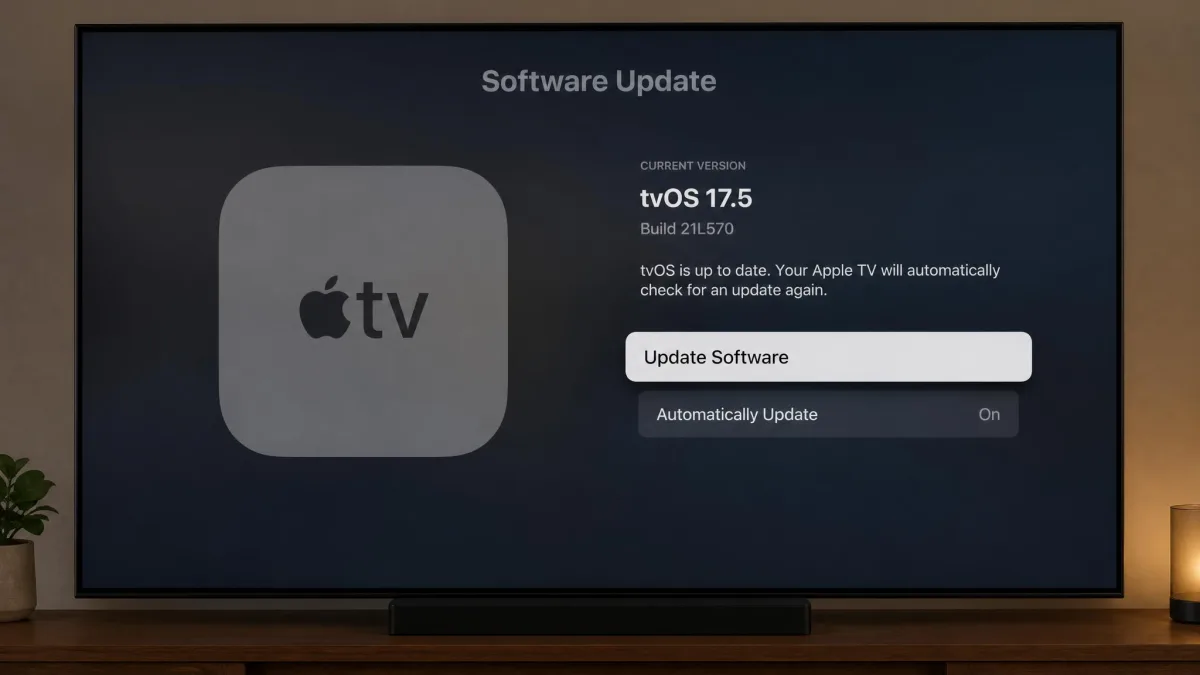
Does Apple TV support VPN apps natively? (tvOS 17+)
Yes, and this is the single change that reshaped the whole category. tvOS 17 was the first version to allow native VPN apps in the Apple TV App Store. It shipped in September 2023. Before then, there was simply no way to install a VPN as an app on the box. That is why so many older guides walk you through routers and DNS tricks instead.
With tvOS 17 and later, the process is simple. You download a VPN the same way you download any other app, sign in, pick a location and connect. Downloading and installing a VPN app straight from the Apple TV App Store now replaces the old manual router setup. That removed the biggest hurdle that used to keep people from bothering. If you have set up a VPN on an iPhone, the Apple TV version will feel immediately familiar.
Check your tvOS version before you shop. On the Apple TV, open Settings, then System, then Software Updates. If you are below tvOS 17, update first so the App Store will show VPN apps at all.
There is a hardware limit tied to this. Native VPN apps run on Apple TV 4K across all generations and on the 4th-generation Apple TV HD. Older models cannot run them no matter which VPN you pick. If your box predates those, the native-app route is closed. You are looking at Smart DNS or a router instead, both covered below. Apple's own tvOS support guide is a good reference for checking exactly which model you own and which update it can take.
How to set up a VPN on Apple TV
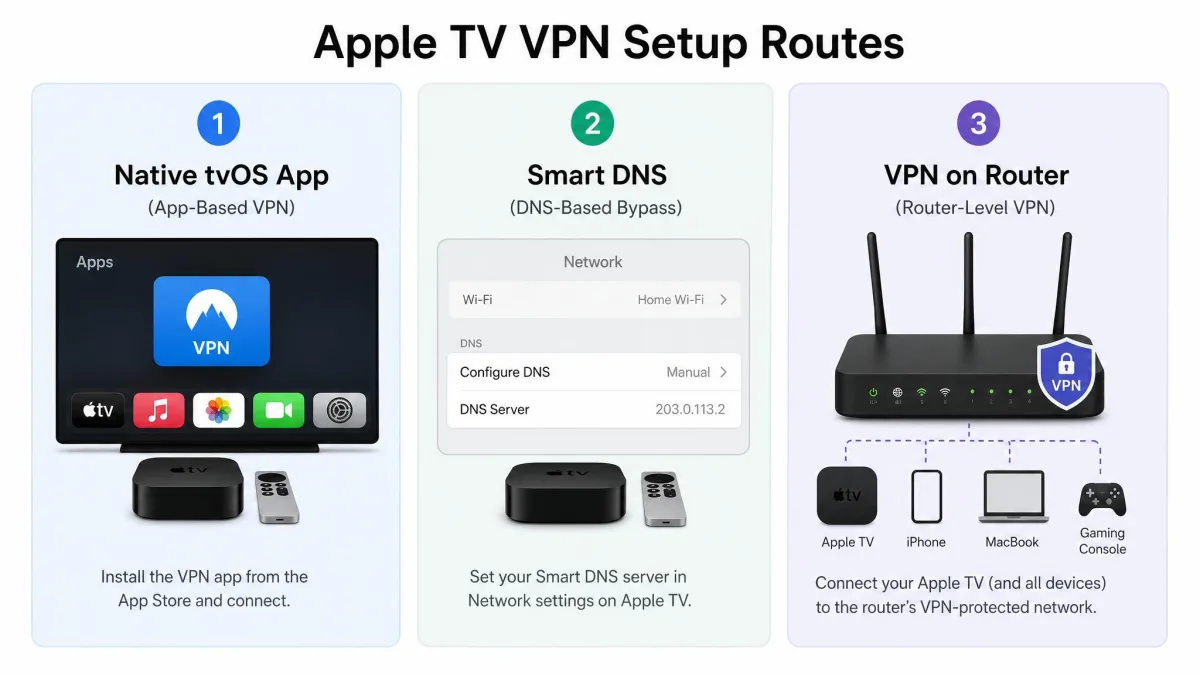
There are three ways to get a VPN working on an Apple TV. Which one you use depends almost entirely on how new your box is. The native app is the path for anyone on tvOS 17, and it is dramatically easier than what came before. The other two exist for older hardware or for covering the whole home at once.
Method 1: Native tvOS app (App Store)
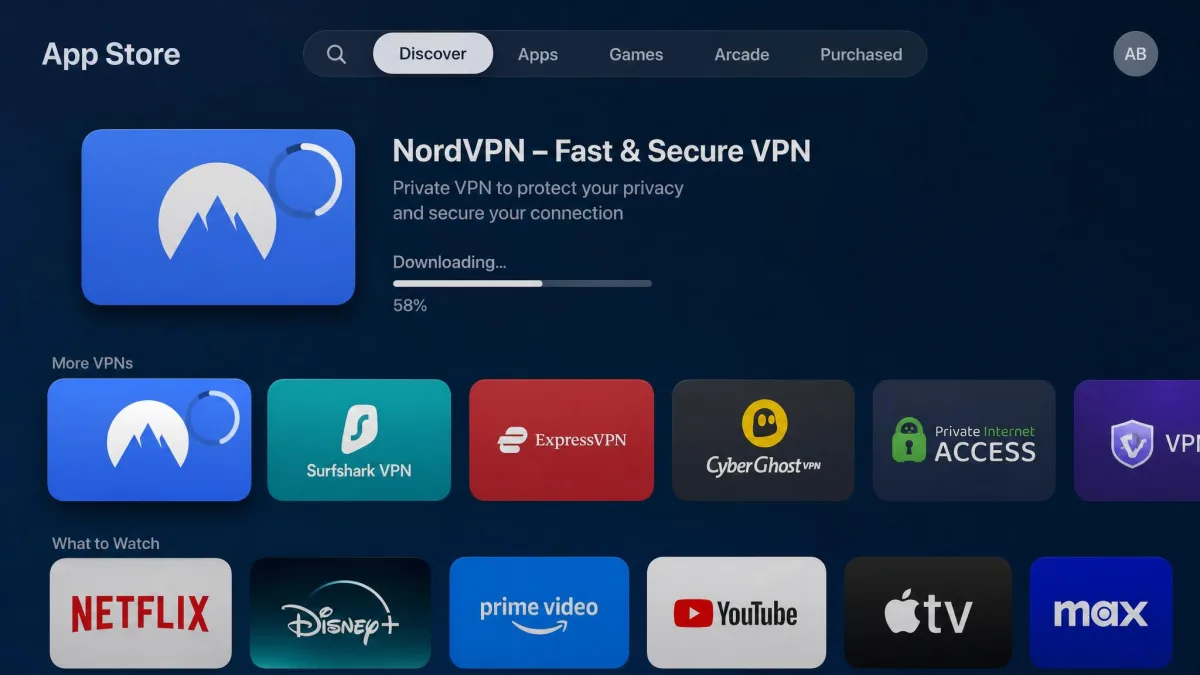
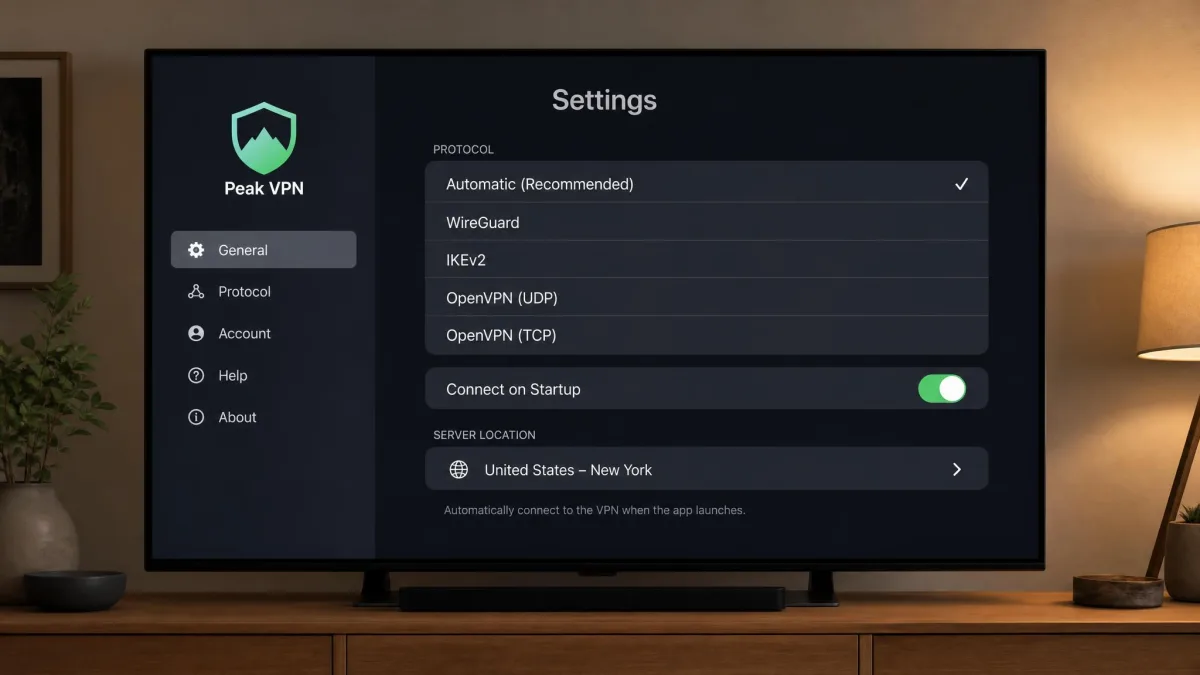
This is the one to use if your Apple TV runs tvOS 17 or later. It takes about two minutes. Open the App Store on the Apple TV, search for your VPN by name, and install it like any other app. Open it, sign in with the account you already created, choose a country and connect. That is the whole process. It mirrors how the mobile apps work, so anyone who has used a VPN on a phone will feel at home.
The trade-off to expect is scope. Most native Apple TV VPN apps offer only basic features compared with their phone or desktop counterparts. You get location switching and a protocol choice, but not the full settings panel. For streaming that is rarely a problem. Location switching is the feature you actually use from the couch.
Set the VPN app to launch and connect on startup if the option exists. It saves you reaching for the remote every time and keeps the tunnel live before an app can spot your real location.
Method 2: Smart DNS / MediaStreamer (older models)
If your Apple TV is too old for tvOS 17, Smart DNS is the most practical route. It is not a full VPN, so it does not encrypt your traffic. It does redirect the location-checking part of streaming to make a foreign library reachable. ExpressVPN calls its version MediaStreamer. Several other providers offer an equivalent, including PIA, whose Smart DNS covers five locations across Germany, the UK, the US, the Netherlands and Japan.
Setup lives in the Apple TV network settings, and the steps are the same whichever provider you use. First, log in to your VPN account on a phone or computer and find the Smart DNS section. There you register your home IP address and copy the DNS address the provider gives you. On the Apple TV, open Settings, then Network, and choose your active Wi-Fi or Ethernet connection. Select Configure DNS and switch it from Automatic to Manual. Enter the DNS address exactly, save it, then restart the box so the change takes. From then on the streaming apps resolve through that server. The upside is zero speed penalty, since nothing is encrypted. A Smart DNS setup on an older Apple TV will stream 4K as fast as your bare connection allows. The downside is coverage. Surfshark's Smart DNS, for example, is limited to US locations, so a non-US catalogue may be out of reach this way. One more gotcha is worth flagging, because it trips people up. If your home IP address changes, which it does on many residential connections, you have to re-register it in the account panel or the Smart DNS quietly stops working. Older Apple TV models without tvOS 17 still need Smart DNS or a virtual setup, which adds real configuration friction compared with the app route.
Smart DNS does not hide your traffic or protect your privacy. It only changes where streaming services think you are, so do not treat it as a security tool.
Method 3: VPN router / virtual router
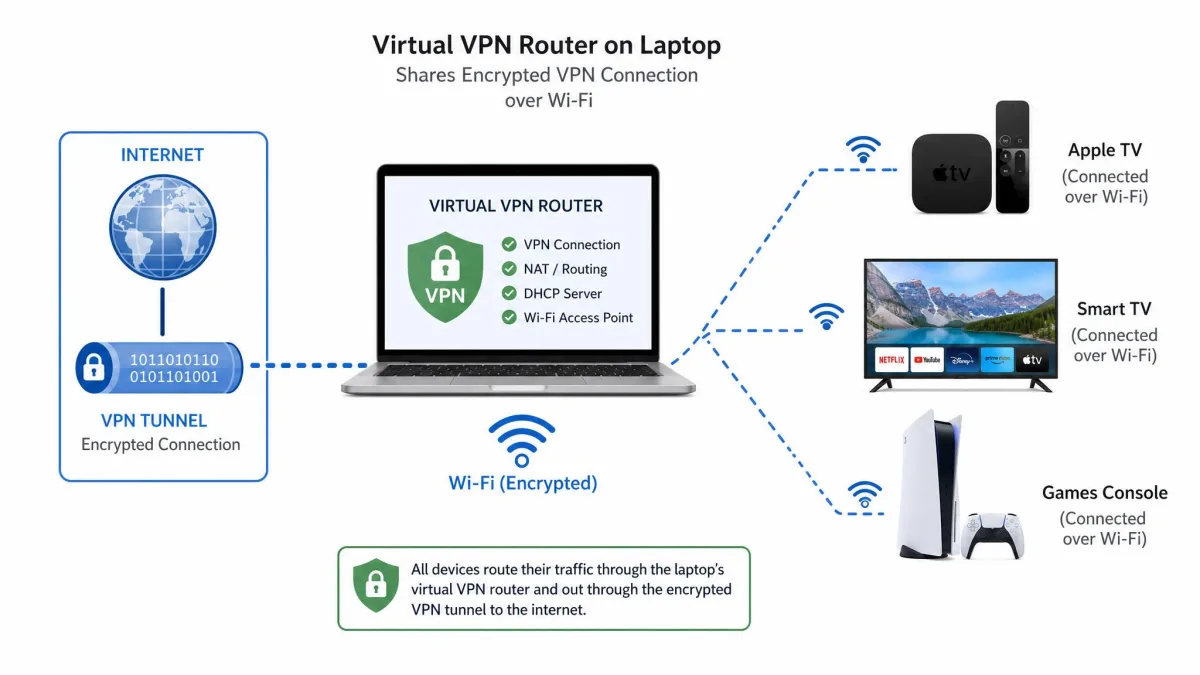
The third route puts the VPN on your network instead of the Apple TV. Every device behind the router is covered at once, including boxes that cannot run an app. You have three ways in. You can flash a compatible router with VPN-capable firmware. You can buy a router that supports a VPN out of the box. Or you can run a virtual router from a nearby Windows or Mac machine that shares its VPN connection over Wi-Fi.
The virtual-router path is the one most people reach for because it needs no extra hardware. On Windows you connect the VPN on the computer. Then you turn on the mobile hotspot feature so the machine broadcasts its own Wi-Fi network. Finally you join the Apple TV to that network instead of your normal one. On a Mac the equivalent is Internet Sharing in the network settings. Either way, the Apple TV rides the computer's encrypted tunnel without ever running a VPN itself.
This is the most flexible option and the fiddliest. Setup takes real effort. Firmware choices can brick a cheap router if you rush, and troubleshooting is on you. But it is the only method that both encrypts traffic and covers an older Apple TV. It also means the tunnel is live for the smart TV, the games console and everything else too. ExpressVPN even sells its own Aircove router around $189 for people who would rather not tinker. Because the VPN is baked into the firmware, it is by far the least painful of the router options. You sign in once and every device on the network is covered, with a companion app to switch locations. If you go the virtual-router way instead, keep the host computer awake and nearby, since the Apple TV depends on it staying connected. Expect to redo the hotspot step after a reboot.
What to look for in an Apple TV VPN (speed, streaming, servers, price, usability)
Not every VPN is built for a television. A few criteria matter far more here than they would on a laptop. Weigh these before you subscribe.
Start with a native tvOS app. If a VPN does not offer one, you are back to Smart DNS or a router. For a modern Apple TV that is a needless hassle. A native app is the single biggest usability factor, because it turns setup into a two-minute job you do from the remote. All five picks here clear that bar. That is the first reason they made the shortlist at all.
Speed comes next, because 4K is demanding. Every pick here tests fast enough for 4K, roughly in the 210 to 290 Mbps band depending on the rig and server. So this is less about chasing the highest number and more about avoiding anything slow. A VPN that cannot sustain your plan's bandwidth causes the buffering people blame on their internet. As a rule of thumb, a 4K stream wants around 25 Mbps of steady throughput. Every pick here has an order of magnitude of headroom, so the practical question is consistency rather than peak speed.
For an Apple TV, the spec that decides everything is not raw speed but streaming reliability. All five picks are fast enough for 4K, so the question is which one keeps the library open when the service pushes back.
— From our Apple TV testing
Then look at streaming reliability service by service, because it varies. ExpressVPN is strong on Netflix. Proton VPN can be inconsistent on Disney+. PIA is weaker on Hulu and ESPN+, and NordVPN occasionally trips Netflix's location detection. Match the VPN to the services you actually watch rather than to a generic unblocking claim. This is the criterion buyers most often skip. It is also the one that decides whether you are happy in month two.
Servers and device allowance round it out. More server locations mean more libraries within reach. A generous device count means one subscription covers the whole house. Surfshark's unlimited connections stand out here. NordVPN and Proton VPN both allow 10, and ExpressVPN lands somewhere in the 8 to 14 range depending on the plan.
Price is best judged over the full term, not the first month. The lowest sustained rates here sit near $2 a month on two-year plans, but they climb at renewal, so note the second-term price before you commit.
Usability ties it together. A clean app you can drive with the remote, ideally with the option to connect on startup, is worth more day to day than an extra server location you will never use. Test the app itself during the trial, not just the speeds. The interface is what you touch every evening.
Streaming services you can unblock on Apple TV (Netflix, Disney+, iPlayer, Prime)
The point of most Apple TV VPNs is a bigger catalogue. Here is how the major services fared in our testing and what to expect from each.
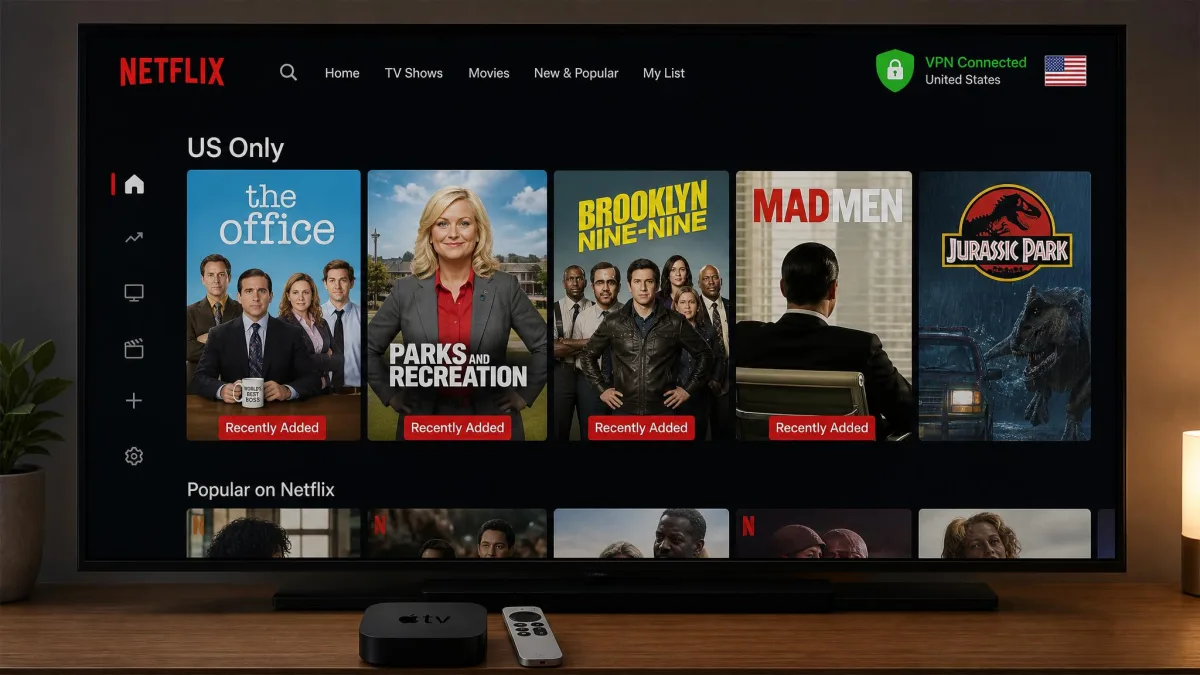
Netflix is the service people care about most, and it is also the one that fights hardest against VPNs. ExpressVPN unblocked it consistently in day-to-day streaming. That is why it is our recommendation if Netflix is the priority. NordVPN handled it too, though it occasionally detected our real location and needed a server switch to clear. The fix is quick once you know it, but it is a small friction to expect. Proton VPN reaches the widest spread of Netflix regions of any pick, 25 libraries in all. So if the goal is variety across countries rather than one specific catalogue, it opens the most doors.
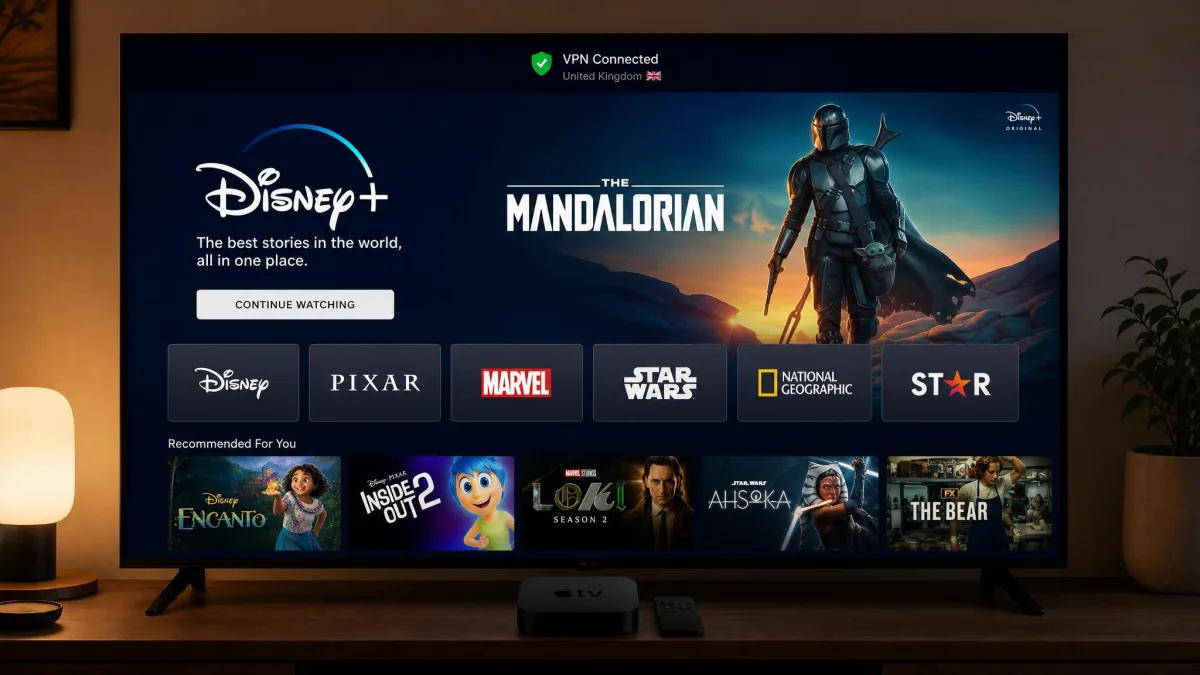
Disney+ is the more temperamental one. Proton VPN opens the widest library count overall, across 22 Disney+ regions. But it can be inconsistent connecting to Disney+ specifically, so test it during the refund window if that service is your reason for subscribing. NordVPN and the others handled Disney+ in our sessions without the same wobble. So if Disney+ is a must-have and you would rather not gamble, the broader all-rounders are the safer bet.
Prime Video and the wider set are where NordVPN pulls ahead. It unblocks Netflix, Disney+, Max and Prime together, which is the broadest coverage in the group. It also reaches Peacock and Paramount+, the two US services that tend to defeat weaker VPNs. So if your watchlist leans on those, NordVPN is the pick least likely to leave you staring at a proxy error.
BBC iPlayer deserves its own note. It is free at the point of use but tightly geo-locked to the UK. It is also among the most aggressive services at spotting VPN traffic. If you want iPlayer from outside the UK, choose a VPN with reliable UK servers and test it on day one. A server that works this week can be blocked the next. NordVPN and ExpressVPN were the steadier performers here in our experience. Even so, iPlayer moves fast, so lean on the refund window to confirm it before you commit.
Hulu and ESPN+ are the sticking points for PIA. So if American on-demand and live sports are your staples, keep to a broader all-rounder rather than the US-state specialist. The pattern across every service is the same. Unblocking is specific to the service and shifts over time. The honest advice is to buy for your own watchlist and verify it yourself early.
Whatever service you care about, run it on day one of the money-back window. Streaming unblocking changes as services and VPNs trade moves, so your own test today beats any static list, including this one.
The theme across all of it is that unblocking is service-specific and moves over time. Buy the VPN whose strengths match your watchlist. Then lean on the 30-day guarantee every one of these carries to confirm it works for you before the money is committed.
How we tested the best Apple TV VPNs
We tested these VPNs on an Apple TV 4K, the hardware most readers will actually be using. We judged them on the things that decide a good streaming experience rather than a spec sheet. Our reviewer's background in network administration shapes how we approach this. We care about what the connection does under load, not just what the marketing claims.
Install friction came first. We downloaded each native tvOS app from the App Store, signed in and timed how quickly we could get connected and switch regions from the remote. NordVPN's app, for instance, is built for quickly changing your IP location and installed with little fuss. Surfshark's was equally easy to navigate. Then we tested streaming reliability across Netflix, Disney+ and Prime Video. We noted which services each VPN opened cleanly and which needed a server switch or failed outright. Where a service threw a proxy error, we recorded how many server hops it took to clear it. That recovery step is a real part of living with a VPN and rarely shows up in a spec comparison.
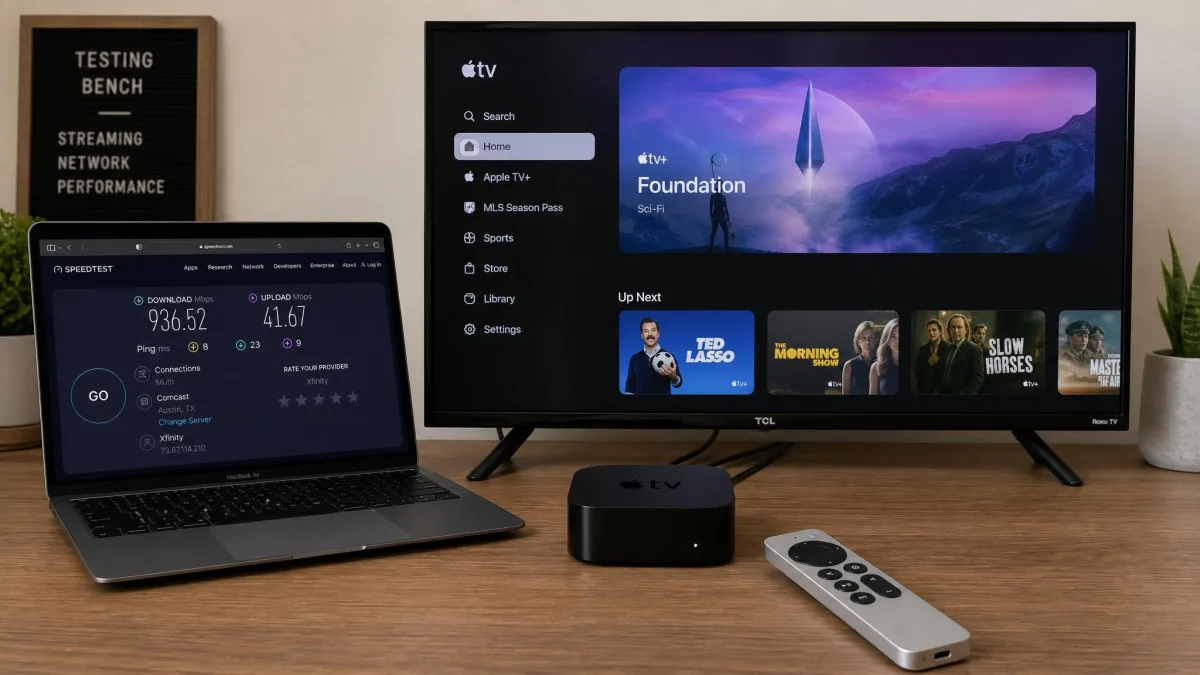
We watched 4K playback for buffering, since a VPN that cannot hold your bandwidth ruins the point of a good stream. Rather than trust a single burst reading, we let titles run and watched for resolution drops and mid-stream stalls. That is where a shaky connection actually shows itself. We recorded these findings alongside verified independent test data rather than relying on a single measurement. That is why we report speeds as ranges. Measured throughput genuinely varies by test rig, server and reviewer, and pretending otherwise would be dishonest. Where two respected labs disagreed on a provider's speed, we cite the span between them rather than cherry-picking the flattering end.
Finally, we checked device allowances and priced each service over its full two-year term, not the eye-catching first month. The renewal rate is what you actually pay from year two onward. We bought or subscribed to these services ourselves. To be straight with you about one number: our meta description mentions testing 30-plus VPNs. We do screen a broad field, but the five ranked here are the ones that earned a native-app recommendation on the strength of these hands-on and verified results.
Common mistakes people make with an Apple TV VPN
The most common error is buying a VPN with no native tvOS app and then wrestling with a router for a week. On a modern Apple TV there is no reason to do that. Check for a native app first. Only fall back to Smart DNS or a router if your box is too old for tvOS 17.
The second mistake is chasing the cheapest sticker price without checking the renewal. The sub-$2 rates here are two-year introductory prices that climb at renewal. So a VPN that looks cheapest today may not be over three years. Read the second-term price before you subscribe.
Free versus premium VPN for Apple TV
The free-versus-paid question comes up often. The answer for Apple TV is clearer than for most devices.
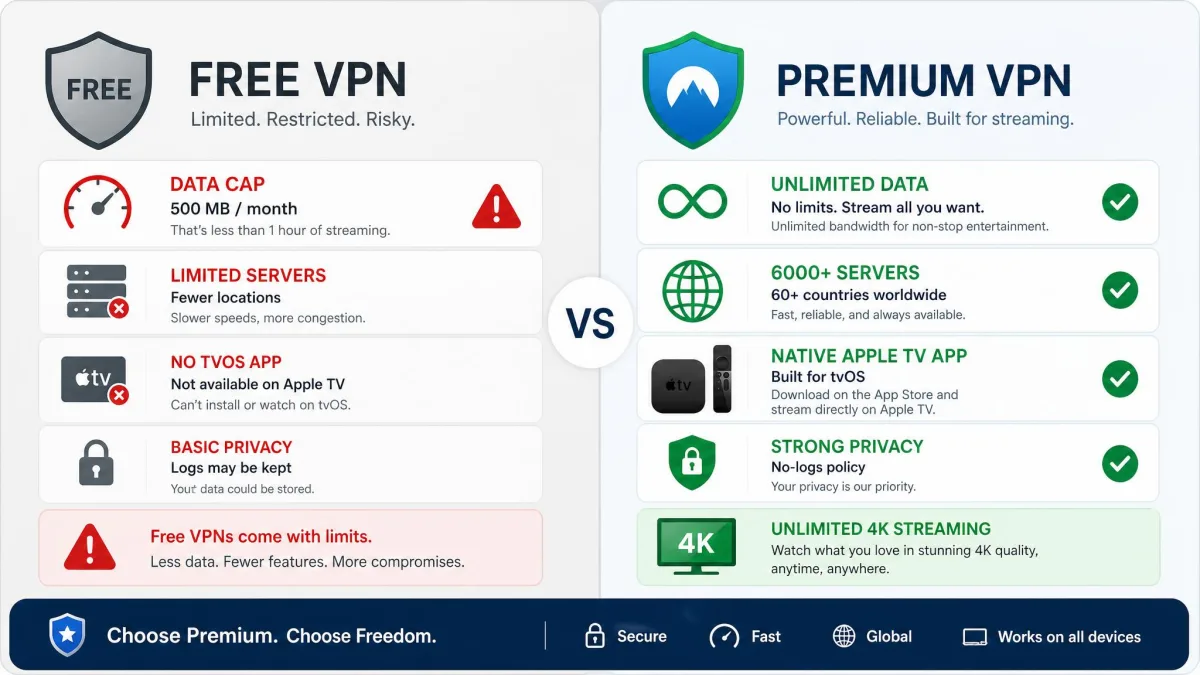
Free VPNs are a poor fit for Apple TV streaming. Most lack a native tvOS app, cap your data far below what 4K needs, run too slowly to avoid buffering, and a few monetise by logging or selling your traffic. If budget is the constraint, a cheap paid plan with a 30-day refund is the safer route.
A single 4K film can use up more data than a typical free monthly cap allows. The cap alone rules most free tiers out for regular viewing. The exception worth naming is Proton VPN, which runs a reputable free tier, though its streaming-optimized Apple TV experience sits behind the paid plan. For everyone else, the sub-$2-a-month paid options here cost little and remove every one of those limits. A cheap premium plan is almost always the better value than a free one.
A third trap is assuming one VPN unblocks everything equally. It does not. Unblocking is service-specific, so match the VPN to your watchlist and test your actual services in the first few days. And do not skip the money-back guarantee. Every pick here gives you 30 days, which is enough to confirm the streaming you care about works on your own connection before you commit.
The last mistake is expecting the tvOS app to match the phone app feature for feature. Most native Apple TV VPN apps offer only basic features by design. That is fine for streaming, where location switching is all you need. But do not buy expecting the full desktop settings panel on your television.
Frequently asked questions
Can I install a VPN app directly on Apple TV?
Does Apple TV support VPNs natively (tvOS 17)?
What is Smart DNS versus a VPN?
Can I watch Netflix with a VPN on Apple TV?
Will a VPN cause buffering or slow streaming?
Which Apple TV models support VPN apps?
Is using a VPN on Apple TV legal?
Can I use a free VPN with Apple TV?
Final verdict
Across a week of Apple TV testing, the pattern was consistent. Every pick here is fast enough for 4K, so the choice comes down to streaming reach, app quality and price. NordVPN wins overall because it unblocks the widest set of services, installs in minutes and holds up in 4K, with only a minor Netflix location quirk against it. Surfshark is the value call. ExpressVPN is the app to beat. Proton VPN is the privacy-plus-streaming pick, and PIA is the US-focused specialist.
Whichever you choose, buy on the strength of the services you actually watch. Then put it through its paces inside the 30-day money-back window. That guarantee is your real safety net. It turns any of these into a no-risk trial on your own connection.