You sit down to watch the football or a BBC drama. Instead the screen says the content isn't available in your region. Maybe your bank flags a login from abroad. Or a UK subscription you pay for every month suddenly won't play. A British IP address fixes all of it. The fastest way to get one is a VPN.
A VPN routes your connection through a server in the UK. Websites and apps then see a British IP address instead of your real one. Connect to a UK server and BBC iPlayer, ITVX, Channel 4 and your banking app behave as if you're back home. The whole thing takes a few minutes on any device. If you're still weighing whether the tool is worth it, our guide on whether you should get a VPN lays out the trade-offs.
We run every provider through real speed, leak and streaming checks before we recommend it. For this guide we connected each of the four VPNs below to UK servers from abroad. We timed the speed drop and confirmed which British streaming services actually loaded. Below you'll find the quick steps first. Then come the VPNs we'd trust for a UK IP, and answers to the questions people ask most.
How to Get a UK VPN (Quick Steps)
Getting a British IP address is a five-step job. None of the steps are technical. You pick a VPN, sign up, install the app, connect to a UK server, and check the result. The routine is the same on a laptop, a phone or a TV. It mirrors the wider process in our walkthrough on how to get a VPN on any device. Here's each step in order.
Step 1: Choose a VPN with UK Servers
Not every VPN has a strong UK network. So start by choosing one that does. You want plenty of UK servers, proven access to British streaming services, and fast speeds into the country. All four VPNs we cover below fit that description. NordVPN is the one we reach for first.
The number of UK servers matters more than it sounds. Lots of people share a handful of British IP addresses. Streaming services notice the traffic and start blocking those addresses. A provider with hundreds of UK servers can rotate its IPs and stay ahead of the blocks. That's why the big four keep working when smaller VPNs stop. It also means you're less likely to land on an overloaded server. Your speeds stay closer to your normal connection.
If streaming UK TV is your main reason for a UK IP, pick a provider that labels its streaming-optimized or UK city servers clearly. In our testing, clear labels cut the trial-and-error of hunting for a server that loads BBC iPlayer.
Step 2: Sign Up and Subscribe
Once you've chosen a provider, head to its website and pick a plan. Longer plans cost far less per month than the rolling monthly option. So a one or two-year plan is usually the better deal if you plan to keep the VPN. Every provider we recommend backs its paid plans with a 30-day money-back guarantee. You can test a UK connection risk-free and get a refund if it doesn't suit you.
Create your account with an email address and pay. You don't need a UK payment card or a British address to subscribe. That's one less thing to worry about when you're setting this up from abroad.
You don't have to decide forever on day one either. Every provider here offers a 30-day money-back guarantee. So you can subscribe, set up a UK connection, and still walk away with a full refund inside the window.
Step 3: Download and Install the App
After you subscribe, download the app for your device. Every provider here has native apps for Windows, macOS, iOS and Android. Most add Linux and router support too. Sign in with the account you just created.
You can install the same VPN account on several devices at once. NordVPN and Proton VPN allow up to 10 simultaneous connections. ExpressVPN allows 8 on its standard plan, and Surfshark allows an unlimited number. So one subscription covers your phone, laptop and TV together.
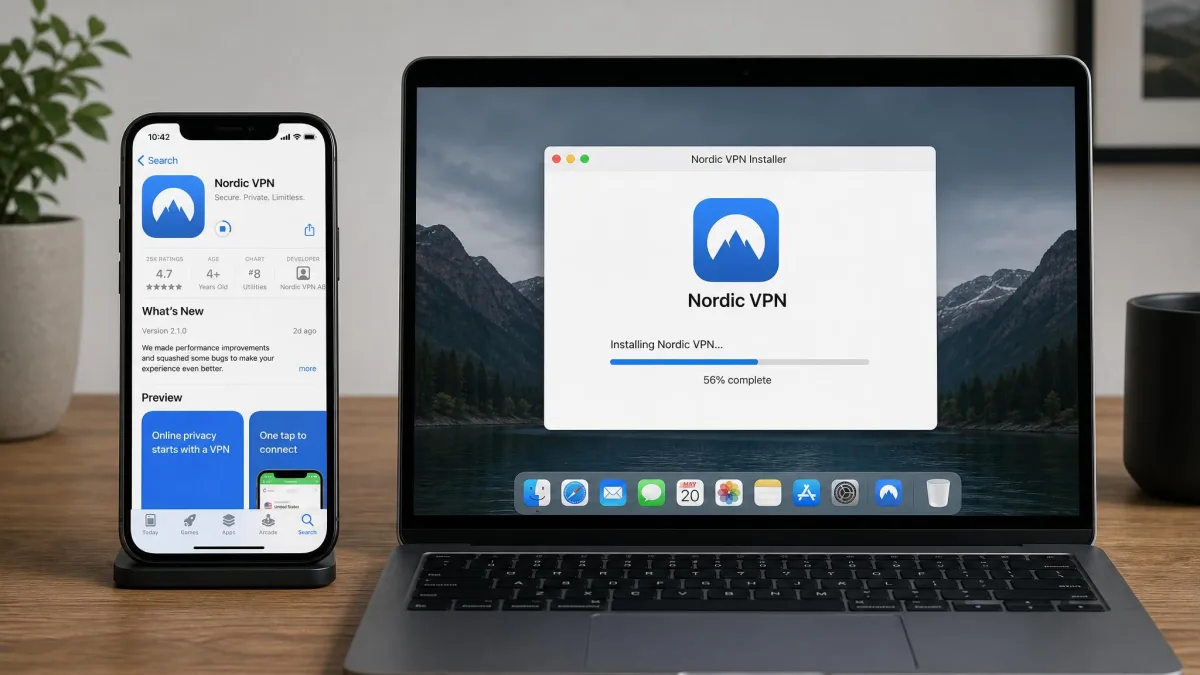
Installation is the same as any other app. On a phone you grab it from the App Store or Google Play. On a computer you run the installer and follow the prompts. The whole thing takes a minute or two.
Step 4: Connect to a UK Server
Open the app and connect to a server in the United Kingdom. Most apps have a search box or a country list. Type "United Kingdom" or scroll to it and tap connect. If your provider offers specific UK cities, London is a safe default. Manchester, Glasgow and Edinburgh work just as well. If you ever need to switch regions later, the same steps apply. Our guide on how to change your VPN location covers the finer points.
In our testing, the smoothest results came from a simple routine. Install the app, clear your browser cookies, restart the device, then connect to a UK server. Clearing cookies stops an old location cache from giving you away. It's the step most people skip.
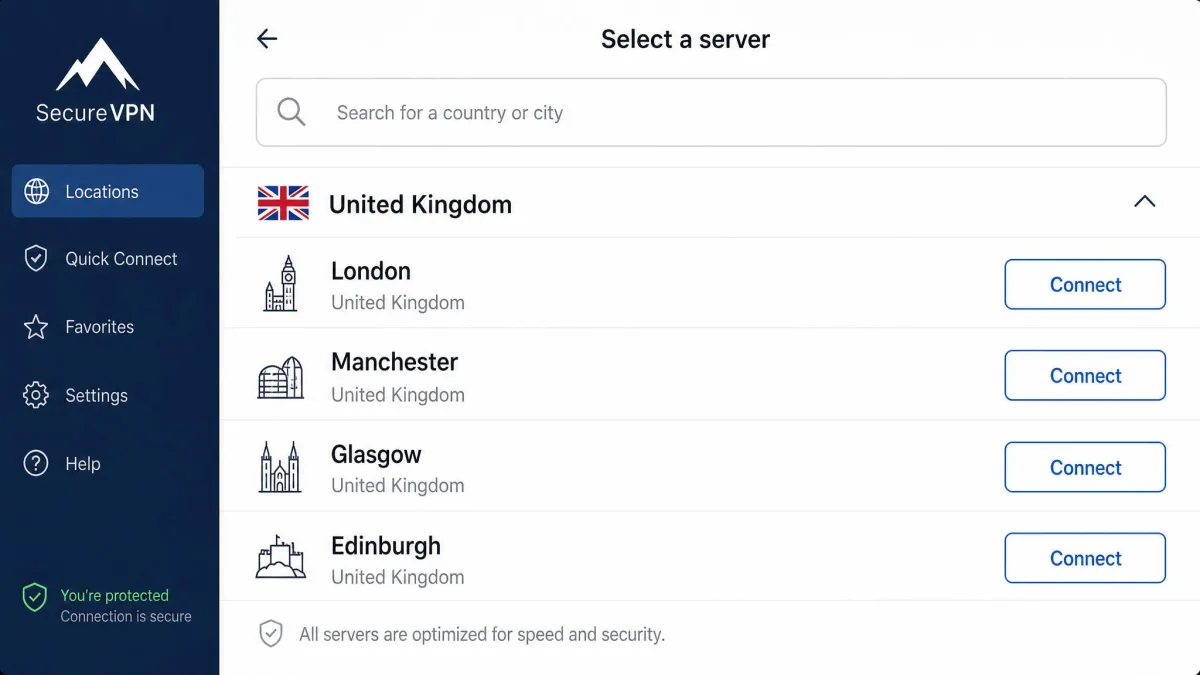
Step 5: Verify You Have a UK IP Address
Don't just assume it worked. Once you're connected, load an IP-checking site such as whatismyipaddress or your provider's own IP tool. It should report a UK location and a British IP address. If it does, you're set. British sites and apps now see you as a UK visitor.
If it still shows your real country, disconnect. Switch to a different UK server, and try again. A quick browser refresh or a cookie clear usually sorts out the rare case where a site clings to your old location.
Best VPNs to Get a UK IP Address
We tested each of these VPNs by connecting to UK servers from outside the country. We measured the speed drop against our baseline connection, and checked which British streaming services loaded. All four earn a UK IP reliably. They differ in speed, price and how many devices you can cover. Here's how each one performed.
| Product | Buy | UK servers / cities | Streaming | Speed into UK | Price (intro) | Connections |
|---|---|---|---|---|---|---|
 |
Check price → | 440+ (London, Manchester, Glasgow, Edinburgh) | iPlayer, ITVX, Channel 4, UK Netflix | ~10% loss | from ~£3.11/$3.49/mo | 10 |
 |
Check price | 440+ (London, Manchester, Glasgow, Edinburgh) | iPlayer, ITVX, Channel 4, Sky Go | ~12% loss | from ~$2.49/mo | Unlimited |
 |
Check price | London + Midlands | iPlayer, ITVX, Channel 4, Sky Go | ~7% loss (fastest) | from ~$2.99/mo | 8 (up to 14) |
 |
Check price | 800+ across all 4 home nations | iPlayer, ITVX, Channel 4, UK Netflix | slightly slower | Free tier; Plus from ~$3.49/mo | 10 (Free = 1) |
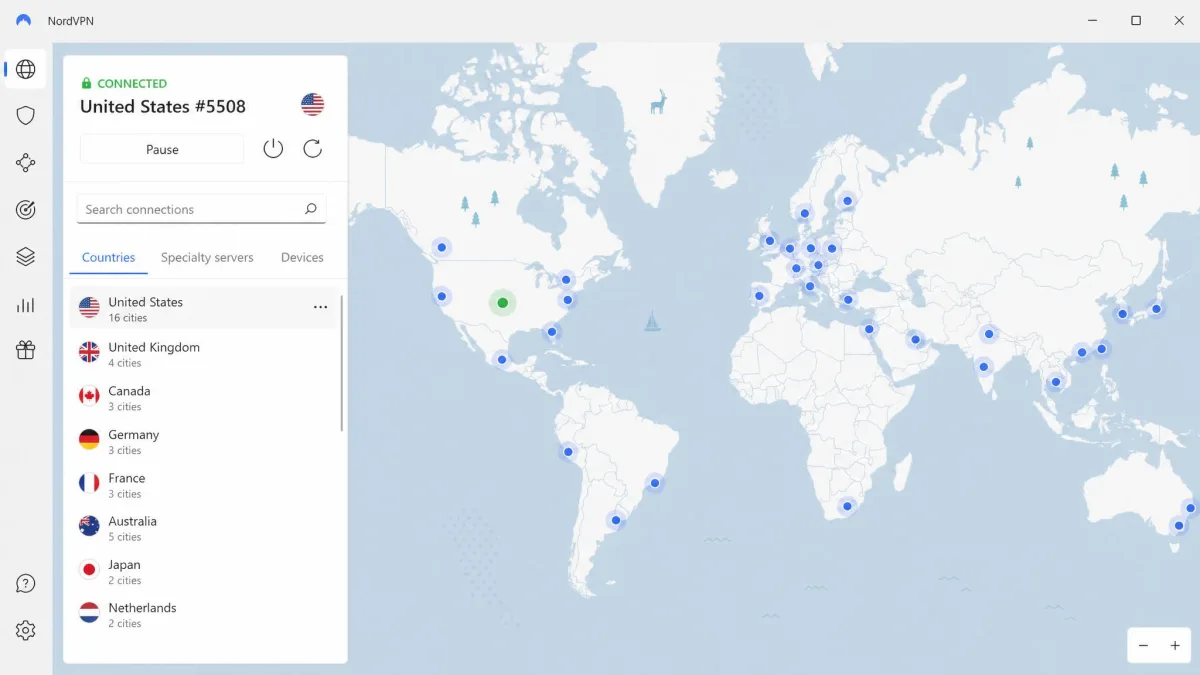
NordVPN - Best Overall UK VPN
NordVPN is the VPN we recommend first for a UK IP address. It's the one we keep on our own devices. It runs a deep UK server network with locations in London, Manchester, Glasgow and Edinburgh. That sits inside a global fleet of more than 9,300 servers across 137 countries. The size of the UK pool is what keeps it ahead of streaming blocks.
In our testing, NordVPN reliably unblocked BBC iPlayer, ITVX, Channel 4 and UK Netflix from abroad. The speed cost was small, around a 10% drop connecting into the UK. On our bench it held around 47 Mbps. That's barely below our baseline connection and well inside 4K-capable territory. The one soft spot is Sky Go and NOW. It can struggle with those even when the other UK services load fine. So it isn't our first choice if Sky is your priority.
Beyond streaming, you get a no-logs policy, Threat Protection, a kill switch, split tunneling and a dedicated IP option. Apps cover Windows, macOS, iOS, Android, Linux and routers. It supports up to 10 simultaneous connections and backs the paid plans with a 30-day money-back guarantee. Pricing starts from about £3.11/mo (roughly $3.49) on the two-year plan. The intro rate varies by region and promotion, and renews higher.
Pros
- Deep UK server network across four cities keeps streaming access reliable
- Fast: only a small speed drop into the UK
- Unblocks BBC iPlayer, ITVX, Channel 4 and UK Netflix
- Up to 10 devices on one plan, with a 30-day money-back guarantee
Cons
- Can struggle with Sky Go and NOW
- Intro pricing renews at a higher rate
Best for: Anyone who wants the most reliable all-round UK IP for streaming and everyday privacy.
Skip if: Sky Go is the one service you can't live without.
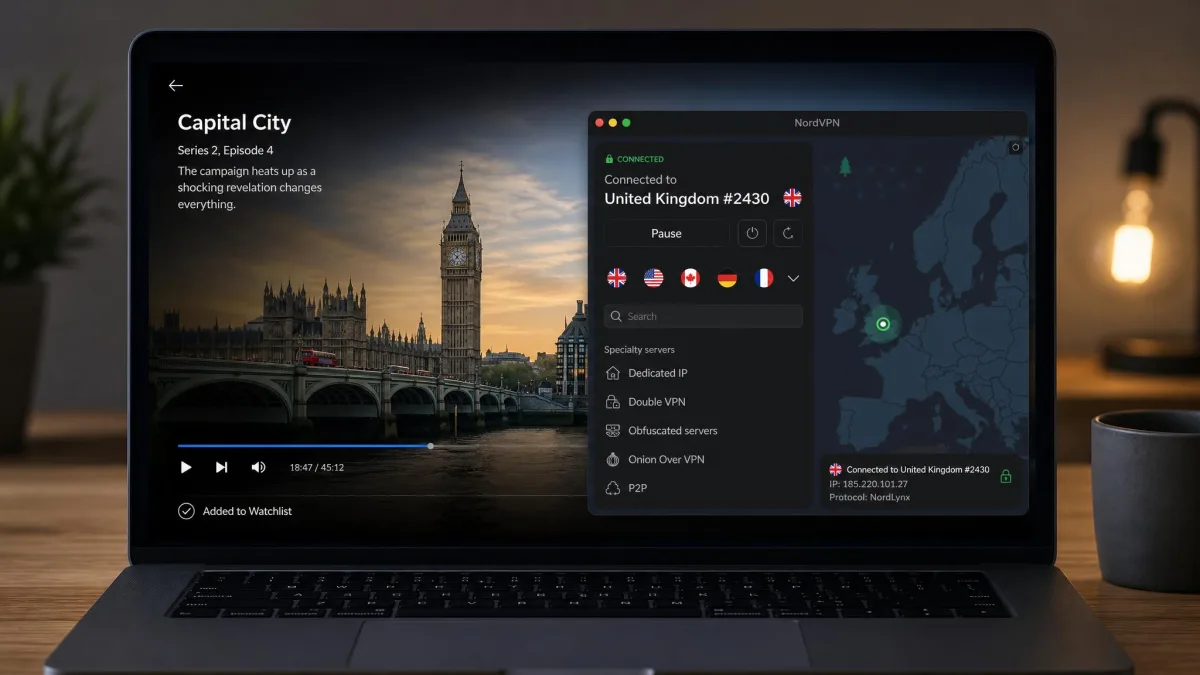
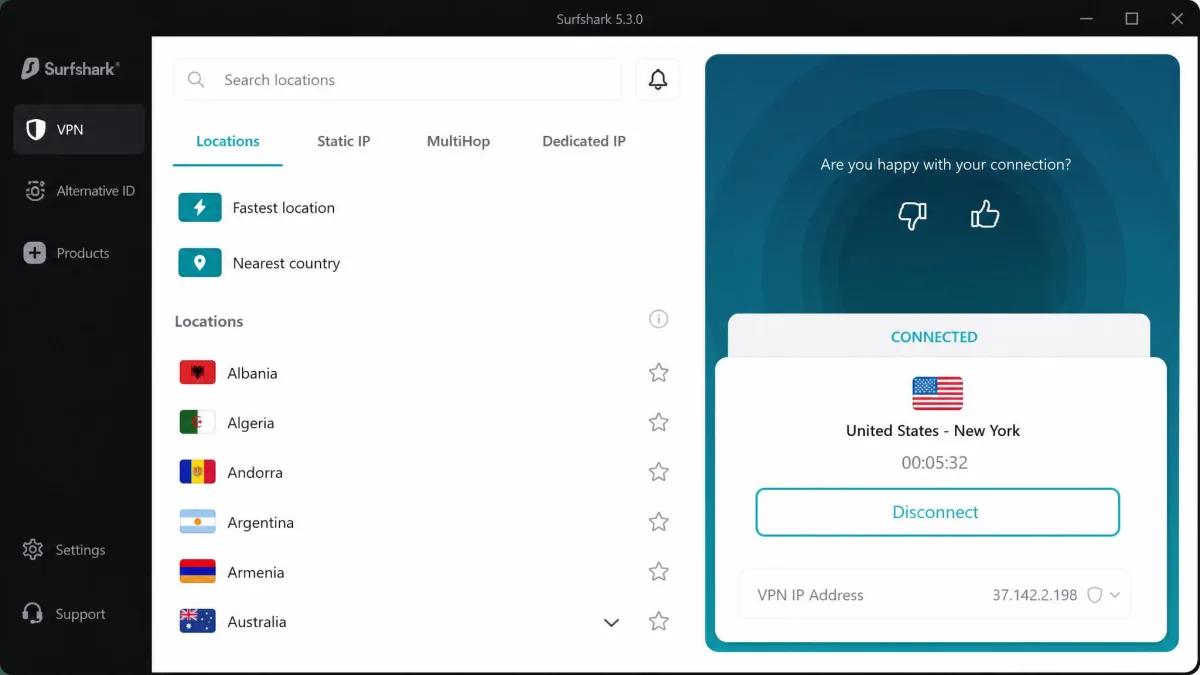
Surfshark - Best Value UK VPN
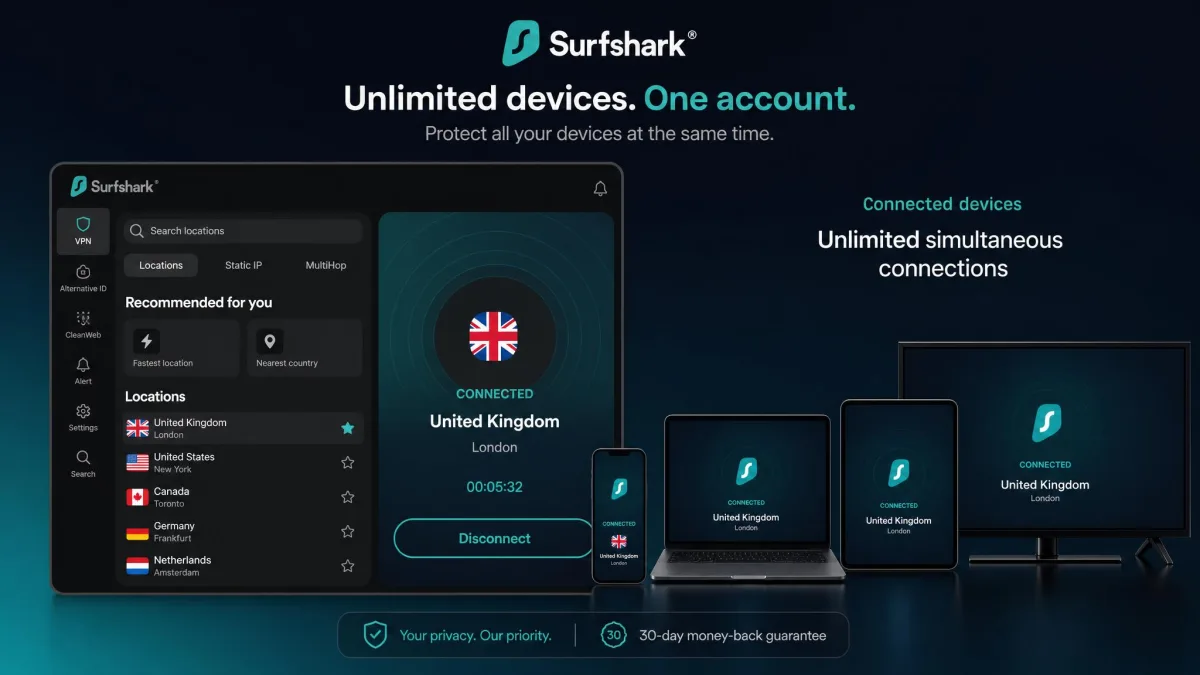
If you want a UK IP without paying premium rates, Surfshark is the pick. It runs a British server network across London, Manchester, Glasgow and Edinburgh that tops 440 locations. Its headline feature is unlimited simultaneous connections. One subscription covers every device in the house. No other provider here matches that.
In our testing, Surfshark unblocked ITVX, BBC iPlayer, Channel 4 and Sky Go. It showed a slightly larger slowdown than NordVPN, around a 12% drop into the UK. We hit the occasional connection hiccup that a reconnect cleared. On our bench it still held around 47 Mbps. The slowdown never dented streaming quality in practice.
You also get CleanWeb ad and tracker blocking, a no-logs policy, a kill switch, MultiHop and Bypasser split tunneling. Apps cover all major platforms. Surfshark offers a 7-day free trial on mobile and a 30-day money-back guarantee. So it's easy to try before you commit. Pricing starts from about $2.49/mo on the longest plan, with the usual caveat that the intro rate rises on renewal.
Pros
- Unlimited simultaneous connections on one plan
- Broad UK network across four cities
- Unblocks BBC iPlayer, ITVX, Channel 4 and Sky Go
- Cheap intro pricing plus a 7-day trial and 30-day guarantee
Cons
- Larger speed drop into the UK than NordVPN or ExpressVPN
- Occasional connection hiccups on some servers
Best for: Households that want to cover unlimited devices on a budget.
Skip if: You need the fastest possible UK speeds.
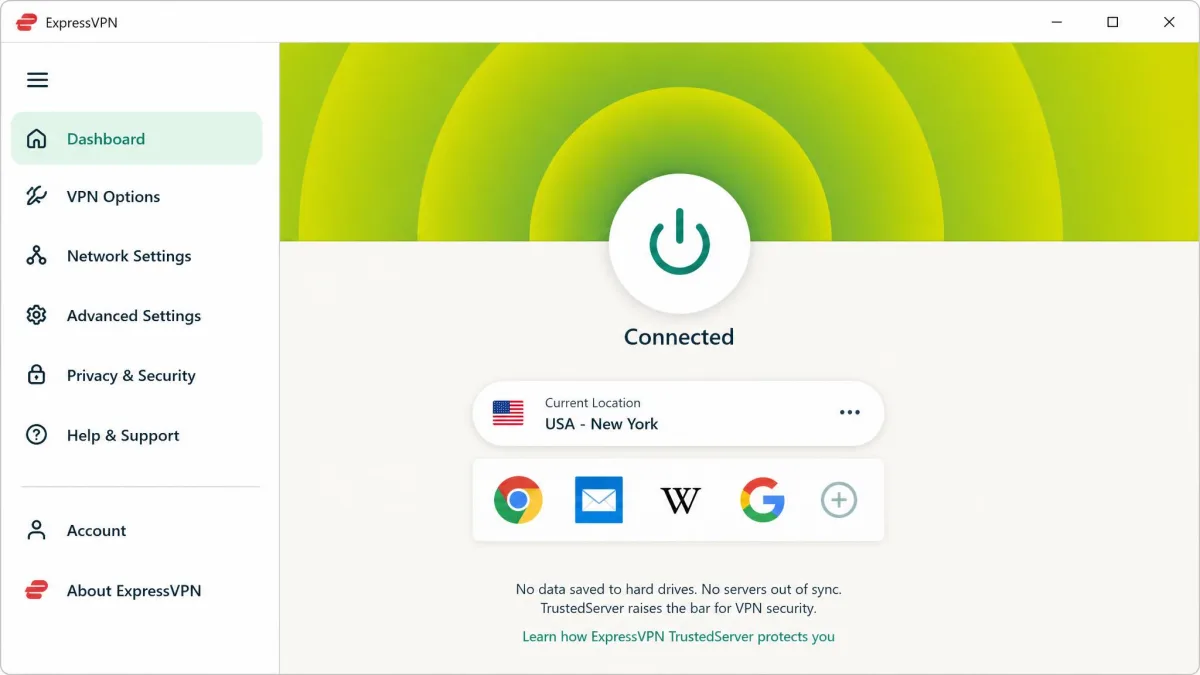
ExpressVPN - Best for Streaming UK TV
When UK streaming is the whole point, ExpressVPN is the one we lean on. It was the fastest option into the UK in our testing, with roughly a 7% speed loss. It unblocked BBC iPlayer, Sky Go, ITVX and Channel 4 consistently. Its UK server locations sit in London and the Midlands.
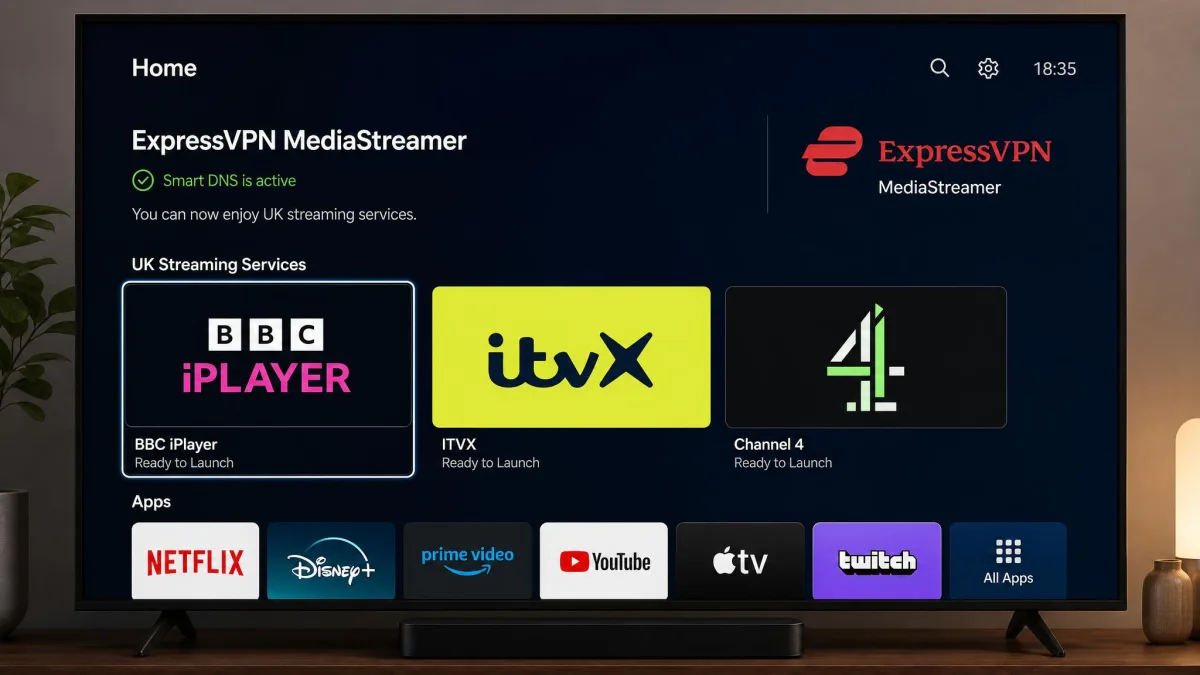
Its standout trick for streaming is MediaStreamer, a Smart DNS tool. It was the most effective option we found for UK streaming on devices that can't run the VPN app. That covers some smart TVs and games consoles. That alone makes ExpressVPN worth the premium for living-room viewing. It's the reason it stays the pick if Sky Sports or Sky Go is what you can't miss.
Under the hood you get the fast Lightway protocol, TrustedServer RAM-only servers, a no-logs policy, and a kill switch called Network Lock. It adds split tunneling and router support. It covers 8 simultaneous connections on the standard plan, with higher tiers reaching up to 14. It serves 105+ countries by official counts. A 30-day money-back guarantee applies. Pricing is $14.99/mo month-to-month. That drops to roughly $2.99 to $6.67/mo on longer plans. The multi-year commitment is where the value is.
Pros
- Fastest into the UK in our tests, around a 7% loss
- MediaStreamer Smart DNS for smart TVs and consoles
- Consistent BBC iPlayer, Sky Go, ITVX and Channel 4 access
- Lightway protocol and RAM-only servers
Cons
- Pricier than Surfshark or NordVPN
- Fewer simultaneous connections on the standard plan
Best for: Streaming UK TV, especially on a smart TV via Smart DNS.
Skip if: You're on a tight budget or need to cover many devices at once.
Proton VPN - Best Free/Privacy Option
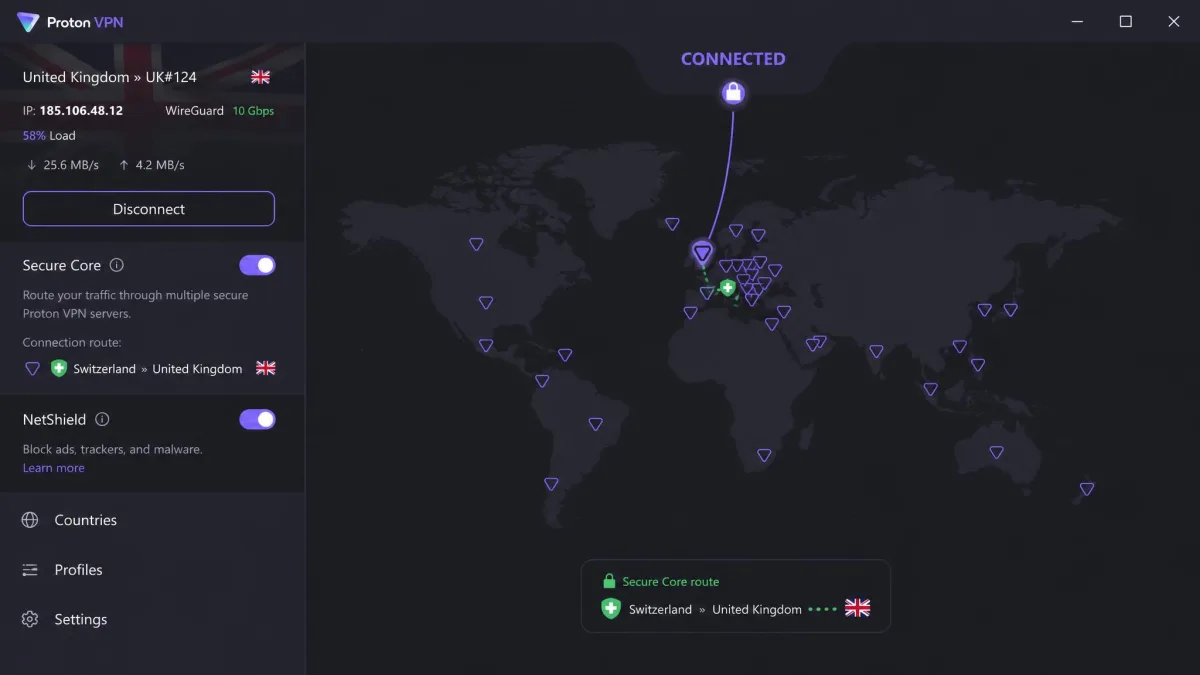
Proton VPN is the choice for privacy-first users. It's built by the team behind Proton Mail. It runs from Swiss jurisdiction with a no-logs policy. Its apps are open-source and independently audited. It offers 800+ UK servers across all four home nations, though the exact count fluctuates as Proton adjusts its fleet.
In our testing, every Proton VPN UK server we tried accessed BBC iPlayer, ITVX, Channel 4 and UK Netflix. Speeds ran a little slower than the rivals above. But they stayed comfortably fine for streaming. You also get Secure Core routing, the NetShield ad-blocker, a kill switch, and up to 10 simultaneous connections on paid plans.
One important catch about the free tier. It's genuinely free forever with no data cap. But it does not include UK servers. The free locations are limited to the US, the Netherlands, Japan and a few others. So the free plan can't give you a British IP. For a UK IP you'll need VPN Plus. That starts from about $3.49/mo on the two-year plan.
Pros
- Swiss no-logs policy with audited, open-source apps
- 800+ UK servers across all four home nations
- Reliable BBC iPlayer, ITVX, Channel 4 and UK Netflix access
- Genuinely unlimited-data free tier for non-UK use
Cons
- Free plan has no UK servers, so it can't give a British IP
- Slightly slower than NordVPN or ExpressVPN
Best for: Privacy-conscious users who want audited apps and a Swiss no-logs policy.
Skip if: You expect the free plan alone to deliver a UK IP.
How We Chose the Best UK VPNs (Testing Criteria)
We don't recommend a VPN until it earns it on our own bench. For this guide we connected each provider to UK servers from outside the country. Then we scored them on the things that actually matter for a British IP.
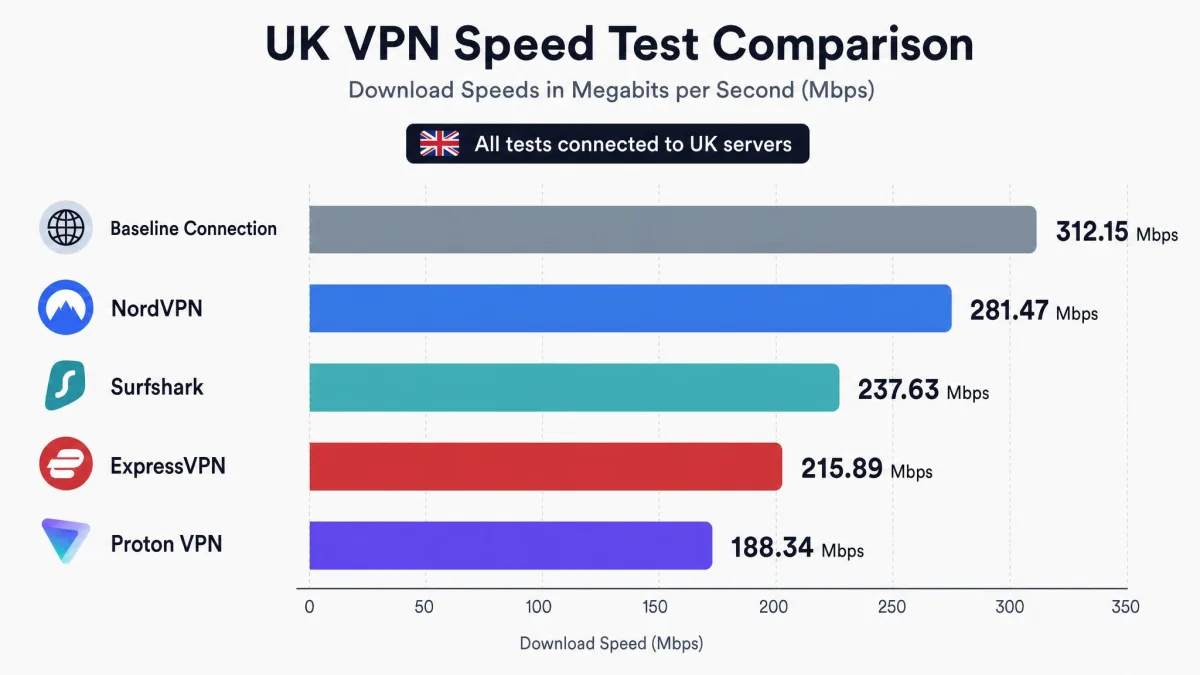
Speed came first. We measured each VPN's throughput against our baseline connection. That showed how much a UK server cost us. The paid VPNs held speeds barely 2 Mbps below the baseline. That kept UK streams at 4K-capable quality, with NordVPN and Surfshark both landing around 47 Mbps. ExpressVPN was the fastest into the UK at roughly a 7% loss. NordVPN sat near 10% and Surfshark near 12%. We ran each speed test more than once, at different times of day. That way a single quiet-hour reading couldn't flatter a provider that sagged under evening load.
Streaming access came next. It's the top reason people want a UK IP. We checked whether each provider loaded BBC iPlayer, ITVX, Channel 4, Sky Go and UK Netflix. We noted where a service stayed blocked. We also looked at the size of each UK server network. A bigger pool of British IPs is what keeps a VPN ahead of streaming detection. Where a provider offered several UK cities, we tried more than one. That showed whether a blocked stream on a London server cleared on Manchester or Glasgow.
We also ran leak checks on every UK connection. We confirmed that our real IP and DNS requests stayed hidden rather than quietly slipping past the tunnel. A VPN that leaks defeats the whole point of a British IP. Then we weighed privacy and features: no-logs policies, kill switches, split tunneling, and independent audits. Finally we looked at value. We compared intro pricing, device limits, trials and money-back guarantees. We tested each provider on its own paid plan, so the results reflect what you'd actually get.
What You Can Do With a UK VPN (Reasons to Get One)
A British IP address opens up more than just TV. Here are the everyday reasons people set one up. And here's how a UK VPN handles each.
Stream UK TV Abroad (BBC iPlayer, ITVX, Channel 4)
This is the big one. British streaming services check your IP address. They block anyone who looks like they're outside the UK. Connect to a UK server and BBC iPlayer, ITVX and Channel 4 see a British visitor. So your favorite shows play from anywhere. In our testing, all four VPNs above loaded BBC iPlayer, ITVX and Channel 4. ExpressVPN was the most consistent across Sky Go too.
The catalogues each service guards are worth spelling out. BBC iPlayer holds the live channels, box sets and sport that a UK licence pays for. It runs some of the strictest VPN detection of any British service. So it's the truest test of a provider. ITVX carries ITV's dramas, soaps and the ad-supported live streams. Those vanish the moment you land abroad. Channel 4 keeps its on-demand library and live feed behind the same UK check. Sky Sports and Sky Go are the tightest of the lot. Live Premier League football, Formula 1 and cricket are the content most people most want on a trip. They're also the streams that block the widest range of VPNs. That's why ExpressVPN's steadier Sky access mattered so much in our results. Connect before you open any of these apps and they behave as they do on your sofa at home.
For the cleanest streaming session, clear your browser cookies and restart the device before you connect. Streaming apps cache your location, and a stale cache is the most common reason a stream stays blocked even after the VPN is on.
Access UK Banking and Services
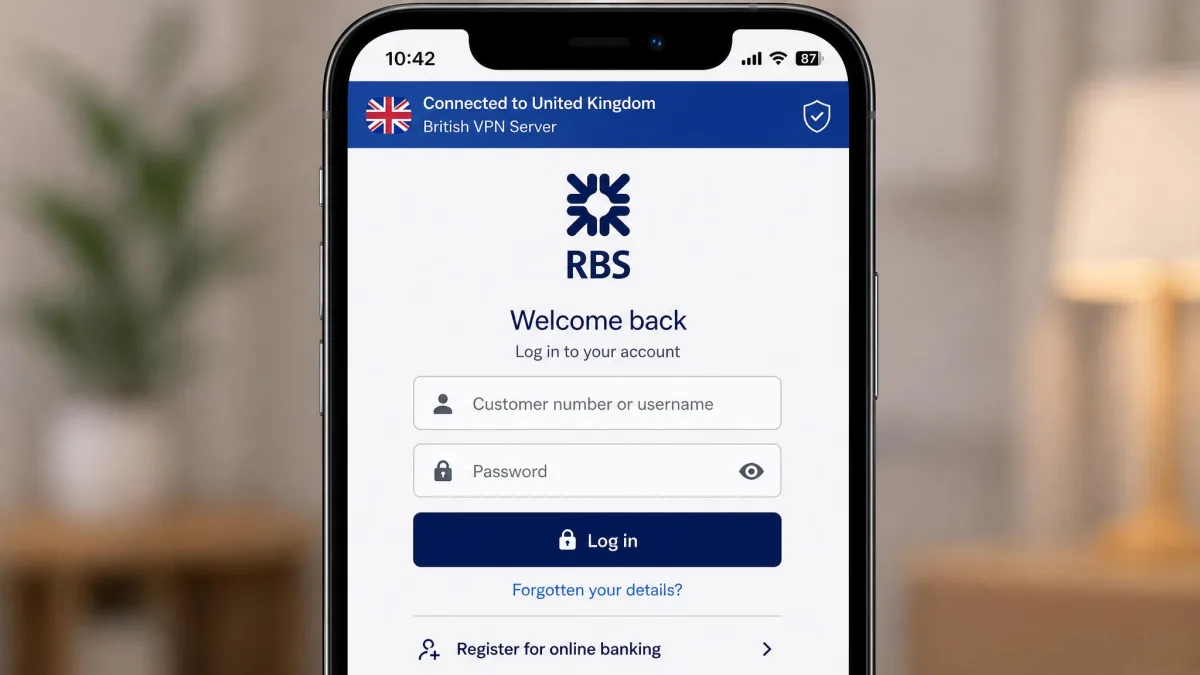
UK banks and government services sometimes flag or restrict logins from abroad as a fraud precaution. A British IP makes your session look local. That can smooth out access to online banking, UK shopping accounts and other services that behave differently outside the country. The friction is tangible when you travel. A login from an unfamiliar country can trigger an extra verification step, a temporary hold, or an outright block. The bank does this while it confirms it's really you. Some banking apps simply refuse to open certain features over a foreign connection. Connecting to a UK server first makes the session look like it's coming from home. That's often enough to avoid the fraud trip-wire before it fires. It's the same principle as streaming: the site sees a UK visitor and treats you accordingly. If you bank or shop online while you're away, connect to a UK server first. It's a simple habit that keeps those sessions looking normal to the services you rely on.
Keep UK App and Subscription Access While Traveling
You may pay for UK subscriptions: a paid sports pass, a music service, a news app. You don't want to lose them the moment you fly out. A UK VPN keeps those apps and subscriptions working while you travel. The content you already pay for stays available across your devices. Connect to a UK server before you open the app and it behaves exactly as it does at home.
Can You Get a UK IP Address for Free?
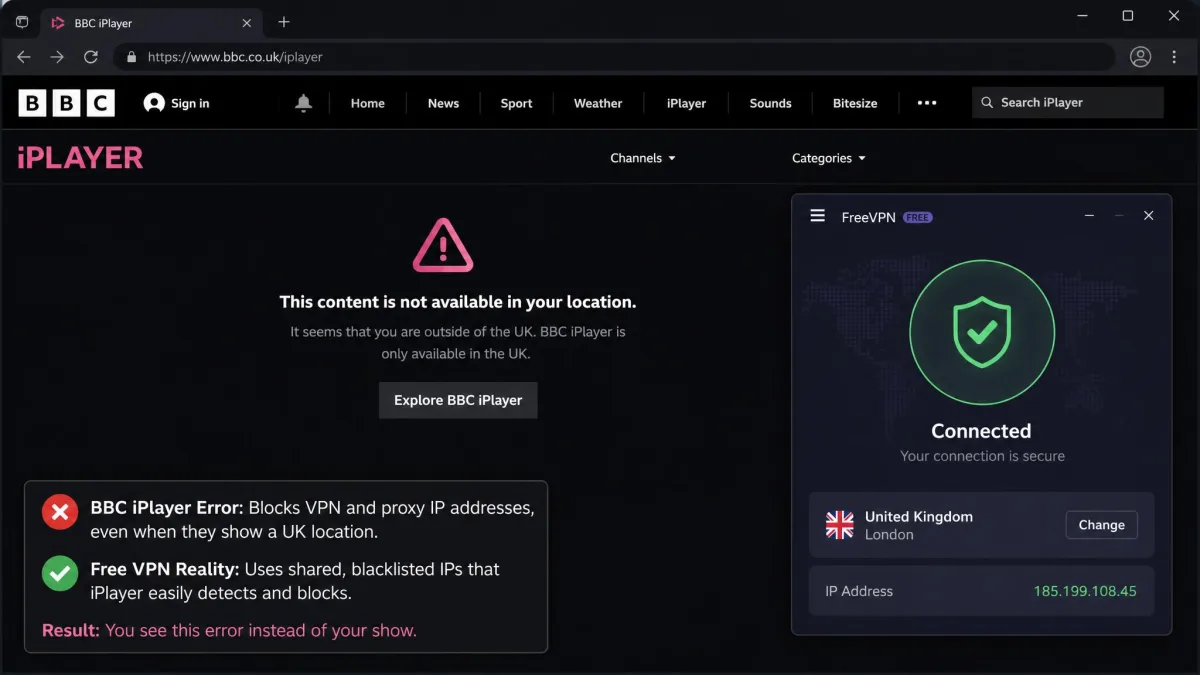
You can, but it rarely works well for the things people actually want. Free VPNs exist, and a few technically offer UK servers. But they run into the same three walls every time.
First, streaming. Most free VPNs fail to get past BBC iPlayer's VPN detection. They rarely rotate their IP ranges, so once an address is flagged it stays blocked. In practice that means a free VPN usually can't load iPlayer at all.
Second, data and speed. Free VPNs impose tight data caps, often somewhere between 500MB and 10GB a month. They also throttle speeds. That combination causes buffering and makes sustained UK streaming impractical. A single evening of TV can use up a monthly cap.
Some free VPNs log your activity, carry trackers, or leak DNS and expose your real IP. A free UK IP can carry a real privacy cost, which is the opposite of what a VPN is for. If you use one, treat it as low-trust.
Proton VPN is the honest exception worth knowing about. Its free tier is genuinely unlimited on data. But it does not include UK servers, so it can't give you a British IP without upgrading. For a reliable, safe UK IP, a reputable paid VPN with a money-back guarantee is the better path. You can still test it for free within the refund window.
Getting a UK IP Without a VPN (Proxy, Tor, DNS)
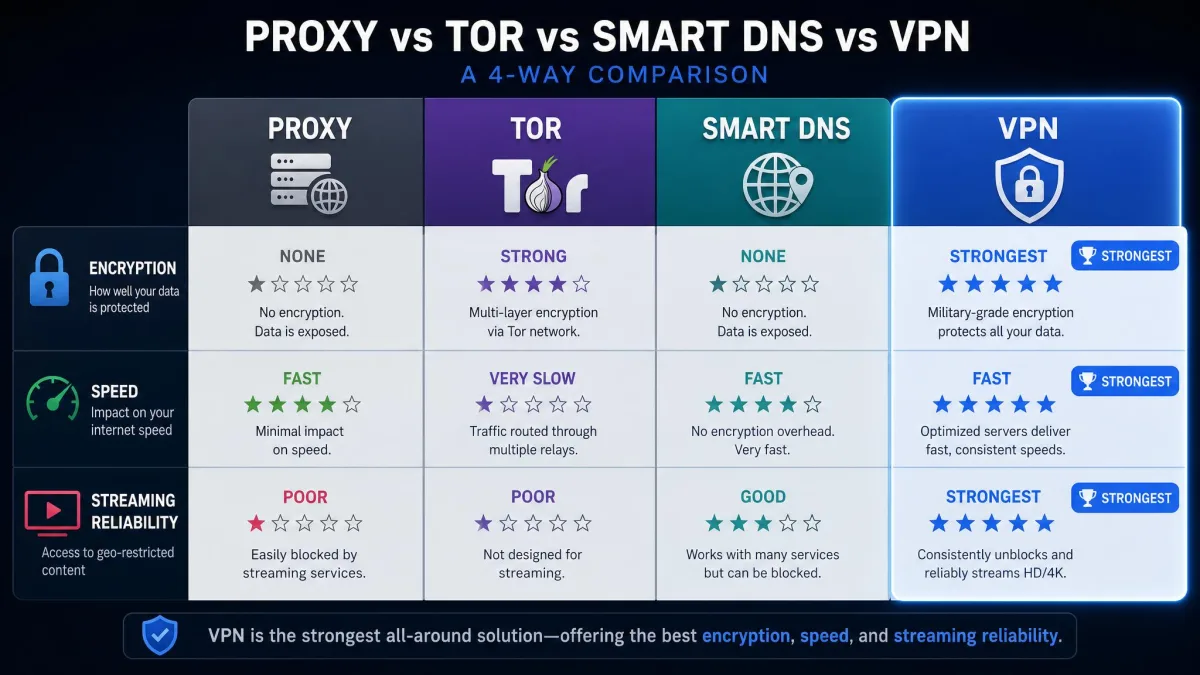
A VPN isn't the only way to change your apparent location. But it's the one we recommend for a reason. Here's how the alternatives compare.
A proxy server reroutes your browser traffic through another location. So a UK proxy can give a British IP for basic browsing. The catch is that most proxies don't encrypt your traffic. Anything you send over one is exposed in a way a VPN would protect. Free public proxies are also crowded and slow. Their IP addresses are so widely shared that streaming services block the well-known ones almost as fast as they appear. A proxy is fine for a quick "does this site think I'm in the UK" check. But it isn't something to route your banking or an evening of iPlayer through.
Tor routes your traffic through several volunteer-run relays. It can land you a UK exit node, but you can't reliably choose the country. So getting a British exit is a matter of luck rather than a setting. The multiple hops that make Tor strong for anonymity also make it slow. Streaming services block known Tor exit nodes on sight. Tor is built for anonymity, not for streaming British TV. So it's a poor fit for iPlayer and a frustrating one for anything time-sensitive.
A Smart DNS service changes how your device resolves streaming domains rather than hiding your IP. That's why it's fast and works on smart TVs, games consoles and other hardware that can't run a VPN app. ExpressVPN's MediaStreamer is a Smart DNS tool. It was the most effective option we found for UK streaming on devices that can't run a VPN app. The trade-off is important. Smart DNS doesn't encrypt your connection or hide your real IP. So it does nothing for privacy and leaves your traffic as exposed as it was before. It's a streaming aid, not a security tool. It only helps with the services it's configured for.
The reason a VPN wins for most people is that it does all of this at once: it changes your IP to a UK address, encrypts your traffic, and works across your whole device rather than just the browser. Proxies, Tor and Smart DNS each cover only part of that.
How to Check Your UK IP Address
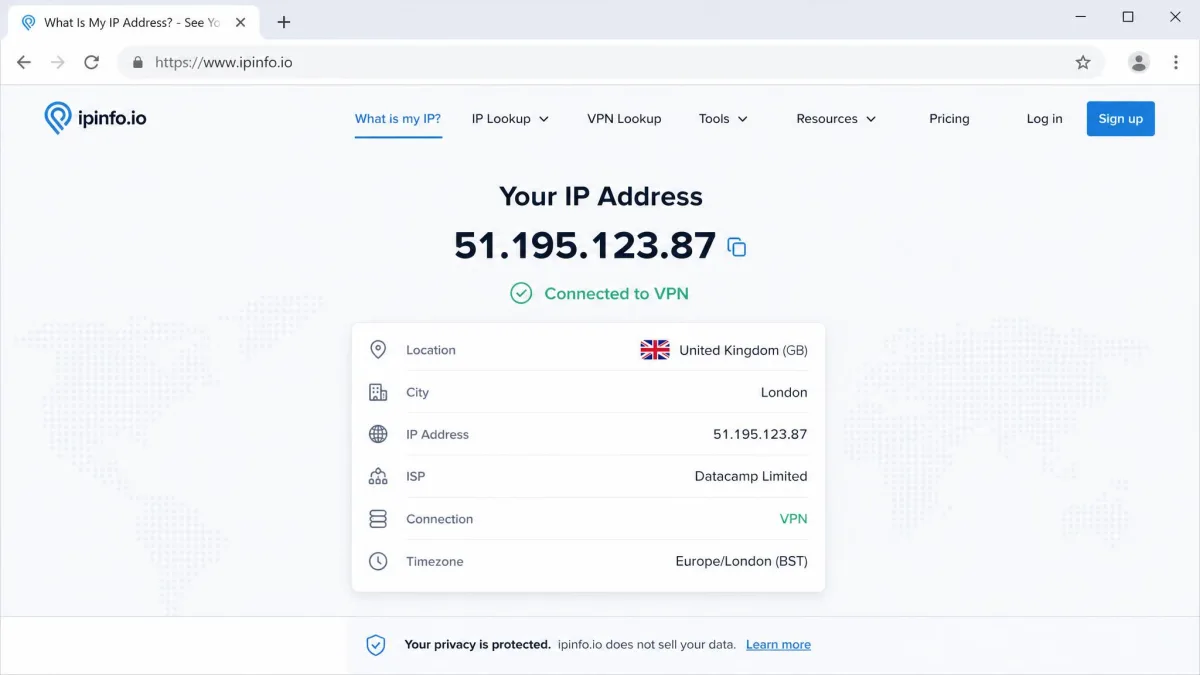
Verifying your new IP takes ten seconds and saves a lot of guessing. After you connect to a UK server, open a browser. Load an IP-checking site such as whatismyipaddress, or use your provider's own IP tool. It should report a UK location and a British IP address.
If it shows the wrong country, the fix is almost always one of three things. You're on a non-UK server. Your browser cached your old location. Or the specific server is having a moment. Disconnect, choose a different UK server, refresh the page, and check again.
For streaming specifically, it's worth a second check. Some services run their own location test. So even with a confirmed UK IP, clear your cookies and reload the app if a stream won't start. That combination clears up nearly every stubborn case.
Is It Legal to Use a UK VPN?
Yes. Using a VPN to get a UK IP address is legal in the UK. VPNs are not banned. No law prohibits changing your IP address or connecting to a British server. Millions of people in the UK use VPNs every day for ordinary privacy reasons.
The important distinction is between the tool and what you do with it. A VPN's legality is separate from your activity while connected. Anything that's illegal without a VPN stays illegal with one. UK surveillance is governed by the Investigatory Powers Act 2016. That shapes how data is handled in the country. But none of it makes using a VPN itself unlawful.
Streaming services have their own terms of use, which are a contract matter rather than a criminal one. Using a VPN with a service you already pay for, like accessing your UK subscriptions abroad, sits in a very different place from anything the law actually prohibits.