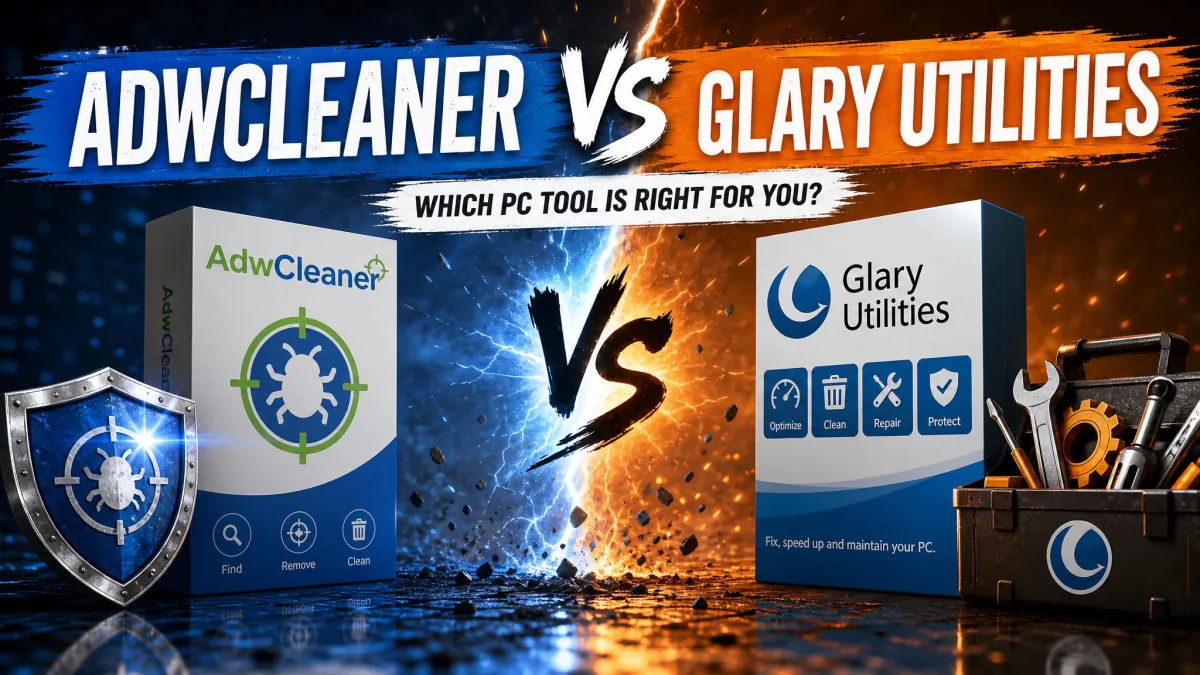
Wondering whether AdwCleaner or Glary Utilities is the cleaner that will actually keep your PC fast and clean? AdwCleaner is a focused adware and browser-hijacker remover, while Glary Utilities is an all-in-one maintenance suite with more than 20 tools. Here is how we compared them, and which one we would pick.
Both download free, but they do very different jobs. AdwCleaner hunts adware and browser hijackers; Glary Utilities clears junk files eating your disk space, registry leftovers and startup clutter. Pick wrong and you get a cleaner that never touches the real problem.
We tested both on our Windows machines, running repeated cleanup passes and comparing what each tool found, how long it took, and what it asked us to pay.
We ran both tools on a Windows 11 machine with Chrome, Firefox and Edge installed and months of accumulated tracking data, cookies and adware leftovers sitting on the drive. That was deliberate: a junk-accumulated machine, not a clean install, is the machine a real reader brings to a cleaner. AdwCleaner's deep scan finished in under four minutes on that machine, while Glary's 1-Click Maintenance pass ran in under a minute even with all the junk in place, which is why we kept it on a once-a-week cadence across the testing period. We timed boot times before and after each cleanup pass, and AdwCleaner's cleaning step closed running programs and demanded a restart before the job finished, which made a natural pause between passes.
What Is AdwCleaner? (Overview)
AdwCleaner started life in 2011, built by three 17-year-old French students, and grew to roughly 200 million installs. Malwarebytes acquired it in October 2016 and kept it free, then rewrote it with scans 15 to 25 percent faster. The current release is 8.8.1, and the 9.2 MB download comes from the official AdwCleaner page.
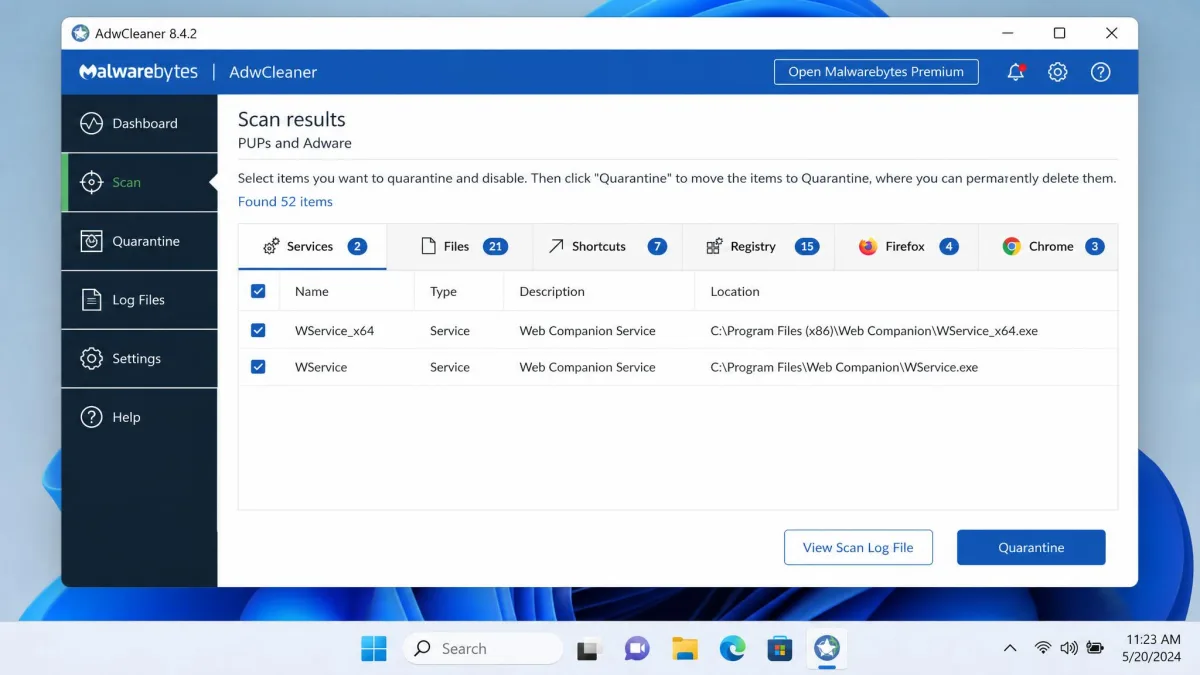
It runs straight from the downloaded executable with no installation, so it works as a portable rescue tool from a USB stick. Official requirements cover Windows 11, 10 and 8.1; older Windows versions are no longer supported. Our full AdwCleaner review goes through the scan engine and quarantine in more detail.
Adware and Browser-Hijacker Removal
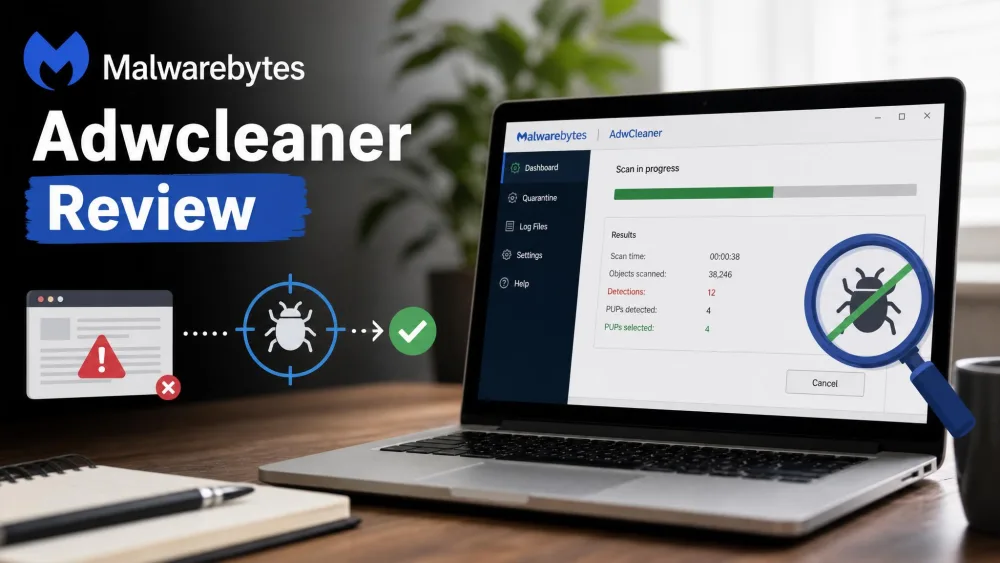
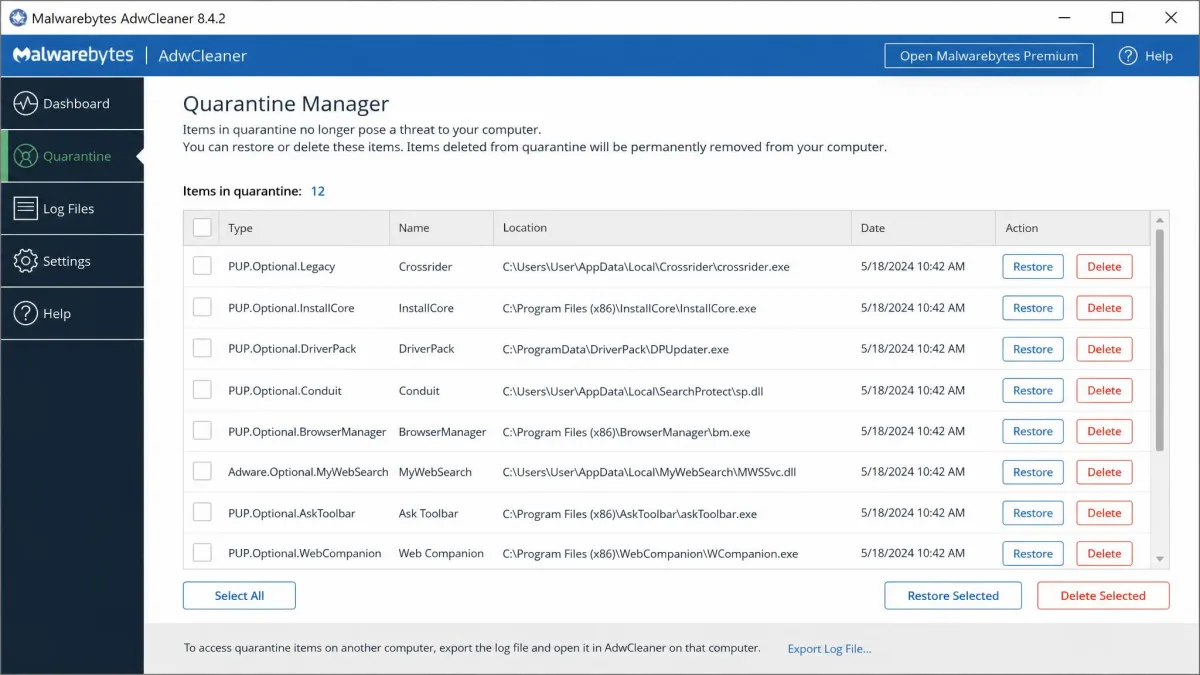
AdwCleaner scans on demand for adware, potentially unwanted programs and browser hijackers, and groups results into clear tabs so you can review everything before anything is deleted. In our testing, a full scan finished in about a minute.
One warning: detections arrive pre-checked for deletion, and the scan is aggressive enough to flag legitimate programs, so double-check anything unfamiliar before you clean. Cleaning shuts down running processes and often demands a restart, and stubborn infections need the boot-time scan before Windows fully loads.
The "Repair" and Other Free Tools
Beyond removal, AdwCleaner bundles Basic Repair Actions such as reset proxy, reset TCP/IP, reset Winsock and reset the Hosts file. The browser reset restores hijacked homepage and search-engine settings without wiping saved passwords, though it also discards customized browser policies. There is no junk-file cleaner, registry cleaner or startup manager, and no real-time protection; you run it when you suspect trouble.
What Is Glary Utilities? (Overview)
Where AdwCleaner is a single-purpose tool, Glary Utilities is the opposite end of the spectrum: a comprehensive maintenance suite. Glarysoft has been building Windows optimization and maintenance utilities for about two decades and claims 200 million users. The current version is 6.46, Glary Utilities is free to download, and the suite weighs under 30 MB, running from Windows 11 back to XP. Our Glary Utilities review walks through the full tool list and what the Pro upgrade actually adds.
The All-in-One Maintenance Suite
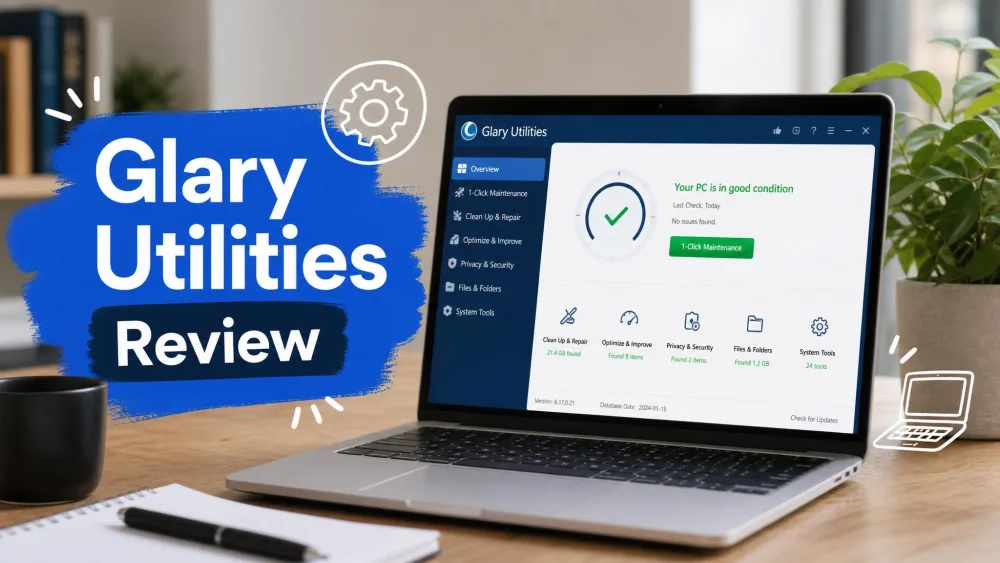
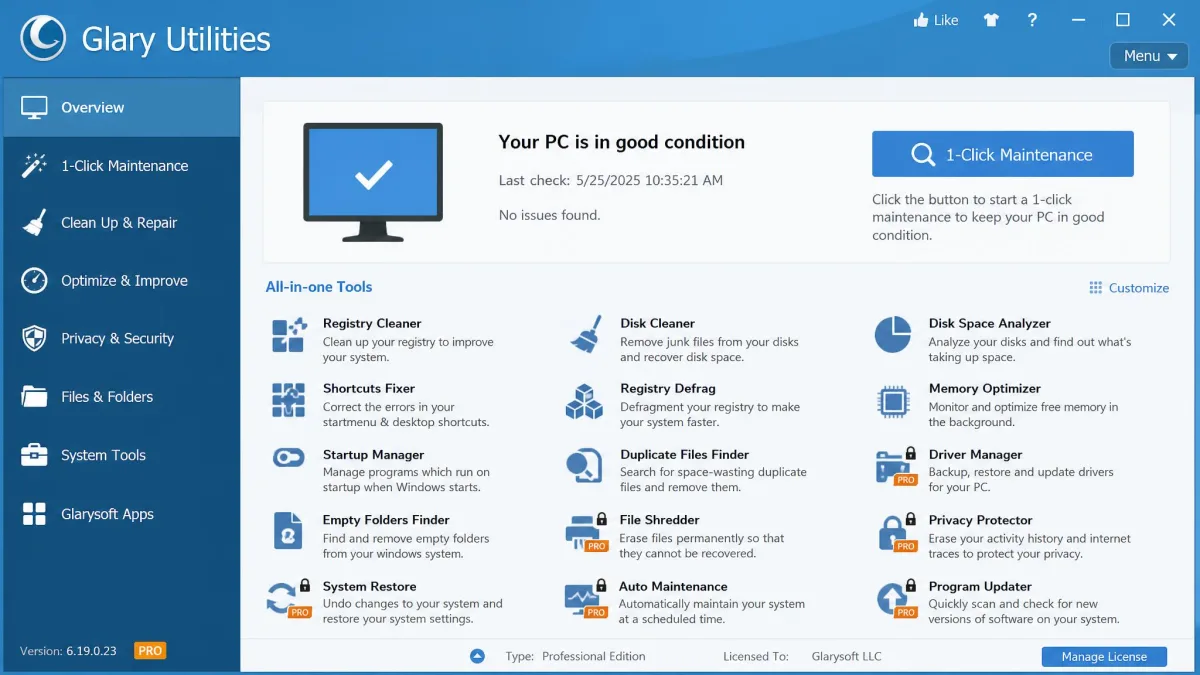
The suite bundles more than 20 tools, with some counts putting the number closer to 30. The headline feature is 1-Click Maintenance, which runs six scan types in one pass. Around it sit a Disk Cleaner, Registry Cleaner, Startup Manager, Tracks Eraser, File Shredder, Disk Space Analyzer and more, with an Advanced Tools section for the deeper utilities. Every tool is documented in Glarysoft's Glary Utilities Knowledge Base, and its closest rival in the maintenance space is CCleaner.
Free vs Pro: What You Get
The free version has no trial countdown; most tools are available without paying, with Pro-only features marked by orange PRO badges. Upgrading to Glary Utilities Pro costs $39.95 per year for up to three PCs and adds scheduled automatic maintenance, a deep-cleaning mode and shutdown-time track erasure.
Head-to-Head: Feature Comparison
With the two tools mapped out, the comparison comes down to five areas: removal, cleanup, ease of use, performance and privacy. One rule applies throughout: run one maintenance suite at a time.
Two maintenance suites on the same PC fight over the same files and can undo each other's work. And if you use Glary's Registry Cleaner, review the Issues Found list and back up the registry first; deleting the wrong key can cause system instability.
Malware and Adware Removal
AdwCleaner wins this category outright. It is a dedicated adware, PUP and browser-hijacker remover, and Cybernews named it the best adware removal tool of 2026. Glary Utilities includes a Spyware Remover, but as one tool among 20+, it is not in the same class for hijacked browsers and bundled adware.
AdwCleaner is not perfect. In one test run, a follow-up scanner still found 14 tracking cookies in deep-cache locations after AdwCleaner and another cleaner had both scanned the machine, and an 8.7 or 8.8 update had to fix a quarantine view that hid items in some builds.
Junk, Registry, and Startup Cleanup
This is Glary's home turf. Its Disk Cleaner and Temporary Files Cleaner clear the everyday junk AdwCleaner does not touch at all, and the Registry Cleaner flags problems in one scan, the job you would otherwise hand to a standalone registry cleaner. AdwCleaner's only registry action is deleting IFEO and tracing keys, which is not a junk-cleaning workflow. Glary's Startup Manager covers programs, tasks, plugins, services and app services across five tabs; AdwCleaner just lists startup entries in scan results.
Interface and Ease of Use
Both tools are easy to use. AdwCleaner is one screen with tabbed results and clear action buttons, scanning within minutes of download. Glary Utilities puts 1-Click Maintenance front and center, but the interface is dated, with a Windows 7-era design that works yet does not look current.
Performance Impact
Performance splits in two: how heavy the tools are, and what they do for the system. AdwCleaner installs nothing and runs no background services, so its footprint is zero between scans. A full scan took about a minute on our test machines, and the current build adds multi-threaded scanning.
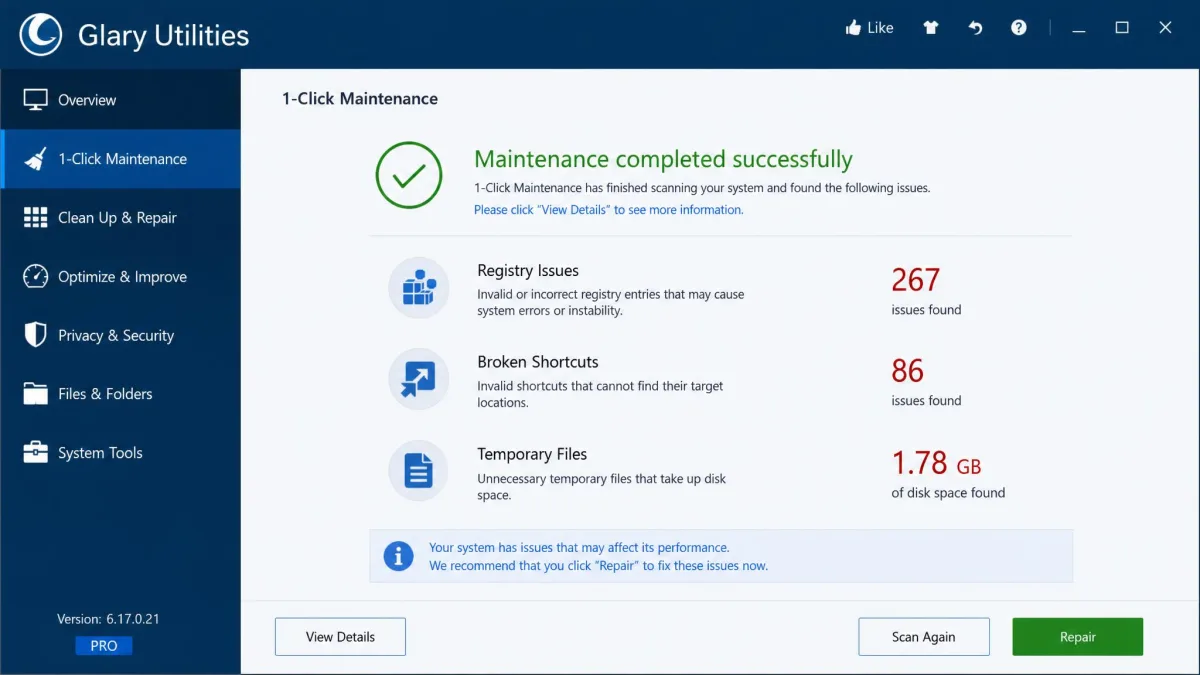
Glary's 1-Click Maintenance runs all six scan types in under a minute after a single click, and one pass in our testing turned up 267 registry issues, 86 broken shortcuts and 1.78 GB of temporary files. After a maintenance pass, apps that had been slow to launch were starting almost instantly, though a cleaner only fixes some of the causes of a slow computer. The Disk Space Analyzer takes about two minutes per partition, while the Track Eraser finishes in seconds.
Privacy Protection
AdwCleaner's browser reset clears hijacked settings without touching saved passwords, but it only removes what is already there; it cannot stop new adware arriving. Glary Utilities bundles a Tracks Eraser, File Shredder and File Encrypter, and Pro adds track erasure at shutdown. The trade-off: Glary's Disk Cleaner can remove system restore points, wiping your rollback options, so read the list before you clean.
AdwCleaner vs Glary Utilities: Comparison Table
Here is the head-to-head at a glance.
| Feature | AdwCleaner | Glary Utilities |
|---|---|---|
| Adware and malware removal | Dedicated adware and browser-hijacker remover; named the best adware remover of 2026 by Cybernews | Spyware Remover is one tool among 20+; not a dedicated threat remover |
| Junk file cleanup | No junk-file cleaner | Disk Cleaner and Temporary Files Cleaner; 1.78 GB of temp files in one pass |
| Registry cleaner | Deletes IFEO and tracing keys as repair actions | Registry Cleaner; 267 registry issues in one scan |
| Startup manager | No; startup entries appear in scan results | Startup Manager with five tabs for programs, tasks, plugins, services and app services |
| Disk space analyzer | No | Disk Space Analyzer; about two minutes per partition |
| Privacy and file shredder | No | Tracks Eraser, File Shredder, File Encrypter |
| Free version | Fully free, no paid tier | Free with orange PRO badges; Pro is a paid add-on |
| Pricing | $0 | Free; Pro $39.95/year for up to 3 PCs; Technician $169/year |
| Ease of use | Portable, scan-and-go with tabbed results | 1-Click Maintenance; dated interface |
Pricing: Free vs Paid
The two tools could hardly price differently. AdwCleaner is fully free, with no paid tier at all; there is nothing to buy and nothing that nags you to upgrade.
Glary Utilities is also free, but it is freemium. The free tier works indefinitely and does not interrupt your scans with nag screens, yet the upgrade pressure is real, showing up in the Pro marketing and in promotions for the $39.95 per year licence.
Pros and Cons
Here are the strengths and weaknesses that shaped our verdict.
AdwCleaner Pros and Cons
Pros
- Fully free, with no paid tier
- Portable, runs from a USB stick without installing
- Fast, tabbed scans with a quarantine you can restore from
- Boot-time scan for stubborn infections
Cons
- Aggressive scans flag legitimate programs
- No junk, registry or startup tools for everyday maintenance
- No real-time protection
- Cleaning often demands a restart
Glary Utilities Pros and Cons
Pros
- More than 20 tools in one suite
- Free tier with no trial countdown and no scan interruptions
- 1-Click Maintenance that finds real junk in a single pass
- Weighs under 30 MB
Cons
- Dated Windows 7-era interface
- Upgrade pressure in the free version
- Disk Cleaner can remove system restore points
- Registry fixes are debated, so back up first
User Reviews and Reputation
Reputation splits along the same lines. AdwCleaner's official page shows a 4.8-star average across 20,000+ reviews, and CNET Download users rate it 4 out of 5 from 144 votes. Glary Utilities has a thinner, more mixed record: its Trustpilot profile shows a score that has drifted between 3.3 and 3.6 out of 5, with billing complaints sitting alongside praise for the tools. Email support responds promptly when contacted.
Frequently Asked Questions
Is AdwCleaner safe to use?
Is Glary Utilities free?
Does the free version of Glary Utilities nag you or push upsells?
Can AdwCleaner and Glary Utilities be used at the same time?
Which is better for removing adware, AdwCleaner or Glary Utilities?
Final Verdict: Which One Should You Choose?
So which should you choose? It depends on the problem. Pop-ups, search redirects or a hijacked home page point to AdwCleaner, and it costs nothing. Week-to-week maintenance points to Glary Utilities, whose free tier is genuinely usable.
For the cleaner question this article asks, our pick is AdwCleaner: it does the security-critical job better than Glary can, and nothing about it asks you to upgrade. If neither one fits, our roundups of the best disk cleaner software and the best free computer cleaners cover the wider field.