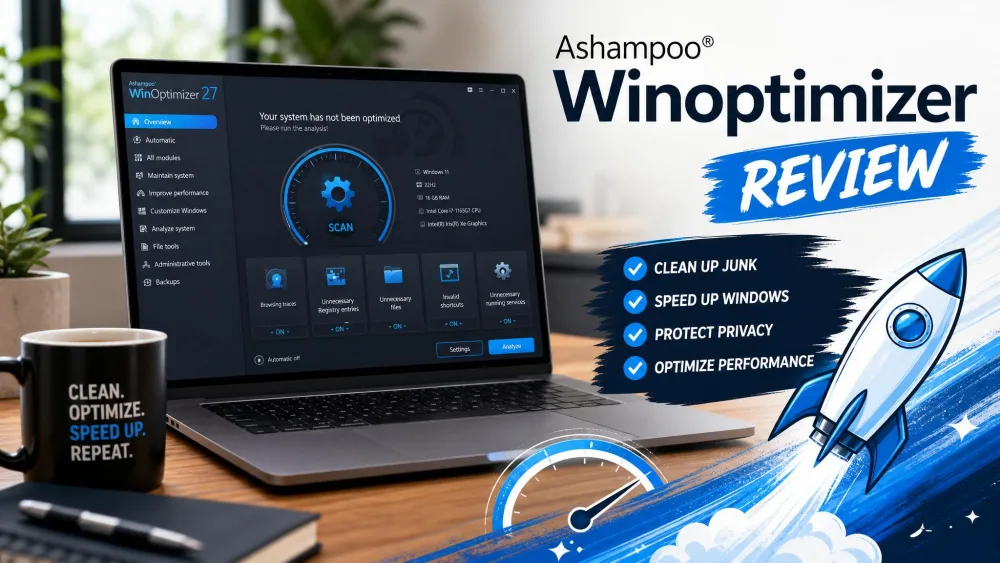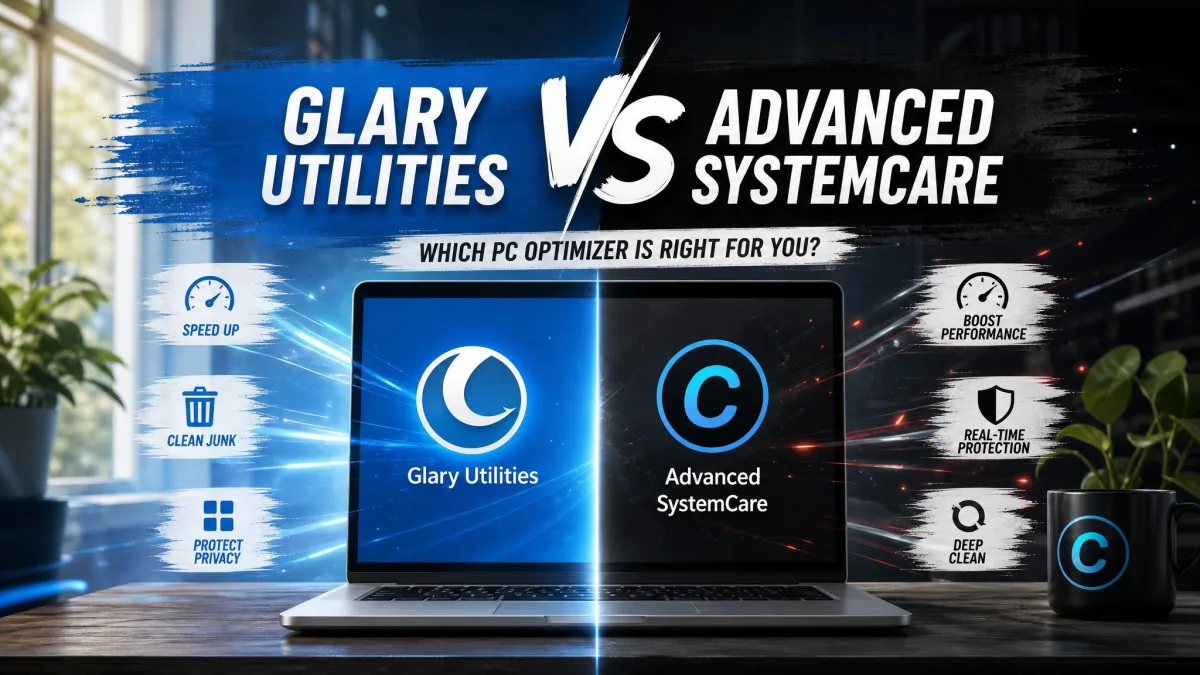
Ashampoo WinOptimizer is a paid Windows optimization suite from German company Ashampoo. Glary Utilities is a free Windows toolbox from Glarysoft, with an optional paid Pro tier. Both promise a cleaner, faster PC at very different price points.
WinOptimizer bundles cleanup, registry, privacy, and tuning tools in one polished package. Glary Utilities packs around 20 utilities into a simpler interface and charges nothing for what most home users need.
This guide compares features, pricing, real-world performance, and ease of use so you can pick the suite that fits your PC and budget.
At a Glance: Ashampoo WinOptimizer vs Glary Utilities
Ashampoo WinOptimizer Overview
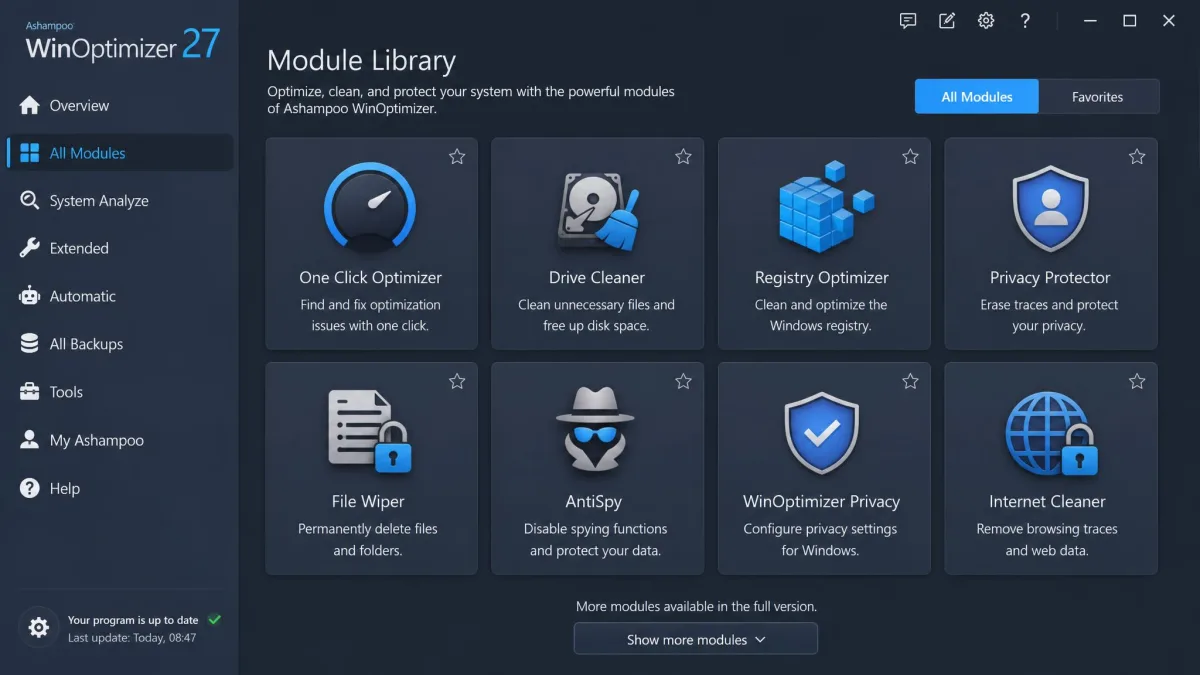
WinOptimizer is a paid suite covering cleaning, registry, privacy, tuning, and backup. The 2026 edition runs on Windows 11 and 10.
Glary Utilities Overview
Glary Utilities is a free suite of utilities from Glarysoft, with every tool working and no trial countdown or nag screens. Pro adds automation and commercial rights.
| Feature/Tool | Ashampoo WinOptimizer | Glary Utilities |
|---|---|---|
| Price | $30 one-time list, frequent discounts | Free; Pro ~$39.99/year for up to 3 PCs |
| Free version | Limited WinOptimizer FREE, no One Click Optimizer | Full suite free, every utility unrestricted |
| Windows optimization | 19+ modules: Live Tuner, Game Booster, Startup Tuner, defrag | Startup Manager, 1-Click Maintenance, disk cleanup |
| Registry cleaning | Registry Optimizer 2 with Super-Safe Mode | Registry Cleaner with backup before repair |
| One-click maintenance | One Click Optimizer, Internet + Drive + Registry sequence | 1-Click Maintenance, six-part scan; scheduling Pro-only |
| User interface | Modern, clean, light and dark themes | Dated look, but every tool stays visible |
| Multi-language support | 30+ languages | 23 languages |
Main Features Compared
System Cleaning and Disk Cleanup Tools
Ashampoo's Drive Cleaner supports custom filters, and its Internet Cleaner handles Chrome, Firefox, Edge, and Opera. Glary's Disk Cleanup targets temp files, obsolete installers, logs, and internet history.
Registry Cleaning
Ashampoo's Registry Optimizer 2 is far faster than earlier versions, with a Super-Safe Mode and automatic backups. Glary's Registry Cleaner backs up first too; both let you review flagged items before applying changes, the same safeguard we look for in any standalone registry cleaner.
Security and Privacy Tools
Ashampoo includes a Privacy Traces Cleaner, a Privacy Manager with Windows tweaks, a file wiper, and a firewall manager. Glary counters with Tracks Eraser, File Shredder, and a Context Menu Manager; Ashampoo goes deeper into Windows settings.
One-Click Maintenance and Performance Optimization
Ashampoo's One Click Optimizer runs the Internet, Drive, and Registry cleaners in sequence. Glary's 1-Click Maintenance scans registry, shortcuts, disk, tracks, temp files, and startup in one pass.
File Management and Extra Utilities
Ashampoo adds a file wiper, splitter, and encryptor, an undeleter, a duplicate finder, an uninstall manager, and backup tools. Glary offers file recovery, duplicate and empty-folder finders, a disk space analyzer, and a software updater. Ashampoo's built-in uninstaller is basic.
Pricing: Which Offers Better Value?
Ashampoo WinOptimizer Pricing
Ashampoo lists the 2026 edition at $30 on Ashampoo's official WinOptimizer page. Promotions are frequent, so the real price often dips below list, and a 30-day trial plus money-back guarantee covers the risk.
Glary Utilities Pricing (Free vs Pro)
The free edition is the real product, and it stands with the best free computer cleaners for Windows. Pro runs about $39.99 per year for up to 3 PCs, though Glarysoft publishes no official price and resellers undercut it.

Real-World Performance Testing
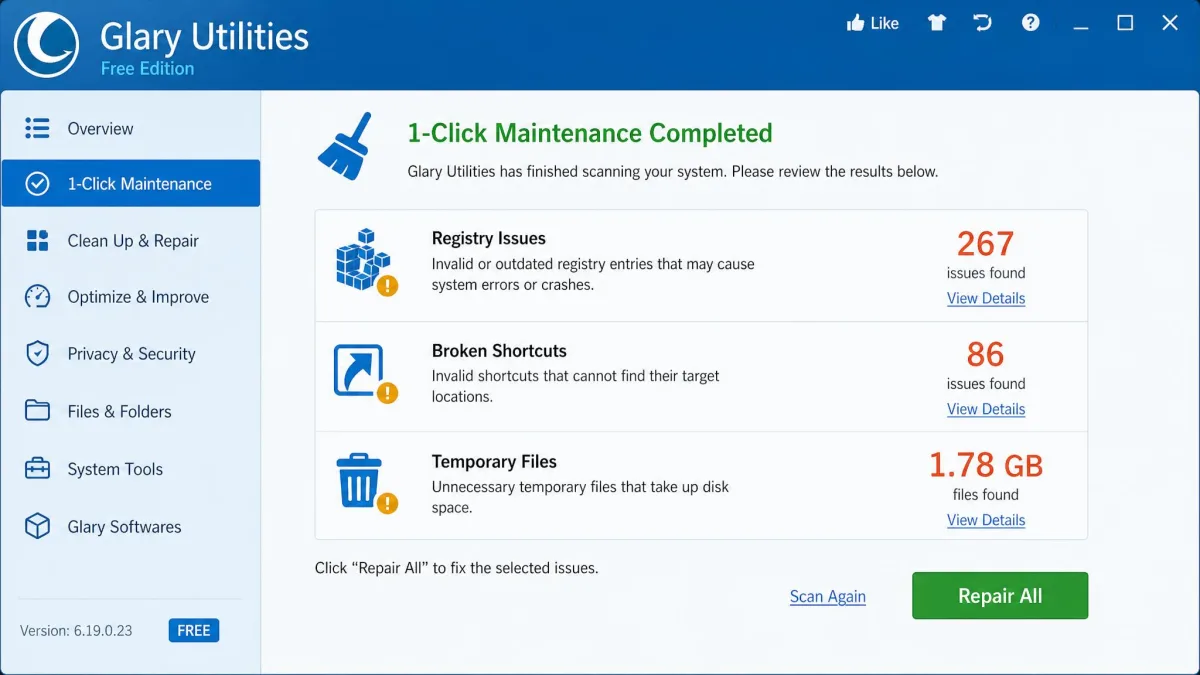
We ran both one-click passes on modern Windows machines. Ashampoo's One Click Optimizer applied the whole cleanup sequence instantly and without errors. Glary's 1-Click Maintenance found 267 registry issues, 86 broken shortcuts, and 1.78 GB of temporary files in under a minute.
The honest caveat: gains are modest. In timed boot testing after a full tuning pass, startup improved from 2 minutes 32 seconds to 1 minute 39 seconds, while benchmark scores stayed flat or dipped. Ashampoo's Overview glance can also under-report junk, showing 1 GB where the Clean tab found 1.8 GB.
Glary's duplicate finder missed most of the duplicates on our test PC, a reminder that the free suite's quality is uneven; a dedicated duplicate file finder catches far more.
Ease of Use and Interface
Ashampoo WinOptimizer looks modern and reads clearly, with light and dark themes and a start-page dashboard. The All Modules view can overwhelm beginners. Glary Utilities looks dated, like a Windows 7-era app, but every utility stays visible on screen. For newcomers, Ashampoo's interface is the more user-friendly of the two.
Pros and Cons
Ashampoo WinOptimizer Pros and Cons
Pros
- Deep module library for cleanup, tuning, privacy, and backup
- Automatic backup before every optimization
- Modern interface with light and dark themes
- One-time license covers up to 10 PCs
- Established vendor with 30+ interface languages
Cons
- Paid, with a $30 list price
- One-click mode can delete browsing data you wanted to keep
- Trial install requires creating an Ashampoo account
- No ARM processor support
- Free edition lacks the One Click Optimizer and shows upgrade prompts
Glary Utilities Pros and Cons
Pros
- Genuinely free edition with no restrictions or nag screens
- Six-part 1-Click Maintenance, under a minute
- Supports Windows 7 through 11
- Around 20 utilities in a small installer
- Pro stays optional for most home users
Cons
- Interface looks dated
- Scheduling and automatic updates are locked to Pro
- Upgrade prompts and billing complaints
- Official Pro price is not published
- Support responses can feel automated
Ashampoo WinOptimizer vs Glary Utilities: The Verdict

Frequently Asked Questions
Which is better, Ashampoo WinOptimizer or Glary Utilities?
Is Glary Utilities really free?
Is Ashampoo WinOptimizer worth the price?
How often should I run one-click maintenance?
Do these tools clean the Windows registry safely?
Bottom Line
Neither suite is a miracle cure. On a healthy modern PC, Windows' built-in cleanup tools cover the basics, and it is worth seeing how far they reach before paying for anything. Start with Glary's free tier, then move to Ashampoo if you want the deeper toolset.