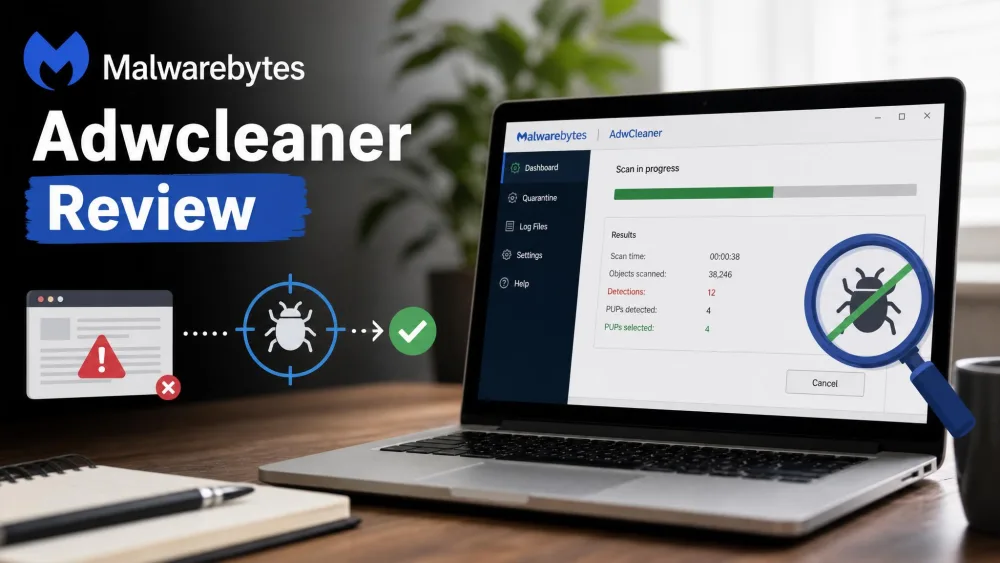
Malwarebytes AdwCleaner is a free, portable Windows tool that removes adware, browser hijackers, toolbars, and other potentially unwanted programs (PUPs). It clears that clutter fast, but it is not a full antivirus. We ran it across several machines, from a clean laptop to a cluttered 2019 machine that had picked up junk across four browsers.
It does one thing well: fast scans, clear results, and nothing left running afterward. Below is how it performed, how it compares with the main Malwarebytes app, and whether the free price hides a catch.
What Is Malwarebytes AdwCleaner?
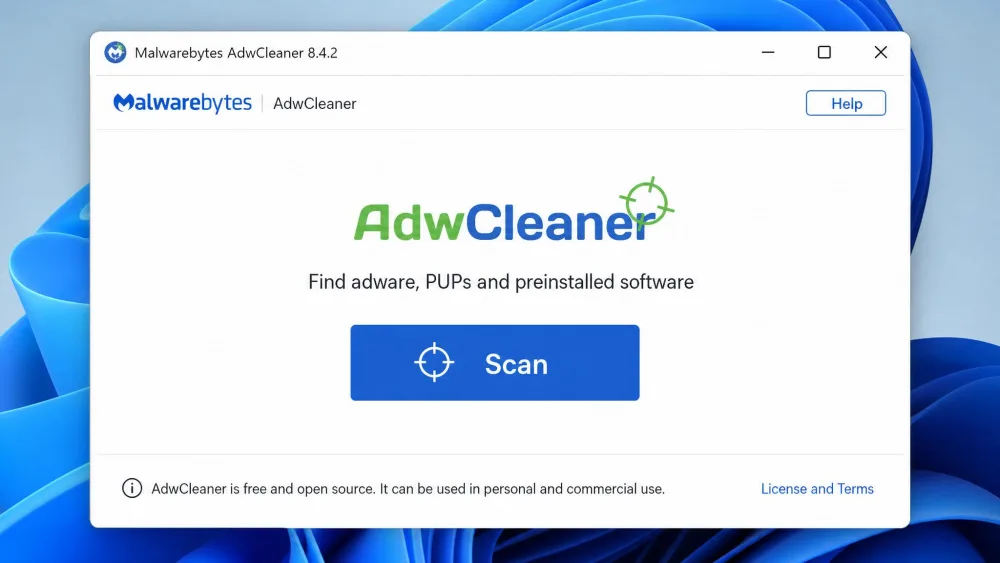
AdwCleaner is a single-purpose cleanup tool. Point it at a Windows PC and it scans for adware, PUPs, browser hijackers, and toolbars, then removes what it finds. It reaches the registry, files, services, shortcuts, scheduled tasks, and browser entries.
How AdwCleaner fits into the Malwarebytes family (MBAM)
AdwCleaner sits alongside the flagship Malwarebytes app, still known to many as MBAM. That app targets the full range of malware; AdwCleaner narrows in on adware and PUPs. That focus was its edge in testing: it caught a toolbar Windows Defender had missed.
Who it's for (and who it isn't)
This tool is for anyone whose browser has been hijacked, whose homepage keeps changing, or who inherited a laptop full of bundled software. It is quick, free, and needs no setup, but it offers no real-time protection, so it is not a full defense.
How We Tested AdwCleaner
We tested the current 8.8.x release, out since mid-2026 (8.8.1 followed 8.8.0), on Windows 10 and 11 machines in several states: a clean install, a family laptop, and a cluttered 2019 laptop. On each we timed the scan, logged what it flagged, and checked quarantine, restore, and resource use.
Our numbers from testing: version 8.8.1, a scan finishing in about 18 seconds on a clean machine and 20 to 90 seconds on cluttered ones, a 2019 laptop that surfaced 47 findings across four browsers, nine PUPs, 16 registry entries, and three persistence mechanisms, a download under 10 MB, and no measurable slowdown while scanning.
Key Features and Functionality
Adware, PUP, toolbar & browser-hijacker removal
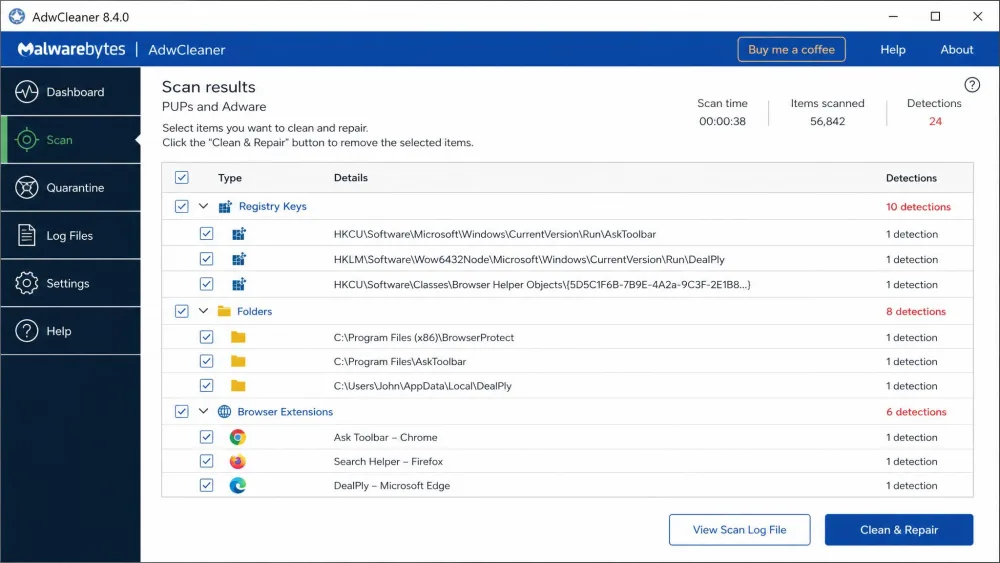
This is the core of the tool. AdwCleaner scans for adware, PUPs, browser hijackers, toolbars, and bloatware, then shows them grouped by category before it acts. It reaches the browser settings, services, folders, and registry entries a traditional antivirus overlooks, so it often clears clutter a virus scan calls clean.
Quarantine and restore
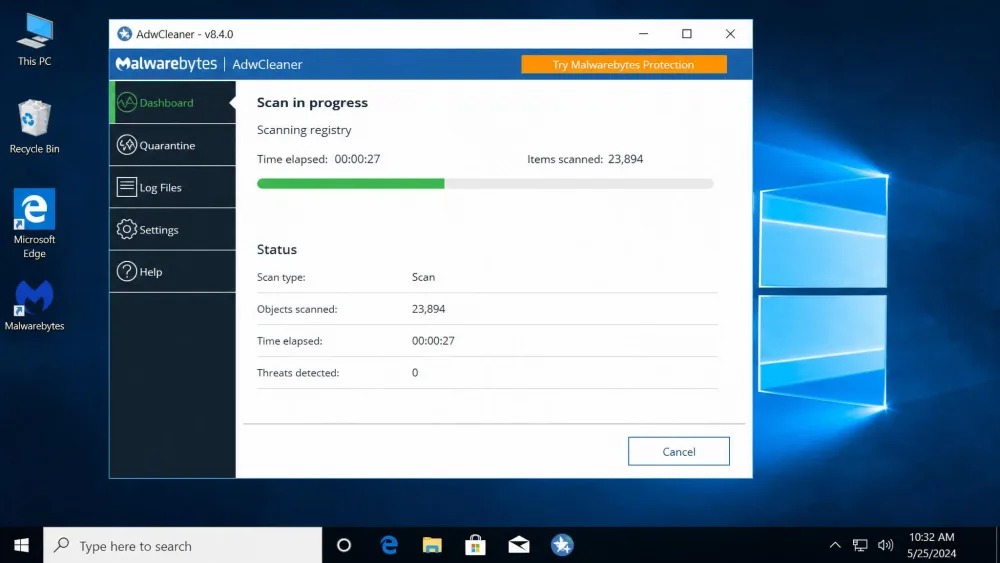
AdwCleaner does not hard-delete what it finds. It quarantines items, logs exactly what was removed, and creates a restore point first. A bad removal can be undone: restore it from quarantine or roll the system back.
Portable, no-install design
The whole tool is a single executable under 10 MB, with no installer and nothing left running after a reboot. Keep it on a USB stick for any machine that needs a cleanup. That portability is its edge over the installed app.
Installation and User Interface
Getting started
There is nothing to install. Download the single file, double-click it, and it opens to a scan screen. The workflow is dead simple: Scan, review, Clean, reboot.
Ease of use for beginners
The dashboard is clear, with labeled sections and detections grouped by category, so a non-technical user can run a full cleanup unaided. Its one weakness is little warning before deletion, so read the flagged list first.
Performance: Detection and Removal Effectiveness
Scan speed and thoroughness
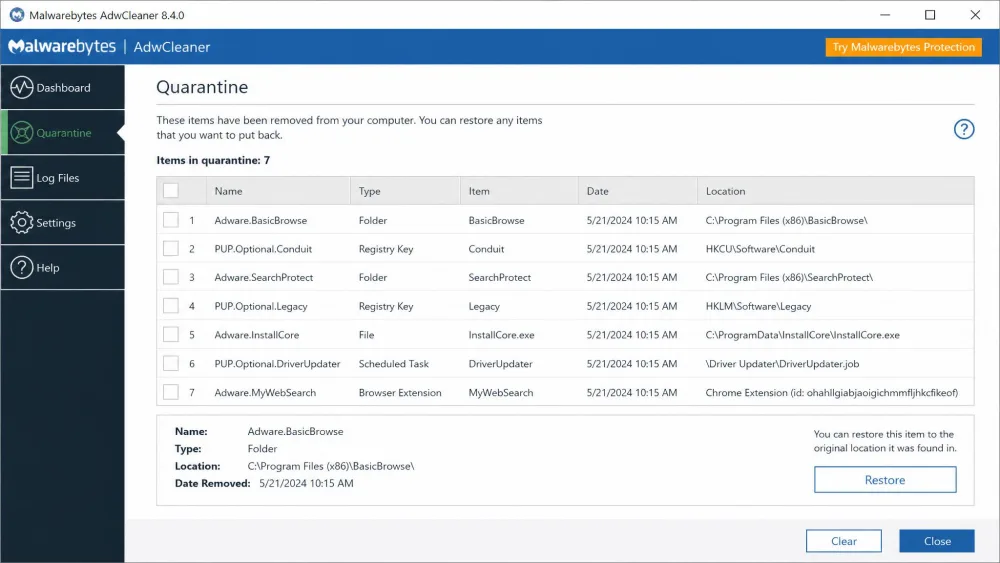
Scans are fast. Most finish in under 30 seconds, and a clean machine scanned in about 18. Cluttered machines land in the 20 to 90 second range, and counts rise with how dirty the machine is: our 2019 laptop turned up 47 items, a lighter one 21.
Impact on system resources
AdwCleaner is lightweight. It barely touched performance while scanning, and installs nothing, so it uses no resources when idle.
False positives and accuracy
False positives are occasional rather than routine. Over two weeks of scanning legitimate dev tools, games, and productivity apps, we saw none. On other machines, though, it flagged a few legitimate items, including Chrome extensions and a Firefox add-on. It can also over-remove: on one machine it deleted whole bundled apps, such as Auslogics Disk Defrag and FreeMake, without saying why. Review the list before you clean.
AdwCleaner vs. Malwarebytes: What's the Difference?
The most common question is how this tool relates to Malwarebytes proper. AdwCleaner is a narrow specialist; the main app is a broad generalist. It targets adware and PUPs on demand, while Malwarebytes Free adds full on-demand malware scanning and Premium adds continuous real-time protection.
| Feature | AdwCleaner | Malwarebytes Free | Malwarebytes Premium |
|---|---|---|---|
| Real-time protection | No | Trial only | Yes |
| Scan model | On-demand | On-demand | Continuous + on-demand |
| Threat coverage | Adware, PUPs, hijackers | Full malware (on-demand) | Full malware, real-time |
| Portable / no-install | Yes | No | No |
| Price | Free | Free | From $44.99/yr |
| OS support | Windows 10 & 11 | Windows, Mac, mobile | Windows, Mac, mobile |
Malwarebytes Free installs a manual scanner for viruses, spyware, ransomware, and rootkits; new installs get a 14-day Premium trial before reverting to free. Premium runs from $44.99 a year for one device, $59.99 for three, $79.99 for the VPN Plus tier, and $139.99 for Ultimate in year one. Those are promotional rates; renewals cost more.
Where a full antivirus is still needed
AdwCleaner has no real-time protection. It only acts when you launch it, so it cannot block a threat as it arrives. Keep a full antivirus running alongside it, and use AdwCleaner as a targeted second opinion when adware or a browser hijacker slips through.
Community consensus matches our testing: it is excellent for adware and PUPs but not built to stop active malware.
Pricing: Is AdwCleaner Really Free?
Yes, genuinely. AdwCleaner is a free download with no paid tier, no locked features, and no trial clock. The only nudge toward money is a dismissable prompt after a scan suggesting Premium, which blocks nothing if you ignore it.
Is AdwCleaner Safe and Legit?
AdwCleaner is a legitimate Malwarebytes product and safe to run: it quarantines rather than deletes, logs every change, and sets a restore point first, so mistakes are reversible. Its security work is public too. Version 8.7.0 fixed a privilege-escalation flaw, CVE-2025-67905, noted in the AdwCleaner 8.7.0 release notes. FossHub shows 4 out of 5 across roughly 222 reviews, while Malwarebytes' own page lists a higher 4.8 out of 5 that likely spans its wider product line.
One practical note: when a scan finds threats, AdwCleaner needs a reboot to finish, because some services and locked registry keys only clear on boot. That restart cannot be deferred once you pass the completion screen, so save your work first.
Pros and Cons
Pros
- Completely free, with no paid tier and no locked features
- Portable single file, with nothing left running afterward
- Fast, lightweight scans that finish in under a minute on most machines
- Effective on adware, PUPs, browser hijackers, and toolbars a full antivirus can miss
- Quarantines items and creates a restore point, so removals can be undone
Cons
- No real-time protection, so it cannot replace an antivirus
- Occasional false positives, so review the list before cleaning
- Can be over-aggressive, removing bundled apps without much explanation
- Windows 10 and 11 only, with no macOS or mobile version
Frequently Asked Questions
Is AdwCleaner safe and genuinely free?
Is AdwCleaner a good antivirus, or is it enough on its own?
What's the difference between AdwCleaner and Malwarebytes Free?
Which Windows versions does AdwCleaner support?
Can I run AdwCleaner alongside my antivirus?
Final Verdict
Malwarebytes AdwCleaner earns 8.3 out of 10 from us. It is fast, free, portable, and good at its narrow job: clearing adware, toolbars, browser hijackers, and PUPs that a full antivirus walks past. The honest trade-offs are no real-time protection, occasional false positives, and a Windows-only reach.
If a hijacker or bundled toolbar has slipped past your antivirus, this is the free tool we reach for first. Run it alongside a full antivirus, not instead of one, and review each item before cleaning.