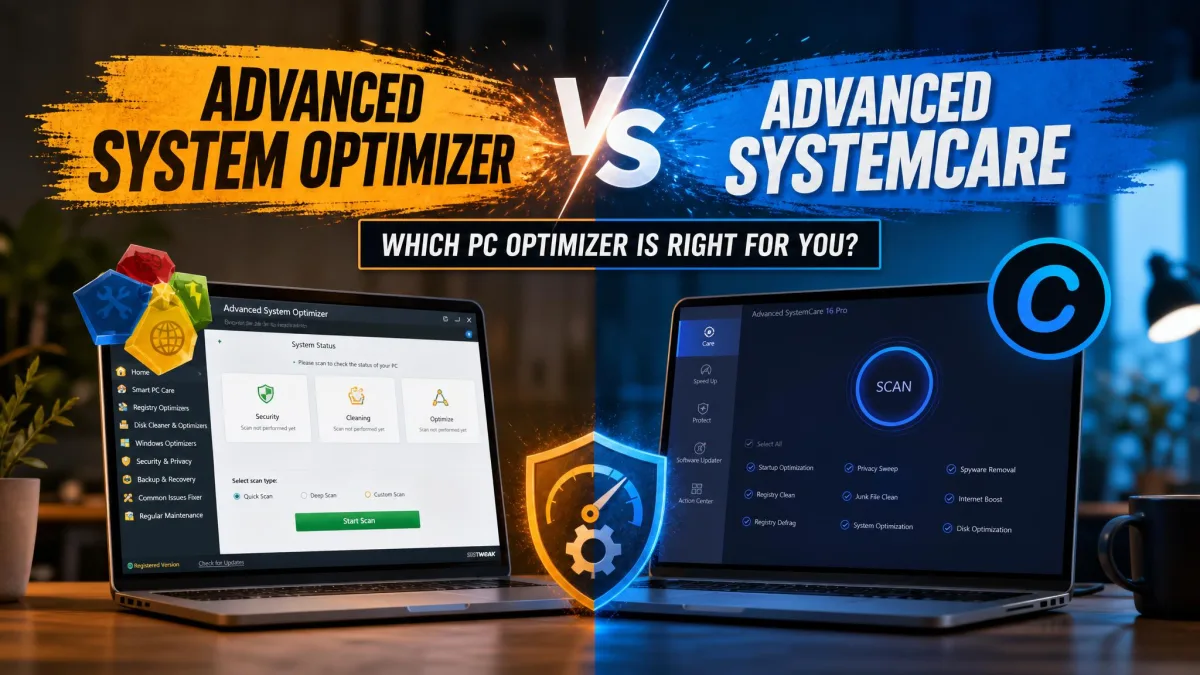
No one likes a crawling PC. Junk files pile up, startup drags, and the fixes are scattered across Windows settings nobody wants to dig through. That is where these two tools come in. We compared Advanced System Optimizer from Systweak and Advanced SystemCare from IObit on a Windows 11 desktop, running each through the same cleanup scans, startup checks, and privacy sweeps. AdvancedSystemCare came out ahead because its free version is genuinely functional and its Pro price undercuts the rival. Advanced System Optimizer still has strengths worth knowing about, especially around backup and file recovery.
Advanced System Optimizer vs Advanced SystemCare: At a Glance
Here is how the two optimizers compare on the criteria that matter most, with our winner listed first.
| Product | Buy | Free tier | Pro price | Cleaning power | Optimization | Security and privacy | Recovery and backup | UI |
|---|---|---|---|---|---|---|---|---|
 |
Check price → | Fully functional, no time limit | $29.99/yr (often ~$16.77 on promo) | Disk, registry, large-file, and app cleaners; deep clean in Pro | Startup optimizer, Turbo Boost, AI Mode | Real-time protection, Face ID, browser and DNS protection | Not part of the main suite | One-click dashboard, busy |
 |
Check price | 24-hour trial, then scan-only | $49.95/yr | System, registry, and disk cleaners; duplicate finder | Game and memory optimizers, driver updater | System and privacy protectors, secure delete, encryptor | Undelete, Backup Manager, system files backup | Eight clean menus, light |
User Interface and Ease of Use
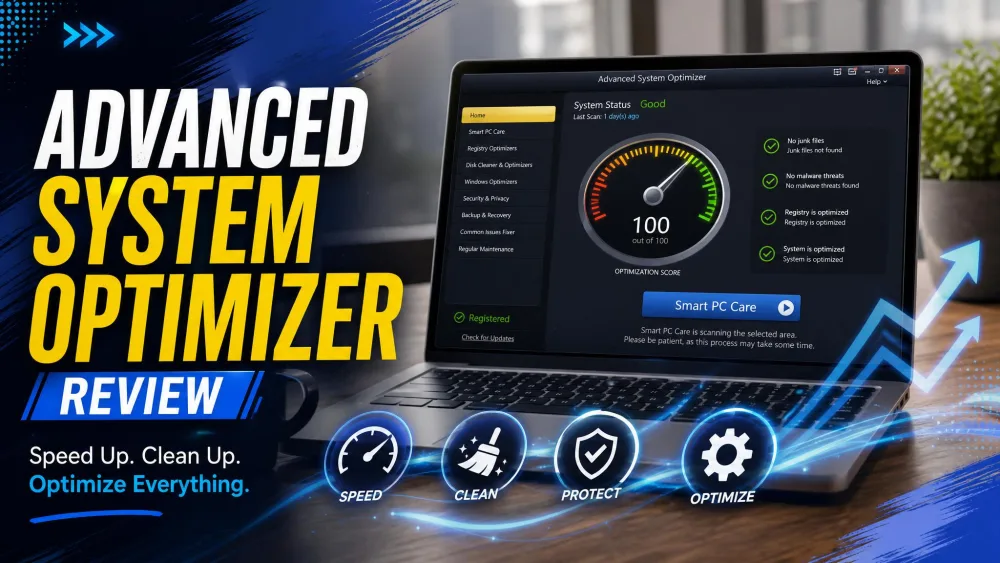
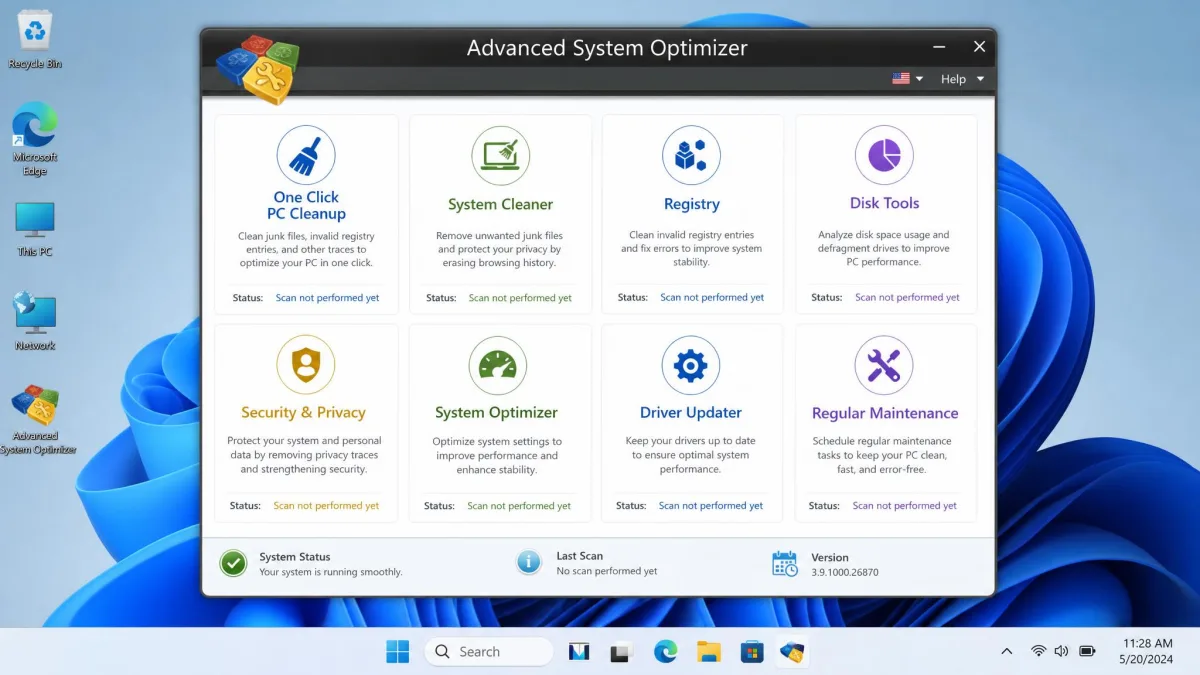
Advanced System Optimizer installs in about a minute and opens to a tidy dashboard grouped into eight clean menus, with cleaning, registry, disk tools, drivers, and backup each in their own home. It keeps a negligible footprint on system resources during normal use.
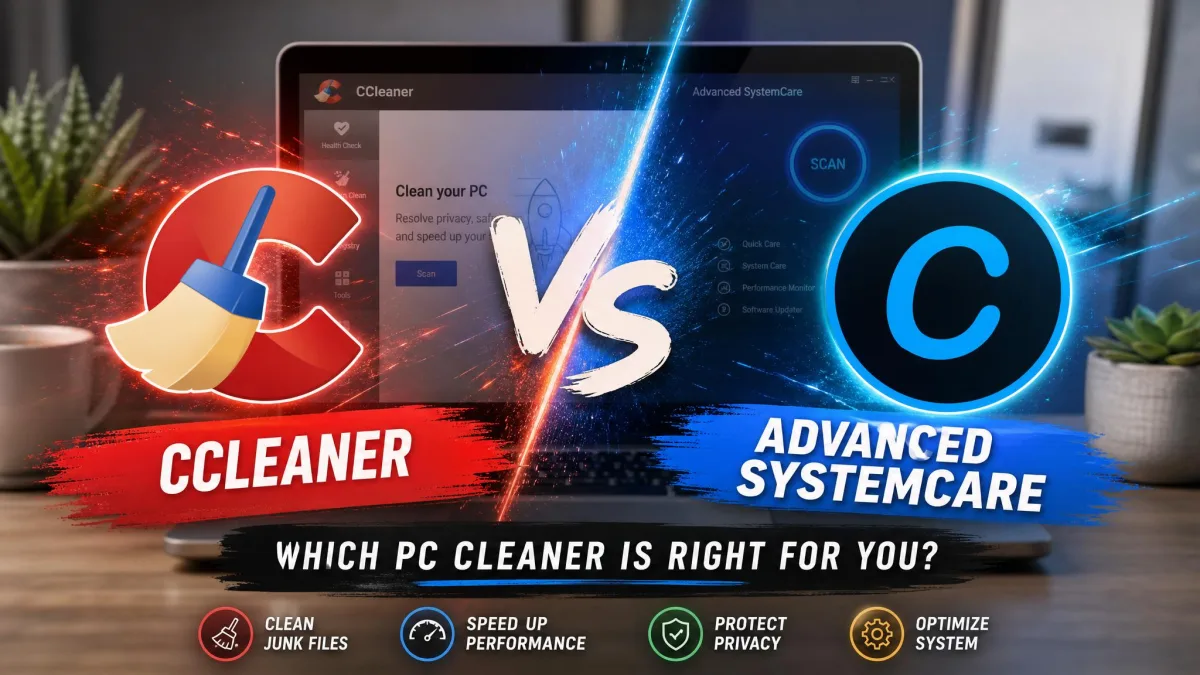
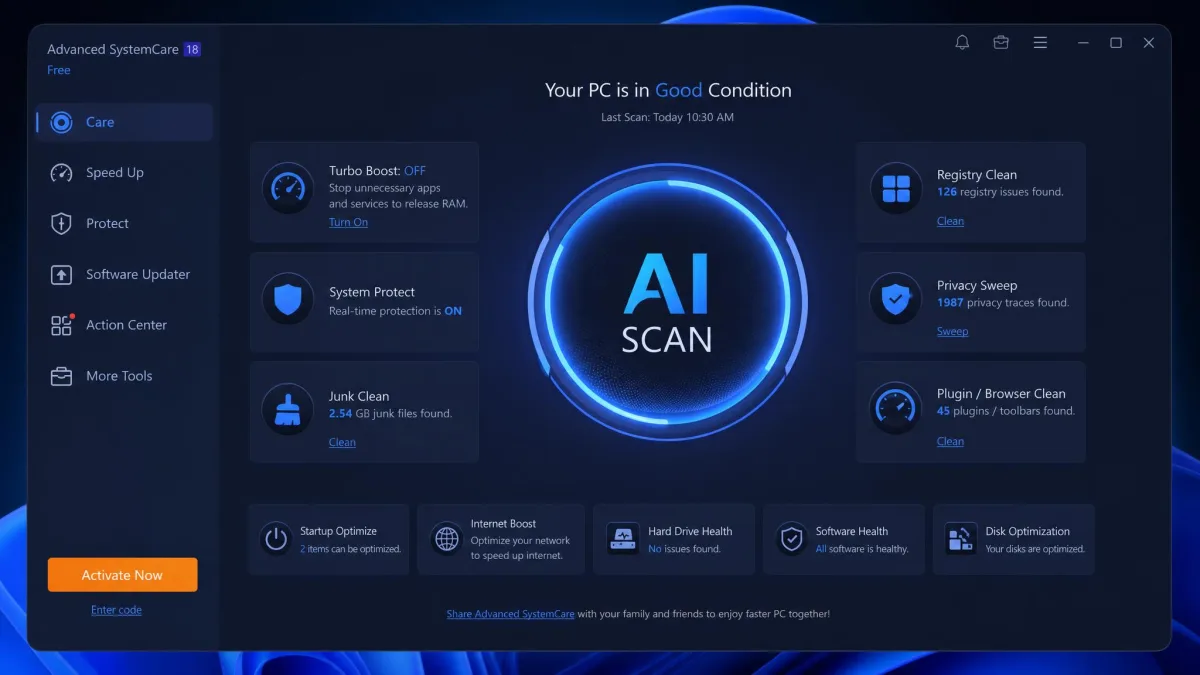
AdvancedSystemCare goes the opposite way. Its one-click dashboard is eye-catching but busy, with a large scan button front and center and module tiles around it. The installer offers extra IObit utilities such as Driver Booster and IObit Uninstaller, so uncheck those to keep the install lean. The free version nags for Pro with pop-ups, and community discussions on Reddit describe the always-on monitoring as noisy and the tool as hard to fully remove.
Cleaning and Optimization Performance
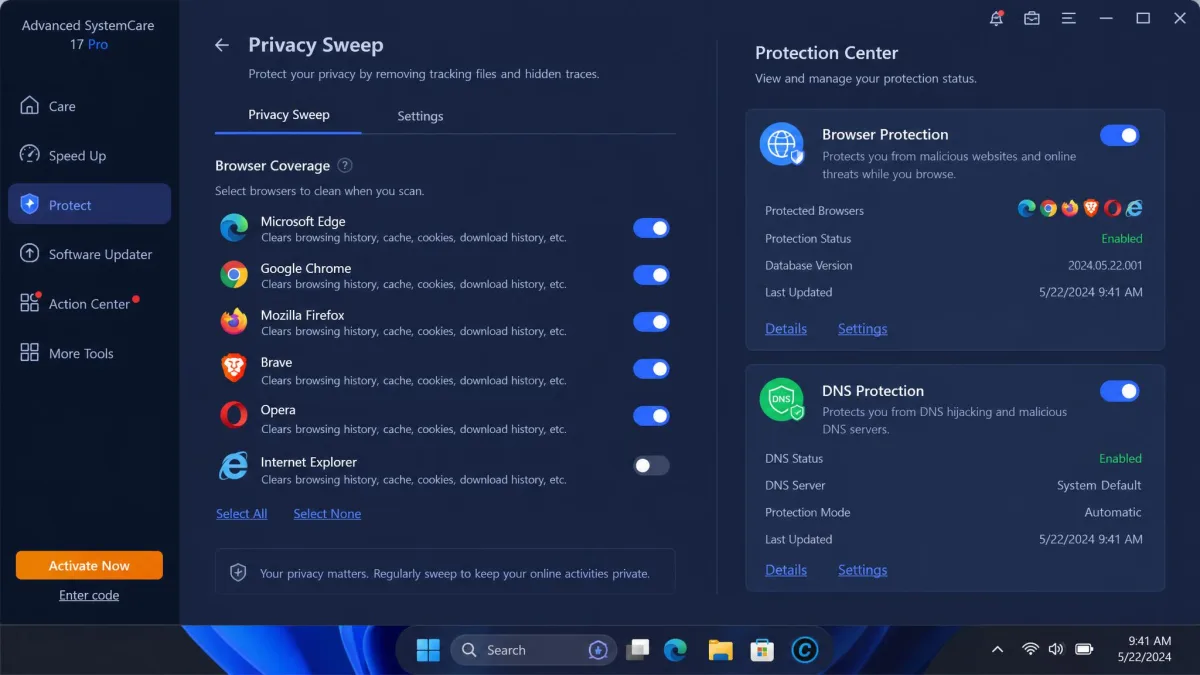
On the work itself, both tools clean junk files competently. A full AdvancedSystemCare scan finished in under five minutes on our test machine and flagged issues without manual tweaking. The scan cannot be paused; stopping it means starting over from zero, and the remaining time is never displayed.
Advanced System Optimizer handles the same jobs with a one-click Smart PC Care pass and stays light on resources while it works. IObit's own lab tests, which the company labels indicative only, claim 50 GB of junk removed and a 35 percent performance gain on a test notebook. We treat vendor figures like those as estimates rather than promises.
Security and Privacy Features
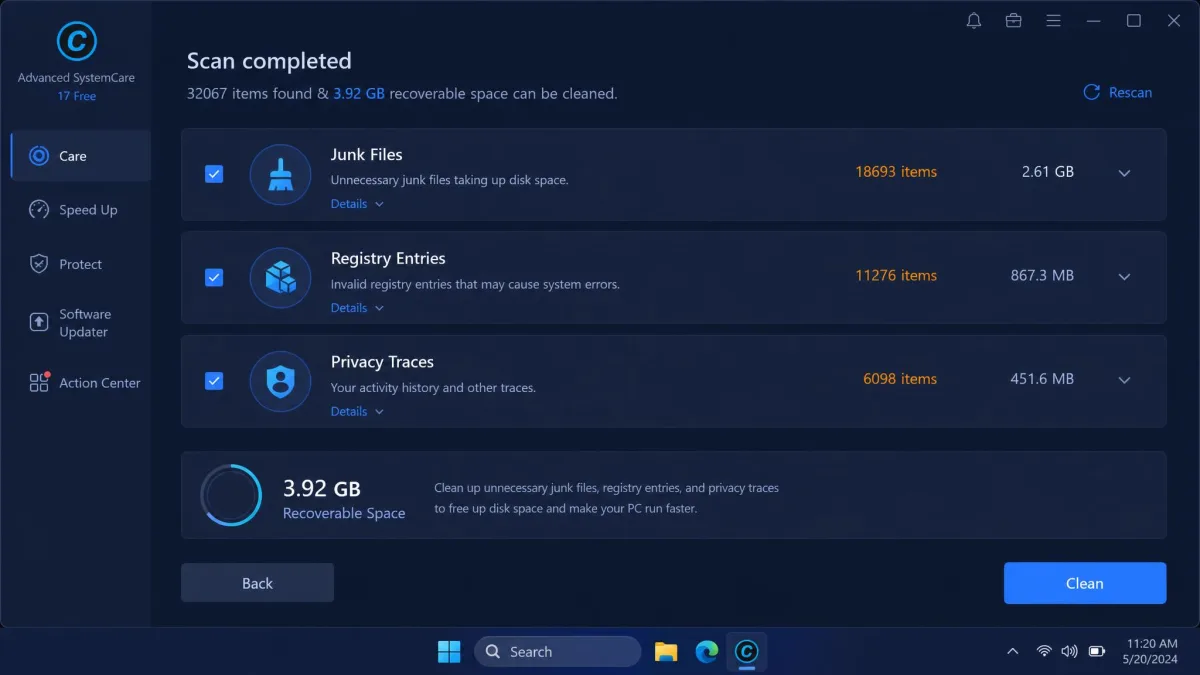
Security is where the two tools diverge most. AdvancedSystemCare ships a protection layer with browser protection, DNS protection, and Face ID, a webcam guard that photographs would-be intruders. The official page lists Real-Time Protection among free features, though a third-party breakdown puts full real-time malware protection behind Pro. Either way, base AdvancedSystemCare is a cleaner with threat-blocking extras, not a substitute for antivirus; only IObit's separate Ultimate tier includes a full antivirus engine.
Advanced System Optimizer answers with System Protector and Privacy Protector, which block unwanted changes and sweep tracking data, plus Secure Delete for shredding files and Secure Encryptor for locking folders.
Community opinion splits sharply. Rating sites are warm, with hamsterstack scoring the free version 4.3 out of 5, while Trustpilot's main IObit page sits at 2.8 out of 5. The skeptical side is easy to find too: an older r/software thread on AdvancedSystemCare opens with "I've read that it's not great to use," with comments mostly siding with Windows' built-in tools.
Both companies have long track records, Systweak Software since 1999 and IObit since 2004. On the Systweak side, Gridinsoft currently classifies systweak.com as a distributor of potentially unwanted programs, and a 2017-era Spybot removal guide documented PU.Systweak.AdvancedSystemOptimizer. That history is dated, but it still shapes how the brand is discussed.
Recovery, Backup, and Extra Tools
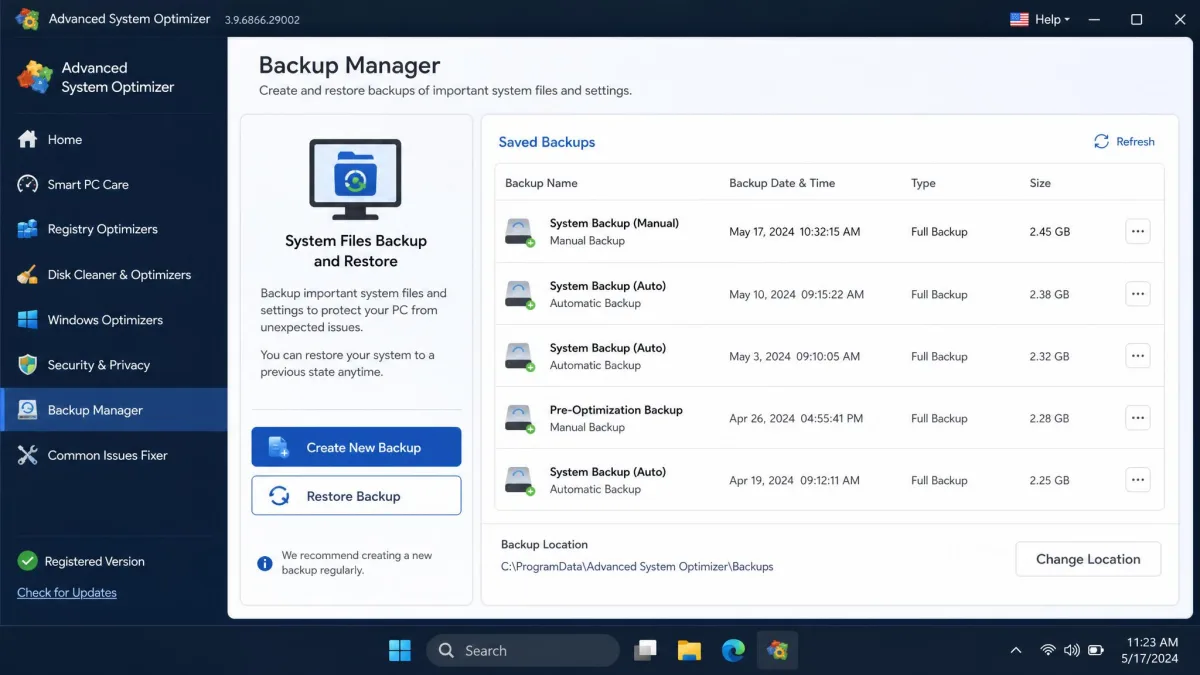
This is where Advanced System Optimizer pulls ahead. Its module list includes Undelete for restoring deleted files, Backup Manager, and System Files Backup & Restore, plus a Duplicate File Remover, Disk Explorer, and Driver Updater. AdvancedSystemCare has no backup or recovery module in the main suite, and its driver updater and uninstaller launch as separate IObit installs rather than running in-app.

Advanced System Optimizer vs Advanced SystemCare: Pros and Cons
The same story in list form.
Advanced System Optimizer: Pros and Cons
Pros
- One-click Smart PC Care pass that cleans and repairs in a single run
- Undelete, Backup Manager, and System Files Backup & Restore
- Light on system resources during normal use
- 60-day money-back guarantee
Cons
- Free tier is effectively scan-only once the trial window closes
- $49.95 per year is pricey next to rivals such as CCleaner
- Windows-only, with no Mac edition
- PUP-classification history still follows the brand
Advanced SystemCare: Pros and Cons
Pros
- Free tier does genuinely useful cleaning work
- One-click AI scan that finishes in minutes
- Real-time protection, browser and DNS protection, Face ID
- Pro entry price far below the rival's
Cons
- Busy dashboard and frequent Pro upgrade pop-ups
- Installer bundles extra IObit utilities
- Scans cannot be paused and restart from zero when stopped
- No backup or recovery module in the main suite
Alternatives: Ashampoo WinOptimizer, 10 Optimizer, and CCleaner
If neither tool feels right, three alternatives keep coming up. Ashampoo WinOptimizer is a German-made suite with one-click maintenance, a registry cleaner, disk and SSD tools, and a game booster, backed by a 30-day free trial. Its pricing is promo-driven, with a subscription around $14 a year for up to three devices or a one-time license in the $50 range when not on sale.
10 Optimizer is Systweak's optimizer for Windows 10 and 11, though it mostly appears in three-way comparison listings and no reliable current price is published. CCleaner remains the category benchmark, with Pro usually landing around $30 to $40 a year depending on region. For head-to-head takes, see our CCleaner vs Advanced SystemCare and Avast Cleanup Premium vs Advanced SystemCare comparisons, plus Advanced System Optimizer vs CCleaner and Advanced System Optimizer vs AdwCleaner.
Pricing: Free vs Pro Plans
Now let's look at what each tier costs. AdvancedSystemCare Free has no time limit and keeps basic cleaning, registry repair, and startup optimization working, with deeper features locked to Pro. AdvancedSystemCare Free from IObit stays free for as long as you use it. Pro lists at $29.99 per year for one PC, and promotional pricing commonly drops it to around $16.77.
Advanced System Optimizer works differently. The unregistered version scans and reports but will not fix anything, and the 24-hour fully functional trial expires into that scan-only state. The full license costs $49.95 per year with a 60-day money-back guarantee, per Systweak Advanced System Optimizer. So the value math is simple: AdvancedSystemCare gives you a working free tier and a cheaper Pro entry, while Advanced System Optimizer asks for more money up front.
Quick Verdict: Advanced System Optimizer vs Advanced SystemCare
Our testing came down to a simple call: AdvancedSystemCare wins for most people, and the box below sums up why. If you are weighing the runner-up, our Advanced System Optimizer review covers it in full.
Frequently Asked Questions
Is Advanced System Optimizer or Advanced SystemCare safe to use?
Is the free version enough?
Do these tools slow down my PC?
Do they replace antivirus?
Which is better for Windows 11?
Can I run both at the same time?
Final Verdict
Here is how we would approach it, whether you plan to pay or not:
- Install AdvancedSystemCare Free, uncheck the bundled utilities, and run the one-click scan weekly.
- Pay for Pro only if deep cleaning and real-time protection are worth $29.99 a year to you.
- Choose Advanced System Optimizer when backup and undelete modules matter more than the price gap.
The reliable win from both tools is reclaimed disk space and a tidier startup, and neither Pro tier is worth buying for speed promises alone. On the question this article set out to answer, AdvancedSystemCare is the better PC optimizer for most people.