A Windows PC that once booted in seconds can slow to a crawl after a year or two of junk files, registry clutter, and startup bloat. Advanced System Optimizer promises to clean all of that up from a single dashboard, then keep things tidy on a schedule. It is a paid Windows suite from Systweak that packs more than 20 tools into one window.
So is it worth the money? We put it through a full workout on a Windows 11 test PC: installing the whole suite, running its one-click Smart PC Care scan, and benchmarking start-up before and after. Here is what we found, and where cheaper rivals beat it.
Verdict at a Glance

Pros
- Over 20 genuinely useful tools in one dashboard
- Sets a system restore point before it optimizes
- Strong registry repair and defrag tools
- Runs cleanups automatically on a schedule
- 60-day money-back guarantee
Cons
- Costs more than CCleaner, Glary, and Advanced SystemCare
- Only a small measured speed gain in our benchmarks
- Dated interface and email-only support
- One license covers a single PC
- No true free version, and the trial locks fast
What Is Advanced System Optimizer?
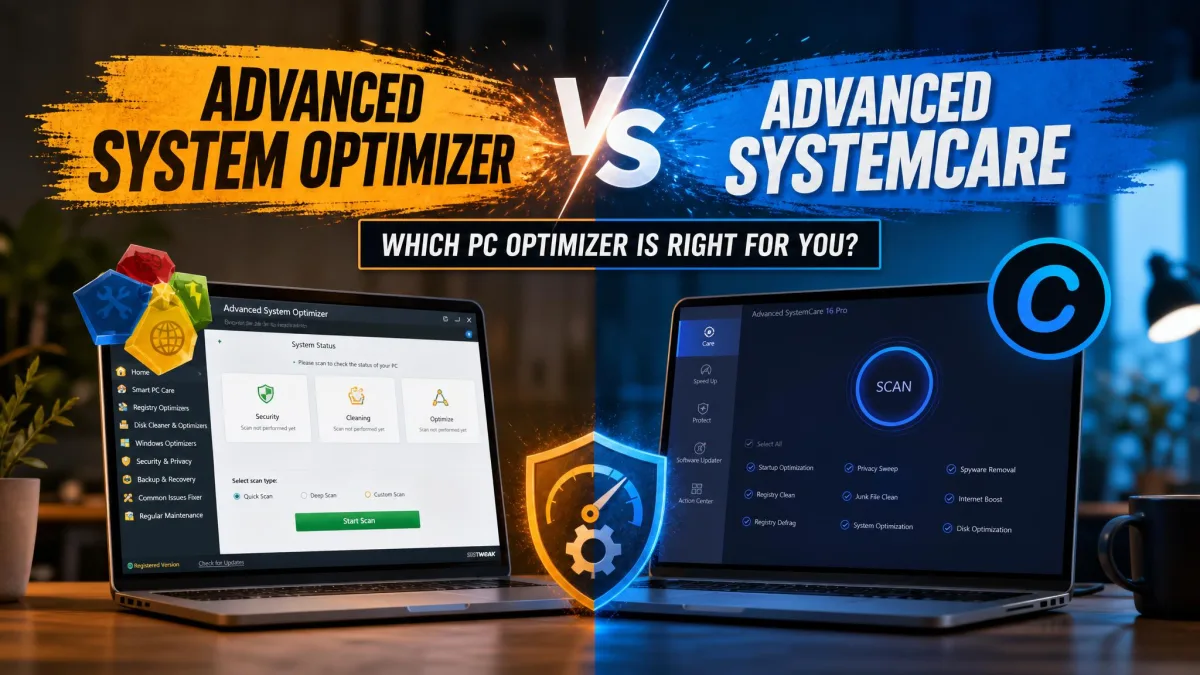
Advanced System Optimizer is a Windows maintenance suite from Systweak that bundles cleanup, tune-up, security, and backup tools into one program. Do not confuse it with IObit's Advanced SystemCare, a different product from a different company with a similar name. It runs on Windows 7 SP1 through Windows 11, on 32-bit and 64-bit systems, and each license covers one PC.
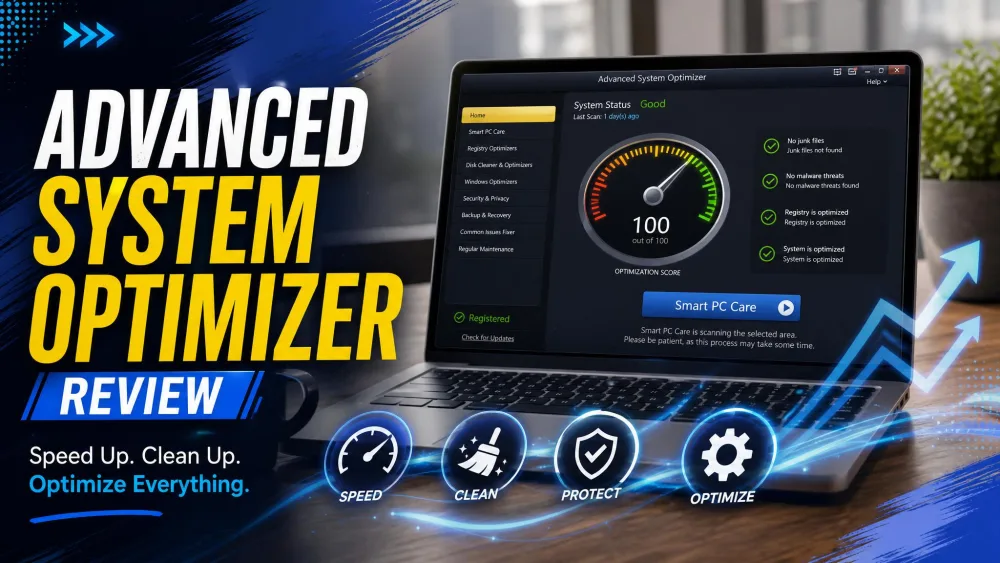
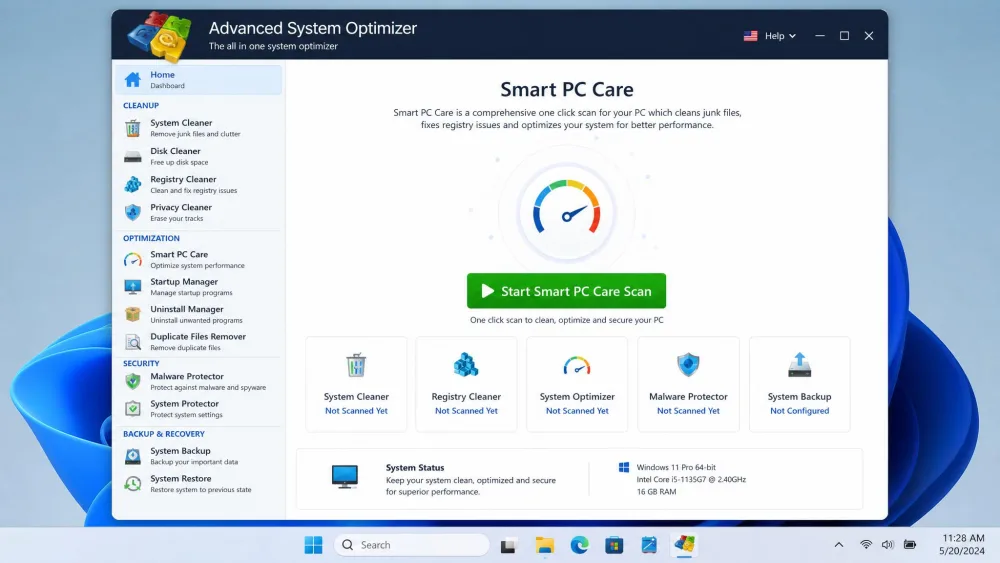
At its core sits Smart PC Care, a one-click scan that sweeps junk files, registry errors, and privacy traces in a single pass. Around it, Systweak's Advanced System Optimizer stacks over 20 utilities, depending on how you count the sub-tools.
Key Features
The suite is organized into modules you launch from the left rail. We grouped them into the four areas that matter most in daily use.
Cleaning and Registry Tools
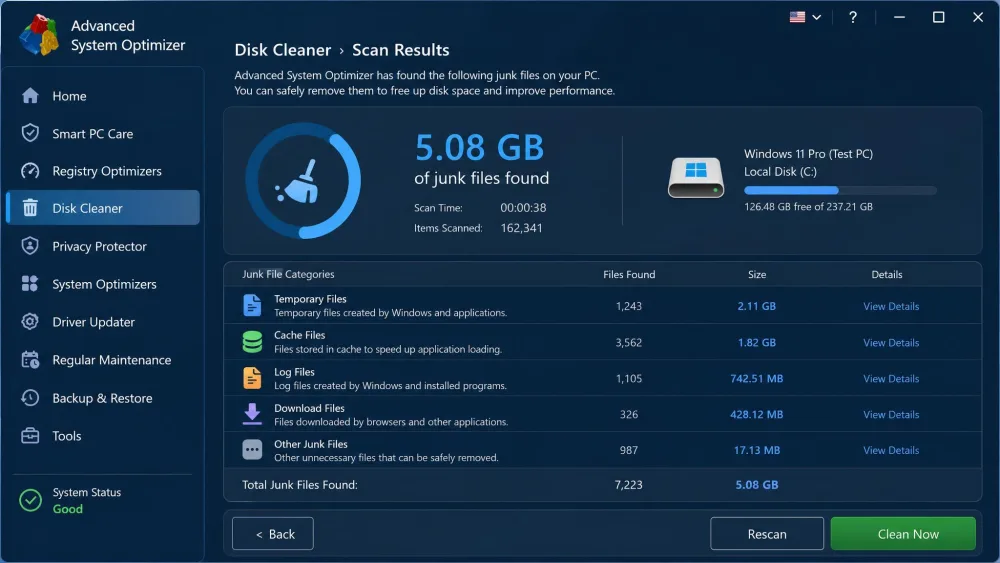
This is the heart of the app. The Disk Cleaner and Junk Cleaner clear temporary files, caches, and leftovers, and on our first run they freed up several gigabytes without touching anything we wanted to keep. The Registry Cleaner and Registry Optimizer scan for broken and orphaned entries, while a separate Registry Defrag rebuilds the registry to cut fragmentation. That registry work was a highlight for us, and it holds up against the dedicated tools in our best registry cleaner roundup. On whether registry cleaning actually helps, the safety gains matter more than the speed, and here the restore point earns its keep.
PC, Memory, and Game Optimization
Smart PC Care ties the routine jobs together in one click. A Memory Optimizer frees up RAM, the Disk Optimizer defragments your drives, and Game Optimizer spins up an isolated virtual desktop that parks background processes so more resources go to your game. The Startup Manager made the clearest difference for us, shaving a noticeable amount off boot time by trimming auto-launch apps.
Security, Privacy, and Backup
System Protector scans for spyware, trojans, and other malware, and in our testing it flagged a threat that a mainstream antivirus had missed. Privacy Protector wipes browsing and activity traces, while Secure Delete shreds files so they cannot be recovered. The Backup Manager and Undelete tools let you snapshot important data and recover accidental deletions.
Drivers, Maintenance, and Scheduling
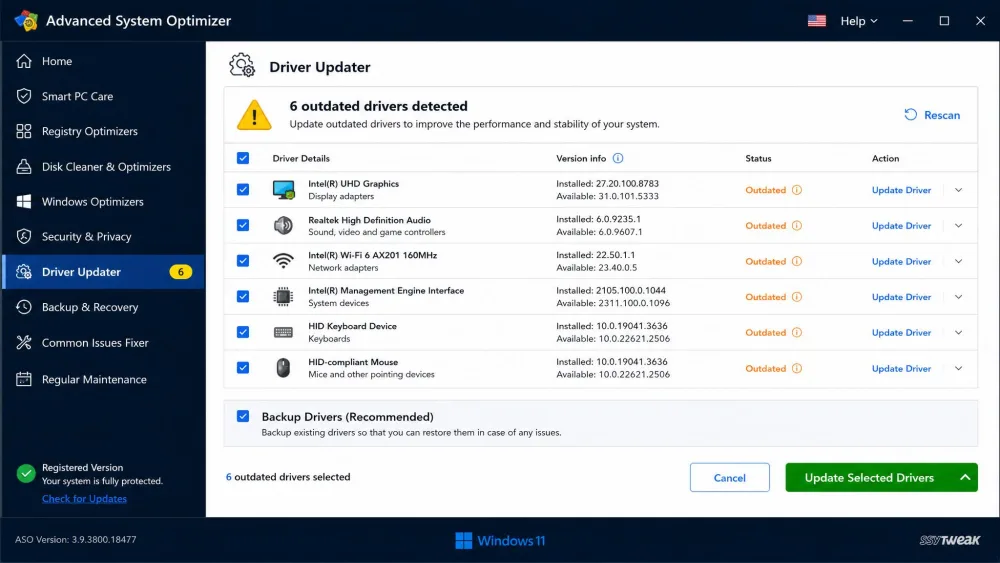
The Driver Updater checks your drivers against newer versions and backs up the current ones before installing anything, which is the kind of caution we like to see. The Scheduler turns the suite from a one-off cleanup into ongoing maintenance: you pick the scans you want, set how often they run, and let it work in the background. Duplicate File Remover, Uninstall Manager, and a Disk Explorer fill in the gaps.
How We Tested
We installed the full suite on a Windows 11 test PC and used it the way most people would. We ran Smart PC Care first, then opened each module in turn: cleaning junk, repairing and defragging the registry, optimizing memory, trimming startup apps, and running the security and driver scans. To judge impact, we timed start-up before and after a full pass. We scored the app on interface, features, performance, support, and value.
Performance and Testing Results
On our benchmark run, the first cleanup cleared roughly 5 GB of junk from our test PC, and the Startup Manager cut several programs from the boot sequence. Measured start to finish, though, the before-and-after speed test showed only about a 3% overall gain.
That 3% figure is worth sitting with. Advanced System Optimizer does real housekeeping: it recovers storage, tidies the registry, and stops needless apps from loading at boot. What it will not do is turn an aging machine into a new one. If your PC drags from a full drive or too many startup apps, you will feel the difference. If the hardware is the bottleneck, no tune-up suite changes that. For broader context on what actually speeds up a PC, Microsoft's Windows performance guidance lines up with what we saw.
It does real housekeeping and recovers gigabytes of space, but expect a tidier PC rather than a dramatically faster one.
Interface and Ease of Use
Getting started is painless. The full suite installed in under two minutes on our test machine, and the layout is easy to follow, with modules in a left rail and Smart PC Care front and center. Our main gripe is the dated design. It has the flat, boxy feel of a Windows Vista-era app rather than something built for Windows 11. That does not slow you down, but it makes a premium product feel less premium. The app can also get memory-heavy during a scan or defrag, so let it finish before you lean on other programs. At idle, it stays out of the way.
Run the free trial scan before you buy. It shows exactly what the suite finds, and since it sets a restore point before fixing anything, you always have a way back.
Pricing and Plans
Advanced System Optimizer lists at $69.95 for a one-year, single-PC license, and Systweak often discounts it to around $49.95 in promotions. Promo pricing moves, so treat the $69.95 list as the stable figure. Every purchase is backed by a 60-day money-back guarantee, longer than CCleaner's 30 days.
There is no true free tier. A trial lets you scan and see what the suite finds, but the free, unregistered mode will not apply fixes until you pay, and depending on the version it can lock most features quickly. Like most of these suites, it renews each year, so budget for a second-year bill.
Support and Documentation
Support is where the premium price feels thin. There is no live chat. Your options are email and an online FAQ and knowledge base, and we saw the occasional complaint about slow responses and licensing hiccups, including a missing activation code. Reputation is otherwise decent. It sits at roughly 4.1 out of 5 on Trustpilot, though aggregate scores drift as new reviews arrive, and other reviewers have scored it anywhere from 8.1 to 9.2 out of 10. The common thread is that it works well but costs more than its rivals.
Advanced System Optimizer vs. the Competition
How does it stack up against the usual Windows tune-up crowd? On price it is the outlier. CCleaner, Glary Utilities, and IObit's Advanced SystemCare all cost less per year and offer a genuine free version. Where Advanced System Optimizer pulls ahead is breadth and safety: a wider toolkit, a driver backup step, and that automatic restore point. To compare the cheaper options, see our Glary Utilities review and best computer cleaning software roundup.
| Tool | Price per year | Free version | Money-back | Platform | Standout tools |
|---|---|---|---|---|---|
Advanced System Optimizer Top pick |
$69.95 list, ~$49.95 promo | No; trial only | 60-day | Windows 7 SP1–11 | 20+ modules: clean, registry, drivers, game and memory boost, backup, security |
 CCleaner Professional |
$44.95 (1 device) | Yes | 30-day | Windows, Mac, Android | Junk and registry clean, real-time monitoring, driver updater |
 Glary Utilities Pro |
$39.95 (3 PCs) | Yes | 90-day | Windows | 20+ tools: clean, registry, startup, duplicates |
 Advanced SystemCare Pro |
$29.99 | Yes (free forever) | 60-day | Windows | Clean, registry, boost, privacy, deep scan |
Frequently Asked Questions
Is Advanced System Optimizer safe and legit?
Is there a free version?
Does it actually speed up your PC?
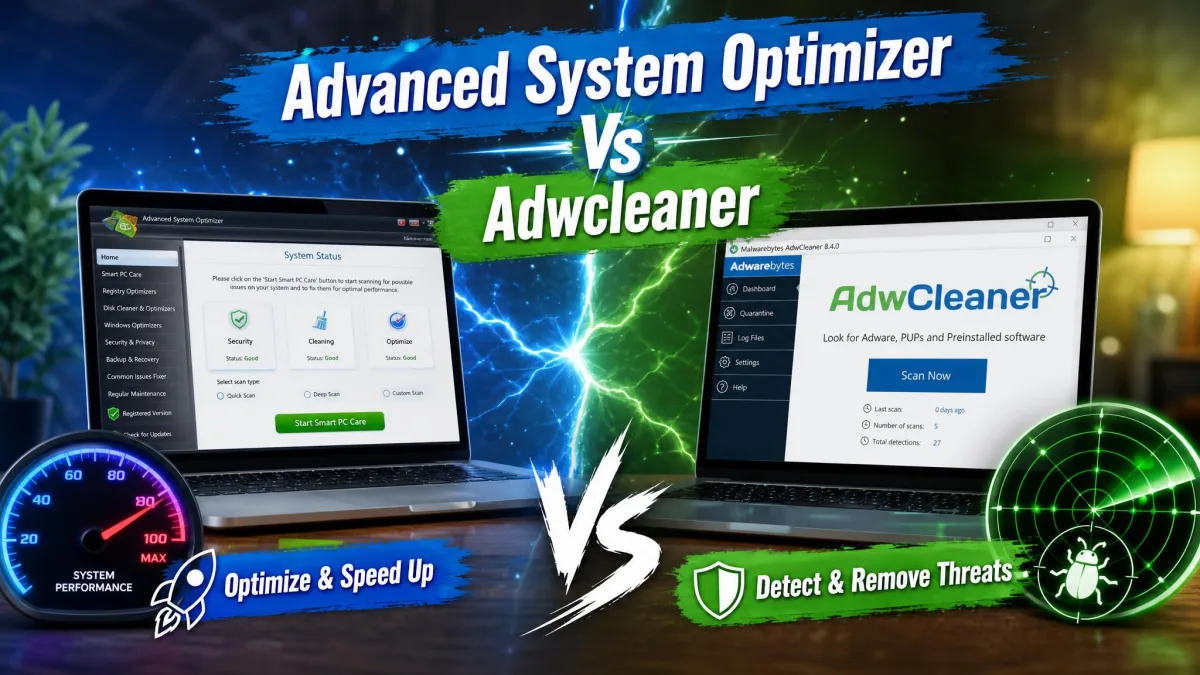
Advanced System Optimizer vs CCleaner: which is better?
Final Verdict: Should You Buy It?
So, is Advanced System Optimizer worth it? For the right buyer, yes. If you want one cautious app that cleans, repairs the registry, updates drivers, guards your privacy, and backs up your files, it delivers, with a restore point as a safety net and a 60-day guarantee to test it risk-free. Just go in clear-eyed: the speed gain is modest, the interface looks its age, support is email-only, and one license covers one PC. If you only need basic junk cleaning, a free tool or a cheaper rival like Glary or CCleaner will serve you well. But if you want the whole toolbox in one place and catch it on a discount, it earns its 7.2 out of 10.