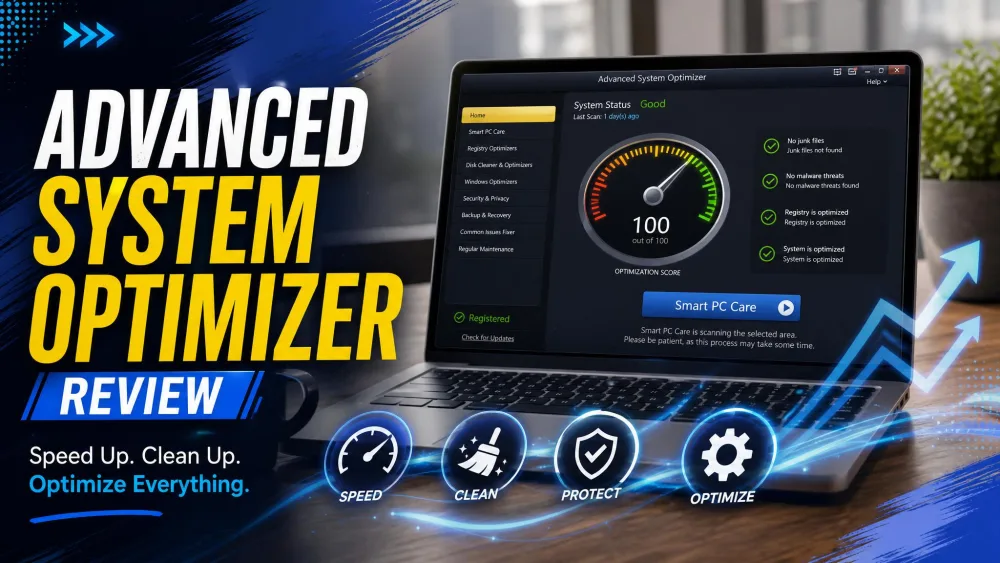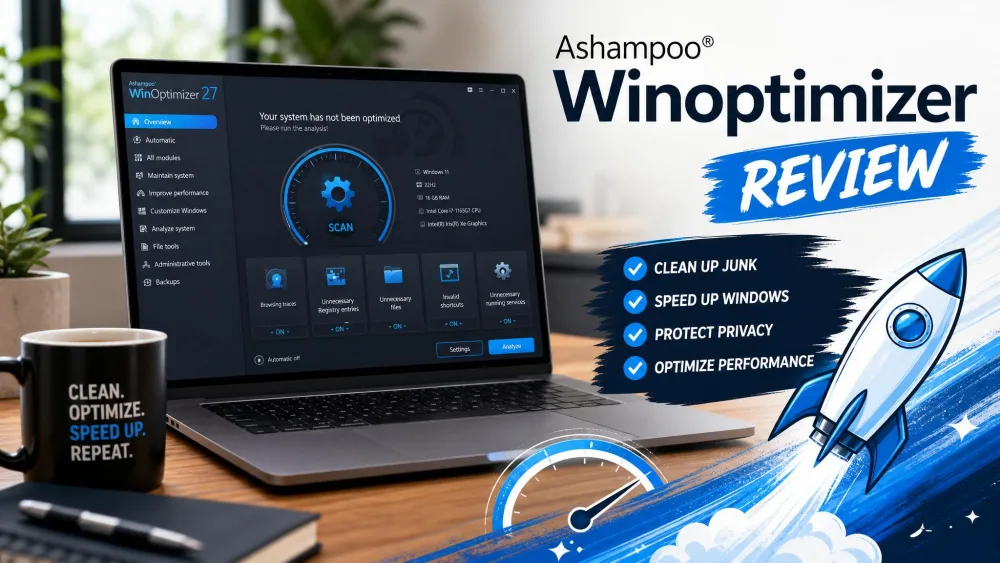
Both tools clean, optimize, and speed up Windows, but they take very different approaches to automation and pricing. Advanced System Optimizer is Systweak Software's modular utility suite, from the vendor founded in 1999. Ashampoo WinOptimizer comes from Ashampoo GmbH, founded in October 1999, and the current release is WinOptimizer 29. One note before the comparison: Advanced System Optimizer is not IObit Advanced SystemCare. The similar names confuse people constantly, but they are separate products from separate vendors. We ran both suites on Windows test machines and compared features, scan speeds, and real-world pricing.
What Is Advanced System Optimizer?
Advanced System Optimizer is Systweak Software's modular utility suite, not a single cleaner, with more than 20 tools under one dashboard:
- Smart PC Care one-click cleanup with quick, deep, and custom scans
- System Cleaner, Registry Cleaner and Optimizer, and Duplicate File Remover
- Disk Optimizer, Disk Tools, and Disk Explorer
- Driver Updater, System Protector, and Privacy Protector
- Secure Delete, Secure Encryptor, Undelete, and Backup Manager
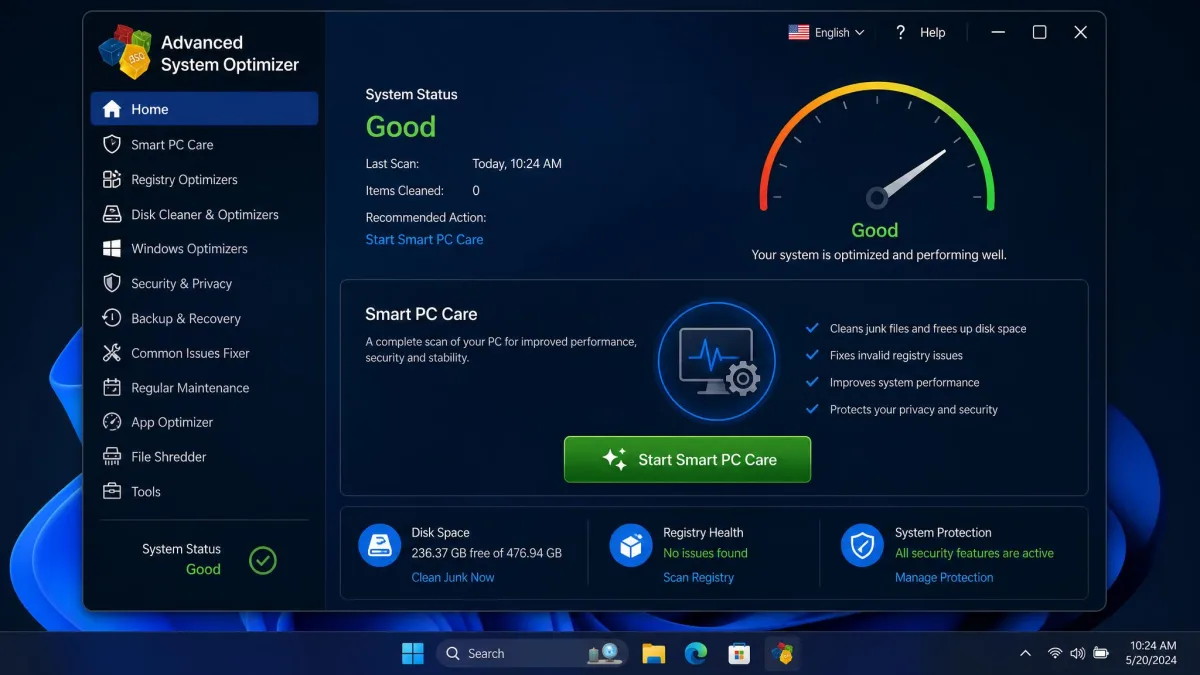
Installation took under two minutes on our test machine, with no configuration required. The unregistered build scans and lists problems but will not repair anything until a paid key unlocks the fixes. Know that before you install.
Advanced System Optimizer vs Advanced SystemCare: What's the Difference?
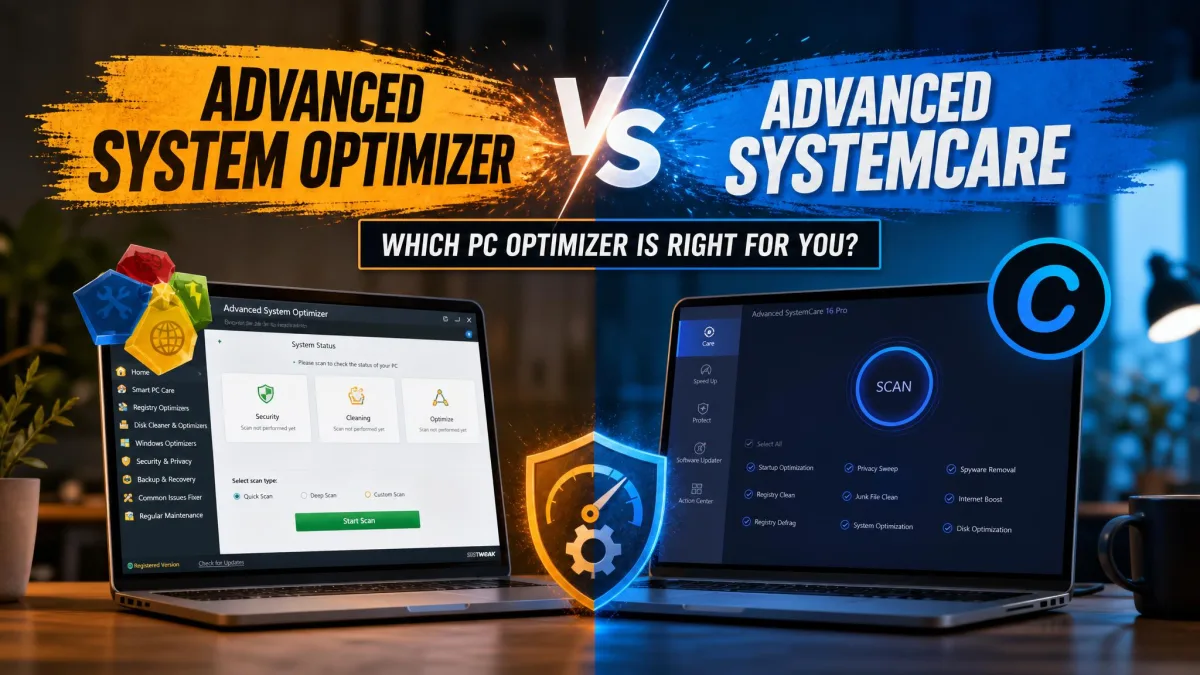
The names are nearly identical, and the products are not. IObit Advanced SystemCare is a freeware cleaner with a paid Pro tier, one-click optimization, and a Turbo Boost mode. Advanced System Optimizer is Systweak's paid suite, built as a modular tool set rather than an AI one-click cleaner. Check the vendor name before you download either one.
What Is Ashampoo WinOptimizer?
Systweak spreads its suite across a dozen modules; Ashampoo packs into a tighter set of cleaners. Ashampoo WinOptimizer combines a Drive Cleaner, an Internet Cleaner, a Registry Optimizer, and a Privacy Manager with 13 trace categories. It adds Startup Manager and Boot Center, plus a file wiper, encrypter, and undeleter. Version 29 adds a Software Updater and Firewall Manager.
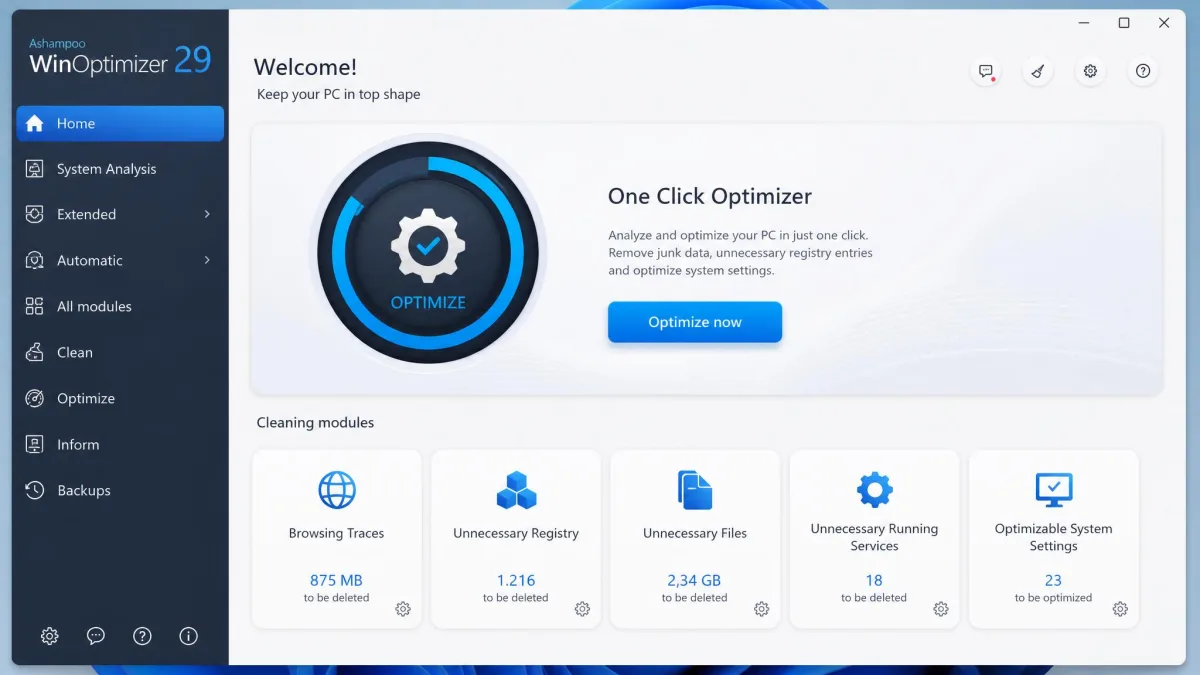
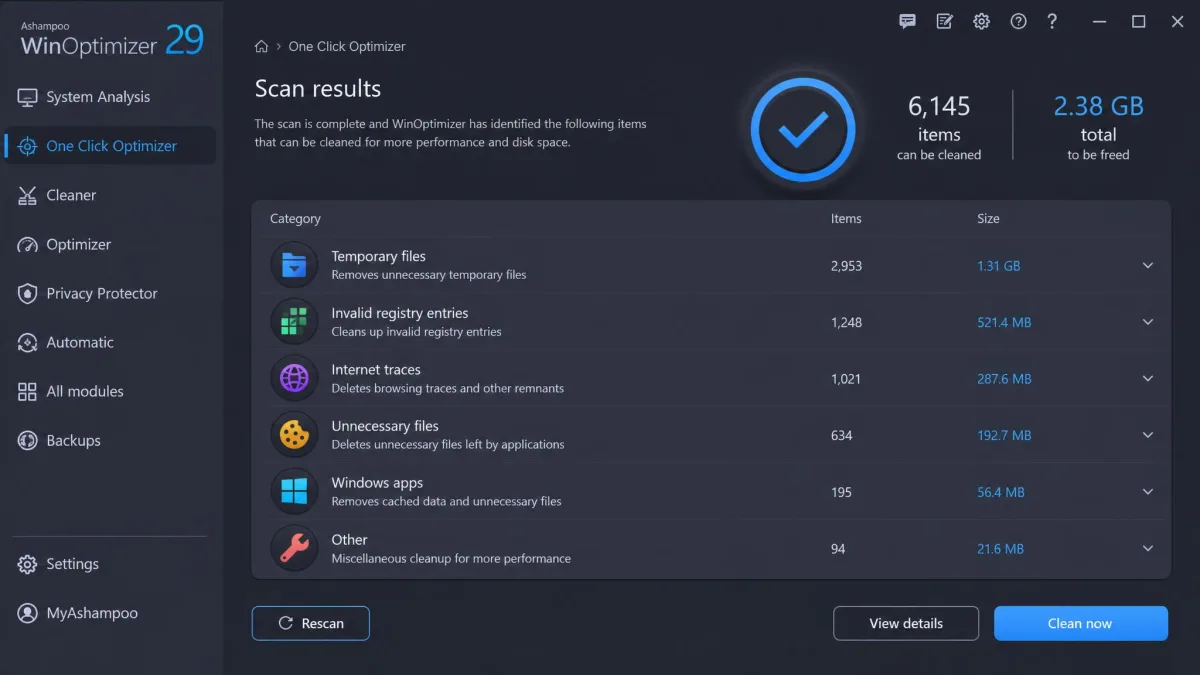
The difference shows in the first scan. On our test machine, the One Click Optimizer ran a brief analysis and applied its fixes in seconds. It is the fastest scan-to-clean loop we logged in this comparison.
The Short Answer: Which One Should You Pick?
Both do the same headline job, so the decision comes down to price, trial length, and scan speed. For most people, Ashampoo WinOptimizer is the better pick: it scans faster, offers a longer trial, and charges less. Advanced System Optimizer wins if you want the deeper toolkit, with secure delete, a driver updater, and backup tools.
Advanced System Optimizer vs Ashampoo WinOptimizer: Side-by-Side Comparison
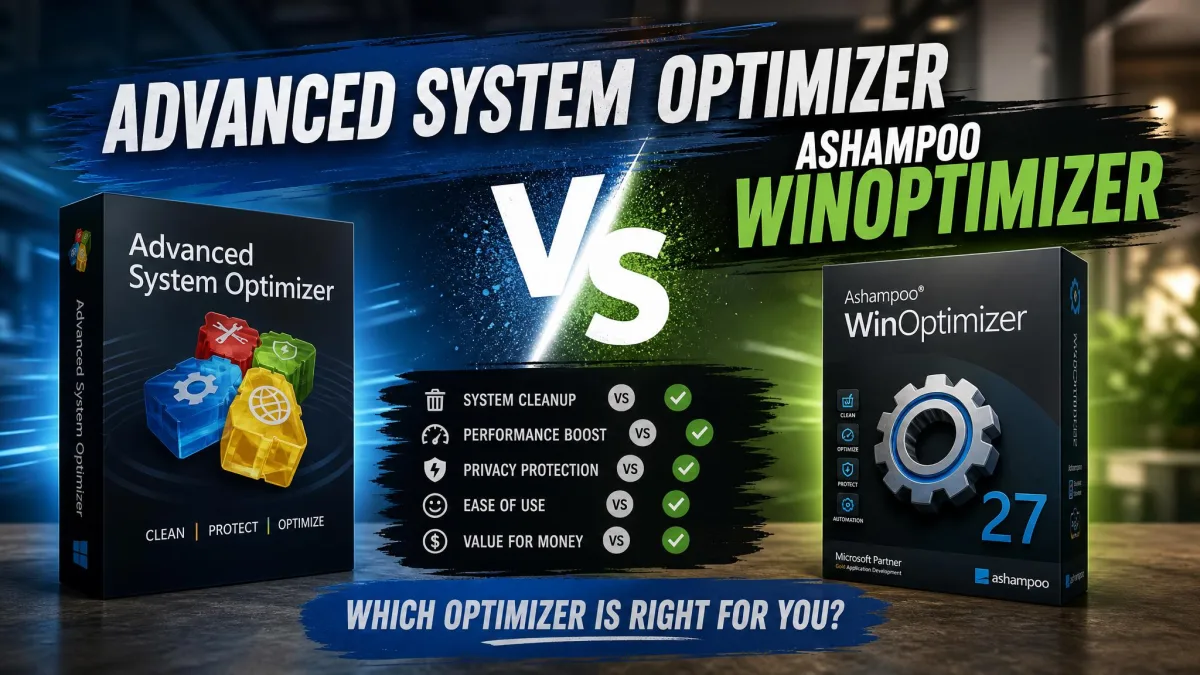
The two suites line up on the headline features and diverge almost everywhere else.
| Product | Buy | Price | Cleaning tools | Registry cleaner | One-click optimization | Boot optimizer | Uninstaller | Support | Platform |
|---|---|---|---|---|---|---|---|---|---|
 |
Check price → | from $14/yr for 3 PCs | Drive Cleaner, Internet Cleaner, DiskSpace Explorer | Registry Optimizer (paid edition) | One Click Optimizer | Startup Manager plus Boot Center | Built-in, basic | Email only, fast replies | Windows 10 and 11 |
 |
Check price | $49.95/yr (list $69.95) | System Cleaner, Duplicate File Remover, Disk Optimizer | Registry Cleaner and Optimizer included | Smart PC Care | Startup Manager | Uninstall Manager | 24/7 email, phone, knowledge base | Windows 7 to 11 |
Features Compared
The System Cleaner and the Drive Cleaner do the same core work. They diverge at one-click automation: ASO's Smart PC Care runs quick, deep, or custom scans on a schedule, while WinOptimizer's One Click Optimizer bundles Drive Cleaner, Internet Cleaner, and Registry Optimizer into one pass.
The registry is where the two tools differ most. ASO includes its Registry Cleaner and Optimizer in the base price, and WinOptimizer creates automatic pre-optimization backups with no way to switch them off.
Registry cleaners are the one part of any optimizer we tell people to approach with caution. Modern Windows manages the registry on its own, and the payoff from cleaning it is modest. Run a registry optimizer occasionally, not weekly.
Both ship uninstallers, and neither replaces a dedicated one. WinOptimizer's is very basic next to Revo Uninstaller or IObit Uninstaller, while ASO's Uninstall Manager is more capable.
Performance and System Impact
Deep scans are where ASO's thoroughness costs you time. In a side-by-side test we logged, ASO's deep scan took about 29 minutes to check roughly 340,000 objects. A rival cleaner finished in about 16 minutes at roughly 67,000 objects. WinOptimizer 29's cleaners are the first to fully use multi-core CPUs, and the memory footprint drops on older hardware.
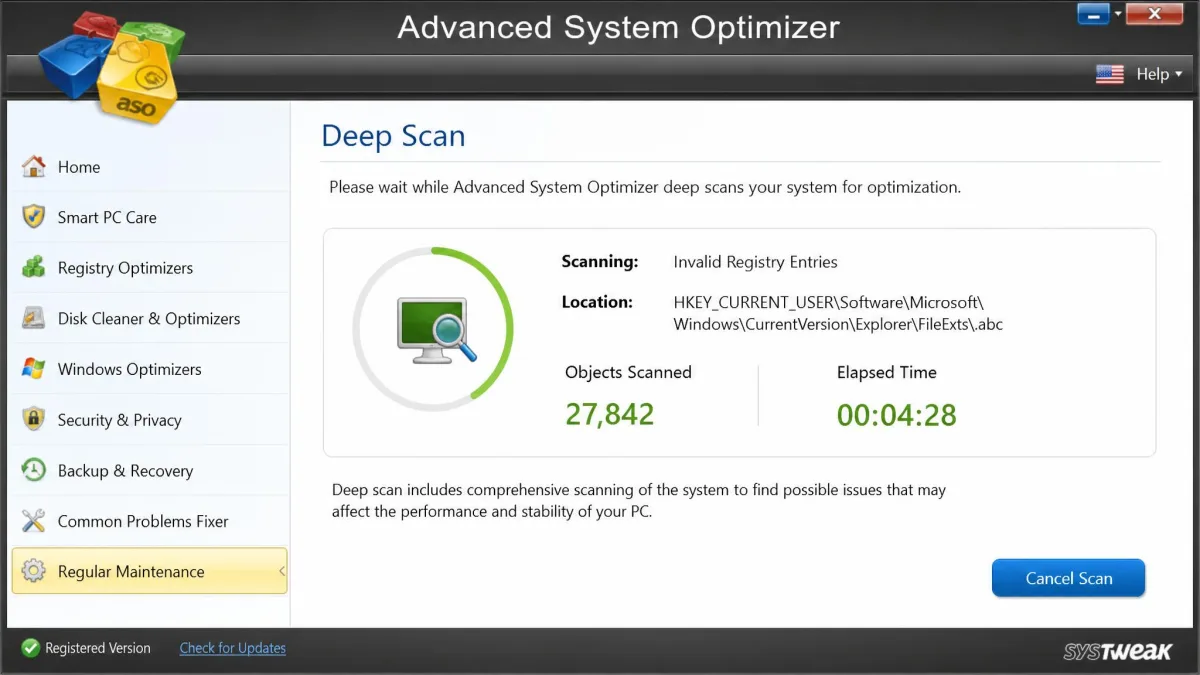
ASO's background resource use stays negligible during everyday work. WinOptimizer's boot optimizer showed little visible difference on our PCs, which already start fast, so do not buy either suite for boot-time gains.
Clearing the DirectX shader cache fixed the in-game display issues on our test machine, and emptying the preview cache sped up a sluggish Windows Explorer and freed significant disk space.
— From our hands-on testing
Ease of Use and Interface
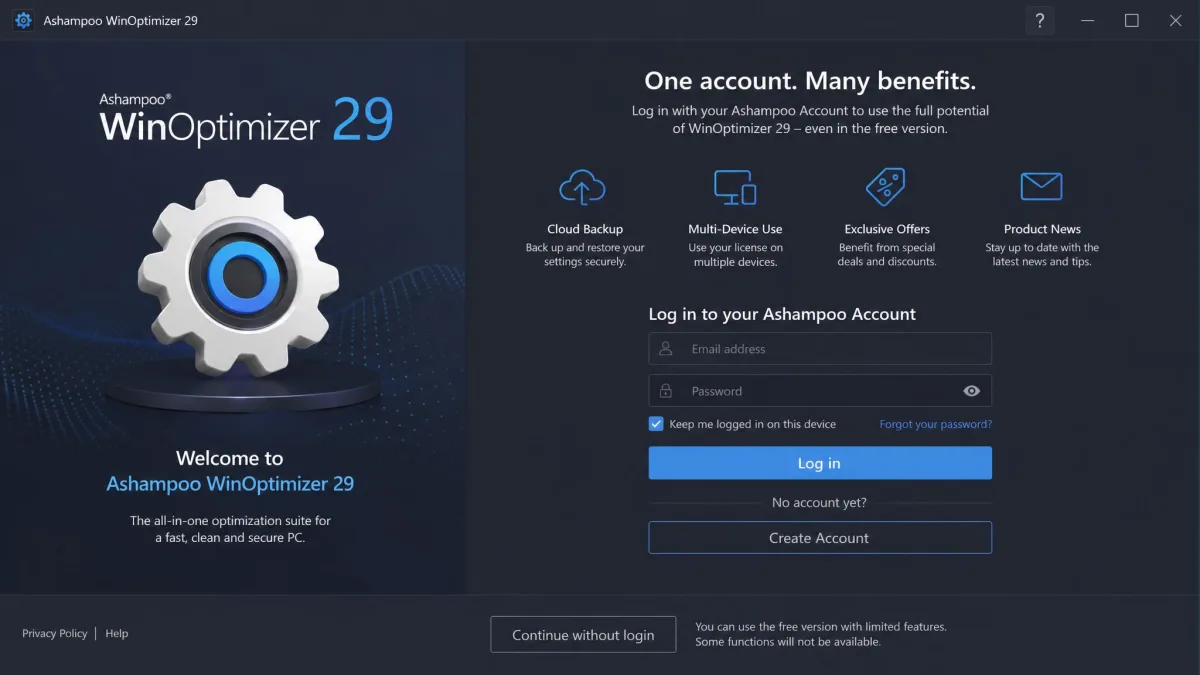
ASO keeps its tools behind one dashboard, and the layout is user-friendly. WinOptimizer is just as approachable, with one extra hurdle: the free version requires an Ashampoo Account before it will clean anything, a step most rivals skip. It also exposes fewer exclusion checkboxes than CCleaner, so shielding a folder takes planning.
Auto-Clean fired its browser-cache step too early in our testing, triggering improper-shutdown warnings in Edge and Chrome. Lowering it to once daily fixed it.
— From our hands-on testing
Pricing and Value
Pricing is where the two companies disagree most. ASO sells for $49.95 a year against a $69.95 list price, on a one-year license with automatic renewal. There is no perpetual option on Systweak's price page, and it is easy to pay a second year without meaning to. Its trial runs 24 hours, with a 60-day money-back guarantee.
WinOptimizer starts at $14 a year for three PCs, with all features and free upgrades to major versions. Owners of older versions can upgrade for $16. A one-time license has run around $50 in recent listings, varying by version and frequent discounts. The trial lasts 30 days, with a 30-day money-back guarantee.
| Plan | Advanced System Optimizer | Ashampoo WinOptimizer |
|---|---|---|
| Free tier | 24-hour trial, then most features lock | Free version with basic cleaning, no time limit |
| Renewal model | Automatic yearly renewal, no perpetual option | Yearly subscription or one-time license |
Pros and Cons
Advanced System Optimizer Pros and Cons
Pros
- Broad module set: secure delete, driver updater, backup tools
- Startup Manager visibly shortens boot time once unneeded entries are disabled
- Negligible background resource use
- Phone support in addition to email
Cons
- 24-hour trial, then most features lock
- Auto-renewing subscription, no perpetual option
- Deep scans much slower than rival cleaners
Ashampoo WinOptimizer Pros and Cons
Pros
- All features included on the entry plan
- Cheaper plans covering three PCs
- Free upgrades to major versions
- One-time license option available
Cons
- One Click Optimizer can over-delete browser data
- Built-in uninstaller is very basic
- File recovery only handles simple cases
- Privacy tools sit behind the paid plans
Customer Support and User Ratings
Support is where the two part ways most visibly. ASO offers 24/7 email support, phone support, and a knowledge base. WinOptimizer offers email only, with no chat or phone. We sent a test query and got an accurate answer in about 17 minutes.
Trustpilot shows the WinOptimizer product page at 4.6 out of 5 from roughly 1,490 reviews, and broader aggregates run about 4.7, with both figures drifting over time. Most negative reviews there target other Ashampoo products, notably PDF Pro. Systweak's company page sits around 3.7 out of 5, and the score differs across pages. Sitejabber rates Systweak at 4.3 out of 5 from 22 reviews, while its support complaints cluster around activation problems. GeekByter's scorecard rates the current WinOptimizer 9 out of 10.
Which One Should You Choose? (Our Verdict)
The verdict depends on how you use your PC. Want fast scans and the cheapest way to keep several machines clean? Pick Ashampoo WinOptimizer. Want secure delete, a driver updater, and backup and recovery? Advanced System Optimizer is worth its price, but only if you run those modules.
Start with the 30-day trial and see whether it fits your routine. With ASO, give yourself a full day to test before the trial clock runs out, and read the renewal terms before the year ends, since the license renews automatically.
Frequently Asked Questions
Is Advanced System Optimizer safe to use?
Yes, with the usual optimizer caveats. The suite creates registry backups before registry work, and the aggressive tools, like Secure Delete, only run when you trigger them. The vendor backs the purchase with a money-back guarantee.
Can I use Ashampoo WinOptimizer for free?
Yes. The free version covers basic cleaning with no time limit but requires an Ashampoo Account to run. Everything beyond basic cleaning sits behind the paid plans.
Does either of these tools work on macOS?
No. Both suites are Windows-only. Advanced System Optimizer supports Windows 11, 10, 8.1, 8, and 7. WinOptimizer 29 targets Windows 10 and 11 64-bit, with the official FAQ adding Windows 8; ARM processors are not supported.