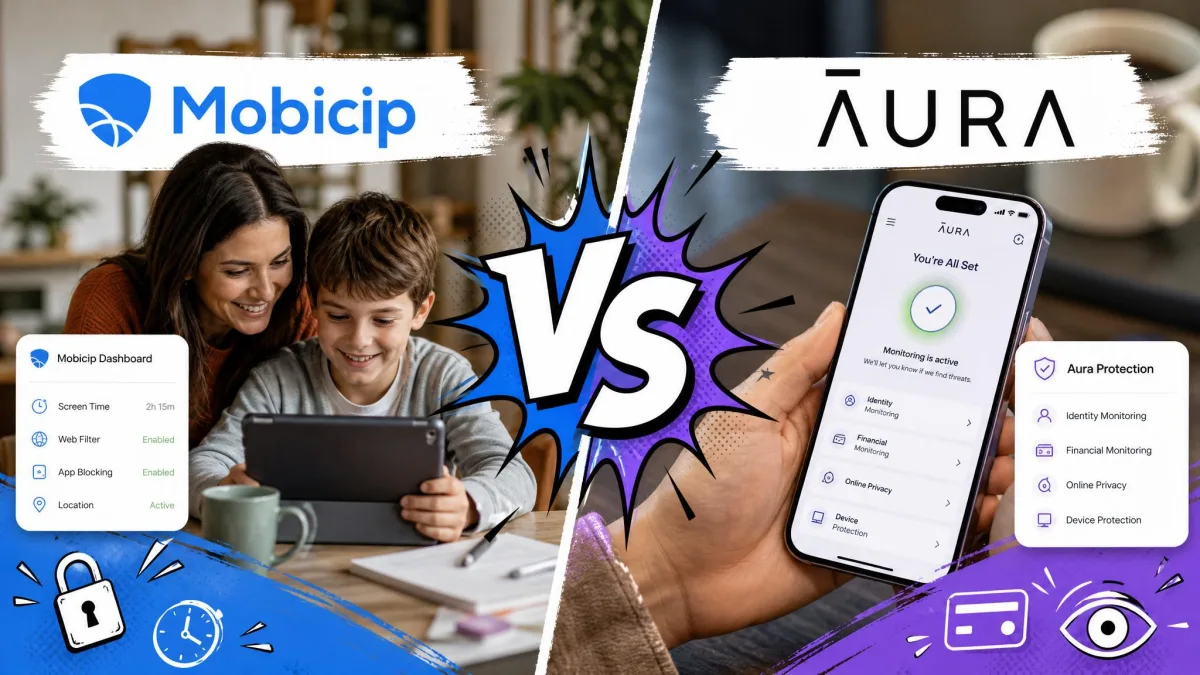
Mobicip is a dedicated parental control app that filters the web, sets screen time schedules and tracks where your kids are, while Aura Parental Controls is a family online safety suite that wraps filtering and screen time inside a broader security bundle. Both aim at the same parent, and they solve the problem in genuinely different ways. This comparison decides which one belongs on your family's devices, and it lands on Mobicip for most households.
We set both apps up on a mixed household of iPhones, an Android tablet and a Windows laptop, then lived with the parent dashboards for a fortnight. Mobicip's install asked more of us on iOS and paid that back with control on every device we own. Aura went on faster and felt calmer to read, but it left gaps that matter once your kids move beyond a phone.
Mobicip vs Aura at a Glance
Here is the short version before the detail. Mobicip is cheaper, covers more platforms and is the only one of the two that tracks location. Aura is the better buy if you want internet safety folded into antivirus, a VPN and identity theft protection for the whole family, and if your children only use phones.
| Feature | Mobicip | Aura |
|---|---|---|
| Price (monthly/annual) | $2.99 to $7.99 per month billed annually ($35.88 to $95.88 per year) | Kids from about $10 per month annual, Family from about $32 per month annual |
| Devices covered | 5, 10 or 20 by tier | Unlimited kids and devices, Family adds 5 adults |
| Screen time scheduling | Yes, multiple schedules plus Lock All Devices | Yes, limits plus scheduled downtime and Pause the Internet |
| Web filtering | Real time dynamic filtering with keyword blocking | Category filtering plus SafeSearch on Google, Bing and DuckDuckGo |
| App blocking | Yes, with app timers and uninstall protection | Yes, with occasional block glitches |
| Social media monitoring | Snapchat and Facebook only | No in-app monitoring, Safe Gaming alerts via Kidas |
| Location tracking | Yes, family locator with geofencing | No |
| Activity reports | Daily activity feed with per-app time stamps | Online history, usage reports and wellbeing insights |
| VPN/antivirus | No | Yes, on the Family plan |
| Identity theft protection | No | Yes, Family plan with $5M insurance |
| Platforms | iOS, Android, Windows, macOS, Chromebook, Kindle Fire | iOS 16+ and Android 12.0+, Windows for Safe Gaming only |
| Free trial | 7-day | 14-day |
What Is Mobicip?
Mobicip is a parental control service built around one job, which is managing what children do online across every screen in the house. It is used by 3+ million families and covers iOS, Android, Windows, macOS, Chromebook and Kindle Fire from a single parent account.
The feature set runs from web content filtering with keyword blocking through screen time limits and multiple daily schedules, app blocking with app timers, uninstall protection, a family locator with geofencing, a remote button that locks every device at once, and daily activity reports. Social media monitoring sits on the Premium tier.
What we noticed first is that Mobicip filters pages in real time rather than checking them against a fixed blacklist, and the filter kept holding when we opened private browsing windows to test it. That approach catches new sites a list-based filter would miss.
What Is Aura?
Aura approaches the same problem from the security side. Its parental controls sit inside a family safety subscription that also carries antivirus, a VPN, a password manager, credit monitoring and identity theft protection on the higher tier.
On the parenting side you get content filtering and site blocking, screen time limits and scheduled downtime, a Pause the Internet switch, online history and usage reports, SafeSearch enforcement on Google, Bing and DuckDuckGo, digital wellbeing insights, and Safe Gaming by Kidas, which watches PC games for cyberbullying and predator contact.
The catch is reach. Aura's parental controls are mobile only, requiring iOS 16 or later and Android 12.0 or later, with Safe Gaming installed separately on Windows PCs. There is no Mac or Chromebook coverage at all.
Feature-by-Feature Comparison
Screen time limits and schedules
Both apps let you set a daily allowance and a bedtime, so the difference shows up in the controls around the edges. Mobicip supports multiple schedules per child, which is what you want when a school day, a sports night and a Saturday all need different rules. Its Lock All Devices button turned out to be the control we reached for most, at dinner and again at bedtime.
Aura counters with scheduled downtime and Pause the Internet, a single switch that cuts access when you need attention right now. Aura's screen time controls behave more completely on Android than on iOS, where Apple's privacy architecture caps what any third-party app is allowed to enforce.
Neither app can fully override Apple's own limits on iOS. If you want the strictest possible schedule on an iPhone, layer either product on top of Apple's built-in Screen Time rather than expecting one app to do everything.
Web content filtering
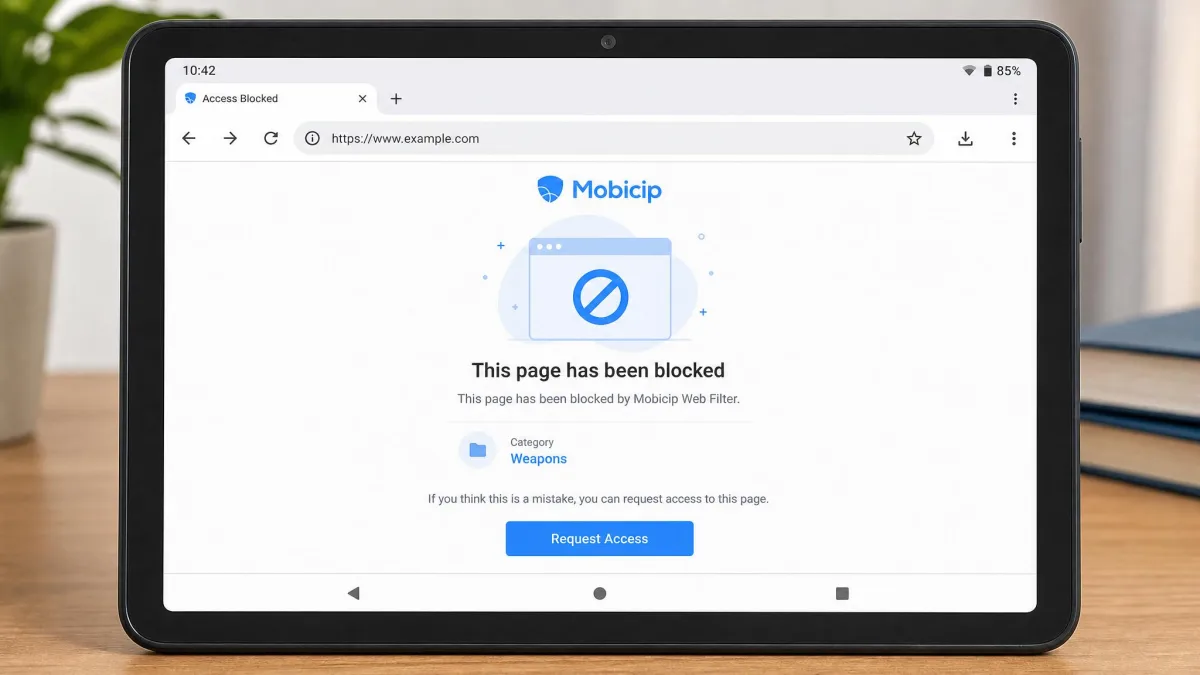
This is where the two products diverge most. Mobicip evaluates pages as they load, so a site that appeared last week is judged on its content rather than on whether anyone has categorised it yet. The trade-off is tuning. In our first week, Mobicip blocked a handful of harmless homework sites while letting through a couple of pages we expected it to catch, and we spent twenty minutes building an allow-list before the filter settled down.
Aura leans on categories plus SafeSearch enforcement across Google, Bing and DuckDuckGo, and it blocked roughly 90% of tested sites across restricted categories. Its local VPN filter also keeps working inside a social app's built-in browser and inside third-party browsers, not just Safari or Chrome, which closes the loophole kids find first.
App blocking and app limits
Mobicip blocks apps outright or puts a timer on them, and it adds uninstall protection so a child cannot simply remove the app and walk away. Its reporting is uneven across platforms though: on Android you get specific per-app usage times, while on iOS the app management view does not report those numbers the same way.
Aura's app blocking works, but it glitches occasionally, letting a blocked app open for a moment before the block reasserts itself. More seriously, we found the Aura app can be deleted from an Android device without the parent dashboard raising a notification, which is a hole you would want to know about before you rely on it.
Talk to your kids before you turn either app on. Monitoring that arrives as a surprise tends to end with a workaround and a lost conversation, and a shared family media plan is a better starting point than a silent install.
Social media monitoring and alerts
Neither app is a social media monitor in the way parents usually mean. Mobicip's social media monitoring on Premium covers Snapchat and Facebook rather than TikTok or Instagram, and platform coverage here shifts as the social apps change their own access rules.
Aura does not see inside a social media app at all, so private messages stay unmonitored. What it does instead is watch PC gaming through Safe Gaming by Kidas, which raises cyberbullying and predator contact alerts from voice and text chat. If your worry is a group chat in a shooter rather than a direct message on Instagram, that is a meaningful difference. If you specifically need message-level oversight, look at a dedicated monitoring app instead, and check what each platform actually exposes to parents before you commit.
Location tracking and family locator
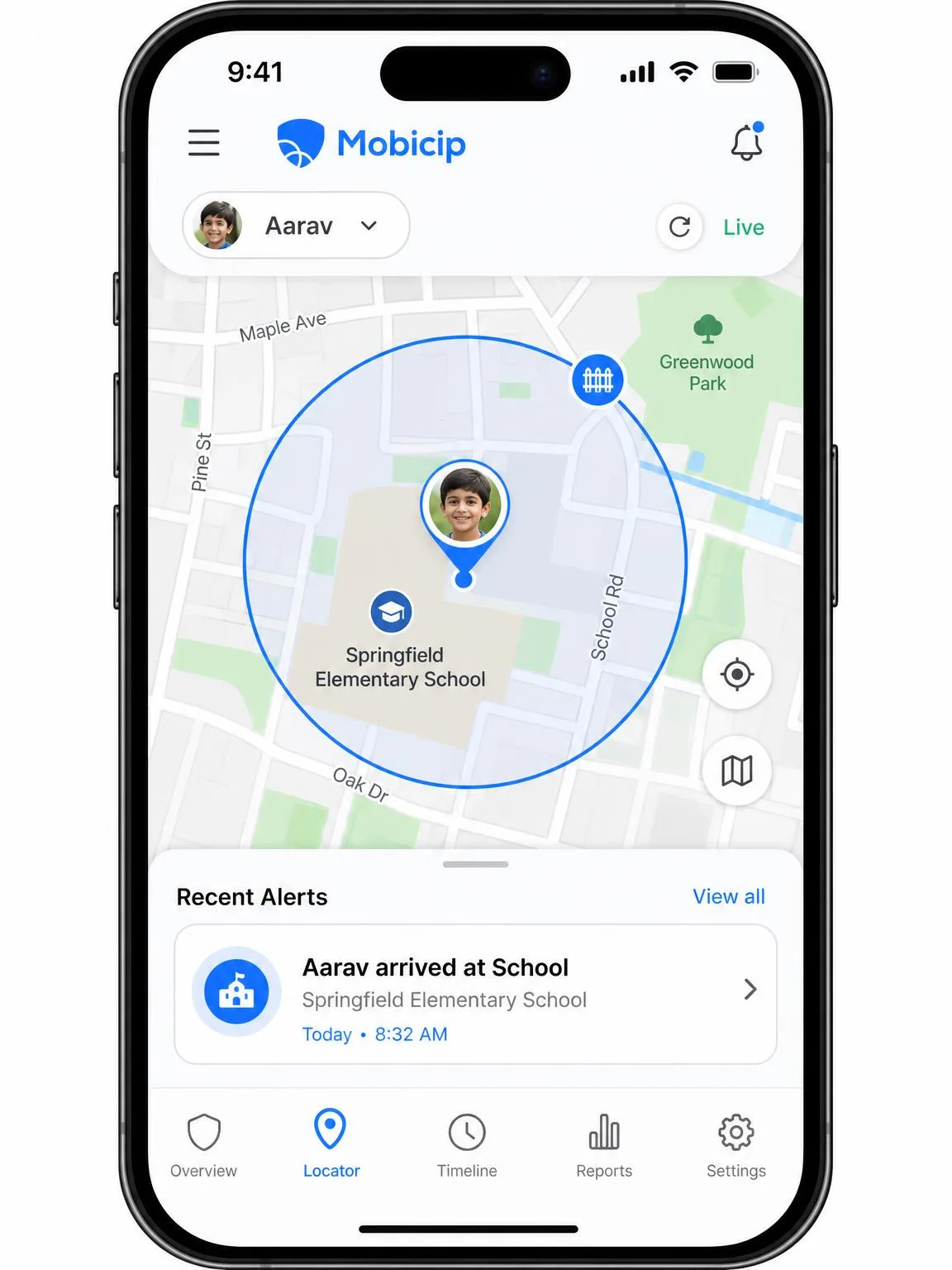
There is nothing to weigh here. Mobicip includes a family locator with geofencing and location alerts, and in our testing the positions were accurate and the geofence alerts fired reliably when a phone left a saved zone. Aura has no GPS location tracking and no geofencing of any kind.
If knowing your child arrived at school matters to you, Aura cannot do it and you would need a second app alongside it.
Activity reports and dashboards
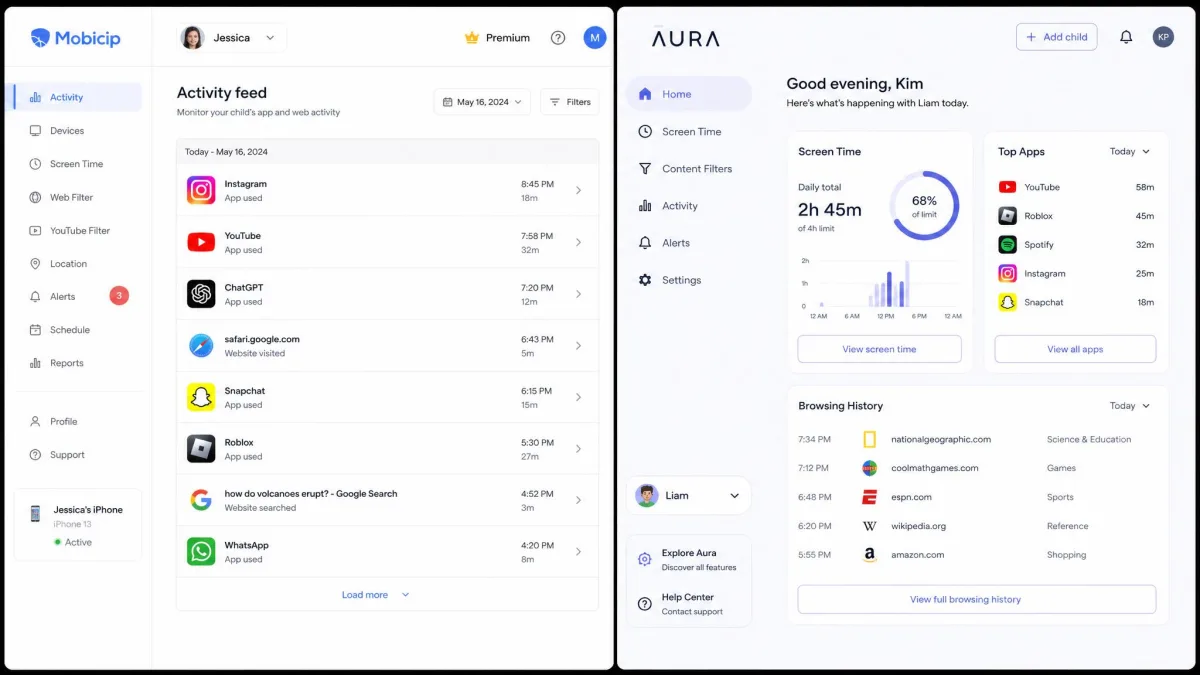
Mobicip's daily activity feed lists each app the child used with a time stamp, next to the day's screen time schedules, which makes a weekly review with an older child straightforward rather than accusatory. Aura's dashboard is easier to read at a glance and pushes real time alerts without any extra configuration, though it summarises browsing history and wellbeing trends rather than logging app-by-app detail.
Mobicip tells you what your child did. Aura tells you how their week is going. Which one you want depends on whether you are supervising or coaching.
Extras Beyond Parental Controls
Aura: VPN, antivirus, and identity theft protection
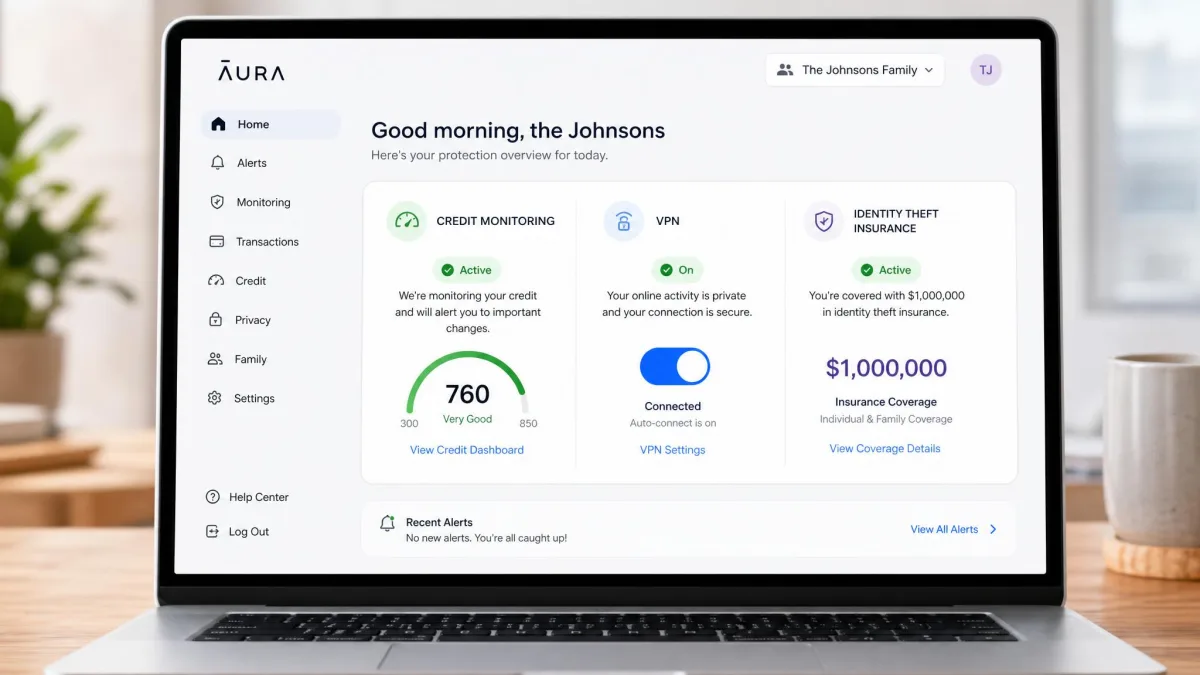
The Family plan is where Aura's price starts to make sense. It bundles a VPN, antivirus, a password manager, 3-bureau credit monitoring, instant credit lock and AI spam call and message protection, and it carries $5M identity theft insurance. Five adults are covered alongside unlimited kids, so a household already paying separately for a VPN and an identity monitoring service may find Aura replaces two bills with one.
Mobicip: family collaboration and guardian roles
Mobicip stays in its lane and adds nothing outside parenting. What it does add is shared oversight: a second parent or guardian can hold their own access to the dashboard, and the service surfaces parenting expert tips alongside the reports. That is useful in a split household where both homes need the same rules.
Device and Platform Support
Mobicip runs on iOS, Android, Windows, macOS, Chromebook and Kindle Fire. Aura's parental controls require iOS 16 or later and Android 12.0 or later, and Windows appears only for the separate Safe Gaming install, with no Mac or Chromebook support.
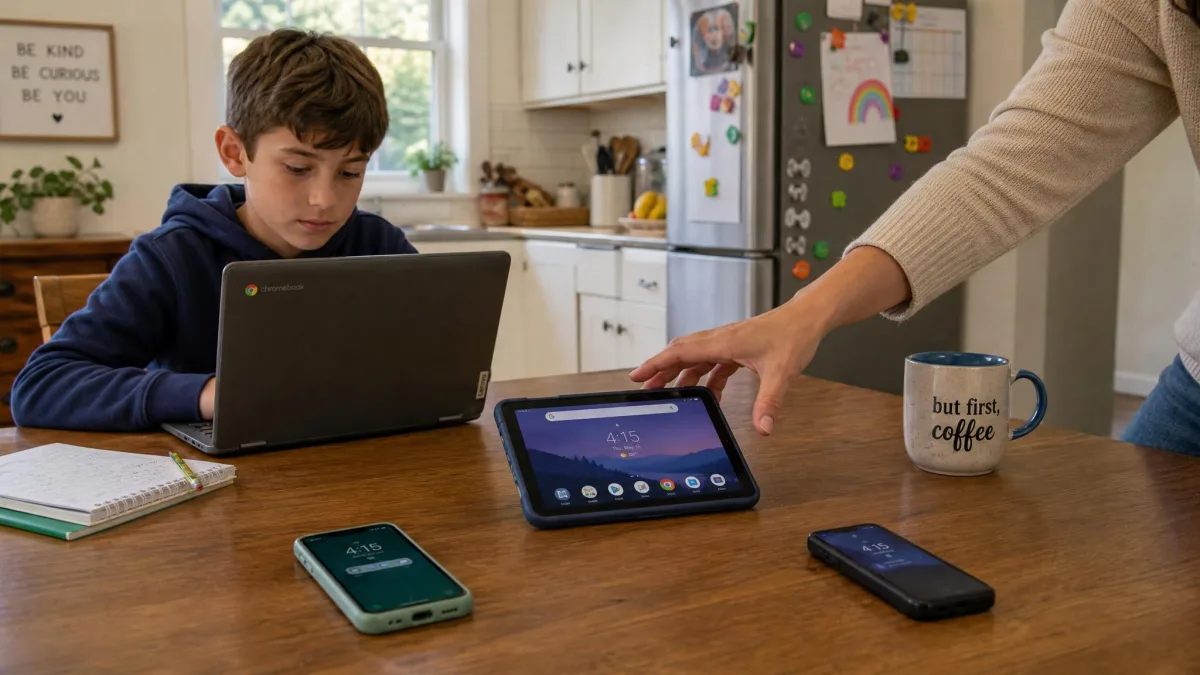
For most families that single paragraph decides the comparison. School-issued Chromebooks and shared family laptops are where a lot of unsupervised browsing actually happens, and Aura simply is not present on them.
Setup and Ease of Use
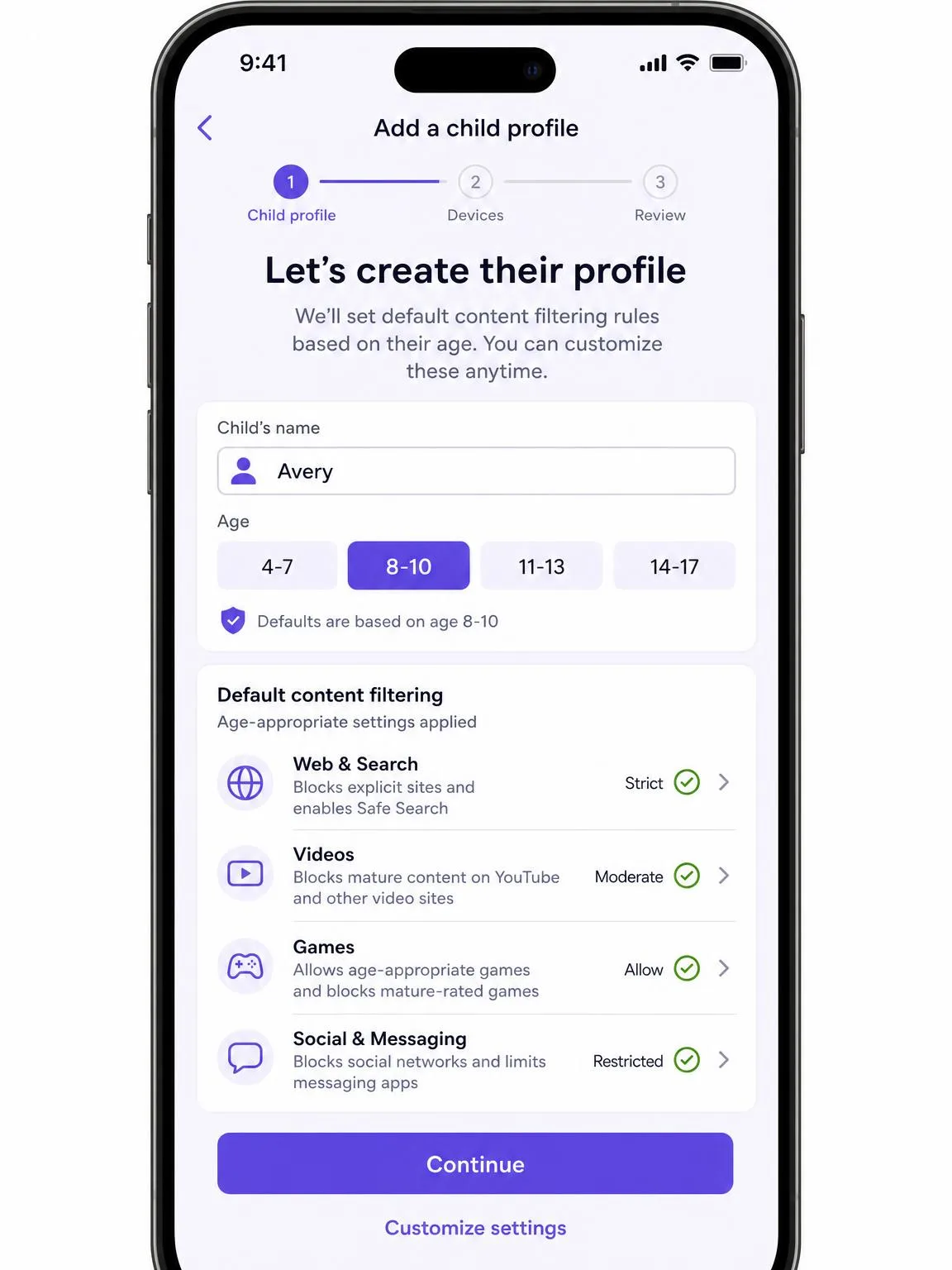
Aura is the easier install by a clear margin. Setup ran about 7 minutes on iOS and about 9 minutes on Android, from downloading the app to having a working child profile with rules applied.
Mobicip's iOS install asks for prep work before you start. You need Apple Family Sharing turned on, a child Apple account with an age set under 18, and that account signed in on the device being protected. From there you manage an MDM profile, and that profile step is where installs most often stall. Android is far quicker.
Set both parents up on the dashboard on day one, and add each child's device while the child is with you. Rules that get explained as they are applied hold up far better than rules discovered the next morning.
We ran both apps on the same set of family devices for two weeks, using them the way a parent actually does rather than only clicking through the settings. Aura resists the usual bypass tricks, though a genuinely tech-savvy teenager can still find workarounds in either app.
Pricing and Plans Compared
Mobicip pricing tiers
Mobicip runs three tiers, all billed annually. Lite is $2.99 per month ($35.88 per year) for up to 5 devices, Standard is $4.99 per month ($59.88 per year) for up to 10 devices, and Premium is $7.99 per month ($95.88 per year) for up to 20 devices, which is also the tier that unlocks social media monitoring. Households larger than 20 devices need a custom quote. There is a 7-day free trial with full premium features and no credit card required, plus a 30-day money-back guarantee.

Aura pricing tiers
Aura's Kids plan is listed at $10 per month billed annually or $13 per month billed monthly, and the Family plan at $32 per month billed annually or $50 per month billed monthly. Aura's plan prices move with promotional periods and billing term, and the family tier in particular is promotion-heavy, so the rate at checkout may differ from the advertised one. Both plans cover unlimited kids and unlimited devices, Family adds 5 adults, and both come with a 14-day free trial and a 60-day money-back guarantee on annual subscriptions.

Which is better value per child
Priced purely as parental controls, Mobicip wins comfortably. Mobicip Premium covers 20 devices for less than Aura's Kids plan costs for a year, and it does more with them. Aura only becomes the better value when you count the extras: if the Family plan lets you cancel a VPN subscription and an identity monitoring service, the gap narrows quickly and can reverse.
Pros and Cons
Mobicip pros and cons
Pros
- Real time web filtering that holds up in private browsing
- Location tracking with reliable geofence alerts
- Covers Windows, macOS, Chromebook and Kindle Fire as well as phones
- Multiple screen time schedules plus a one-tap Lock All Devices button
- The cheapest option here at every tier
Cons
- iOS setup needs Family Sharing and an MDM profile before it works
- The filter needs manual allow-list tuning in the first week
- No per-app usage times on iOS
- Social media monitoring is limited to Snapchat and Facebook
- No call or text message monitoring
Aura pros and cons
Pros
- Setup takes under 10 minutes on either platform
- Filtering keeps working inside in-app and third-party browsers
- Unlimited kids and unlimited devices on both plans
- Family plan adds VPN, antivirus and $5M identity theft insurance
- Clear dashboard with real time alerts out of the box
Cons
- No location tracking or geofencing at all
- Mobile only, with no Mac or Chromebook coverage
- App blocking glitches occasionally
- The Android app can be deleted without alerting the parent dashboard
- Costs several times more than Mobicip for the parenting features alone
Privacy, Security, and Trust
Both companies handle children's data, which puts them under the Children's Online Privacy Protection Rule (COPPA) in the United States, and both publish policies describing what they collect and how long they keep it. Aura holds the more sensitive pile, since credit monitoring means handing over identifying details for every adult on the plan.
The harder question is not corporate, it is domestic. Filtering a browser is a light touch. Reading a location history or a full app log is not, and research on screen time and preteen mental health suggests the goal should be healthier habits rather than tighter surveillance. Decide how much oversight the age in front of you actually justifies, then set the app to that level instead of turning everything on.
Who Should Choose Mobicip
Choose Mobicip if your children use more than a phone, if you want to know where they are, or if you are watching the budget. It is the more complete parental control app on every axis that is strictly about parenting, and it is the one we would put on a house full of Chromebooks and laptops. It also suits parents of younger kids, where filtering and time limits do most of the work and the tuning week is a fair price for a filter that keeps up with new sites.
Who Should Choose Aura
Choose Aura if your kids are phone-only, if setup friction is what has stopped you before, or if you want family security and parental controls on one bill. A parent of a teenager who games on a PC gets real value from the Safe Gaming alerts, and a household already paying for a VPN and identity protection may find the Family plan costs less than the sum of what it replaces. Just accept that you are buying a security suite with parental controls attached rather than the other way round.