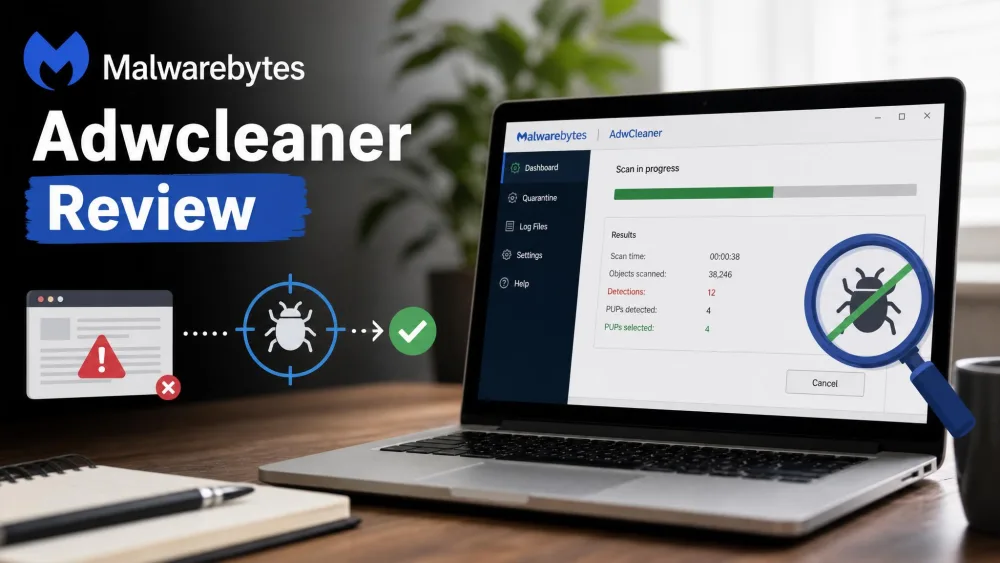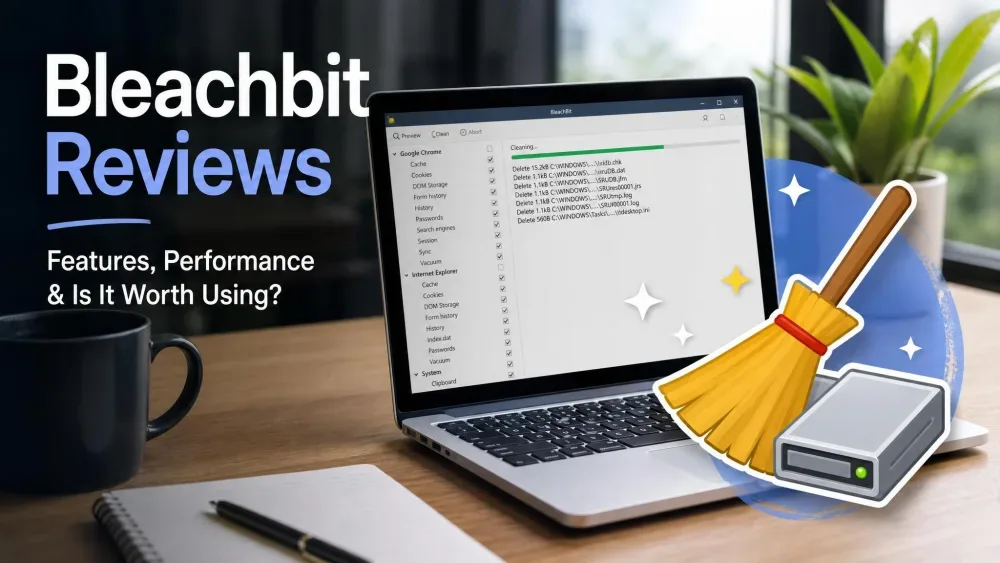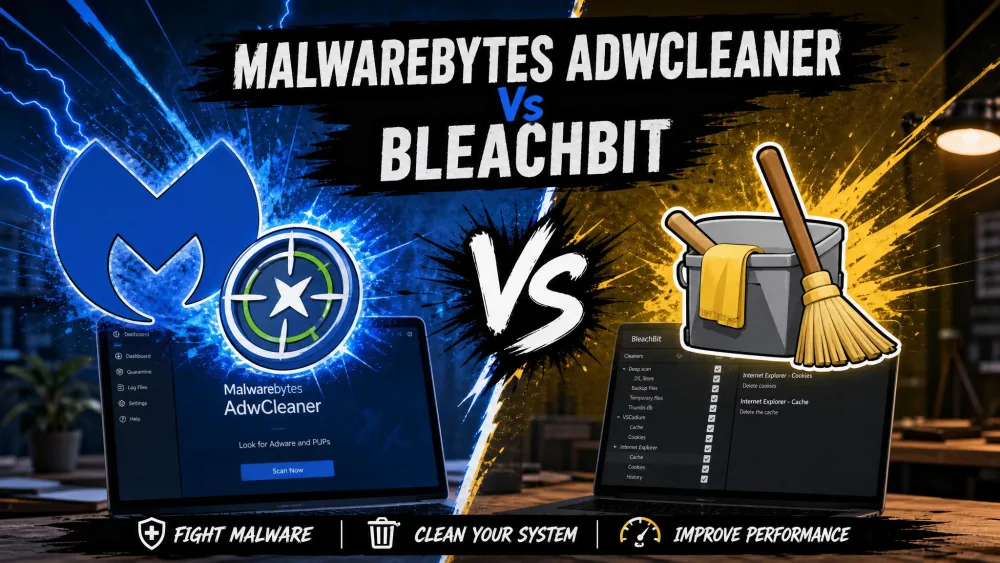
Is your PC crawling under pop-ups, mystery toolbars, and years of junk files? That is when most people go looking for a cleaner, and two free names keep coming up: Malwarebytes AdwCleaner and BleachBit. Up front: these tools are not rivals doing the same job. AdwCleaner hunts adware, potentially unwanted programs, and browser hijackers. BleachBit clears junk files and shreds private data to free up disk space. We ran both through our usual before-and-after cleanup routine so we can tell you which one fixes your problem, and why you might want both.
What Each Tool Is For (They Solve Different Problems)
The single biggest mistake we see is treating these as interchangeable PC cleaners. They are not. One deals with unwanted software that got onto your machine; the other deals with the clutter your machine creates on its own.
Malwarebytes AdwCleaner: Adware, PUPs and Toolbar Removal
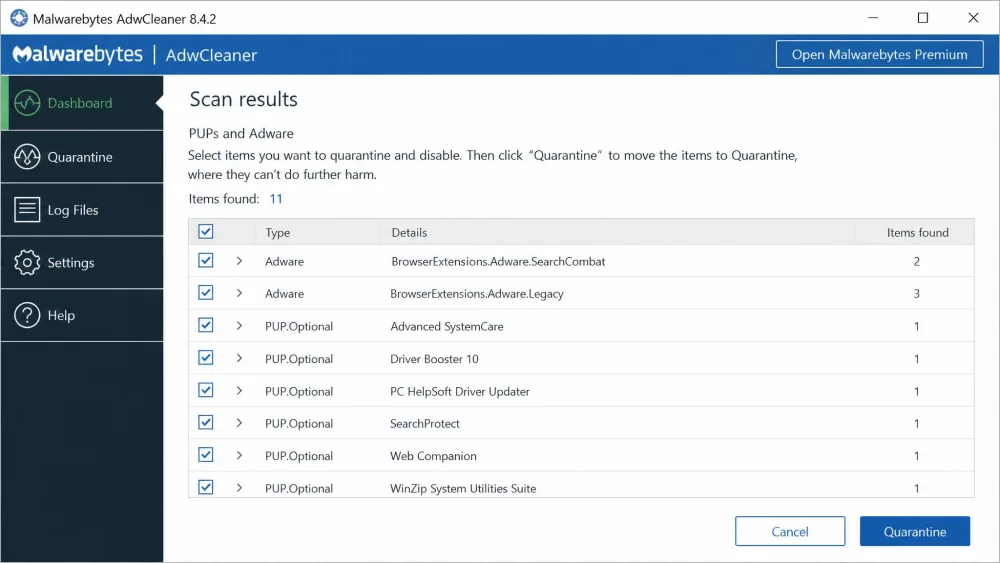
AdwCleaner is a free tool from Malwarebytes built for one narrow job: stripping out adware, potentially unwanted programs, unwanted toolbars, bloatware, and browser hijackers. In our testing it was excellent at exactly that, finding leftover bundled programs and browser junk that a normal uninstall left behind, and resetting browser policies a hijacker had changed.
What it is not is a virus scanner. AdwCleaner is useless against real malware and viruses, so it complements a full anti-malware scanner rather than replacing one. Its other advantage is how it runs. It is a portable single EXE with no install required, so you can keep it on a USB stick and run it on demand on any machine. It supports Windows 11, 10, and 8.1, and nothing else.
BleachBit: Junk-File Cleaning and Secure Deletion
BleachBit is a different animal. It is 100% free and open-source under the GPLv3 license, with no ads or upsells, and more than 18 years of active development behind it. Its job is to clean temp files, browser caches, cookies, logs, history, saved passwords, and application traces. When you want to free up disk space and wipe the trail your browsing leaves, this is the tool.
Its standout feature is secure deletion. BleachBit can shred files beyond recovery and overwrite free disk space to hide data you deleted earlier. That makes it a favorite with privacy-focused users who want files gone for good, not just in the Recycle Bin.
AdwCleaner vs BleachBit: Quick Comparison Table
We lined up all three names people ask about, including full Malwarebytes for context, so you can see at a glance what each one is actually for.
| Product | Buy | Primary purpose | Price | Portable | Platform | Real-time protection |
|---|---|---|---|---|---|---|
 |
Check price → | Adware, PUP and toolbar removal | Free | Yes, portable EXE | Windows only | No |
 |
Check price | Junk cleaning and secure delete | Free | Portable mode on Windows | Windows and Linux | No |
 |
Check price | Anti-malware scan and protection | Free scanner; Premium $44.99/yr | No, installed | Windows, macOS, Android, iOS | Premium only |
Head-to-Head Comparison
The table is the shortcut. This section walks through the differences that actually change which tool you download.
What They Remove (Adware/PUPs vs Junk & Cache)
This is the core split. AdwCleaner targets unwanted software: adware, PUPs, toolbars, and hijackers that installed themselves and refuse to leave. BleachBit targets clutter: temp files, caches, cookies, logs, and history that pile up as you use the machine.
Neither one covers the other. If your browser keeps opening a search page you never chose, that is adware, and BleachBit will not fix it. If your drive is full of old cache and logs, that is junk, and AdwCleaner will not touch it. Knowing your symptom tells you which tool to open.
AdwCleaner also detects and removes adware, but full Malwarebytes goes further, detecting malware, spyware, rootkits, and PUPs. AdwCleaner is the lightweight cleanup pass; Malwarebytes is the security scan.
Privacy and Secure File Shredding
When it comes to privacy, BleachBit is the clear pick. Its file-shredding can permanently destroy files so recovery is effectively impossible, and it overwrites free space so previously deleted files cannot be pulled back either. We tested the shredder on sample files and confirmed they were gone, not just hidden.
AdwCleaner has no equivalent. It quarantines and removes unwanted programs, and can restore items you quarantined by mistake, but it does not shred your personal files or wipe free space. Privacy cleanup is not its role.
Platform Support (Windows vs Windows/Linux)
If you run Linux, this decides it for you. AdwCleaner is Windows only, supported on Windows 11, 10, and 8.1. BleachBit runs on both Windows and Linux, though not macOS. Both offer a portable option on Windows, so neither one forces a heavy install if you prefer to run and go.
Ease of Use and Interface
AdwCleaner is close to one-click. You open it, scan, review what it found, and remove. There is little to configure, which is exactly what you want from a quick cleanup pass.
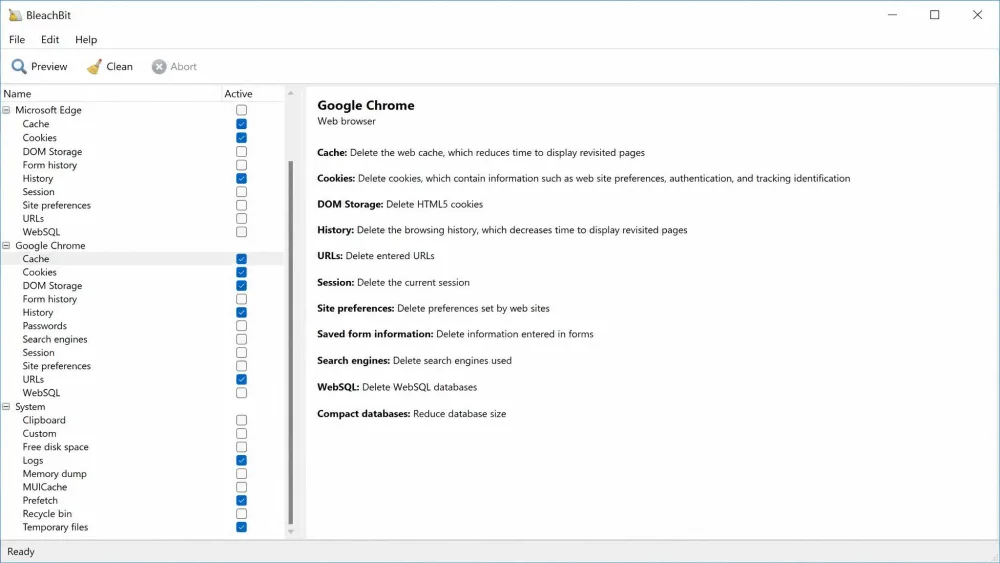
BleachBit asks more of you. Its interface is plainer and a bit more involved than one-click cleaners, because it puts you in full control and expects deliberate decisions about what to delete rather than hands-free automation. That is a strength for careful users and a mild learning curve for everyone else. The upside is that setup friction is minimal: BleachBit installs fast and light, at roughly 11MB in a few seconds. One tradeoff we noticed is that its deep scans can run relatively slowly compared with lighter cleaners.
Safety and Risk of Breaking Your System
Both tools are safe when used sensibly, and both keep risk low by staying focused. AdwCleaner removes targeted items and lets you restore from quarantine, so an over-eager removal is reversible.
BleachBit carries less risk of breaking Windows than registry-style cleaners because it is not a registry cleaner at all. That matters. Microsoft's own support policy warns against registry-cleaning utilities, and BleachBit sidesteps that whole category. The one caution: aggressive selections, like clearing every cache, cookie, and log, can log you out of sites or wipe data you wanted to keep.
Do not stack real-time scanners. Running Malwarebytes Premium's real-time protection alongside another full security suite can conflict and cause system-wide slowness. Keep one real-time protector active at a time.
Price (Both Are Free)
Neither tool will cost you a cent. AdwCleaner is free with no paid tier, and BleachBit is free and open-source under the GPLv3, with no ads and no upsells. The only price tag here belongs to full Malwarebytes, whose Premium Standard plan is $44.99 per year, with a 14-day free trial and a 60-day money-back guarantee. For the jobs these two tools do, you pay nothing.
Pros and Cons
AdwCleaner: Pros and Cons
Pros
- Excellent at clearing adware, PUPs, toolbars, and browser hijackers
- Portable single EXE, no install, runs from a USB stick
- Free with no paid tier, and it resets hijacked browser policies
Cons
- Useless against real malware and viruses, so it is not an antivirus
- Windows only, with no macOS or Linux build
- On-demand only, with no ongoing protection
BleachBit: Pros and Cons
Pros
- Free, open-source, and privacy-friendly with genuine file shredding
- Cleans junk to free up real disk space, and can wipe free space too
- Runs on Windows and Linux, installs fast and light
Cons
- Plainer, more manual interface than one-click cleaners
- Deep scans can run slowly, and aggressive selections can clear wanted data
- No driver updates or tuning extras, infrequent updates, and forum-only support
Do You Even Need These Tools in 2026?
Here is the honest part. Third-party PC cleaners give a negligible speed benefit in 2026. Windows built-ins like Storage Sense and Disk Cleanup already handle most junk, and an SSD upgrade does far more for real-world speed than any cleaner. Careless cleaning can also do more harm than good, which is why we treat one-click "boosters" with suspicion.
So this is a genuine debate, not settled fact. But the two tools here survive it better than most, because neither relies on discredited tricks. AdwCleaner removes unwanted software Windows will not always catch. BleachBit shreds files and wipes free space, which the built-in tools do not do. If your only goal is a faster PC, temper your expectations. If your goal is removing adware or erasing private data, these tools earn their place.
When we talk about "cleaning," it helps to separate real problems from imaginary ones. Adware and a genuinely full drive are worth solving. A PC that feels slow for no clear reason usually is not a cleaner problem at all, and no amount of cache-clearing will fix aging hardware.
Which Should You Use? (And Why You Might Want Both)
For most people, the answer is not one or the other. It is the right tool for the symptom, often both in sequence.
Reach for AdwCleaner when you have pop-ups, a hijacked browser, mystery toolbars, or bundled junk that will not uninstall. Reach for BleachBit when you want to free up disk space, clear your browsing traces, or shred files for good. Because they do not overlap, keeping both costs nothing and covers two different needs.
If you suspect actual infection, run a full scan first: run Malwarebytes, reboot, then run AdwCleaner to catch leftover adware, bloatware, and spyware. For comparison shoppers, CCleaner covers similar junk-cleaning ground to BleachBit, but Microsoft has at times classified bundled CCleaner installers as a potentially unwanted application, which is part of why BleachBit's open-source, no-upsell approach appeals to us.
The cleanest sequence we use: run Malwarebytes for a full malware scan, reboot, run AdwCleaner for adware and PUPs, then run BleachBit last to clear the junk and free up space.