What Is BleachBit?
Every Windows PC quietly fills with digital clutter: browser caches, cookies, logs, and temporary files that eat disk space and leave a trail of your activity behind. BleachBit is a free, open-source utility built to clear all of it out. It has cleaned Linux and Windows machines since 2008, and we tested the current release, BleachBit 6.0.0, to see whether the free price is still worth it in 2026.
BleachBit at a Glance: Pros and Cons
Pros
- Completely free and open source under the GPLv3 license, with no ads or telemetry
- Runs on Windows and Linux, with a portable build that fits on a USB stick
- Cleans deeper than most rivals, with app-specific cleaners plus thousands more via winapp2.ini
- Overwrites free space and shreds files for genuine privacy
Cons
- The interface is utilitarian and text-heavy, with terse labels that assume expertise
- Nothing is enabled by default, so the responsibility for safe choices sits with you
- It is not a registry cleaner, though some users expect one
- Free-space wiping can run for hours and cannot be paused
Key Features
BleachBit does three jobs: reclaiming disk space, guarding your privacy, and automating both. It removes cache, cookies, history, logs, and temp files, with cleaners for Chrome, Firefox, Edge, VLC, and Windows itself, plus thousands more programs via winapp2.ini on Windows. For privacy it shreds individual files and wipes a drive's free space so deleted data cannot be pulled back; research on data sanitization shows a single overwrite pass defeats everyday recovery tools. A command-line interface lets you script cleans across machines.
Hands-On: How We Tested BleachBit
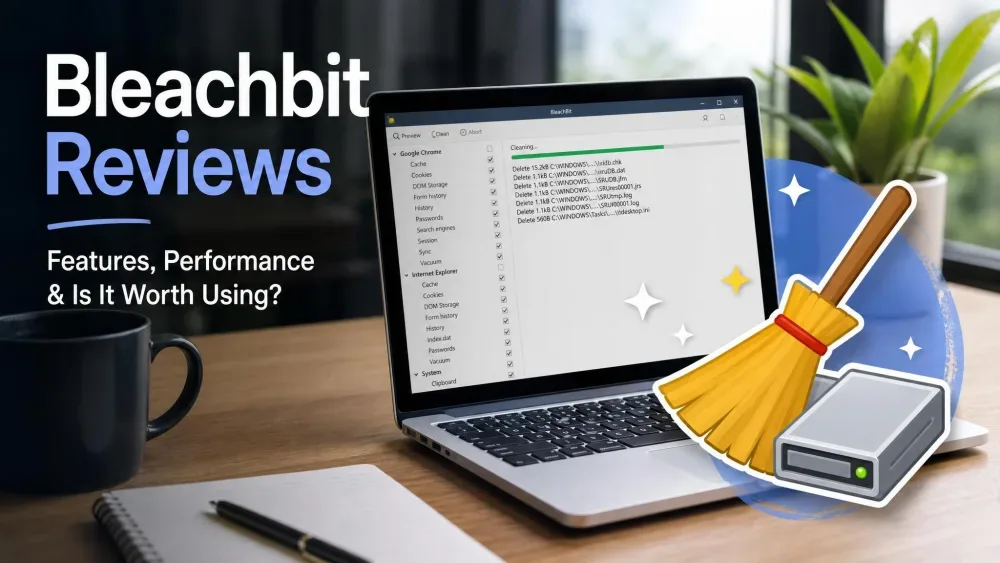
We started with the portable build, a small ZIP that needs no installation: unzip it, double-click, and it runs straight off a USB drive. First launch shows a plain checklist of cleaners, none ticked by default. Click Preview and BleachBit reports how much space each option would free without deleting anything; the preview is a long, hard-to-read list of file paths with no per-file exclusion, so to skip something you untick its cleaner and rerun. After you click Clean there is no stop button, but a second Preview confirmed the files were gone.
Run Preview and back up anything important before you click Clean. Aggressive cleaners and free-space wiping can remove data you meant to keep, and once a clean starts there is no way to pause it.
We ran the portable build, previewed before every Clean, and confirmed each deletion with a second Preview. Space reclaimed swung widely by machine, from a gigabyte or two on a tidy PC up to 18.5GB on a neglected one. A wipe-free-space pass on a 500GB drive was still grinding after 24 hours before we stopped it, and on one machine it failed to detect an installed Chrome despite shipping a Chrome cleaner.
Is BleachBit Safe to Use?
BleachBit is safe, legitimate open-source software with no adware or spyware, and security experts take it seriously. The secure-deletion practice The Guardian reported from the Snowden files is exactly what its shredding does. Much of the "is it safe" worry traces to 2016, when a technician used it to wipe a political email server, a notoriety it never earned on technical grounds. The real risk is user error: nothing is preselected, and the warnings on risky options are light. By design it is not a registry cleaner, which is fine, since Microsoft advises against registry-cleaning utilities anyway.
BleachBit vs CCleaner vs Windows Disk Cleanup
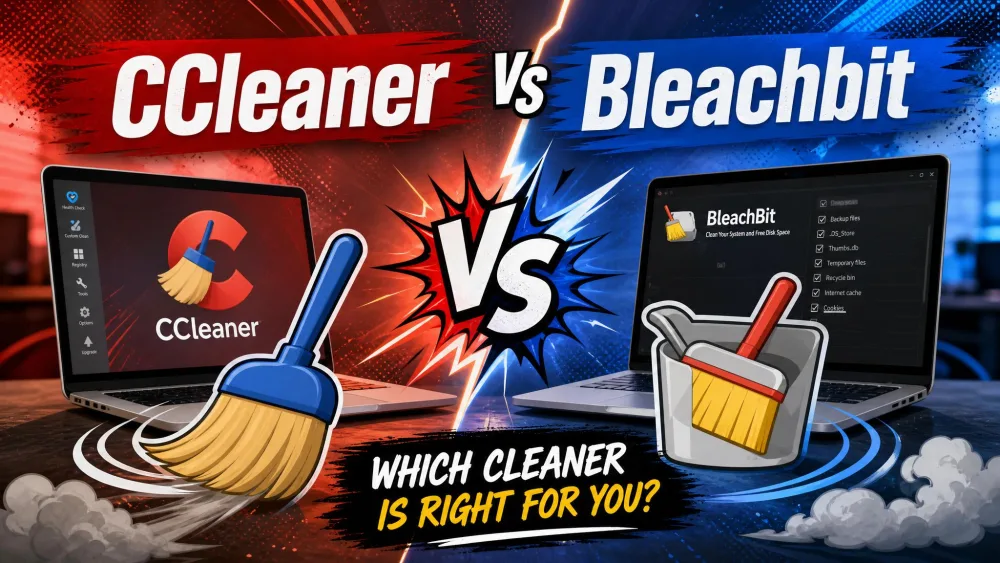
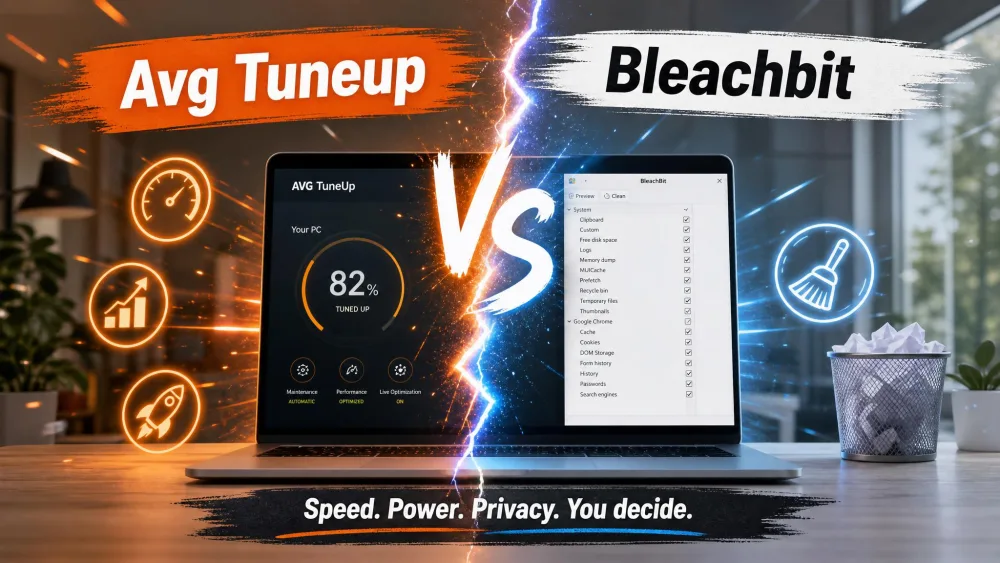
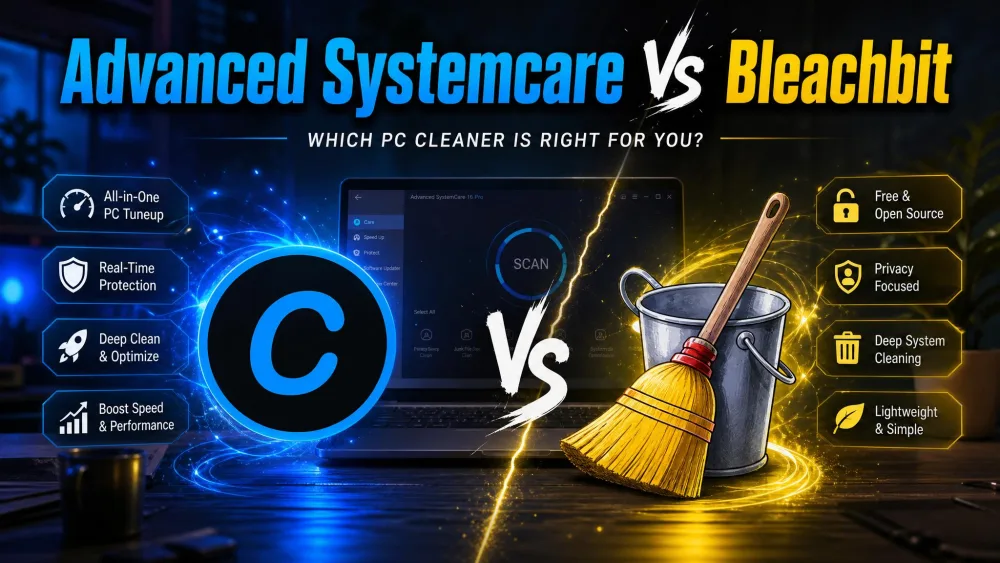
The obvious rival is CCleaner, which most people reach for first. It has a friendlier interface and a registry cleaner, but it is proprietary, and its owner weathered a 2017 supply-chain breach and a Defender "potentially unwanted app" flag. Windows Disk Cleanup is free and built in but clears only basic temp files. BleachBit sits between them: deeper and more private than the Windows tool, more transparent than CCleaner.
| Feature | BleachBit | CCleaner | Windows Disk Cleanup |
|---|---|---|---|
| Price / licence | Free (GPLv3) | Free tier; Pro $44.95/yr | Free, built in |
| Open source | Yes | No | No |
| Deep / app cleaning | Yes (+ winapp2.ini) | Yes | No |
| Registry cleaning | No (by design) | Yes | No |
| Free-space shred | Yes | Yes | No |
| Platforms | Windows, Linux, macOS (experimental) | Windows, Mac, Android | Windows only |
Pricing, Platforms, and Who Should Use It
Pricing is the easy part: BleachBit is completely free, with no paid tier and no locked features. It runs natively on Windows 10 and 11 and on Linux, and comes in 72 languages. macOS support is experimental and limited, so we would not rely on it on a modern Mac. It suits confident users who want a thorough, private clean without being upsold; for a gentler, guided tool, see our best computer cleaning software roundup. BleachBit holds a 4.8 out of 5 across roughly 60 SourceForge reviews.