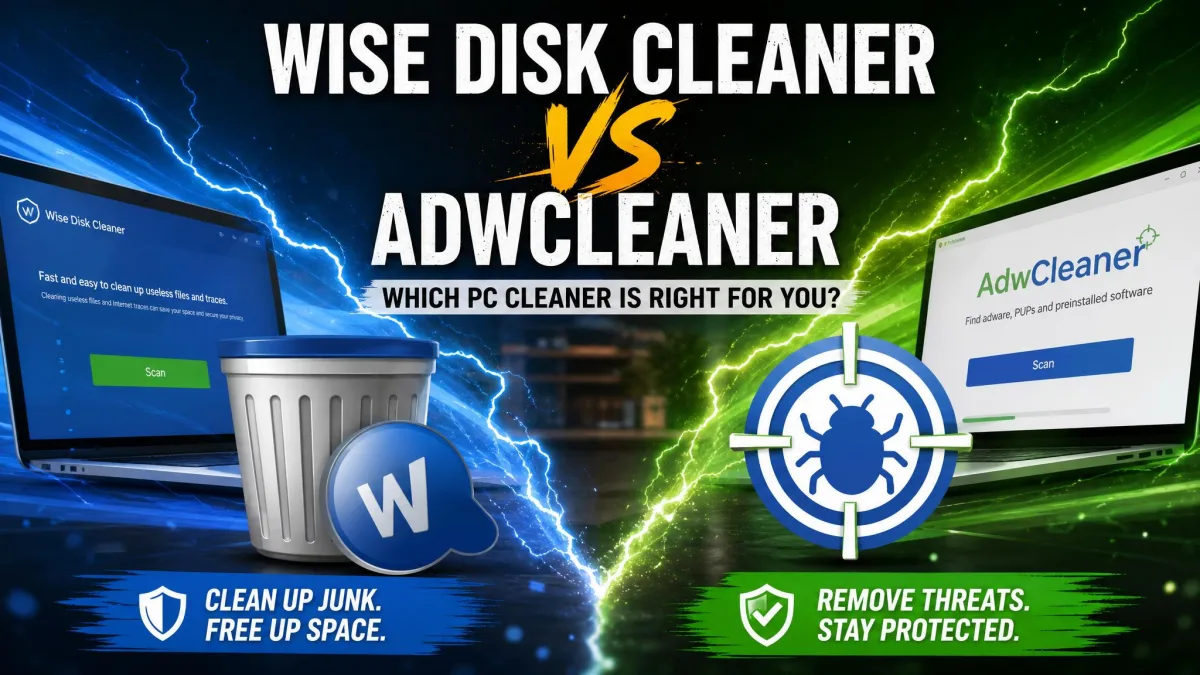
Wise Disk Cleaner clears junk files; AdwCleaner hunts adware and PUPs. The right question is not which is better, but which problem your PC actually has. Drive full of temp files? You want the junk cleaner. Homepage changed itself? You want the adware remover.
This comparison answers that question in full: what each tool does, what our scans found, how the interfaces compare, what they cost, and which one we would install first. Both are free, so it comes down to fit, not budget.
We ran both tools on the same Windows 11 test machine, starting at default settings and then working through the deeper passes, and we reviewed every detection list before cleaning. The hands-on section covers what each scan found.
Wise Disk Cleaner vs AdwCleaner at a Glance
Wise Disk Cleaner is a free junk cleaner that also handles browser traces and SSD TRIM. AdwCleaner is a free adware remover that specializes in PUPs and browser hijackers. The table sums up the differences.
For the wider field, see our guide to the best disk cleaner software.
| Product | Buy | Primary purpose | What it removes | Scan type | Real-time protection | Registry cleaning | Scheduling | Price / free tier | Best for |
|---|---|---|---|---|---|---|---|---|---|
 |
Check price → | Junk cleanup and disk defrag/TRIM | Temp files, old updates, logs, and browser traces | Common and Advanced junk scans | No | No (separate product) | Yes, AutoClean scheduler | Free, no paid tier | Routine junk cleanup |
 |
Check price | Adware, PUP, and browser-hijacker removal | Adware, PUPs, toolbars, and hijacker traces | Categorized PUP/adware scan | No | Registry scanned for PUP entries only | No, manual scans only | Free | One-time adware purges, browser-hijack repair |
What Is Wise Disk Cleaner?
Wise Disk Cleaner is a free utility from WiseCleaner, founded in 2005 and shipping this cleaner since 2006. The current build is version 11.3.7, delivered in an 11.8 MB installer. The official page names Windows 11/10 as supported, while third-party sites still advertise older versions.
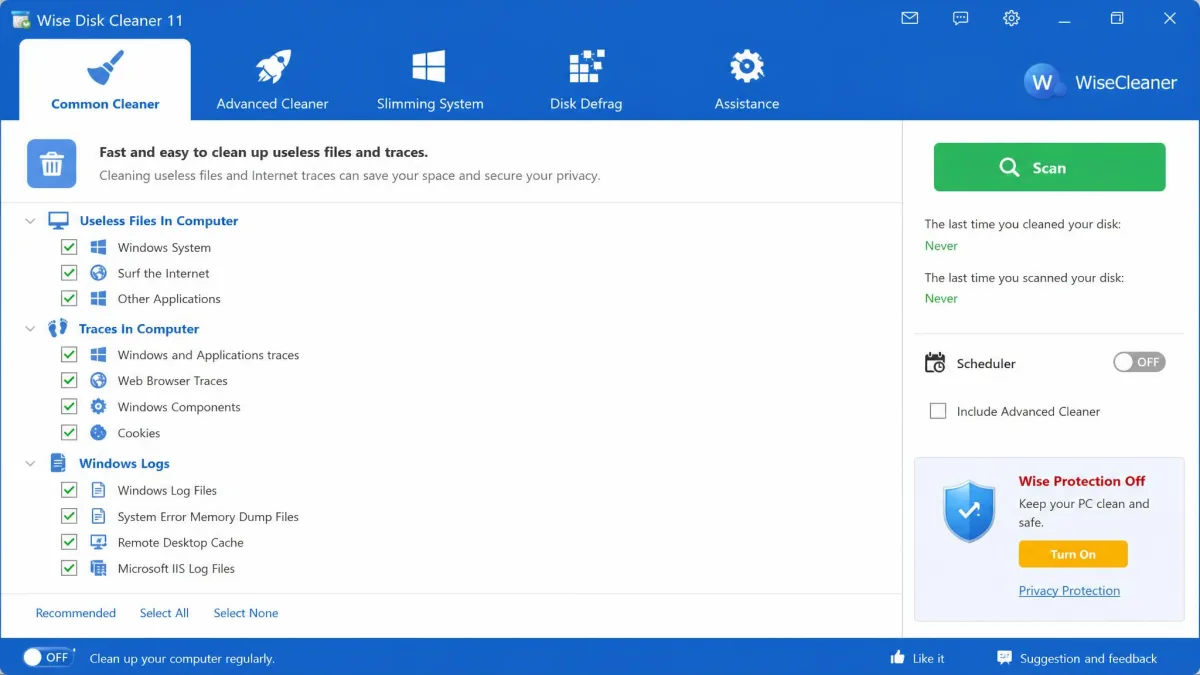
It does one job well: finding and removing the files Windows leaves behind. Temp files, outdated updates, system logs, uninstall residues, browser traces, and cookies all fall into its net, and System Slimming strips out removable Windows components. Our longer hands-on coverage is in our Wise Disk Cleaner review.
Key Features
- Junk cleaning across temporary files, Windows updates, system logs, and uninstall residues
- Browser trace wiping for history, cache, cookies, and recently accessed files
- Safe Deletion overwrite mode for privacy
- Disk defragmentation for HDDs plus SSD TRIM
- AutoClean scheduler with daily, weekly, monthly, or idle triggers
Pros and Cons
Pros
- Free, with every feature included
- One-click Clean widget for quick passes
- Lightweight, low CPU and RAM footprint
- No bundled third-party software or toolbars
Cons
- Windows-only, per the vendor's support list
- Deep scans can flag wanted files, so review results first
- No registry cleaning (that is the separate Wise Registry Cleaner)
- Occasional upsell prompts for other Wise tools
What Is AdwCleaner?
Where Wise Disk Cleaner manages clutter, AdwCleaner manages threats: adware, PUPs, browser hijackers, toolbars, unwanted extensions, and malicious scheduled tasks and shortcuts. Created in 2011 by three French students and acquired by Malwarebytes in 2016, it has stayed free since, with 200 million installs by acquisition time. The current version is 8.8.1, with multi-threaded scanning for faster results. It supports Windows 11, 10, and 8.1; version 8.4.0 is the last build for Windows 7 and 8.
It is portable by design, so it runs from a folder or USB stick with no installation; grab it from AdwCleaner's official download page. Our full AdwCleaner review covers it in more depth.
Key Features
- Removes adware, PUPs, browser hijackers, toolbars, and unwanted extensions
- Results sorted into tabs with file paths and registry locations
- Scan and cleaning logs for every run
- Portable, runs without installation from a USB stick
Pros and Cons
Pros
- Free, with every feature included
- Caught the most adware in 2026 testing
- Quarantine with selective restore
- Pairs with your antivirus as a second opinion
Cons
- Cleaning requires a reboot
- Marks nearly every detection for removal by default
- No scheduling; scans are manual each time
- No real-time protection; it is on-demand only
Wise Disk Cleaner vs AdwCleaner: Head-to-Head
The two tools do not compete for the same job. One clears the clutter off your drive, and the other clears the infection out of your browser.
Purpose and What Each Removes
Start with the job description, because it decides everything else. Wise Disk Cleaner removes junk files: temporary files, outdated Windows updates, system logs, uninstall residues, browser traces, and cookies. AdwCleaner removes infections instead, including PUPs, browser hijackers, toolbars, and unwanted extensions. Neither scans for the other's targets.
Scanning and Detection Effectiveness
Junk detection is where Wise Disk Cleaner shines. On the same machine at default settings, it flagged 2.50 GB of junk against CCleaner's 688 MB, almost four times as much; our CCleaner vs Wise Disk Cleaner comparison covers that same matchup.
For adware, the picture flips. In 2026 testing, AdwCleaner was ranked the best adware removal tool, catching 66.7% of adware files in the adware-blocking test. Malwarebytes' official page cites a 4.8 out of 5 average from 20,000-plus reviews, and MajorGeeks' community rates it 5 out of 5. Detection is aggressive by design, which cuts both ways.
Hands-On Test: What Each Tool Found on Our Test PC
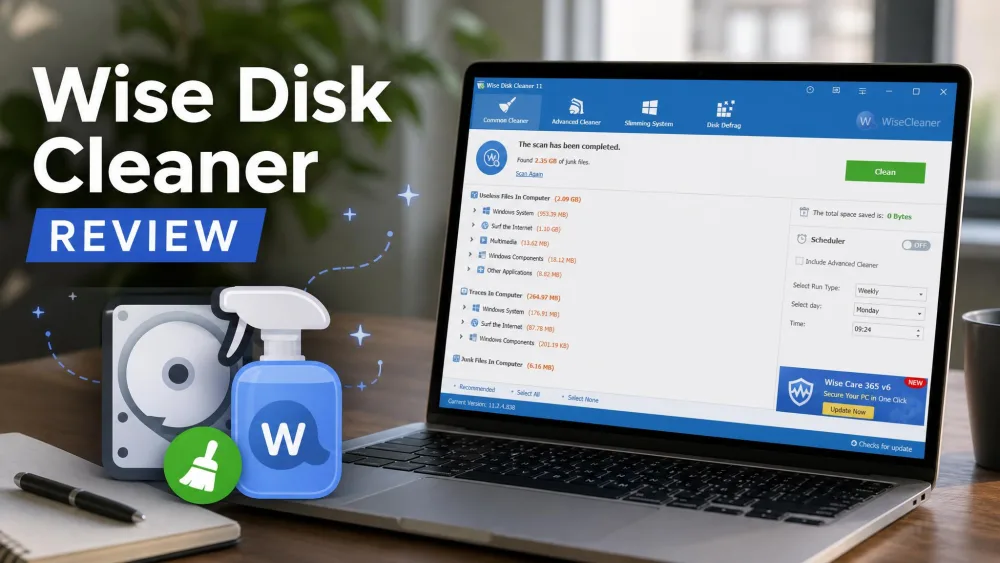
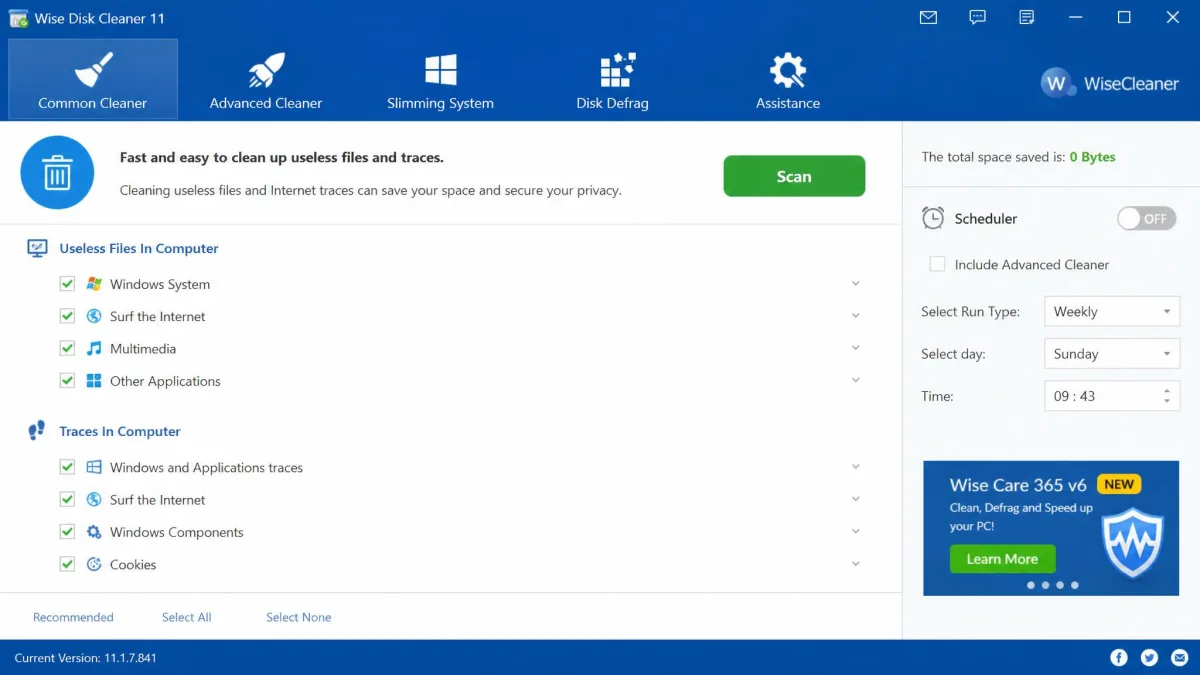
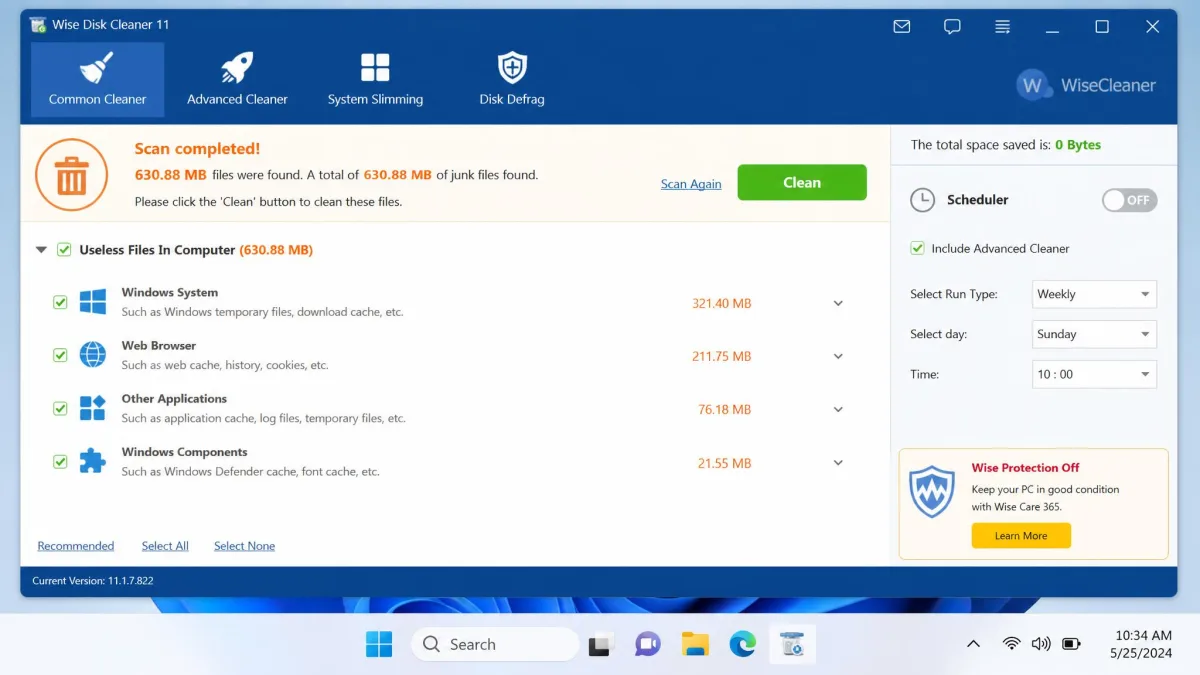
On our test machine, the default Common Cleaner scan flagged 630.88 MB of junk where CCleaner Free found 273 MB on the same PC. The Advanced Cleaner pass added another 169.8 MB of .chk, .tmp, and .dmp files, about 800 MB combined, close to three times what CCleaner found. System Slimming found another 460 MB in removable Windows components, and a quick pass cleared 157.6 MB across 141 files in seconds. A standard cleanup run finished in under two minutes.
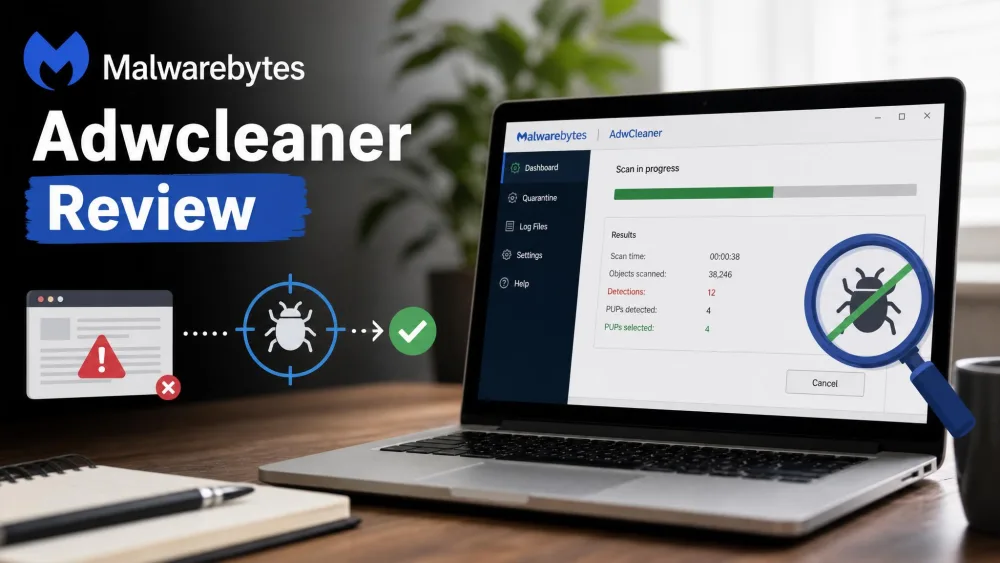
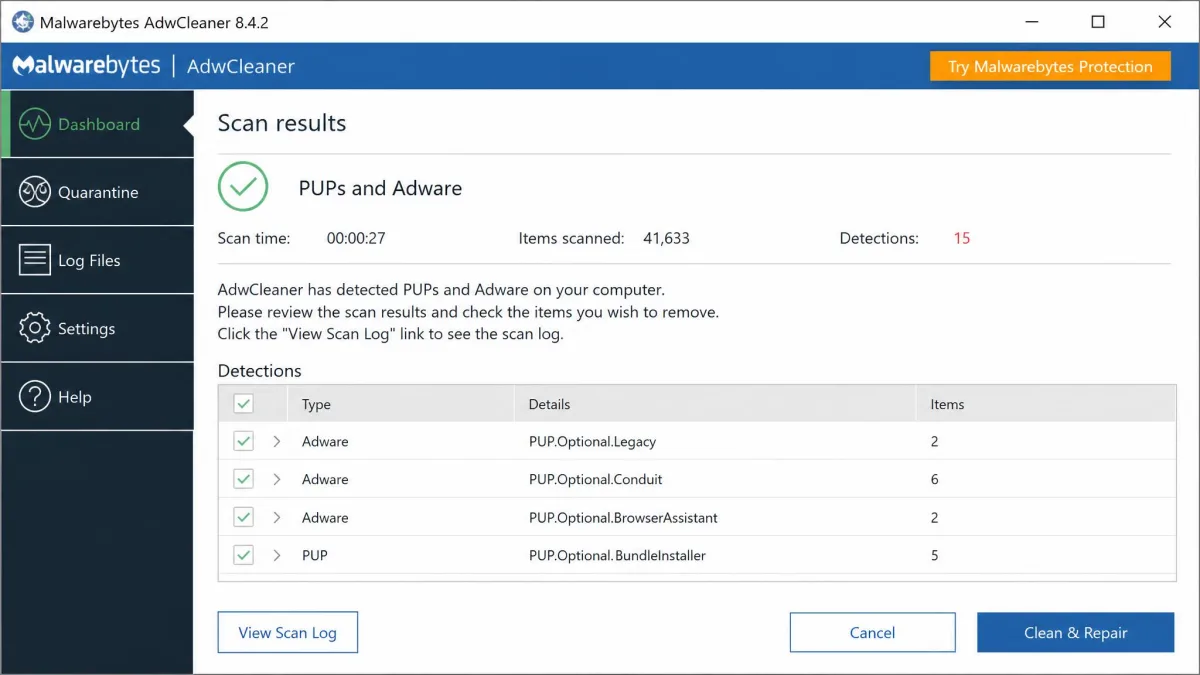
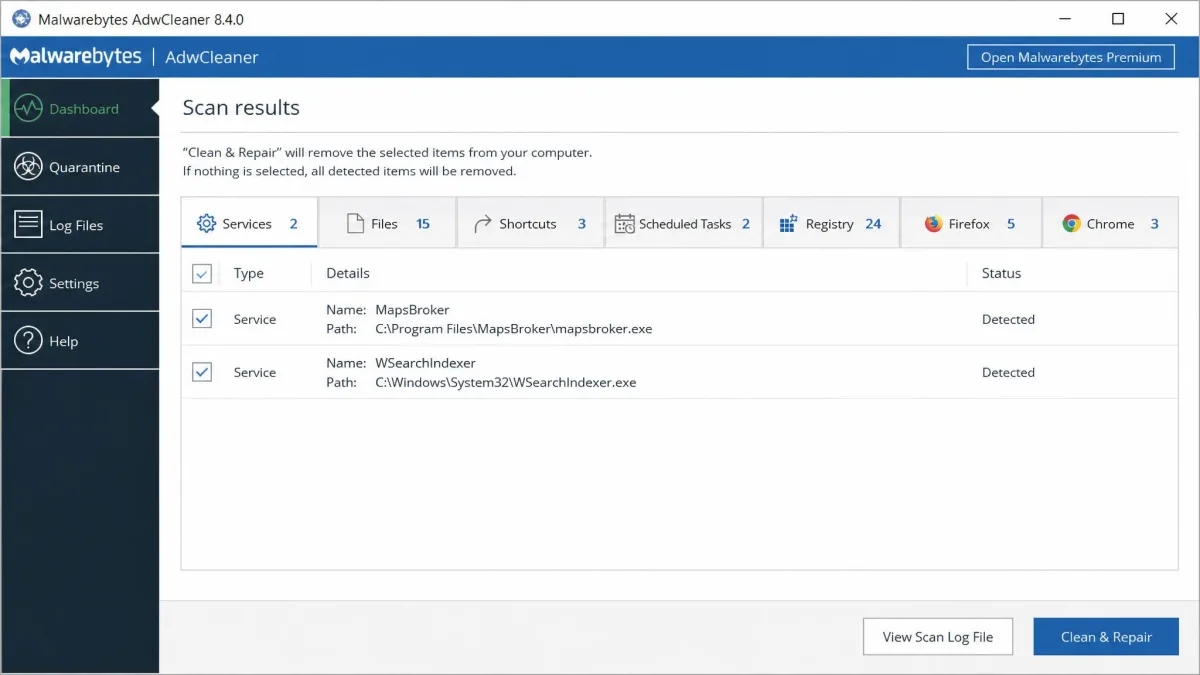
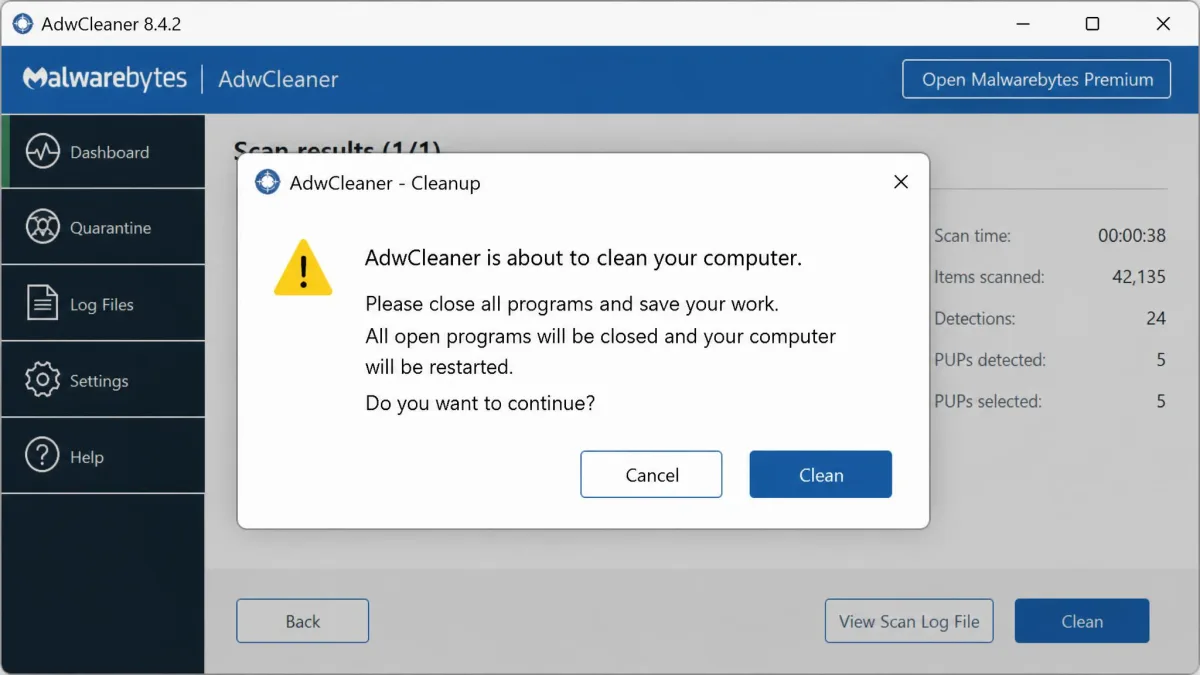
AdwCleaner's scan was just as quick, showing everything it found in about a minute, with results in tabs for files, registry entries, scheduled tasks, and more. Cleaning is where it asks for commitment: the tool warns that it will close everything and restart the PC, with a Cancel option if you change your mind.
Ease of Use and Interface
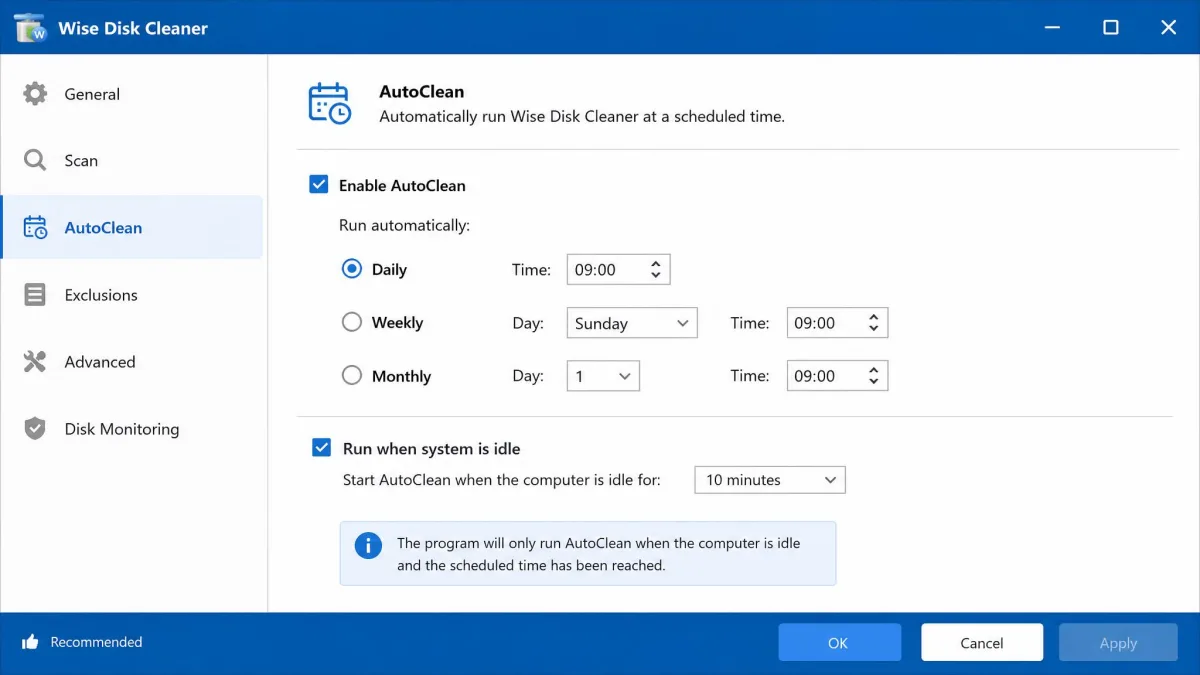
Wise Disk Cleaner's interface looks busier than it is, with a top navigation bar and a file-locations view, but everything you need sits one click away. It takes a more manual approach than CCleaner. AutoClean runs on whatever schedule you set and respected the cookies we asked it to keep.
AdwCleaner's flow is shorter: scan, review the tabs, quarantine, reboot. There is no settings page to manage and no background service, and every detection shows its file path or registry location.
Performance and System Impact
Wise Disk Cleaner advertises a low CPU and RAM footprint, with a modest 11.8 MB installer. AdwCleaner's minimum requirements are a 512 MB machine with an 800 MHz CPU, its download runs about 4 to 10 MB depending on the build, and it uses zero resources when not running.
Wise Disk Cleaner's defrag tool is for hard drives; on an SSD it runs TRIM instead. Leave defrag alone on a solid-state drive; it shortens the drive's lifespan.
Pricing
Money drops out of the equation here. Wise Disk Cleaner is free, and the official page calls it a 100% free, lightweight Windows utility; the cleaner has no paid tier, and the only paid Wise product is Wise Care 365 Pro, a separate subscription suite. AdwCleaner is also free, with the only upsell being Malwarebytes Premium Security, an optional antivirus, not a Pro version. Both free builds show occasional promo prompts.

Safety and Privacy
Neither tool carries the bundled-software problem. Wise Disk Cleaner's installer has no third-party extras, and nothing gets installed without your say-so. AutoClean leaves the cookies you mark as keep alone.
AdwCleaner's safety net is its quarantine. Removed items show their detection name, original location, and removal date, and you can restore any selectively. One caveat from our testing: some cleanup scenarios remove items permanently rather than quarantining them, so we treat the review step as mandatory.
AdwCleaner marks every detection for removal by default, with no Clear-all button. If it flags a program you recognize, uncheck it; detections have included legitimate paid software.
Can You Use Wise Disk Cleaner and AdwCleaner Together?
They make a natural pair. One removes junk files, the other removes infections, so their scans target different things. When you suspect adware, run AdwCleaner first, let it reboot, then use Wise Disk Cleaner for the temp files and browser traces left behind.
Don't run them at the same moment. AdwCleaner is a manual, when-needed tool; set Wise Disk Cleaner's schedule to handle the weekly tidy in between.

Both sit comfortably alongside Windows' built-in Disk Cleanup, a fine no-download fallback.
Which Should You Choose?
Because the two tools do different jobs, the choice starts with the symptom your PC is showing. Drive filling up, clutter everywhere? Wise Disk Cleaner matches the job. Browser homepage changed itself? That is adware, and AdwCleaner matches the job.
Frequently Asked Questions
Is Wise Disk Cleaner safe to use?
Is AdwCleaner safe?
Can you use Wise Disk Cleaner and AdwCleaner together?
Why doesn't AdwCleaner clean junk files?
Does AdwCleaner detect Wise Disk Cleaner as a PUP?
Conclusion
Because both tools are free, trying them costs nothing beyond a few minutes of scanning. These tools do different jobs, and the right pick depends on what your PC is doing. Run the one that matches your symptom first; the scan results will tell you if the other is needed.