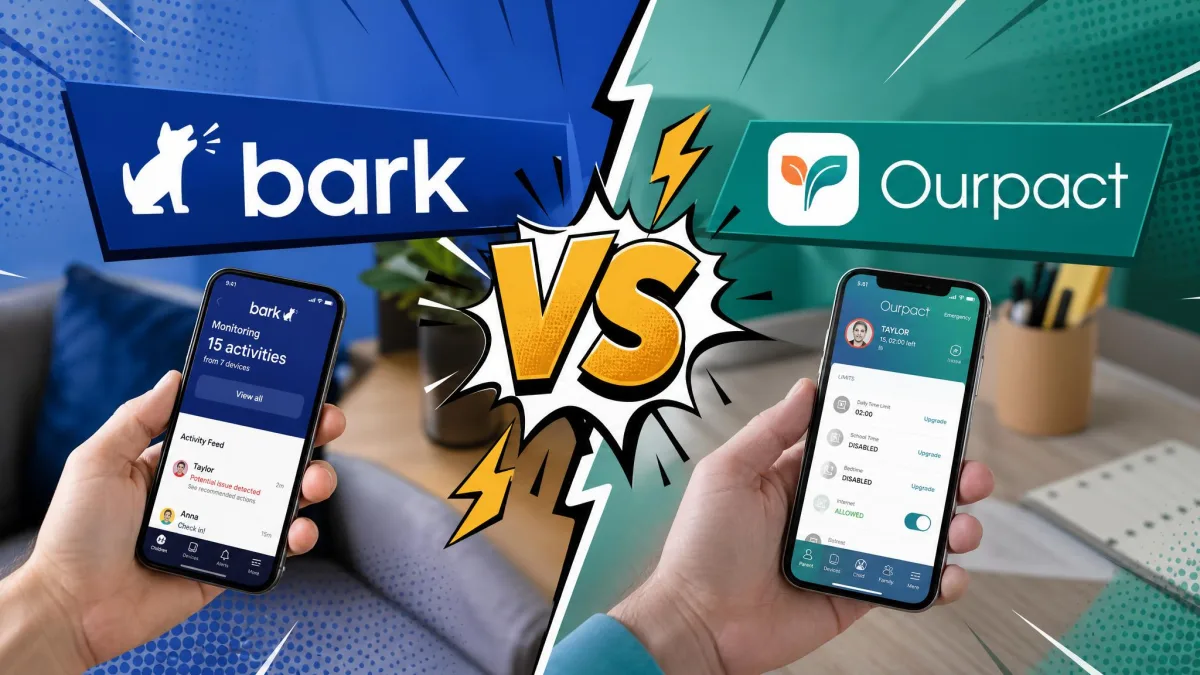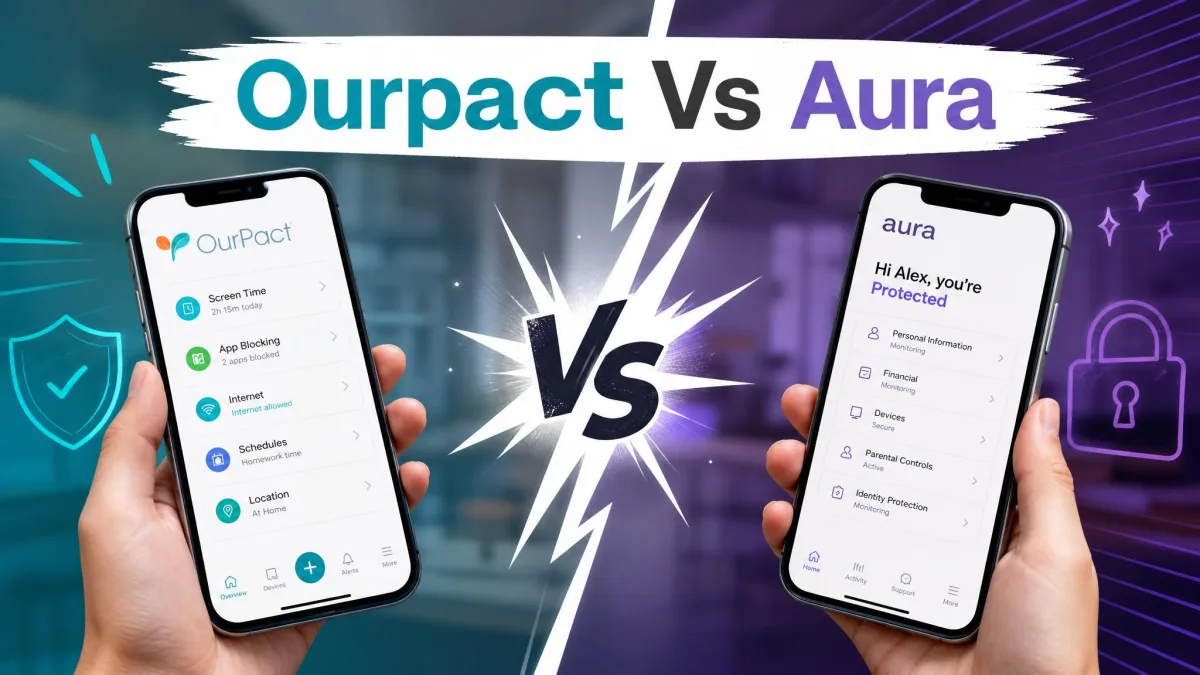
Life360 and OurPact both promise to help families keep kids safe online and in the real world, but they solve very different problems. Life360 is a location and safety app built around real-time GPS and geofencing. OurPact is a parental controls app built around screen time, app blocking, and content filtering. Choosing between them is less about which is "better" and more about what you actually need to manage each day.
We compared the two apps across pricing, location tracking, screen-time controls, content filtering, monitoring, setup, and platform support. Below you will find a clear side-by-side breakdown, honest pros and cons for each, and a direct recommendation at the end.
How we compared
We built this comparison from hands-on testing notes and current plan details for both apps, then checked each claim against what parents report in daily use. We looked at what the free tiers include, what the paid plans unlock, how location tracking and geofencing behave, how blocking and scheduling work, and how much friction the setup involves. Where the two apps overlap, such as location alerts, we tested the same scenario on both. Where they diverge, we judged each on its own goal: safety and whereabouts for Life360, and digital controls for OurPact.
Prices and plan details below reflect the time of writing. Always confirm current pricing on each vendor's site before you subscribe.
Life360 vs OurPact at a Glance
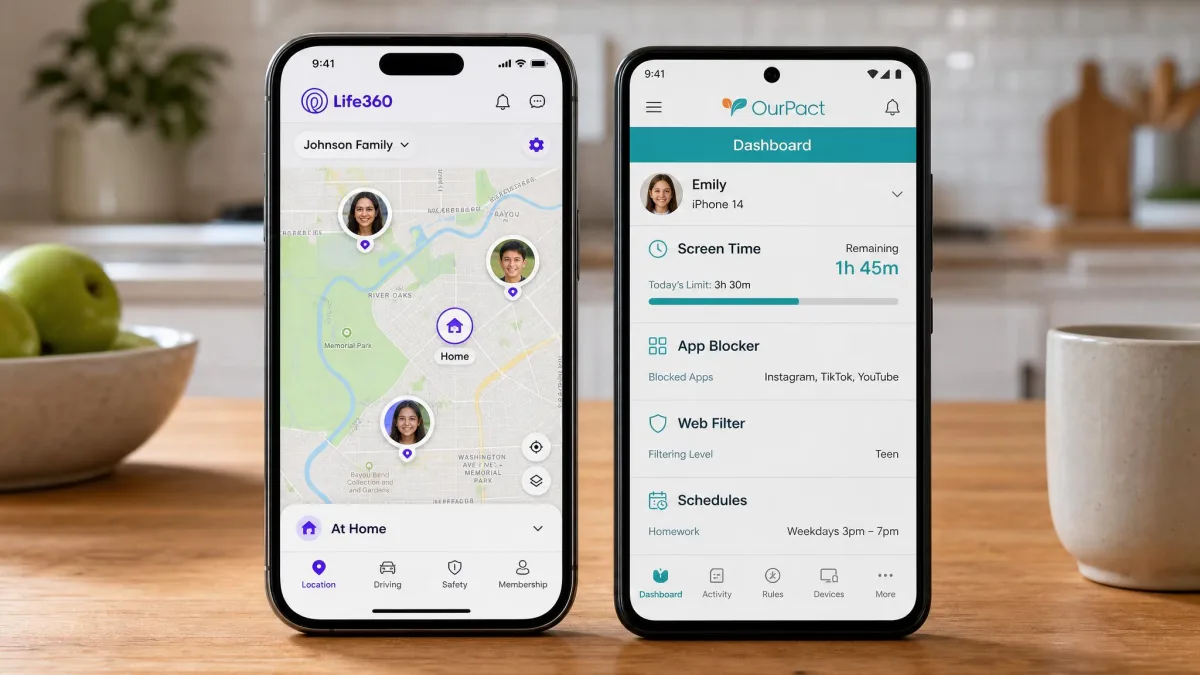
Here is how the two apps compare on the features families ask about most. Use this table to spot the differences quickly, then read the sections below for the detail behind each row.
| Feature | Life360 | OurPact |
|---|---|---|
| Price / plans | Free; Silver $7.99/mo; Gold $14.99/mo; Platinum $24.99/mo | Free; Premium $6.99/mo; Premium+ $9.99/mo |
| Free trial | Free tier, no trial needed | 14-day free trial |
| Location tracking | Real-time GPS, strong accuracy in testing | Real-time GPS, tracks the device not the child |
| Geofencing | Places with arrival and departure alerts | Location alerts, roughly 200-meter zones |
| Screen-time controls | None | Screen time limits, block schedules, instant lock |
| App / web blocking | None | App blocker, text blocking on iOS, adult content web filter |
| Text / social monitoring | None | Content Monitor screenshots with AI flagging (Premium+) |
| Platform support | iOS and Android | iOS and Android, computer needed for setup |
| Ease of setup | Fast, a few minutes | Cumbersome, up to an hour |
What Is Life360?
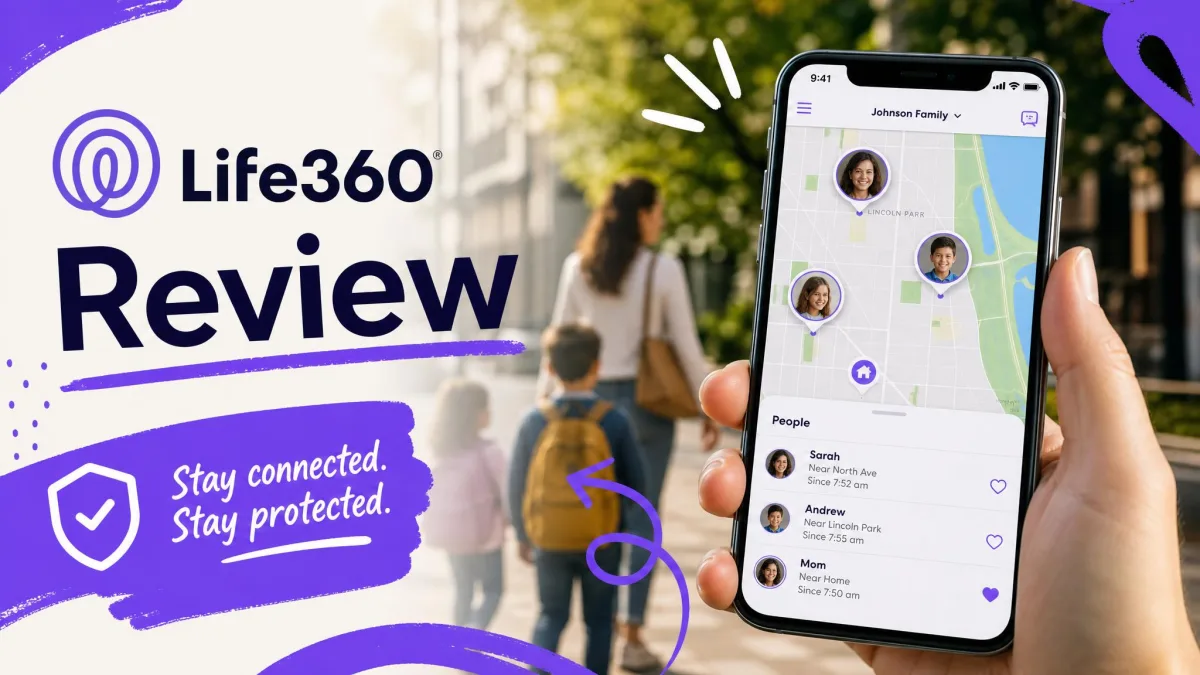
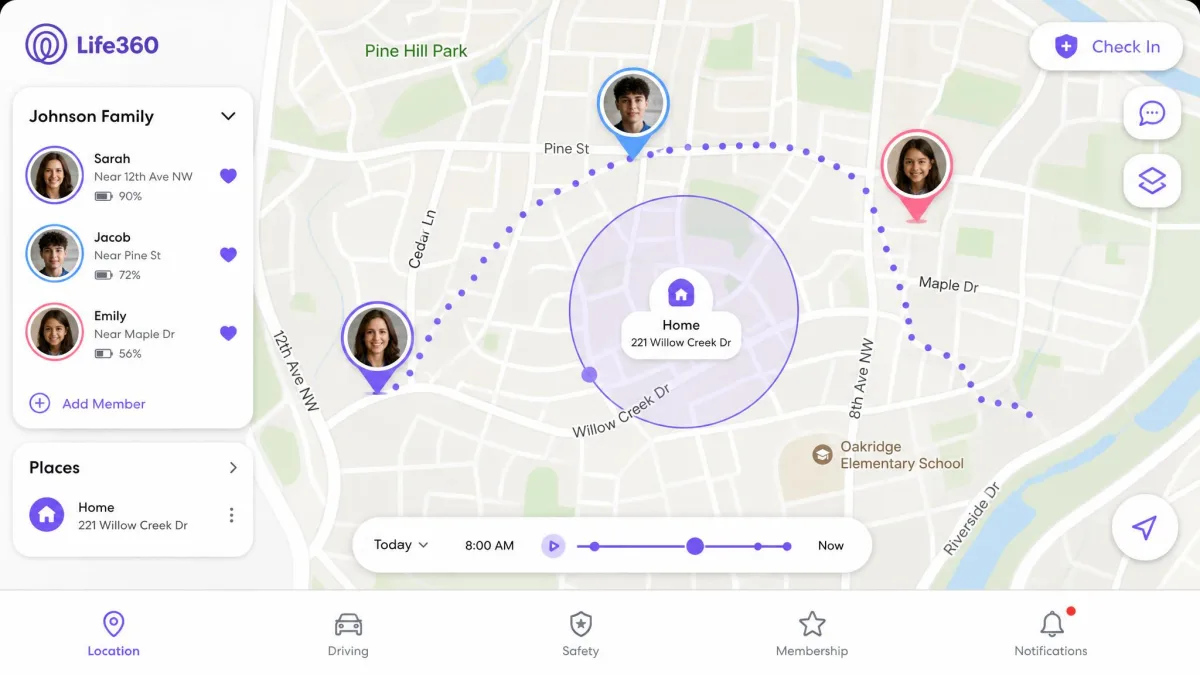
Life360 is a family location and safety app. Its whole design centers on knowing where your family members are in real time and getting alerts when they arrive at or leave important places. You create a Circle, invite family members, and everyone's location appears on a shared map.
Beyond the map, Life360 offers geofencing through Places, location history, crash detection, SOS emergency alerts, and driving reports that cover speed, hard braking, and phone use behind the wheel. Higher tiers add roadside assistance, stolen phone protection, and identity monitoring. What it does not offer is parental controls: there is no screen time management, no app blocking, and no content filtering. A Circle can include up to 99 members, though around 10 is the practical maximum most families use.
What Is OurPact?
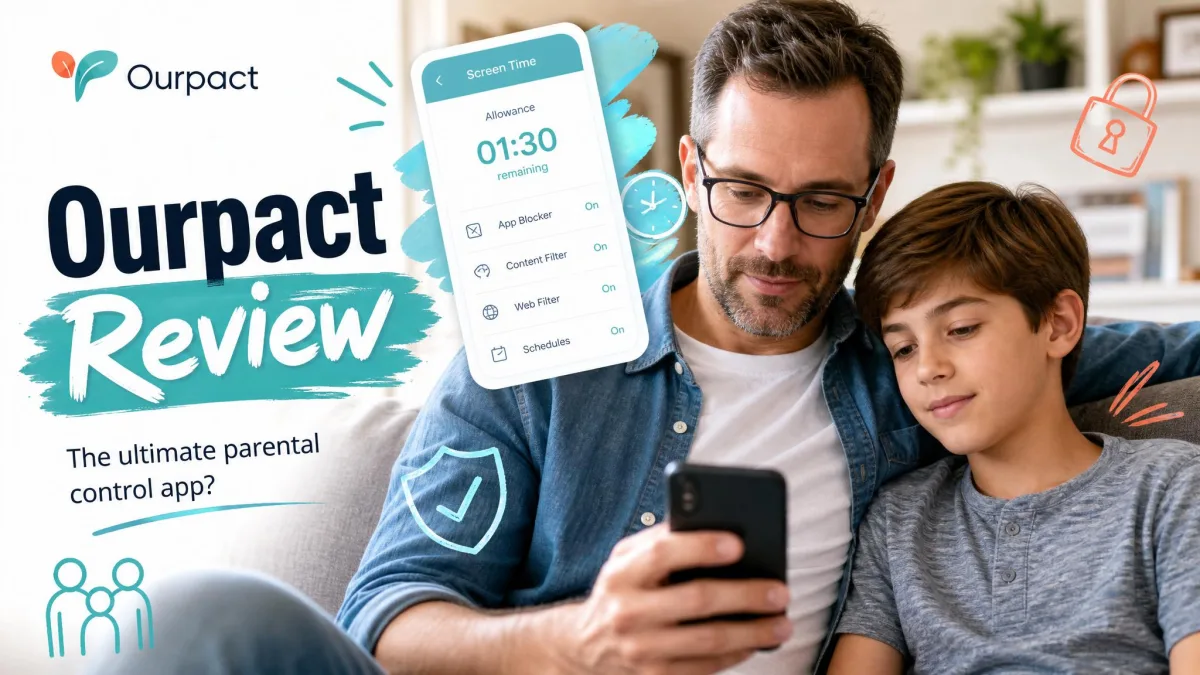
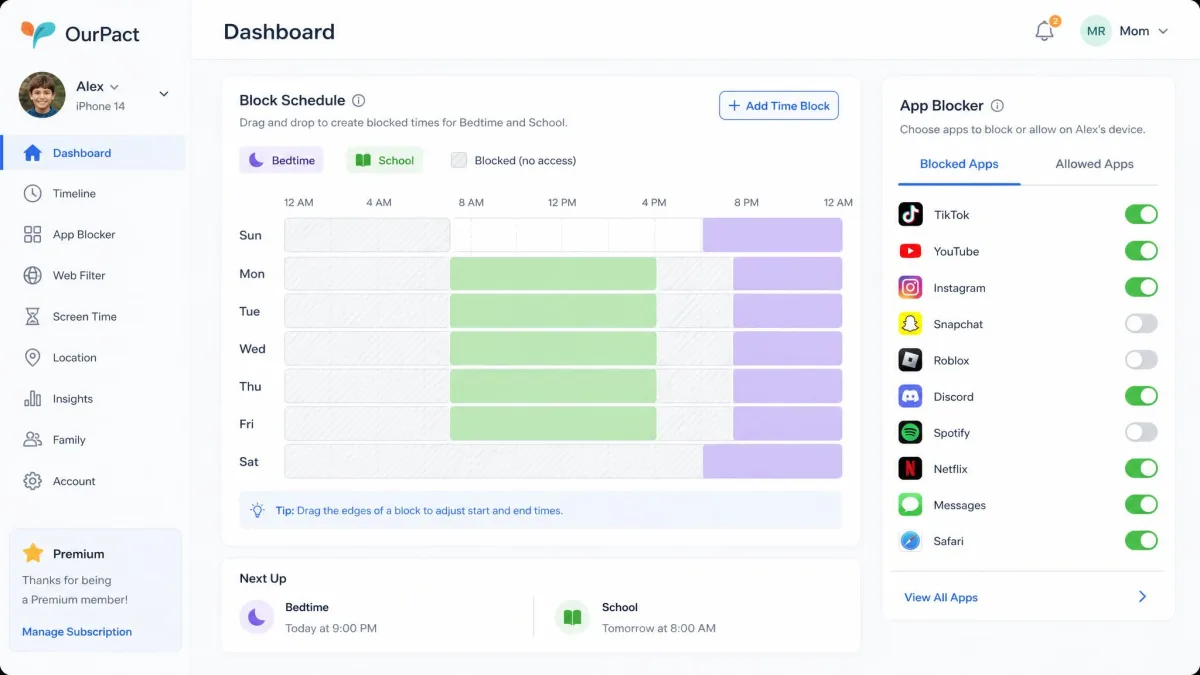
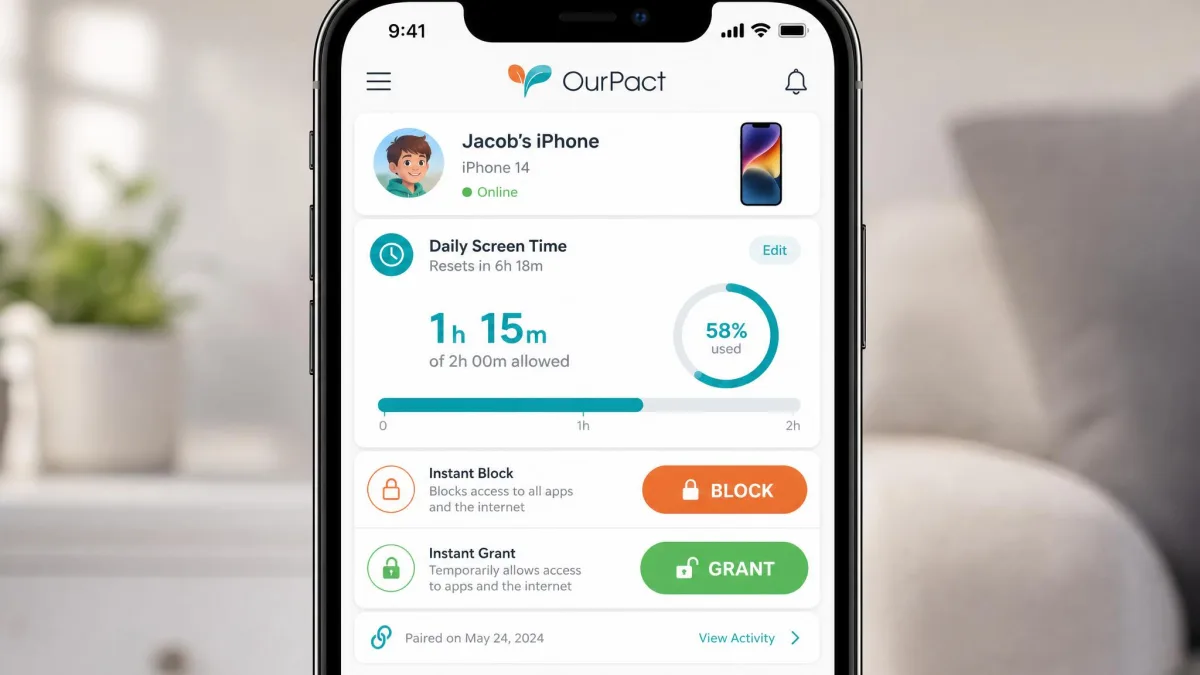
OurPact is a parental controls app aimed at managing kids' device use. Its core job is screen time: you set daily limits, create block schedules for bedtime or homework, and use an instant Block or Grant button to lock or free a device on demand. It also blocks specific apps and websites, filters adult content, and blocks iMessage and texting on iOS.
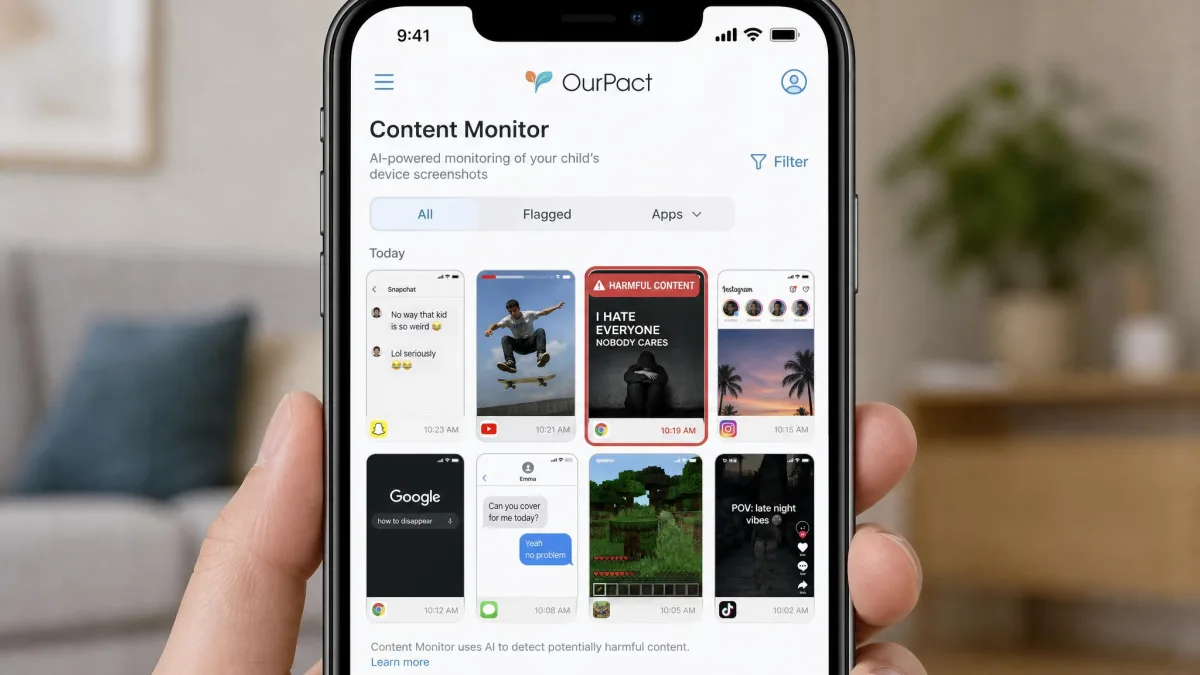
On the Premium+ plan, OurPact adds Content Monitor, which captures periodic screenshots from the child's device and uses AI to flag potentially harmful content. It includes live location sharing with history and alerts, so it does offer some of what Life360 does, but location is a secondary feature rather than the point of the app. There is no call or message log, no SIM tracking, and no monitoring of desktop computers. Support is email and chat only.
Pricing & Plans Compared
Both apps offer a free tier and paid upgrades, and the headline monthly prices are close. The difference is what your money buys, because each app charges for a completely different set of features.
Life360's free plan includes real-time location, plus 2 Places with geofence alerts and 2 days of location history. Paid plans are Silver at $7.99 a month, Gold at $14.99 a month, and Platinum at $24.99 a month. Silver adds 7 days of history, 5 Places, and $100 of stolen phone protection. Gold jumps to 30 days of history and unlimited Places. Platinum layers on identity protection and up to $1M in stolen funds reimbursement. Annual billing lowers the effective cost, with Silver billed at $79.99 a year.

OurPact's free plan is limited: 1 device, 1 schedule, and up to 5 blocked apps or websites. Paid plans are Premium at $6.99 a month and Premium+ at $9.99 a month, both billed annually at $69.99 and $99.99 respectively, and both cover up to 20 child devices, as the OurPact pricing page sets out. Premium+ is the tier that unlocks Content Monitor screenshots and extends location history to 30 days. New users get a 14-day free trial to test the paid features before committing.

For families on a tight budget, OurPact's Premium is slightly cheaper per month and covers many more devices. But remember you are comparing different jobs, so the cheaper sticker does not mean the better value for your situation.
Location Tracking & Geofencing
This is Life360's home turf. In testing, Life360 updated movements in real time, set up Places almost instantly, and rarely misplaced a pin. Geofencing is a first-class feature: you get arrival and departure alerts for the places that matter, like home, school, or a friend's house, and the number of Places you can save scales with your plan.
OurPact also offers real-time GPS, and its location tracking is accurate and pinpoints devices reliably on the map. Its geofencing uses zones of roughly a 200-meter radius. The catch is philosophical: OurPact tracks the device, not the child. A phone or tablet left at home or set down in a locker will show the device's location, not your kid's, which limits its usefulness in a genuine emergency.
Life360 is not flawless. Location updates can lag on some Android phones, where the operating system shuts the app down and leaves gaps, occasionally showing someone at an old location well after they have left. Even so, for pure location tracking and geofencing, Life360 is the more capable and more purpose-built app.
If real-time whereabouts is your main goal, keep the child's phone on the tracking app and make sure battery-saver mode is off. Both apps depend on continuous background GPS to stay accurate.
Screen Time & App Management
Here the tables turn completely. OurPact is built for managing screen time, and Life360 does none of it. With OurPact you set daily screen time limits, create recurring block schedules for school hours or bedtime, and use the instant Block or Grant control to lock or unlock a device in the moment. Once a device is paired, the app blocking, scheduling, and website filtering work reliably, and the drag-and-drop scheduler becomes intuitive after the initial learning curve.
Life360 has no screen time controls, no app limits, and no scheduling at all. If managing daily device use is your goal, Life360 simply is not the tool for the job, and OurPact is the clear pick.
Content Filtering & Web/App Blocking
OurPact blocks apps and websites, filters adult content, and on iOS can block iMessage and texting. New-app alerts tell you when your child installs something so you can decide whether to block it. In practice the app blocking is dependable, which is the feature most parents lean on daily.
The content filtering is where OurPact shows its limits. Its web filter mainly blocks adult content and offers little granular control beyond that, so if you want fine-tuned category filtering you may find it thin. For deeper filtering, apps like Qustodio go further, and you can compare our full breakdown in Qustodio vs OurPact. Life360, again, offers no filtering or blocking of any kind.
Pair any blocking tool with clear family rules about what is okay to access.
Text & Social Media Monitoring
If you want to see what your child is doing inside their apps, OurPact's Premium+ Content Monitor is the only option here. It captures periodic screenshots from the device and uses AI to flag potentially harmful content, giving you a window into activity without reading every message. It does not provide call or message logs, so it is a snapshot tool rather than a full monitoring suite.
Life360 does not monitor texts, social media, or app activity at all. For dedicated social monitoring, a service like Bark is designed specifically for scanning messages and social platforms.
Setup & Ease of Use
Setup is where the daily experience diverges most. Life360 setup is fast, taking only minutes with a few verification prompts, and non-technical users adopt it without a steep learning curve. You install the app, create or join a Circle, and you are tracking.
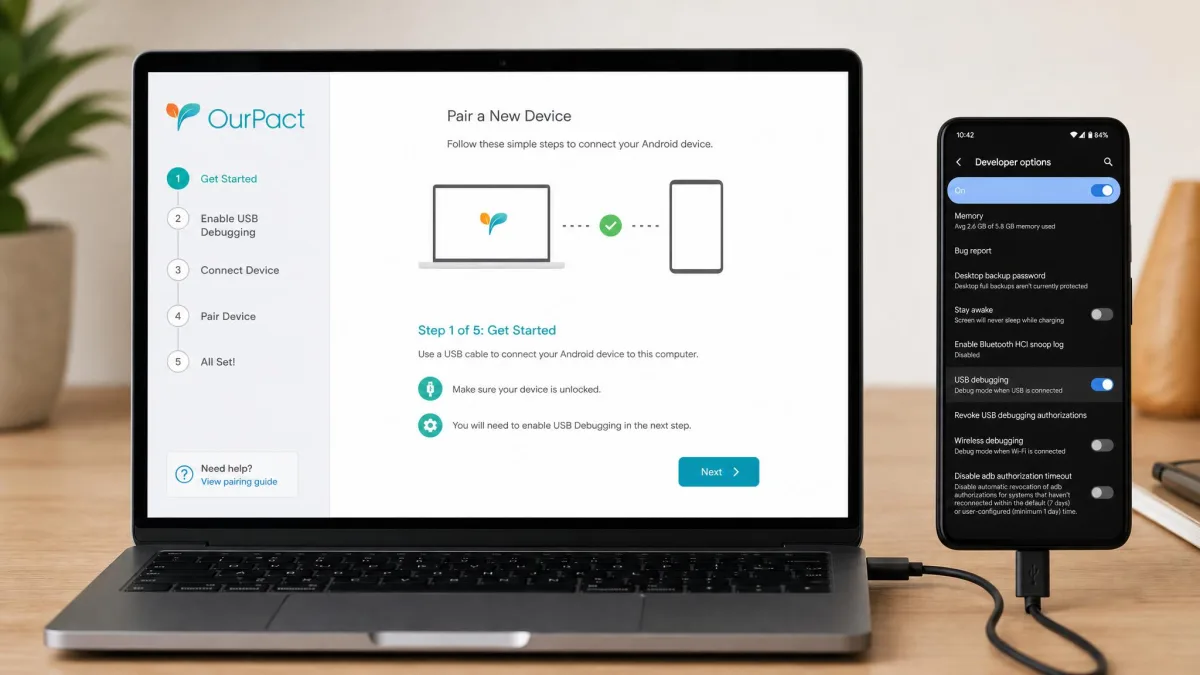
OurPact is a different story. Pairing an Android device involves enabling USB debugging and connecting to a computer, which takes roughly 30 minutes even for tech-savvy users. Setup can mean downloading multiple apps and desktop software and working through about ten device-specific steps, easily taking over an hour. On iOS you first have to disable Find My iPhone. OurPact requires a Windows or macOS computer to set up, and without one the app is effectively unusable. It can also glitch on the child's device, occasionally reordering apps or minimizing the active screen when it takes a screenshot.
Platform Support (iOS vs Android)
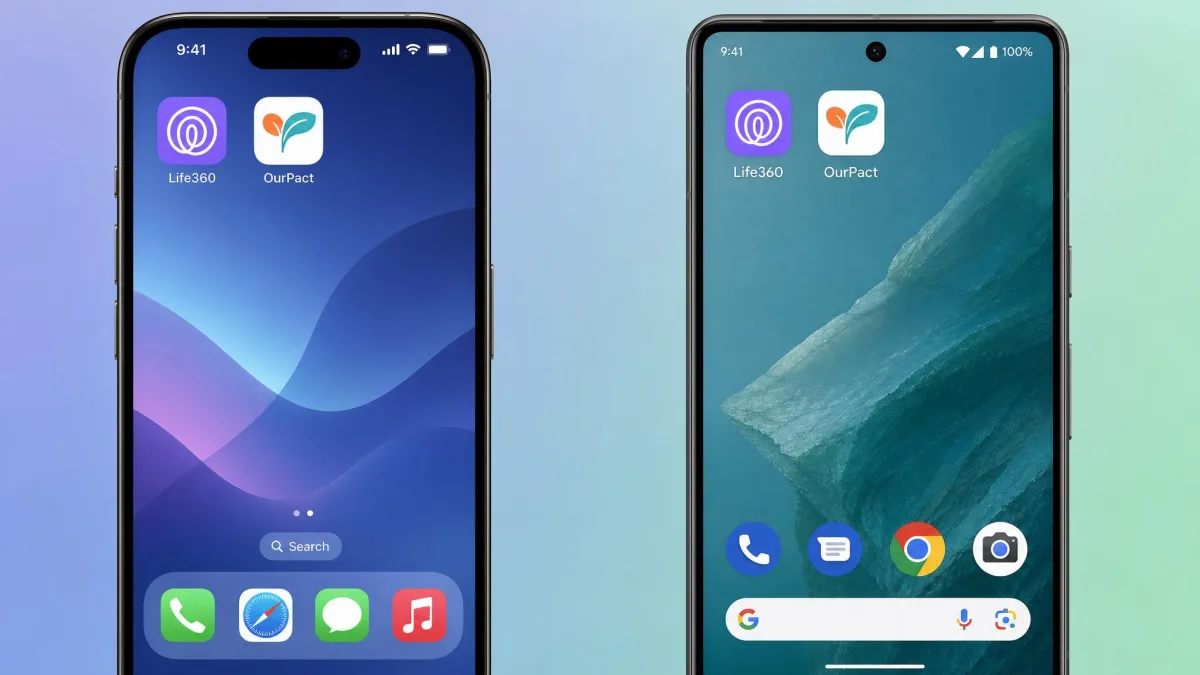
Both apps run on iOS and Android, so no matter which phones your family carries, you have access to either app. The experience is not identical across platforms, though.
OurPact leans on iOS for some of its strongest features, such as iMessage and text blocking, which are iOS-only. It has no support for desktop computers, and as noted it needs a computer purely to complete setup. Life360 behaves consistently on both mobile platforms, with the caveat that background location can be less reliable on certain Android phones that aggressively close apps. If your child uses an iPhone, both apps work well; if they use Android, expect a bit more setup friction from OurPact and occasional location gaps from Life360.
Life360 Pros and Cons
Pros
- Best-in-class real-time location tracking and geofencing
- Fast setup that non-technical parents can finish in minutes
- Safety extras like crash detection, SOS alerts, and driving reports
- Free tier is genuinely useful for basic location and 2 Places
Cons
- No screen time, app blocking, or content filtering
- Can drain around 10% more battery over a day
- Background location can lag on some Android phones
- Persistent notifications nag users to disable battery-saver mode
OurPact Pros and Cons
Pros
- Strong screen time limits, block schedules, and instant app locking
- App blocking and website filtering that work reliably once set up
- Covers up to 20 child devices on paid plans
- 14-day free trial to test paid features before you buy
Cons
- Slow, cumbersome setup that requires a computer
- Web filtering mainly blocks adult content, with little granular control
- Tracks the device rather than the child
- No message logs, no SIM tracking, and email or chat support only
Privacy & Battery Considerations
Constant location tracking has a real cost in battery and privacy, and Life360 shows it most. In testing, Life360 drained around 10% more battery than average over 24 hours because it relies on continuous background GPS, and it posts persistent, hard-to-silence notifications pushing users to keep battery-saver off. That is the trade-off for accurate, always-on tracking.
OurPact is lighter on location because tracking is not its main focus, but its Content Monitor screenshots raise a different privacy question: how much of your child's private activity you want to capture. Whichever app you choose, it is worth being open with your kids about what the app can see. Monitoring works best when children know it is there and understand why, rather than discovering it later.
Involve your child in the setup conversation. Explaining that an app tracks location for safety, or limits screen time to protect sleep, builds trust and makes the tool far more effective than secret monitoring.
Which Should You Choose?
The honest answer is that this is not a head-to-head where one app wins outright, because Life360 and OurPact are built for different families with different worries.
Choose Life360 if your priority is knowing where your family is: real-time location, geofencing with arrival and departure alerts, crash detection, and fast setup. It is the better safety and whereabouts app, full stop.
Choose OurPact if your priority is managing devices: screen time limits, block schedules, app blocking, and content filtering across up to 20 devices. It is the better parental controls app, provided you can get through the setup.
Some families genuinely want both, and running each for its own strength is a reasonable approach. If you want one app to handle controls more cheaply, a free option like Google Family Link is worth a look, and you can see how it stacks up in our Google Family Link vs OurPact and Net Nanny vs OurPact breakdowns.