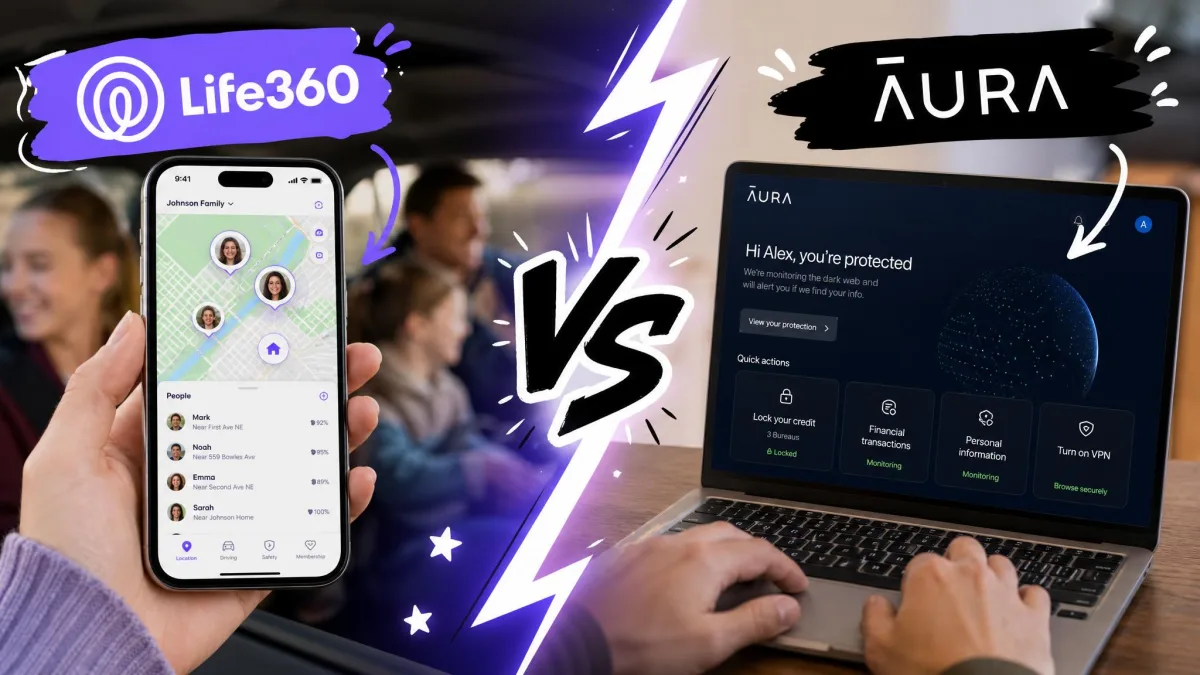
Life360 and Aura get grouped together as family safety apps, but they solve two different problems. Life360 is a location app: it puts every family member on a live map, sends alerts when someone arrives or leaves a place, and watches for car crashes. Aura is a digital security suite: identity theft protection, credit monitoring, a VPN, antivirus, and a solid set of parental controls for screen time and content filtering.
That difference decides this comparison before we ever get to pricing. If you want to know where your kids physically are, one of these apps does that and the other does not. If you want to protect your family online and manage what they see and how long they scroll, the answer flips. We tested both on real family devices to see where each one earns its keep in everyday family life.
Here is the honest headline: Aura has no location tracking and no geofencing at all. That is not a feature we overlooked, it is a product decision. So the real question is not which app is better overall, it is which job you are trying to do.
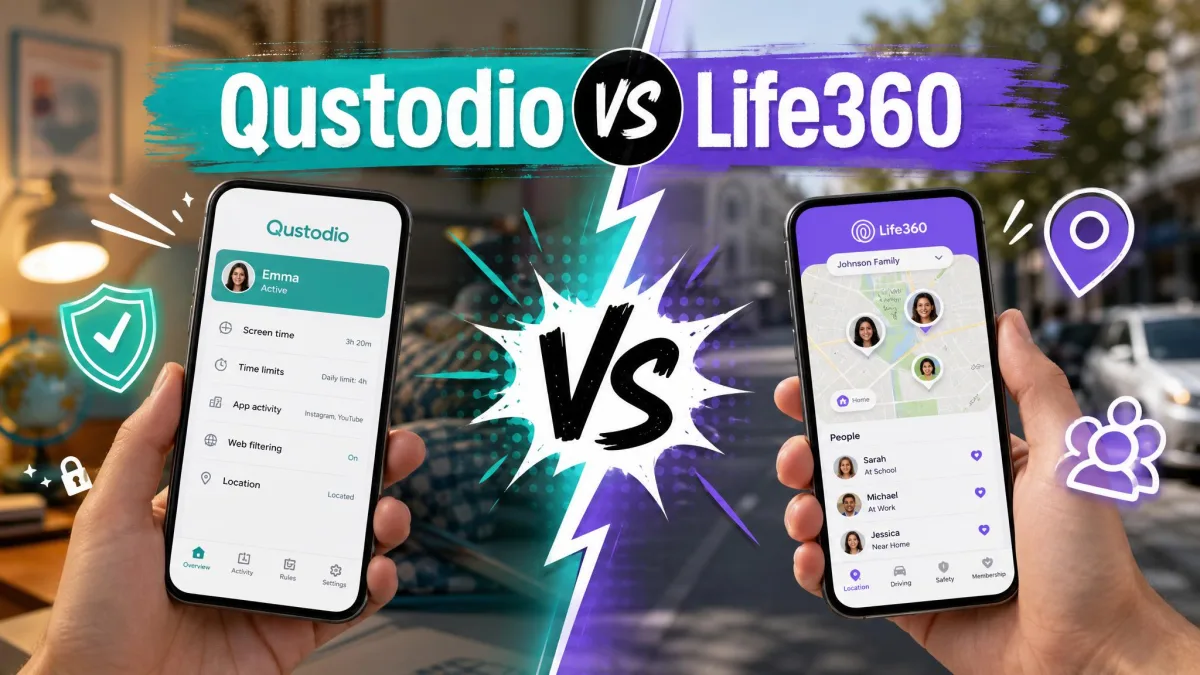
Life360 vs Aura at a Glance
| Product | Buy | Location tracking | Geofencing | Parental controls | Online security | Battery impact | Starting price |
|---|---|---|---|---|---|---|---|
 |
Check price → | Real-time, accurate, seconds-fast alerts | Yes, Places with arrival and departure alerts | Basic, location-focused | Stolen-funds reimbursement on Platinum | Moderate, about 10% above average when driving | Free; Gold $14.99/mo |
 |
Check price | Not offered | Not offered | Strong: content filter, screen time, bedtime | Identity theft protection, $1M insurance, VPN, antivirus | No observable drain | Parental controls about $8.25/mo; Family $32/mo annual |
The table makes the split plain. Life360 owns the physical-world column, Aura owns the digital-safety column, and neither seriously competes on the other's turf.
What Is Life360?
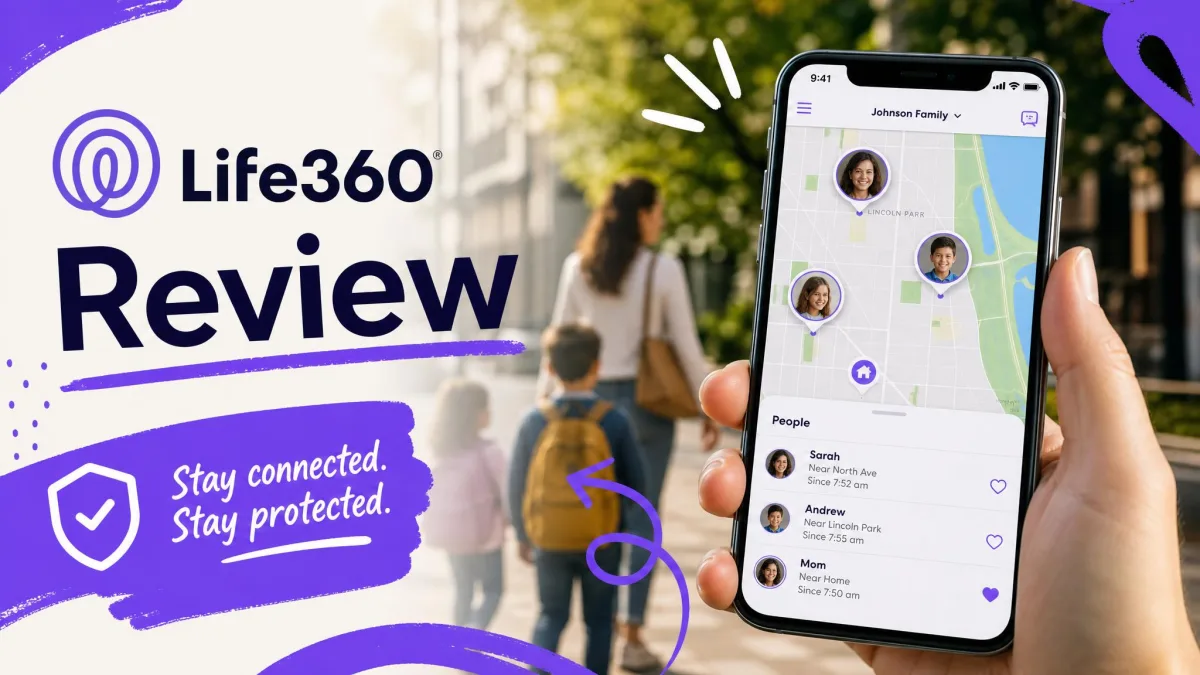
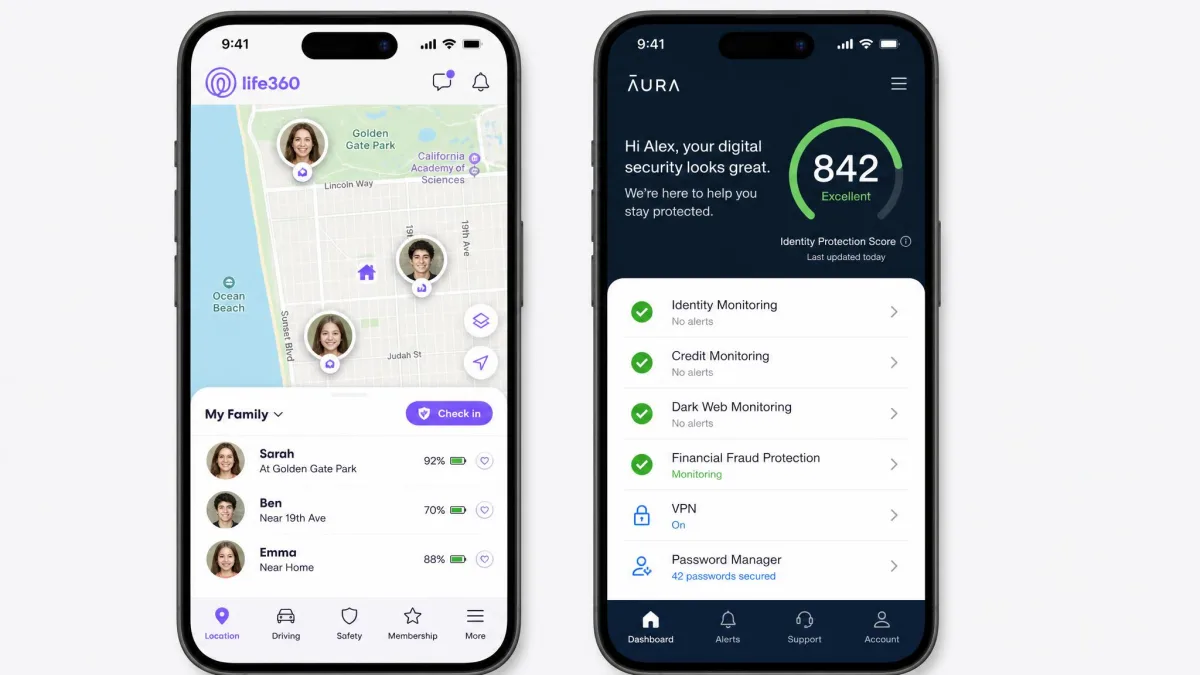
Life360 is a location-sharing app built around a shared map called a Circle. Everyone in the Circle appears in real time, and you can set geofenced Places, like home or school, that trigger arrival and departure alerts. It runs on iOS and Android, and it layers several safety tools on top of the map, including SOS alerts, automatic crash detection, driving summaries, and roadside assistance on higher tiers.
In our testing, the location tracking stayed consistent. The live pins rarely landed in the wrong place, and geofenced Place alerts arrived within seconds of someone entering or leaving a location. The app ran without lag or freezes on both iOS and Android, and joining an existing Circle worked on the first try once we entered the code.
What Is Aura?
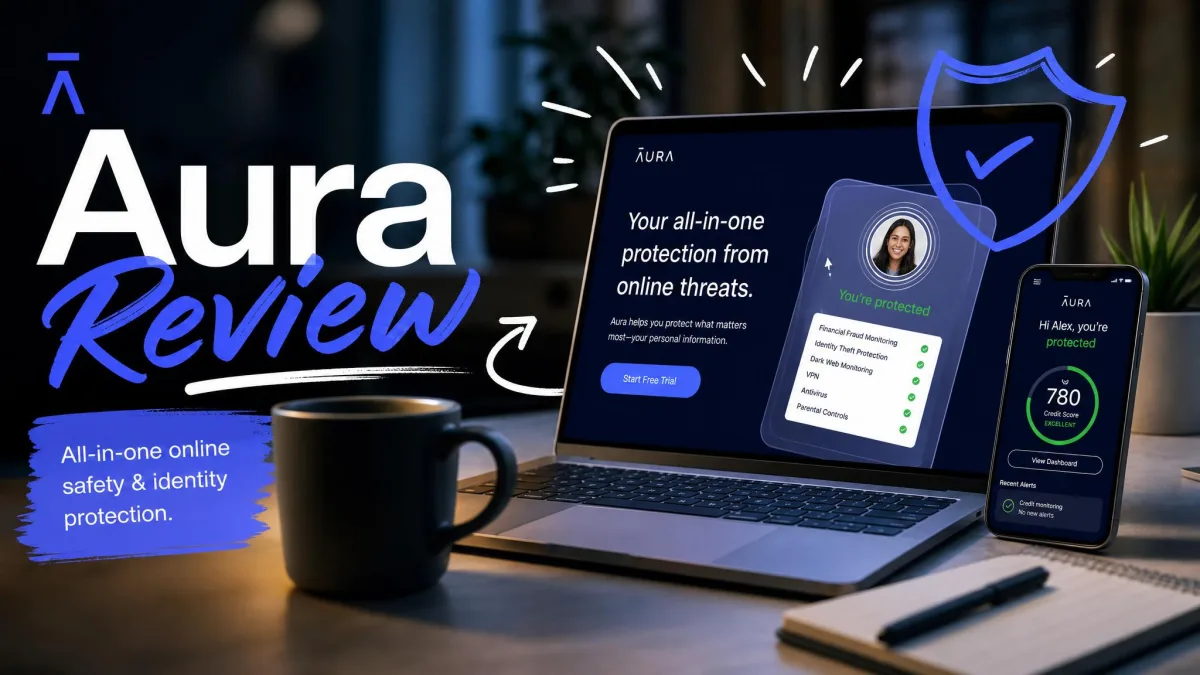
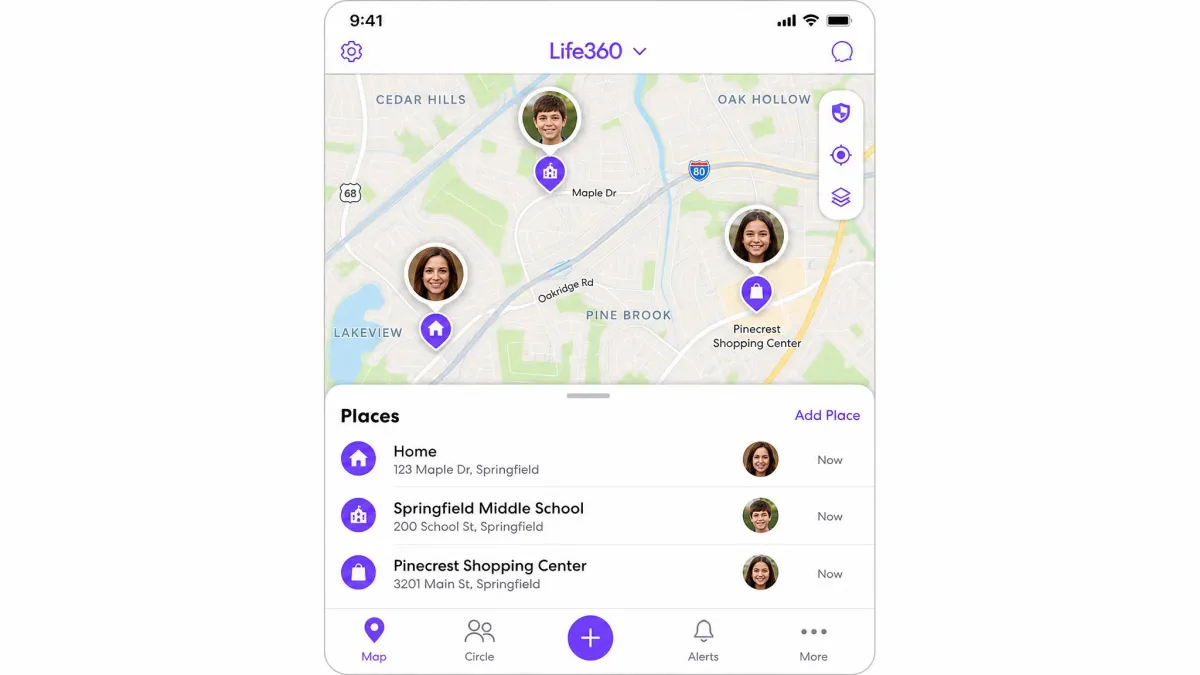
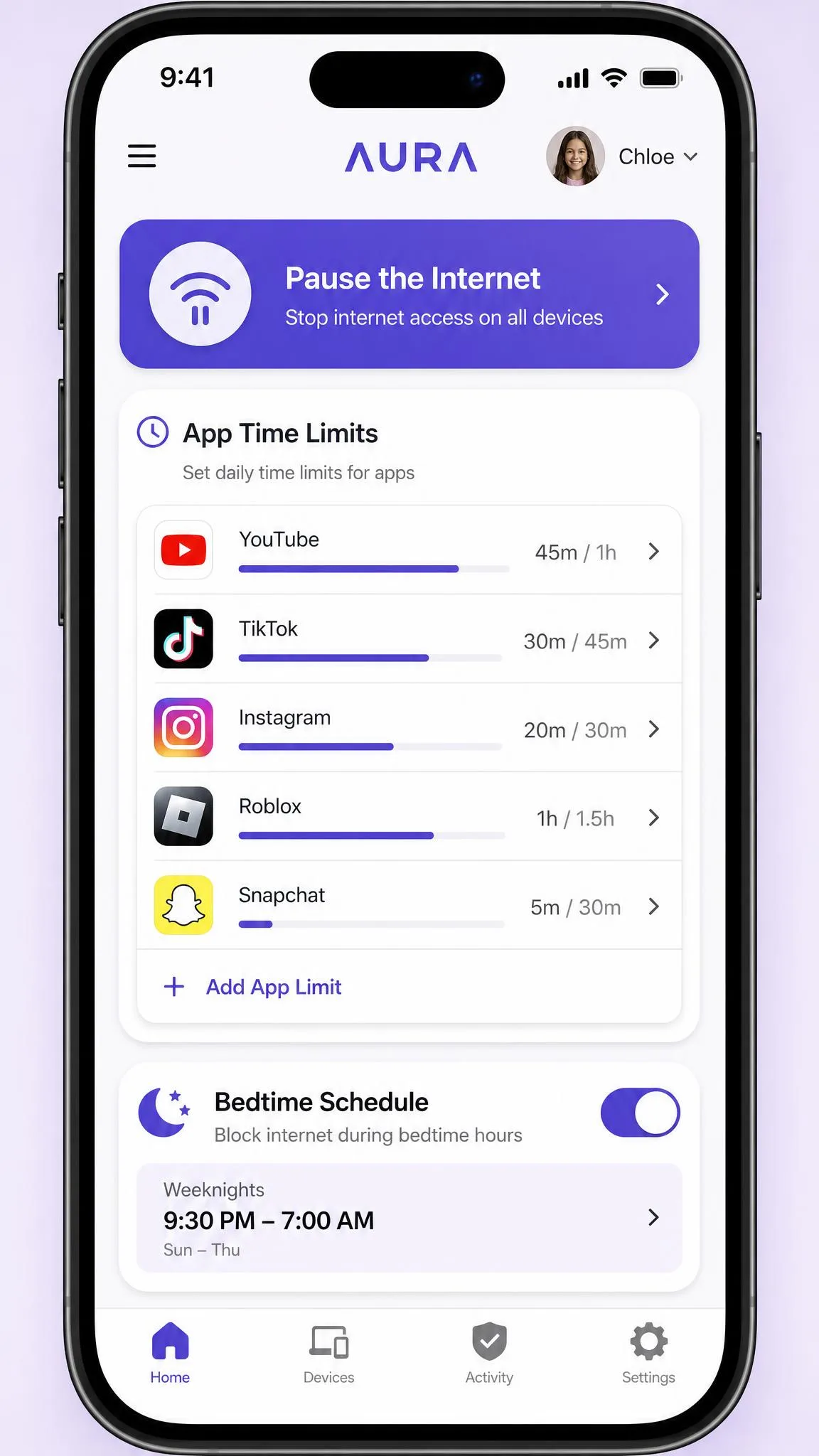
Aura is an all-in-one digital security service. The core product is identity theft protection with up to $1M identity theft insurance per adult, three-bureau credit monitoring, dark web monitoring, a VPN, antivirus, and a password manager. Layered on top is a genuinely capable parental-controls module: content filtering, screen-time limits, bedtime and focus schedules, and a Pause the Internet button.
Aura works across Windows, Mac, iOS, Android, and browsers, though the parental controls only run on iOS and Android, not on desktops, laptops, or Chromebooks. Setup was the smoothest part of our testing. Creating a child profile needed only a login plus the child's name and birthday, and Aura then auto-applied age-appropriate filters without extra fiddling.
What Aura does not do is track location. There is no map, no geofencing, and no location-based alerts. If that is your goal, Aura is simply the wrong tool.

Life360 vs Aura: Location Tracking & Geofencing
This is the shortest section to write and the most decisive one to read. Life360 offers real-time location tracking and geofencing. Aura offers neither.
With Life360, we watched family members move across the map in real time, and the accuracy held up over days of normal use. Geofenced Places let you set a boundary around home or school, and arrival and departure alerts landed within seconds. The free plan already includes live location, 2 Places with geofence alerts, and 2 days of location history, which is more than many paid trackers give you.
Aura has no equivalent. It does not include location tracking, geofencing, or location-based alerts of any kind. So if the core reason you are shopping is "where is my kid right now," Life360 is the only one of these two that answers the question.
Aura and Life360 are increasingly marketed as complementary rather than competing. Aura covers the digital side, Life360 covers the physical side, and a number of families end up running both.
Life360 vs Aura: Parental Controls & Online Safety
Here the comparison inverts. Aura is the stronger parental-controls product by a wide margin, while Life360's oversight is mostly a byproduct of its location features.
Screen time & content filtering
Aura's screen-time controls were its strongest feature in our testing. The instant Pause button, per-app time limits, and bedtime scheduling all worked as intended. Content filtering reliably blocked adult sites too. The one caveat worth knowing: it does not monitor content inside messaging apps, it only restricts access to them, so it controls whether a child can open an app rather than what happens inside it. We also saw the screen-time pause misfire once, with the internet paused but Safari still loading pages.
Life360, by contrast, has no content filtering or app-level screen-time controls. Its "parental" value is knowing where your child is and whether they arrived safely, not managing certain apps or what they do on the phone.
Pros
- Aura's screen-time limits, bedtime, and instant Pause are genuinely effective
- Content filtering blocks adult sites reliably out of the box
- Setup auto-applies age-appropriate filters with almost no effort
Cons
- Aura does not monitor content inside messaging apps, only blocks access
- The screen-time pause can misfire and leave a browser loading
- Aura can be deleted from an Android device without the parent dashboard flagging it
Identity theft & digital security (Aura's edge)
This is where Aura pulls clear of not just Life360 but most of the category. You get identity theft protection with insurance, three-bureau credit monitoring, dark web monitoring, a VPN, and antivirus, all under one login. During testing, Aura's local VPN ran quietly with no observable battery drain or slowdown on either platform.
Life360 has nothing comparable. Its highest tiers add stolen-phone and stolen-funds reimbursement, which is useful, but that is a narrow insurance perk rather than a full identity-protection suite.
Life360 vs Aura: Battery & Performance
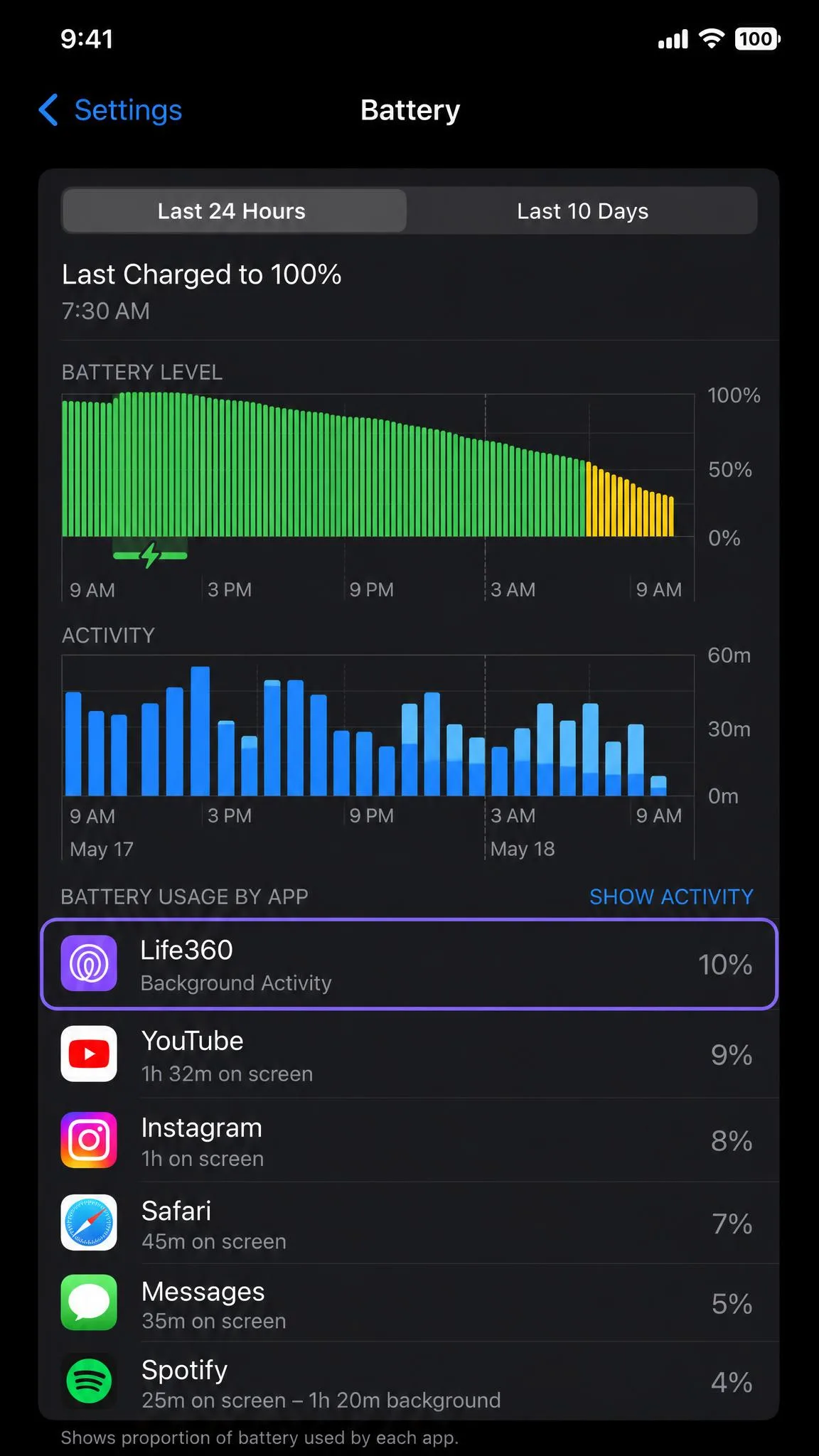
Constant location tracking has a cost. Life360 caused moderate battery drain in our testing, roughly 10% more than average over a 24-hour period during extended driving. That is the trade-off for real-time pins, and for most families it is a fair one, but it is noticeable on a long day out.
Aura was lighter on the battery precisely because it is not pinging your location. Its VPN ran without any drain we could measure. Performance was more mixed elsewhere: Aura draws complaints of crashes and clunky usability, and certain app-store reviews call it not user-friendly. Life360, for its part, ran smoothly without lag on both platforms, though its verification emails could be slow to arrive, and resent codes sometimes overlapped or the texted codes never showed up.
Life360 vs Aura: Pricing & Plans
The two apps price for different jobs, so compare what you actually get rather than the headline number.
Life360 Free, Gold & Platinum
Life360's free plan is unusually generous: live real-time location, 2 Places with geofence alerts, 2 days of history, SOS alerts, and automatic crash detection. Life360 spreads its paid features across several tiers that add history and perks. Gold runs $14.99/month or $149.99/year with 30 days of history, unlimited Places, roadside assistance, and driver reports. Platinum runs $24.99/month or $249.99/year, adding towing, $1M stolen-funds reimbursement, and travel and medical support. There is also a mid-tier Silver plan around $7.99/month, though availability varies by region. Crucially, each plan covers the whole Circle rather than charging per person, so the cost does not scale with family size.
Aura plans
Aura's identity-protection plans start at $12/month for an Individual plan billed annually (1 adult, 10 devices, $1M identity theft insurance). The Couple plan is $22/month annually, and the Family plan is $32/month annually, covering 5 adults plus unlimited kids and devices with $5M of insurance. If you only want the parental controls, Aura sells them standalone at roughly $8.25/month billed annually. Every plan comes with a 14-day free trial, and annual plans carry a 60-day money-back guarantee. The Aura website lays out each tier if you want to confirm current numbers before you buy.
The Life360 x Aura Partnership: What It Means for Users
This is the detail that explains why the two brands keep appearing side by side. In the Aura and Life360 partnership announced May 12, 2025, Life360 invested $25 million in Aura alongside a commercial go-to-market agreement. Aura gained exclusive rights to sell Life360 as a bundled solution through its Employee Benefits channel, and eligible Life360 members can enroll in Aura benefits.
For families, the practical takeaway is that these companies now see themselves as complementary. Life360 handles the physical-safety layer, Aura handles the digital-safety layer, and the partnership is a bet that plenty of households want both. It does not, at least not yet, let Aura add location tracking or push Life360 into identity protection. The two products remain distinct.
Pros and Cons
Life360 pros and cons
Pros
- Accurate real-time location with seconds-fast geofence alerts
- Generous free tier and whole-Circle pricing that does not scale with family size
- Automatic crash detection and SOS alerts built in
- Runs smoothly without lag on iOS and Android
Cons
- No content filtering or screen-time controls
- Moderate battery drain during extended driving
- Verification emails and texted codes can be slow or fail to arrive
- Creating an under-13 child account adds an ID upload and selfie step
Aura pros and cons
Pros
- Strong screen-time limits, bedtime scheduling, and instant Pause
- Reliable content filtering with easy age-based setup
- Full identity-protection suite: credit and dark web monitoring, VPN, antivirus
- Light on battery, with a 14-day trial and 60-day money-back guarantee
Cons
- No location tracking or geofencing at all
- Parental controls do not run on desktops, laptops, or Chromebooks
- Can be deleted from Android without the dashboard flagging it
- Reports of crashes and clunky usability
Which Should You Choose?
The choice is not really Life360 versus Aura, it is location versus digital safety. Pick Life360 if your priority is knowing where your family is, getting arrival alerts, and having crash detection on the road. Pick Aura if your priority is managing screen time, filtering content, and protecting your family's identity and data online.
If you can only choose one and you are shopping under the "family safety" banner most people mean physical safety, we give the narrow edge to Life360, because location tracking is the thing Aura cannot replicate and Life360 does it well. But many families we would advise are genuinely better served running both, which is exactly what the partnership anticipates.
Frequently Asked Questions
Is Aura better than Life360?
Does Life360 track location better?
What is the Life360 and Aura partnership?
Which is cheaper?
Is Aura worth it?
If you want to weigh other options, it is worth looking at dedicated parental-control apps like OurPact and Net Nanny alongside these two, since screen-time management is their whole focus.