We set up both Google Family Link and Aura on real family phones and tablets, running each app on Android and iOS the way a parent actually would. We worked through the account creation, the child-device pairing, the screen-time schedules, and the content filters, then compared what each one did well and where it fell short. Our goal was simple: figure out which app most families should install first, and which one earns its subscription.
The short version is that these two tools solve overlapping problems in very different ways. Family Link is free, runs almost everywhere, and covers the core parental-control basics. Aura is a paid identity-protection suite that folds parental controls in as one feature among many. For most households, the free option is the sensible starting point, and we will explain exactly when Aura is worth paying for.
We reviewed and compared Google Family Link and Aura on current 2026 releases, testing setup, screen-time enforcement, filtering, and location features on both Android and iOS devices.
Google Family Link vs Aura at a Glance
Here is how the two apps line up on the features parents ask about most. Use this table as a quick scan, then read the sections below for the detail behind each row.
| Feature | Google Family Link | Aura |
|---|---|---|
| Price | Free | Parental controls from about $8/mo; family suite around $32/mo |
| Free tier | Yes, fully free | No, 14-day free trial only |
| Screen-time limits | Yes | Yes |
| Scheduling | Yes (School Time, Downtime) | Yes (Bedtime, Focus Time) |
| Content/web filtering | Yes (SafeSearch, site blocking) | Yes (VPN filter, 25+ categories) |
| App blocking | Yes | Yes |
| Location tracking | Yes (Google Maps) | No |
| Message/activity monitoring | App activity only, no messages | Browsing logs, no messages/texts |
| Platform (iOS/Android) | Android, iOS, Chrome | iOS, Android only (no desktop) |
| Age restrictions | Under 13 needs supervised account | Set per child, no hard age gate |
| Ease of use | Simple, Gmail-like setup | Simple, but VPN step is a gotcha |
Pricing: Free vs Subscription
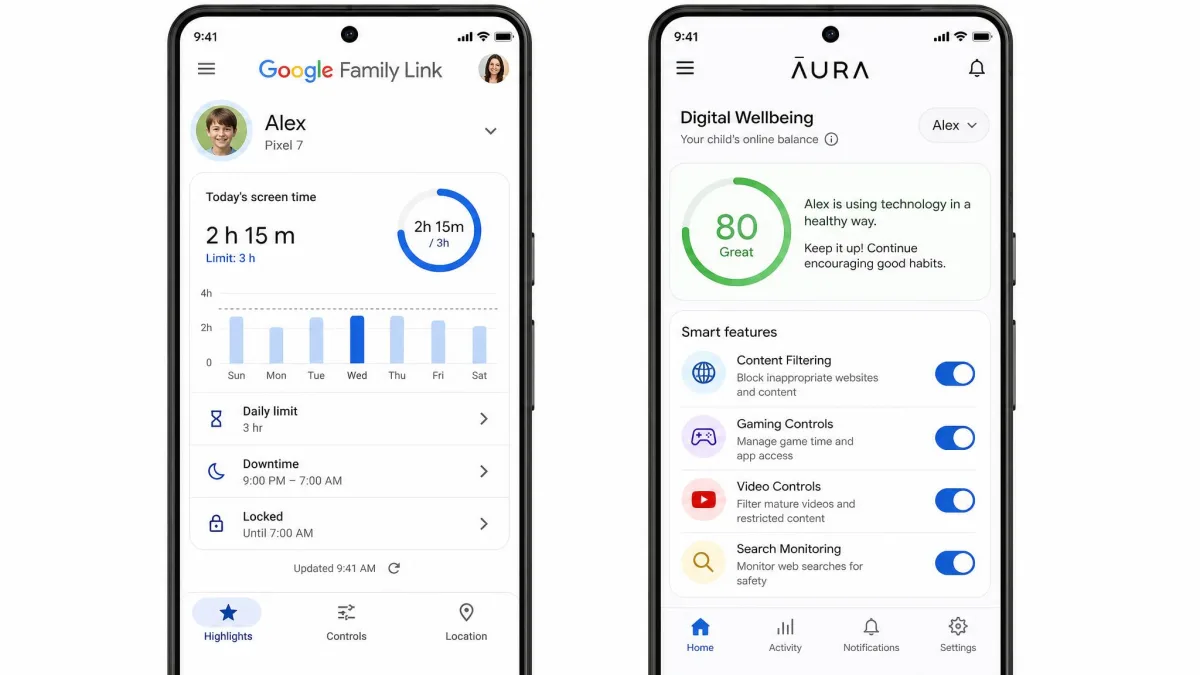
This is the clearest split between the two apps, and it shapes everything else. Google Family Link is free, with no paid tier and no upsell, and it works across an unlimited number of devices at no cost. You create a supervised Google account for your child and start setting limits without ever reaching a paywall.
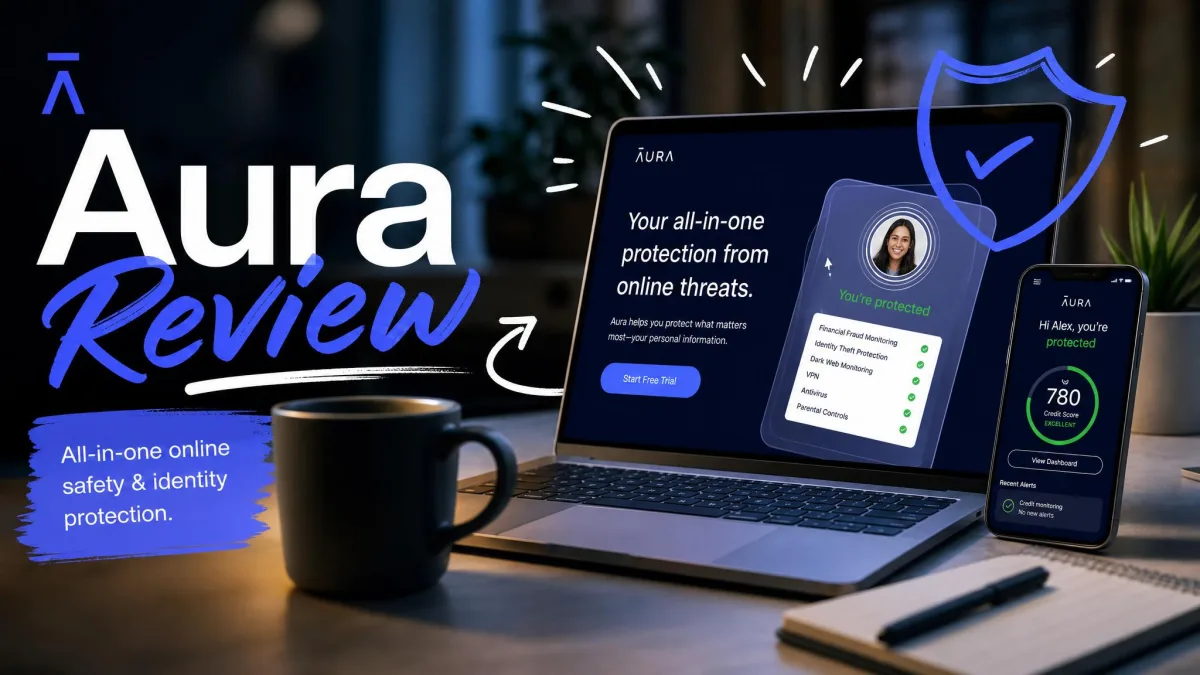
Aura is a subscription service. A parental-controls-focused plan starts at around $8 per month, while the individual identity-protection plan runs $12 per month billed annually, or $15 month to month. The couple plan is $22 per month billed annually. The family plan that bundles identity protection lands around $32 per month billed annually, though the exact figure shifts depending on what is bundled and the billing term. Aura offers a 14-day free trial and a 60-day money-back guarantee on annual plans bought through its website.
Aura's pricing was genuinely hard to find during setup. We had to dig it out of the FAQ before signing up, so budget a few extra minutes to confirm what your plan actually costs before you commit.
The value question is not really about the parental controls alone. If all you want is screen-time limits and web filtering, paying for Aura is hard to justify next to a capable free tool. Aura's price makes sense only when you also want its identity-protection layer, which includes up to $5M in identity-theft insurance per adult on the family plan, credit and dark-web monitoring, antivirus, and a password manager.

Features Compared
Both apps cover the parental-control fundamentals, but they draw the line in different places. Where Family Link keeps things lean and location-aware, Aura leans on a VPN-based filter and adds security features that reach well beyond the kids' devices.
Screen Time Limits & Scheduling
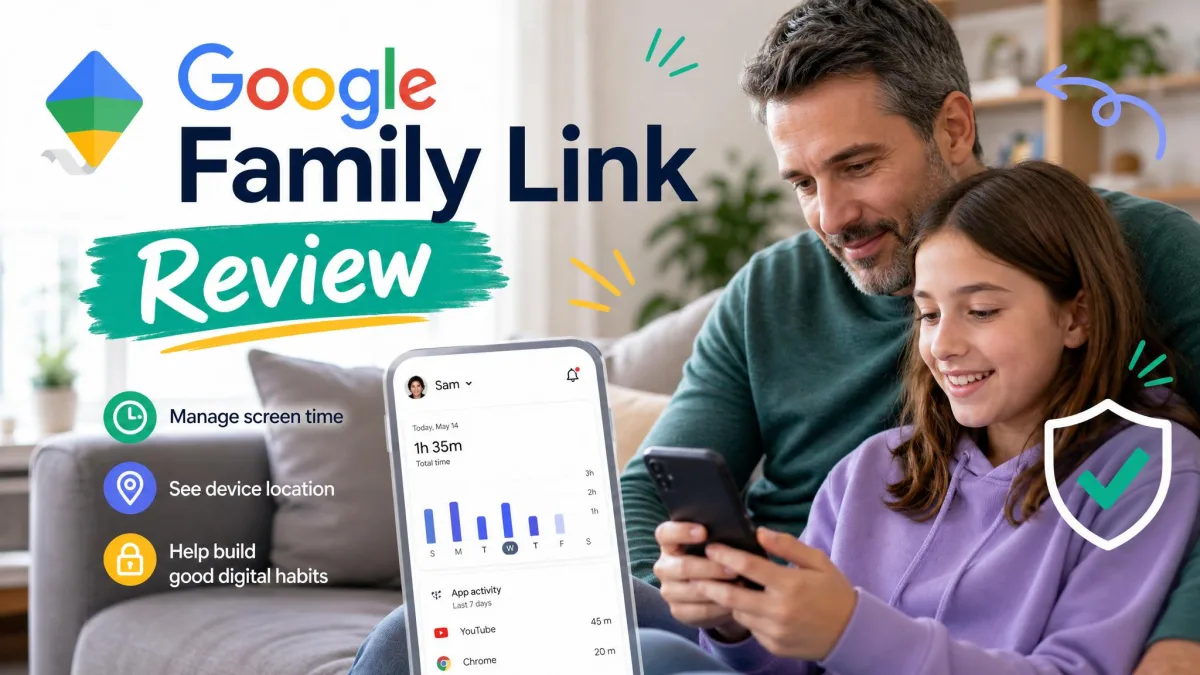
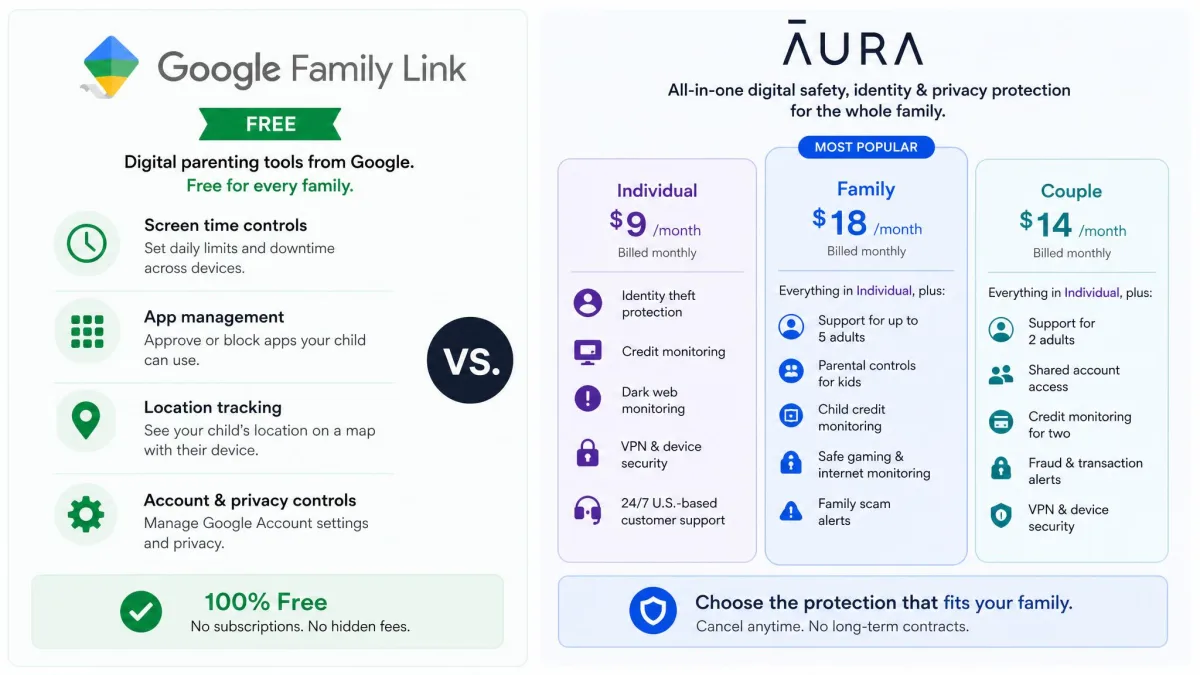
Both apps let you set daily screen-time caps and recurring schedules, and both handled the basics in our testing. Family Link uses School Time and Downtime schedules alongside per-app time limits, so you can pause games during homework while leaving learning apps open. Aura offers daily limits with Bedtime and Focus Time schedules, plus a Pause the Internet button that cuts access on demand.
The honest caveat is on enforcement. Family Link's screen-time limits and downtime did not always enforce as expected during our testing, and a determined child can defeat time limits by changing the device date and time. Aura's schedules held more consistently, as long as its filter was actually running.
Screen-time limits are a deterrent, not a lock. Tech-savvy teens frequently find ways around Family Link, and the app gives parents limited tools to stop them. Treat any parental-control schedule as one layer in a wider conversation about device use.
Content & Web Filtering / App Blocking
Family Link handles filtering through SafeSearch, site blocking, and restrictions inside Chrome and YouTube, and it lets you approve or block individual app installs. It is straightforward and covers the common cases, though it relies on Google's own ecosystem to do the heavy lifting.
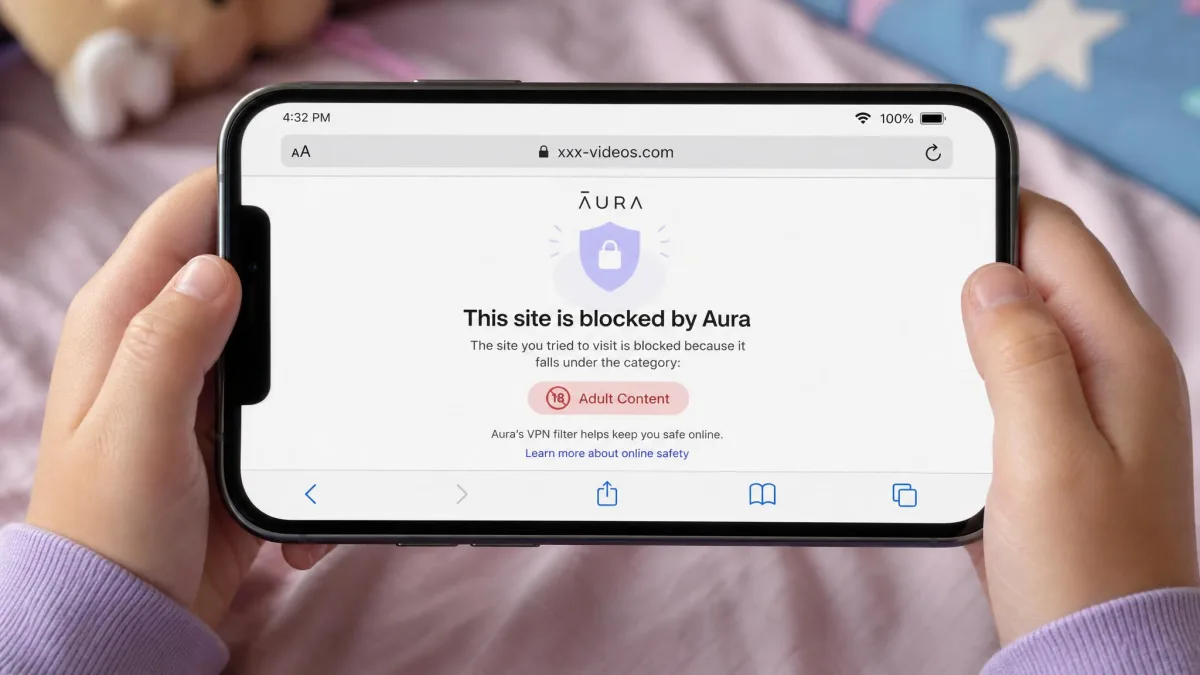
Aura takes a more aggressive approach. It routes traffic through a local VPN on the child's device and filters against more than 25 website categories, and in testing its content filter blocked roughly 90 percent of sites in the categories we enabled. That VPN model is also its biggest setup risk, which we cover in the setup section.
Location Tracking
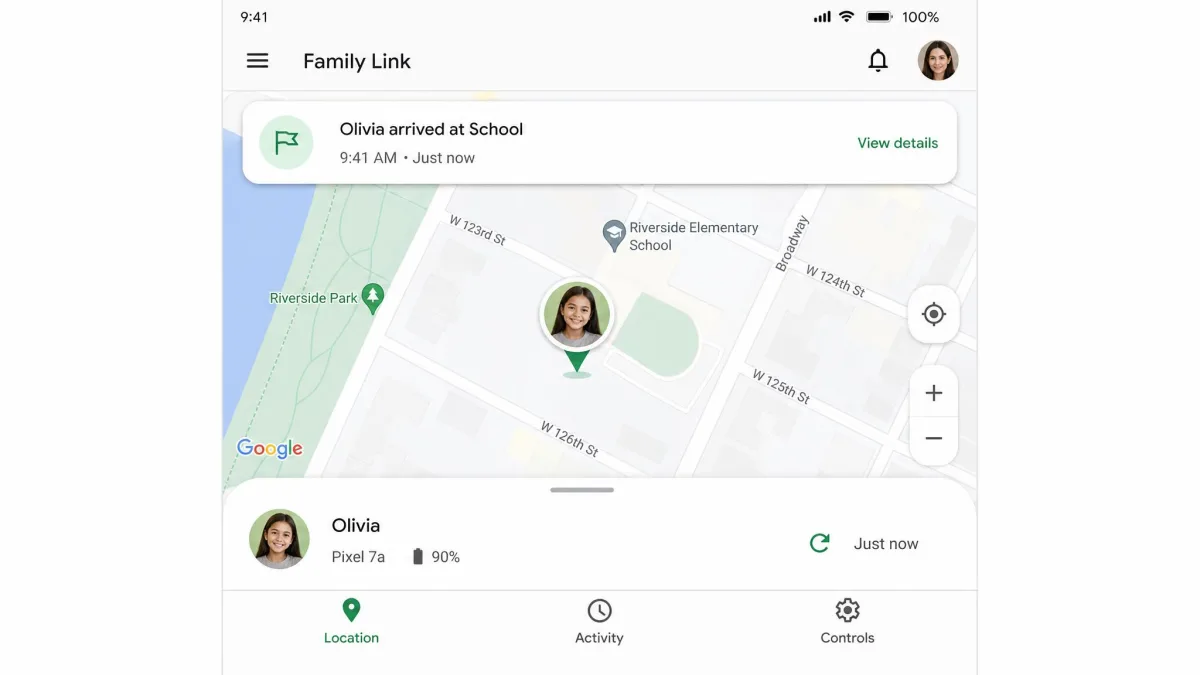
This is where the two apps diverge most sharply. Family Link shows your child's location on a map through Google Maps, with arrival and departure alerts, a device-ring feature, and battery visibility. It is one of the app's strongest features and a real reason parents of younger kids reach for it.
Aura does not offer location tracking in its parental controls at all. If knowing where your child is matters to you, Aura simply cannot do it, and no plan upgrade changes that.
Activity & Message Monitoring
Neither app is a spy tool, and that is worth stating plainly. Family Link reports app activity and usage but does not monitor text messages, emails, social-media messages, or call logs. Aura keeps extensive logs of every site a child visits and surfaces a Digital Wellbeing score, but it also cannot read private messages, texts, or social-media chats.
If deep message monitoring is your priority, neither of these is the right tool. For most families, though, activity summaries and browsing logs strike a reasonable balance between oversight and a child's privacy.
Platform Support (iOS vs Android)
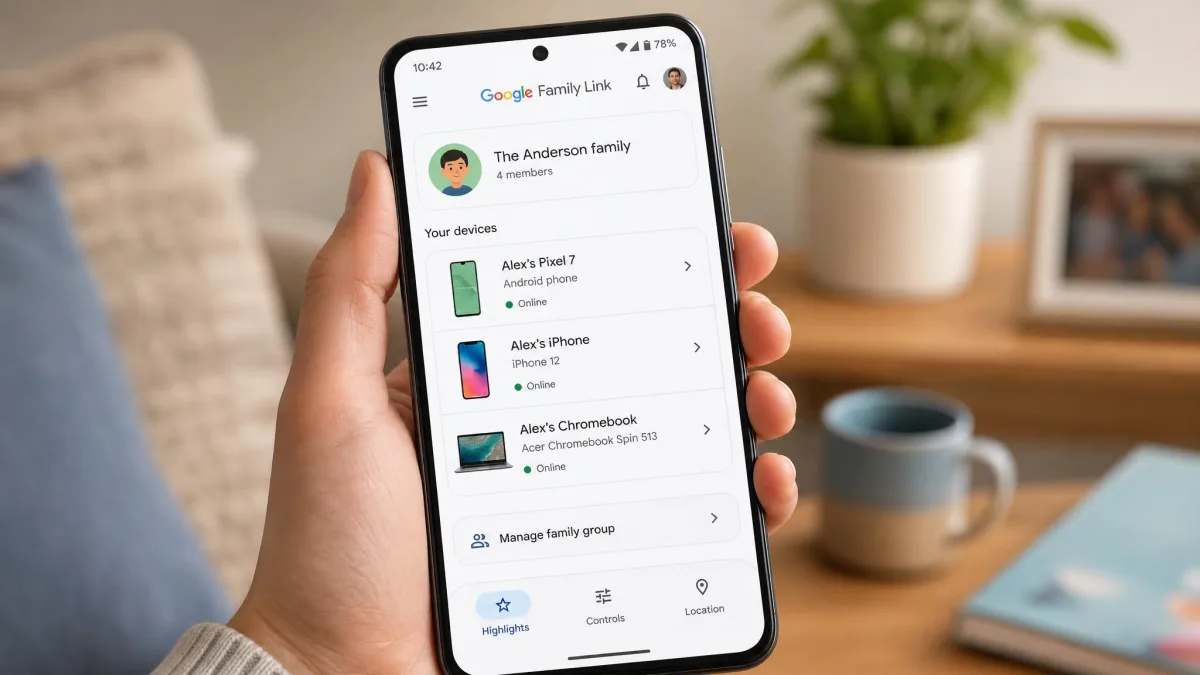
Family Link is the more flexible of the two. It runs on Android, iOS, and Chrome devices, so it can cover a mixed household of phones, tablets, and Chromebooks from one dashboard. The catch is that it offers more control features on Android than on iOS, so an all-iPhone family will see a thinner feature set.
Aura's parental controls run only on iOS and Android phones and tablets. They do not work on desktops, laptops, or Chromebooks, which is a meaningful gap if your child does most of their screen time on a computer. Aura's broader security suite does cover Windows, Mac, and browsers, but that protection is separate from the parental controls.
Ease of Use & Setup
Getting started with Family Link was quick and about as simple as creating a Gmail account. The flow is familiar, the labels are clear, and a parent who already uses Google services will feel at home within minutes.
Aura's parental controls set up in roughly 5 to 20 minutes with a clean dashboard and logical controls, so the interface itself is not the problem. The problem is the VPN step. Aura relies on a local VPN on the child's device, and if you decline or skip the VPN prompt during setup, the parental controls silently stay inactive even though the app looks installed. We only caught it because the filter let test sites through, so verify the VPN profile is active before you trust the setup.
After setting up Aura, open a blocked category on the child's device to confirm the filter is actually working. If sites load that should be blocked, the VPN profile probably did not install, and the controls are only pretending to run.
One more practical note: Family Link does not stop a child from uninstalling the companion app from their own device, and clearing Google Play Store data can wipe previously set controls without needing the parent PIN. These are real gaps, not edge cases, and they are worth knowing before you rely on the app.
Privacy & Data Security
Family Link's data model is the standard Google account arrangement. You are trusting Google with your child's account, activity, and location, which is fine for households already inside that ecosystem and a consideration for those trying to reduce their Google footprint.
Aura frames itself first as a security company, and that shows. Alongside the parental controls you get identity and credit monitoring, dark-web scanning, spam call and text blocking, and up to $5M in identity-theft insurance per adult on the family plan. If you think about your family's online safety as identity protection plus device oversight, Aura's bundle is coherent in a way Family Link does not attempt to match.
Family Link protects the device and its screen time; Aura protects the family's identity and happens to filter the device too. That difference decides which one you actually need.
— From our hands-on comparison
Who Should Choose Google Family Link
Choose Family Link if you want capable parental controls without paying anything, and especially if location tracking matters to you. It is the better fit for younger children, for mixed-device households that include Chromebooks, and for any parent who wants to start managing screen time today without a trial clock ticking.
It also suits families who want simplicity. The setup is fast, the feature set is focused, and there is no subscription decision to revisit each year.
Pros
- Completely free across unlimited devices
- Location tracking with arrival and departure alerts
- Runs on Android, iOS, and Chrome
- Fast, Gmail-style setup
Cons
- Screen-time limits do not always enforce reliably
- Fewer controls on iOS than Android
- A child can uninstall the app or wipe controls
- No message or text monitoring
Who Should Choose Aura
Aura makes sense when parental controls are only part of what you want. If your household also wants identity protection, credit monitoring, antivirus, and a password manager under one subscription, Aura bundles all of it, and the parental controls come along for the ride.
It is a stronger pick for families focused on web filtering over location, since its VPN-based filter was effective in testing. Just remember it covers phones and tablets only, so it is a weaker choice if your child's screen time is mostly on a laptop.
Pros
- Effective VPN-based content filter across 25+ categories
- Bundles identity protection and up to $5M insurance
- Detailed browsing activity logs and wellbeing score
- Clean dashboard, quick setup
Cons
- No location tracking at all
- Subscription only, no free tier
- Phones and tablets only, no desktop
- The VPN step can silently leave controls inactive
The Verdict: Which Wins?
For most families, Google Family Link wins. It covers the core parental-control needs, adds location tracking that Aura lacks entirely, runs across more devices, and costs nothing. Unless you specifically want an identity-protection suite, it is the sensible first install, and you can always add a paid tool later if you outgrow it.
Aura is the better buy for one specific household: the family that wants device oversight and identity protection bundled together, on phones and tablets, and is willing to pay a subscription for the whole package. That is a real use case, just a narrower one than Family Link serves.