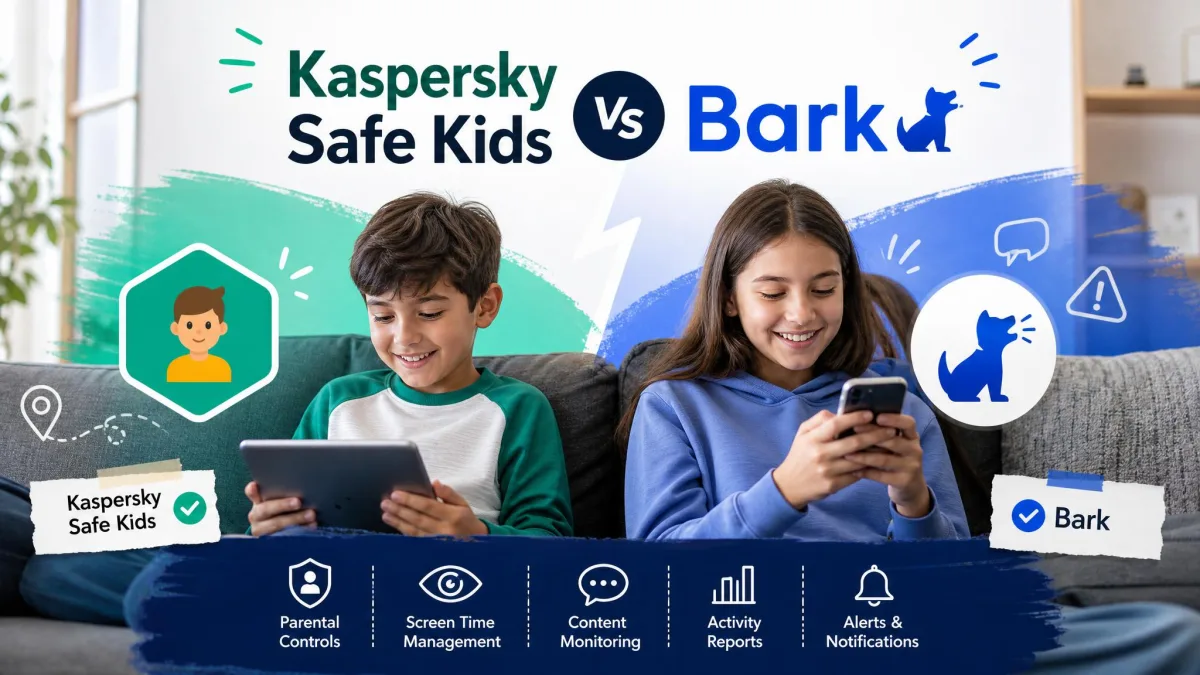
Kaspersky Safe Kids and Aura are two parental control apps that solve the same problem in very different ways. Kaspersky Safe Kids is a focused, low-cost monitoring tool that runs on four platforms and includes a permanently free version. Aura Parental Controls is a mobile-only app bundled into a wider family security account, with content filtering, cyberbullying alerts and, on the top plan, identity theft protection for everyone in the household.
So the comparison really decides two things: how many kinds of devices you need to cover, and whether you want parental controls on their own or as part of a security bundle. We set both apps up on our own test devices and worked through filtering, screen time, app blocking, location and alerts on each. The at-a-glance table below is the short answer, and the sections after it explain how we got there.
Kaspersky Safe Kids vs Aura at a Glance
Here is how the two apps line up on the features parents ask about most.
| Product | Kaspersky Safe Kids | Aura |
|---|---|---|
| Starting price | About $14.99 a year, priced by region | $10/month billed annually (Kids plan) |
| Free plan / trial | Free tier plus a 7-day trial | 14-day free trial, no free tier |
| Refund window | 30-day money-back guarantee | 60-day money-back guarantee (annual) |
| Devices covered | Up to 100 child profiles and 500 devices | Unlimited children and unlimited devices |
| Platforms | Windows, macOS, Android, iOS | iOS and Android only |
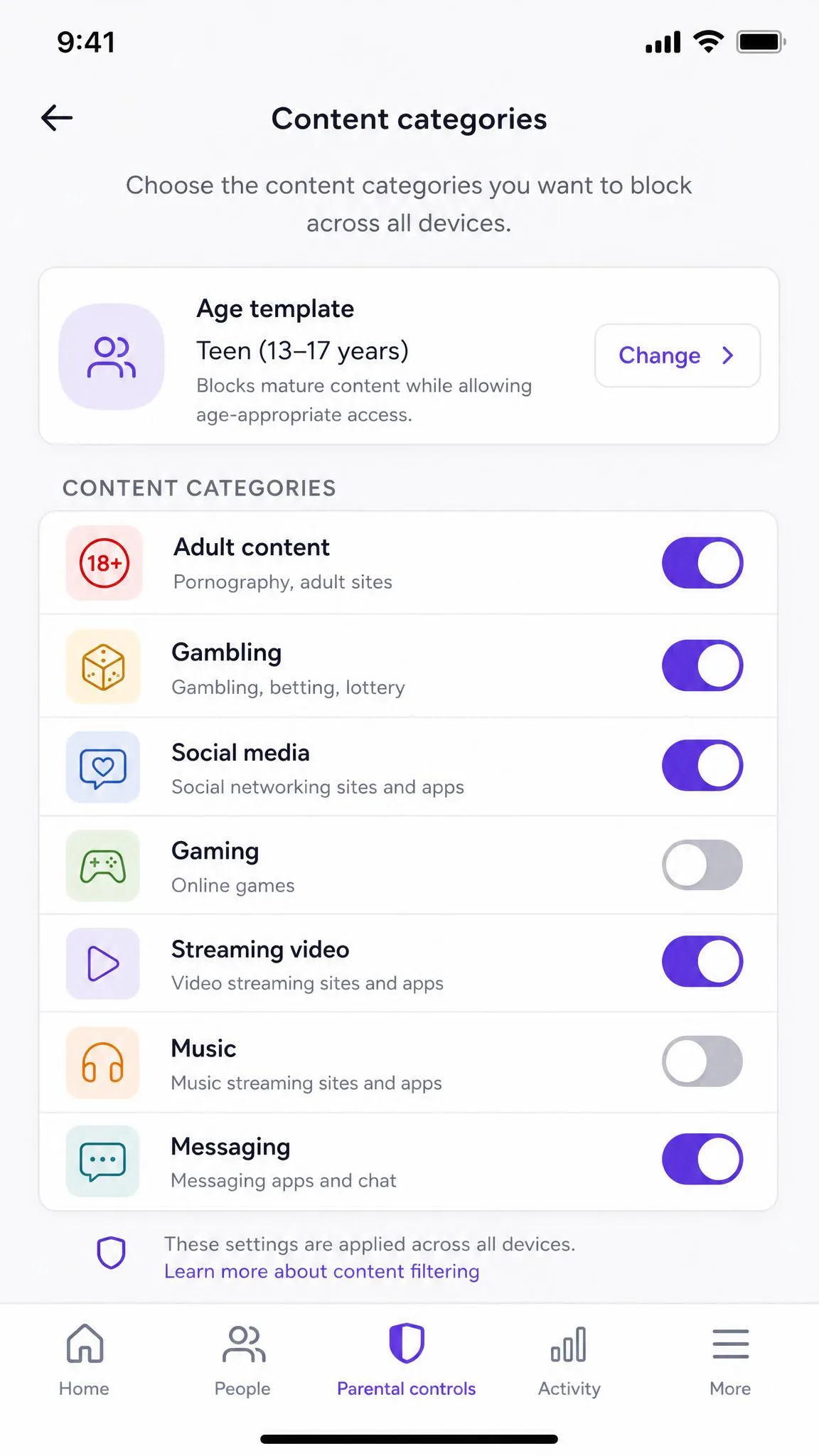
| Web filtering | Age-category filtering plus YouTube safe search | 25+ content categories with age templates |
| Screen time limits | Daily limits free, scheduling in Premium | Limits, schedules, bedtimes, Pause the Internet |
| App blocking | Strong on Android, very limited on iOS | Per-app limits across 100+ apps |
| Location / geofencing | GPS with safe-area alerts (Premium) | Not offered |
| Social media monitoring | No | Tone and frequency signals, not message content |
| Text monitoring | No | No |
| Alerts | Real-time alerts in Premium | Real-time cyberbullying and predator alerts |
| Identity theft protection | No | Yes, Family plan with $5 million insurance |
| Best for | Multi-platform families wanting low-cost coverage | US families wanting filtering plus a security bundle |
Pricing and Plans: What Each App Costs
Price is the widest gap between these two apps, and it is not close. One is a cheap annual subscription; the other is a monthly family security account that happens to include parental controls.
Kaspersky Safe Kids Free, Starter and Premium Tiers
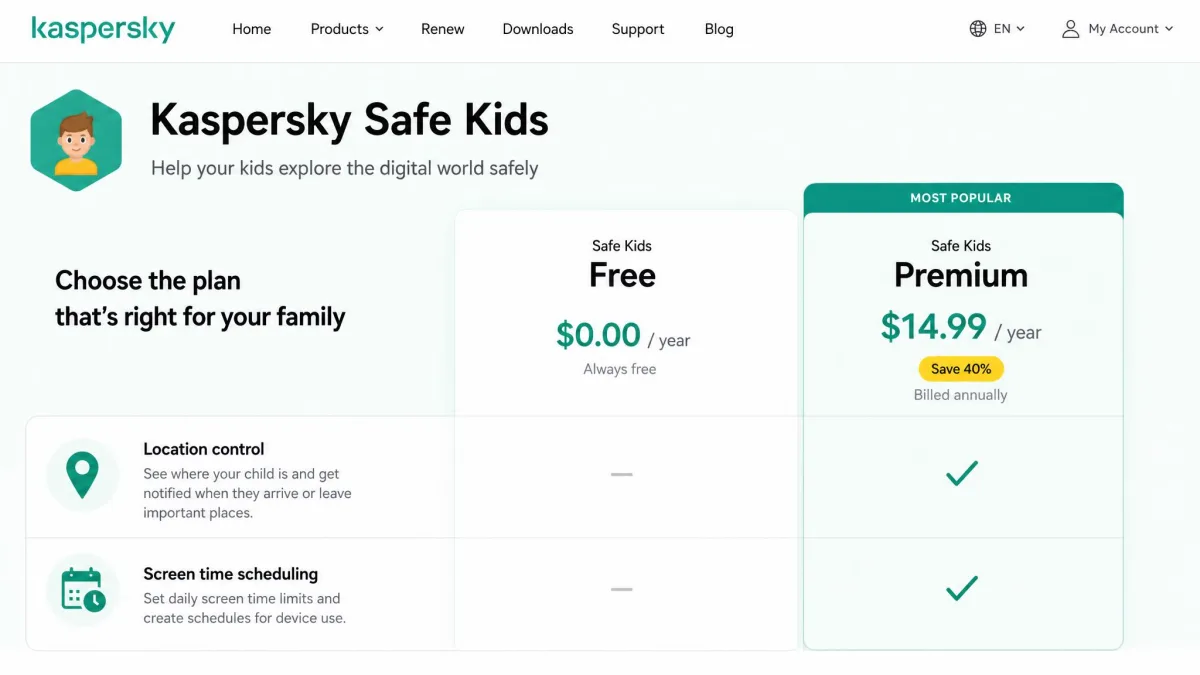
Kaspersky sells Safe Kids in three modes: a permanently free version, a 7-day trial of the paid features, and paid Premium. The free tier is genuinely usable rather than a teaser. It covers web content monitoring, YouTube safe search, application usage control and basic screen time management, which is enough for a lot of younger children.
Premium adds screen time scheduling by time period, child location control with safe-area notifications, battery tracker alerts, YouTube search history and real-time alerts for suspicious activity. Premium costs roughly $14.99 a year, though the list price is set per region and the renewal rate is higher than the first-year price. Regional first-year quotes such as CA$24.99 and GBP20.99 show up in local currency, so check the Kaspersky Safe Kids subscription tiers page for your own country before you buy. There is a 30-day money-back guarantee if the app does not suit your household.
Aura Family and Kids Plans
Aura runs on a monthly model. The Kids plan is listed at $10/month billed annually, or $13/month billed monthly, though the figure you see depends on the billing term and on promotional annual rates that differ from the standard price. The Family plan sits at $32/month billed annually, or $50/month billed monthly, and that is where the security extras live.
The Kids plan gives you unlimited children and unlimited devices, which is unusual in this category. The Family plan adds 5 adults to the account along with the identity and antivirus features.
Free Trials and Which Is Better Value
Aura offers a 14-day free trial on both plans and a 60-day money-back guarantee on annual plans, which is the most generous safety net in this comparison. Kaspersky counters with something Aura does not have at all: a free version you can keep using forever.
On raw cost, Kaspersky wins by a wide margin. A year of Premium costs less than two months of Aura's Kids plan. Aura only starts to look like value if you would otherwise pay separately for antivirus, a VPN, a password manager and identity monitoring, because the Family plan folds all of that into one bill.
Kaspersky products cannot be purchased in the United States under a US government ban. If you are shopping from the US, Aura is effectively the only one of these two available to you, whichever set of features you prefer.
Web and Content Filtering
Price sets the frame, but filtering is the feature parents actually judge these apps on. Both block inappropriate websites by category rather than by making you build a list yourself. The difference is in how granular the categories get and how often the filter overreaches.
How Kaspersky Safe Kids Blocks Inappropriate Sites
Kaspersky filters the web by age category and applies a sensible default set as soon as you pick your child's age, after which you can loosen or tighten individual categories. YouTube safe search runs alongside the site filter, and Premium logs YouTube search history so you can see what your child looked for rather than only what they watched.
The parent dashboard is clear to navigate, though we found tabs can be slow to load when you are moving between a child's web activity and their app usage. On iOS the picture narrows: the mobile apps drop social media monitoring and web activity reports, so the web history you get on a Windows or Android device is not what you get on an iPhone.
How Aura Content Filtering Works
Aura filters across 25+ content categories with age-appropriate templates, so you can set a starting point in seconds and adjust from there. In our testing, Aura's filtering blocked roughly 90% of inappropriate sites across the categories we tried, which is a strong result and better than we expected from a bundled feature.
The trade-off is that Aura's filtering can be overly strict and block legitimate pages. School research sites and hobby forums occasionally landed on the wrong side of a category, and unblocking them means going back into the parent app each time.
Screen Time Limits and Scheduling
Filtering decides what a child can reach; screen time decides how long they get to look. This is where the free-versus-paid split matters most on the Kaspersky side, and where Aura's newer feature set shows off.
Daily Limits and Device Schedules in Kaspersky Safe Kids
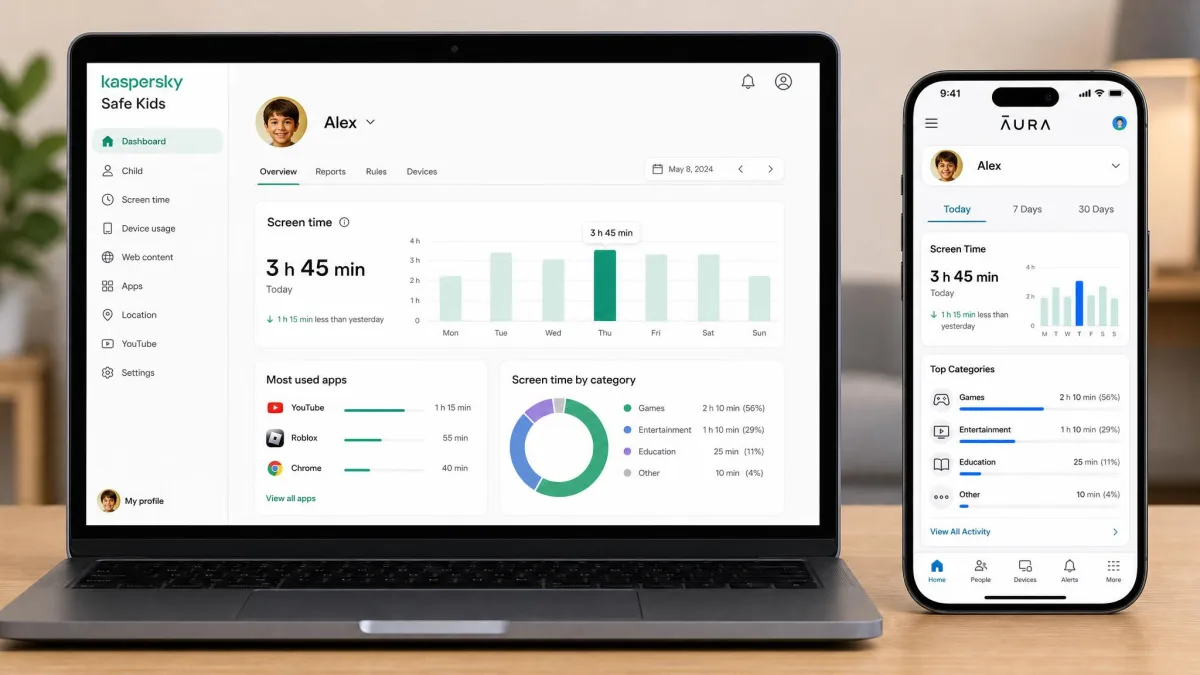
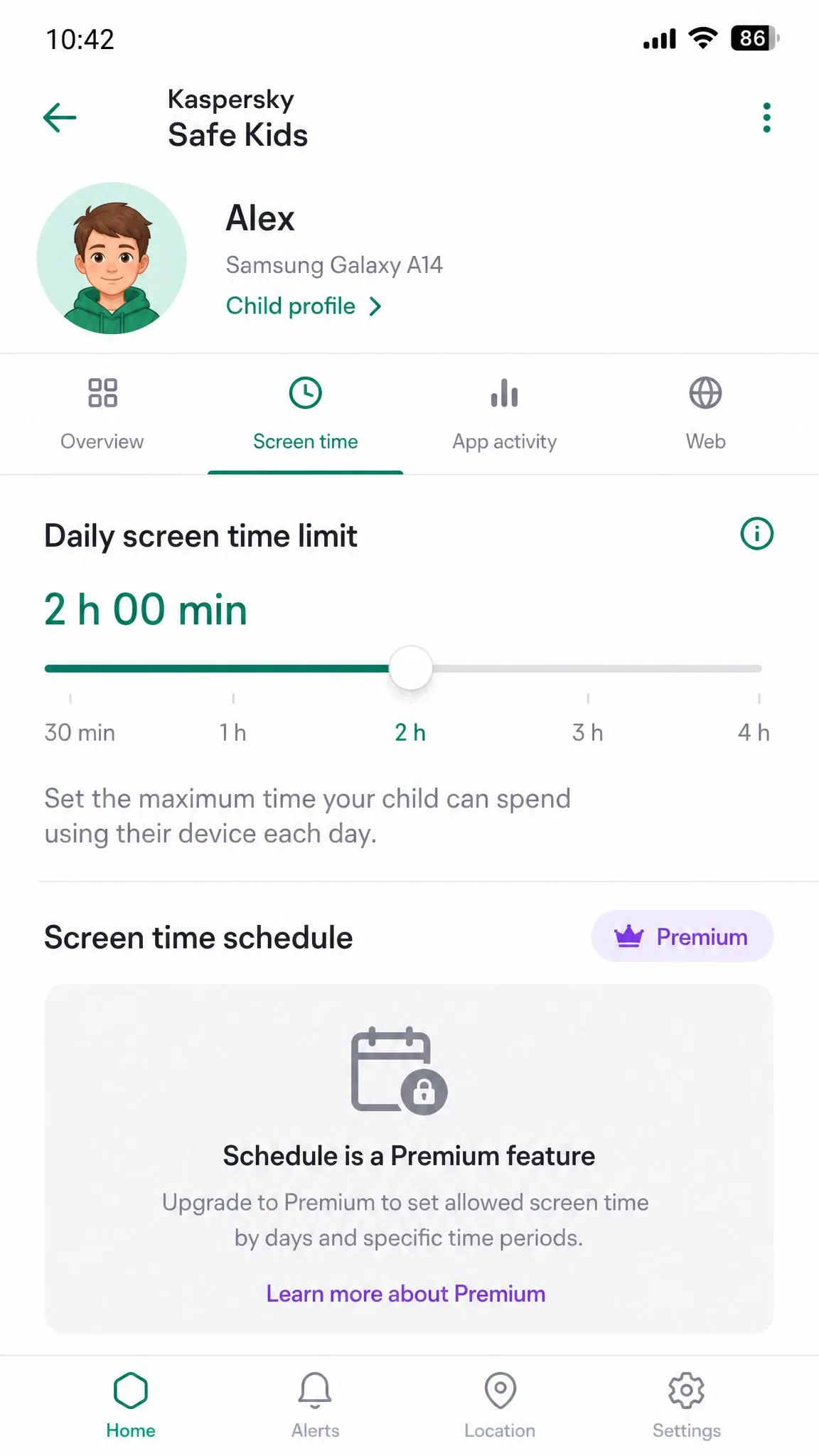
Kaspersky gives you daily screen time limits in the free version, which is more than most free tools offer. You set a cap per day, and the child gets a warning before the device locks. Scheduling by time period, meaning blocks of the day when the device simply will not work, is a Premium feature. So a free user can cap the total but cannot carve out homework hours or a bedtime window.
Screen Time Controls in Aura
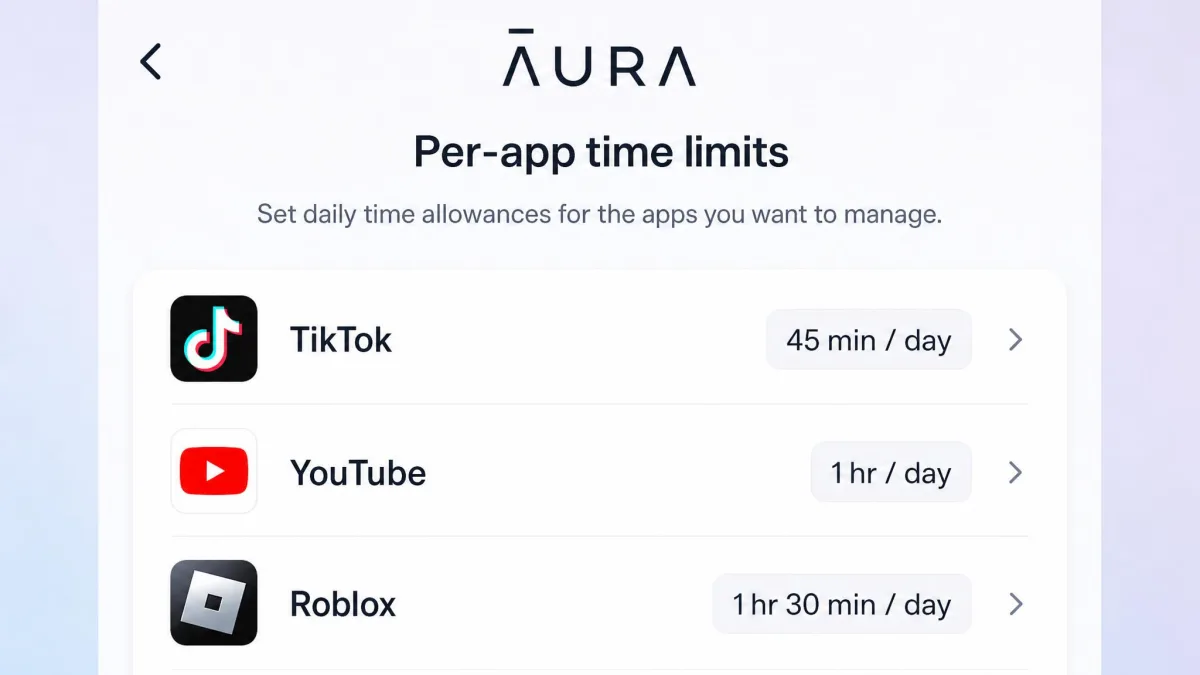
Aura covers limits and scheduling on every plan, and it adds bedtime schedules you can customize by day, which is genuinely useful when weekends run on different rules. Pause the Internet is the feature parents will use most: one tap cuts the child's connection immediately, no schedule required. Aura also offers per-app time limits across 100+ apps, so you can allow an hour of one app and ten minutes of another rather than governing the whole device at once.
App Blocking and App Management
Per-app limits only mean something if the app can enforce them, which is where the two builds separate. Aura wins this section on both platforms, and Kaspersky wins it only on Android.
Kaspersky's app blocking and usage control work well on Android, where you can block specific apps outright, restrict them by age rating and see how long each one was used. On iOS the same app cannot block apps, restrict games or prevent new installs, which makes the Android build clearly the stronger of the two. That gap is the single biggest thing to know before you buy Kaspersky for an iPhone household.
Aura's per-app limits apply consistently across iOS and Android, and the app catalogue it recognises is deep. It is not flawless: Aura's app blocking glitches occasionally and does not behave the same way on every device, so we would test a block on your child's actual phone before relying on it.
If your child uses an iPhone and app blocking is your main reason for buying, Kaspersky Safe Kids will disappoint you. Apple's restrictions leave its iOS build without app blocking, game restrictions or install prevention.
Location Tracking and Geofencing
Controlling the device is one job; knowing where the device went is another, and here the result is one-sided. Kaspersky offers GPS location tracking with safe areas, and Aura offers none.
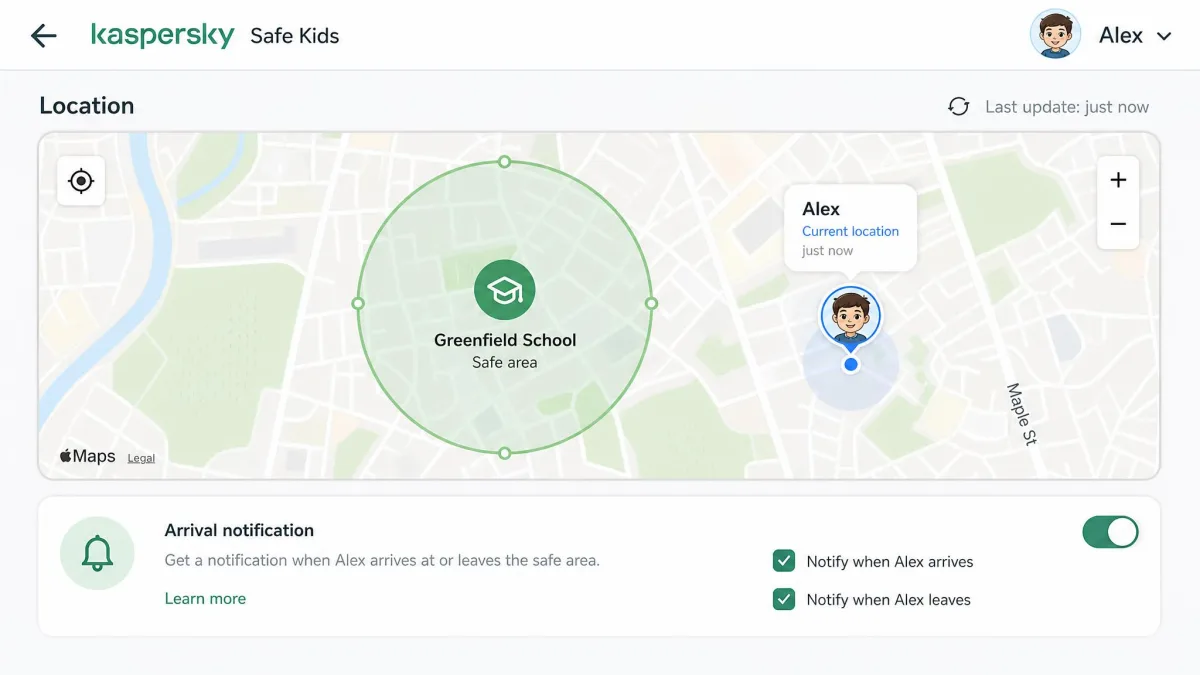
Kaspersky's Premium tier lets you see where a child's device is and set safe areas that trigger arrival and departure notifications, along with a battery tracker that alerts you before the phone dies and the tracking stops. Geofencing is the weak part in practice: allowed safe areas can fail to save, so the arrival and departure alerts never fire. We would treat it as a bonus rather than the reason you buy.
On iOS, Kaspersky location tracking shows only the current position rather than a history of where the device has been. Worth knowing before you assume you will get a full movement trail.
Social Media, Text Message and Cyberbullying Monitoring
Location answers where; this section answers who your child is talking to. Neither app reads text messages, so if SMS monitoring is a firm requirement, both of these are the wrong shortlist.
Kaspersky does no text message or private conversation monitoring and no social media content monitoring. Its visibility into online life stops at websites, YouTube searches and app usage.
Aura goes further without going all the way. It monitors messaging frequency and tone on Instagram, Messenger and Snapchat, but it does not read message content. Its Online Wellbeing feature reads the emotional temperature of conversations rather than the words, which is a reasonable middle ground for older kids who would resent full surveillance. Safe Gaming by Kidas adds cyberbullying and predator alerts on top, though those Safe Gaming reports arrive once a week, on Tuesdays, rather than in real time.
Before you choose any monitoring tool, decide how you will tell your child about it. Monitoring your child openly, with the rules agreed in advance, holds up far better than monitoring quietly and being found out.
Alerts, Real-Time Notifications and Activity Reports
Monitoring depth only helps if the app tells you in time, so alerting is the next thing we pushed on. Kaspersky sends real-time alerts for suspicious activity on Premium, covering blocked site attempts, requests to visit restricted pages and safe-area events. The free version gives you activity reports but not the instant push, so a free user finds out after the fact.
Aura's real-time alerts lean toward risk rather than rule-breaking. Cyberbullying and predator alerts come through as they are detected, and the online history and usage reports fill in the daily picture. The weekly Safe Gaming digest is the exception to the real-time promise, so set your expectations accordingly.
Report depth is close between them. Kaspersky's reports are better on desktop activity, and Aura's are better on messaging and app behaviour.
Device and Platform Support (iOS, Android, Windows, Mac)
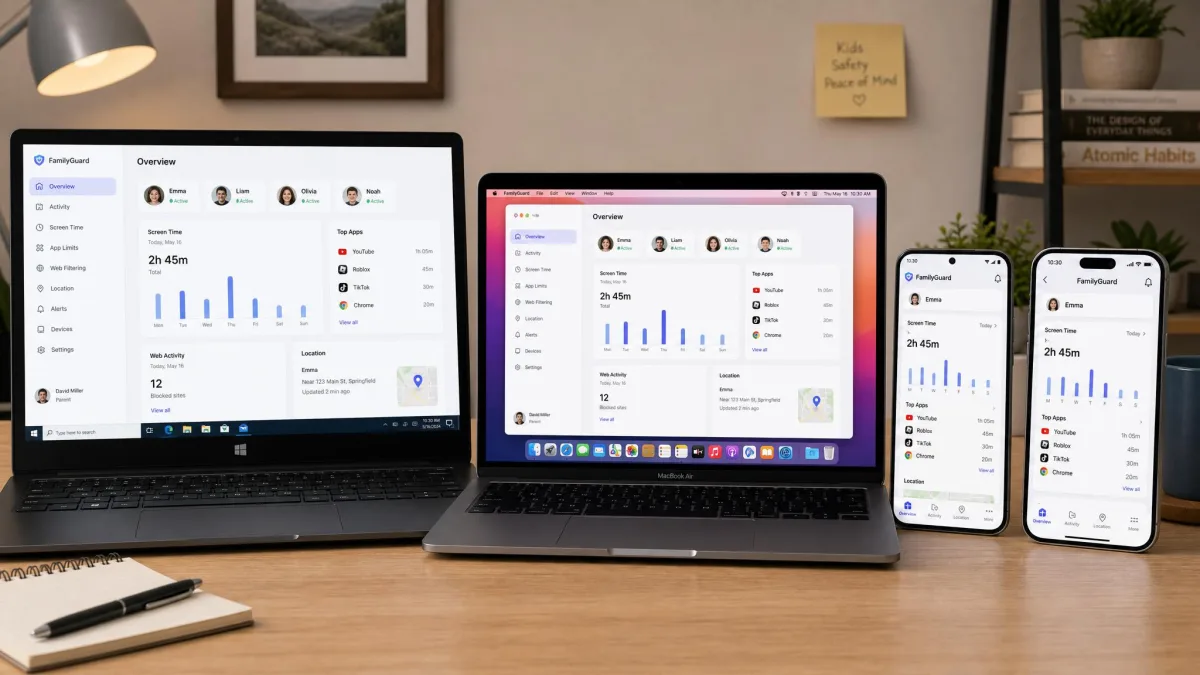
An alert is only as useful as the range of devices it can watch, and that range is where these two part company hardest. Kaspersky Safe Kids runs on Windows, macOS, Android and iOS, four platforms in total. One account can connect up to 100 child profiles and 500 devices, which is far more headroom than any family needs and useful for larger or blended households.
Aura is iOS and Android only, with no desktop, laptop or Chromebook parental controls. It does allow unlimited children and unlimited devices, so the count is not the limit; the device type is. Aura's parental controls also do not extend to game consoles such as PlayStation, Xbox or Nintendo Switch.
If your child's screen time is mostly a school laptop, this section settles the argument on its own.
Setup and Ease of Use
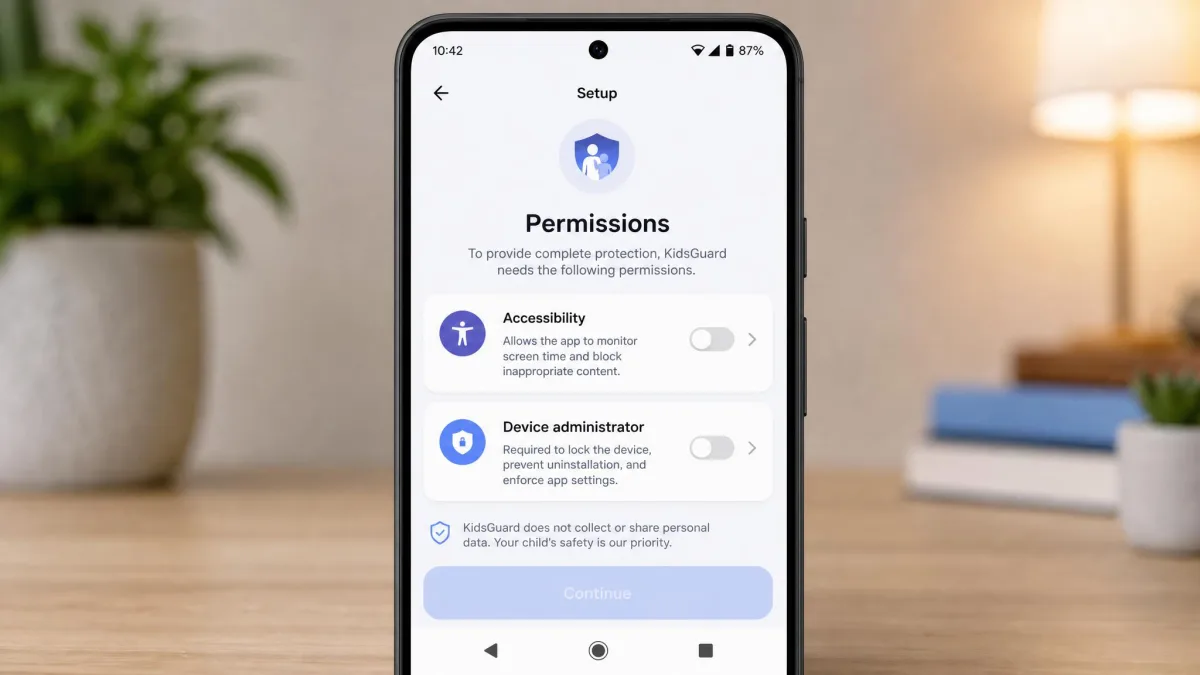
Coverage on paper still has to survive the first evening of installing things. Kaspersky setup is quick on Android: install the child app, sign in, grant permissions and you are monitoring within a few minutes. iOS is slower, because it requires creating a separate child Apple ID first, and that step adds real friction for parents who have not already set one up.
Aura setup runs about 5 to 10 minutes per device and is among the fastest in the category, though it can also stretch to about 20 minutes depending on the device and platform. The parent app walks you through permissions in plain language, which is the part most apps get wrong.
Support is a mixed picture on both sides. The Kaspersky support form is rigid and awkward for general questions that fall outside its preset categories. Aura email support can be slow, averaging around two days for a reply.
We built the same set of rules on both apps, a school-night bedtime, a daily cap and a blocked category list, so the comparison reflects one household policy applied to each rather than each vendor's showcase setup.
Beyond Parental Controls: Aura Identity Theft and Security Extras
Everything so far has been a like-for-like contest. This is the section with no Kaspersky counterpart. Aura's Family plan adds family and child identity protection, 3-bureau credit monitoring, instant credit lock, antivirus, VPN, password manager, and spam call and message protection. It also carries $5 million identity theft insurance.
Child identity theft is a slow-burning problem, because a stolen child's Social Security number can go unused for years before anyone notices, and very few parental control apps monitor for it.
Whether that justifies the $32 monthly Family price depends on what you already pay for. Add up your current antivirus, VPN and password manager subscriptions first. If they come to most of that figure, Aura consolidates them onto one bill. If they do not, you are paying a lot for parental controls.

Can Kids Bypass or Delete Either App?
Features and extras all assume the app is still running. Tamper resistance is where parental control apps quietly fail, so we pushed on both.
Aura held up against common bypass attempts, including location spoofing and VPN workarounds, which is better than most of the category manages. There is one real hole. On Android, the Aura app can be deleted by a child without notifying the parent unless the device administrator step is completed during setup. That step is easy to skip because it looks optional, and skipping it undoes everything else.
Kaspersky's protection is tied to platform permissions in the same way, and its iOS limitations leave a determined teenager more room to move there than on Android. On both apps, a motivated 15-year-old will eventually find an angle, and the app's job is to make that effort visible rather than impossible.
The practical defence on either app is noticing when protection stops. Check the parent dashboard for a child device that has gone quiet for a day, since silence usually means a removed profile or a revoked permission rather than a child who suddenly stopped using their phone.
Complete the device administrator step during Aura's Android setup. Without it, a child can uninstall the app and you will not be told.
Which One Should You Pick?
Both apps are competent, so the real question is which household you are. Read the two profiles below as a diagnosis rather than a recommendation; the verdict at the end of the article makes the call.
Choose Kaspersky Safe Kids If...
Your child does homework on a school laptop or a family Mac, and the phone is only part of the picture. You want to know where they are during the school run, not only what they are doing on the screen. Your budget for this sits closer to a takeaway meal than to a monthly subscription, and you would rather start on a free version and upgrade later than commit inside a two-week window. Android is the household's main platform, so the app's strongest build is the one you would actually be running.
Choose Aura If...
Every screen in the house is a phone or a tablet, so desktop coverage is a feature you would never open. You care more about what happens inside social apps than about the map, and you want per-app allowances rather than one device-wide cap. You are shopping from the US, where Kaspersky is not an option at all. Or you already pay separately for antivirus, a VPN and identity monitoring and would rather have one bill.