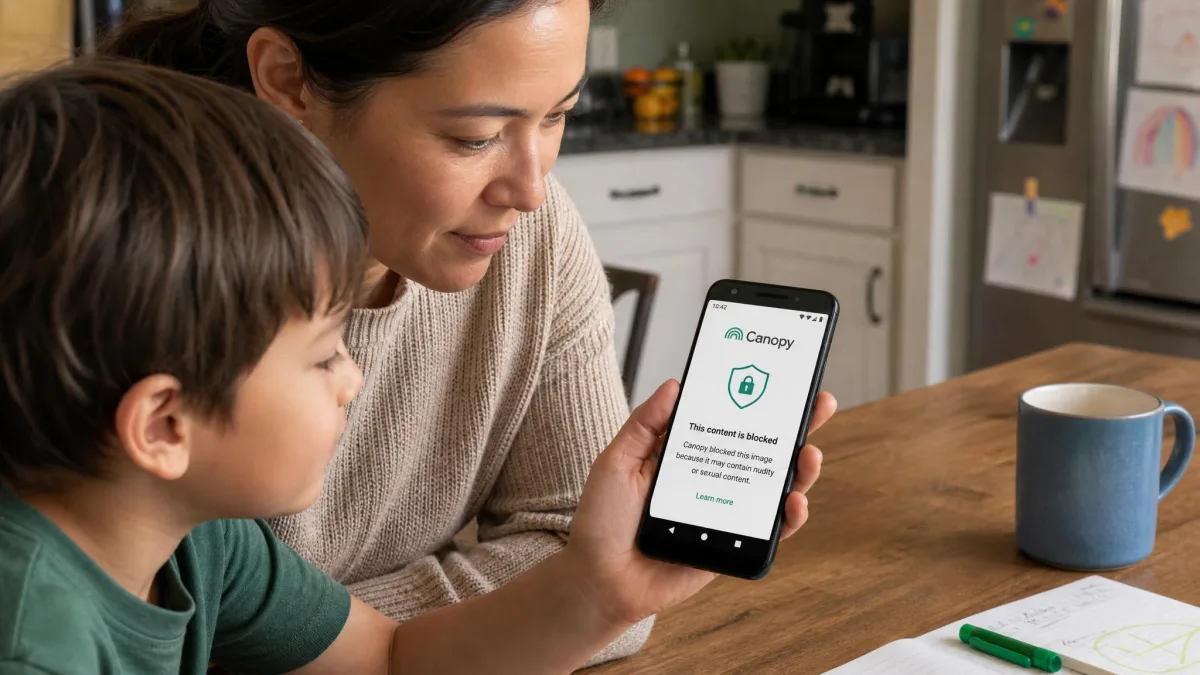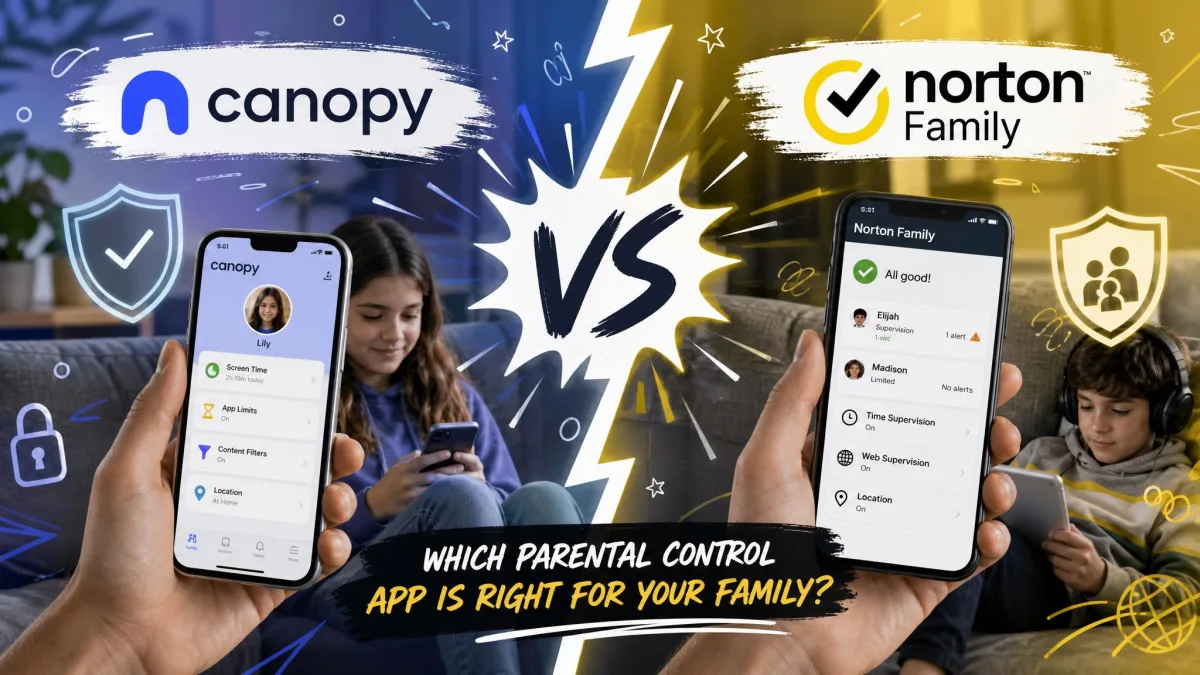
Canopy is a parental control and internet filter that scans images and video as a page loads, then blurs or blocks explicit content before your child ever sees it. It runs on iOS, Android, Windows, macOS and Chrome, it adds sexting alerts, app blocking, screen time and location tools on top of that filter, and it starts at $8.33 a month on an annual plan. Most parental control apps report on what already happened. Canopy tries to stop it in the moment, and that difference is the whole reason to consider it.
Here is our short answer. Canopy is worth it for families with younger kids on Android who want explicit images blocked at the source, and it is a harder sell for parents of older teens on iPhone, where app blocking and geofencing are unreliable. It is a strong filter, not a complete monitoring suite.
Canopy at a Glance
Canopy is published by Netspark Inc. and serves over 200,000 families. It sells three plans, covers one to 10 devices depending on the tier, and includes a 7-day free trial plus a 30-day money-back guarantee. The headline feature is real-time AI filtering of images and video, and the headline weakness is inconsistent behaviour on Apple hardware.
| What you get | Details |
|---|---|
| Starting price | $8.33/month billed annually (Essential, 1 device) |
| Mid tier | $9.99/month billed annually (Plus, up to 3 devices) |
| Top tier | $12.50/month billed annually (Premium, up to 10 devices) |
| Free trial | 7-day |
| Refund window | 30-day money-back guarantee |
| Platforms | iOS, Android, Windows, macOS, Chrome |
| Best feature | Real-time AI image and video filtering |
| Biggest gap | No email, text or social DM monitoring |
What Is Canopy and How Does It Work?
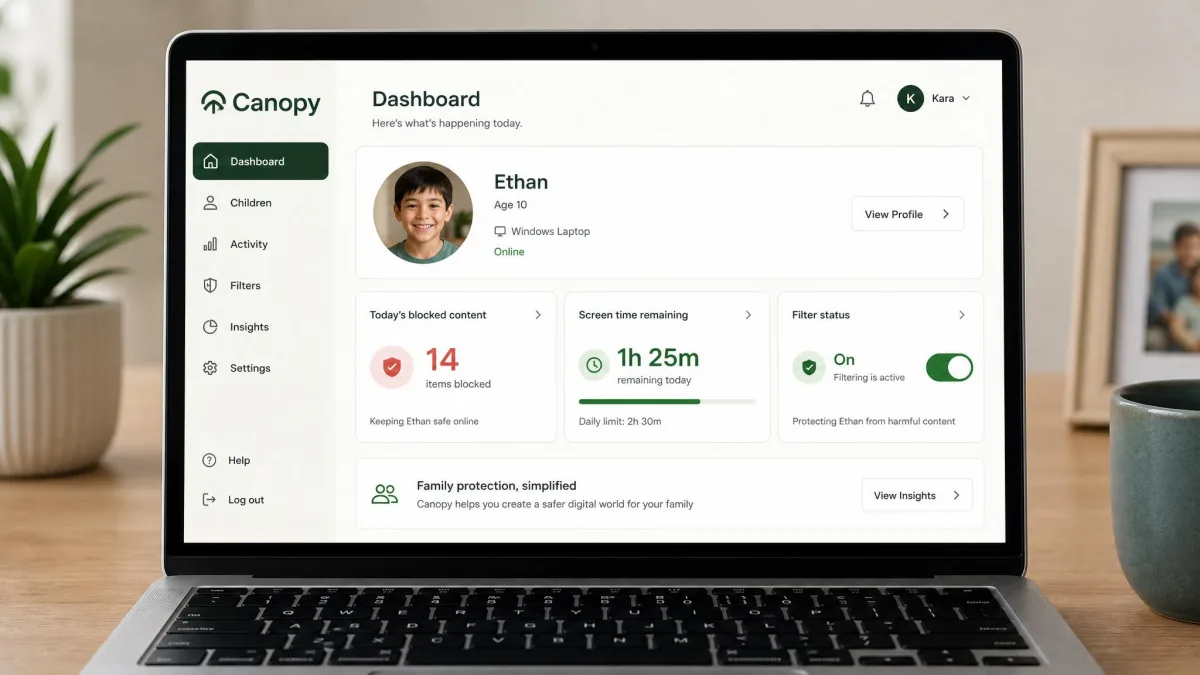
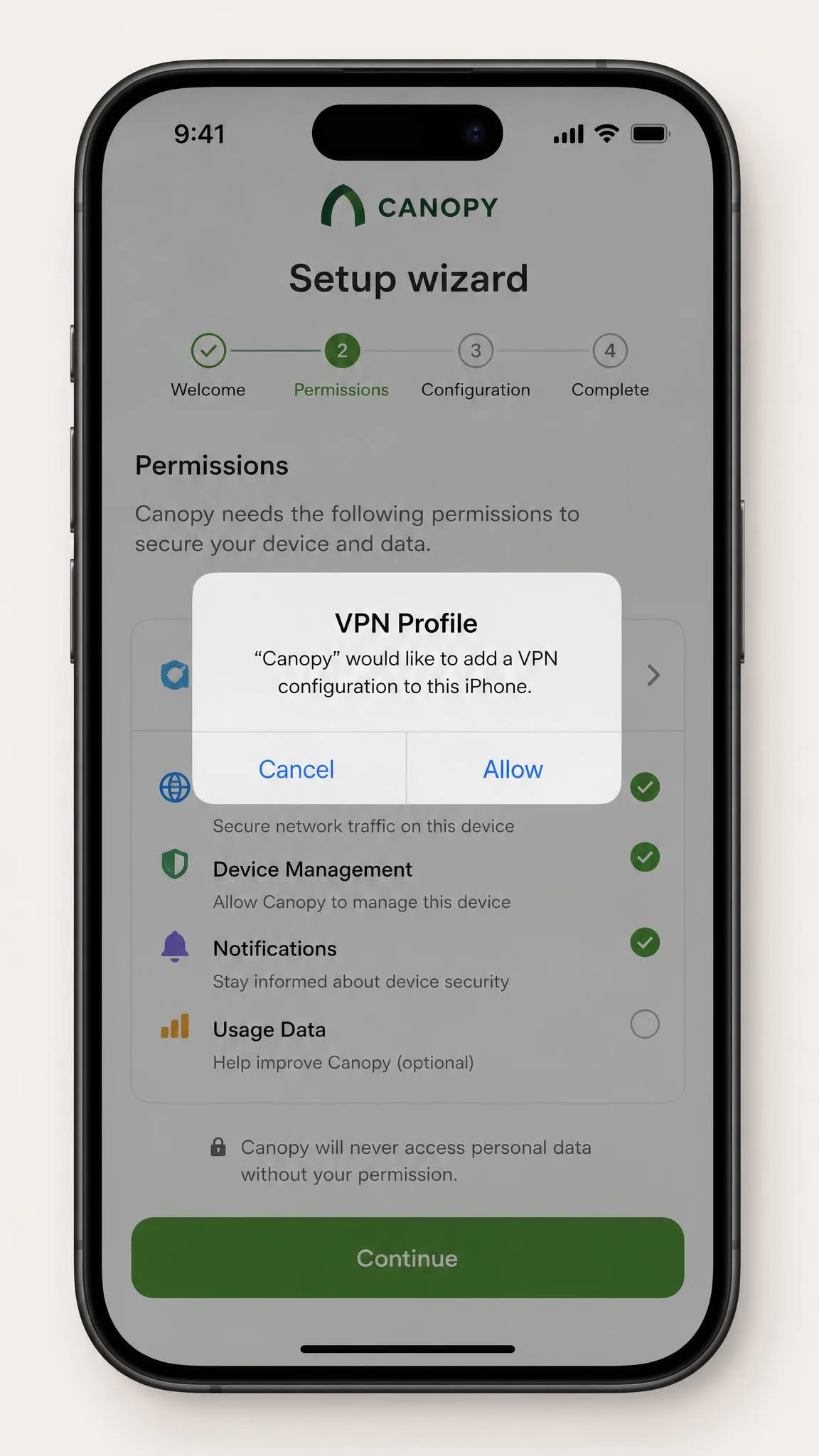
Canopy installs a small app on each child device and pairs it to a parent account. Filtering runs through a VPN profile on the device, which is how traffic gets inspected before it reaches the screen. You then set rules per child from the parent app: what gets filtered, which apps are blocked, when the device goes quiet at night.
The important thing to understand is what Canopy is watching. It watches pictures. Its whole design points at explicit imagery rather than conversations, and that shapes everything it does well and everything it misses.
Real-Time AI Filtering
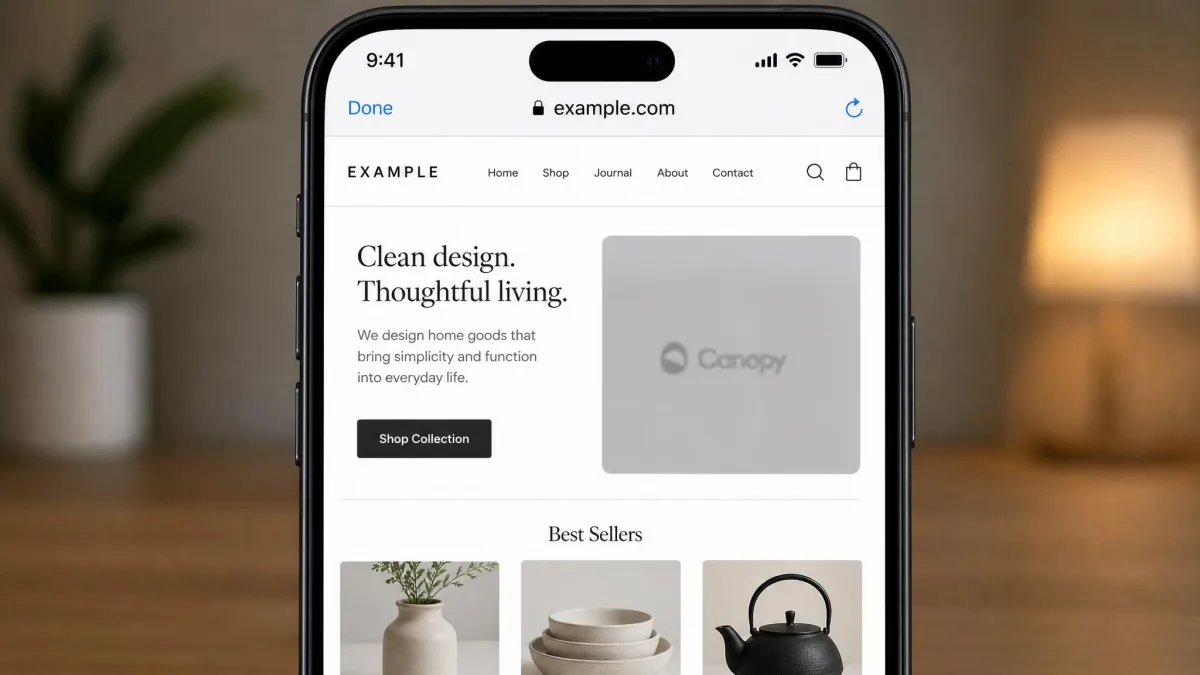
The smart filter scans images and video as pages load and removes explicit content in place, so a page can still open with the rest of its content intact. In our testing this works as advertised, and it is the feature that most clearly separates Canopy from its rivals. Ordinary browsing does not feel slower on the child device, and legitimate sites are not routinely swept up.
SafeWise found that Canopy's algorithm correctly categorized 99.8% of content containing nudity or pornography, which matches what we saw across everyday sites. Accuracy is not perfect in both directions, though. The filter can overblock: Pinterest and the App Store were both cut off on iOS even when we had set no restrictions on either. It can also be lenient in the other direction, letting medical images of nudity through unblocked.
Canopy filters at the image level rather than the domain level, which is why it can let most of a page through while removing a single photo. Traditional blocklists make an all-or-nothing decision about the whole site, so they either lock out a useful page or allow all of it.
Sexting and Sextortion Protection
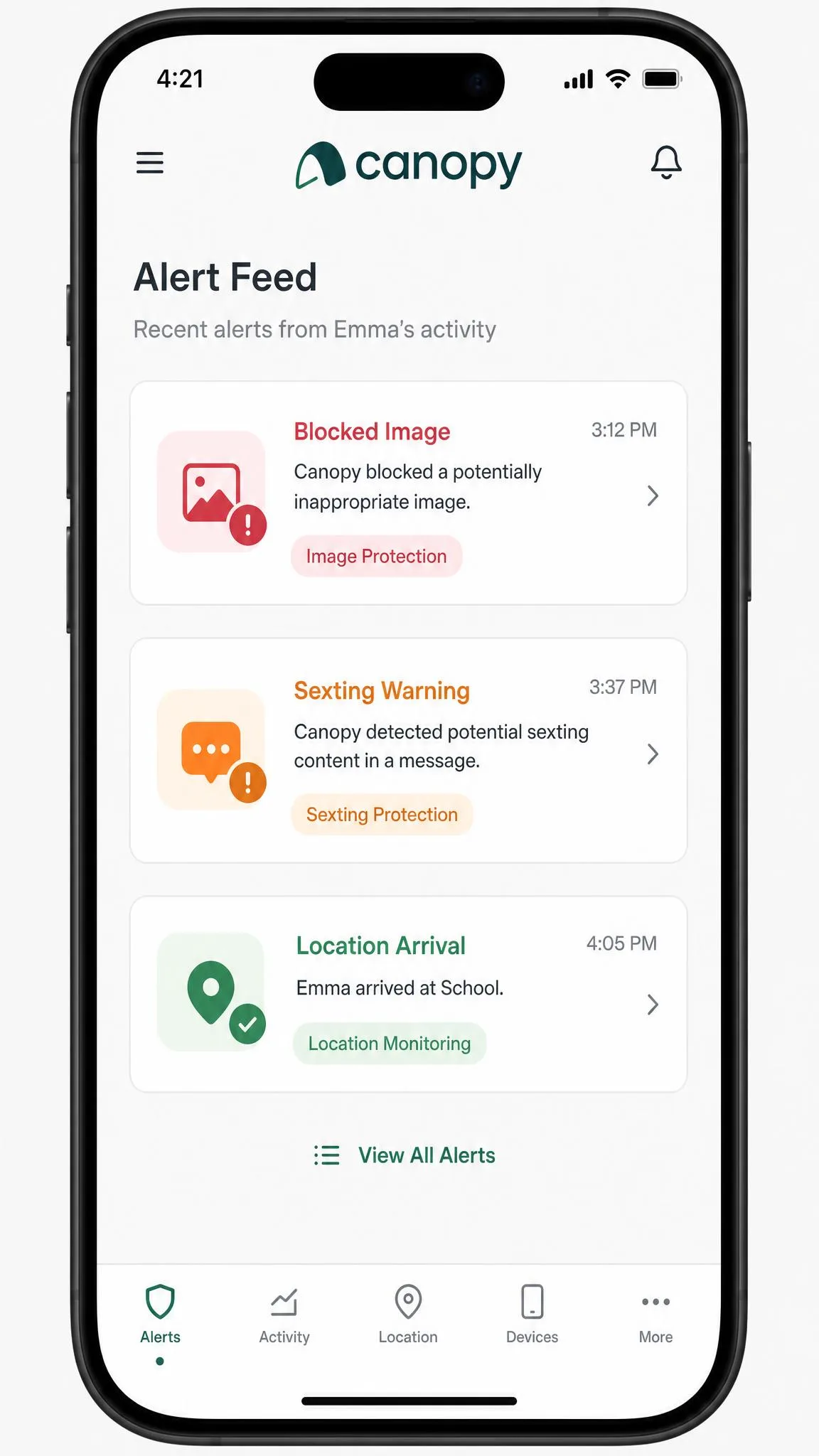
Canopy scans photos taken or received on the child device and warns before an explicit image is sent, then alerts you. It is a genuinely useful layer for a middle-schooler with a new phone, and it covers ground that screen time tools do not touch.
It is not airtight. A bikini photo passed through our tests without triggering an alert, which tells you where the line sits: clear nudity gets caught, borderline content often does not. Treat the alert as a prompt to have a conversation, not as a guarantee.
Screen Time and App Controls
You get daily screen time limits, scheduled device downtime, and per-app blocking with allowlists. On Android these hold up: downtime starts when we set it and blocked apps stay blocked. On iPhone the same settings can quietly fail to apply, which we cover in detail below.
Canopy Pros and Cons
Pros
- Real-time image filtering that strips explicit photos before they render
- Sexting alerts that scan photos on the device, not just links
- Removal Prevention holds firmly on Android
- Works across iOS, Android, Windows, macOS and Chrome
- Light on battery and system resources on both mobile platforms
- 7-day free trial plus a 30-day money-back guarantee
- Per-child settings, so a 9-year-old and a 15-year-old can have different rules
Cons
- App blocking and geofencing can fail outright on iPhone
- No email, text message or social media DM monitoring
- Streaming services such as Netflix, Hulu and Prime Video are not filtered
- Privacy browsers like Brave and DuckDuckGo get blocked rather than filtered
- Speeds can drop noticeably because filtering runs through a VPN profile
- Support quality is inconsistent
How We Evaluated Canopy
We licensed Canopy ourselves and ran it the way a family would: one plan, two child devices, one Android phone and one iPhone, with a parent account on a third device. We set up each child profile from scratch, walked the on-screen instructions without shortcuts, and then spent the following weeks using the devices normally rather than only stress-testing them.
Our scoring covers seven things: filtering accuracy in both directions, sexting detection, setup friction, day-to-day reliability of screen time and app rules, bypass resistance, performance cost, and value against what the same money buys elsewhere. We weight overblocking as heavily as underblocking, because a filter that cuts off the App Store creates a support ticket in your own home every week.
We keep a filter installed on a real family device for weeks after the formal testing ends, because the failures that matter most are the ones that show up on day 12, not day one. Canopy's iPhone problems all surfaced that way.
We also read what the wider parent community reports, since a two-device test cannot surface every edge case. The App Store community rates the app 3.8 out of 5 across about 1,300 ratings, though that figure has sat between roughly 3.4 and 3.8 over the past year. Trustpilot's much smaller pool averages around 2.2 out of 5, which swings with each new post.
Key Features and What You Actually Get
Every plan includes the same core toolkit. You get real-time AI smart filtering of images and video, sexting prevention with photo scanning, app and website blocking with allowlists, screen time management and device downtime, GPS location tracking with location alerts, removal prevention with alerts, AI chatbot content filtering, a lingerie and swimwear filter, an accountability partner option, per-child personalization, and phone plus chat support. What changes between tiers is the number of devices, not the feature set.
Content Filtering Accuracy
Filtering is the reason to buy Canopy, and it holds up. Explicit imagery gets removed before it renders, across browsers and in-app web views, and the filter keeps working on sites that publish new content faster than any blocklist could track.
The failures are worth knowing in advance. Overblocking is the more common complaint in daily use, and it reaches beyond browsing: aggressive blocking has interrupted Netflix and banking apps on child devices. Medical nudity sometimes comes through. Neither is a dealbreaker, but both need a parent who is willing to add the occasional allowlist entry.
Canopy is a visual-content filter first. It keeps no logs of social media DMs or text conversations, so message-level monitoring is simply absent.
Removal Protection and Bypass Resistance
Removal Prevention is one of Canopy's better-executed features on Android. The app cannot be uninstalled unless you first enable removal from the parent account, and that held every time we tried it from the child device.
iOS is weaker. A child who opens Settings can stop the app running in the background, which disables protection without ever uninstalling anything. A tech-savvy teen can also work around parts of the filter with a proxy, or on a device that was never fully enrolled in the first place. And removal can fail in the opposite direction too: the Shield component sometimes refuses to uninstall cleanly, leaving filtering active after a family has tried to remove it.
If your main goal is stopping a determined 16-year-old, Canopy on an iPhone will not get you there. Background termination through Settings is the gap, and no setting in the parent app closes it.
Parent Dashboard and Alerts
The dashboard is plain and easy to read: one card per child, filter status, blocked-content counts, and a running alert feed. Alerts arrive as push notifications, and you can add an accountability partner so a second adult sees the same feed. Reporting is where Canopy stays deliberately thin. You see what was blocked and where the device has been, not a transcript of anything.
Location and Check-In Tools
GPS tracking and location alerts are included on every plan, and on Android they behave. On iPhone, geofences are part of the same unreliable group as app blocking: you can save a zone and never receive the alert. Among low-star reviews on Google Play, the most common complaints cluster on monitoring and location tracking failing to report, alongside children removing the app.
Canopy on iPhone vs Android: What's Different
This is the single most important section for most buyers, because Canopy is not the same product on the two platforms.
Android is the smoother experience end to end. Permission prompts match the on-screen steps during setup, downtime and app restrictions hold, Removal Prevention works, and location reporting is dependable. If your child is on Android, most of what Canopy advertises is what you get.
On iPhone, filtering still works well. Everything around it is shakier. App blocking and geofencing settings can fail to take effect at all, with restrictions you have configured simply not applying to the child device. Setup instructions can point to the wrong place, and finding the anti-theft setting the app asks for took us around 20 minutes. Background termination through Settings undoes the rest. AllAboutCookies reached the same conclusion in its own testing, recommending Canopy for Android households and pointing parents who need broader monitoring toward Bark.
Apple's own restrictions are part of the cause here, not Canopy alone. Every third-party filter on iOS is working within limits that Apple Screen Time does not impose on itself. That explains the gap without excusing the setup instructions.
Setup and Ease of Use
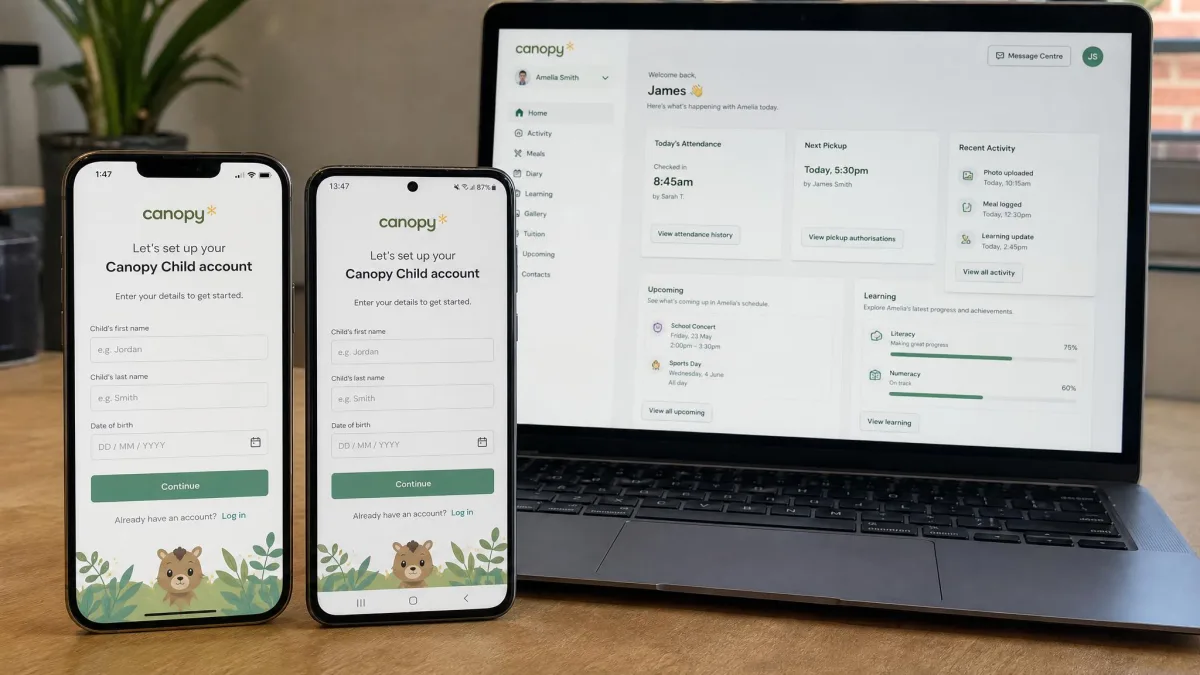
Setup is simple: create the parent account, add a child, install the child app from Canopy on the App Store or the Google Play listing, then grant the permissions the wizard asks for. On Android you can follow it straight through. On iOS you will need patience and, for at least one step, a search of your own.
Day to day, the app is easy to live with. It sits quietly in the background on both platforms with light battery and system impact, and the parent app is uncluttered enough that you can change a rule in under a minute. The exception is speed. Because filtering runs through a VPN profile, internet speed can drop sharply on the child device, and bandwidth on other household devices can be throttled alongside it. On a slower home connection this is the thing families notice first.
Set up the youngest child first and use those settings as your baseline, then loosen the rules per child for older kids. Building strict-to-loose takes less time than the reverse, and you avoid the allowlist backlog that comes from starting permissive.
Support was better than its reputation on one occasion, answering a setup question within about an hour, though slow or unresponsive support is a recurring theme in parent feedback elsewhere. Make sure you test a support question during the trial week rather than after you have paid for a year.
Canopy Pricing and Plans
Canopy sells three annual tiers. Essential is $8.33 a month for one device, Plus is $9.99 a month for up to 3 devices, and Premium is $12.50 a month for up to 10 devices. The App Store listing tops out at $149.99 a year for the 10-device subscription. Every tier carries the same features.
| Plan | Monthly, billed annually | Devices | Best for |
|---|---|---|---|
| Essential | $8.33 | 1 | One child, one phone |
| Plus | $9.99 | Up to 3 | A child with a phone and a laptop |
| Premium | $12.50 | Up to 10 | Multi-child households |
One warning about older reviews. Canopy has renamed and repriced its tiers, so plan names and per-device costs on the pricing page can differ from what a given review describes. Check Canopy's pricing page before you compare figures anywhere, including here.
Is There a Free Trial?
Yes. Canopy offers a 7-day free trial, which the company describes as a one-week trial. Behind it sits a 30-day money-back guarantee from account creation, with a full refund. That combination gives you about a month of real risk-free use, which is long enough to find the iPhone problems if you have an iPhone household.
Device Limits and Value per Child
Value depends entirely on how many devices you need to cover. At 10 devices, Premium works out near $1.25 per device per month, which is competitive. At one device, Essential is expensive for what is essentially a filter with alerts. Most families land on Plus, and three devices disappear fast once a child has a phone, a tablet and a school laptop.
What Experts and Other Reviewers Say
Independent scores for Canopy sit in a wide band, and the spread tracks which platform and which use case each reviewer prioritised.
The pattern is consistent. Reviewers who weight image filtering rate Canopy highly. Reviewers who weight full-family monitoring, iOS reliability or support quality rate it in the middle.
What Real Parents Say
Parent feedback is more polarised than the expert scores, which is normal for filters that either solve a problem outright or fail visibly.
What Parents Love
Parents who stay on the platform describe genuine relief once the filter is running, particularly for younger children. The recurring theme is that explicit images stop appearing, and stop appearing quickly, without the parent having to review anything after the fact.
The filter caught things I would never have found in a weekly report. That is the difference for us.
Common Complaints
The low-star reviews cluster tightly: monitoring and location tracking failing to report, children removing the app, speed drops on the household connection, and support that does not respond. Notice that the complaint list and the platform gap are largely the same story told from two directions.
Who Canopy Is Best For (and Who Should Skip It)
Canopy is a good fit if you have children aged roughly 7 to 13, if their devices run Android, and if your main worry is explicit imagery arriving unannounced. It also suits households that want protection without surveillance, since it keeps no message logs at all.
Skip it if your child is an older teen on an iPhone, if you need text, email or DM monitoring, or if you are relying on a filter to police streaming apps. For those needs, Bark covers messages and social platforms, Qustodio covers screen time and reporting with a free single-device tier, and our Net Nanny review looks at another filter-first option. Whatever you choose, Google Family Link is worth pairing with it on Android for the device-level controls a third-party app cannot reach.

Canopy vs Bark vs Qustodio vs Aura
| Product | Buy | Starting price | Devices | Free trial | iOS strength | Android strength | Nudity detection | Screen time | Bypass resistance |
|---|---|---|---|---|---|---|---|---|---|
|
Check price → | $8.33/mo annually | 1 to 10 by plan | 7-day | Strong images, weak app blocking | Strongest platform | Real-time AI filtering plus alerts | Yes, with downtime | Holds on Android, weak on iOS |
 |
Check price | $99/yr Android app | Unlimited | 7-day | Needs the Bark Sync charger | Full monitoring, no hardware | Text and photo monitoring | Yes, with schedules | Removal alerts, best on Bark hardware |
 |
Check price | $59.95/yr | 5 to unlimited | Free tier plus a premium trial | Standard web and app filtering | Full filtering plus call and SMS | No real-time image filtering | Yes, with routines | Standard uninstall protection |
 |
$10/mo annually | Unlimited | 14-day | Standard web filtering | Standard web filtering | No real-time image filtering | Yes, plus Pause the Internet | Standard uninstall protection |
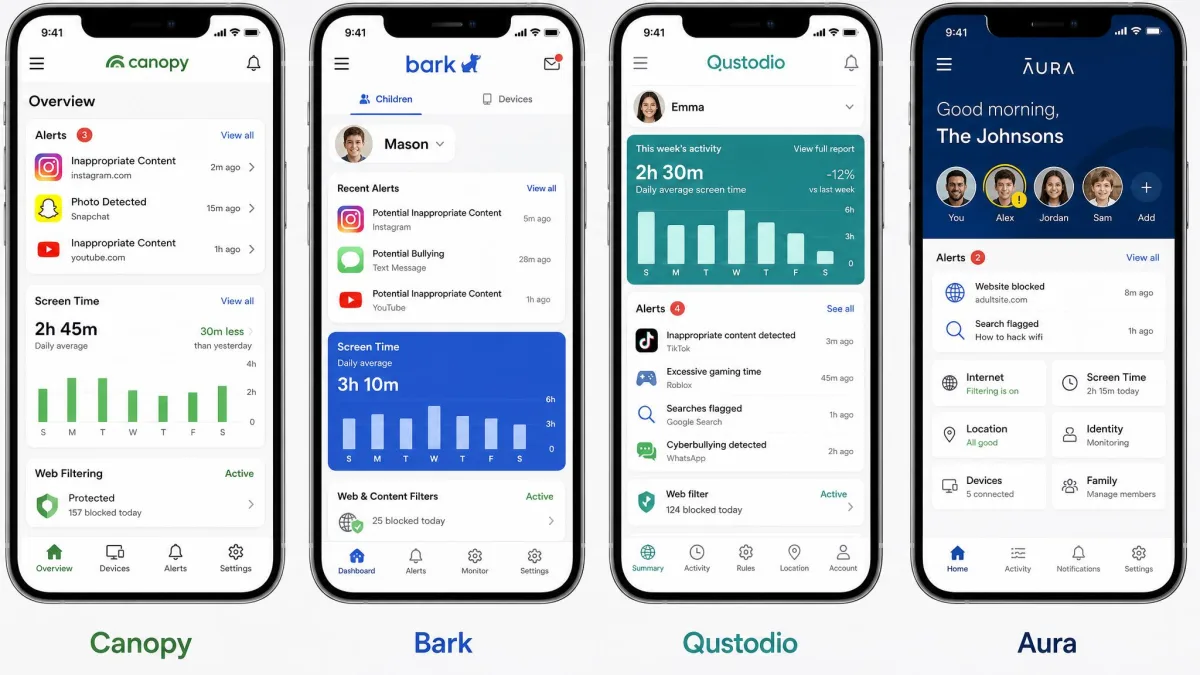
Read the table as a question about what you are trying to stop. Canopy is the only one of the four doing real-time image analysis, so it wins on explicit content. Bark, at $148 a year on iOS, wins on conversations and covers unlimited devices, which our Bark review goes into further. Qustodio is the cheapest structured option at $59.95 a year with a 30-day money-back guarantee, and our Qustodio review has the detail. Aura bundles identity protection and antivirus with its $32 a month Family plan and offers the longest safety net at 14 days free plus a 60-day guarantee.
Worth remembering across all four: any service collecting data from a child under 13 is bound by COPPA requirements, and Pew Research data on parental screen rules shows most parents combine software limits with conversations rather than relying on either alone.
Frequently Asked Questions
Is Canopy worth it?
Does Canopy work on iPhone?
How is Canopy different from Bark or Qustodio?
Does Canopy have a free trial?
Can Canopy be bypassed by a teen?
How many devices does one plan cover?
Does Canopy slow the phone or drain the battery?
Verdict: Our Final Take on Canopy
Canopy does one job better than anything else at this price, and it does several adjacent jobs unevenly. If you want explicit images stopped before a child sees them, buy it, put it on Android, and keep your expectations for the iPhone side modest. If you want to know what your child is saying, or you need one app to cover every device in a busy household, your money goes further elsewhere.