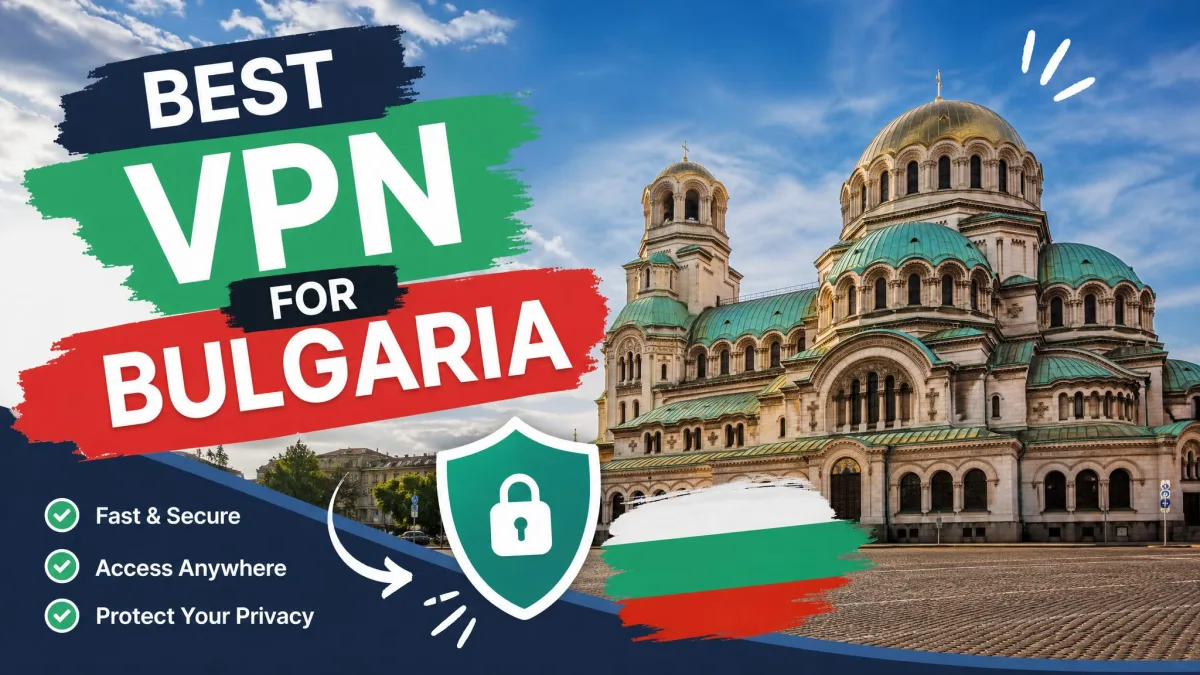
Need a Bulgarian IP to watch BNT from abroad, or a safer way to log in on hotel Wi-Fi in Sofia? Bulgaria's internet is largely open and VPNs are legal, so you don't need one just to get online. You need one to reach the services you already use and to watch Bulgarian TV while you're away. It also keeps logins private on café, coworking and hotel networks in Sofia, Plovdiv or the Black Sea resorts.
Our top pick is NordVPN, which pairs genuine Sofia servers with the fastest speeds in our group. We compared five providers on whether they run a physical server in Sofia and how much of a 250 Mbps line they kept. We also checked whether BNT, bTV and Nova TV played through them, and what each one costs.
Best VPNs for Bulgaria at a glance
All five picks list a Bulgaria location, and none of them is virtual, so every one gives you a genuine Bulgarian IP address. Prices are starting rates on each provider's longest plan.
| Product | Buy | Sofia server | Server countries | Devices | Starting price | Money-back | Best for |
|---|---|---|---|---|---|---|---|
 |
Check price → | Yes (Sofia) | Well over 100 | 10 | From about $3.49/mo | 30-day | Overall and Bulgarian TV abroad |
 |
Check price | Yes (Sofia, paid plans) | 149 | 10 (Free: 1) | From about $3.49/mo | 30-day (prorated) | Privacy and a free tier |
 |
Check price | Yes (Sofia) | 100 | Unlimited | $2.49/mo | 30-day | Value and big households |
 |
Check price | Yes (Sofia, 29 servers) | 100 | 7 | From about $2/mo | 45-day (14-day monthly) | Longest refund window |
 |
Check price | Yes (Bulgaria, Sofia per IP data) | 113 | 10, 12 or 14 by tier | $2.99/mo | 30-day | Simple apps |
The best VPNs for Bulgaria, reviewed
1. NordVPN
Score: 9.0/10. The fastest VPN in our group, and the steadiest from morning to evening.
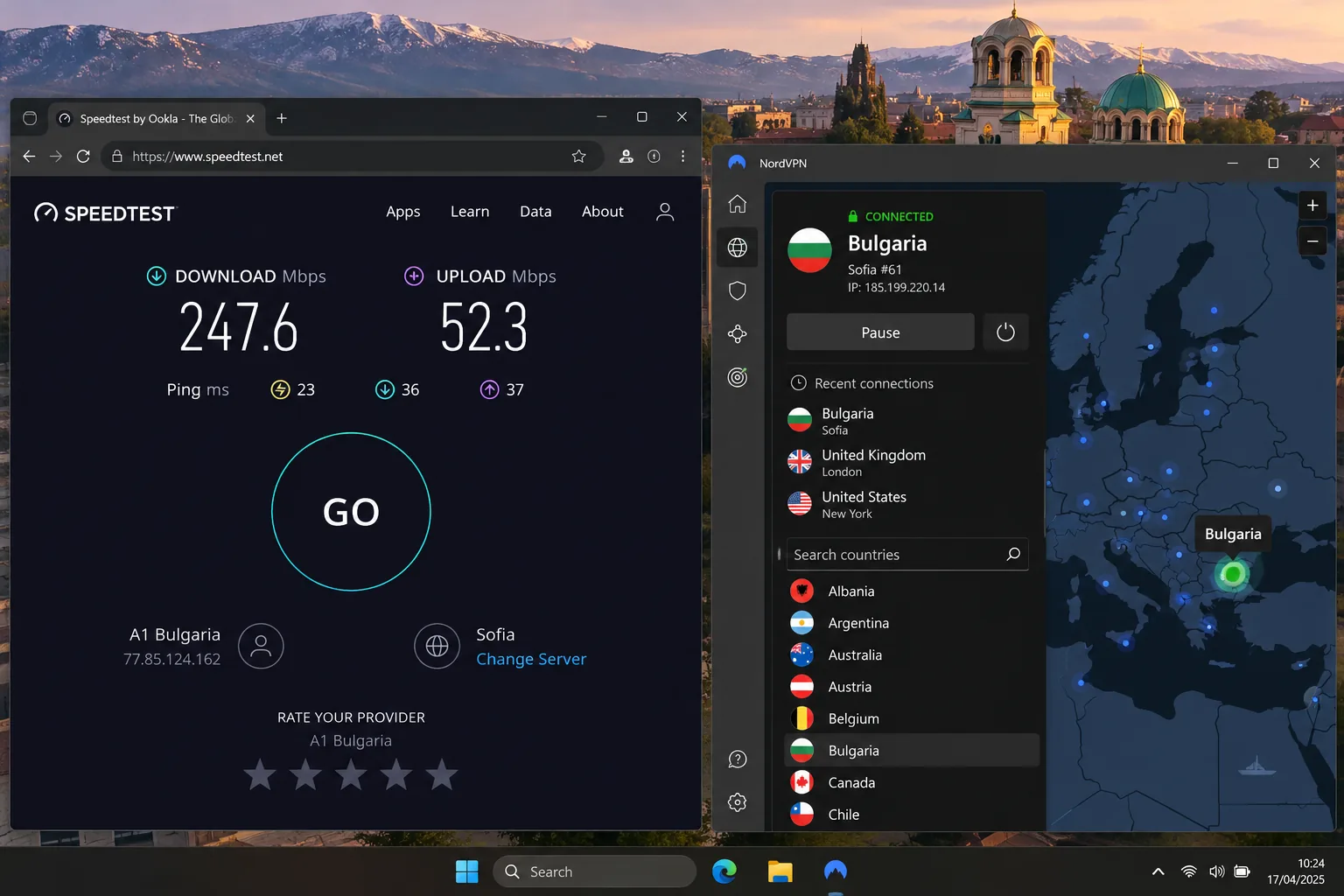
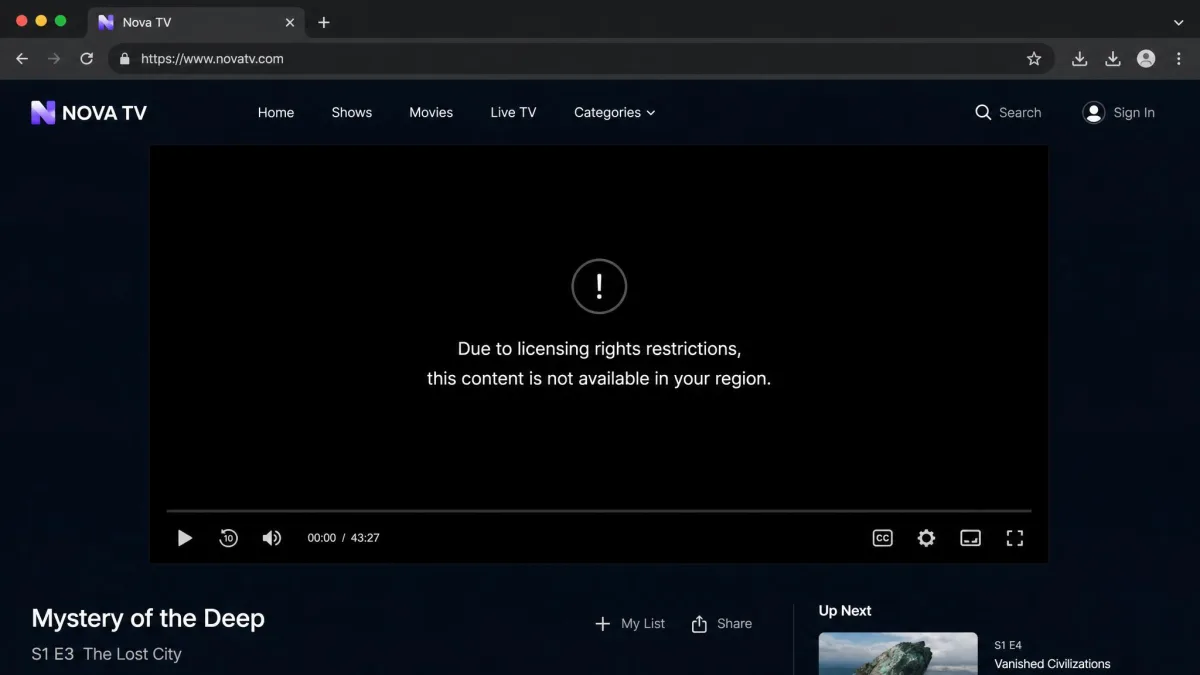
From outside Bulgaria, Nova TV greeted us with its standard message: "Due to licensing rights restrictions, this content is not available in your region." We connected NordVPN to Sofia, reloaded the page, and the stream started normally. BNT and bTV loaded the same way. NordVPN kept roughly three-quarters of our 250 Mbps line, enough for 4K, and its speed moved by only about 6 to 7 Mbps between morning and evening.
Its Bulgaria servers sit in Sofia and aren't among its virtual locations. You can choose a country and city but not an individual server, and the app can lag briefly while switching. The desktop apps also take a little longer to connect and take some getting used to.
You get the WireGuard-based NordLynx protocol, military-grade AES-256 encryption, a kill switch, DNS leak protection, obfuscated servers and Threat Protection, which blocks ads, malware and trackers. Deloitte completed NordVPN's sixth independent no-logs assurance engagement and issued its report on 12 December 2025. Our full NordVPN review covers the rest.
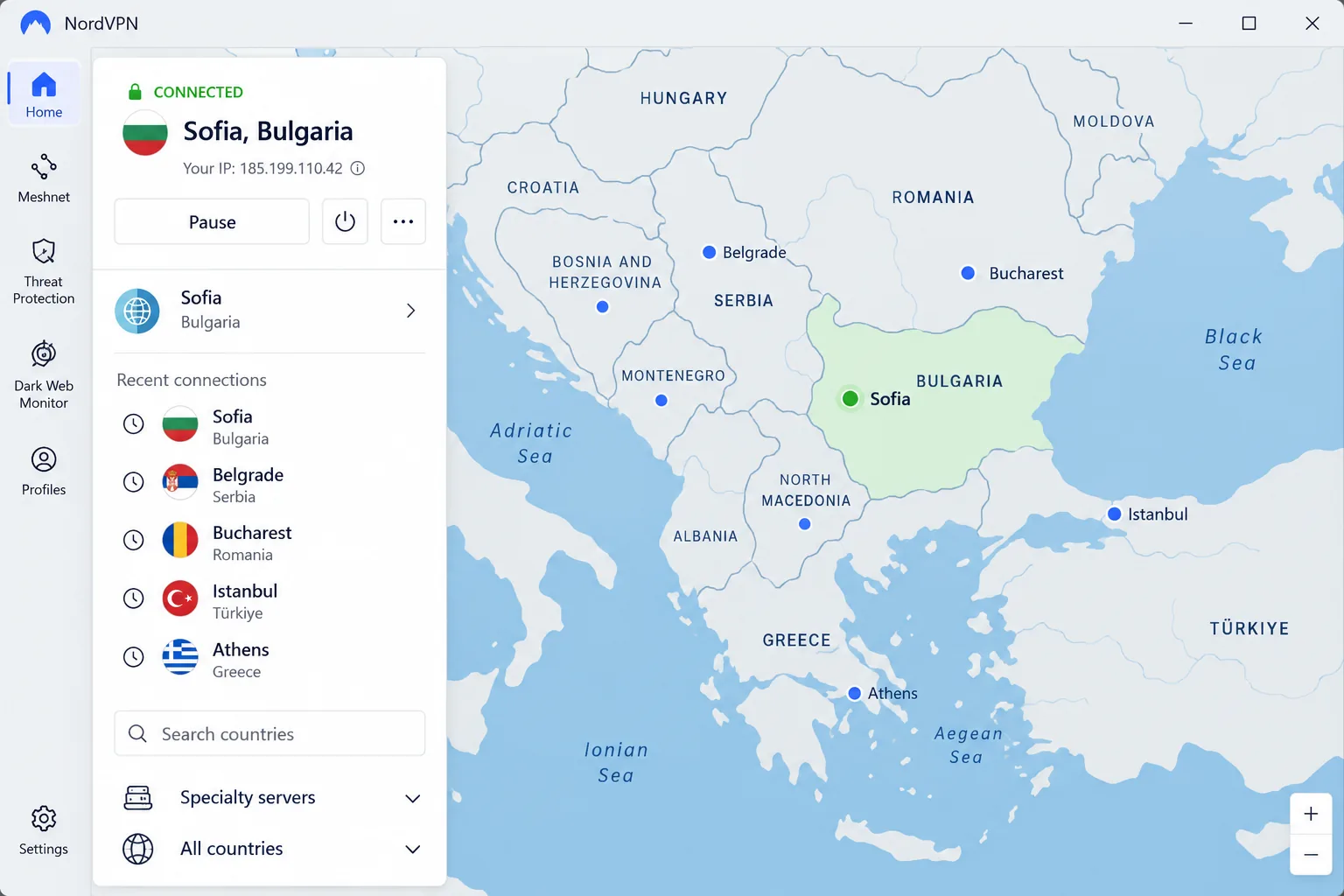
Basic costs from about $3.49 a month on the 2-year plan, or around $13 to $15 a month if you pay monthly. One account covers 10 devices, and the 30-day money-back guarantee lets you try it risk-free.
Pros
- Sofia servers unblocked BNT, bTV and Nova TV
- Meshnet and Double VPN built in
- Six independent no-logs audits
Cons
- Desktop apps are slower to connect
- No choice of individual server
- Monthly plan is expensive
2. Proton VPN
Score: 9.0/10. It ties NordVPN on score and wins outright on privacy.
We started on Proton's free plan to see how far it could go. It auto-selects among 10 countries and never let us pick Bulgaria. Diema stayed blocked. On VPN Plus we chose Sofia, Proton's first Balkan location, and got a Bulgarian IP straight away. Speeds were slower than NordVPN's, at just over half of our 250 Mbps line.
Proton AG is headquartered in Switzerland, its apps are open source, and it accepts cash and Bitcoin. Its fifth consecutive annual no-logs audit ran from 20 to 27 May 2026 and found no logging of browsing, DNS requests, destinations or connection metadata.
The apps are slightly more complex for beginners than NordVPN's or ExpressVPN's, because they pack in more. You get the Stealth protocol, Secure Core multi-hop routing, the NetShield blocker, a permanent kill switch, split tunneling and P2P servers with port forwarding. There's no native router app, though manual router setup works. The network spans 149 countries and 21,202 servers. See our Proton VPN review for more.
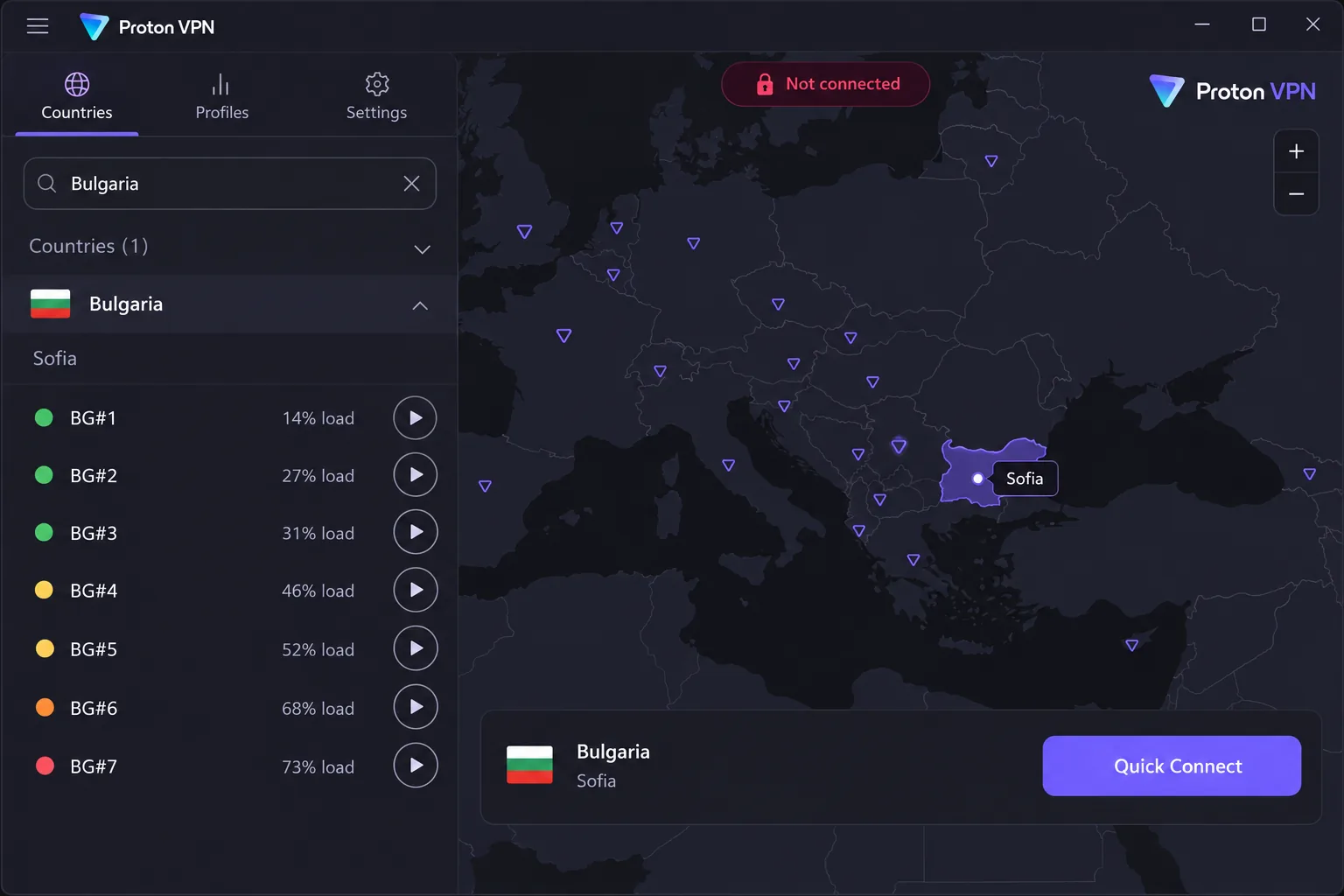
VPN Plus costs $9.99 month to month, or from about $3.49 a month on the 2-year plan. It covers 10 devices, and the 30-day money-back guarantee is prorated to unused time.
Pros
- Tor over VPN built in
- Five consecutive annual no-logs audits
- Free plan with no data limit
Cons
- Free plan can't select Bulgaria
- Slower than NordVPN and Surfshark
- No native router app
3. Surfshark
Score: 8.6/10. Surfshark is the value pick, and it gives up very little speed for it.
Surfshark was nearly as fast as NordVPN, keeping roughly three-quarters of our 250 Mbps line, and it barely slowed in the evening. We also tried its rotating IP feature on the Sofia server. It changed our address at intervals but kept us in the same location, so we never lost the Bulgarian IP that local sites look for.
Surfshark's Bulgaria location is Sofia, tagged for P2P and not marked virtual. Setup is easy. The Mac app lacks some Windows features, and customer service is less polished than the apps.
Features include WireGuard, the CleanWeb ad blocker, a kill switch, Camouflage mode and MultiHop, all on RAM-only servers. There's no native router app. Deloitte's second no-logs assurance was announced on 20 June 2025. The network has 4,500+ servers in 100 countries. Our Surfshark review goes deeper.
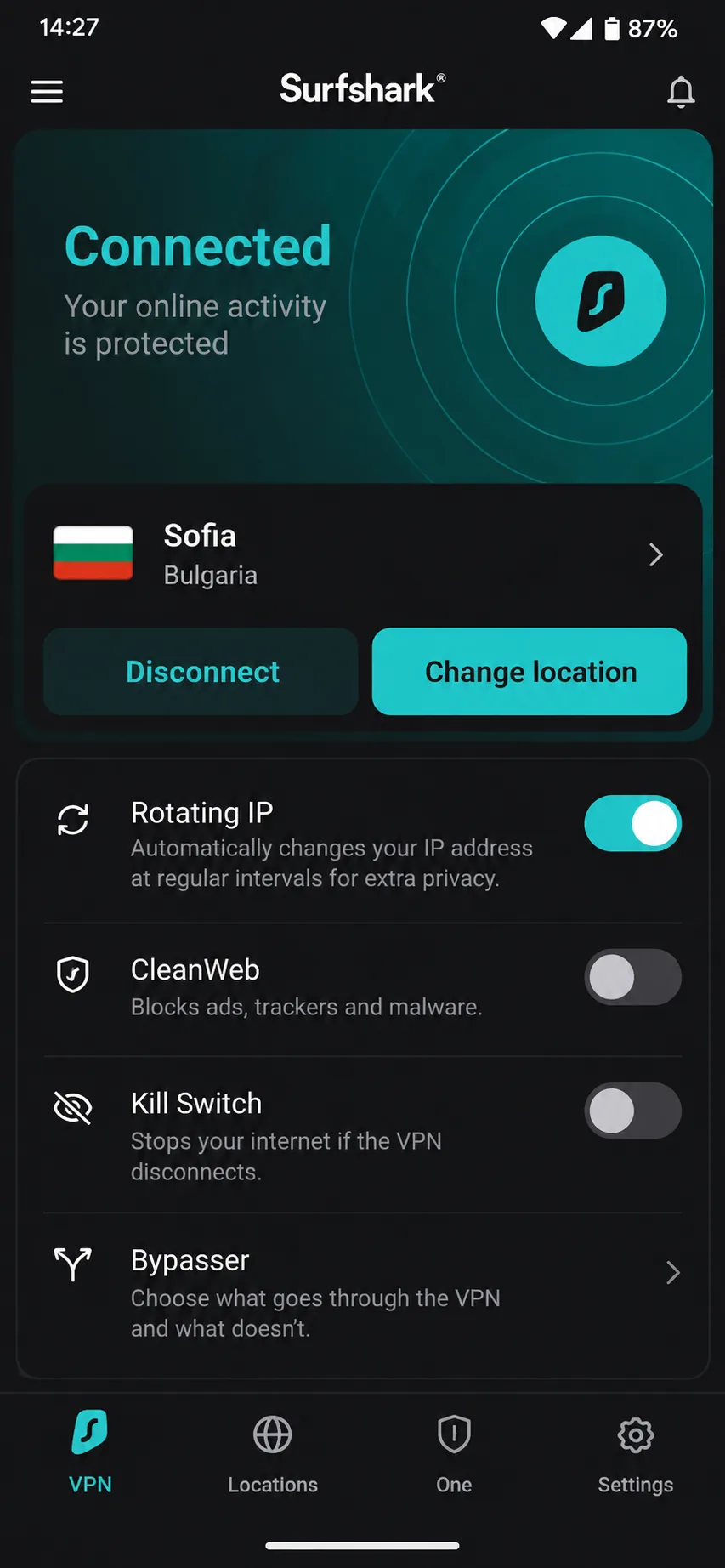
Starter costs $2.49 a month on the 2-year plan, $3.39 a month on the 12-month plan, or $16.45 month to month, with a 30-day money-back guarantee.
Pros
- Nearby exits in Romania, Greece, Turkey, Serbia and North Macedonia
- Unlimited devices on every plan
- Rotating IP keeps a Bulgarian location
Cons
- Mac app trails the Windows app
- Customer service is less polished
- No native router app
4. CyberGhost
Score: 8.4/10. Where Surfshark leads on price, CyberGhost leads on guidance, and all 29 of its Sofia servers are physical.
CyberGhost labels its streaming servers by service, so picking one took no guesswork. We had no trouble getting Nova TV to play from abroad. Speeds sat a little over half of our 250 Mbps line. They dipped most in the evening, and a few servers ran slower than the rest. On unfamiliar hotel and airport Wi-Fi, the app connected automatically, which is exactly what you want on the road.
Its network covers 100 countries and about 9,500 servers. You get WireGuard, NoSpy servers, a kill switch, a Content Blocker and split tunneling, but no obfuscation and no native router app. The 7-device cap runs out quickly in a big household. Our CyberGhost review has the details.
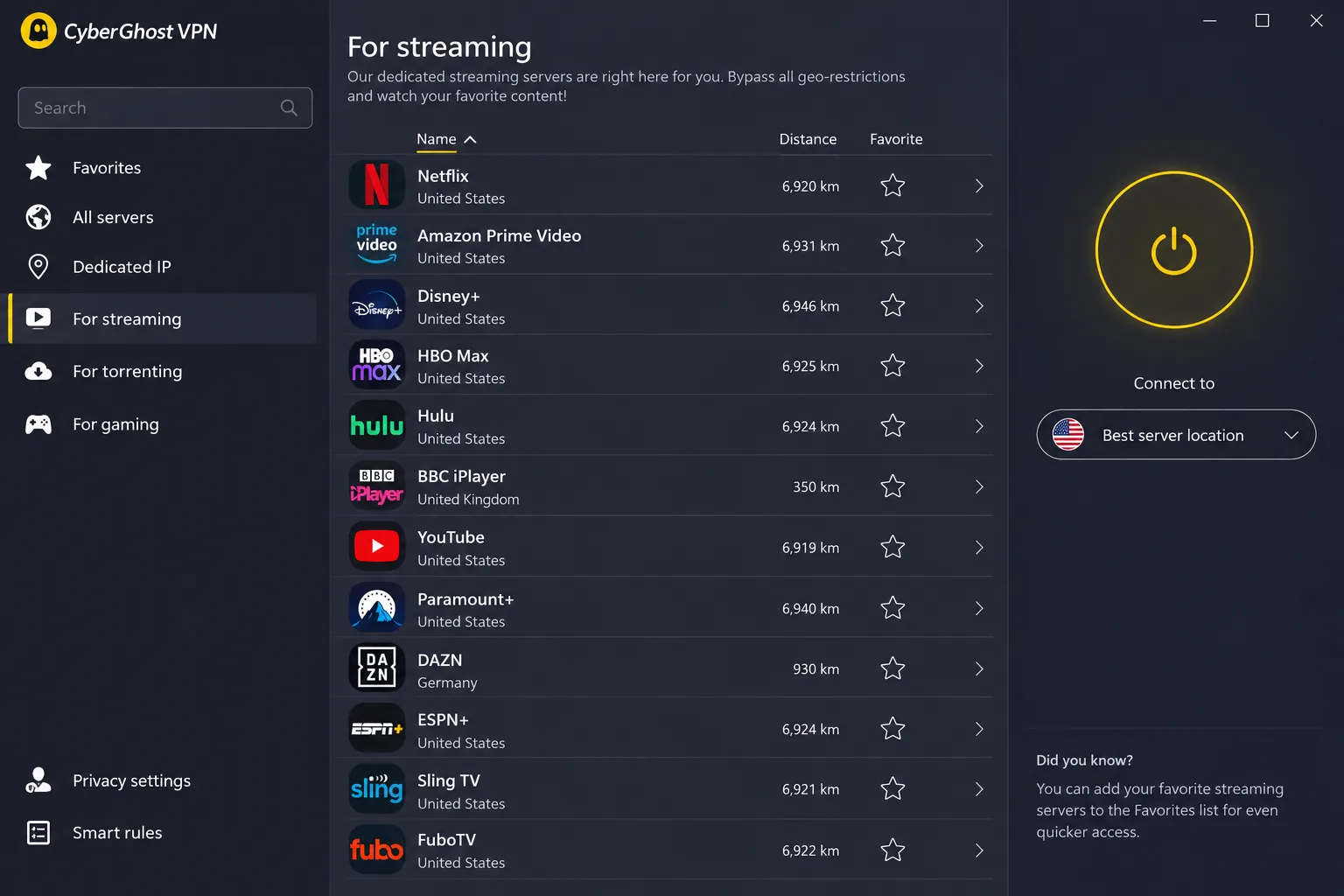
CyberGhost costs from about $2 a month on the 2-year plan, or $12.99 month to month. The 6-month and 2-year plans carry a 45-day money-back guarantee, the longest here, while the monthly plan gets 14 days.
Pros
- Streaming and torrenting servers labelled by service
- Three Deloitte no-logs reviews, the latest in 2025
- Dedicated IP add-on available
Cons
- Speeds dip most in the evening
- Only 7 devices per account
- No obfuscation
5. ExpressVPN
Score: 8.2/10. It has the simplest apps on this list, but it costs more than rivals with a similar core feature set once it renews.
ExpressVPN's Bulgaria location isn't on its list of virtual servers, and its Bulgarian IPs geolocate to Sofia. We connected and had Nova TV, BNT 1 and bTV playing without fuss. Its streaming servers aren't labelled, so we simply used the Bulgaria location for everything. Speeds held at roughly 60% of our 250 Mbps line and close to 90% of a 100 Mbps line, with little change across the day.
You get the Lightway protocol, the Network Lock kill switch, RAM-only TrustedServer hardware and private DNS on every server. KPMG examined its no-logs claims as of 28 February 2025 and gave reasonable assurance that no activity logs are collected. The network covers 113 countries. Read our ExpressVPN review for the full picture.
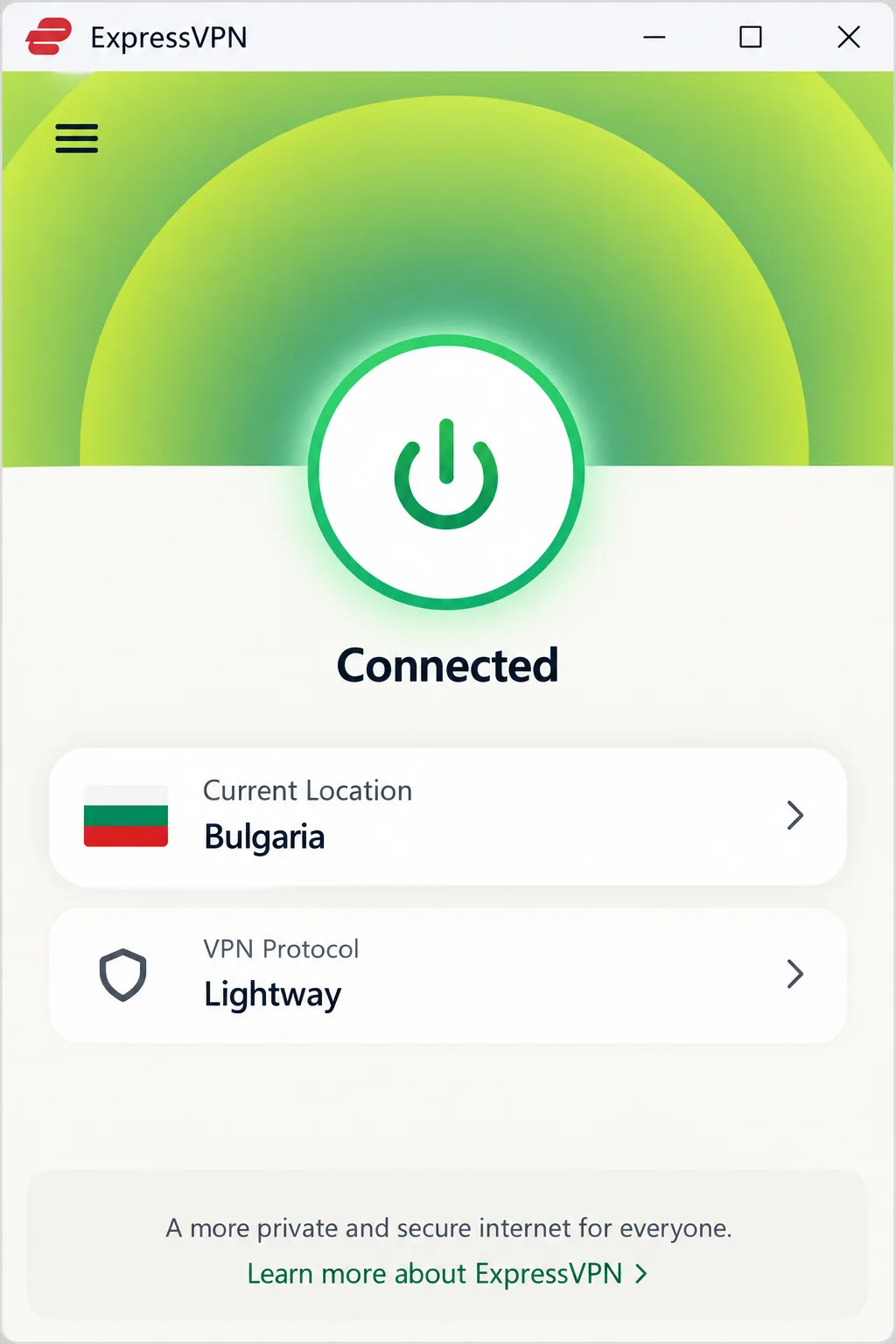
Price is the catch. Basic costs $2.99 a month on the 2-year plan but renews at $99.95 a year. Advanced costs $4.49 a month and Pro $7.49 a month. By tier, Basic, Advanced and Pro cover 10, 12 and 14 devices. Once it renews, ExpressVPN costs more than rivals with a similar core feature set. First-time users get a 30-day money-back guarantee, though app-store subscribers request refunds through Apple or Google.
Pros
- Native router app included
- Steady speeds through the day
- Up to 14 devices on Pro
Cons
- Few advanced settings
- No port forwarding
- Steep renewal prices
Why use a VPN in Bulgaria?
A VPN in Bulgaria is about access and privacy, not getting around censorship. Bulgarians living abroad use a Sofia server to reach Bulgarian banking apps and local TV. Some banks flag and block logins from a foreign IP. Connecting to a server in the bank's home country avoids that check.
Travelers and digital nomads have the opposite problem. From a Bulgarian connection, Netflix, BBC iPlayer, ITVX and Sky Go serve their Bulgarian catalogue or block you outright. A server back home usually restores your library, so you can binge-watch your favorite show from a Plovdiv apartment. Our guide to the best VPN for travel covers that use in more depth.
Then there's shared Wi-Fi. Cafés, coworking spaces, Bansko ski chalets and Black Sea hotels all put you on networks you don't control. A VPN adds an extra layer of security to your logins there, as our public Wi-Fi VPN guide explains.
How we chose and tested the best VPNs for Bulgaria
We started with the question that matters most here: does the provider run a physical server in Sofia? We checked each provider's own server list for a Bulgaria location and confirmed it wasn't virtual.
Next came speed. We measured each VPN on a 250 Mbps line in the morning, at noon and in the evening. We report results as a share of that line, because throughput depends on your base connection and the server you pick. We then connected to Bulgaria from abroad and tried BNT, bTV and Nova TV, noting what we had to do when a channel didn't play.
Finally, we weighed recent no-logs audits, kill switches, prices, renewal rates, device limits and refund windows, then ranked the five by our scores for this page, which start from their HTS review scores.
What to look for in a VPN for Bulgaria
A real server in Sofia for a Bulgarian IP
A server in Sofia is what separates a good Bulgaria VPN from a generic one. Some providers sell "virtual" locations, where the IP looks Bulgarian but the server sits in another country. None of our five does that for Bulgaria. NordVPN, Proton VPN and Surfshark all list a Sofia server. ExpressVPN lists Bulgaria as a physical location, and its IPs geolocate to Sofia. CyberGhost lists 29 servers in Sofia. Private Internet Access, which isn't one of our picks, also runs a physical Sofia location.
Pick a provider with a physical Sofia server for a real Bulgarian IP. A virtual location can look right in the app but route your traffic through another country.
Streaming access (BNT, bTV and foreign libraries)
Streaming cuts both ways. Bulgarians abroad need a Sofia server for local channels, while visitors need a home server for their usual services. A UK server usually brings back BBC iPlayer and ITVX from Bulgaria, though not always. The longer hop to London is still comfortable for HD video and calls. Our streaming VPN rankings compare more services.
Privacy, no-logs and EU jurisdiction
A no-logs policy is only worth what an independent audit proves, and all five picks have passed one since 2025. Bulgaria's own record on data retention is mixed. Its Constitutional Court struck down bulk data retention in 2015. In 2022, in Case C-350/21, the EU Court of Justice held that the law's general 6-month retention of traffic and location data breaches EU law. A VPN that keeps no logs leaves nothing to retain.
A server in Sofia matters more than a big server count. If the Bulgarian IP isn't real, Bulgarian TV won't play.
How to watch Bulgarian TV from abroad
BNT 1, BNT 2, bTV and Nova TV all check your IP address and stay region-locked to Bulgaria, so you need a VPN with a Sofia server.
- Connect your VPN to a Sofia server.
- Open the channel's website or app and start the stream.
- If it still won't play, clear your browser's cookies and cache, then reload.
- If Diema Sport or a Vbox7 video flags you, switch to another Sofia server and reload.
Clearing cookies and reloading usually fixed a stubborn stream for us. Diema Sport and some Vbox7 content can flag datacenter IPs, and moving to a different Sofia server got us past the flag.
Inside the EU, paid subscriptions follow you. Regulation (EU) 2017/1128 requires paid streaming services to work the same when you're temporarily in another EU country. Free public broadcasters can choose whether to allow access abroad, so a VPN remains the dependable route for BNT.
Is it legal to use a VPN in Bulgaria?
Yes. VPNs are legal in Bulgaria, with no ban, licensing or registration requirement. Anything illegal, such as piracy or fraud, stays illegal over a VPN.
Bulgaria's internet is largely open. Freedom House's Freedom in the World 2026 report rates the country "Free" with a Global Freedom Score of 74/100, down from 77 the previous year. It also gives Bulgaria 4/4 for free expression without fear of surveillance. Social media, messaging apps and news sites aren't blocked, and there's no history of internet shutdowns.
The blocking that does exist is narrow. The National Revenue Agency orders unlicensed gambling sites to shut down, and a court can tell ISPs to block those that don't. Over 2,500 such sites were shut down in 2024. A Sofia court ordered torrent-site blocks in 2023, but the Supreme Court later found the Copyright Act gives no basis for final blocking orders against ISPs.
Can you use a free VPN in Bulgaria?
You can, but a free VPN won't do much for Bulgarian TV. Free services have few servers, throttle bandwidth, cap data and carry weaker security. Bulgarian TV sites detect and block them quickly, and their slow speeds make HD streams a struggle.
Proton Free is the honest exception for privacy. It covers 1 device with no data limit, but you can't choose Bulgaria. That makes it fine for café Wi-Fi and useless for BNT. Our best free VPN rankings compare other options.
Some free VPNs fund themselves by collecting your data, and most cap how much you can use. For a Bulgarian IP, a paid plan with a money-back guarantee is the safer trial.
How to set up a VPN in Bulgaria
Setup takes a few minutes, and doing it before you fly saves hassle on arrival.
- Sign up for a VPN with a Sofia server and download its app.
- Install the app and sign in on each device at home, then test one connection.
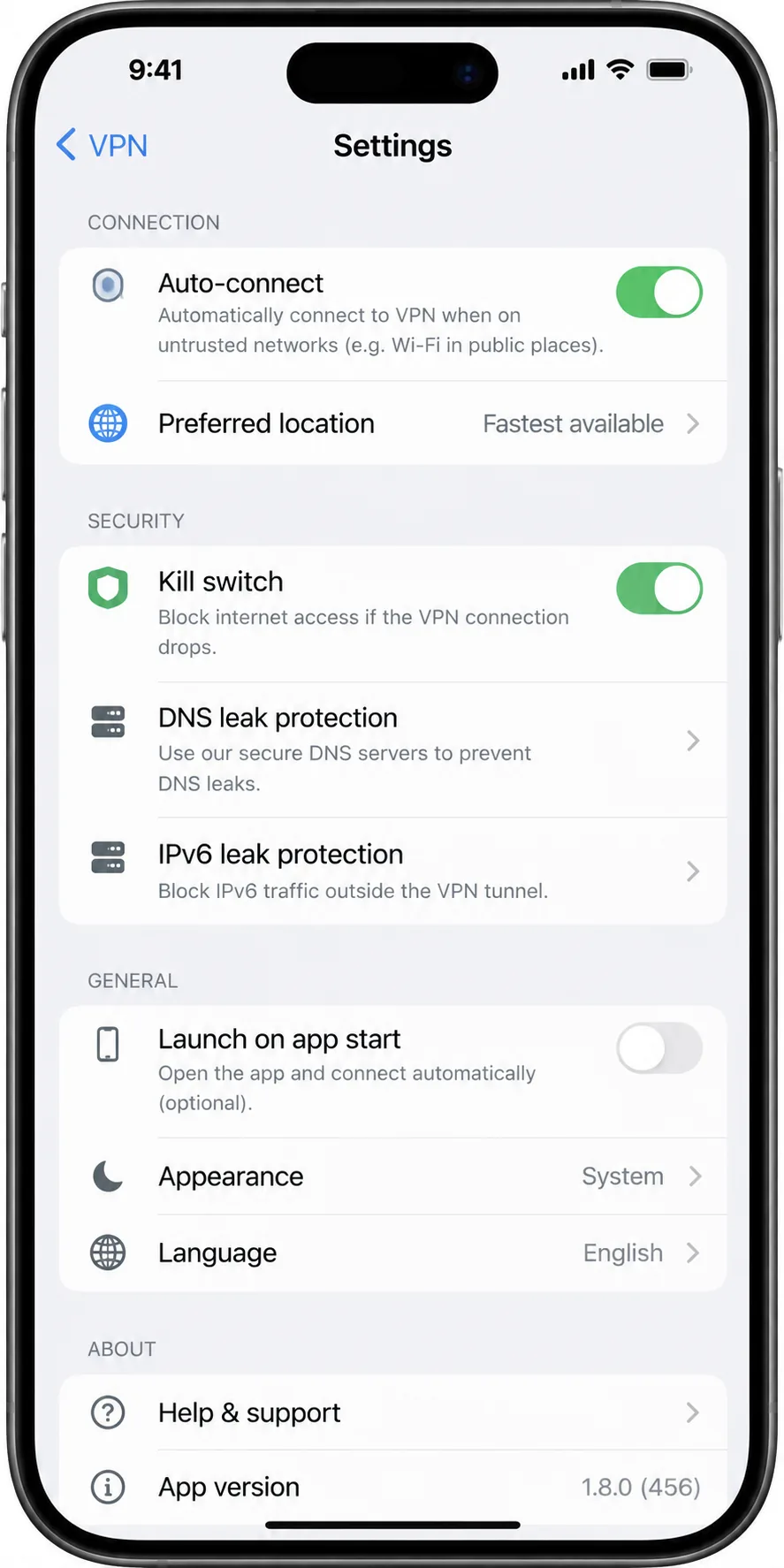
- Open the app, go to Settings, then turn on the kill switch and auto-connect.
- Connect to Sofia for Bulgarian sites, or to a home server for your usual services.
- If a Bulgarian server feels slow, pick the protocol manually: try a WireGuard-based one first, or OpenVPN TCP on restrictive networks.
The kill switch and auto-connect stop logins leaking if the VPN drops on café, chalet or hotel Wi-Fi. Our step-by-step VPN setup guide covers each platform.
Best VPNs for Bulgaria: FAQs
How can I get a Bulgarian IP address?
Which VPNs have a server in Bulgaria?
What Bulgarian TV can I watch with a VPN?
Can I use a proxy instead of a VPN?
Is it legal to torrent with a VPN in Bulgaria?
Do I need a VPN on public Wi-Fi in Sofia?
Does a VPN slow down my internet in Bulgaria?
The bottom line
Which VPN fits depends on whether you're watching Bulgarian TV from abroad or protecting logins inside Bulgaria. For most people, one name covers both.
If privacy comes first, choose Proton VPN. For a big household on a budget, choose Surfshark. CyberGhost gives you the most time to decide, and ExpressVPN suits anyone who wants the simplest apps. For picks beyond Bulgaria, see our overall best VPN rankings.