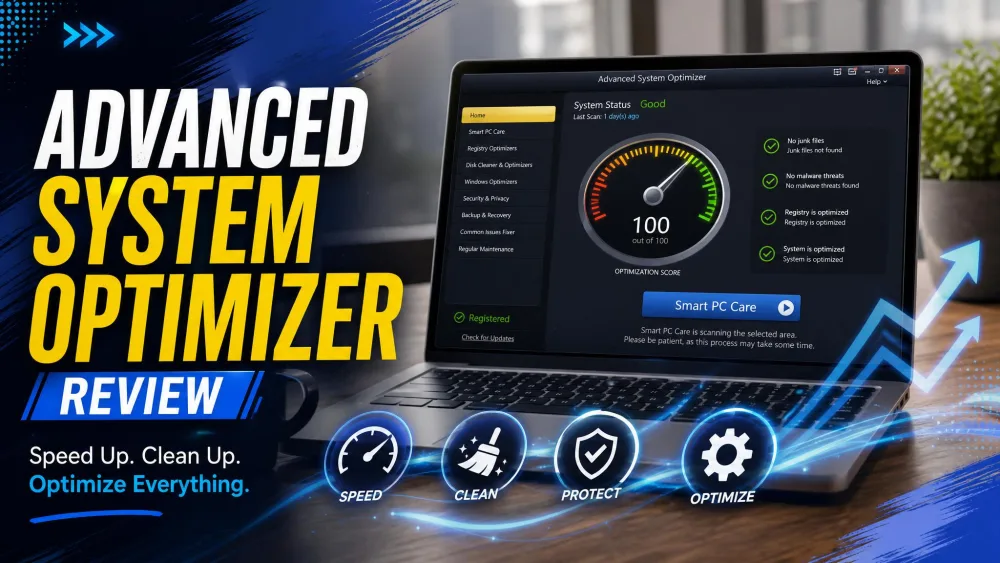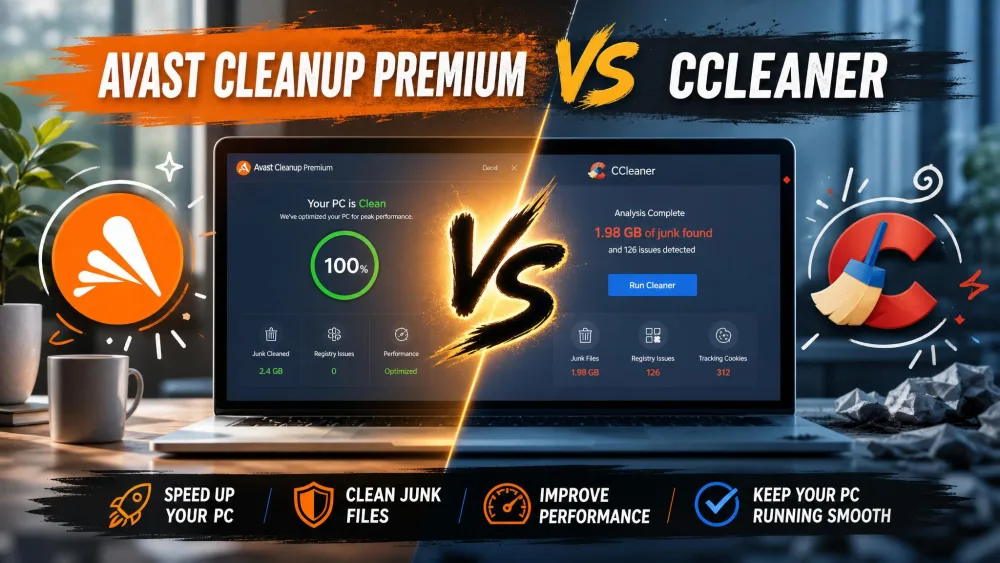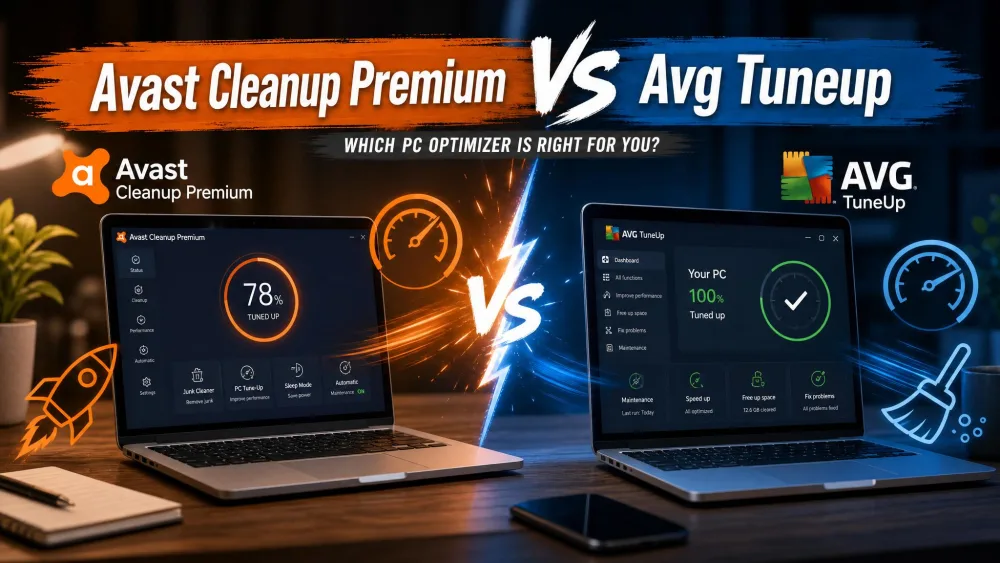
Two paid tune-up tools promise the same thing: a cleaner, faster Windows PC. Avast Cleanup Premium comes from a well-known security brand, while Advanced System Optimizer is the veteran cleanup suite from Systweak. If your machine feels sluggish and you want to know which one is worth paying for, this comparison settles it.
We installed both apps, ran real before-and-after cleanup passes, and scored them on cleaning power, features, pricing, and how safe they felt in daily use. Here is how they stack up.
Avast Cleanup Premium vs Advanced System Optimizer: Quick Verdict
Both tools do the core job of clearing junk and tidying a cluttered system, but they aim at different buyers. Avast Cleanup Premium is the better all-round pick for most people because it runs on Windows, Mac, and Android, includes a genuinely useful Sleep Mode, and backs its cleaning with a familiar security brand. Advanced System Optimizer is the stronger choice for Windows power users who want more tools in one box, including a duplicate finder and a defragmenter, at a promo price that often undercuts Avast.


At a Glance: Side-by-Side Comparison Table
| Product | Buy | Platform | Price | Key spec |
|---|---|---|---|---|
|
Check price → | Windows, Mac, Android | $65.99/yrrenewal | Sleep Mode, 25+ browser cleaner |
|
Check price | Windows only | $49.95promo, $69.95 list | Duplicate finder, disk defrag |
Both suites cover the cleanup basics. The table above shows where they split: platform reach, trial length, and the extra utilities each one bundles.
Pricing and Plans
Price is where these two feel closest on paper and different in practice. Avast leans on a low first-year promo and a steeper renewal, while Advanced System Optimizer relies on frequent coupon discounts off its list price.
Avast Cleanup Premium Pricing
Avast Cleanup Premium renews at $65.99 per year for a single Windows PC, or $79.99 per year for a 10-device plan that also covers Mac and Android. The first-year introductory price is much lower, at $29.88 for one PC, so expect a jump at renewal.
Avast also offers a 30-day free trial with no credit card required, plus a 30-day money-back guarantee if you change your mind after buying.
Advanced System Optimizer Pricing
Advanced System Optimizer lists at $69.95 per year for a single PC, but Systweak currently sells it at $49.95 per year, a discount off the list price. So it pays to buy while the lower price is live.
Systweak backs the purchase with a longer 60-day money-back guarantee, double Avast's window. The catch is the trial: you get a 24-hour fully functional run, after which most features lock until you pay.
On renewal, Avast Cleanup Premium usually costs more than Advanced System Optimizer's promo price. If long-term cost matters, factor in year two, not just the first-year deal.
Features They Share
Strip away the branding and both apps cover the same core cleanup jobs. Here is how each one handles the four features most buyers care about.
Disk / Junk Cleaner
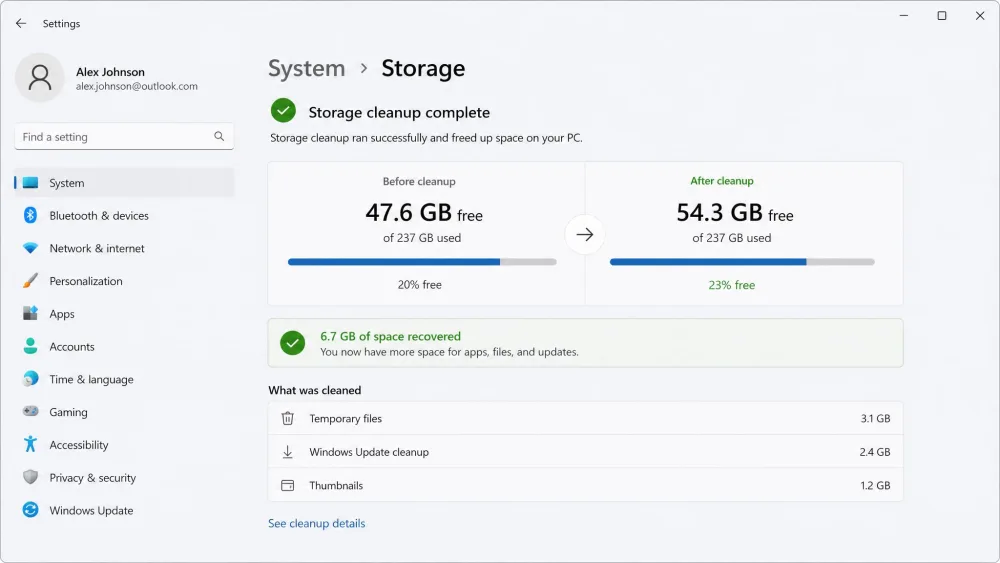
This is the heart of any cleanup tool. Avast's Disk Cleaner targets junk from more than 200 programs, and in our testing it freed a meaningful batch of temporary files and cache. The gains were modest on already-healthy hardware, which is normal for this class of tool.
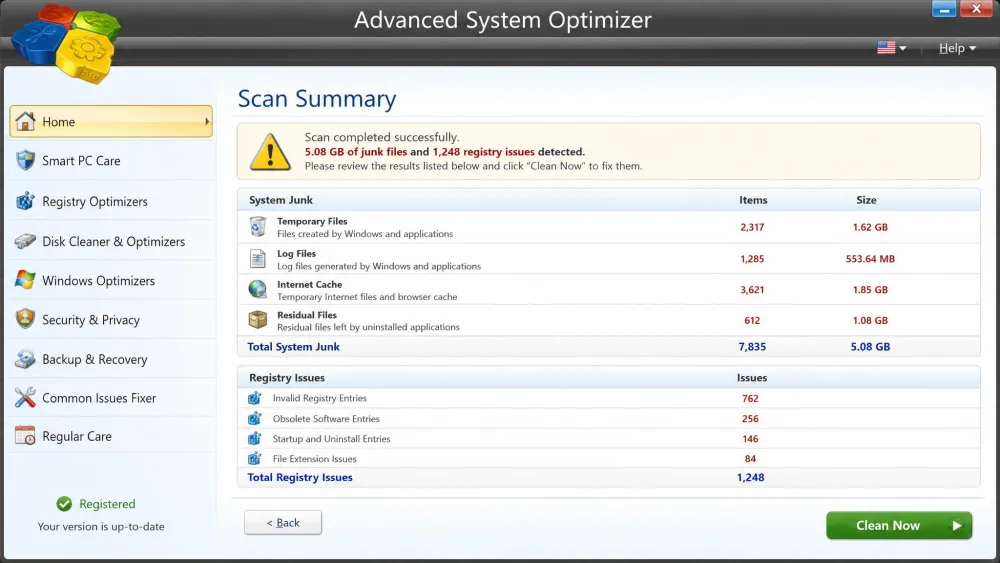
Advanced System Optimizer did similar work. It recovered around 5GB of junk on our test PC without touching data we needed, which is a reassuring result for a deep cleaner.
Registry Cleaner
Both suites include a Windows Registry cleaner that scans for orphaned and broken entries. Avast keeps this simple and folds it into its maintenance routine. Advanced System Optimizer goes further, pairing a registry cleaner with a registry optimizer that compacts the database.
A registry cleaner can occasionally remove an entry a program still needs. Create a system restore point before your first registry clean. Advanced System Optimizer does this automatically, but it is worth confirming on either tool.
Startup and Sleep Mode Optimization
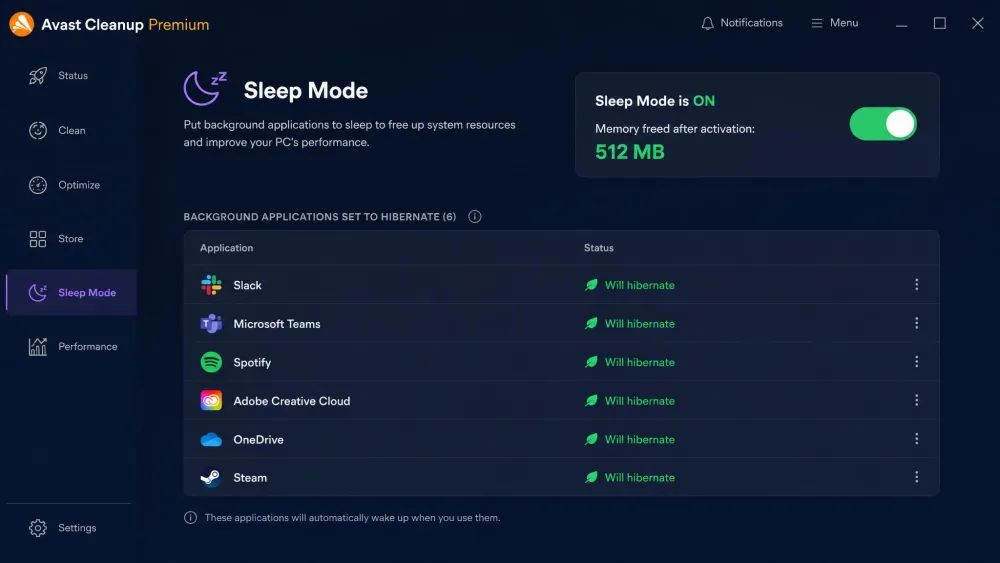
Both apps let you trim startup programs to speed up boot times. Avast pulls ahead here with Sleep Mode, which hibernates background apps you are not using. In our testing it noticeably reduced memory pressure, and it is the feature we would miss most if we switched away.
Advanced System Optimizer has a Startup Manager to control boot items, but no direct equivalent to Sleep Mode.
Browser Cleaner
Avast Cleanup Premium includes a dedicated Browser Cleaner that supports 25+ browsers, wiping cache, cookies, and trackers in one pass. Advanced System Optimizer handles browser traces through its Privacy Protector instead, which clears history and temporary browsing data but is framed as a privacy tool rather than a tidy-up.
Where They Differ
The shared features are close. The differences are what decide the winner for your particular setup.
What Avast Cleanup Premium Does Better
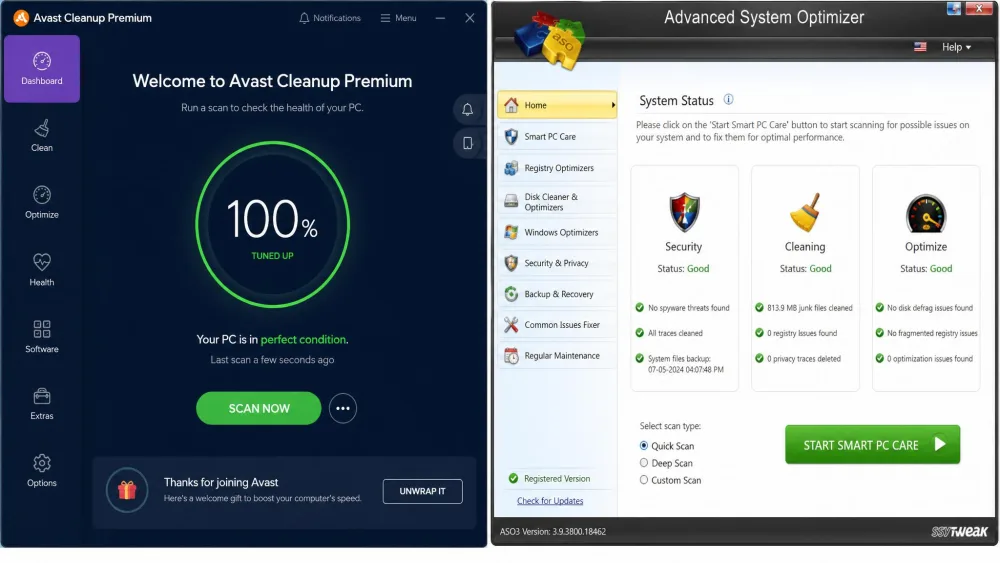
Avast wins on reach and polish. It runs on Windows 11 and earlier, plus Mac and Android, so one subscription can cover a household of mixed devices. Its dashboard is clean and beginner-friendly, with clear Status, Maintenance, and Speed Up sections that made scans easy to follow. Sleep Mode remains its signature advantage, and the Browser Cleaner's 25-plus browser support is broader than most rivals.
What Advanced System Optimizer Does Better
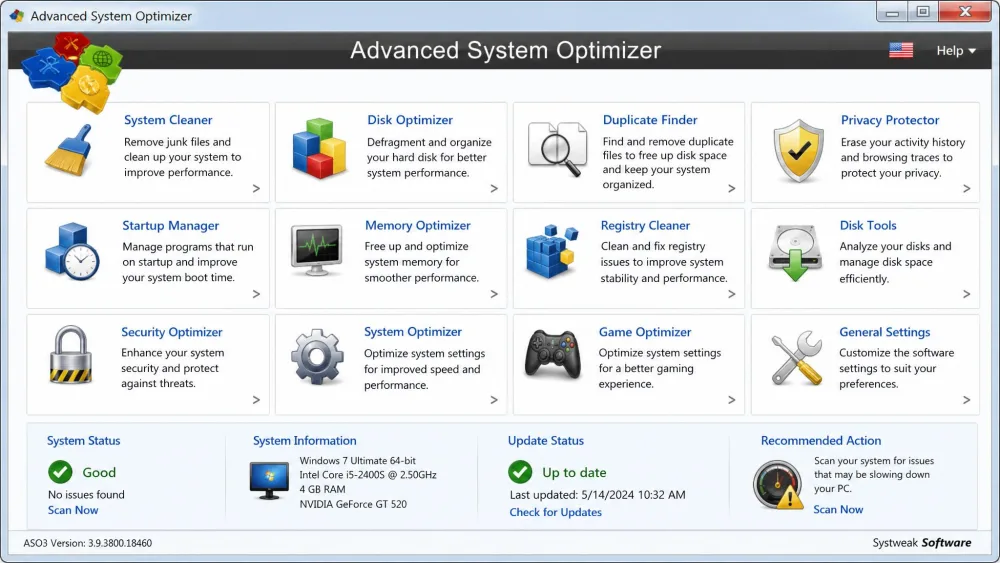
Advanced System Optimizer is a deeper toolbox. It bundles a duplicate file remover, a disk defragmenter and optimizer, a memory optimizer, a game optimizer, and a secure file shredder, all under one window. Launched in 2002 by Systweak, it has had two decades to accumulate utilities. It also creates a system restore point before making changes, and its driver updater backs up your current drivers first, which is a safety net we appreciated.
Pros
- Runs on Windows, Mac, and Android from one plan
- Sleep Mode eased memory pressure in our tests
- Beginner-friendly dashboard with clear sections
- Browser Cleaner covers 25-plus browsers
Cons
- Renewal price is high after the first year
- Interface pushes occasional upsells to other Avast products
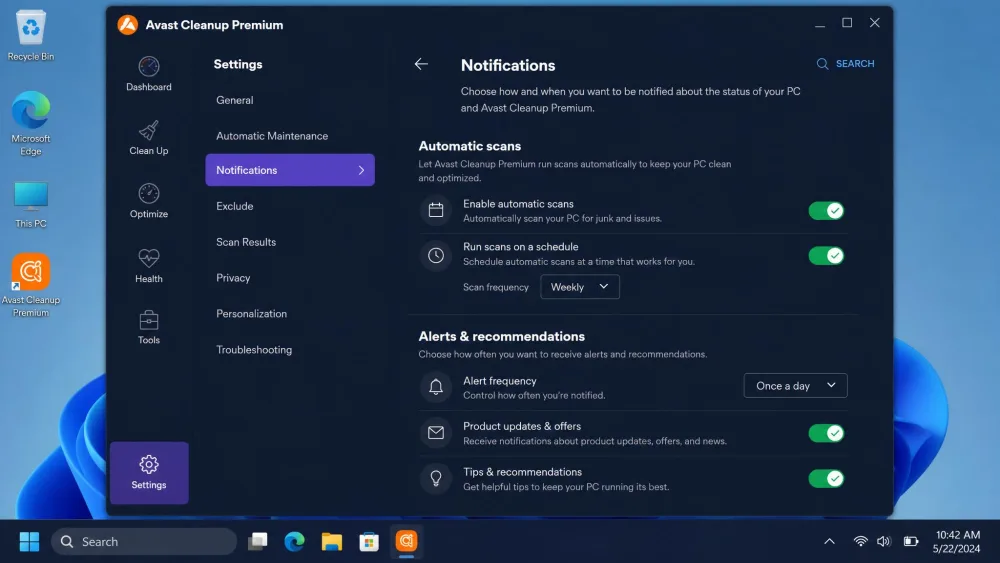
- Generates frequent, sometimes intrusive notifications
Pros
- Broad toolbox: duplicate finder, defrag, game and memory optimizers
- Automatic restore point and driver backups before changes
- Longer 60-day money-back guarantee
- Promo pricing often undercuts Avast
Cons
- Windows only, no Mac or Android
- Dated, boxy interface that feels a generation old
- Only a 24-hour trial before features lock
- Email-only support, and replies can be slow
Avast Cleanup Premium: Pros and Cons
Avast's strengths are breadth and ease. Its weaknesses are cost at renewal and a busy notification habit. Its interface also pushes occasional upsell prompts toward other Avast products, which grew tiresome during longer sessions.
Advanced System Optimizer: Pros and Cons
Advanced System Optimizer gives you more tools for less money, and its safety-first design earns trust. The trade-offs are its Windows-only reach, its dated look, and a scan process that grew memory-heavy on our test machine.
Performance and Cleaning Effectiveness (Tested)
Neither tool will turn an old PC into a new one, and any product that promises that is overselling. In our hands-on runs, Avast Cleanup Premium freed a solid batch of junk but delivered modest speed gains on hardware that was already in good shape.
Advanced System Optimizer recovered roughly 5GB of junk on our test PC, a strong cleaning result. Its speed impact was smaller: we measured only about a 3% overall gain. Expect a tidier, better-organized system rather than a dramatically faster one.
Both tools clean well, but neither delivers a night-and-day speed boost on healthy hardware. Manage your expectations and you will not be disappointed.
We ran both apps through real before-and-after cleanup passes on our Windows test machines rather than trusting the built-in scan counters. The junk numbers here reflect what each tool actually recovered, and the speed figures reflect what we could measure, not what the marketing claims.
Ease of Use and Interface
This is a clear win for Avast. Its dashboard is modern and intuitive, and a first-time user can find the right scan without a manual. The layout guided us through maintenance in a few clicks.
Advanced System Optimizer works fine once you learn it, but its interface has a dated, flat, Windows Vista-era feel. The density of tools is a strength for power users and a hurdle for beginners.
System Impact and Safety
Safety is where Advanced System Optimizer quietly shines. It automatically creates a restore point before it changes anything, and its driver updater backs up existing drivers first, so a bad update is easy to roll back. The downside is that its scans grew memory-heavy on our test PC.
Avast Cleanup Premium was stable and predictable in use, though it generates numerous notifications and its full scans can run long. Neither tool damaged data we wanted to keep during testing.
Customer Support and Refund Policy
Avast offers the broader support footprint, including an extensive Avast Cleanup FAQ and help resources tied to a large security company. Its money-back guarantee runs 30 days. In our Avast Cleanup Premium review we rated it 3.5/5, just ahead of where its cleaning results alone would place it.
Advanced System Optimizer leans on email-only support with no live chat, and replies can be slow. We also ran into licensing hiccups, including a missing activation code after purchase that took a follow-up email to sort out. Its refund window is more generous, though, at a full 60 days.
Alternatives Worth Considering
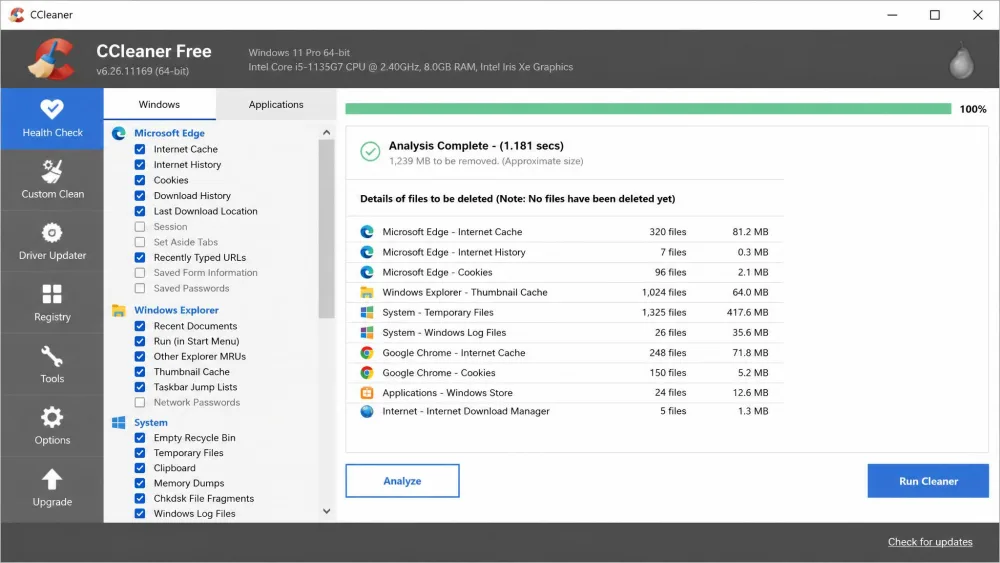
If neither tool fits, a few rivals are worth a look. CCleaner remains the best-known free junk cleaner and is a fine starting point for basic cleanup. System Mechanic targets Windows power users who want deep tuning controls. AVG TuneUp is effectively Avast Cleanup's sibling, built on the same engine under a different brand, so it behaves much like Avast here.
Which One Should You Choose?
The right pick comes down to your devices and how hands-on you want to be.
Choose Avast Cleanup Premium If...
You want one plan that covers Windows, Mac, and Android, you value Sleep Mode's memory relief, and you prefer a clean interface that does not require learning. It is the safer default for most households.
Choose Advanced System Optimizer If...
You are a Windows-only user who wants the deepest toolbox for the money, including a duplicate finder and a defragmenter, and you like the reassurance of automatic restore points and driver backups. The 60-day guarantee sweetens the deal.
Frequently Asked Questions
Is Avast Cleanup better than Advanced System Optimizer?
Is Avast Cleanup free, or do you need Premium?
Will the ~3% speed gain be bigger on an old or heavily fragmented PC?
Which one is cheaper?
Are these tools safe to run on the Windows registry?
Conclusion
Both of these tune-up tools do their core job well, and neither will disappoint if you match it to the right machine. Avast Cleanup Premium is the better all-round choice thanks to its cross-platform reach, its polished dashboard, and a Sleep Mode we would not want to lose. Advanced System Optimizer is the smarter buy for Windows power users who want a deeper toolbox and a longer guarantee at a lower price.
Pick Avast Cleanup Premium for breadth and ease, or Advanced System Optimizer for depth and value.