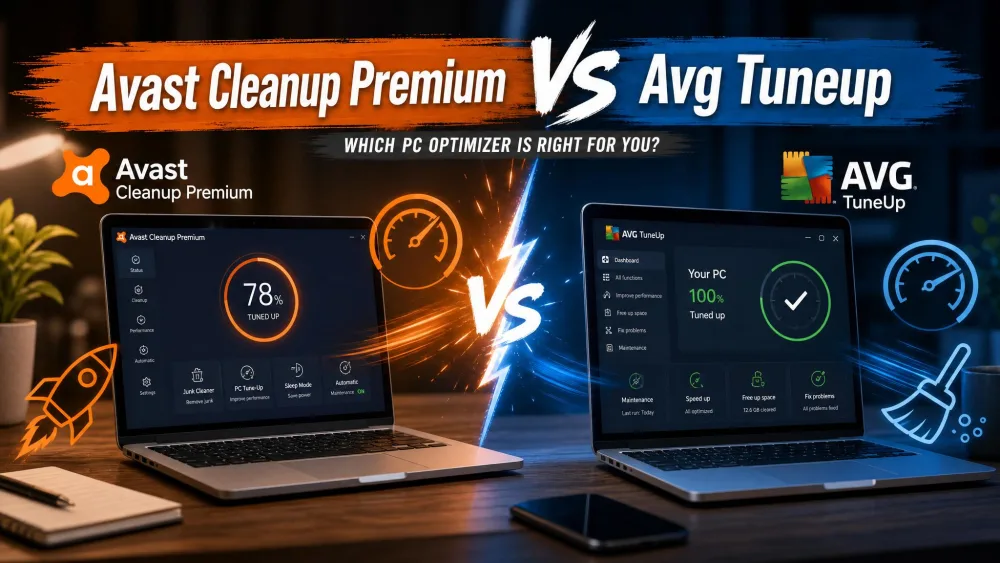
Avast Cleanup Premium is a paid, all-in-one tune-up suite for Windows and Mac that bundles junk cleaning, a registry cleaner, automatic maintenance, and a performance mode into one polished dashboard. BleachBit is a free, open-source cleaner built around one job: wiping temporary files, caches, logs, and private traces off your machine. One asks for a yearly subscription; the other asks for nothing.
That is the real question behind this matchup: pay for convenience and extra features, or install a free tool that does the core cleaning just as thoroughly? We tested both through real before-and-after cleanup runs, and the results are not as lopsided as the price tags suggest. Below we compare them on price, features, cleaning depth, privacy, and ease of use.
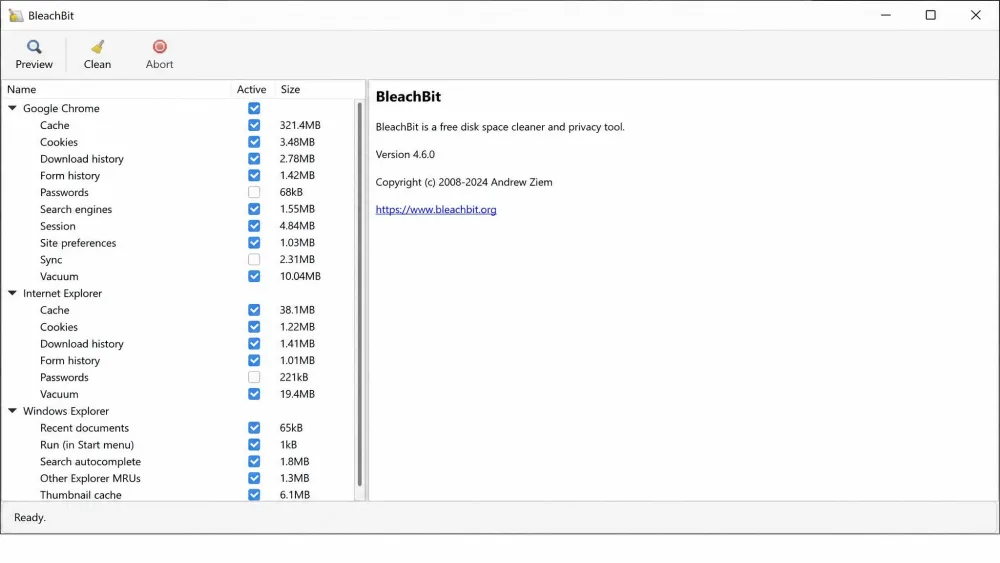
We tested both tools on real Windows machines, running each through repeated cleanup passes and measuring what they reclaimed, what they left behind, and how they felt day to day. Our impressions below come from that hands-on time, not the marketing.
Avast Cleanup Premium vs BleachBit at a Glance
The pattern is clear: Avast wins on breadth and polish, while BleachBit wins on price, privacy, and open-source transparency.
| Feature | Avast Cleanup Premium | BleachBit |
|---|---|---|
| Price and licensing | Paid subscription, $32.99 first year, $65.99 renewal (1 PC) | Free, open-source (GPLv3) |
| Junk and temp file cleanup | Yes (Disk Cleaner) | Yes (core focus) |
| Registry cleaner | Yes, backs up before repair | Limited by design |
| Browser and privacy cleaning | Yes, 25+ browsers | Yes (history, cookies, cache, passwords) |
| Secure shred deletion | Not a headline feature | Yes (file shredding, free-space wiping) |
| Duplicate and photo finder | Yes | No |
| Sleep Mode and speed boost | Yes (Sleep Mode, Speed Up) | No |
| Automatic maintenance | Yes (scheduled) | Via command line only |
| Platform support | Windows, Mac, Android, iOS | Windows, Linux, experimental Mac |
| Open-source vs proprietary | Proprietary | Open-source |
| Support options | Vendor support | Community and docs |
What Is Avast Cleanup Premium?
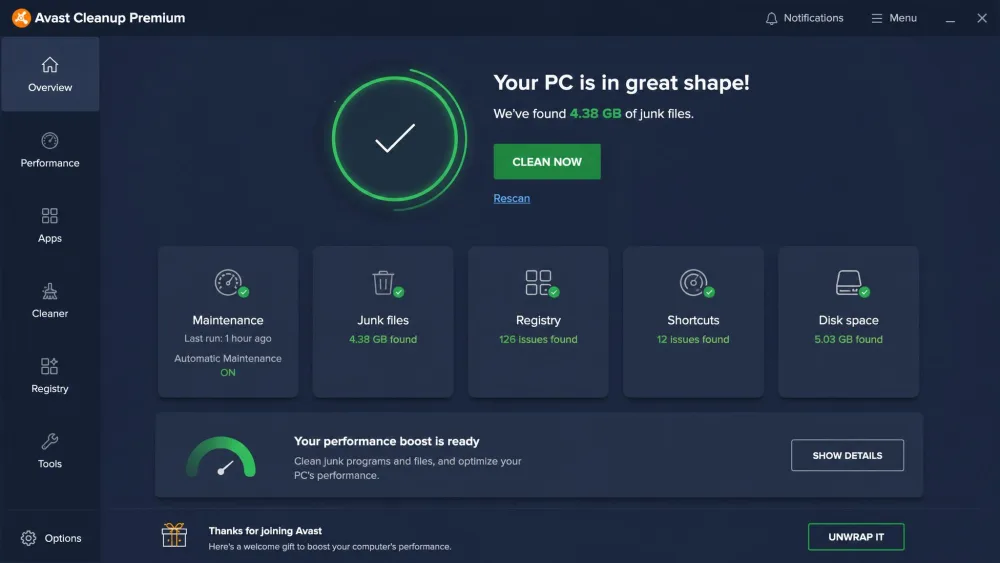
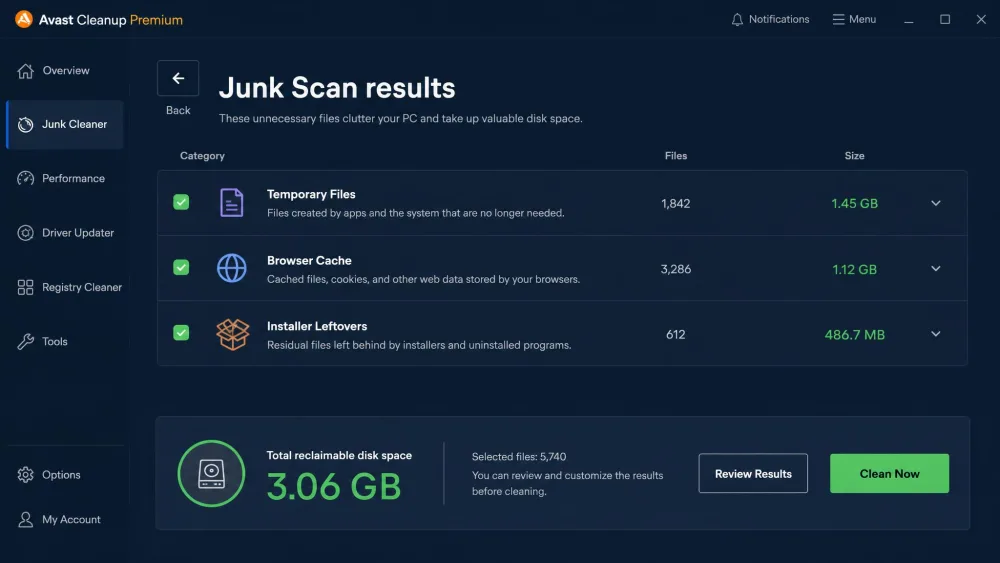
Avast Cleanup Premium is a commercial PC optimization suite from Avast, one of the biggest names in consumer security. It gathers a broad toolset under one dashboard: a Disk Cleaner for junk and installer leftovers, a Registry Cleaner, a Browser Cleaner covering 25+ browsers, Bloatware Removal, a duplicate and photo finder, disk defragmentation, and a one-click Speed Up scan.
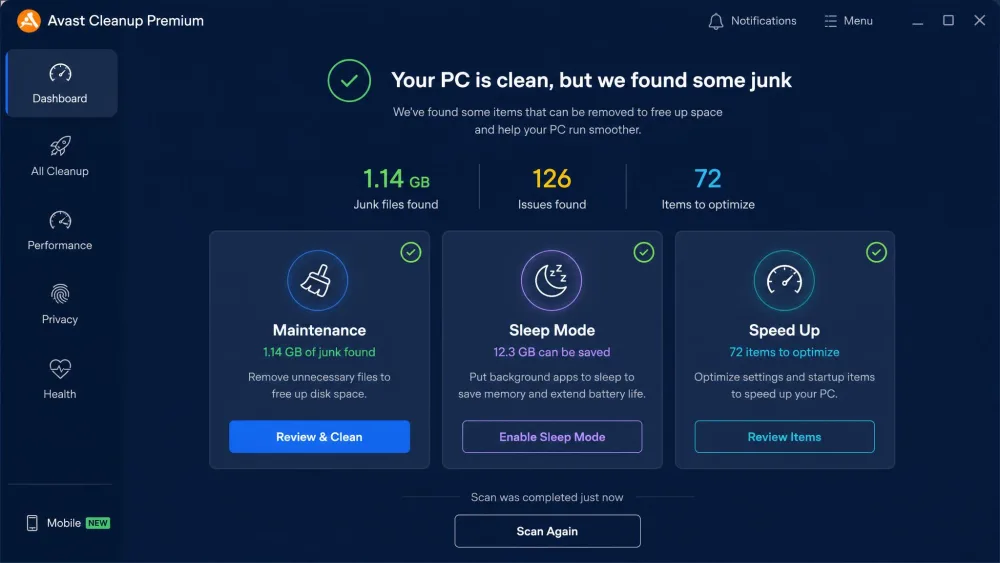
Its headline extras are Sleep Mode, which suspends heavy background apps to free memory and processor time, and Automatic Maintenance, which runs cleanup on a schedule. It runs on Windows 10 and 11 plus macOS, with mobile apps too.
What Is BleachBit?
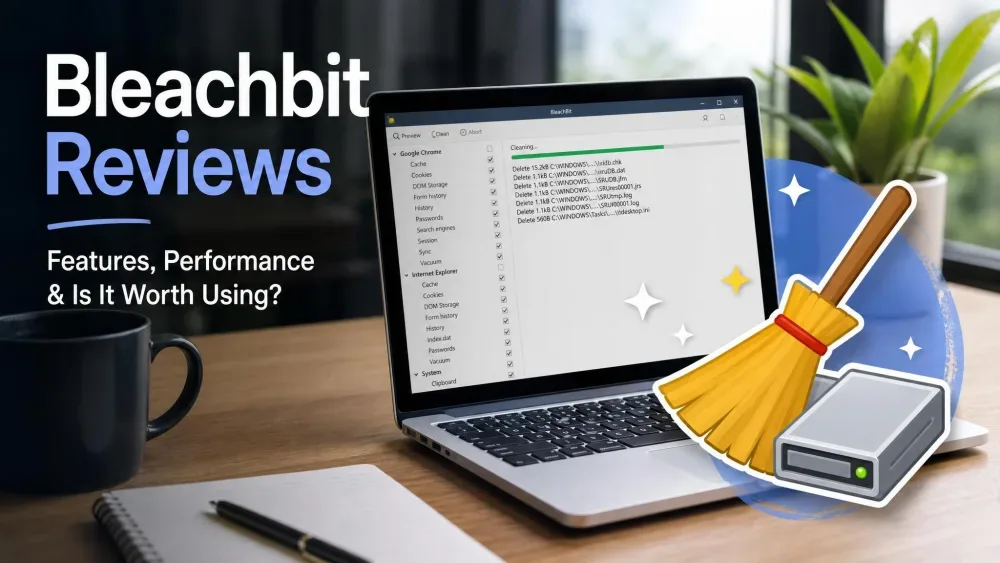
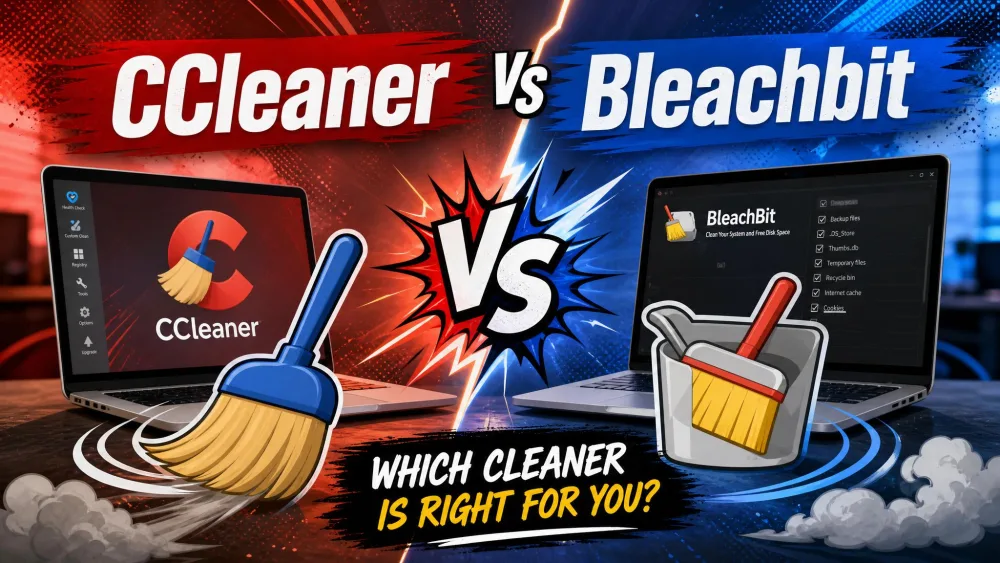
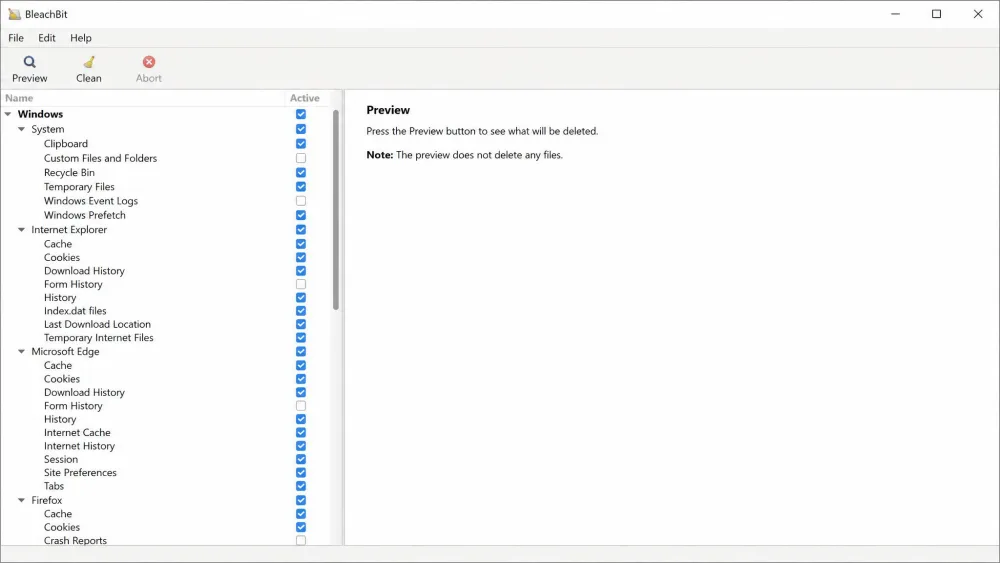
BleachBit is a free, open-source cleaner with 18+ years of active development behind it. It focuses tightly on removing temporary files, caches, logs, browser history, cookies, and saved passwords across many applications. It also does something Avast does not headline: secure file shredding and free-space wiping, so deleted data cannot be recovered.
Released under the GPLv3 license, its code is open to inspection, a large part of its appeal for privacy-minded users. The current stable release is version 6.0.2. It works offline with no account, and power users can automate it from the command line. The BleachBit documentation lists every cleaner it ships with.
Pricing and Licensing
Price is the biggest difference between these tools, so it deserves a close look.
Avast Cleanup Premium Pricing
Avast Cleanup Premium is a subscription. In our checks it started at $32.99 for the first year on one Windows PC, then renews at the list price of $65.99 per year. A ten-device plan lists at $79.99 per year. There is a 30-day free trial with no credit card required, and a 30-day money-back guarantee.
The first-year promo is reasonable value, but the renewal jump was one of our biggest friction points. Avast promo pricing shifts often by region and season, so treat the exact figures as current at the time of writing.
BleachBit (Free and Open Source)
BleachBit costs nothing. It is free and open-source under the GPLv3 license, with no ads, no locked features, and no paid upgrade behind a "Pro" button. For a category where "free" usually means a nagging upsell, that alone sets it apart.
Features Compared
Both tools clean, but they aim at different things.
Junk and Temp File Cleaning
This is the shared core, and both do it well. Avast's Disk Cleaner scan was quick and itemized, reclaiming meaningful space from temp files, installer remnants, and browser caches. BleachBit cleaned thoroughly on the first pass; a second run left only tiny bits of debris. For clearing junk, the two are even.
Registry and System Cleanup
Here they diverge. Avast includes a full Registry Cleaner that backs up before repairs. BleachBit offers only limited registry cleaning by design; it is not the tool's focus. In practice, registry cleaning rarely produces a measurable gain on a modern system, so we would not weigh it heavily.
Registry cleaning carries real risk if a tool removes the wrong keys. Let the cleaner back up first, and set a Windows restore point before a big registry sweep so you can roll back.
Privacy and Secure Deletion
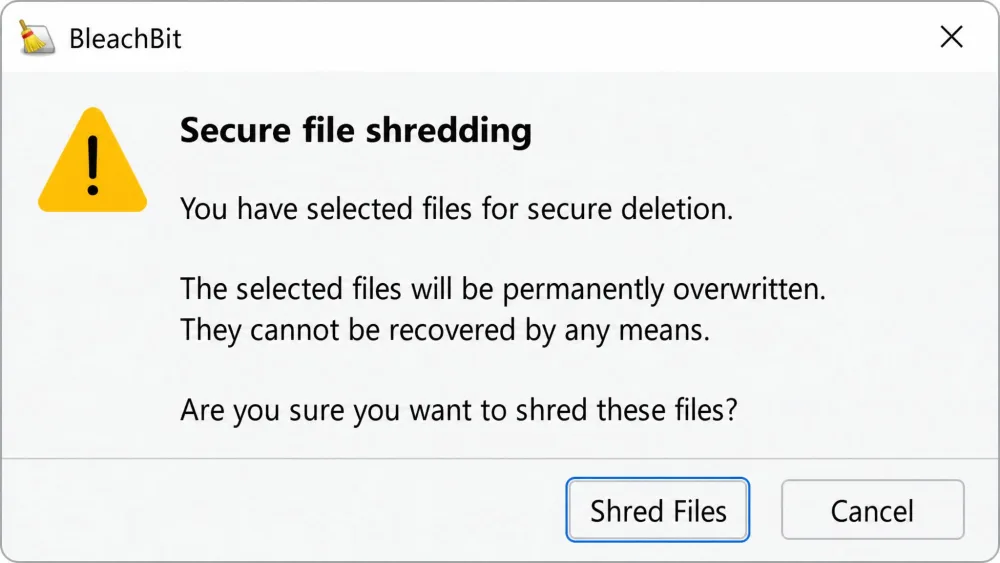
This is BleachBit's home turf. It erases browser history, cookies, cache, and saved passwords, and adds secure shredding and free-space wiping so deleted files cannot be recovered. When we shredded data, even specialized recovery tools could not bring it back. Avast cleans traces across 25+ browsers, but secure shredding is not a headline part of its kit.
Automation and Scheduling
Avast wins on convenience. Its Automatic Maintenance runs scheduled cleanups in the background. BleachBit can be automated too, but only through the command line, which suits power users rather than casual owners.
Ease of Use and Interface
Avast is the friendlier tool by a wide margin. Its dashboard is clean, guided, and built for one-click use, so anyone can run a full tune-up without technical knowledge. Sleep Mode was the standout, freeing RAM and CPU by suspending heavy apps rather than closing them.
BleachBit is more utilitarian. On Windows it launched with an out-of-place dark, Gnome-style theme and failed to auto-detect an installed Chrome browser. It also lacks granular control: you cannot exclude specific cookies within a category. It shows plenty of warnings before risky actions, but offers less hand-holding and no recovery safety net. It is not hard to use, but it expects you to know what you are checking.
Avast sells convenience and a full toolbox. BleachBit sells thorough, transparent cleaning for nothing. Which wins depends on which of those you value.
Performance and Cleaning Depth (our hands-on results)
On raw cleaning depth, the two are closer than the price gap implies. Where Avast overpromises is speed. Its advertised gains, up to around 51% in its own tests, proved unrealistic in our runs. Real gains were modest and most visible on older machines clogged with startup bloat. On a modern system the difference was slight. Avast stayed light at rest, using processor time during scans but not slowing the machine it is meant to optimize.
BleachBit ran cleanup tasks quite fast despite in-app warnings that operations might be slow. Its first pass did the heavy lifting, and shredded data stayed gone. If your goal is a clean, private system rather than a magic speed boost, both deliver, and BleachBit does it for free.
Safety, Privacy, and Data Handling
For privacy-focused users, open-source transparency is a real advantage. BleachBit is favored because its code is publicly auditable, unlike CCleaner, which now sits under Avast's corporate family and carries a past breach and a Microsoft potentially-unwanted-app flag. With BleachBit, what you see in the code is what runs.
Avast is a proprietary product from a major vendor, which brings support and accountability but less visibility into internals. Both clean safely when used sensibly. The difference is philosophical: BleachBit asks you to trust open code, Avast asks you to trust a brand.
For routine junk, pair either cleaner with the built-in Storage Sense in Windows, and reserve the dedicated cleaner for deeper, private-trace removal.
Platform Support (Windows, Mac, Linux)
Avast Cleanup covers Windows 10 and 11, macOS, Android, and iOS, so one subscription can span a household. BleachBit runs on Windows 10 and 11 with legacy builds for older releases, and it shines on Linux with .deb and .rpm packages; macOS support is still experimental, so Mac owners are better served by a dedicated Mac cleaner. For Linux, BleachBit is the obvious choice; for one tool across Windows, Mac, and mobile, Avast has the wider reach.
Pros and Cons
Avast Cleanup Premium Pros and Cons
Pros
- Friendly one-click dashboard anyone can use
- Broad toolbox: registry, duplicates, defrag, bloatware, updater
- Sleep Mode genuinely frees RAM and CPU
- 30-day free trial and 30-day money-back guarantee
Cons
- Renews at $65.99 per year after the first-year promo
- Frequent upsell prompts for other Avast products
- Speed gains are overstated on modern machines
- Proprietary code, no independent audit
BleachBit Pros and Cons
Pros
- Completely free and open-source (GPLv3)
- Thorough cleaning with secure, unrecoverable shredding
- Publicly auditable code, strong for privacy
- Runs on Windows and Linux, fully scriptable
Cons
- Utilitarian interface with a dated look on Windows
- No registry focus, duplicate finder, or speed mode
- Little hand-holding and no recovery safety net
- Automation is command line only
Which One Should You Choose?
Choose BleachBit if your priority is thorough cleaning and privacy at zero cost, if you are comfortable checking boxes yourself, or if you run Linux. It matches the paid suite on core work and adds secure shredding.
Choose Avast Cleanup Premium if you want a guided, one-click experience with extra utilities in one place, value scheduled maintenance, or want one tool across Windows, Mac, and mobile. Just know the speed claims are optimistic and the renewal price climbs at $65.99.

Verdict
Both tools clean well, so the decision comes down to what you are paying for. BleachBit gives you thorough, private cleaning for free, and for most people that is enough. Avast Cleanup Premium is a nice package, but its best trick, Sleep Mode aside, is convenience rather than cleaning power you cannot get elsewhere for free.