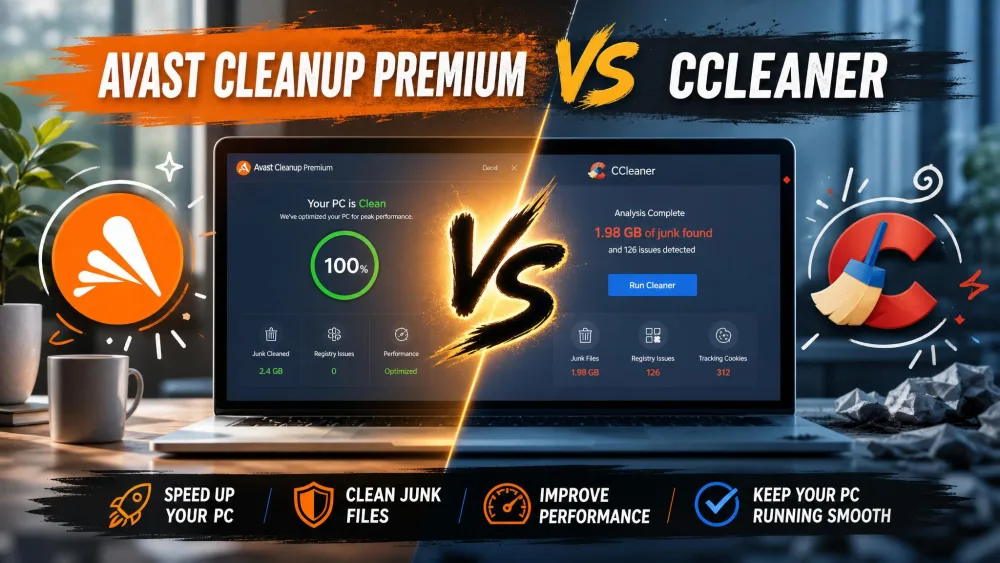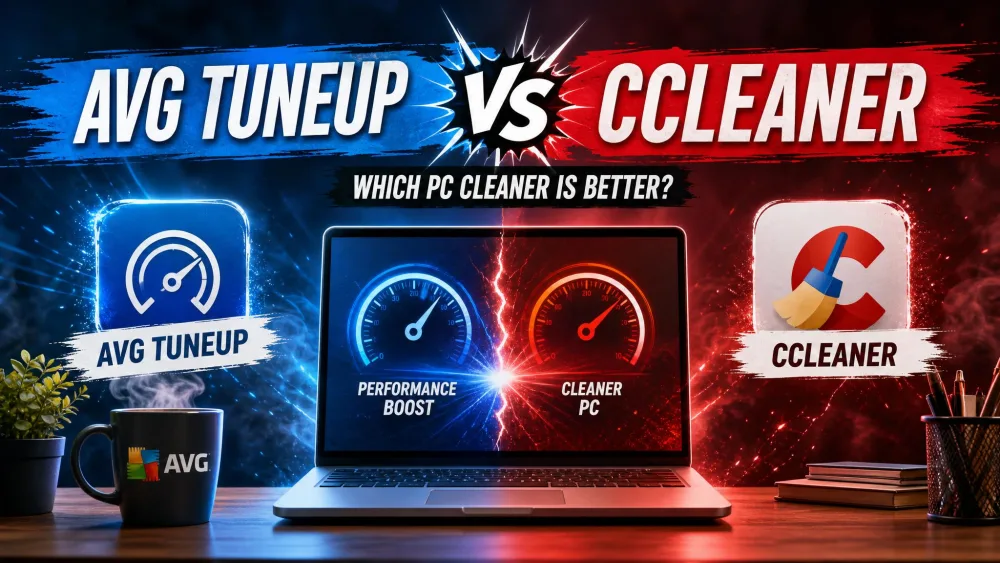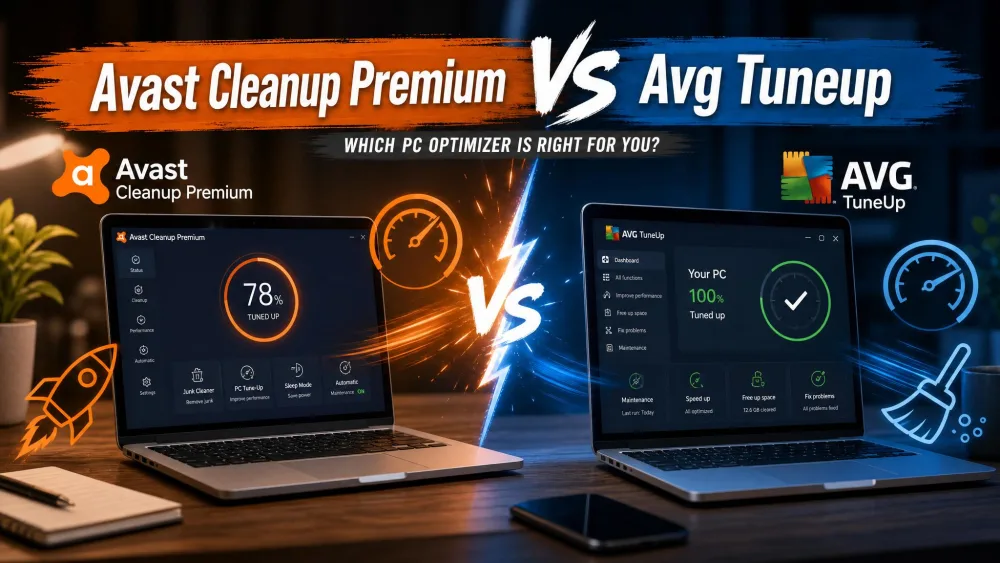
Avast Cleanup Premium and AVG TuneUp are both paid PC optimizers that promise to clear junk, free disk space, and speed up a sluggish computer. If you have looked at the two and thought they seem suspiciously alike, you are right. Both are owned by Gen Digital, and both are built on the same TuneUp engine, so the core cleaning tools are nearly identical under the hood.
That leaves one obvious question: if the engine is the same, does it matter which one you buy? We installed both, ran real before-and-after cleanup passes on Windows machines over several days, and tracked what each tool actually removed, how the interface felt, and what it costs at renewal. The short version is that they are close, but a few practical differences decide the winner for most people.
Avast Cleanup Premium vs AVG TuneUp at a Glance
Here is the side-by-side view before we dig into each tool. We have added CCleaner as a third column, since it is the alternative most people weigh against these two.
| Product | Buy | Price (first year) | Free trial | Sleep Mode | Registry Cleaner | Platform support |
|---|---|---|---|---|---|---|
 |
Check price → | $32.99 (1 PC) | 30-day | Yes | Yes | Win/Mac/Android/iOS |
 |
Check price | $29.99 (1 device) | 7-day | Yes | Yes | Win/Mac/Android/iOS |
 |
Check price | Free / paid Pro | Free version | No | Yes | Win/Mac/Android |
The rows that differ most are trial length, first-year price, and the small interface differences. Everything in the core cleaning toolkit, the Disk Cleaner, Registry Cleaner, Browser Cleaner, Sleep Mode, uninstaller, automatic maintenance, and duplicate finder, appears on both Avast Cleanup Premium and AVG TuneUp.
Are They the Same Product Under the Hood? (Shared TuneUp Engine and Gen Digital)
Mostly, yes. Both apps are owned by Gen Digital, the company formed after the Avast and NortonLifeLock merger, and both run on the former TuneUp Utilities engine. AVG acquired that engine years ago, and Avast Cleanup uses the same core code. That is why the feature lists read as near-mirror images and why our cleanup results were so close.
Because Avast Cleanup Premium and AVG TuneUp are the same engine wearing two brands, you should not expect one to clean meaningfully more junk than the other. The real differences are trial length, pricing, platform version support, and interface polish, not cleaning power.
What Are Avast Cleanup Premium and AVG TuneUp?
Avast Cleanup Premium Overview
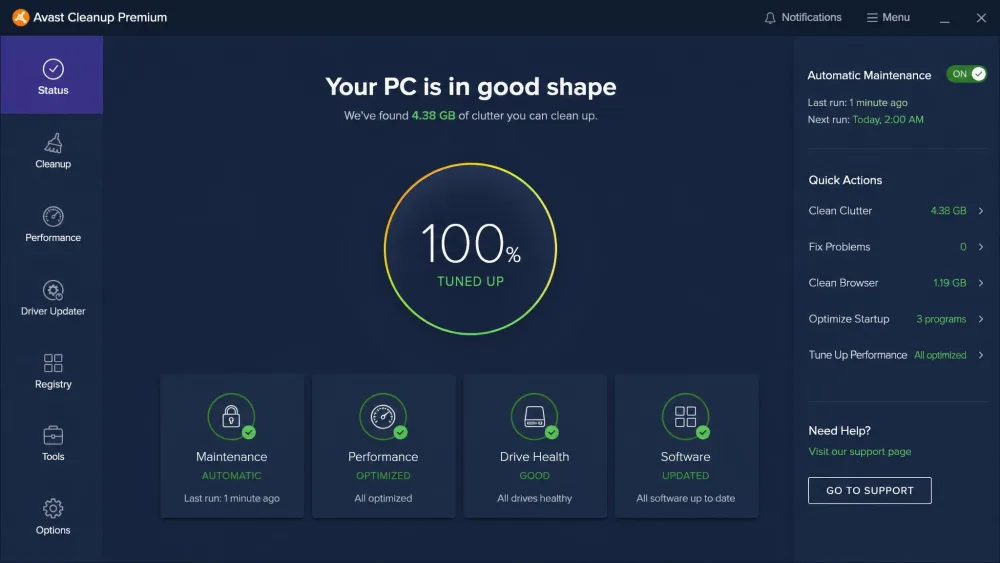
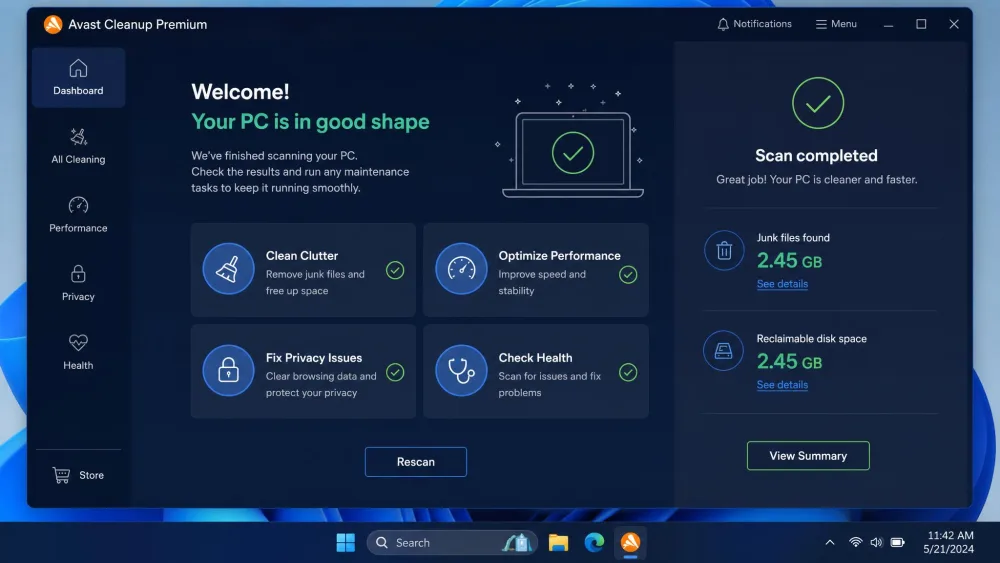
Avast Cleanup Premium is a maintenance suite built around four task tiles that walk you through a full cleanup in about a minute. In our testing, it freed a meaningful batch of junk files and reclaimed disk space, though the real-world gains were modest on an already-healthy modern system. It bundles Sleep Mode, Disk Cleaner, Registry Cleaner, Browser Cleaner, an app uninstaller and bloatware remover, automatic maintenance, a shortcut cleaner, a software updater, data recovery, a data shredder, drive optimization, and a duplicate and photo finder. Its Browser Cleaner supports 25+ browsers, which is broader than most casual users will ever need.
AVG TuneUp Overview
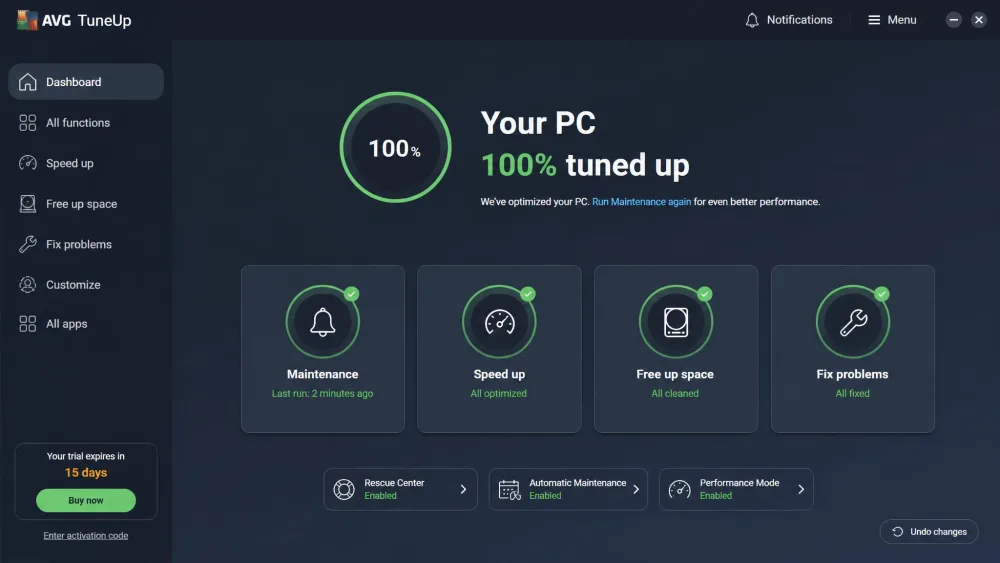
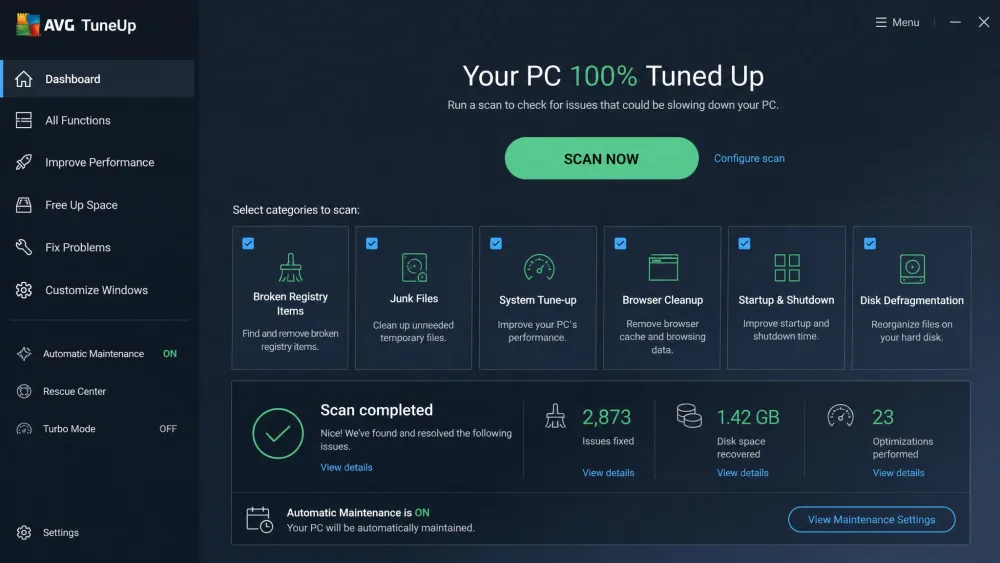
AVG TuneUp is the sibling product, and it covers the same ground: Sleep Mode, 24/7 automatic maintenance, Registry Cleaner, Disk Cleaner, Browser Cleaner, a software uninstaller and bloatware remover, an automatic software updater, a duplicate finder, and device speedup. In our testing it cleaned close to 1 GB of junk and freed nearly 3 GB of disk space on a relatively new computer, finishing a scan in about 30 seconds. Like Avast Cleanup, it cleaned up some space and tamed a few resource-heavy background apps, but it made little difference to boot time, storage, or overall speed on a modern machine. The results did not match the marketing.
Features Compared
Sleep Mode / Performance Boosting
Sleep Mode is the headline performance feature on both. Rather than closing resource-heavy background apps, it hibernates them until you need them, then wakes them on demand. On Avast Cleanup, this noticeably reduced memory pressure during our tests, which is the most tangible day-to-day benefit either tool offers. AVG TuneUp's version behaves the same way, since it is the same feature. On a modern PC with plenty of RAM you will notice less; on an older machine juggling too many startup apps, it helps more.
Disk Cleaner and Junk Removal
This is the core job, and both tools do it well. AVG TuneUp's Disk Cleaner pulled close to 1 GB of junk and freed nearly 3 GB of disk space on a fresh-ish machine in about 30 seconds. Avast Cleanup cleared a comparable batch. Both are genuinely useful here, though it is worth knowing that some of what they remove is also handled by Windows built-ins like Storage Sense and Disk Cleanup.
Registry Cleaner
Both include a Registry Cleaner, and both should be treated with mild caution. In our testing, Avast Cleanup's registry cleaning offered limited real-world benefit on modern systems. Registry cleaning rarely produces a measurable speed change on current versions of Windows, so we would not choose either tool for this feature alone.
Registry cleaners are the least useful part of both suites on modern Windows. The performance upside is minimal, so run them only if you understand what they touch, and always keep a restore point.
Browser Cleaner
Both clear cache, cookies, and browsing traces. Avast Cleanup Premium advertises support for 25+ browsers, and AVG TuneUp's Browser Cleaner covers the mainstream browsers too. In practice this is one of the quicker wins, since browser caches balloon fast and both tools clear them in seconds.
Bloatware and Software Uninstaller
Each tool includes a bloatware remover and software uninstaller that flags rarely used and preinstalled apps you can remove in bulk. This is one of the more practical features, especially on a new laptop that arrived stuffed with trial software. Both surface the same kind of suggestions.
Automatic Maintenance and Updates
Both run automatic maintenance in the background, with AVG TuneUp branding its version as 24/7 maintenance. Both also include an automatic software updater that keeps common apps patched. These features are set-and-forget, and they behave identically across the two products.
Duplicate / Photo Finder
Avast Cleanup Premium ships a duplicate and photo finder, and AVG TuneUp includes a duplicate finder as well. Both scan for identical files so you can clear redundant copies. CCleaner, by contrast, only offers a duplicate finder in its paid Pro tier, which is one reason people step up to these suites.
Performance and Speed Results (Our Hands-On Test)
We ran full cleanup passes on Windows machines and watched for real changes in boot time, responsiveness, and free space. Our honest finding: the speed boosts were real but modest, and most visible on older machines clogged with startup bloat. Avast Cleanup's own headline speed claims trace back to test machines from the 2008 to 2017 era, which explains the gap between the marketing and what we saw on a current PC.
AVG TuneUp told the same story. It cleaned up space and tamed a few resource-heavy apps, but it made little difference to boot time, storage, or overall speed on a modern machine. AVG's marketing claims up to 79% quicker startup, but that is a vendor figure measured on specific test machines, not a guaranteed real-world result.
Both tools freed real disk space, but the speed gains on a modern PC were modest. The bigger wins came on older, bloated machines.
The takeaway is consistent: if your PC is a few years old and buried in startup apps, either tool can give you a noticeable lift, largely thanks to Sleep Mode and the bloatware remover. If your machine is new and already tidy, expect cleaner drives rather than a dramatic speed jump.
Ease of Use and Interface
Both are easy to live with. Avast Cleanup's setup and use is low-friction: four task tiles let you run a full cleanup in about a minute, with plain-language results and preview windows before any destructive action. AVG TuneUp has a clean, well-organized interface with a straightforward Scan Now workflow and selectable cleanup categories, so setup friction is minimal there too.
The one shared annoyance is the sales pressure. Avast Cleanup shows frequent upsell prompts toward other Avast products during use, and AVG TuneUp pushes the same intrusive subscription pop-ups and constant prompts to add paid protections. Neither is a dealbreaker, but both interrupt more than they should.
Platform Support (Windows, Mac, Android, iOS)
Both cover the same four platforms, with small version differences. Avast Cleanup Premium supports Windows 7, 8, 8.1, 10, and 11, macOS 10.13 and later, Android 10 and later, and iOS. AVG TuneUp supports Windows 7, 8, 10, and 11, macOS 10.10 and later, Android 10 and later, and iOS. For the vast majority of buyers on a current Windows or Mac machine, platform support is effectively a tie. One caution worth flagging: AVG TuneUp has shown compatibility issues on Windows 11, so if you are on the newest builds, use the trial first.
Pricing and Value Compared
Pricing is where a real gap opens up, mostly in the first year and the trial.
Avast Cleanup Premium costs $32.99 for the first year on a single Windows PC, or $34.99 for the first year on a 10-device plan. It renews at $65.99 per year for one PC, or $79.99 per year for 10 devices. It also comes with a 30-day free trial that needs no credit card, plus a 30-day money-back guarantee.
AVG TuneUp starts at $29.99 for the first year on a single device, or $34.99 for the first year on up to 10 devices. Its trial is shorter at 7 days, again with no credit card, and it also carries a 30-day money-back guarantee. AVG TuneUp renewal pricing is harder to pin down: it lands roughly between $64.99 and $75.99 per year depending on tier and promotion, and it is not published as a single stable figure.
Both subscriptions auto-renew, and Avast Cleanup's renewal roughly doubles after year one. AVG TuneUp's cancellation can also be stubborn, sometimes taking several attempts before it sticks. If you only want one cleanup season, set a reminder to cancel before the renewal date.
On raw first-year price for a single machine, AVG TuneUp is a few dollars cheaper. On trial length, Avast Cleanup is the clear winner with 30 days versus 7. For most single-PC buyers, the longer trial and the transparent renewal figure tip the value slightly toward Avast Cleanup.
Pros and Cons
Avast Cleanup Premium Pros and Cons
Pros
- Generous 30-day free trial with no credit card required
- Low-friction interface: full cleanup in about a minute
- Sleep Mode noticeably reduced memory pressure in testing
- Broad Browser Cleaner support (25+ browsers)
- Published, predictable renewal pricing
Cons
- Renewal roughly doubles after the first year
- Frequent upsell prompts for other Avast products
- Registry cleaning offered limited real-world benefit
- Modest speed gains on already-healthy modern PCs
AVG TuneUp Pros and Cons
Pros
- Lowest first-year price on a single device
- Clean, well-organized Scan Now interface
- Cleared close to 1 GB of junk and 3 GB of disk space in about 30 seconds
- Same core feature set as Avast Cleanup
- 24/7 automatic maintenance
Cons
- Short 7-day trial
- Renewal pricing is inconsistent across sources
- Intrusive subscription pop-ups during everyday use
- Cancellation can take several attempts; occasional Windows 11 compatibility issues
Which One Should You Choose?
Because they share an engine, this comes down to trial length, pricing, and small quality-of-life details rather than cleaning power.
Choose Avast Cleanup Premium If...
You want the longer runway to test before you commit. The 30-day trial lets you run several cleanup cycles and decide honestly whether the tool earns a spot on your machine. Its renewal price is also published and predictable, and its interface is about as friendly as this category gets. For most single-PC users, this is the one we would start with.
Choose AVG TuneUp If...
You want the lowest first-year price on a single device and you are comfortable deciding within a week. You get the same core toolkit, the same Sleep Mode, and the same junk-clearing results. If you are already in the AVG ecosystem for antivirus, staying with the matching brand keeps everything in one place.
Either way, if you would rather not pay a subscription at all, CCleaner offers a permanent free version that handles junk, browser, and registry cleaning, though you lose Sleep Mode and the duplicate finder unless you upgrade.