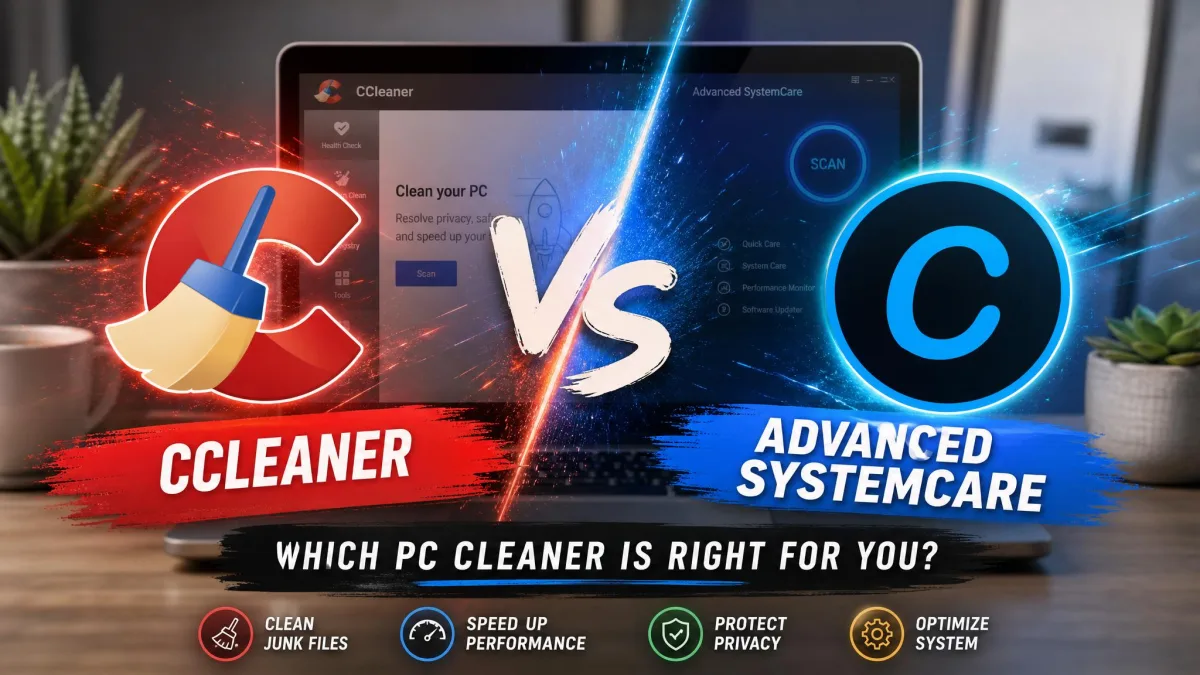
Your Windows PC feels clogged up, boot times are creeping, and you want one tool to clear the junk and get it running quicker. Two names come up again and again: Ashampoo WinOptimizer and CCleaner, and you probably just want a straight answer on which is the best solution for your needs.
We put both through real before-and-after cleanup runs on the same machines, tracking junk cleared, registry issues flagged, and boot-time changes. Here is how they compare on features, price, safety, and results.
Ashampoo WinOptimizer vs CCleaner at a Glance
WinOptimizer is the broader toolkit sold as a one-time purchase; CCleaner is the leaner, famous free cleaner with paid tiers on top.
Quick-verdict comparison table
| Feature | Ashampoo WinOptimizer | CCleaner |
|---|---|---|
| Price / licensing | $30 perpetual (one-time) | Free; Pro $44.95/year subscription |
| Free vs paid | 30-day trial, then paid | Genuine free tier plus paid Pro tiers |
| PCs per license | Up to 3 (home) | 1 (Pro) / 3 (Pro Plus) / 5 (Premium) |
| Registry cleaning | Yes (lighter touch) | Yes (more aggressive) |
| Junk / temp cleanup | Yes | Yes |
| Real-time maintenance | Yes (Live-Tuner) | Yes (Pro only) |
| Privacy / tracker cleaning | Yes, plus File Wiper | Yes (Kamo in Premium) |
| Defrag | Yes | No dedicated defrag |
| Driver / updater tools | Software updater | Driver plus Software Updater (Pro) |
| UI / ease of use | Simple one-click | Clean, with upgrade nags |
| Platform support | Windows 10 and Windows 11 | Windows (also macOS/Android) |
What Is Ashampoo WinOptimizer?
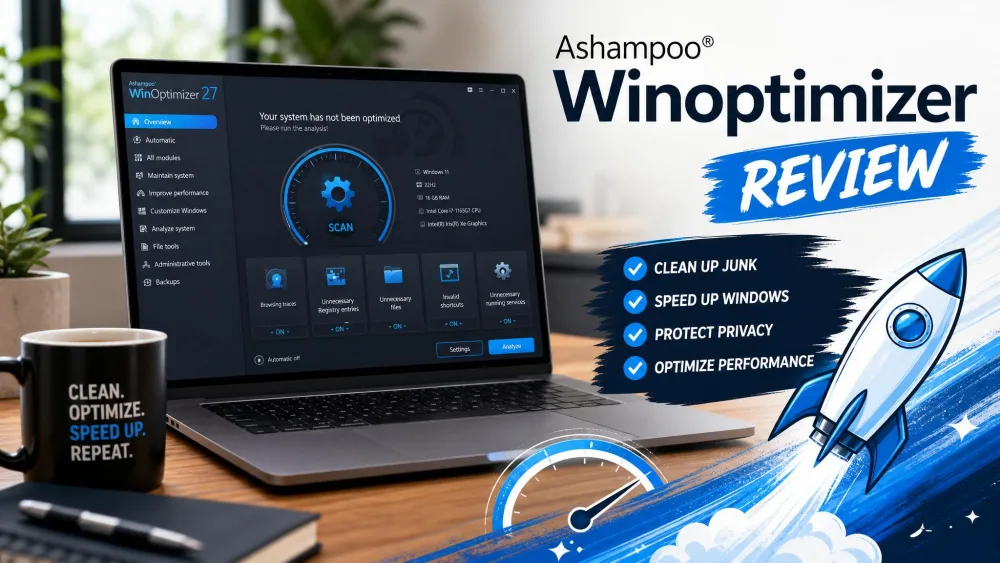
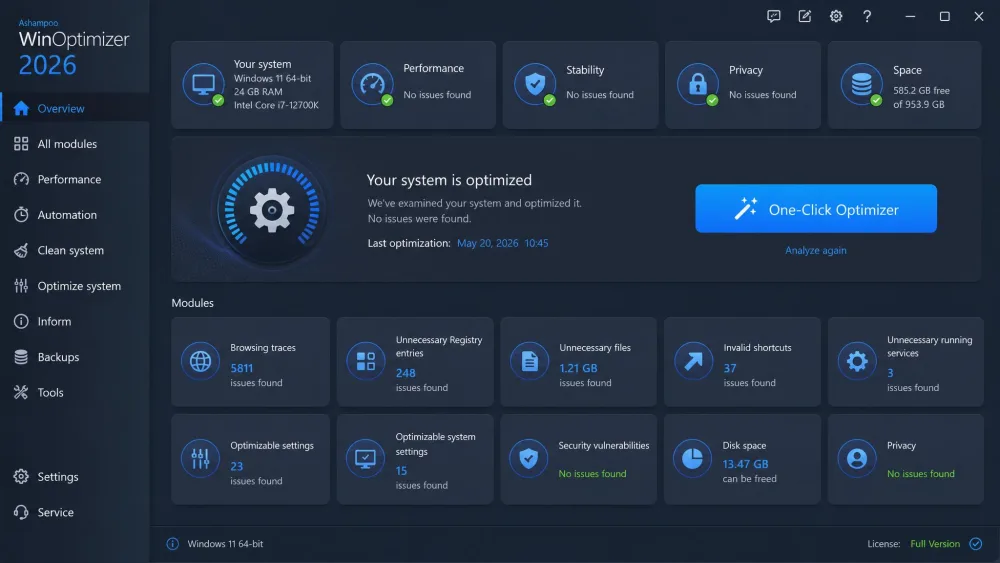
Ashampoo WinOptimizer is an all-in-one maintenance suite that bundles 19 optimization modules under one roof. Alongside the One-Click Optimizer and registry cleaner, you get junk cleaning, a disk analyzer, a duplicate finder, defrag, Live-Tuner background tuning, privacy cleaning, and a File Wiper for secure deletion.
The current WinOptimizer runs on Windows 10 and Windows 11. It sells for $30 as a perpetual license, so you buy it once and keep it, backed by a 30-day money-back guarantee.
What Is CCleaner?
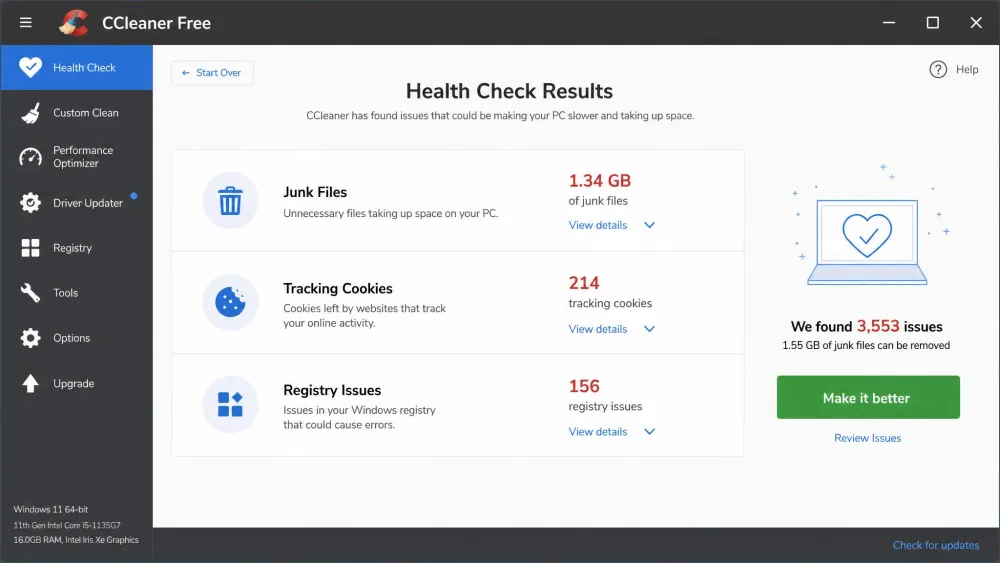
CCleaner is the tool most people already know, and much of that reputation rests on its genuinely useful free tier. It clears junk and temp files, wipes browser history, cleans the registry, and runs a guided Health Check; paid tiers add real-time monitoring, a Driver Updater, and scheduled cleaning.
CCleaner is sold as an annual subscription, not a one-time buy. There is no dedicated defrag tool, but it does cover cloud drives like Google Drive and OneDrive, which WinOptimizer does not.
Installation and Setup
Ease of installation
Both installers are quick and light. WinOptimizer asks for an email to activate the trial, then drops you into a clean dashboard. CCleaner is where friction shows up: its installer has historically bundled extra-offer prompts, such as Avast, so untick anything unwanted. We always download it only from ccleaner.com.
Registration and licensing
WinOptimizer uses a perpetual license: one payment, lifetime use, no renewal reminders. A single license is listed for up to 3 home PCs, though the exact count shifts by edition. CCleaner runs on yearly renewals instead.
Interface and User Experience
Navigation
WinOptimizer packs a lot into its sidebar, yet the One-Click Optimizer keeps common jobs one tap away, so beginners can ignore the 19 modules and run the single button. CCleaner is even simpler. The catch is the nagging: its free version repeatedly prompts you to upgrade to Pro, which wears thin over daily use.
Customization and themes
WinOptimizer gives power users more to tinker with, from a process manager to benchmarks and per-module settings. CCleaner keeps things lighter, betting most want a fast pass over dials.
Features and Optimization Tools
System and registry cleaning
Both clean junk, temp files, and the registry. WinOptimizer takes a lighter touch on the registry while CCleaner scans more aggressively. Neither should be oversold: registry cleaning is largely cosmetic, and when we cleaned 247 flagged issues with CCleaner it produced no measurable performance gain.
Startup and performance tuning
WinOptimizer's Live-Tuner tunes background processes on the fly, and its startup manager trims what loads at boot. CCleaner offers startup optimization too, but locks real-time monitoring behind the Pro tier.
Privacy and file shredding
WinOptimizer bundles privacy cleaning plus a File Wiper for secure deletion in the base product. CCleaner handles browser and tracker cleaning, and reserves Kamo anti-tracking for Premium.
CCleaner's real-time monitoring, Driver Updater, and automatic cleaning only unlock on paid tiers. WinOptimizer includes its full module set in the single perpetual purchase.
Performance and Effectiveness
Cleaning results
On a cluttered test PC, WinOptimizer's One-Click Optimizer cleared roughly 2.3 GB of junk, its registry scan flagged around 847 issues, and the duplicate finder surfaced 156 files worth about 1.8 GB. In a head-to-head scan on the same machine, WinOptimizer flagged about 984 MB of junk while CCleaner Free found roughly 362 MB. CCleaner is no slouch on an aging system, though: in one run it freed about 4.1 GB. These volumes swing widely by machine, so treat them as illustrative.
Impact on system speed
Neither tool works magic. WinOptimizer's gains are modest but genuine, clearest on older hardware and barely noticeable on a newer PC. With CCleaner we saw boot time drop about 17%, from 18 seconds to 15, on an aging machine. For a free baseline, run Windows Disk Cleanup before either tool and compare.
Safety, Trust, and Privacy
Is CCleaner safe? (2017 incident and today)
The elephant in the room is 2017. A supply-chain compromise slipped a trojanized CCleaner installer, version 5.33, to about 2.27 million users that year. CCleaner's 2017 security incident was uncovered by Cisco Talos, and a clean 5.34 build shipped soon after. That was serious, but it was years ago, with no new breaches since.
The 2017 CCleaner compromise affected roughly 2.27 million users through a signed but trojanized 5.33 installer. Only download CCleaner from ccleaner.com, and keep it updated to the current build.
Data handling and telemetry
CCleaner's anonymized telemetry remains a recurring concern for privacy-minded users. WinOptimizer draws fewer complaints here.
Pricing and Plans
Free versions compared
This is the clearest split. CCleaner has a real, permanent free tier at $0 for 1 PC that many people never outgrow. WinOptimizer offers only a 30-day free trial, after which you need the paid license.
Paid tiers and licenses
WinOptimizer costs $30 once, a perpetual license with no renewals; a rotating launch discount sometimes halves that, but treat any promo as temporary. CCleaner Professional runs $44.95 per year for 1 PC, Professional Plus is $64.95 per year for up to 3 PCs, and the Premium bundle adds Kamo. Both back paid plans with a 30-day money-back guarantee.
Pros and Cons
Ashampoo WinOptimizer: advantages and limitations
Pros
- 19 modules in one perpetual $30 purchase, no renewals
- Beginner-friendly One-Click Optimizer with restore points
- Broad extras: defrag, File Wiper, Undeleter, duplicate finder
- Fewer privacy and telemetry concerns
Cons
- No permanent free tier, only a 30-day trial
- Registry cleaning is lighter than CCleaner's
- Windows only, no macOS or mobile builds
WinOptimizer also creates a restore point before applying changes and lets you undo most optimizations, so the one-click flow feels low-risk.
CCleaner: advantages and limitations
Pros
- Genuinely useful permanent free tier
- Simple, familiar interface and guided Health Check
- More aggressive registry cleaning
- Covers cloud drives and offers macOS/Android builds
Cons
- Paid tiers are yearly subscriptions, not one-time
- Free version nags constantly to upgrade
- The 2017 incident and ongoing telemetry questions
- No dedicated defrag tool
Which One Should You Choose?
Want the deepest toolbox and hate subscriptions? WinOptimizer is the better long-term value at $30 once. Want a proven free cleaner and rarely pay for extras? CCleaner still earns its place.