Everyday internet use now includes banking, shopping, messaging, social media, gaming, schoolwork, and cloud accounts, and each of those surfaces carries a real risk. A convincing phishing email can drain a bank account. A stolen password can hand over years of photos and messages. A stranger can message a child in a gaming chat. Good online safety habits cut that risk without making technology harder to use.
Internet safety is not one big decision but a stack of small ones: the password you choose, the link you do not click, the update you install. This guide explains the risks and the habits that protect you and your family.
What Is Internet Safety?
Internet safety, also called online safety, cyber safety, or e-safety, is the set of policies, practices, and processes that reduce the harms enabled by misuse of the internet. In everyday terms, it is the layer of awareness and habit between you and the people who want your money, your data, or your child's attention, practiced across every device you own.
The Difference Between Internet Safety and Cybersecurity
Cybersecurity is the technical protection of systems and networks: the encryption, firewalls, patching, and anti-virus software that stop attacks at the machine level. Internet safety is the broader human-facing layer, the awareness and behavior that stop people from being tricked, bullied, or exploited in the first place.
The two overlap, and neither works without the other. A strong firewall does not help when someone types their password into a fake login page, and good habits do not help when an unpatched router lets a criminal in.

Why Is Internet Safety Important?
Around 6 billion people were online in 2025, roughly 74 percent of the world's population, according to the International Telecommunication Union. Every one of those people has accounts, money, and data worth stealing, and criminals go where the people are.
Protecting Your Personal Data and Money
Money is the most obvious reason. The FBI's Internet Crime Complaint Center received 1,008,597 complaints in 2025, the first year the count crossed a million, with reported losses of about $20.9 billion.
Banking and shopping online are too convenient to give up, and you do not have to. The habit that matters is checking who is asking for what. A bank will never email you asking for your password, and when that request appears, ignore it and use the official app instead.
Older adults are hit hardest, taking the largest share of IC3 losses in 2025 at about $7.7 billion, and they are around five times more likely than younger adults to report losing money to a tech-support scam.
Protecting Your Identity and Privacy
Your personal data has real value even when no money is stolen directly. The FTC logged 1,135,270 identity theft complaints in 2024, up about 10 percent from the year before, with credit card fraud the most common form at 359,008 complaints.
Privacy is the quieter half of the same problem. Every account you open collects a little more of your identity, and one breach can spread it across the criminal marketplace. That is a reason to keep accounts hardened, not a reason to stop using online services.
Keeping Your Devices and Accounts Secure
A compromised account is a launchpad rather than a single loss. Account takeover was the dominant form of identity misuse in the Identity Theft Resource Center's latest reporting window at 53 percent, meaning criminals did not just steal details. They logged in as their victims.
Reused passwords are how most of that happens, with estimates putting reuse between a third and two thirds of people. The fix starts with your email address, the master key to everything else, so secure it with a unique password and multi-factor authentication first.
Protecting Your Children and Family
Children face a different set of risks, and they are the least equipped to recognize them. More than half of parents do not use parental controls on any given device, while 76 percent of children aged 10 to 17 say they feel safe online, against just 54 percent of parents.
In our experience helping families set these tools up, the blocker is rarely a defiant child but a parent staring at a confusing settings screen and giving up. We cover kids in detail below.
Common Online Threats and Why They Matter
The reasons above map onto a specific set of threats, and knowing what they look like is half the defense.
Phishing, Email Fraud, and Online Scams
Phishing is the fake message that looks like it comes from a trusted company, and it is the entry point for most online crime. The Anti-Phishing Working Group tracked about 3.8 million phishing attacks worldwide in 2025, and business email compromise, where criminals impersonate a colleague to redirect payments, cost victims about $2.77 billion in 2024.
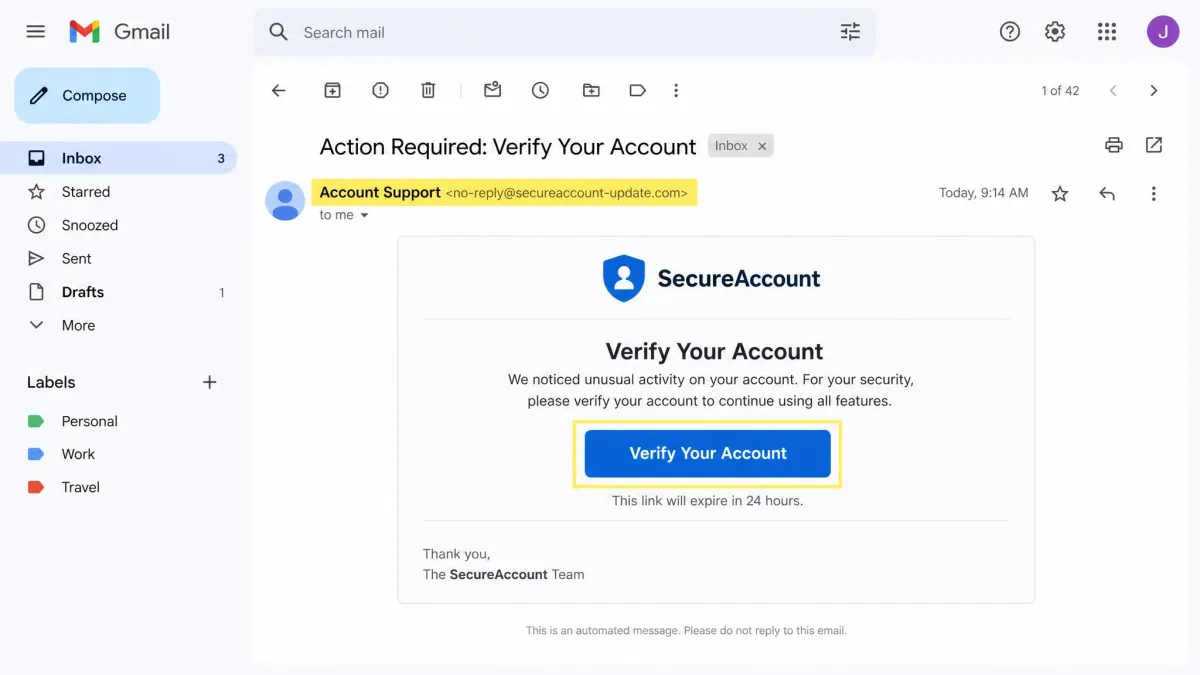
Scammers build false urgency to short-circuit judgment, and a message that claims your account will be closed in 24 hours is built to make you act before you think. The pause is the whole defense: check the sender address, hover over links before clicking, and contact the company through official channels if anything feels off. Roughly 45 percent of UK adults were targeted by a scam in 2025, rising to 64 percent of Gen Z.
Malware, Viruses, and Spyware
Malware is software that installs itself on your device to steal, lock, or destroy your data. The most damaging form for organizations is ransomware, which encrypts files and demands payment. The median ransom paid by enterprises in 2025 was about $1 million, and paying is not a reliable fix: 41 percent of organizations that paid still did not get all their data back.
For most people, the realistic risks are free downloads that bundle unwanted software, fake anti-virus popups, and email attachments. Keep your operating system and apps updated, and avoid unfamiliar download sites.
Hacking and Unauthorized Access
Hacking is unauthorized access to your accounts and devices, and it has become industrialized. One unsecured infostealer database alone exposed over 184 million unique logins spanning Instagram, Facebook, Snapchat, and Roblox, which is why a password from one breach can unlock an attack on a different service.
The damage goes beyond the hacked account. An attacker can change your email settings and block the very alerts meant to warn you, so victims often learn about the fraud late or not at all.
Cyberbullying and Online Harassment
Not all online harm targets money. Cyberbullying targets people, and its victims are most often teenagers. About 58 percent of US middle and high school students reported being cyberbullied at some point in their lives, and the CDC found 21 percent of high school girls and 12 percent of boys were electronically bullied in the prior year.
The emotional cost is just as heavy. Harassment follows a teenager home from school and into their bedroom, and the posts and screenshots live on after the argument ends.

Online Predators, Grooming, and Inappropriate Content
The most serious risk children face online is contact from adults who want to harm them. The National Center for Missing and Exploited Children received 20.5 million reports through its CyberTipline in 2024, including about 546,000 online enticement reports, and the count climbed to about 1.4 million in 2025, including more than 80,000 sextortion reports.
Predators operate where children already are. Gaming chats, social apps, and messaging platforms all let strangers message a child directly, which is why the rules for kids are stricter than the rules for adults.
Identity Theft and Data Breaches
Identity theft is what happens after your data leaks. Criminals use stolen details to open credit cards or take over existing accounts. The US saw a record 3,322 data compromises in 2025, and companies mailed about 278.8 million victim notices for those breaches.
IBM's research put the global average cost of a data breach at $4.44 million in 2025, with the US the costliest at $10.22 million per breach. The personal version lands on a frozen credit report and months of letters to answer.
What Happens When You Ignore Online Safety
The cost of ignoring online safety does not arrive as one dramatic event. It arrives as weeks of phone calls, locked accounts, and paperwork.
Recovering from a serious hack can take dozens of hours spread over weeks, with passwords, cards, and accounts locked down one by one. An identity theft cleanup can run past 80 hours of phone calls and paperwork, and banks tell victims that investigations take 60 to 90 days. Victims describe shame and self-blame after a scam, and the anxiety returns with every new breach notification.
A single convincing phishing text can cost someone their retirement savings, and once money moves into crypto-style accounts, recovery is often impossible. The minutes spent setting up strong passwords and checking a sender address are cheap insurance against weeks of cleanup.

Internet Safety Tips and Best Practices
The most effective protections are also the simplest. The UK's National Cyber Security Centre, in its top tips for staying secure online, distills the topic down to six habits, and nearly all take minutes to set up. The seven below are the ones we recommend for a household.
1. Use Strong Passwords and Multi-Factor Authentication
Strong passwords are the lock on every account you own, and the habit that matters most is not reusing them. At least 16 percent of Americans admit to using the same password for all their accounts, and one breach hands criminals the key to everything else.
The practical fix is a password manager, which generates a long random password for every account and stores them behind one master password. Multi-factor authentication adds a second step, usually a code on your phone, so even a stolen password is not enough to get in. Turn it on for your email first, then your bank.
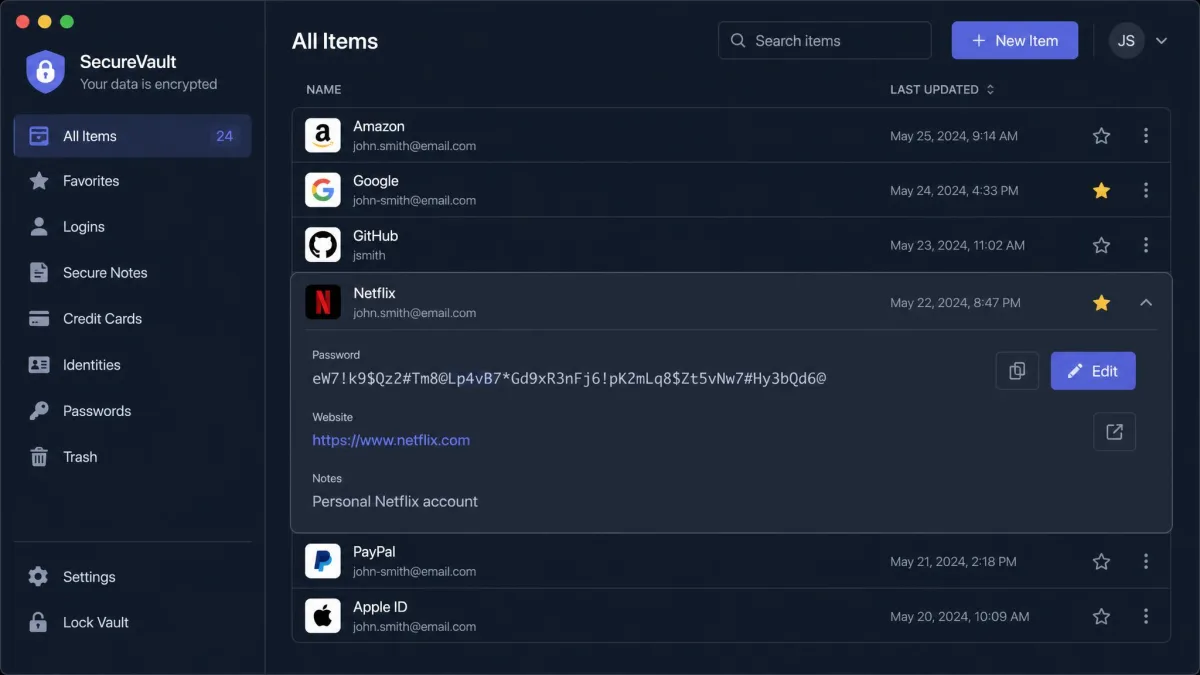
Set up your password manager and multi-factor authentication in one sitting when you have ten quiet minutes. It is the single biggest security win most households can make.
2. Keep Software and Devices Updated
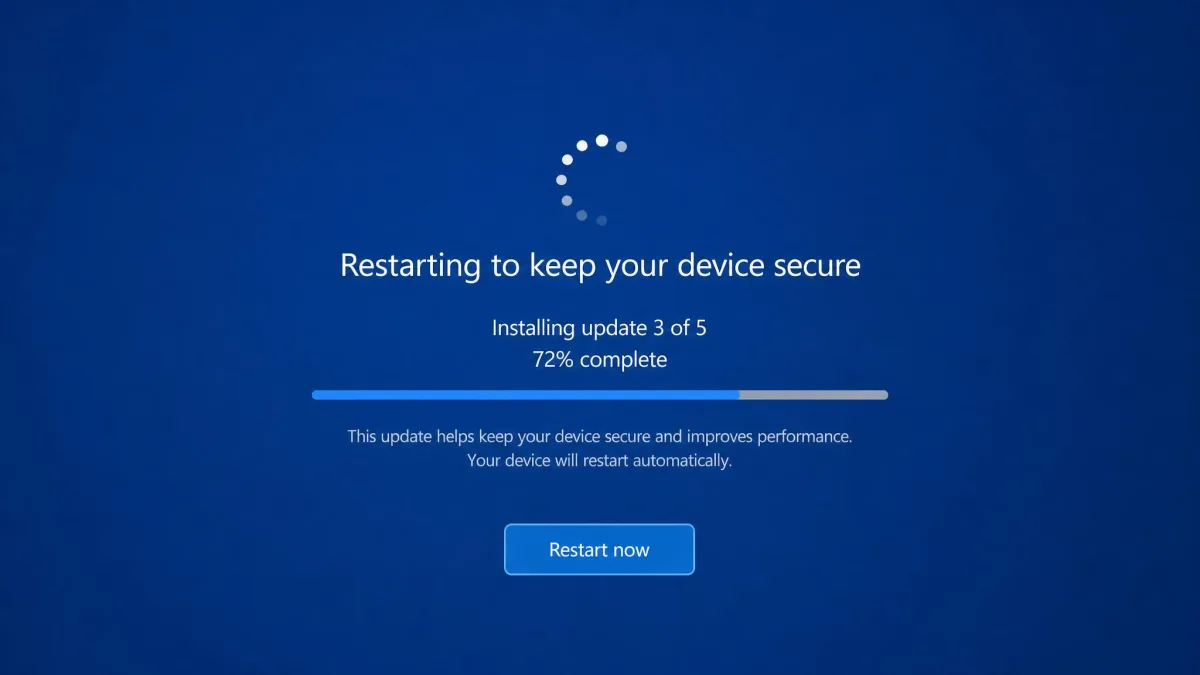
Software updates are security patches, not chores. Criminals scan the internet for known vulnerabilities, and an unpatched device is an open door. Set your operating system, browser, and apps to update automatically, and restart devices when they ask. Updates are free and close the holes malware uses, so there is no good reason to delay them.
3. Learn to Recognize Phishing and Suspicious Links
Phishing works because the messages look real, but most share tells you can learn. Check the sender address rather than the display name. Hover over a link before clicking to see where it really goes. Treat any message that demands urgent action, asks for a password or payment details, or arrives from an address you do not recognize as suspicious.
The rule to live by: if a message asks for your password, your card number, or a gift card, it is a scam. When in doubt, do not click anything, and go to the official website or app directly.
Scammers count on you rushing. A real company will wait for you to verify, so a message that cannot wait is a message to distrust.
4. Lock Down Your Privacy Settings and Social Media
Privacy settings are the least used protection on the internet and the easiest to fix. On every social app you use, go through the settings once: set your profile to private, decide who can message you, and turn off the data-sharing options you do not need. Most platforms default to the most permissive settings.
The people who need to see your posts are probably your friends and family, not the public internet. Ten minutes of settings changes does more than any security tool.
5. Secure Your Home Network and Use a VPN on Public Wi-Fi
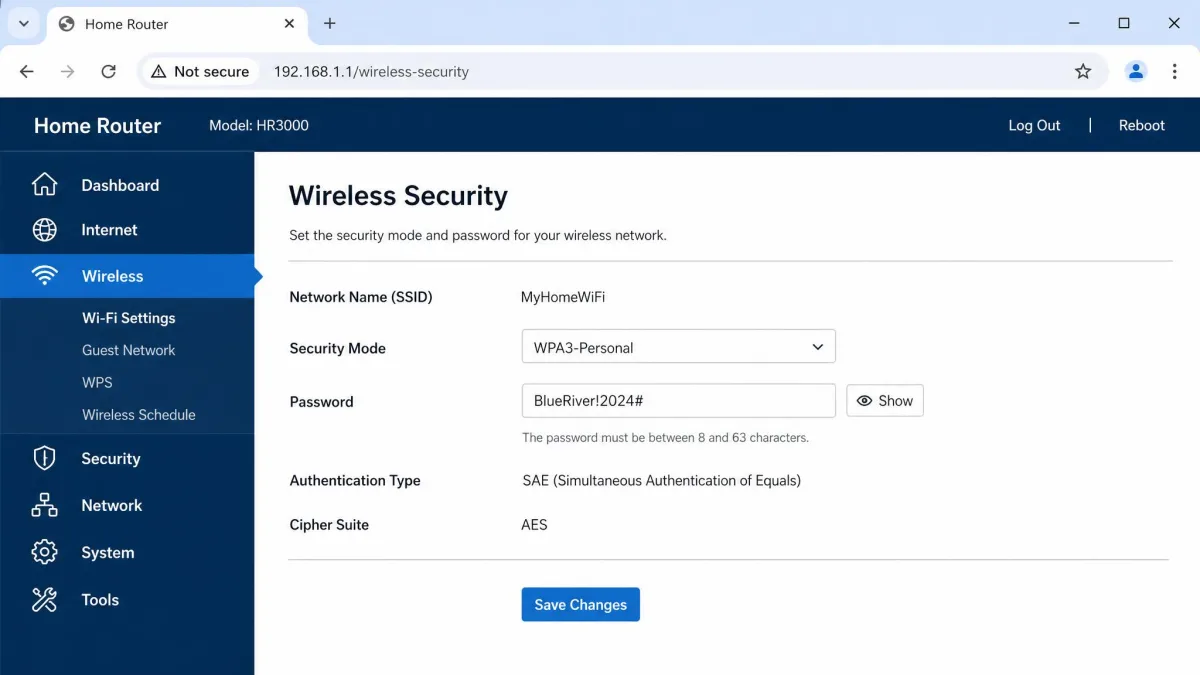
Your router is the front door to every device in your home, and it ships with a default password that is often printed on the box. To lock down your Wi-Fi, change it to something unique, set the encryption to the modern standard, and keep the router firmware updated.
Public Wi-Fi is a different problem. Coffee shop and airport networks are open to anyone on the same connection, so a VPN that encrypts your traffic is worth using on any network you do not control. The ICO's practical guidance on securing your IT systems covers the same ground, from Wi-Fi security to using a VPN on public networks.
6. Be Careful What You Post and Share
Anything you post can outlive the platform you posted it on, because screenshots and reposts keep content alive after you delete it. Posting your location, travel plans, or your children's school name hands useful information to people who should not have it.
Build one simple habit: before posting, ask whether you would be comfortable with a stranger, an employer, or a future version of your child seeing it. If the answer is no, it stays private.
7. Back Up Your Data and Close Unused Accounts
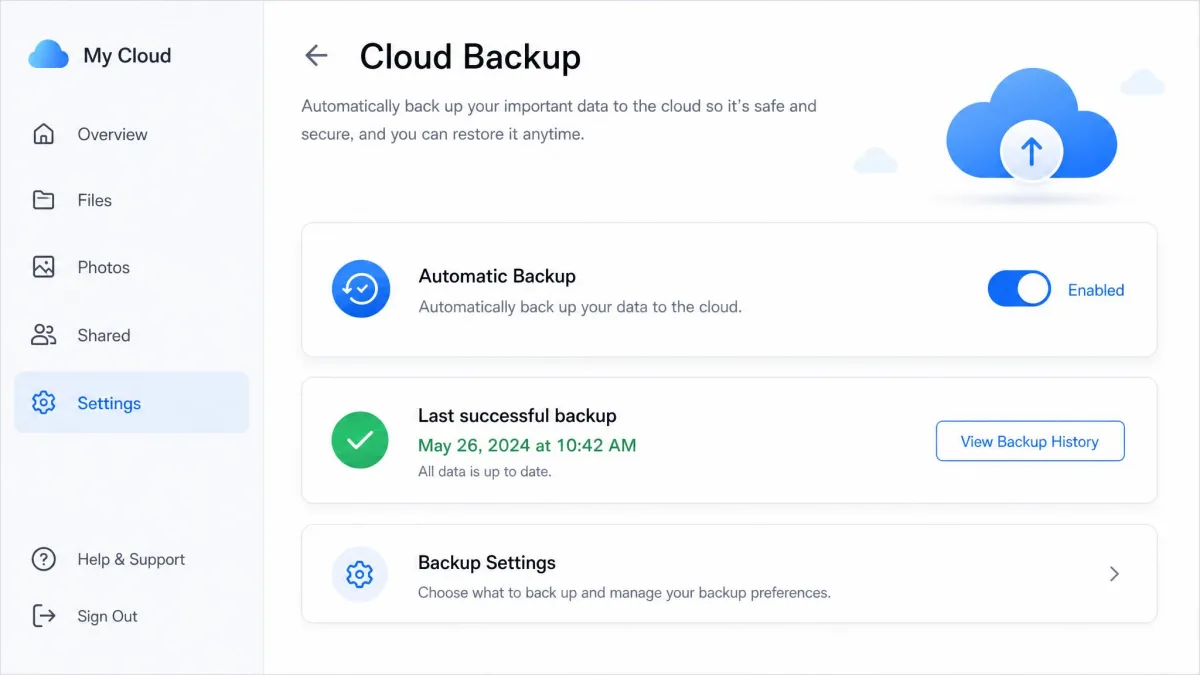
Backups are the safety net that makes every other disaster survivable. If malware locks your files or an account is taken over, a recent backup means the data is not gone. Use the backup built into your phone or a cloud service, and check occasionally that a restore works.
Closing unused accounts is the quieter half. Every abandoned account is a place where your data sits behind a forgotten password, protected by nobody.
Why Internet Safety Is Especially Important for Kids and Families
Children spend more of their lives online than most parents realize, and they are the least equipped to judge what they see there. UK children aged 8 to 14 average 2 hours and 59 minutes online per day, rising to 4 hours for 13 and 14 year olds, according to Ofcom. YouTube and Snapchat together make up 52 percent of that time, and 15 to 24 percent of it happens between 9 pm and 5 am.

Risks Children Face Online
Some risks are worse for children simply because of who they are. Children spend real money online and regret it, with 43 percent of children who made a social media purchase later regretting it and 32 percent regretting in-game purchases. The people in a child's chat can be just as risky as the content, because a child who shares their school or plans does not know who is reading.
Posts made at ten years old also become part of a permanent digital footprint that colleges and employers can find, and the judgment needed to weigh long-term consequences is still developing in a teenager. That is why the online environment has to be safer than the judgment is mature.
How Parental Controls and Monitoring Tools Help
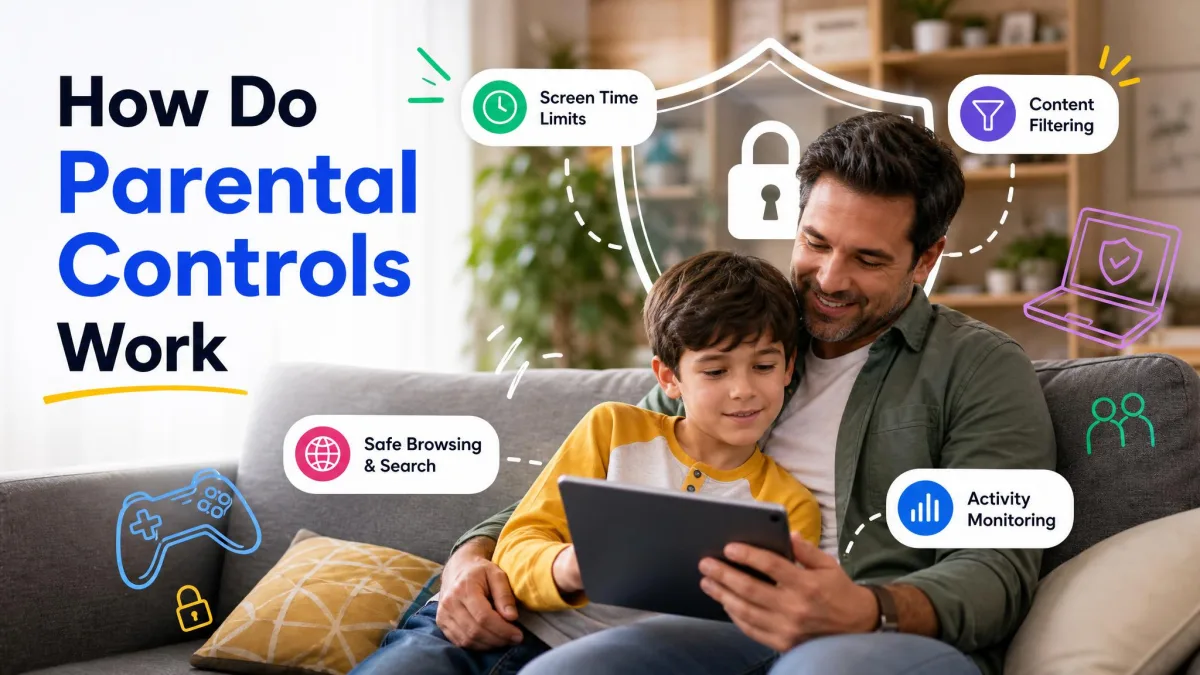
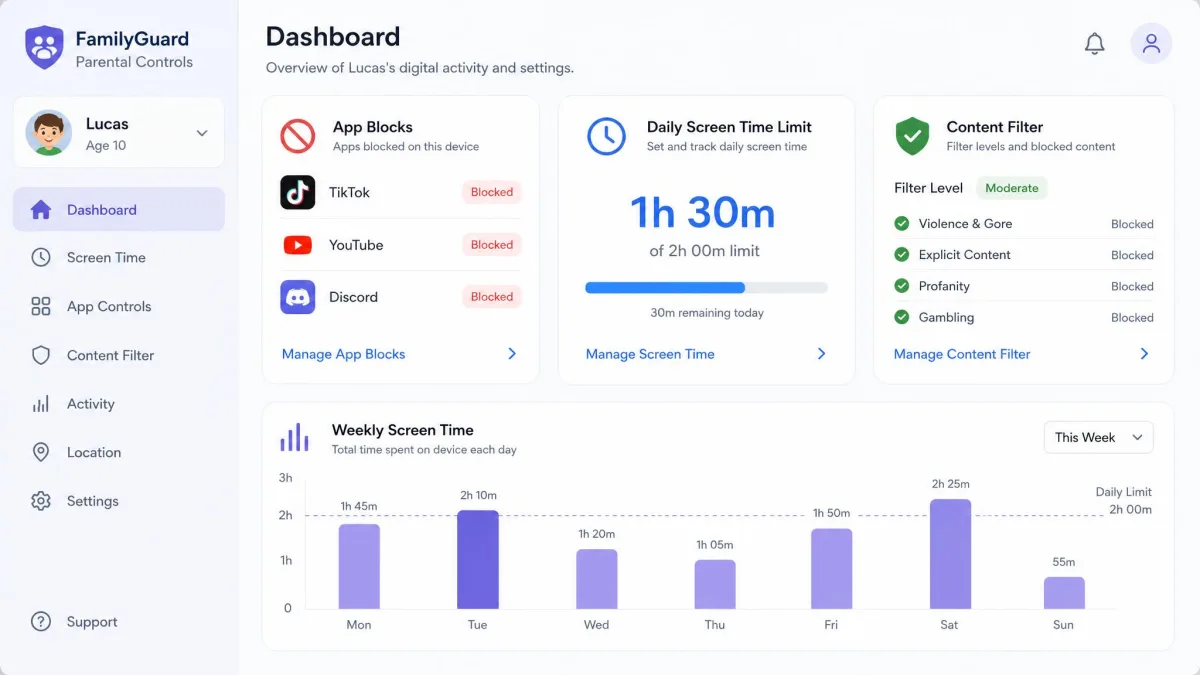
Parental controls put a guardrail around the parts of the internet a child is not ready for. The best ones filter inappropriate content, set time limits, approve apps, and give you visibility into what a child does online. CISA's keeping children safe online guidance centers on exactly this combination: rules and boundaries, parental controls, keeping the device in an open area, and separate child accounts with limited privileges.
The tools work when they are actually used, and right now they are underused. Adoption peaks at 51 percent for tablets and drops to 35 percent for consoles, often because setting up parental controls feels confusing. Among the caregivers who do use them, 4 in 5 find them effective.
The honest limitation is that children find ways around controls. That is why the guidance is consistent across every authority: keep the conversation open. Controls are the floor, and conversation is the ceiling.
Parental controls work best alongside open conversation. Set them up together, explain why they exist, and revisit the rules as your child gets older.
Conclusion: Make Internet Safety a Daily Habit
Internet safety does not require expertise, and it does not require turning the family offline. It requires a handful of habits done consistently: strong passwords and multi-factor authentication on the accounts that matter, updates installed when they appear, a pause before clicking anything that asks for money, privacy settings locked down, backups running, and an ongoing conversation with your children.
Set the passwords, install the updates, lock down the privacy settings, and start the conversation tonight rather than waiting for an incident. The internet is not going anywhere, and neither are the people who abuse it. The question is whether you meet it with habits that protect you or with hope that nothing bad happens. We recommend the habits.